
Grok Imagine: Turn Product Images into Useful Video
Plan a Grok Imagine product clip without losing the product. Use a shot brief, label checks and a practical review sheet before sharing an AI-generated video.
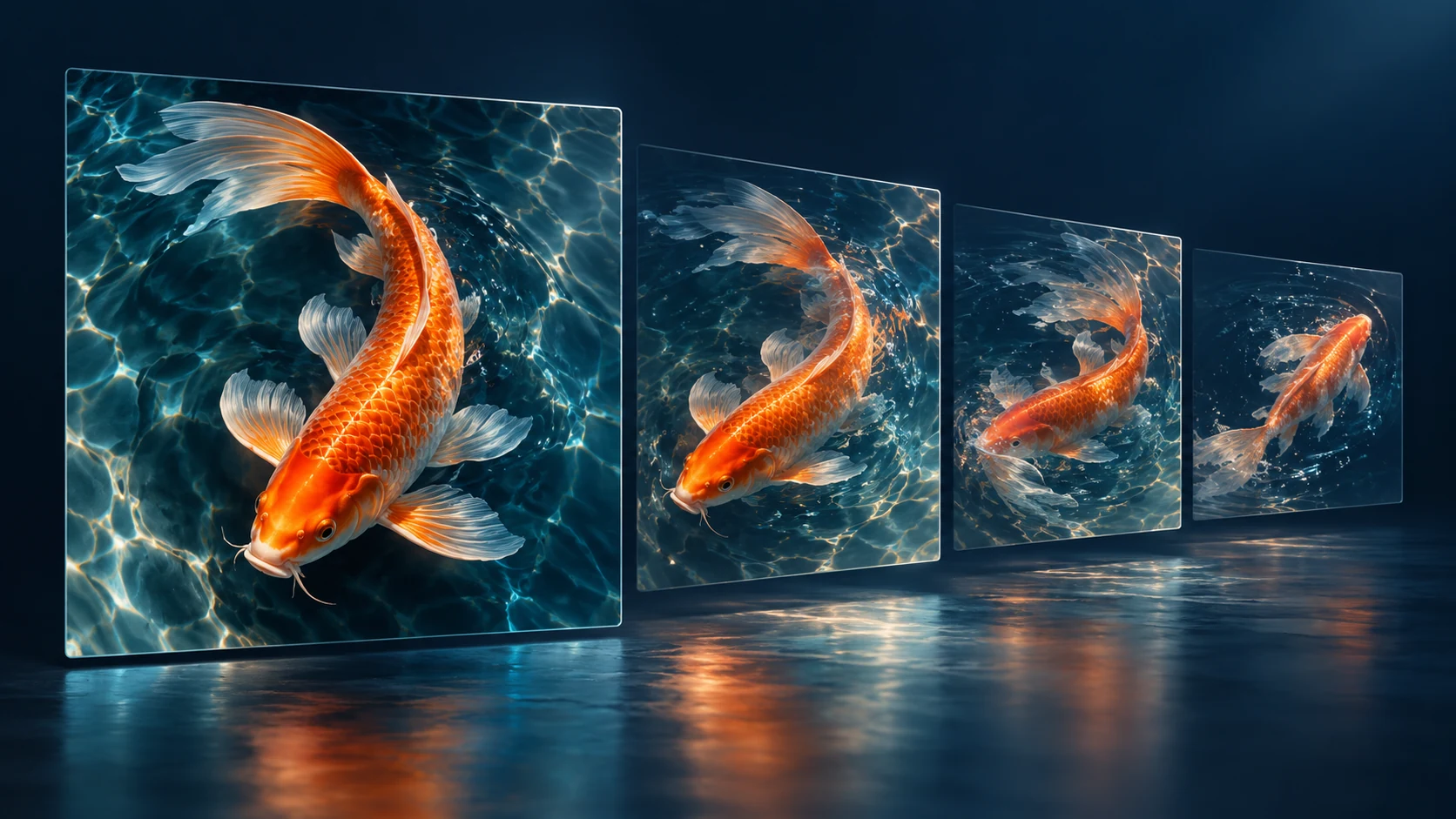
Grok Imagine can help turn a product image into a short video, but a useful product clip has a stricter job than an attractive animation. It needs to keep the item recognizable. The shape, color and visible features should still match what the customer is being shown, even while the scene moves.
For this guide, imagine a small studio selling a plain ceramic mug. We will build a motion brief and a review sheet around that one object. The exercise is original planning material, not a hands-on test or a claim that generated footage reproduces a product perfectly.
What's new on this page
- October 27, 2026: Published a product-identity worksheet, three controlled shot ideas and a review sequence for Grok Imagine image-to-video.
Know the model and the storefront separately
SpaceXSI's video capability overview includes image-to-video in the Grok Imagine family. The official documentation and a website's own generator are different surfaces. Model availability, settings and pricing should be checked where you actually plan to submit the task.
The catalog on dotsai.pro listed Grok Imagine 1.5 at publication, with payment eligibility required. Check the AI video workspace for the current selection and quote. A free account does not automatically provide free use of that model, and a provider API price is not a retail quotation for this site.
Make a product identity card
Before animating the mug, write down what must remain true: a broad cylindrical body, a rounded handle on the right, a matte cream finish and an unprinted surface. Include only features visible in your reference. Do not expect one photograph to establish the exact appearance of an unseen side.
This identity card gives you a reason to accept or reject a clip. Without it, a warm light sweep can distract you from a handle that becomes thinner or moves to a different position.
For a real item, use an accurate photograph you have permission to upload. If you are developing a fictional product concept, label it as a concept rather than implying that the animation demonstrates a manufactured object.
Choose movement that reveals little hidden information
A large orbit around a product asks the model to invent viewpoints absent from the photograph. That may be acceptable for concept art, but it is a risky choice when a customer needs an accurate view. Begin with movement that keeps the known face of the object visible.
| Proposed shot | What the viewer learns | Main review concern |
|---|---|---|
| Gentle forward camera move | Overall silhouette and surface | Shape changes as the mug grows in frame. |
| Nearly static scene with subtle background motion | Mood and context | Background movement contaminates the object. |
| Small lateral shift | Relationship to the tabletop | Handle geometry or contact with the table changes. |
These options are creative hypotheses, not tested model capabilities. Choose one for the first attempt instead of combining all three into a single instruction.
Prepare the reference and the destination crop
Keep the entire mug and handle inside the frame. Leave enough margin for the intended camera movement. Remove distracting background elements in an appropriate image workflow before asking the video model to solve them.
The image workspace can be used to prepare a concept or edit an authorized reference. For an actual product, compare every edit against the original photograph. An image that looks cleaner but changes the handle is a weaker commercial reference.
Decide whether your destination is a product-page panel, a square feed post or a vertical story. Prepare the working crop for that placement. Do not rely on a later crop to rescue a composition that already puts the handle against the edge.
Use a brief that names both movement and continuity
An illustrative prompt for the mug is: “A gentle forward camera movement toward the cream ceramic mug on the wooden table. The mug remains still. Preserve its rounded right-side handle, cylindrical shape and matte surface. Keep the existing soft daylight.”
There is no promise that wording alone enforces those constraints. Its advantage is clarity: it tells you what to inspect. A phrase such as “premium product commercial” describes a broad aspiration but says little about the object or motion.
Check the selected duration, output shape, resolution and any audio option before confirming the task. Use the displayed quote, and consult the pricing page for current account terms. Reserve part of your budget for a correction rather than spending everything on the first batch of variations.
Review the product before the atmosphere
Watch the clip once for normal viewing, then check the beginning, midpoint and ending against the identity card. Count the handle, inspect the rim and compare the body's width. Look at the contact between the mug and tabletop; sliding or floating can make an otherwise attractive scene unusable.
Next, inspect color and finish. Lighting can legitimately change perceived brightness, but a cream mug should not become a different product. If the finish appears glossy when the item is matte, decide whether the clip would create a misleading impression.
Only after those checks should you judge atmosphere and pace. This review order helps prevent aesthetic appeal from overruling basic product accuracy.
Keep exact claims outside generated detail
For labels, specifications, prices or promotions, use controlled text overlays in your editing workflow. Read them at the final display size. Do not rely on small generated packaging text to communicate information customers need.
If the output introduces an unsupported feature, reject or correct the asset before publishing. A model's plausible invention is not evidence that the product has that feature. When accuracy requires real footage, a generated clip may be better used as a clearly labeled mood concept instead.
Save the chosen image, prompt, settings, quotation and review notes together. On the next attempt, change the specific cause of failure rather than rewriting the entire scene. Grok Imagine is most useful in this workflow when it supports a product story you can verify, not when it replaces verification with a convincing-looking animation.