
Veo Availability:Supported Video Models
Choose a Supported Text or Image Video Model
Veo is unavailable on dotsai.pro. Use an enabled Kling or Seedance model on the AI Video page for text-to-video or image-to-video. These examples are general creative inspiration, not Veo demonstrations.
Verified prompt
Create a 15 second, 16:9 photorealistic cinematic restaurant video built around one seamless visual idea: a diner uses an invisible mixed-reality interface to seemingly summon a complete meal. ONE CONTINUOUS CAMERA ANGLE. Camera positioned slightly behind and above the left shoulder of a seated young adult diner with short natural brown hair, wearing a clean off-white long-sleeve shirt. Only the back of the head, shoulder and right hand are clearly visible; never reveal a full frontal face. The diner sits at a pale natural-wood restaurant table inside a warm modern casual café. Background: beige upholstered booth, narrow planter filled with realistic green foliage, muted wall artwork and a small dark wall outlet. Background softly defocused. CAMERA: full-frame 45–50mm lens aesthetic, shallow realistic depth of field around f/2.8, camera height approximately seated eye level. Mostly locked-off observational framing with tiny human operator breathing drift, never perfectly robotic. Natural 24fps motion, 180-degree shutter, subtle motion blur, realistic focus behaviour, gentle fine sensor grain. No artificial camera orbit, zoom or dramatic movement. 0–1.5 sec: empty tabletop. Diner casually raises the right hand and extends the index finger into the space above the table. 1.5–4.8 sec: a refined translucent augmented-reality control panel softly appears approximately 40 cm above the tabletop. It resembles premium contemporary glass UI rather than science-fiction holograms: several small rounded icons, two tall translucent vertical sliders, faint white symbols, subtle warm reflections and realistic light transmission. Interface remains properly anchored in 3D space. The diner naturally taps one control, drags a slider slightly and makes one final deliberate selection. Finger contact and UI reaction must align perfectly with no hand deformation. 4.8–5.3 sec: interface rapidly but elegantly fades away. 5.3–8.5 sec: almost immediately, a real restaurant server’s arm in a plain black sleeve enters from camera-right carrying a rectangular rustic wooden serving board. The server smoothly places it in the centre of the table. On it: one highly realistic gourmet burger with glossy toasted brioche bun, beef patty, lettuce and visible fresh fillings; crisp golden fries in a small metal container; a ceramic cup of red ketchup. Accurate food weight, shadows, reflections, crumbs and natural imperfections. Server adjusts the tray slightly, then withdraws. 8.5–10 sec: short quiet hold. Diner remains still, subtly looking toward the meal. 10–12 sec: server’s hand returns from frame-right carrying a condensation-covered classic dark glass cola bottle with a red vintage-style label. Place it upright immediately to the right of the serving board. Realistic glass reflections, liquid density and contact shadow. 12–15 sec: satisfying final hero hold on the complete meal from the same over-the-shoulder viewpoint. Slight natural diner head movement, warm restaurant ambience, no posing. LIGHTING: warm practical tungsten café illumination around 3000–3400K, soft overhead key, gentle highlights on burger bun and bottle, realistic shadow falloff, restrained contrast, believable skin and wood tones. Avoid CGI gloss, excessive bloom, oversaturation, warped fingers, floating food, unstable objects, fake text, visible cuts or impossible physics. AUDIO/MUSIC: understated modern lo-fi electronic groove with soft bass, muted percussion and tasteful minimal synth texture. Add subtle spatial UI taps/soft glassy clicks, faint restaurant room tone, serving-board contact on wood, gentle fries/plate movement and a convincing glass-bottle placement sound. Music remains sophisticated and low enough for tactile sound effects to sell the realism.
Create a 15 second, 16:9 photorealistic cinematic restaurant video built around one seamless visual idea: a diner uses an invisible mixed-reality interface to seemingly summon a complete meal. ONE CONTINUOUS CAMERA ANGLE. Camera positioned slightly behind and above the left shoulder of a seated young adult diner with short natural brown hair, wearing a clean off-white long-sleeve shirt. Only the back of the head, shoulder and right hand are clearly visible; never reveal a full frontal face. The diner sits at a pale natural-wood restaurant table inside a warm modern casual café. Background: beige upholstered booth, narrow planter filled with realistic green foliage, muted wall artwork and a small dark wall outlet. Background softly defocused. CAMERA: full-frame 45–50mm lens aesthetic, shallow realistic depth of field around f/2.8, camera height approximately seated eye level. Mostly locked-off observational framing with tiny human operator breathing drift, never perfectly robotic. Natural 24fps motion, 180-degree shutter, subtle motion blur, realistic focus behaviour, gentle fine sensor grain. No artificial camera orbit, zoom or dramatic movement. 0–1.5 sec: empty tabletop. Diner casually raises the right hand and extends the index finger into the space above the table. 1.5–4.8 sec: a refined translucent augmented-reality control panel softly appears approximately 40 cm above the tabletop. It resembles premium contemporary glass UI rather than science-fiction holograms: several small rounded icons, two tall translucent vertical sliders, faint white symbols, subtle warm reflections and realistic light transmission. Interface remains properly anchored in 3D space. The diner naturally taps one control, drags a slider slightly and makes one final deliberate selection. Finger contact and UI reaction must align perfectly with no hand deformation. 4.8–5.3 sec: interface rapidly but elegantly fades away. 5.3–8.5 sec: almost immediately, a real restaurant server’s arm in a plain black sleeve enters from camera-right carrying a rectangular rustic wooden serving board. The server smoothly places it in the centre of the table. On it: one highly realistic gourmet burger with glossy toasted brioche bun, beef patty, lettuce and visible fresh fillings; crisp golden fries in a small metal container; a ceramic cup of red ketchup. Accurate food weight, shadows, reflections, crumbs and natural imperfections. Server adjusts the tray slightly, then withdraws. 8.5–10 sec: short quiet hold. Diner remains still, subtly looking toward the meal. 10–12 sec: server’s hand returns from frame-right carrying a condensation-covered classic dark glass cola bottle with a red vintage-style label. Place it upright immediately to the right of the serving board. Realistic glass reflections, liquid density and contact shadow. 12–15 sec: satisfying final hero hold on the complete meal from the same over-the-shoulder viewpoint. Slight natural diner head movement, warm restaurant ambience, no posing. LIGHTING: warm practical tungsten café illumination around 3000–3400K, soft overhead key, gentle highlights on burger bun and bottle, realistic shadow falloff, restrained contrast, believable skin and wood tones. Avoid CGI gloss, excessive bloom, oversaturation, warped fingers, floating food, unstable objects, fake text, visible cuts or impossible physics. AUDIO/MUSIC: understated modern lo-fi electronic groove with soft bass, muted percussion and tasteful minimal synth texture. Add subtle spatial UI taps/soft glassy clicks, faint restaurant room tone, serving-board contact on wood, gentle fries/plate movement and a convincing glass-bottle placement sound. Music remains sophisticated and low enough for tactile sound effects to sell the realism.
Verified prompt
Immersive first-person flying camera perspective, no visible drone or flying device. The camera launches instantly at impossible speed, diving off the edge of a colossal floating cliff before violently pulling up only centimeters above an endless mirror-like desert. It immediately snap-rolls through gigantic fractured stone arches, knife-edges between impossibly thin monoliths, corkscrews around rotating floating cubes, then drops vertically into a bottomless glowing chasm. Without slowing, the camera exits sideways through a narrow crystal tunnel, performing rapid S-turns between colossal suspended rocks before climbing almost vertically through a forest of floating mountains. Gravity continuously shifts as entire landscapes rotate around the camera. Rivers flow upward, waterfalls fall into the sky, staircases twist through the air, giant mirrors reflect impossible worlds, and luminous portals open and close in every direction. The camera repeatedly dives, climbs, barrel rolls, wall-hugs, power-loops around massive floating structures, skims inches above glowing surfaces, then squeezes through impossibly tight gaps at breathtaking speed. Every second introduces a completely new surreal environment—an upside-down city suspended beneath the clouds, an infinite crystal canyon, a rotating labyrinth of giant stone rings, a colossal kaleidoscope corridor where reality fractures into thousands of reflections, and a universe filled with gigantic luminous geometric structures. The final acceleration becomes overwhelming as the camera threads through an enormous rotating celestial ring, dives through a collapsing prism of light, and bursts into an infinite cosmic dreamscape where planets, stars, and impossible architecture stretch endlessly in every direction. Continuous POV shot, no cuts, relentless acceleration, extreme FPV racing, aggressive banking, rapid elevation changes, barrel rolls, corkscrews, power loops, knife-edge turns, vertical dives, cinematic motion blur, realistic inertia, volumetric lighting, surreal physics, hyper-detailed environments, mind-bending blockbuster VFX, IMAX quality.
Immersive first-person flying camera perspective, no visible drone or flying device. The camera launches instantly at impossible speed, diving off the edge of a colossal floating cliff before violently pulling up only centimeters above an endless mirror-like desert. It immediately snap-rolls through gigantic fractured stone arches, knife-edges between impossibly thin monoliths, corkscrews around rotating floating cubes, then drops vertically into a bottomless glowing chasm. Without slowing, the camera exits sideways through a narrow crystal tunnel, performing rapid S-turns between colossal suspended rocks before climbing almost vertically through a forest of floating mountains. Gravity continuously shifts as entire landscapes rotate around the camera. Rivers flow upward, waterfalls fall into the sky, staircases twist through the air, giant mirrors reflect impossible worlds, and luminous portals open and close in every direction. The camera repeatedly dives, climbs, barrel rolls, wall-hugs, power-loops around massive floating structures, skims inches above glowing surfaces, then squeezes through impossibly tight gaps at breathtaking speed. Every second introduces a completely new surreal environment—an upside-down city suspended beneath the clouds, an infinite crystal canyon, a rotating labyrinth of giant stone rings, a colossal kaleidoscope corridor where reality fractures into thousands of reflections, and a universe filled with gigantic luminous geometric structures. The final acceleration becomes overwhelming as the camera threads through an enormous rotating celestial ring, dives through a collapsing prism of light, and bursts into an infinite cosmic dreamscape where planets, stars, and impossible architecture stretch endlessly in every direction. Continuous POV shot, no cuts, relentless acceleration, extreme FPV racing, aggressive banking, rapid elevation changes, barrel rolls, corkscrews, power loops, knife-edge turns, vertical dives, cinematic motion blur, realistic inertia, volumetric lighting, surreal physics, hyper-detailed environments, mind-bending blockbuster VFX, IMAX quality.
Verified prompt
Cinematic summer beverage commercial for FIZZI Sparkling Tonic — Grapefruit, high-end style in a warm golden-hour color grade with teal-turquoise pool contrast and coral-pink accents, mixing lifestyle wide shots with hyper-detailed macro product close-ups, slow-motion moments, fun youthful carefree energy, upbeat tropical pop and sound design of can hiss, carbonation fizz, pool splashes and laughter. The product is a tall slim coral-pink aluminum can with condensation droplets — bold retro-rounded lowercase magenta "fizzi" at the top, "sparkling tonic" below, a 4x4 pop-art grid of illustrated grapefruit circles in pink, coral, hot pink and pale yellow, with "0% Alcohol" and "GRAPEFRUIT" at the bottom. At golden hour on a stylish rooftop pool, a young woman in a coral-pink swimsuit sits at the pool edge with her feet in turquoise water, lifting an ice-cold FIZZI can to her lips and closing her eyes in pleasure, friends mingling and string lights twinkling in a dreamy soft-focus blur behind her, condensation catching the golden light. A slightly wider shot shows her floating on a clear inflatable beside a friend in a pale yellow swimsuit, both laughing as they clink their coral-pink cans with a small splash, shot at water level with sparkling reflections dancing across the frame. An extreme macro slowly pans across the coral-pink can surface in hyper-detail — beads of condensation catching prismatic light, the glistening magenta "fizzi" logo filling the frame, then down to the crisp pop-art grapefruit grid with shimmering turquoise bokeh behind. Another dreamy slow-motion macro shows tiny carbonation bubbles racing up through pale-pink sparkling liquid in a glass with a glowing grapefruit slice floating, the can softly out of focus behind, with ASMR fizzing crackle. Finally the camera pulls back to a wide golden-hour shot of the full party — both women floating with cans, friends dancing and lounging on coral towels, grabbing FIZZI from an ice bucket of grapefruit halves — then slowly pushes in as they raise their cans toward camera and clean white text fades in: "Grab an ice cold fizzi," with "© 2026 FIZZI Beverages Co." below, holding then fading out.
Cinematic summer beverage commercial for FIZZI Sparkling Tonic — Grapefruit, high-end style in a warm golden-hour color grade with teal-turquoise pool contrast and coral-pink accents, mixing lifestyle wide shots with hyper-detailed macro product close-ups, slow-motion moments, fun youthful carefree energy, upbeat tropical pop and sound design of can hiss, carbonation fizz, pool splashes and laughter. The product is a tall slim coral-pink aluminum can with condensation droplets — bold retro-rounded lowercase magenta "fizzi" at the top, "sparkling tonic" below, a 4x4 pop-art grid of illustrated grapefruit circles in pink, coral, hot pink and pale yellow, with "0% Alcohol" and "GRAPEFRUIT" at the bottom. At golden hour on a stylish rooftop pool, a young woman in a coral-pink swimsuit sits at the pool edge with her feet in turquoise water, lifting an ice-cold FIZZI can to her lips and closing her eyes in pleasure, friends mingling and string lights twinkling in a dreamy soft-focus blur behind her, condensation catching the golden light. A slightly wider shot shows her floating on a clear inflatable beside a friend in a pale yellow swimsuit, both laughing as they clink their coral-pink cans with a small splash, shot at water level with sparkling reflections dancing across the frame. An extreme macro slowly pans across the coral-pink can surface in hyper-detail — beads of condensation catching prismatic light, the glistening magenta "fizzi" logo filling the frame, then down to the crisp pop-art grapefruit grid with shimmering turquoise bokeh behind. Another dreamy slow-motion macro shows tiny carbonation bubbles racing up through pale-pink sparkling liquid in a glass with a glowing grapefruit slice floating, the can softly out of focus behind, with ASMR fizzing crackle. Finally the camera pulls back to a wide golden-hour shot of the full party — both women floating with cans, friends dancing and lounging on coral towels, grabbing FIZZI from an ice bucket of grapefruit halves — then slowly pushes in as they raise their cans toward camera and clean white text fades in: "Grab an ice cold fizzi," with "© 2026 FIZZI Beverages Co." below, holding then fading out.
Verified prompt
High-octane, hyper-realistic military action sequence in the style of Christopher Nolan, shot on actual 70mm IMAX cameras in bright, harsh midday sun. Fast-paced multi-shot editing with quick, cinematic cuts timed at exactly one shot every 2 seconds across a complete 15-second timeline. A disciplined squad of Navy SEALs in weathered tactical gear moves through a dense, sun-drenched Mexican jungle. High-contrast Nolan-esque color grading with deep, dark shadows, cold teals, and intense, bright highlights. Blinding, realistic shafts of midday sunlight pierce the thick canopy, creating stark overexposed light patches on the jungle floor. Rapid sequence of intense, rapid-fire cuts: •Shot 1 (0-2s): Eye-level tracking shot of SEALs advancing past thick vines in bright daylight. •Shot 2 (2-4s): Tight, detailed close-up of an assault rifle muzzle flash momentarily overpowering the bright sunlight. •Shot 3 (4-6s): Low-angle handheld camera whip-panning as a hidden cartel operator fires from ancient stone ruins under a clear blue sky. •Shot 4 (6-8s): Ground-level macro shot of splintering tree bark and flying dirt clods exploding in stark, sharp sunlight. •Shot 5 (8-10s): Fast tracking shot behind a SEAL diving for cover through heavy white gun smoke illuminated by harsh day rays. •Shot 6 (10-12s): High-angle wide shot of the intense firefight, showing the chaotic layout of the jungle skirmish. •Shot 7 (12-14s): Shaky handheld tracking shot following a SEAL tossing a tactical smoke grenade into a clearing. •Shot 8 (14-15s): Sudden hard cut to black with a lingering, thick cloud of white smoke dispersing into the midday sunlight. Raw documentary-style camera textures, organic lens flares, lifelike physics, authentic daytime motion blur, and a visceral, gripping sense of real-world peril. Ultra-detailed, 4k resolution.
High-octane, hyper-realistic military action sequence in the style of Christopher Nolan, shot on actual 70mm IMAX cameras in bright, harsh midday sun. Fast-paced multi-shot editing with quick, cinematic cuts timed at exactly one shot every 2 seconds across a complete 15-second timeline. A disciplined squad of Navy SEALs in weathered tactical gear moves through a dense, sun-drenched Mexican jungle. High-contrast Nolan-esque color grading with deep, dark shadows, cold teals, and intense, bright highlights. Blinding, realistic shafts of midday sunlight pierce the thick canopy, creating stark overexposed light patches on the jungle floor. Rapid sequence of intense, rapid-fire cuts: •Shot 1 (0-2s): Eye-level tracking shot of SEALs advancing past thick vines in bright daylight. •Shot 2 (2-4s): Tight, detailed close-up of an assault rifle muzzle flash momentarily overpowering the bright sunlight. •Shot 3 (4-6s): Low-angle handheld camera whip-panning as a hidden cartel operator fires from ancient stone ruins under a clear blue sky. •Shot 4 (6-8s): Ground-level macro shot of splintering tree bark and flying dirt clods exploding in stark, sharp sunlight. •Shot 5 (8-10s): Fast tracking shot behind a SEAL diving for cover through heavy white gun smoke illuminated by harsh day rays. •Shot 6 (10-12s): High-angle wide shot of the intense firefight, showing the chaotic layout of the jungle skirmish. •Shot 7 (12-14s): Shaky handheld tracking shot following a SEAL tossing a tactical smoke grenade into a clearing. •Shot 8 (14-15s): Sudden hard cut to black with a lingering, thick cloud of white smoke dispersing into the midday sunlight. Raw documentary-style camera textures, organic lens flares, lifelike physics, authentic daytime motion blur, and a visceral, gripping sense of real-world peril. Ultra-detailed, 4k resolution.
Verified prompt
Maintain identical character identity, face, clothing, kitchen layout and lighting throughout every shot. CHEF ONE: Italian veteran chef, male, 50s, silver beard, white chef coat, traditional tall chef hat, calm but fierce expression. CHEF TWO: Young rebel chef, male, 20s, tattooed arms, black apron over dark t-shirt, backwards black cap, confident smirk. STYLE Photorealistic cinematic commercial, ARRI Alexa 35, Cooke 35mm lens, natural film grain, ultra-realistic food photography, dramatic slow motion mixed with speed ramps, premium food commercial, dark luxury kitchen, warm orange wood-fired oven glow, cool overhead spotlights, volumetric lighting, floating flour particles, cinematic contrast, shallow depth of field, energetic editing, realistic physics. CAMERA Fast cinematic push-ins, whip pans, low-angle hero shots, overhead shots, macro food close-ups, handheld energy, orbit shots, speed ramps, slow-motion flour explosions, rack focus, dynamic tracking. SHOT 1 (0.0–1.0s) Extreme close-up of both chefs staring intensely across stainless steel counters. Camera slowly pushes in. Flour dust floating in the air. Warm oven glow behind them. SHOT 2 (1.0–2.0s) Simultaneous dough slam. Both chefs smash dough onto steel counters. Massive flour explosion erupts upward between them. Camera shakes slightly from impact. Ultra slow motion. SHOT 3 (2.0–3.0s) Close-up of powerful hands kneading dough. Veteran chef's experienced hands versus tattooed hands pressing aggressively. Flour bursts with every movement. Fast alternating cuts. SHOT 4 (3.0–4.0s) Face-off. Tight profile close-up. Both chefs lock eyes with intense determination. Floating flour sparkles around them. Dramatic rack focus between faces. SHOT 5 (4.0–5.0s) Simultaneous dough toss. Veteran performs elegant classic pizza spin. Young chef launches dough with a flashy behind-the-back toss. Camera tilts upward following both dough discs. SHOT 6 (5.0–6.0s) Low-angle hero shot. Two spinning pizza dough discs float beneath kitchen lights. Cheese, flour and herbs rain down in cinematic slow motion. Dynamic orbit camera. SHOT 7 (6.0–7.0s) Young chef catches dough behind his back with swagger while spinning toward camera. Energetic handheld tracking. Flour trails through the air. SHOT 8 (7.0–8.0s) Veteran chef catches spinning dough with perfect precision. Calm confidence. Smooth cinematic push-in. Beautiful oven flames flickering behind him. SHOT 9 (8.0–9.0s) Finished pizzas slammed onto the center counter simultaneously. Huge burst of steam rises dramatically. Counter vibrates slightly from impact. SHOT 10 (9.0–10.0s) Both chefs lean forward across the counter, eyes locked. Steam rises between them. Slow dramatic push-in with cinematic tension. SHOT 11 (10.0–11.0s) Both lift hot pizza slices toward each other like a toast. Melted cheese stretches naturally. Warm golden oven glow illuminates the slices. SHOT 12 (11.0–12.0s) Hero ending. Close-up of both pizza slices meeting in the center. Cheese pull, rising steam, floating flour, glowing fire in the background. Camera slowly pushes forward. End with both chefs smiling respectfully at each other. No dialogue. No subtitles. No logos. No text. No watermark. Maintain perfect facial consistency across every shot. Realistic food textures, realistic cheese stretch, realistic flour physics, premium cinematic commercial quality, energetic pacing, blockbuster food advertisement.
Maintain identical character identity, face, clothing, kitchen layout and lighting throughout every shot. CHEF ONE: Italian veteran chef, male, 50s, silver beard, white chef coat, traditional tall chef hat, calm but fierce expression. CHEF TWO: Young rebel chef, male, 20s, tattooed arms, black apron over dark t-shirt, backwards black cap, confident smirk. STYLE Photorealistic cinematic commercial, ARRI Alexa 35, Cooke 35mm lens, natural film grain, ultra-realistic food photography, dramatic slow motion mixed with speed ramps, premium food commercial, dark luxury kitchen, warm orange wood-fired oven glow, cool overhead spotlights, volumetric lighting, floating flour particles, cinematic contrast, shallow depth of field, energetic editing, realistic physics. CAMERA Fast cinematic push-ins, whip pans, low-angle hero shots, overhead shots, macro food close-ups, handheld energy, orbit shots, speed ramps, slow-motion flour explosions, rack focus, dynamic tracking. SHOT 1 (0.0–1.0s) Extreme close-up of both chefs staring intensely across stainless steel counters. Camera slowly pushes in. Flour dust floating in the air. Warm oven glow behind them. SHOT 2 (1.0–2.0s) Simultaneous dough slam. Both chefs smash dough onto steel counters. Massive flour explosion erupts upward between them. Camera shakes slightly from impact. Ultra slow motion. SHOT 3 (2.0–3.0s) Close-up of powerful hands kneading dough. Veteran chef's experienced hands versus tattooed hands pressing aggressively. Flour bursts with every movement. Fast alternating cuts. SHOT 4 (3.0–4.0s) Face-off. Tight profile close-up. Both chefs lock eyes with intense determination. Floating flour sparkles around them. Dramatic rack focus between faces. SHOT 5 (4.0–5.0s) Simultaneous dough toss. Veteran performs elegant classic pizza spin. Young chef launches dough with a flashy behind-the-back toss. Camera tilts upward following both dough discs. SHOT 6 (5.0–6.0s) Low-angle hero shot. Two spinning pizza dough discs float beneath kitchen lights. Cheese, flour and herbs rain down in cinematic slow motion. Dynamic orbit camera. SHOT 7 (6.0–7.0s) Young chef catches dough behind his back with swagger while spinning toward camera. Energetic handheld tracking. Flour trails through the air. SHOT 8 (7.0–8.0s) Veteran chef catches spinning dough with perfect precision. Calm confidence. Smooth cinematic push-in. Beautiful oven flames flickering behind him. SHOT 9 (8.0–9.0s) Finished pizzas slammed onto the center counter simultaneously. Huge burst of steam rises dramatically. Counter vibrates slightly from impact. SHOT 10 (9.0–10.0s) Both chefs lean forward across the counter, eyes locked. Steam rises between them. Slow dramatic push-in with cinematic tension. SHOT 11 (10.0–11.0s) Both lift hot pizza slices toward each other like a toast. Melted cheese stretches naturally. Warm golden oven glow illuminates the slices. SHOT 12 (11.0–12.0s) Hero ending. Close-up of both pizza slices meeting in the center. Cheese pull, rising steam, floating flour, glowing fire in the background. Camera slowly pushes forward. End with both chefs smiling respectfully at each other. No dialogue. No subtitles. No logos. No text. No watermark. Maintain perfect facial consistency across every shot. Realistic food textures, realistic cheese stretch, realistic flour physics, premium cinematic commercial quality, energetic pacing, blockbuster food advertisement.
Verified prompt
Main subject: Young Japanese woman, mid-20s, natural everyday appearance, soft oversized white linen button-up shirt (sleeves rolled to elbows), high-waisted beige wide-leg trousers, simple white canvas sneakers, thin gold necklace, straight black shoulder-length hair with subtle curtain bangs and a small silver hairpin on one side. Realistic skin texture with light freckles, minimal natural makeup, calm and gentle personality. Maintain consistent identity, clothing, hairstyle, and appearance throughout the entire video. Location: Quiet traditional Tokyo side street during golden hour in early evening. Narrow residential alley with wooden machiya houses, small potted bonsai and flowers, hanging noren curtains, bicycle parked against a wall, soft lantern light starting to glow, overhead power lines, peaceful neighborhood atmosphere. No crowds or heavy traffic. Visual Style: Ultra-realistic documentary realism. Genuine candid behavior. Natural body language. Unscripted slice-of-life feeling. Strong environmental authenticity. Rich real-world details and believable human motion. Camera Style: Early-2000s consumer DV camcorder aesthetic. Friend casually recording everyday moments. Heavy handheld shake, imperfect framing, frequent autofocus hunting, lens breathing, exposure pumping when moving between sunlight and shadow, occasional motion blur, subtle rolling shutter, mild digital compression artifacts, warm faded colors, soft contrast, slight sensor noise. No stabilization. No cinematic camera moves. No modern color grading. 00:00–00:02 She sits on a small wooden bench outside a house, quietly reading a paperback book. A light breeze turns a page. She tucks hair behind her ear while smiling at the story. Camera sways gently as it focuses on her face. 00:02–00:04 She closes the book, stands up, and begins walking slowly down the alley while holding the book against her chest. The camera follows with natural drift and slight shake. 00:04–00:06 She stops at a small family-run vegetable stand, picks up a few fresh tomatoes, and chats briefly with the elderly shopkeeper. Handheld framing drifts off-center as she pays. 00:06–00:08 She continues walking, now carrying a small paper bag of vegetables in one hand and the book in the other. Golden sunlight creates moving shadows across the alley walls. 00:08–00:10 On a quiet corner, she pauses to admire blooming flowers near a wooden fence. She leans in slightly to smell them, then adjusts her shirt sleeve. Loose side-angle shot with camera breathing. 00:10–00:12 Close side profile. Someone off-camera greets her. She turns, smiles warmly, raises her hand slightly, and softly replies “Konbanwa.” The camera reacts a moment late. 00:12–00:15 She walks away down the glowing alley, looking peaceful with her book and bag. Recording cuts abruptly to black mid-motion as if the camcorder was switched off. Audio: Natural ambient sound only — evening cicadas, distant bicycle bells, soft wind, gentle footsteps on pavement, light fabric rustling, faint neighborhood voices, paper bag crinkling, page turning. No music. No sound design. No narration. Goal: Authentic Tokyo neighborhood evening captured like a forgotten home video from the early 2000s — candid, imperfect, realistic, warm, and deeply believable.
Main subject: Young Japanese woman, mid-20s, natural everyday appearance, soft oversized white linen button-up shirt (sleeves rolled to elbows), high-waisted beige wide-leg trousers, simple white canvas sneakers, thin gold necklace, straight black shoulder-length hair with subtle curtain bangs and a small silver hairpin on one side. Realistic skin texture with light freckles, minimal natural makeup, calm and gentle personality. Maintain consistent identity, clothing, hairstyle, and appearance throughout the entire video. Location: Quiet traditional Tokyo side street during golden hour in early evening. Narrow residential alley with wooden machiya houses, small potted bonsai and flowers, hanging noren curtains, bicycle parked against a wall, soft lantern light starting to glow, overhead power lines, peaceful neighborhood atmosphere. No crowds or heavy traffic. Visual Style: Ultra-realistic documentary realism. Genuine candid behavior. Natural body language. Unscripted slice-of-life feeling. Strong environmental authenticity. Rich real-world details and believable human motion. Camera Style: Early-2000s consumer DV camcorder aesthetic. Friend casually recording everyday moments. Heavy handheld shake, imperfect framing, frequent autofocus hunting, lens breathing, exposure pumping when moving between sunlight and shadow, occasional motion blur, subtle rolling shutter, mild digital compression artifacts, warm faded colors, soft contrast, slight sensor noise. No stabilization. No cinematic camera moves. No modern color grading. 00:00–00:02 She sits on a small wooden bench outside a house, quietly reading a paperback book. A light breeze turns a page. She tucks hair behind her ear while smiling at the story. Camera sways gently as it focuses on her face. 00:02–00:04 She closes the book, stands up, and begins walking slowly down the alley while holding the book against her chest. The camera follows with natural drift and slight shake. 00:04–00:06 She stops at a small family-run vegetable stand, picks up a few fresh tomatoes, and chats briefly with the elderly shopkeeper. Handheld framing drifts off-center as she pays. 00:06–00:08 She continues walking, now carrying a small paper bag of vegetables in one hand and the book in the other. Golden sunlight creates moving shadows across the alley walls. 00:08–00:10 On a quiet corner, she pauses to admire blooming flowers near a wooden fence. She leans in slightly to smell them, then adjusts her shirt sleeve. Loose side-angle shot with camera breathing. 00:10–00:12 Close side profile. Someone off-camera greets her. She turns, smiles warmly, raises her hand slightly, and softly replies “Konbanwa.” The camera reacts a moment late. 00:12–00:15 She walks away down the glowing alley, looking peaceful with her book and bag. Recording cuts abruptly to black mid-motion as if the camcorder was switched off. Audio: Natural ambient sound only — evening cicadas, distant bicycle bells, soft wind, gentle footsteps on pavement, light fabric rustling, faint neighborhood voices, paper bag crinkling, page turning. No music. No sound design. No narration. Goal: Authentic Tokyo neighborhood evening captured like a forgotten home video from the early 2000s — candid, imperfect, realistic, warm, and deeply believable.
Verified prompt
Verified prompt
Main Subject: Young Korean woman, early 20s, oversized soft cardigan over shorts, hair loose and slightly messy, relaxed sleepy expression, natural unguarded energy. Location: Small backyard with a hammock strung between two trees, early afternoon. Dappled sunlight through leaves, a small side table with a book, quiet garden sounds. No modern clutter. Visual Style: Ultra-realistic documentary realism, intimate candid feeling, soft warm afternoon light. Camera Style: Early 2000s DV camcorder, handheld gentle drift, autofocus adjusting slowly to shifting light through leaves, warm faded color cast, soft grain. No stabilization. Timeline (30 sec): 00:00–00:03 → She climbs into the hammock carefully, adjusting her position. 00:03–00:06 → She picks up a book from the side table, flipping to her page. 00:06–00:09 → She reads quietly for a moment, then yawns softly. 00:09–00:12 → She sets the book on her stomach, then closes her eyes briefly. 00:12–00:15 → A breeze sways the hammock gently; she smiles without opening her eyes. 00:15–00:18 → She peeks one eye open at camera saying "여기 진짜 시원하다" ("It's really cool here"). 00:18–00:21 → She stretches one arm lazily, then lets it dangle off the hammock. 00:21–00:24 → Dappled light shifts across her face as leaves move overhead. 00:24–00:27 → She murmurs sleepily, then closes her eyes again, fully relaxed. 00:27–00:30 → She whispers to camera "나 좀 잘게..." ("I'm going to sleep a bit..."), drifting off as it fades. Audio: Leaves rustling, hammock creaking softly, distant birds, faint wind. Her dialogue as noted above. No music. Goal: A calm, drowsy afternoon rest moment intimate, soft, deeply believable.
Main Subject: Young Korean woman, early 20s, oversized soft cardigan over shorts, hair loose and slightly messy, relaxed sleepy expression, natural unguarded energy. Location: Small backyard with a hammock strung between two trees, early afternoon. Dappled sunlight through leaves, a small side table with a book, quiet garden sounds. No modern clutter. Visual Style: Ultra-realistic documentary realism, intimate candid feeling, soft warm afternoon light. Camera Style: Early 2000s DV camcorder, handheld gentle drift, autofocus adjusting slowly to shifting light through leaves, warm faded color cast, soft grain. No stabilization. Timeline (30 sec): 00:00–00:03 → She climbs into the hammock carefully, adjusting her position. 00:03–00:06 → She picks up a book from the side table, flipping to her page. 00:06–00:09 → She reads quietly for a moment, then yawns softly. 00:09–00:12 → She sets the book on her stomach, then closes her eyes briefly. 00:12–00:15 → A breeze sways the hammock gently; she smiles without opening her eyes. 00:15–00:18 → She peeks one eye open at camera saying "여기 진짜 시원하다" ("It's really cool here"). 00:18–00:21 → She stretches one arm lazily, then lets it dangle off the hammock. 00:21–00:24 → Dappled light shifts across her face as leaves move overhead. 00:24–00:27 → She murmurs sleepily, then closes her eyes again, fully relaxed. 00:27–00:30 → She whispers to camera "나 좀 잘게..." ("I'm going to sleep a bit..."), drifting off as it fades. Audio: Leaves rustling, hammock creaking softly, distant birds, faint wind. Her dialogue as noted above. No music. Goal: A calm, drowsy afternoon rest moment intimate, soft, deeply believable.
Prompt (source unknown)
Smooth aerial approach into the cliff landscape, misty daylight and coherent coastal perspective.
Smooth aerial approach into the cliff landscape, misty daylight and coherent coastal perspective.
Verified prompt
A hyper-detailed digital art painting of Lionel Messi in the Argentina white and light-blue striped kit (jersey #10) running with the ball on an abstract pitch. He is surrounded by a swirling vortex of electric blue and red energy, light particles, and shattered glass effects, creating a dramatic halo effect. Background elements feature shadowy figures of two opposing players and geometric shards of light in split red and blue zones. Messi is looking forward with an intense, concentrated gaze. The art style is dynamic, textured, and graphic, with complex lighting and explosive effects, in a 8k resolution format.
A hyper-detailed digital art painting of Lionel Messi in the Argentina white and light-blue striped kit (jersey #10) running with the ball on an abstract pitch. He is surrounded by a swirling vortex of electric blue and red energy, light particles, and shattered glass effects, creating a dramatic halo effect. Background elements feature shadowy figures of two opposing players and geometric shards of light in split red and blue zones. Messi is looking forward with an intense, concentrated gaze. The art style is dynamic, textured, and graphic, with complex lighting and explosive effects, in a 8k resolution format.
Verified prompt
A realistic Red Bull World Cup 2026 commercial scene with an elite freestyle footballer standing on the roof of a skyscraper overlooking a stadium city, holding a Red Bull can dripping with condensation - He opens the can, close-up on the crack and fizz; - Energy kicks in, he sprints across rooftops, juggling the ball, jumping gaps and performing impossible freestyle tricks as helicopters film him; - He volleys the ball from the rooftop toward a giant stadium screen, ending with the Red Bull can in foreground and the city celebrating below - Hyper-realistic sports commercial, golden daylight, drone tracking shots, dynamic slow motion, sweat, sparks, urban adrenaline, premium action advertising.
A realistic Red Bull World Cup 2026 commercial scene with an elite freestyle footballer standing on the roof of a skyscraper overlooking a stadium city, holding a Red Bull can dripping with condensation - He opens the can, close-up on the crack and fizz; - Energy kicks in, he sprints across rooftops, juggling the ball, jumping gaps and performing impossible freestyle tricks as helicopters film him; - He volleys the ball from the rooftop toward a giant stadium screen, ending with the Red Bull can in foreground and the city celebrating below - Hyper-realistic sports commercial, golden daylight, drone tracking shots, dynamic slow motion, sweat, sparks, urban adrenaline, premium action advertising.
Verified prompt
Create a 16:9 image. [PROJECT CARD] Create a compact designed masthead, not a table. TITLE: WHITE SABER SHORELINE DUEL META LINE: night forest / sci-fi saber action / misty shoreline combat escalation PRIORITY: preserve C1 identity, grounded craft geography, C2 droid silhouette, white saber defense, red blaster trajectories, wet shoreline reflections, repeated saber deflections, and final chassis collapse. MICRO BRIEF: Begin with C1 igniting her white saber, then show her advancing through a Droideka-type droid's blaster storm, deflecting many incoming bolts, and cutting through the droid beneath its chassis. [CONTINUITY HEADER] SEQUENCE ID: JEDDICA_DROIDEKA_SHORELINE_DUEL_15P REFERENCE PRIORITY: First provided image controls C1 face, body, wardrobe, proportions, silhouette, hair, attitude, and white saber role. Second provided image controls night forest shoreline, grounded white craft, trunks, water edge, practical lights, wet reflections, and playable geography. Third provided image controls C2 Droideka-type combat droid shape, red shell, black optic cluster, tripod legs, twin blasters, exposed lower mechanisms, and aggressive mechanical posture. This storyboard controls staging, motion, camera, continuity, combat rhythm, and effect logic. [SCENE PACKET] PREMISE: On a misty forest shoreline beside a grounded craft, C1 turns a droid ambush into a precise white-saber advance through red blaster fire. LOCATION: Dark forest lake edge, tall trunks behind, grounded white craft screen right, shallow water foreground, wet sand center, shoreline mist, low practical craft lights, forest edge as C2 entry line, open combat lane between C1 and C2. START -> END: C1 ignites her white saber near the waterline -> C2 unfolds, fires, advances, absorbs reflected hits, and collapses into the shoreline after C1 cuts its exposed underside. ACTION CHAIN: white saber ignition -> droid unfolds and opens fire -> first volley closes -> C1 pivots into shallow water -> white saber deflects bolts -> C2 changes angle and intensifies barrage -> C1 advances while repeatedly redirecting fire -> overhead bolt storm -> C2 lunges forward -> reflected plasma staggers armor -> saber reflections mark water -> portrait pause -> one-direction barrage from C2 meets C1's defensive saber cage -> flank burst -> final underside cut and collapse. PROP / EFFECT STATE: One white energy saber in C1 hand; red blaster bolts originate from C2 twin cannons; C1 repeatedly deflects the bolts with her white saber; reflected bolts travel back across the battlefield; sparks, shoreline spray, mist trails, water hiss, and final shattered droid components remain visually readable. MUST READ: A calm white-saber fighter stays centered inside a red blaster storm, using repeated defensive arcs to close distance and end the droid at point blank range. [CHARACTER SANITIZATION] C1: young adult woman, short tousled blonde hair, compact athletic silhouette, cropped white poncho-like mantle over wrapped top, beige hanging sash, dark loose cropped trousers, boots, fingerless gloves, belt gear, single white energy saber, fierce stillness shifting into fast footwork and tight blade control. C2: Droideka-type combat droid, round red-and-cream armored upper body, glossy black optic cluster with red eyes, tripod legs, twin side blasters, exposed central underside mechanisms, mechanical lunging posture, no face change or humanoid redesign. Remove contradictory traits, invisible psychology, excessive costume detail, and backstory that cannot appear in a panel. [IDENTITY CONSISTENCY] Provided C1 reference controls face, body, wardrobe, proportions, hair, and silhouette; provided environment reference controls setting anchors; provided droid reference controls C2 silhouette and mechanical design. Keep C1's white mantle, beige sash, dark pants, boots, gloves, belt, and single white saber consistent. Keep C2's round upper shell, black optic cluster, tripod stance, twin cannons, and exposed underside consistent. Do not redesign, age-shift, beautify, merge, duplicate, or add extra sabers or extra droids. [STORYBOARD PURITY] Panel images are visual-only low-detail monochrome light-gray rough sketches. Put panel numbers, beat names, and lens tags in the header strip outside each panel image. No color, labels, arrows, captions, subtitles, logos, watermarks, timing marks, diagrams, UI, ghost poses, duplicate bodies, or technical overlays inside panels. [MASTER SHOT RULE] P02 shows full playable geography: C1 near wet shoreline foreground/center-left, grounded craft screen right, lake foreground, forest edge background, C2 unfolding beyond shoreline, and a clear combat lane between them. [EMOTIONAL ARC] Ignition decision -> mechanical threat reveal -> first danger spike -> controlled defense -> repeated saber deflections -> escalating pressure -> close-range resolve -> final impact, shown through C1 eye-line, blade height, footwork, cloak snap, droid posture, closing distance, and collapse. [STYLE LOCKS] STYLE LOCK: clean monochrome rough-sketch storyboard panels on off-white paper, light-gray gesture lines, simplified forest/craft/water/droid forms, crisp panel hierarchy, restrained white-saber and red-blaster accent only outside panel artwork. EFFECT LOCK: inside panels, white saber arcs, red blaster bolts, deflection sparks, spray, mist, reflections, and shattered parts are simple monochrome bright shapes only; final video effect uses white saber bloom against saturated red bolts, wet reflections, plasma sparks, shoreline spray, and smoke wisps. ENVIRONMENT LOCK: tall vertical trunks, grounded white craft screen right, shallow lake foreground, wet sand and waterline center, dark foliage pockets, mist layer, practical craft lights, and forest edge entry path remain stable across wide and overhead views. [SPATIAL CONTINUITY LOCK] P01, P02, P04, P07, P08, P09, P13, P14, and P15 share the same shoreline combat layout. C1 begins center-left by shallow water and advances toward C2 at the forest-edge side of the lane. C2 starts background/forest edge, unfolds, fires toward C1, then lunges closer while staying opposite C1 until the flank finish. P13 must show all incoming red bolts coming from one direction only, from C2's side of the lane toward C1's white saber. Craft stays screen right, lake/wet sand foreground, trunks background, forest edge behind C2. Allowed changes are camera distance, camera angle, C1 pose, C2 leg/cannon position, saber trail density, bolt direction, reflection state, armor damage, spray, sparks, and final collapse. [DIRECTOR STRIP] Bottom animatic track board aligned to panel columns. Tracks: BEAT LINE, CAMERA PATH, ACTION PATH, RHYTHM TRACK, ESCALATION MAP, STATE TRACK, STYLE TRACK. Use shot chips, thin lines, rhythm blocks, small intensity bars, one-to-three-word labels. No seconds or timestamps. RHYTHM TRACK format: `RHY P##: [hold|slow reveal|build|burst|impact|pause|recover|final hit] / [short block|medium block|long block] / [clean beat|match beat|smash beat|held beat|whip beat]`. ESCALATION MAP format: `ESC P##: [L1 calm|L2 tension|L3 rise|L4 surge|L5 peak] / [flat|rise|spike|drop|release|unresolved]`. PANEL HEADERS: P01 / 50mm profile / White ignite -> P02 / low 24mm / Droid unfolds -> P03 / macro insert / Twin burst -> P04 / low 35mm / Water pivot -> P05 / 35mm clash / First deflect -> P06 / 85mm tight / Angle shift -> P07 / 35mm flow / Redirect advance -> P08 / overhead 24mm / Deflect storm -> P09 / side 35mm / Droid lunge -> P10 / 50mm impact / Armor stagger -> P11 / macro water / Reflection hiss -> P12 / 85mm portrait / Servo pause -> P13 / 35mm orbit / One-way cage -> P14 / 35mm burst / Flank pass -> P15 / low 24mm / Chassis cut CAMERA + LENS PLAN: P01 profile push -> P02 low wide reveal -> P03 macro cannon burst -> P04 low burst track -> P05 crash-in clash -> P06 tight reaction -> P07 wide flow track -> P08 overhead tactical hold -> P09 side track -> P10 impact punch-in -> P11 water insert -> P12 portrait pause -> P13 orbit hold on one-direction barrage -> P14 burst close track -> P15 low hero finish ACTION PATH: P01 white saber ignites over wet sand -> P02 C2 unfolds cannons -> P03 twin bolts erupt -> P04 C1 pivots through water -> P05 white saber deflects first volley -> P06 eye tracks new angle -> P07 C1 advances, white saber redirects fire -> P08 overhead storm deflected back toward C2 -> P09 C2 lunges while firing -> P10 reflected plasma staggers armor -> P11 white saber trail and red bolts hiss in water -> P12 C1 and C2 hold before final engagement -> P13 one-direction barrage from C2 meets C1's white saber cage -> P14 C1 bursts past volley to flank -> P15 white saber cuts underside, C2 collapses RHYTHM TRACK: P01 RHY P01: slow reveal / medium block / clean beat -> P02 RHY P02: build / medium block / clean beat -> P03 RHY P03: burst / short block / smash beat -> P04 RHY P04: burst / short block / whip beat -> P05 RHY P05: impact / short block / smash beat -> P06 RHY P06: burst / short block / clean beat -> P07 RHY P07: build / medium block / match beat -> P08 RHY P08: impact / medium block / held beat -> P09 RHY P09: build / medium block / match beat -> P10 RHY P10: impact / short block / smash beat -> P11 RHY P11: pause / short block / held beat -> P12 RHY P12: pause / medium block / held beat -> P13 RHY P13: impact / medium block / match beat -> P14 RHY P14: burst / short block / whip beat -> P15 RHY P15: final hit / long block / smash beat ESCALATION MAP: P01 ESC P01: L3 rise / rise -> P02 ESC P02: L4 surge / rise -> P03 ESC P03: L5 peak / spike -> P04 ESC P04: L5 peak / spike -> P05 ESC P05: L5 peak / spike -> P06 ESC P06: L4 surge / rise -> P07 ESC P07: L5 peak / rise -> P08 ESC P08: L5 peak / spike -> P09 ESC P09: L5 peak / rise -> P10 ESC P10: L5 peak / drop -> P11 ESC P11: L4 surge / drop -> P12 ESC P12: L3 rise / drop -> P13 ESC P13: L5 peak / spike -> P14 ESC P14: L5 peak / spike -> P15 ESC P15: L5 peak / release STATE TRACK: P01 white
Create a 16:9 image. [PROJECT CARD] Create a compact designed masthead, not a table. TITLE: WHITE SABER SHORELINE DUEL META LINE: night forest / sci-fi saber action / misty shoreline combat escalation PRIORITY: preserve C1 identity, grounded craft geography, C2 droid silhouette, white saber defense, red blaster trajectories, wet shoreline reflections, repeated saber deflections, and final chassis collapse. MICRO BRIEF: Begin with C1 igniting her white saber, then show her advancing through a Droideka-type droid's blaster storm, deflecting many incoming bolts, and cutting through the droid beneath its chassis. [CONTINUITY HEADER] SEQUENCE ID: JEDDICA_DROIDEKA_SHORELINE_DUEL_15P REFERENCE PRIORITY: First provided image controls C1 face, body, wardrobe, proportions, silhouette, hair, attitude, and white saber role. Second provided image controls night forest shoreline, grounded white craft, trunks, water edge, practical lights, wet reflections, and playable geography. Third provided image controls C2 Droideka-type combat droid shape, red shell, black optic cluster, tripod legs, twin blasters, exposed lower mechanisms, and aggressive mechanical posture. This storyboard controls staging, motion, camera, continuity, combat rhythm, and effect logic. [SCENE PACKET] PREMISE: On a misty forest shoreline beside a grounded craft, C1 turns a droid ambush into a precise white-saber advance through red blaster fire. LOCATION: Dark forest lake edge, tall trunks behind, grounded white craft screen right, shallow water foreground, wet sand center, shoreline mist, low practical craft lights, forest edge as C2 entry line, open combat lane between C1 and C2. START -> END: C1 ignites her white saber near the waterline -> C2 unfolds, fires, advances, absorbs reflected hits, and collapses into the shoreline after C1 cuts its exposed underside. ACTION CHAIN: white saber ignition -> droid unfolds and opens fire -> first volley closes -> C1 pivots into shallow water -> white saber deflects bolts -> C2 changes angle and intensifies barrage -> C1 advances while repeatedly redirecting fire -> overhead bolt storm -> C2 lunges forward -> reflected plasma staggers armor -> saber reflections mark water -> portrait pause -> one-direction barrage from C2 meets C1's defensive saber cage -> flank burst -> final underside cut and collapse. PROP / EFFECT STATE: One white energy saber in C1 hand; red blaster bolts originate from C2 twin cannons; C1 repeatedly deflects the bolts with her white saber; reflected bolts travel back across the battlefield; sparks, shoreline spray, mist trails, water hiss, and final shattered droid components remain visually readable. MUST READ: A calm white-saber fighter stays centered inside a red blaster storm, using repeated defensive arcs to close distance and end the droid at point blank range. [CHARACTER SANITIZATION] C1: young adult woman, short tousled blonde hair, compact athletic silhouette, cropped white poncho-like mantle over wrapped top, beige hanging sash, dark loose cropped trousers, boots, fingerless gloves, belt gear, single white energy saber, fierce stillness shifting into fast footwork and tight blade control. C2: Droideka-type combat droid, round red-and-cream armored upper body, glossy black optic cluster with red eyes, tripod legs, twin side blasters, exposed central underside mechanisms, mechanical lunging posture, no face change or humanoid redesign. Remove contradictory traits, invisible psychology, excessive costume detail, and backstory that cannot appear in a panel. [IDENTITY CONSISTENCY] Provided C1 reference controls face, body, wardrobe, proportions, hair, and silhouette; provided environment reference controls setting anchors; provided droid reference controls C2 silhouette and mechanical design. Keep C1's white mantle, beige sash, dark pants, boots, gloves, belt, and single white saber consistent. Keep C2's round upper shell, black optic cluster, tripod stance, twin cannons, and exposed underside consistent. Do not redesign, age-shift, beautify, merge, duplicate, or add extra sabers or extra droids. [STORYBOARD PURITY] Panel images are visual-only low-detail monochrome light-gray rough sketches. Put panel numbers, beat names, and lens tags in the header strip outside each panel image. No color, labels, arrows, captions, subtitles, logos, watermarks, timing marks, diagrams, UI, ghost poses, duplicate bodies, or technical overlays inside panels. [MASTER SHOT RULE] P02 shows full playable geography: C1 near wet shoreline foreground/center-left, grounded craft screen right, lake foreground, forest edge background, C2 unfolding beyond shoreline, and a clear combat lane between them. [EMOTIONAL ARC] Ignition decision -> mechanical threat reveal -> first danger spike -> controlled defense -> repeated saber deflections -> escalating pressure -> close-range resolve -> final impact, shown through C1 eye-line, blade height, footwork, cloak snap, droid posture, closing distance, and collapse. [STYLE LOCKS] STYLE LOCK: clean monochrome rough-sketch storyboard panels on off-white paper, light-gray gesture lines, simplified forest/craft/water/droid forms, crisp panel hierarchy, restrained white-saber and red-blaster accent only outside panel artwork. EFFECT LOCK: inside panels, white saber arcs, red blaster bolts, deflection sparks, spray, mist, reflections, and shattered parts are simple monochrome bright shapes only; final video effect uses white saber bloom against saturated red bolts, wet reflections, plasma sparks, shoreline spray, and smoke wisps. ENVIRONMENT LOCK: tall vertical trunks, grounded white craft screen right, shallow lake foreground, wet sand and waterline center, dark foliage pockets, mist layer, practical craft lights, and forest edge entry path remain stable across wide and overhead views. [SPATIAL CONTINUITY LOCK] P01, P02, P04, P07, P08, P09, P13, P14, and P15 share the same shoreline combat layout. C1 begins center-left by shallow water and advances toward C2 at the forest-edge side of the lane. C2 starts background/forest edge, unfolds, fires toward C1, then lunges closer while staying opposite C1 until the flank finish. P13 must show all incoming red bolts coming from one direction only, from C2's side of the lane toward C1's white saber. Craft stays screen right, lake/wet sand foreground, trunks background, forest edge behind C2. Allowed changes are camera distance, camera angle, C1 pose, C2 leg/cannon position, saber trail density, bolt direction, reflection state, armor damage, spray, sparks, and final collapse. [DIRECTOR STRIP] Bottom animatic track board aligned to panel columns. Tracks: BEAT LINE, CAMERA PATH, ACTION PATH, RHYTHM TRACK, ESCALATION MAP, STATE TRACK, STYLE TRACK. Use shot chips, thin lines, rhythm blocks, small intensity bars, one-to-three-word labels. No seconds or timestamps. RHYTHM TRACK format: `RHY P##: [hold|slow reveal|build|burst|impact|pause|recover|final hit] / [short block|medium block|long block] / [clean beat|match beat|smash beat|held beat|whip beat]`. ESCALATION MAP format: `ESC P##: [L1 calm|L2 tension|L3 rise|L4 surge|L5 peak] / [flat|rise|spike|drop|release|unresolved]`. PANEL HEADERS: P01 / 50mm profile / White ignite -> P02 / low 24mm / Droid unfolds -> P03 / macro insert / Twin burst -> P04 / low 35mm / Water pivot -> P05 / 35mm clash / First deflect -> P06 / 85mm tight / Angle shift -> P07 / 35mm flow / Redirect advance -> P08 / overhead 24mm / Deflect storm -> P09 / side 35mm / Droid lunge -> P10 / 50mm impact / Armor stagger -> P11 / macro water / Reflection hiss -> P12 / 85mm portrait / Servo pause -> P13 / 35mm orbit / One-way cage -> P14 / 35mm burst / Flank pass -> P15 / low 24mm / Chassis cut CAMERA + LENS PLAN: P01 profile push -> P02 low wide reveal -> P03 macro cannon burst -> P04 low burst track -> P05 crash-in clash -> P06 tight reaction -> P07 wide flow track -> P08 overhead tactical hold -> P09 side track -> P10 impact punch-in -> P11 water insert -> P12 portrait pause -> P13 orbit hold on one-direction barrage -> P14 burst close track -> P15 low hero finish ACTION PATH: P01 white saber ignites over wet sand -> P02 C2 unfolds cannons -> P03 twin bolts erupt -> P04 C1 pivots through water -> P05 white saber deflects first volley -> P06 eye tracks new angle -> P07 C1 advances, white saber redirects fire -> P08 overhead storm deflected back toward C2 -> P09 C2 lunges while firing -> P10 reflected plasma staggers armor -> P11 white saber trail and red bolts hiss in water -> P12 C1 and C2 hold before final engagement -> P13 one-direction barrage from C2 meets C1's white saber cage -> P14 C1 bursts past volley to flank -> P15 white saber cuts underside, C2 collapses RHYTHM TRACK: P01 RHY P01: slow reveal / medium block / clean beat -> P02 RHY P02: build / medium block / clean beat -> P03 RHY P03: burst / short block / smash beat -> P04 RHY P04: burst / short block / whip beat -> P05 RHY P05: impact / short block / smash beat -> P06 RHY P06: burst / short block / clean beat -> P07 RHY P07: build / medium block / match beat -> P08 RHY P08: impact / medium block / held beat -> P09 RHY P09: build / medium block / match beat -> P10 RHY P10: impact / short block / smash beat -> P11 RHY P11: pause / short block / held beat -> P12 RHY P12: pause / medium block / held beat -> P13 RHY P13: impact / medium block / match beat -> P14 RHY P14: burst / short block / whip beat -> P15 RHY P15: final hit / long block / smash beat ESCALATION MAP: P01 ESC P01: L3 rise / rise -> P02 ESC P02: L4 surge / rise -> P03 ESC P03: L5 peak / spike -> P04 ESC P04: L5 peak / spike -> P05 ESC P05: L5 peak / spike -> P06 ESC P06: L4 surge / rise -> P07 ESC P07: L5 peak / rise -> P08 ESC P08: L5 peak / spike -> P09 ESC P09: L5 peak / rise -> P10 ESC P10: L5 peak / drop -> P11 ESC P11: L4 surge / drop -> P12 ESC P12: L3 rise / drop -> P13 ESC P13: L5 peak / spike -> P14 ESC P14: L5 peak / spike -> P15 ESC P15: L5 peak / release STATE TRACK: P01 white
Explore Video Workflows
Explore available video workflows and compare it with the related video pages. The generator is the source of truth for current model access and settings. Use the prompt library to study published results and the model that created them.
Plan a Scene with Available Video Models
Choose only the resolution and aspect ratio shown for the selected model. Check framing, fine details and any text in the completed video. A larger output size does not guarantee a more accurate result.
Describe speech, ambient sound and music as separate directions in your video brief. Audio output depends on the selected model and the options shown in the generator; check the finished clip rather than assuming sound is included.
Choose available video models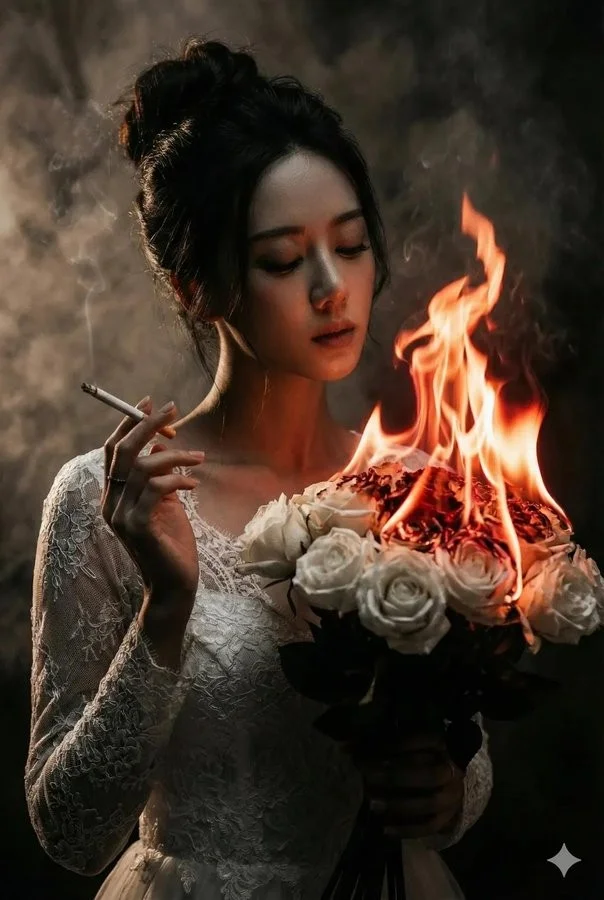
Explore Veo Video Ideas with dotsai.pro
For your video brief, describe how the subject should move from its starting pose. If the selected model supports an image or ending frame, use it to explain composition and continuity. Do not assume every reference type is accepted.
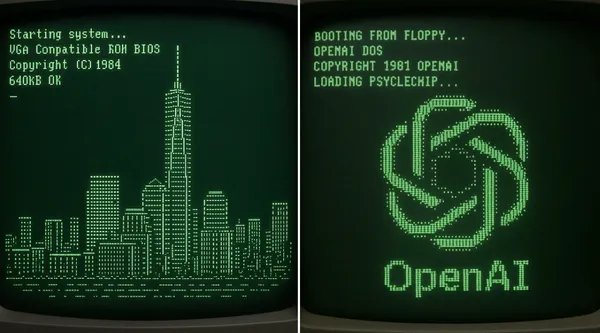
Text to Video Mode
Write your video brief around one visible action. Add the setting, shot size, camera movement and lighting. Keep dialogue and sound cues separate from the visual instructions so the intended scene is easy to understand.
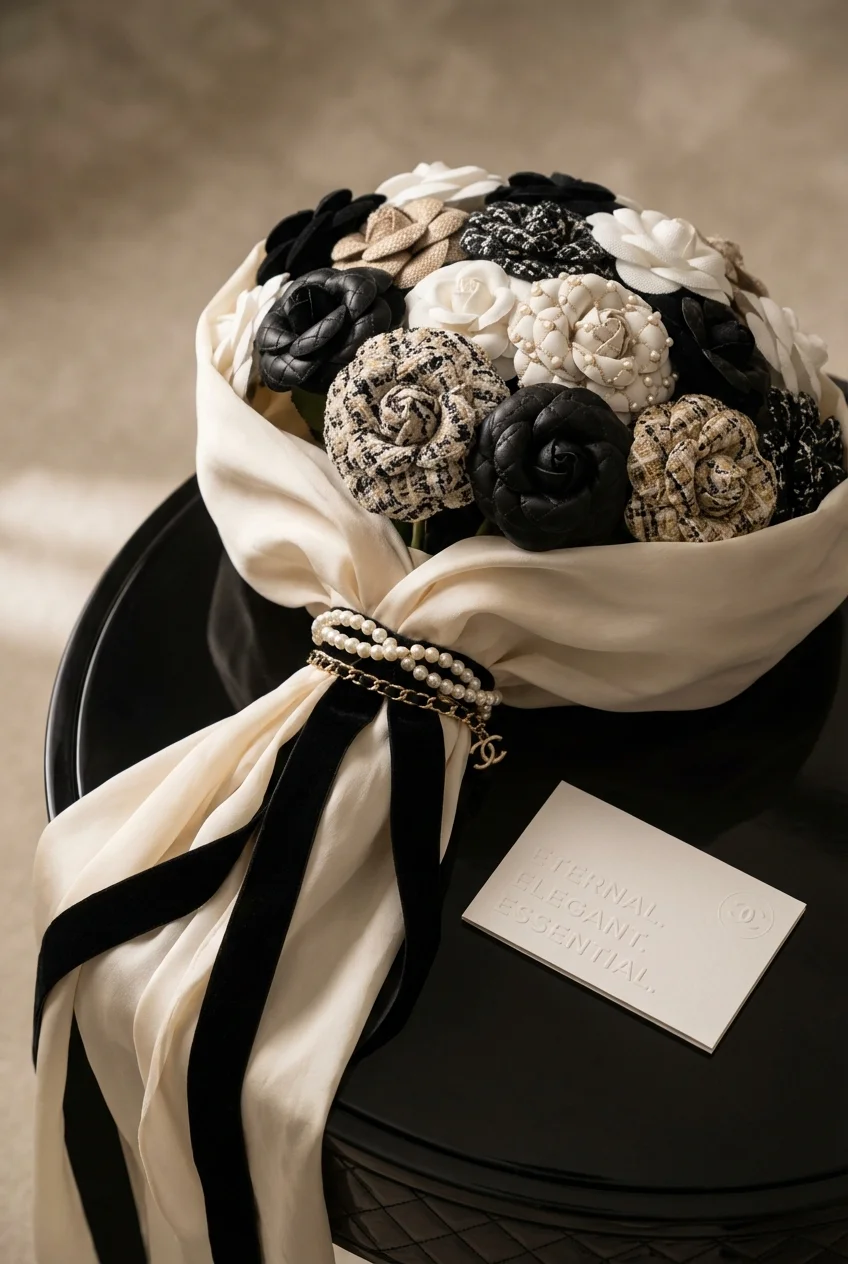
Image to Video Mode
For your video brief, describe how the subject should move from its starting pose. If the selected model supports an image or ending frame, use it to explain composition and continuity. Do not assume every reference type is accepted.
Review and Download Completed Results
When a request completes, inspect the video in History and download the result you want to keep. Review the composition and any unintended details before sharing it with your team or publishing it.
Explore Related Video Workflows
Explore available video workflows and compare it with the related video pages. The generator is the source of truth for current model access and settings. Use the prompt library to study published results and the model that created them.
Choose an enabled model on the AI Video page. Review its supported settings and credit quote before generating a clip from text or an image.
For a video product concept, specify the product shape, material, key detail and setting. Keep logos and claims accurate, allow room for your own typography, and review the result before using it in an advertisement.
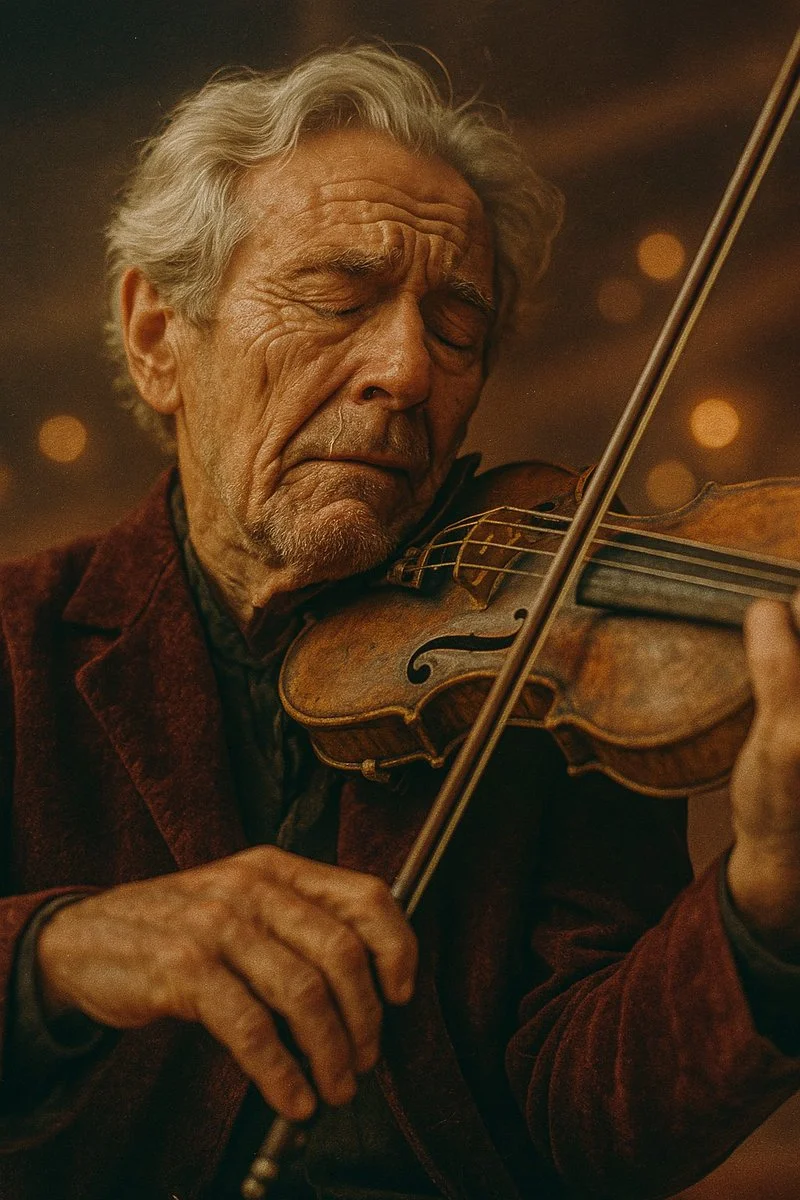
Choose a Supported Output Size
Choose only the resolution and aspect ratio shown for the selected model. Check framing, fine details and any text in the completed video. A larger output size does not guarantee a more accurate result.
Write your video brief around one visible action. Add the setting, shot size, camera movement and lighting. Keep dialogue and sound cues separate from the visual instructions so the intended scene is easy to understand.
Develop your video brief around the result you need. Keep the main direction specific, check supported settings in the generator, and review the completed work before using it in your project.
Develop your video brief around the result you need. Keep the main direction specific, check supported settings in the generator, and review the completed work before using it in your project.
Choose an enabled model on the AI Video page. Review its supported settings and credit quote before generating a clip from text or an image.
Describe speech, ambient sound and music as separate directions in your video brief. Audio output depends on the selected model and the options shown in the generator; check the finished clip rather than assuming sound is included.
Write your video brief around one visible action. Add the setting, shot size, camera movement and lighting. Keep dialogue and sound cues separate from the visual instructions so the intended scene is easy to understand.
Describe speech, ambient sound and music as separate directions in your video brief. Audio output depends on the selected model and the options shown in the generator; check the finished clip rather than assuming sound is included.
Describe speech, ambient sound and music as separate directions in your video brief. Audio output depends on the selected model and the options shown in the generator; check the finished clip rather than assuming sound is included.
Use References to Explain the Intended Result
For your video brief, describe how the subject should move from its starting pose. If the selected model supports an image or ending frame, use it to explain composition and continuity. Do not assume every reference type is accepted.
For your video brief, describe how the subject should move from its starting pose. If the selected model supports an image or ending frame, use it to explain composition and continuity. Do not assume every reference type is accepted.
Write your video brief around one visible action. Add the setting, shot size, camera movement and lighting. Keep dialogue and sound cues separate from the visual instructions so the intended scene is easy to understand.
Develop your video brief around the result you need. Keep the main direction specific, check supported settings in the generator, and review the completed work before using it in your project.
Review and Download Completed Results
Choose only the resolution and aspect ratio shown for the selected model. Check framing, fine details and any text in the completed video. A larger output size does not guarantee a more accurate result.
For a video product concept, specify the product shape, material, key detail and setting. Keep logos and claims accurate, allow room for your own typography, and review the result before using it in an advertisement.
Choose only the resolution and aspect ratio shown for the selected model. Check framing, fine details and any text in the completed video. A larger output size does not guarantee a more accurate result.
Allow time to inspect each video result and refine your brief. Processing time varies by model, request and service load. Change one direction at a time so that you can judge which edit improves the result.
A Clearer Creative Brief for Veo
For a video product concept, specify the product shape, material, key detail and setting. Keep logos and claims accurate, allow room for your own typography, and review the result before using it in an advertisement.
Plan One Clear Action per Shot
List the details that matter in your video brief: identity, shape, colors, clothing and background. Use supported references where appropriate and compare every result; exact consistency is not guaranteed.
Flexible Production Modes
For a video product concept, specify the product shape, material, key detail and setting. Keep logos and claims accurate, allow room for your own typography, and review the result before using it in an advertisement.
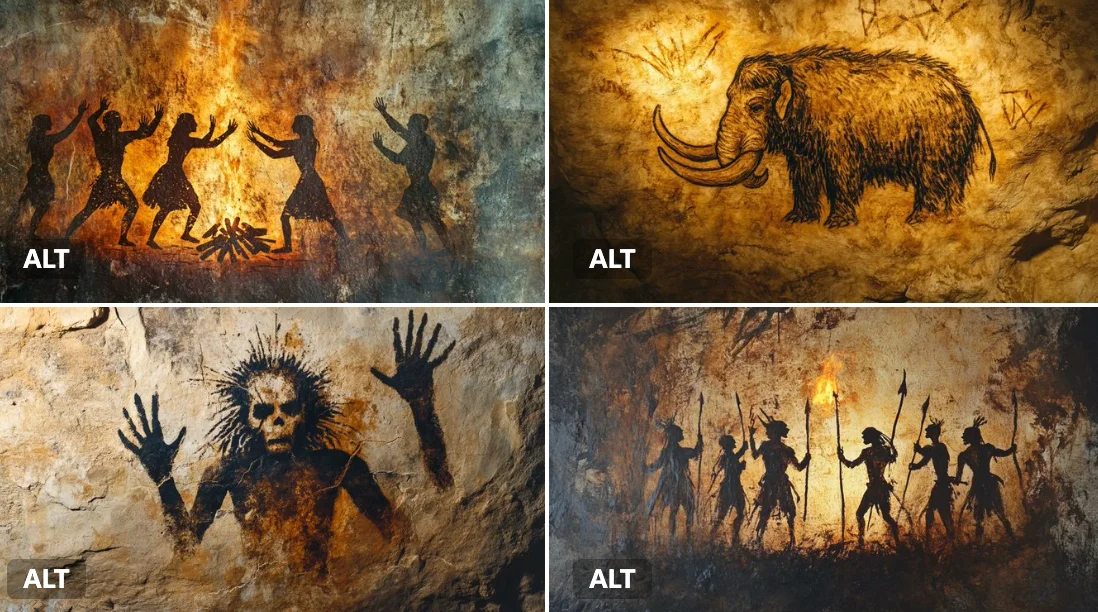
Write Precise Editing and Style Directions
For a video product concept, specify the product shape, material, key detail and setting. Keep logos and claims accurate, allow room for your own typography, and review the result before using it in an advertisement.
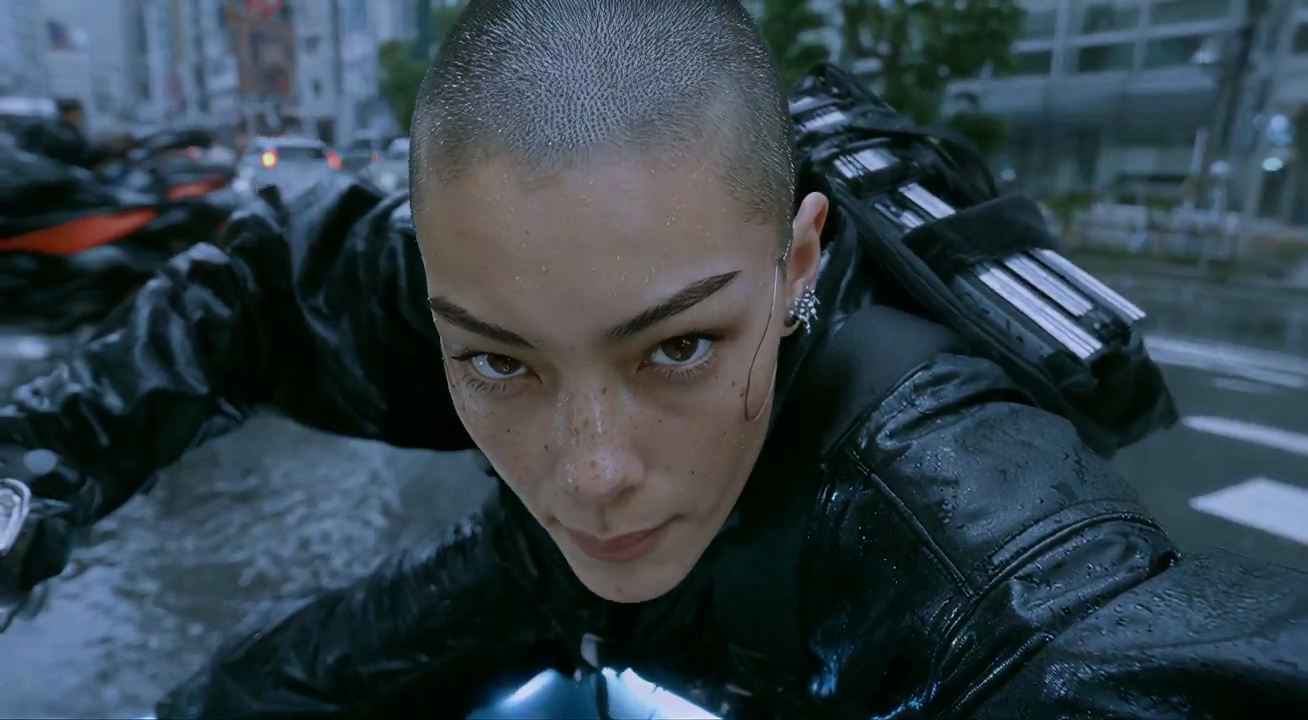
Explore Variations with a Focused Brief
Explore available video workflows and compare it with the related video pages. The generator is the source of truth for current model access and settings. Use the prompt library to study published results and the model that created them.
Choose an enabled model on the AI Video page. Review its supported settings and credit quote before generating a clip from text or an image.
Give the main subject one clear action. For a video concept, a precise brief is easier to assess than a list of competing effects.
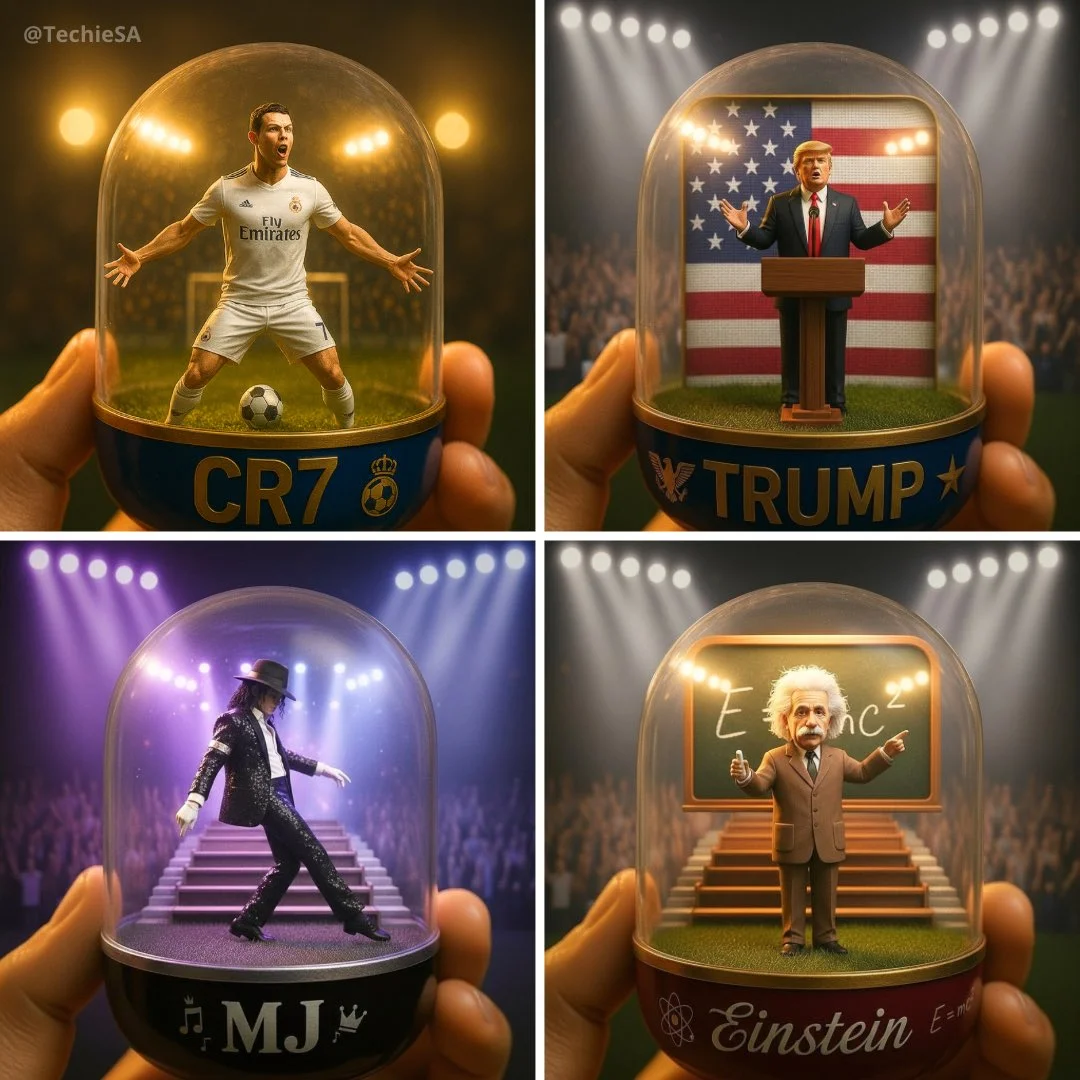
Veo Video Workflow: Questions & Answers
For a video product concept, specify the product shape, material, key detail and setting. Keep logos and claims accurate, allow room for your own typography, and review the result before using it in an advertisement.
This dotsai.pro page explains the video workflow. It helps you write a focused brief and review the available inputs. Current access is shown in the generator; a model name on a guide does not mean it currently accepts requests.
Write your video brief around one visible action. Add the setting, shot size, camera movement and lighting. Keep dialogue and sound cues separate from the visual instructions so the intended scene is easy to understand.
Develop your video brief around the result you need. Keep the main direction specific, check supported settings in the generator, and review the completed work before using it in your project.
Choose only the resolution and aspect ratio shown for the selected model. Check framing, fine details and any text in the completed video. A larger output size does not guarantee a more accurate result.
Describe speech, ambient sound and music as separate directions in your video brief. Audio output depends on the selected model and the options shown in the generator; check the finished clip rather than assuming sound is included.
List the details that matter in your video brief: identity, shape, colors, clothing and background. Use supported references where appropriate and compare every result; exact consistency is not guaranteed.
You can request a refund within 10 days of purchase if you have unused credits from that purchase and provide a clear reason, subject to our Refund Policy. If eligible, an unused purchase can be fully refunded; a partly used purchase is refunded in proportion to its remaining unused credits. Fully used purchases and free or promotional credits are not refundable.
Credit validity depends on the pack, subscription or promotion that issued them. Review the purchase terms and expiration dates in Settings > Credits. A renewal or new purchase does not extend older credits. Use credits before their stated expiration; do not assume unused subscription credits roll over indefinitely.
Credits charged for a task that is confirmed as failed due to a system error are returned automatically. A task that is still processing has not yet been confirmed as failed. Check its status and your credit history before submitting again. If a confirmed failure still shows an unresolved charge, email support@dotsai.pro with the task ID.
AI results can vary, so a completed result that differs from your expectations is not automatically treated as a technical failure. Eligible completed image tasks can be submitted for credit refund review using the refund option where available; approval is required. For a video or another issue, contact support@dotsai.pro with the task ID and details. A credit refund returns credits, not money to your payment method.
Email support@dotsai.pro. For billing, include your account email and order ID; for generation, include the task ID, issue description and relevant screenshots. If you purchased as a guest, keep the original browser data and payment receipt so we can help locate the purchase.
Explore Your Next Veo Video Idea
Choose only the resolution and aspect ratio shown for the selected model. Check framing, fine details and any text in the completed video. A larger output size does not guarantee a more accurate result.
dotsai.pro · Updated
What's new on this page
- — Added editable example prompts and separate drafts for text and reference modes, with an action to restore the example.
- — Updated page copy and content.
- — Page content published.