
A focused pixel composition
Minecraft Pixel Art
Create Minecraft Pixel Art
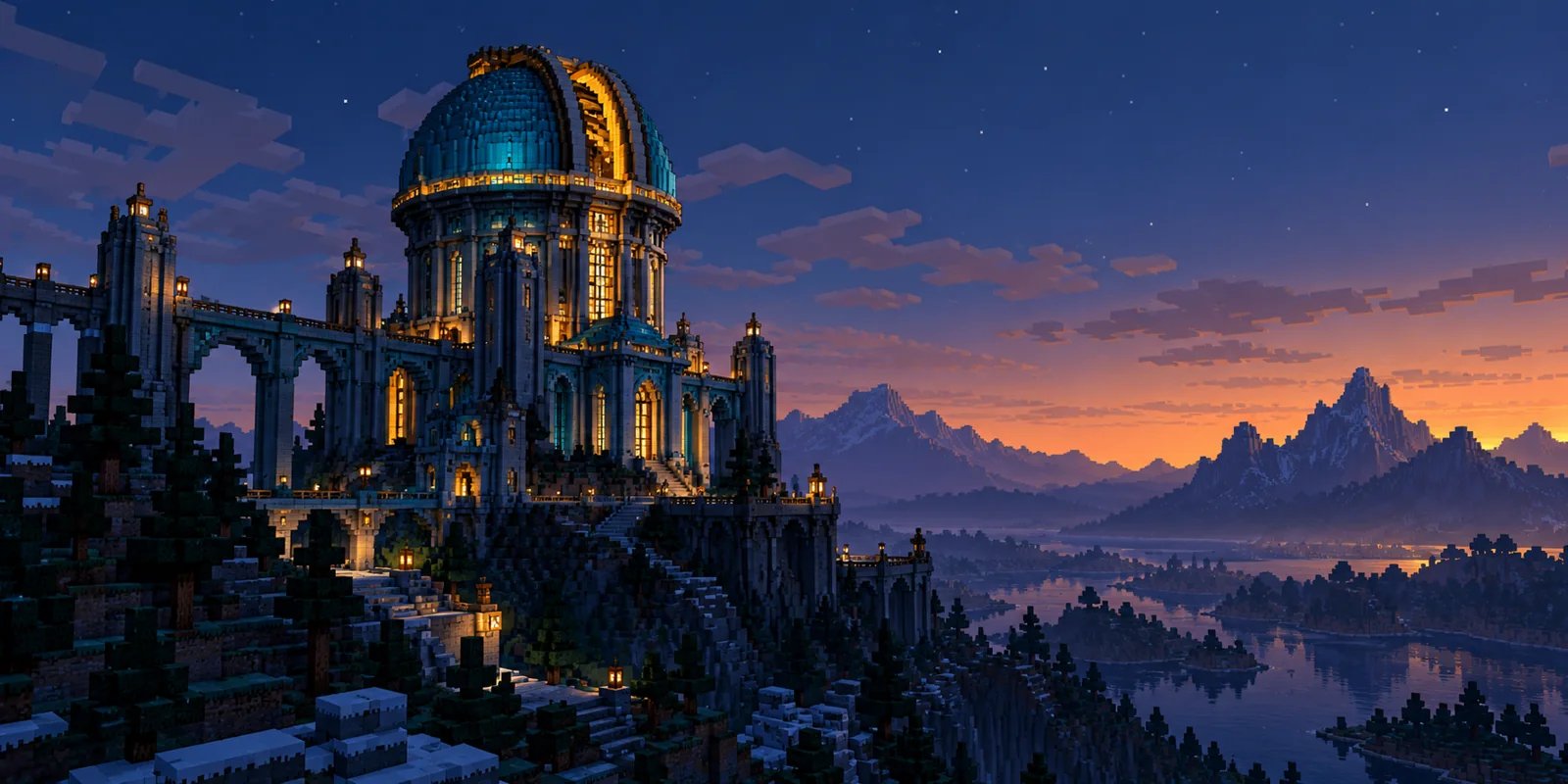
History
Translate a scene or character reference into Minecraft-inspired pixel art. Choose one focal subject and a restrained palette before increasing detail. Upload a scene, building, object or character reference. Describe the focal point and palette, then generate a blocky pixel-art image for a visual project.
Create Minecraft Pixel ArtHow to use Minecraft Pixel Art
Plan the image for pixel scenes, visual concepts, and art boards. Start with a suitable reference and use the live generator above.
1. Select a clear reference
An observatory, station or rooftop gives the composition one architectural anchor. Pick a reference with strong light and dark zones.
2. Simplify the composition
Describe the main building, cyan accents and amber lamps. Keep the skyline simpler than the foreground to make the pixel structure stand out.
3. Check the output
Examine the image at reduced size: the observatory dome or station platform should still be clear. Revise the focal size before adding tiny lights.
Railway station, City rooftops and Floating island
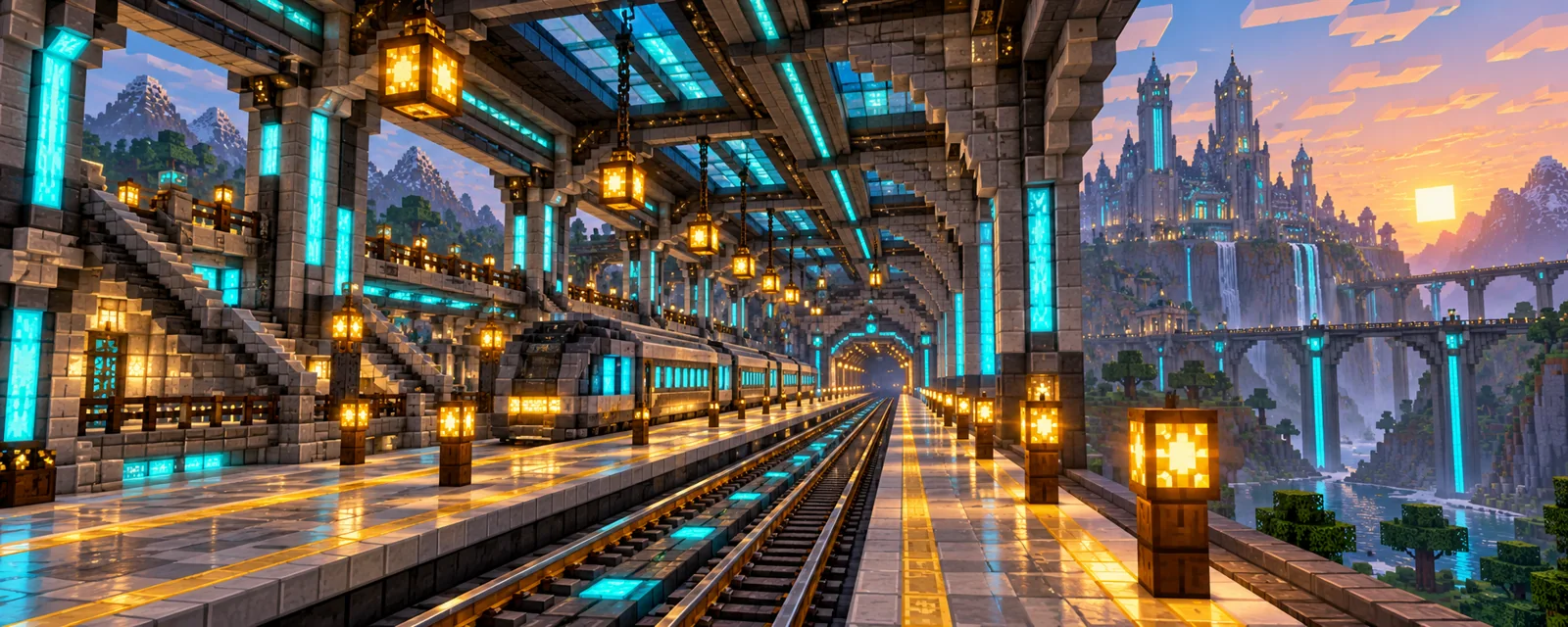
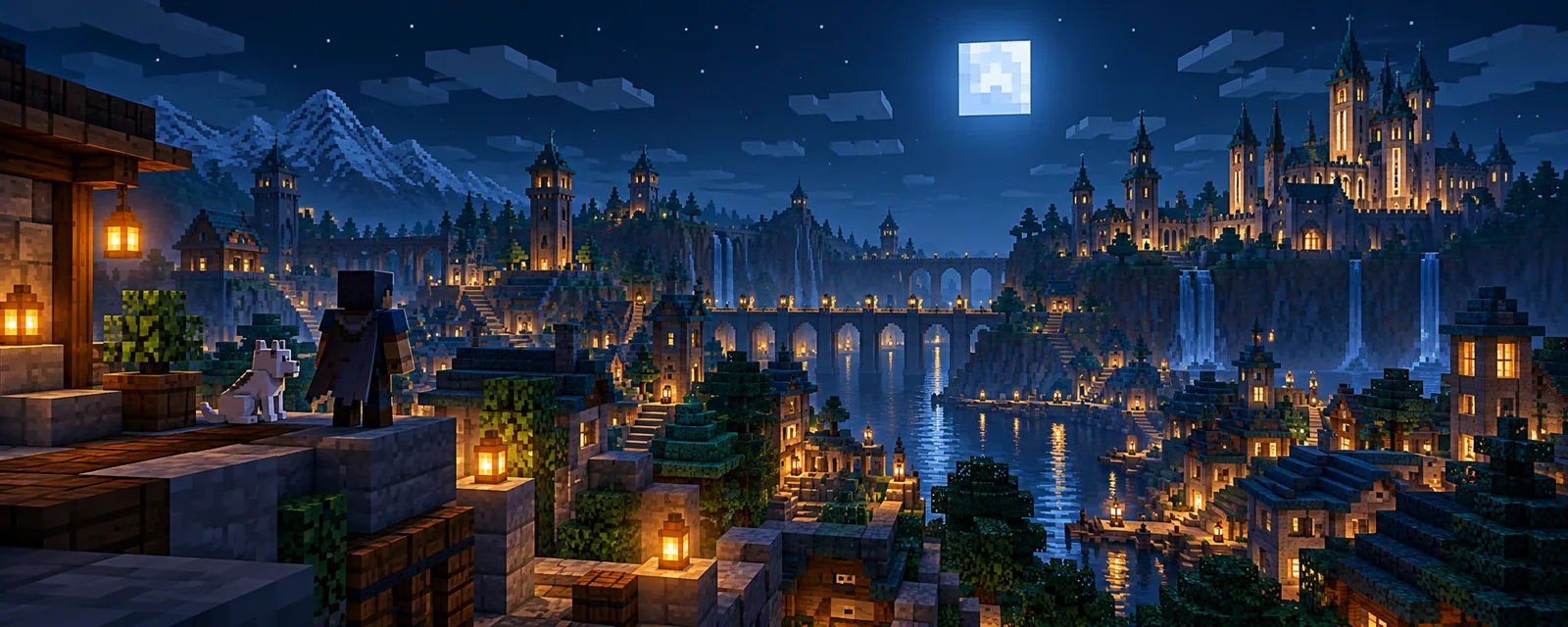
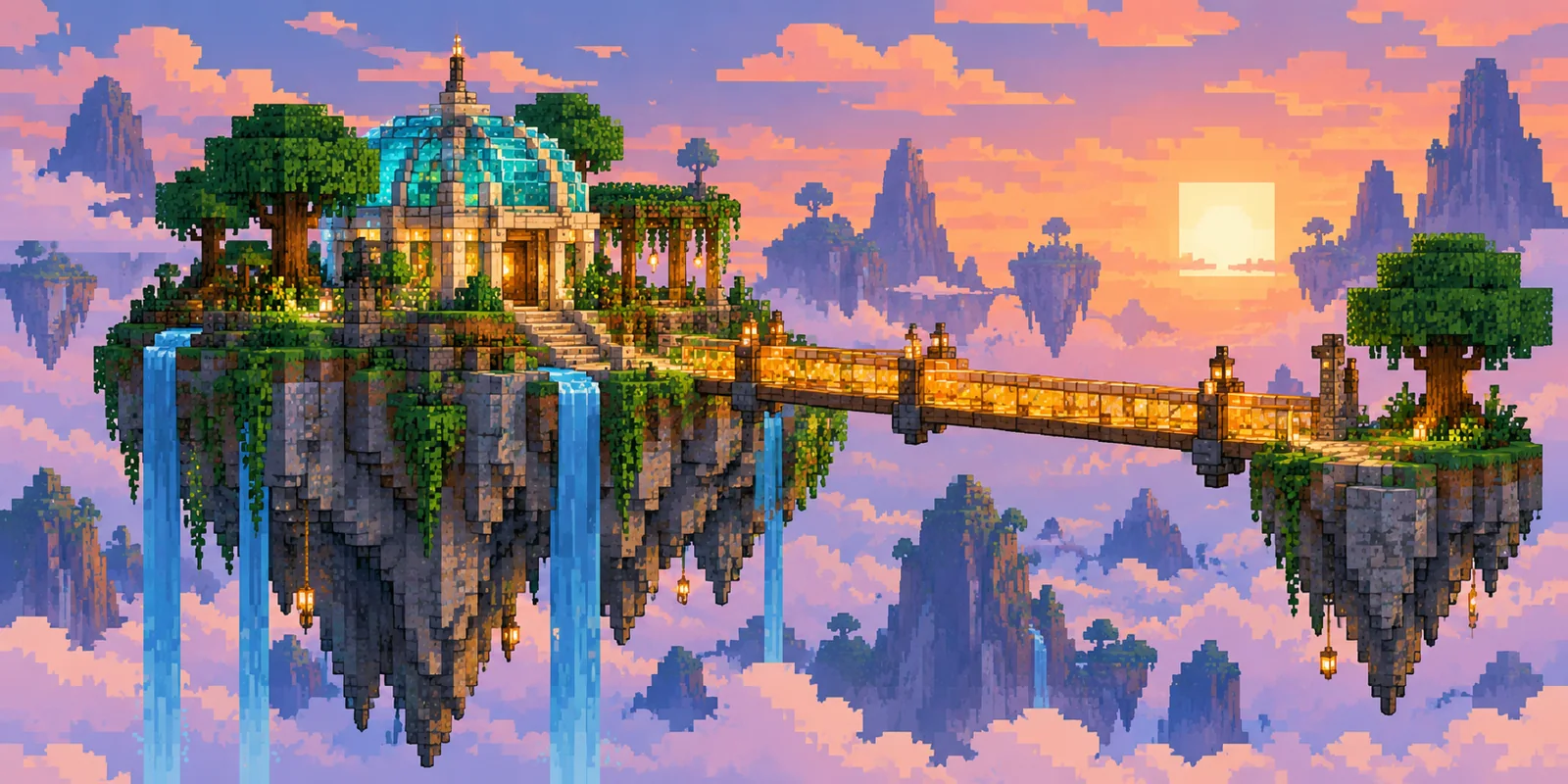
Ideas for dotsai.pro
A focused pixel composition This workflow suits pixel scenes, visual concepts, and art boards. Keep the main subject visible and use one image direction per generation.
Minecraft Pixel Art FAQ
Can I start with my own image?
Upload one city or building reference, then say which structure should survive the conversion into blocky pixel shapes.
Is the result a game world or build schematic?
The generator saves a flat artwork image suitable for a concept board. It does not export a game map or construction file.
Can I create a character for the scene?
Use Image to Minecraft Skin here to create a cyan-and-gold explorer who belongs in the observatory scene.
Related image tools
Continue with another image direction on this site.
Create an Image to Minecraft Skin character
dotsai.pro · Updated
What's new on this page
- — Added an image generator, visual examples and guidance for this creative task. Added editable example prompts and separate drafts for text and reference modes, with an action to restore the example.