
Bottle Kick Challenge
Animate your character
Preview the supplied motion
The fixed reference shows two bottles stacked on a table. Watch the upper bottle move away while the lower one remains upright; that relationship is the target action.
History
Loading history…
Give a character one short performance
Use Bottle Kick Challenge to explore how a character reads during a quick action. Upload one appearance image and the page combines it with a supplied bottle-kick reference. The guide below follows an original red panda mascot through preparation, continuity checks and final framing.
The required input is one image, not your own stunt footage. A fixed reference video provides the movement. Check the preview and the live task quote, then use History to inspect your result. A mascot experiment may need more review than a human portrait because its proportions differ from the reference performer.
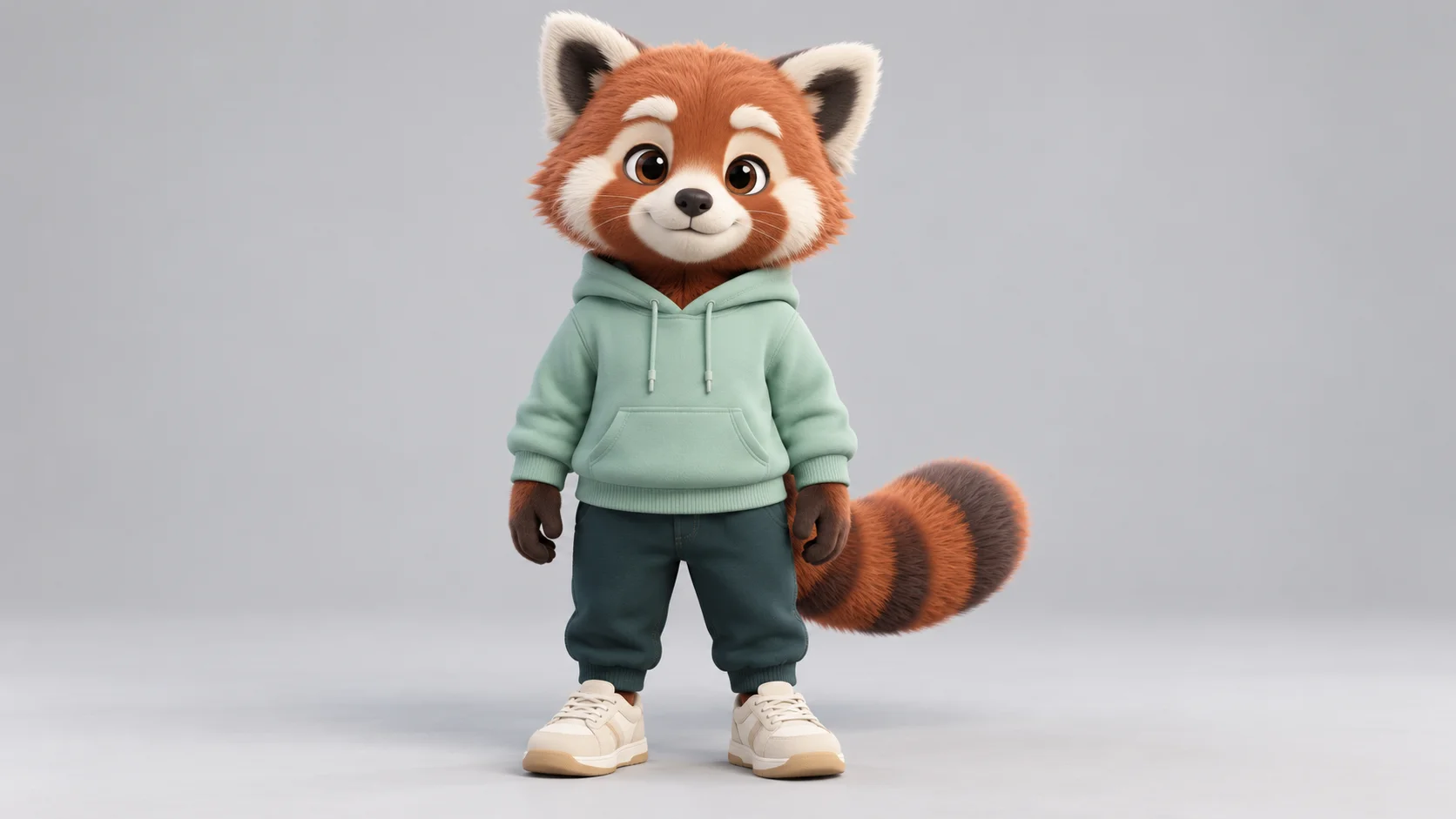
From character image to Bottle Kick Challenge
1. Establish the character’s anchors
Choose three features that make your subject recognizable. For this red panda direction, they are cream face patches, a mint hoodie and a striped tail. Start from one clear image where those features and the legs are visible.
2. Compare the body with the reference
Watch the fixed video and consider how your subject will fit its action. An upright character with separated limbs offers a more understandable starting shape than a tiny four-legged animal curled into a ball. Adaptation can still change anatomy or proportions.
3. Add the image and review the quote
Upload your chosen appearance reference in the subject slot. Review the available output settings and the credit estimate shown for this task. The provided action video is already attached by the page; there is no need to upload a second motion clip.
4. Judge continuity across time
Open the finished task in History. Compare the first pose, the action and the final stance. Keep the take in which the face markings, outfit and body remain readable, rather than selecting only a striking thumbnail.
Make one strong appearance reference
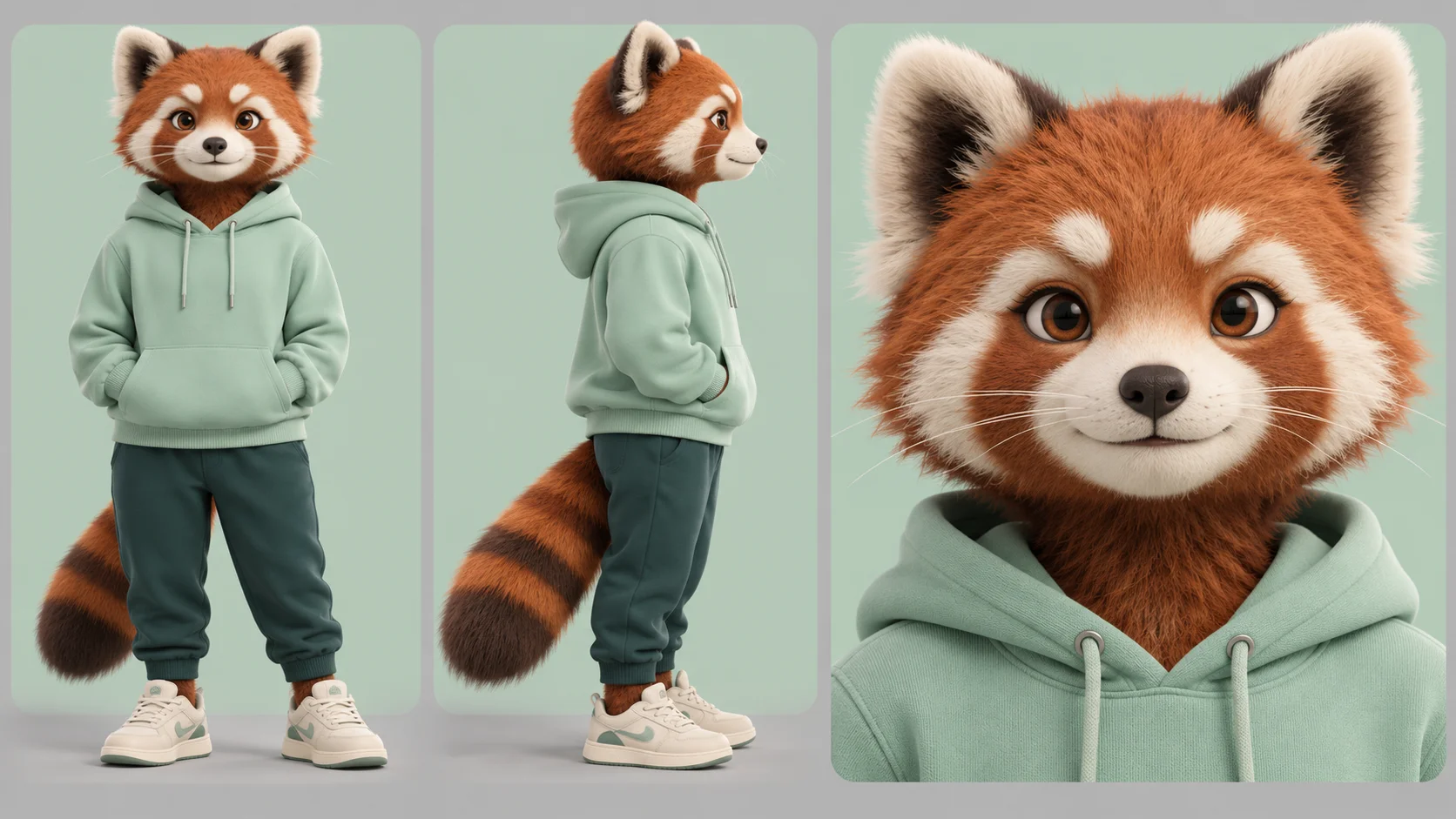
A character sheet can help you decide which details matter, but the upload should stay focused on one subject. Use a clear full-body view with the face visible and enough separation between the arms, torso and legs. Keep decorative props out of the silhouette when they add no useful identity information.
The red panda design uses a simple hoodie and trousers so the outfit can be checked quickly during movement. A long tail is another feature to inspect: watch whether it remains connected and follows a plausible path. These are design checks, not a guarantee that a stylized body will follow human motion perfectly.
Separate appearance from choreography
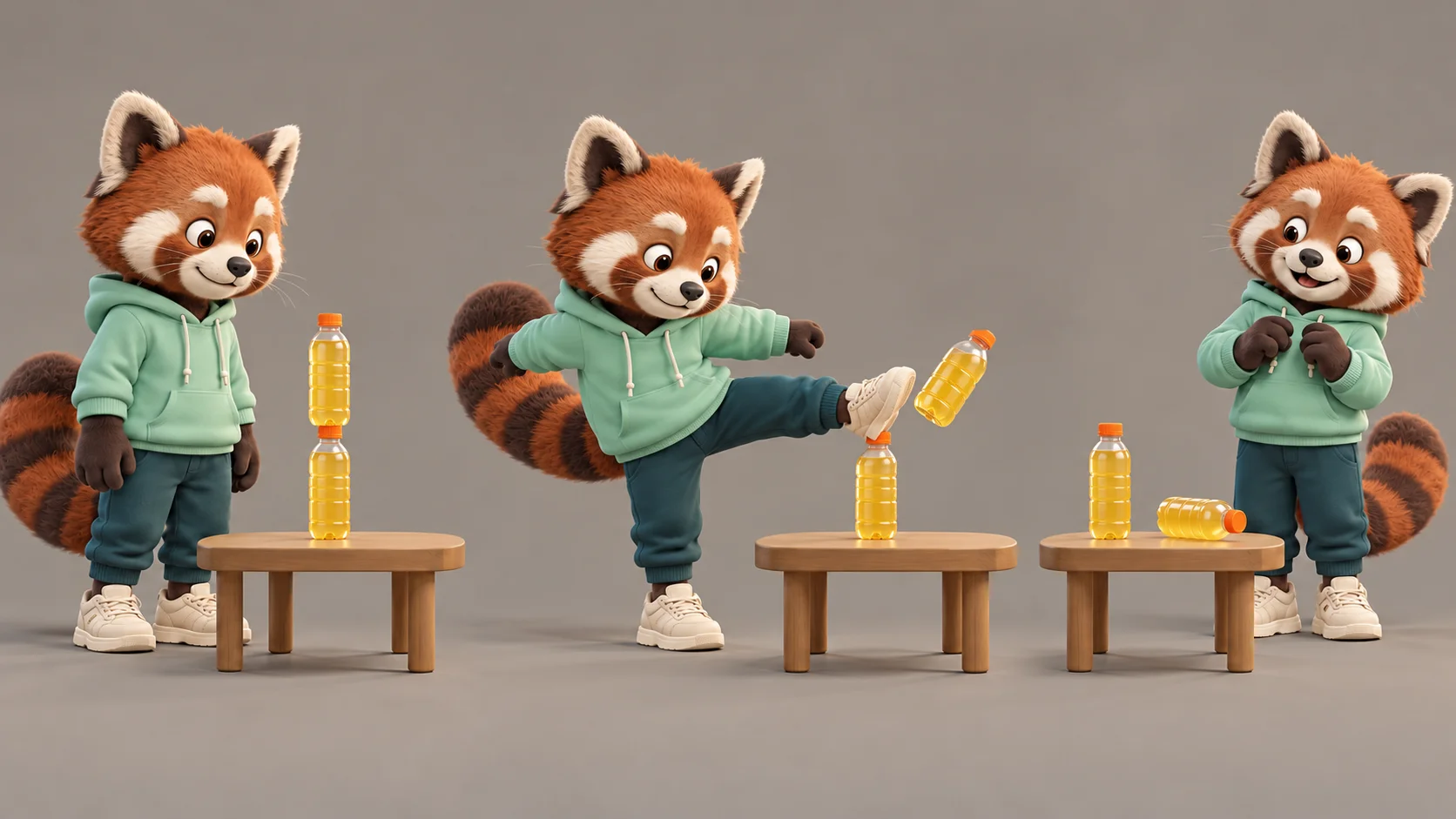
Your image tells the generator what the subject looks like. The supplied clip tells it which performance to follow. Keeping those roles separate helps you understand why a neutral reference image can be more useful than a dramatic pose with a hidden leg.
The three-stage illustration offers a way to organize your review. For the precise source movement and bottle setup, use the video player. The page does not turn the illustration into another selectable motion sequence, and changing your image does not promise to replace the reference location.
Inspect the small details after playback
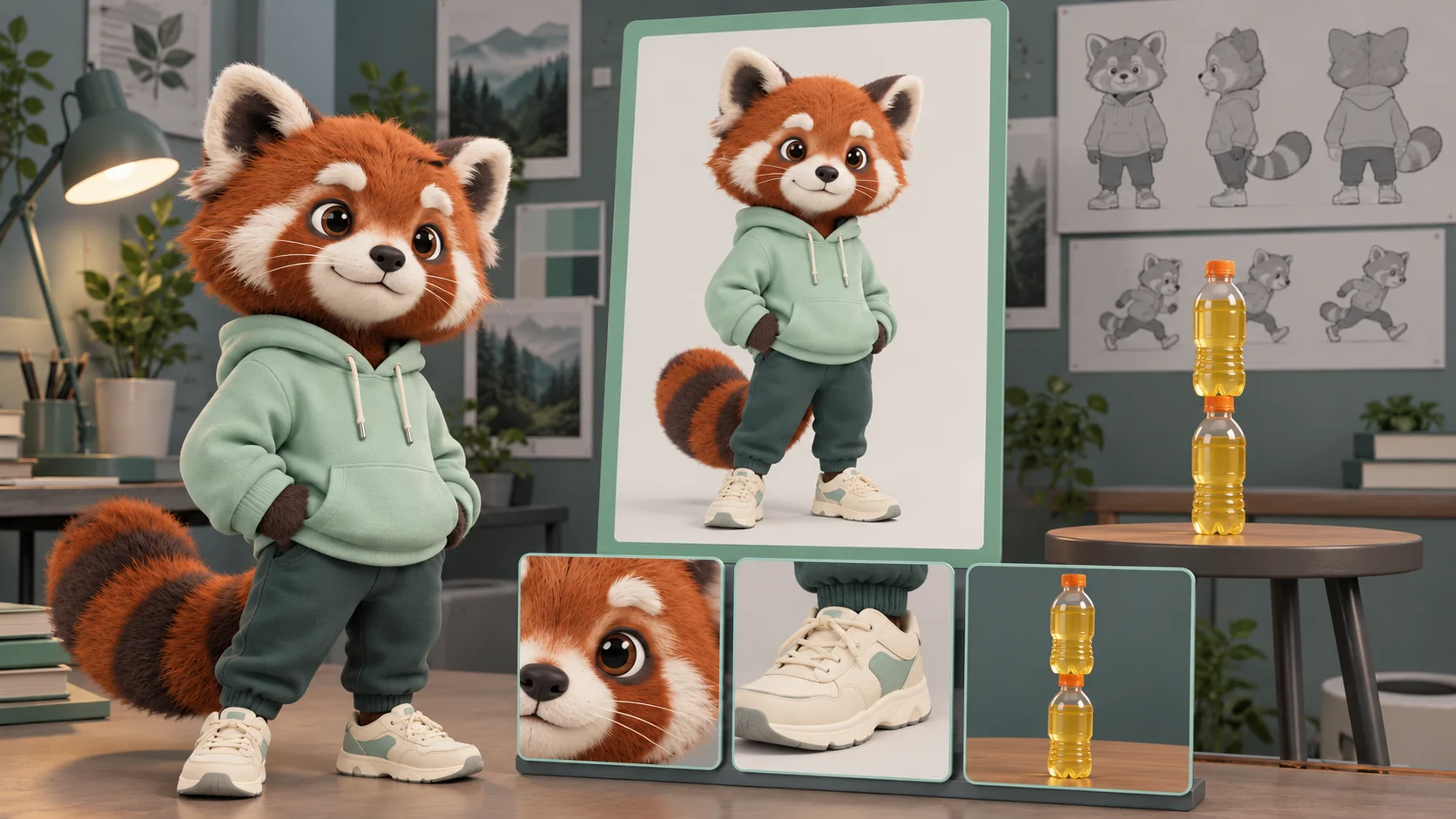
First watch at normal speed to decide whether the event makes sense. Then pause near the middle and inspect the face, active shoe and bottles. A good opening image cannot tell you whether those details remain coherent during the movement.
Before sharing, try the intended portrait or landscape crop. Keep the target inside the frame and leave room for the recovery. If you add wording later, position it away from the feet and table so the viewer can still follow the event.
Input, cost and result questions
Can I use an original mascot?
You can provide a clear character image as the appearance reference. Keep its limbs and face readable. A stylized subject is an experiment: different proportions can make the reference movement harder to reproduce, so inspect the complete result.
What input does Bottle Kick Challenge require?
One subject image. The page already supplies its fixed action video and direction. You do not need to record a kick, supply your own action footage or create several character angles to start.
Will the background in my image become the video setting?
The reference guides the scene and camera as well as the action. Your uploaded background is not a guaranteed output setting. Concentrate on a recognizable subject rather than a detailed environment.
What does the reference actually show?
It shows a performer kicking the upper of two vertically stacked bottles while the lower bottle remains upright on a wooden table. Watch it before generating. This page follows that event; it does not offer a separate bottle-cap removal effect or a choice of comic endings.
Can I use it for free?
Availability depends on your account and the current model policy. No free allowance is promised here. Review the live credit estimate and current plan options before submitting a task.
How is the price shown?
The form calculates a quote for the selected output settings and reference-based task. Recheck it after making changes. A generic model price or the length of the reference alone does not establish the final charge.
When will the video be ready?
Queue load and generation settings affect the wait. Use the current task status and History to follow progress. Output duration and processing time are separate; a short video can still take longer to generate.
What if a tail, foot or bottle changes shape?
Treat it as a reason to review the take. Try a less crowded source with simpler clothing or a clearer body outline for another attempt. The tool cannot guarantee exact identity or perfect contact during fast movement.
Explore another part of the workflow
Develop a mascot image
Start with a clear character concept before exploring movement.
Explore the model’s general workflow
Read the broader video page when your idea needs a different direction.
Compare video-to-video editing
Check the inputs and options of a separate reference-video workflow.
dotsai.pro · Updated
What's new on this page
- — Added photo inputs, a motion reference preview and guidance for creating this video effect.