
A guide to cropped hair portraits
AI Short Hair Filter for a playful social-post concept workshop
Preview a cropped hairstyle

History
Make the short-hair choice clear
What can the AI Short Hair Filter change?
It creates a new portrait with the short hairstyle described in your text. You can explore a textured pixie, close curls or a cropped fringe while asking to preserve the face, color and setting.
How do I use my portrait?
Select Image to Image and add a single adult photo. Describe the shape at the fringe, ears and back, check the image options and quote, then submit. Review the result in History.
Can I try short hair for free?
Use the balance and eligibility shown in your account. If available credits cover the current attempt, no new purchase is needed for that attempt. See current Pricing when the balance does not cover the quote.
Which photo should I choose?
Use a sharp portrait with the forehead, face outline and ears as visible as possible. Leave space above the head. Even light and a plain background make the new cropped silhouette easier to inspect.
What is the cost of a portrait?
Check the displayed credit requirement for your selected settings. Available quality or size choices can change it. Read the quote when you are ready to generate rather than relying on a fixed price in this guide.
When will the short-hair image be ready?
Processing depends on settings and the queue. History tracks the submitted job and holds the completed image. Uploading a photo and preparing the description do not start generation on their own.
A shorter cut changes the space around the eyes, ears and jaw. Explore that outline with the AI Short Hair Filter on dotsai.pro before choosing a portrait idea to keep. Upload one adult photo, name a cropped shape and compare the result with your original. A focused request for a pixie, short curls or a neat cropped fringe gives you something concrete to review. Start with the cut; refine color and styling after the silhouette works.
Try a short haircutKeep the hairline and face readable
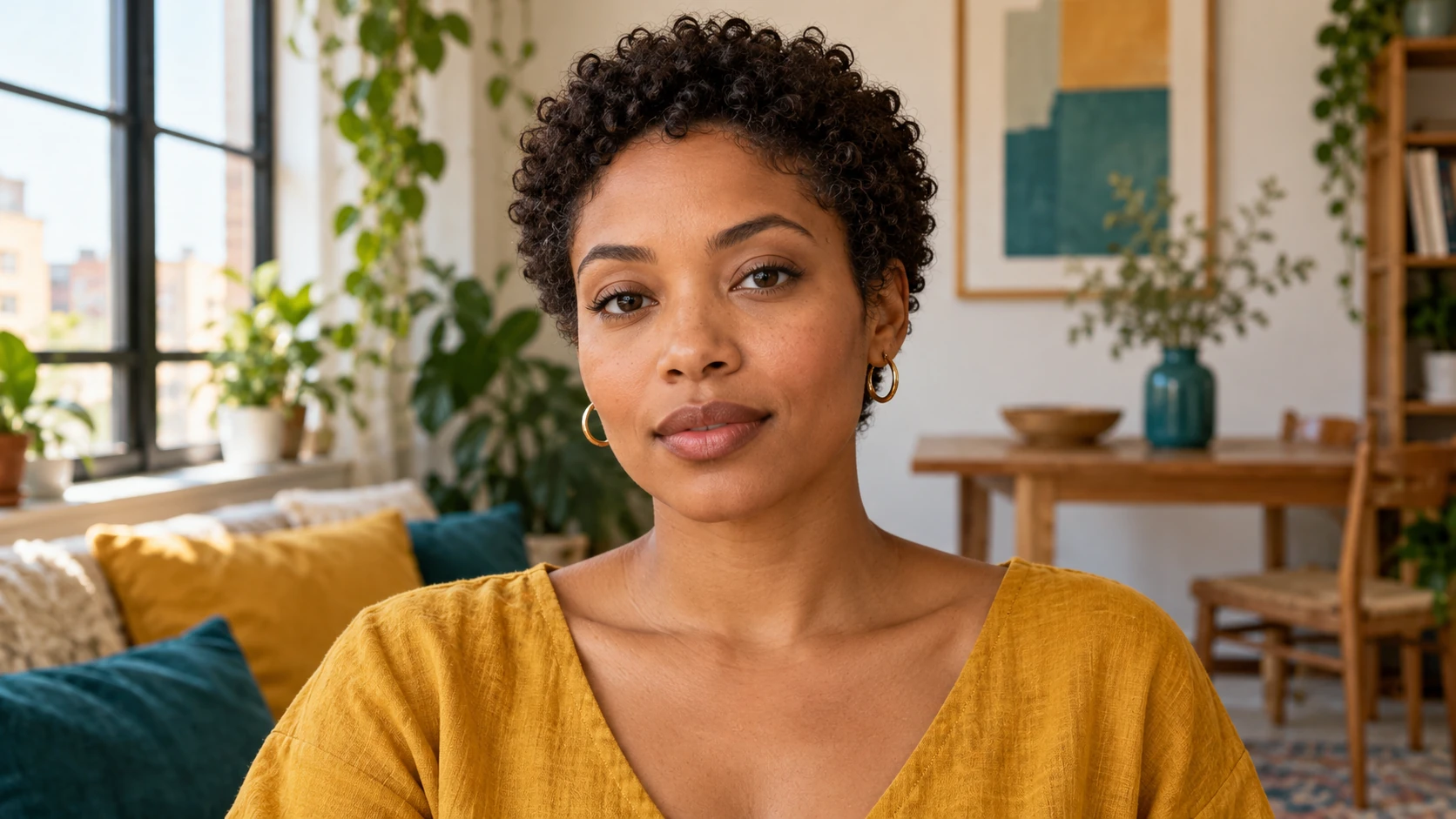
Short hair needs a more precise shape brief
The phrase short hair covers very different silhouettes. A cropped fringe leaves a different frame around the face than a swept-back pixie, and close curls create a different outline from smooth tapered sides. Choose the relationship you want around the forehead and ears first. Add the amount of volume at the crown, then decide how soft or defined the edges should appear. A few concrete details are more useful than a long list of fashionable adjectives. Keep the description close to a shape you could point out in a mirror. That makes the completed portrait easier to evaluate and the next revision easier to explain.
How to explore a short haircut from a photo
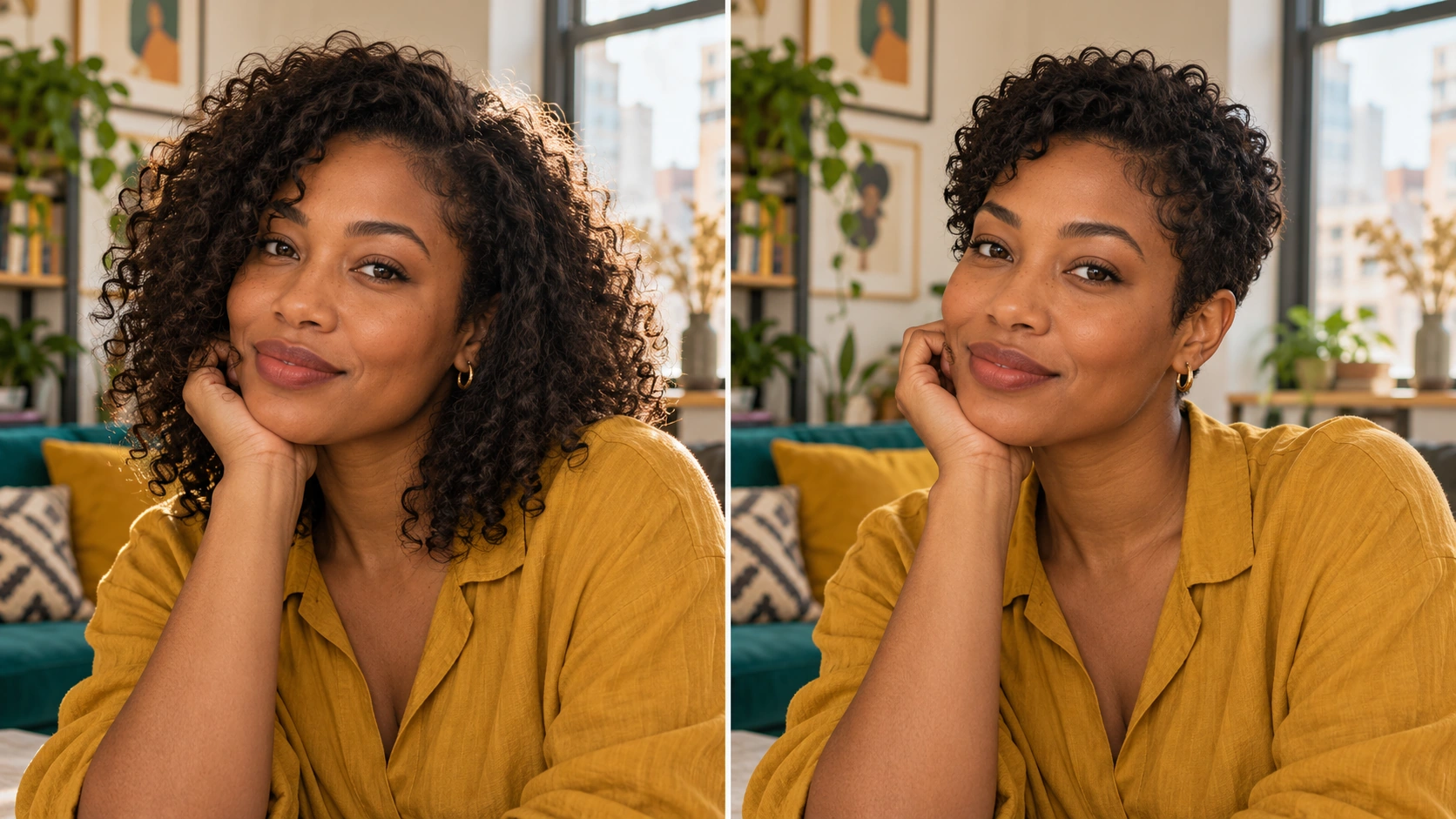
Choose a portrait that reveals the face outline
Find a naturally lit photo where the eyes and forehead are clear. Keep some space above the crown and beside both cheeks. If long hair covers an ear, choose the photo with the clearest overall face view. Keep the original source so you can compare expression and proportion later.
Describe the crop in three parts
Name the fringe, sides and overall volume. For example, ask for a textured pixie with a soft cropped fringe, tidy sides around the ears and moderate height at the crown. If you want curls to remain, say so. Keep the existing hair color for this first shape comparison.
Preserve the rest of the photograph
Ask to keep the same face, expression, clothes and background. Avoid adding new makeup, accessories and a different pose to the initial brief. Select your available image settings and read the quote. Submit when the portrait and one clear cut direction are ready.
Inspect the edges of the haircut
Open the finished image in History. Check the fringe above the eyes, the outline near each ear and the transition at the temples. Compare the face against the original too. If the crop feels too severe, request a little more length in a specific area rather than changing the whole idea.
Keep familiar details while changing the cut
Your face, expression, hair color and surroundings provide a reference point. If all of them change, the new portrait can feel like a different person even when the haircut is appealing. For the first attempt, retain the source color and natural texture. Use a direction such as soft short curls with a clear forehead instead of mixing a crop, a bright new color and a dramatic studio makeover. Review the shorter shape at the same display size as the source. Notice whether the eyes remain the focus and whether the hairline joins the temples naturally.
Review the crop in an everyday portrait
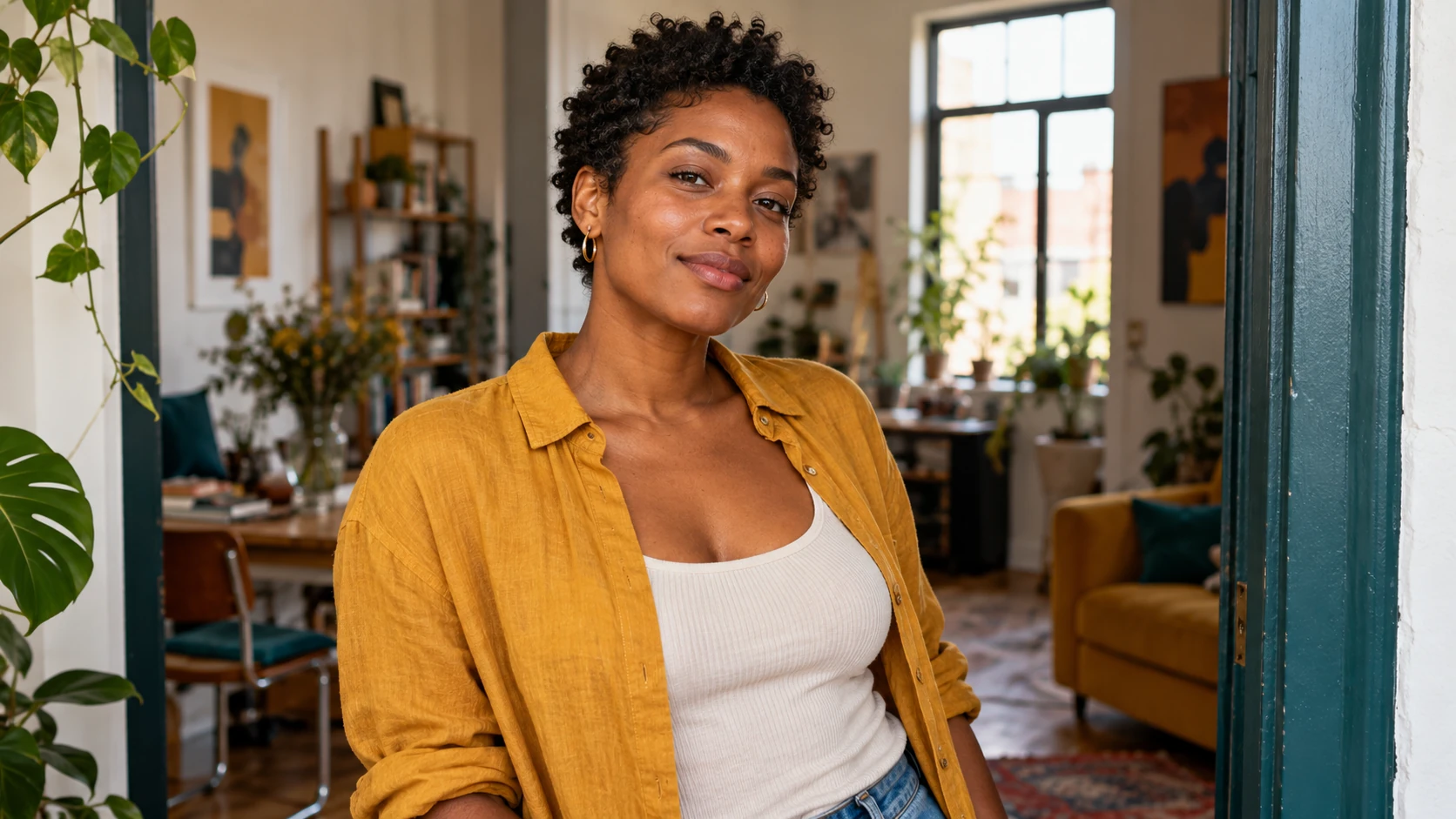
A soft pixie with familiar color
Keep the source hair color and ask for a textured crop with a gentle fringe. Compare how much forehead is visible and how the sides meet the ears. This gives you a focused way to test the shorter shape.
Short natural curls
Describe a compact curly outline with clear curl texture and moderate height. Preserve the face and lighting. Review whether individual curls remain readable around the hairline instead of becoming a smooth, helmet-like shape.
A new portrait for a personal announcement
Use a simple room and relaxed expression so the haircut carries the visual change. Check the portrait at the size of your intended post. Add the announcement text afterward to keep the generation request centered on the hairstyle.
Use the portrait to decide what to discuss next
Save the version that shows the proportions you like, then make a short note of the useful parts: a softer fringe, visible ears or more curl volume on top. A generated portrait is a visual conversation starter for a real styling decision; the way a cut behaves still depends on your hair and how it is styled. For a profile image, inspect facial detail and the hair edge before choosing the final crop. Leave a little breathing room above the head so a square avatar does not cut away the very silhouette you wanted to show.
The result is shorter than intended
Name the area that needs more length, such as the fringe or sides above the ears. Keep the rest of the crop unchanged in the next direction. One specific correction is easier to compare than a completely different haircut.
The hairline or ears look unclear
Use a sharper source and remove accessories or strong shadows near the temples where possible. Ask for a natural hairline and distinct ear outline. Inspect those areas at a useful size before selecting the image.
The style changed the whole portrait
Remove extra instructions about glamour, new clothing or a different setting. Repeat that only the hairstyle should change. Keeping the same expression and background helps you judge the crop itself.
AI Short Hair Filter FAQ
Can a long-haired source be used for a pixie idea?
Yes. Choose a clear adult portrait and describe the short shape you want. The model will create a new portrait, so compare facial details and newly visible areas around the ears as well as the cut.
Can I create a fictional short-haired person instead?
Use Text to Image for a new fictional adult portrait. That mode starts from the description and does not use an uploaded face. Image to Image is the mode for exploring the cut with your own reference.
Can I keep the fringe longer than the sides?
Yes. Describe the fringe and sides separately, such as a soft side-swept fringe with short tidy sides. Explain the relative lengths in plain language and inspect that relationship in the completed portrait.
Will the image tell me which haircut suits me best?
It gives you a visual option to compare rather than making that decision for you. Choose the features you like and discuss practical details with a stylist who can consider your hair texture and routine.
Can I compare another cut with the same source?
Yes. Keep the original photo and change one part of the description. Each submitted attempt has its own current quote. History lets you return to completed portraits without generating them again.
Build the next part of your image

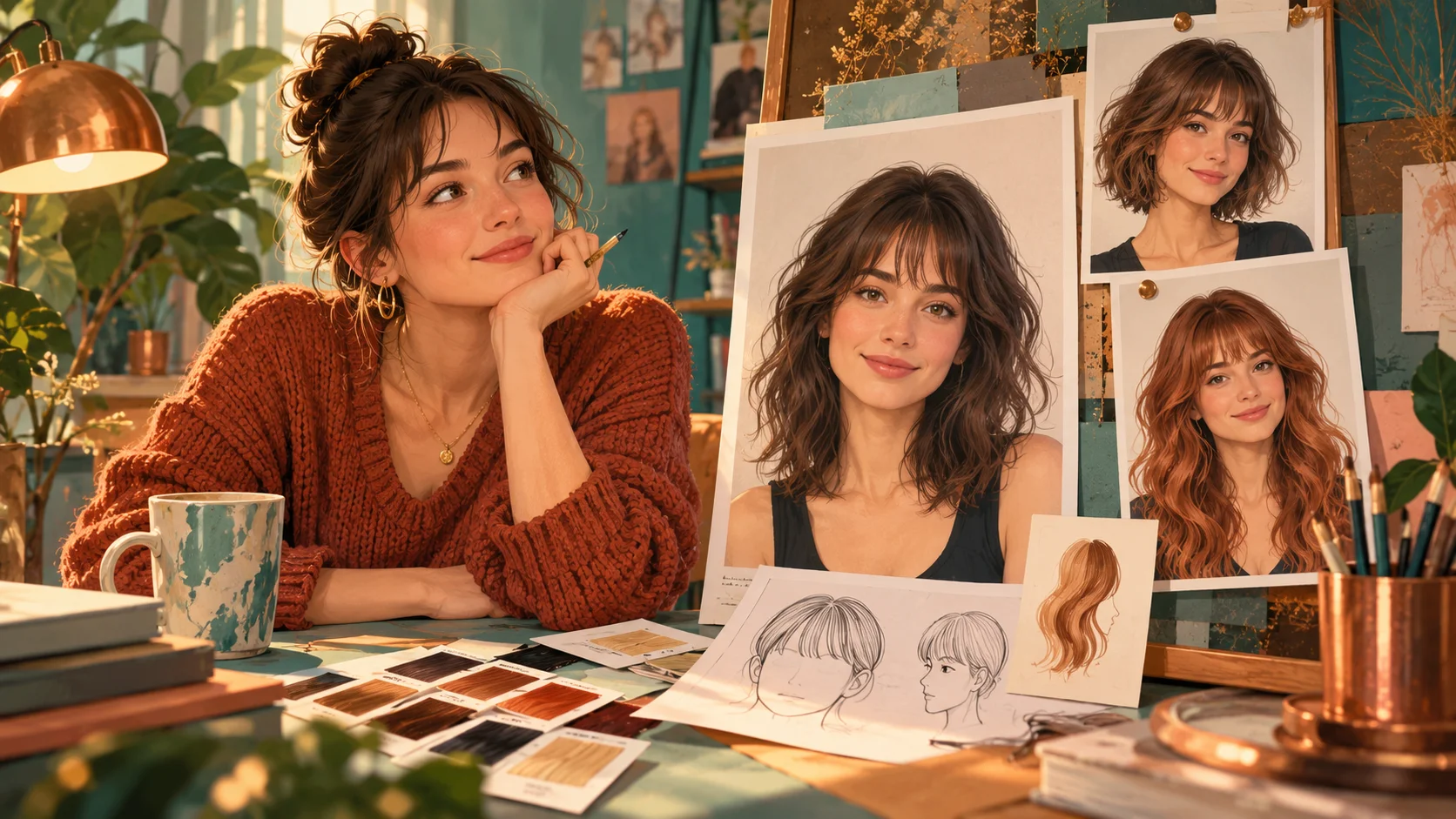
Start with the fringe, sides and volume
Choose a clear portrait and describe one cropped shape. Read the current quote, generate and compare the face outline carefully in History.
Try a short haircutdotsai.pro · Updated
What's new on this page
- — Added editable example prompts and separate drafts for text and reference modes, with an action to restore the example.
- — Page content published. Updated page copy and content. Updated page images or videos. Updated page generator or navigation settings.