
A guide to bold urban portrait artwork
GTA Style AI Photo Generator with a Cinematic Art Direction Eye
Make a bold urban portrait
History
Set up your portrait direction
What does this photo generator make?
It creates a new illustrated portrait with the urban poster direction you describe: graphic outlines, simplified shapes and cinematic city color. Your reference photo helps establish the adult subject and pose.
How do I use a photograph?
Select Image to Image, upload one adult photo and describe the graphic treatment and setting. Keep the face recognizable in the direction, review the current quote and generate when the composition is clear.
Can I try it with free credits?
Look at the balance and eligibility shown in your account. Available credits may cover the selected attempt. If the quote exceeds your balance, current Pricing explains the options before you choose to purchase more.
What kind of source photo works?
Use one adult with a clear face, distinct body outline and readable pose. A chest-up or three-quarter portrait gives room for graphic shapes. Avoid a busy group or a face hidden by heavy shadow.
How much does the image cost?
Read the live credit requirement for the image settings you selected. Available size, quality or model options can change the quote. Preparing the portrait and revising the direction do not run a generation.
How soon can I use the artwork?
The queue and selected settings affect processing. History shows the task after submission and the completed image when ready. Inspect the portrait before downloading it for your design.
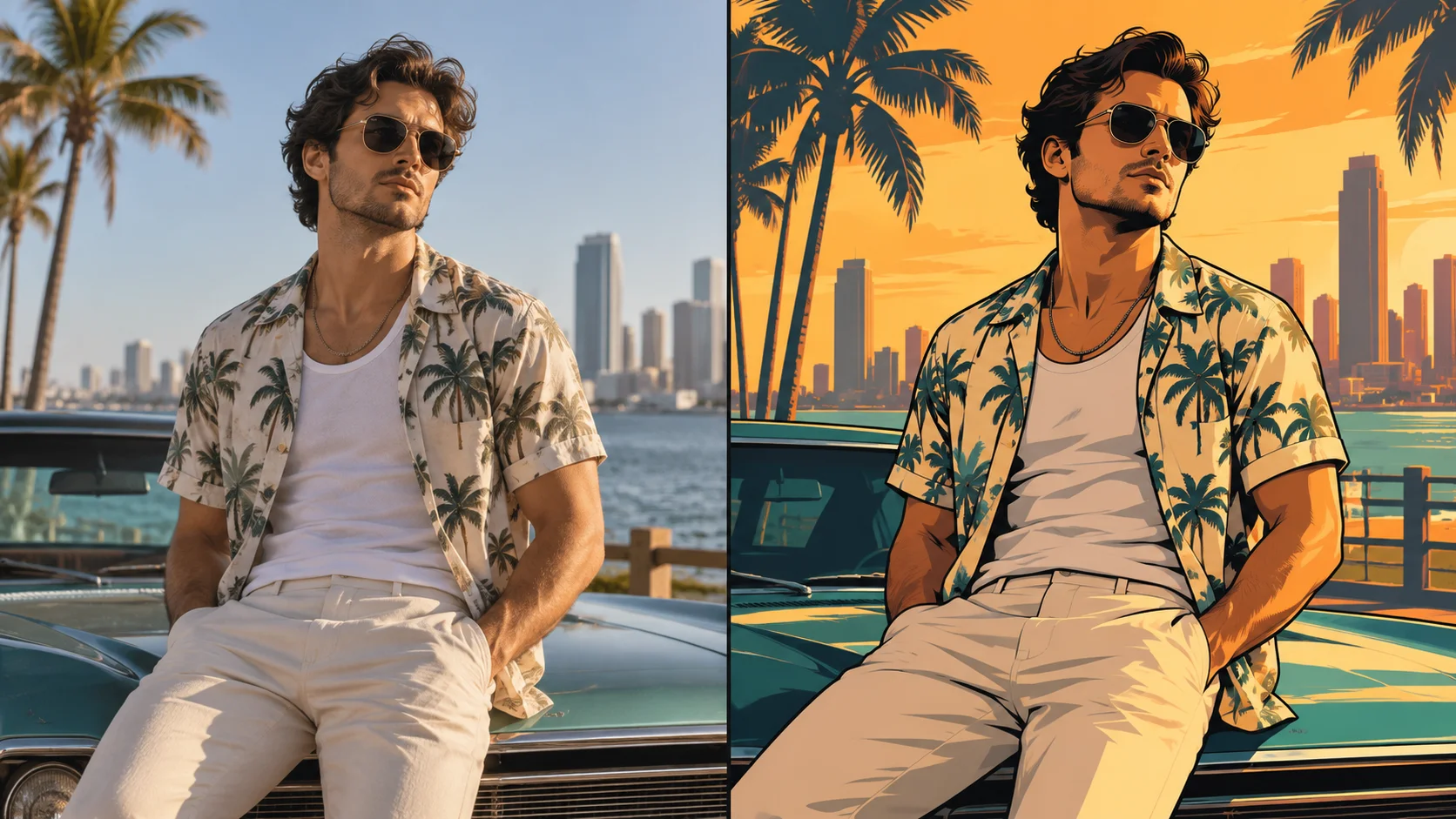
Give a portrait the graphic punch of an urban game-poster scene. The GTA Style AI Photo Generator on dotsai.pro lets you describe bold outlines, warm city light and simplified color blocks around a recognizable adult subject. Start with a clear photo, choose an original setting and keep the first brief focused on composition. The guide below shows how to balance the face, pose and background so the image reads well as a small social post as well as a larger poster.
Create an urban portraitStart with a clear person and pose
Make the person the strongest graphic shape
A bold poster works when the viewer can understand the subject immediately. Begin with a clean pose and keep the face comfortably large in the source. Use the background to create contrast around the head and shoulders instead of adding many equally detailed objects. A dark outline can separate a warm shirt from an amber sky; a simpler wall can make a more elaborate hair silhouette readable. Think in large shapes before asking for small highlights or surface texture. This gives the image a clear center and makes it more useful when it appears as a small feed preview.
How to create an urban game-poster portrait
Choose a pose with a clear silhouette
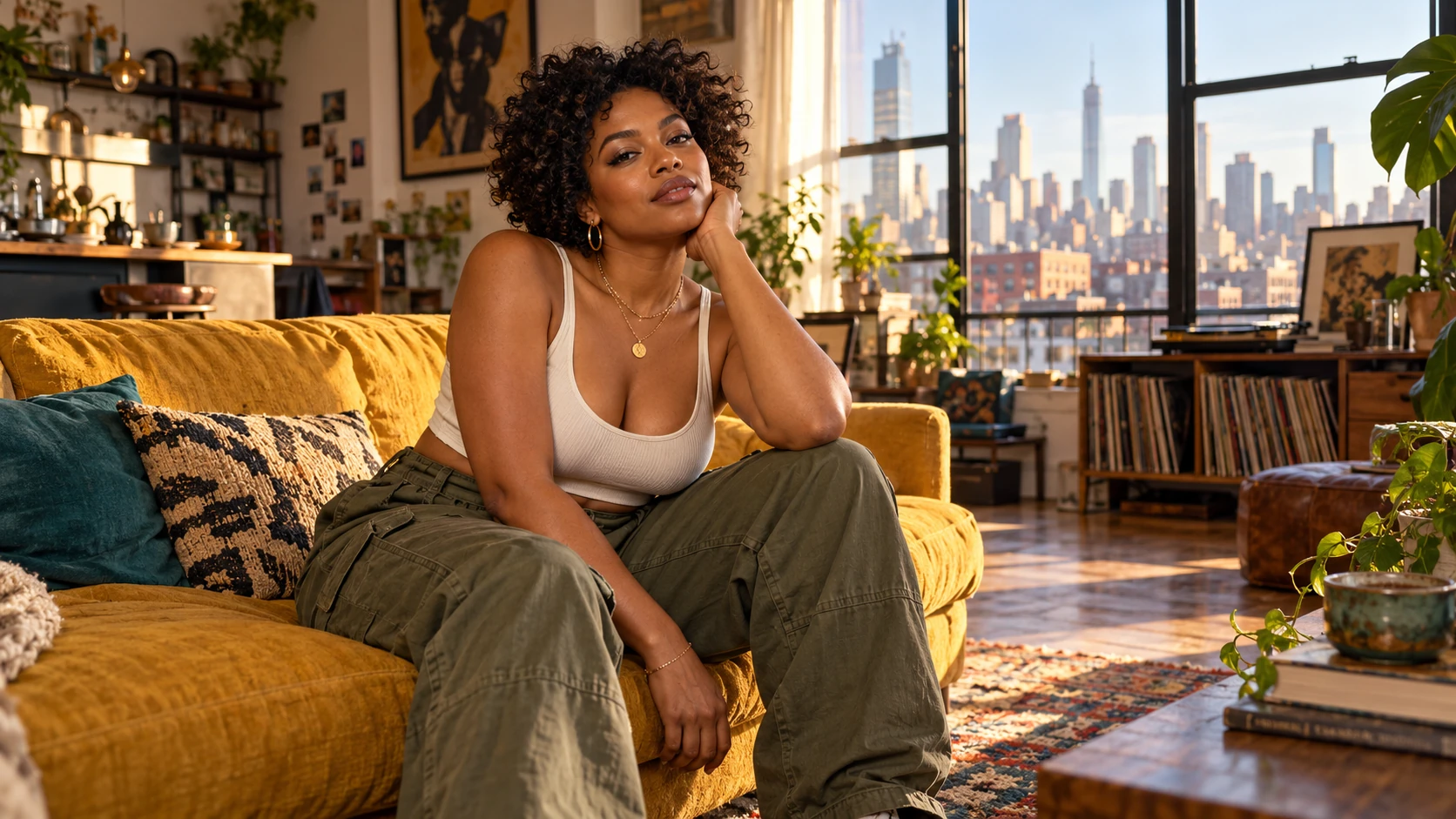
Pick a source where the head, shoulders and hands are easy to distinguish. A relaxed seated or standing portrait is enough; you do not need a complicated action pose. Keep the subject large in the frame and retain a little space around the outline for the graphic treatment.
Build an original city setting
Describe a simple skyline, a warm street or a quiet rooftop rather than requesting an existing game scene. Choose a palette such as amber and teal, then add one light direction. A few concrete setting details help support the portrait without filling every corner with competing objects.
Ask for outlines and large color shapes
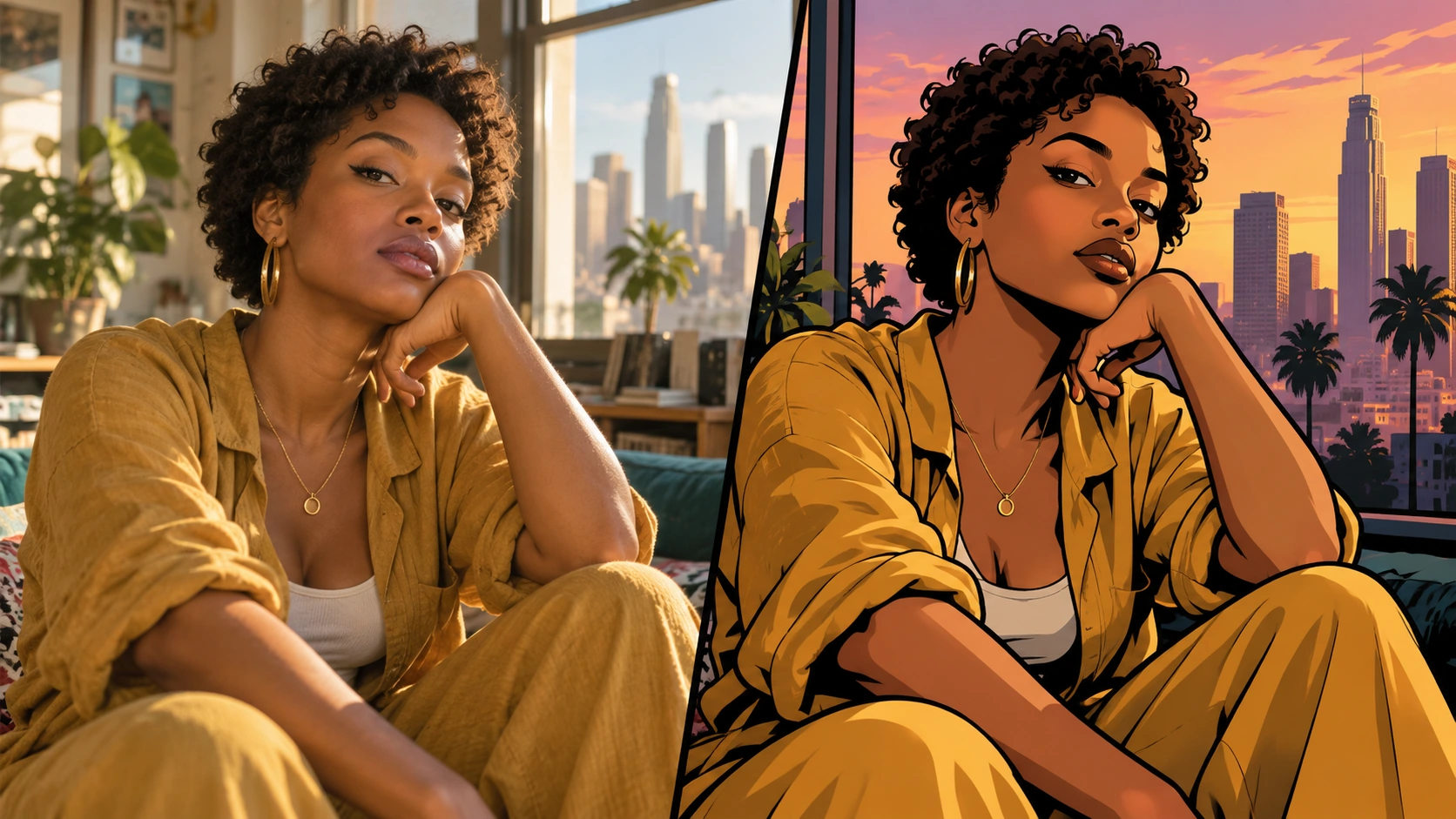
Use terms such as clean dark outlines, simplified shadow shapes and bold illustrated color blocks. State that the original face and pose should remain readable. Leave embedded titles and logos out of the first request. Check the available image settings and credit quote before generating.
Review the face at full and thumbnail size
Open the completed artwork in History. Inspect facial details, hands and the edges where clothing meets the background. Then view the image smaller to see whether the subject still stands out. Change one part of the brief if the background or effects overpower the portrait.
Create atmosphere through light and palette
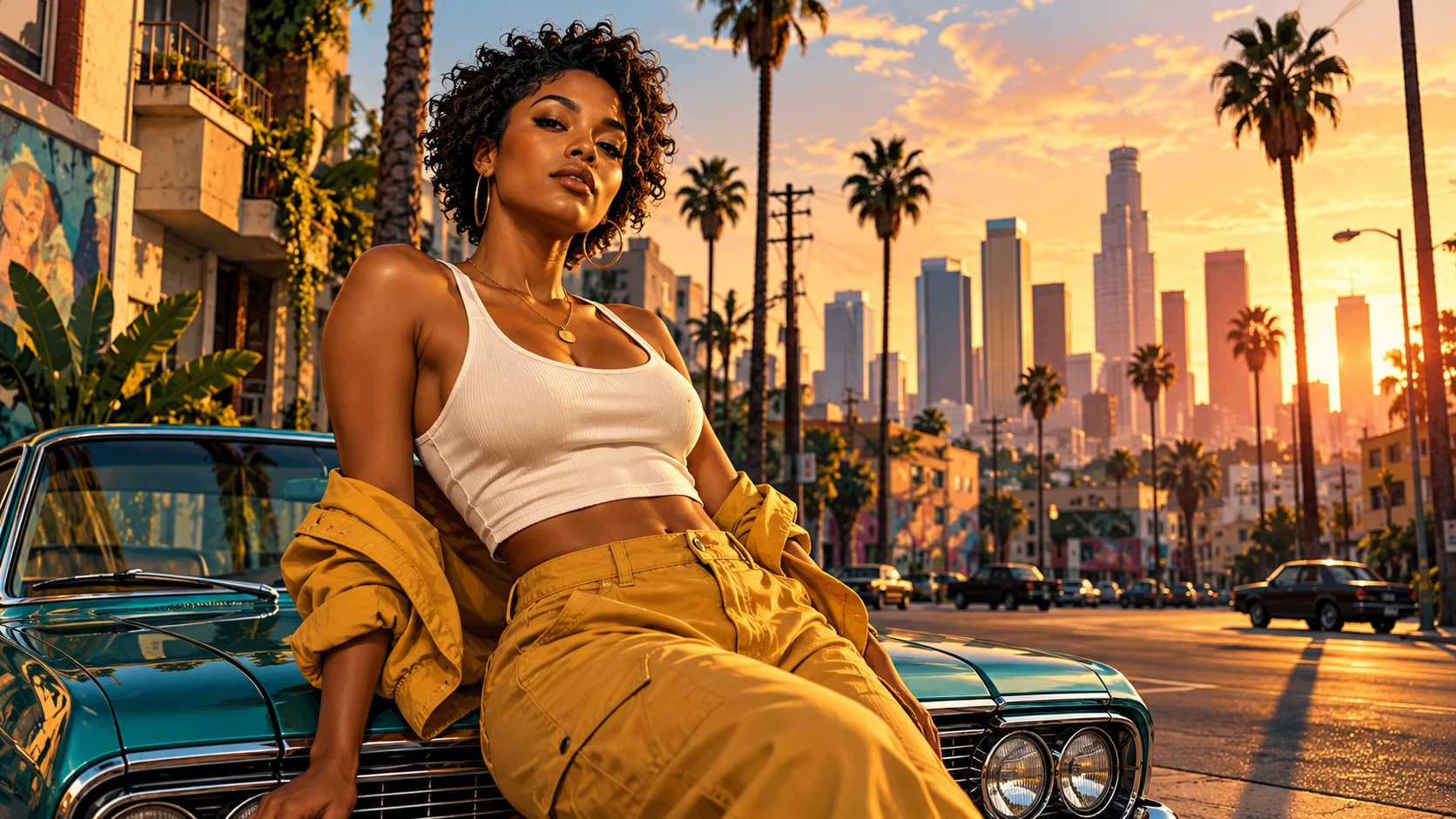
The mood does not need a complicated scene. Warm late-afternoon light, teal shadows and a restrained skyline can provide a strong urban direction. Choose one time of day and describe where the main light comes from. Avoid mixing a sunset, neon night lighting and midday shadows in the same first brief. If you want an original car or street detail, keep it secondary to the face. Use a later attempt to add a specific setting element after the portrait and color balance work. Compare those attempts with the same source so the new detail has a clear purpose.
Keep the portrait central in the city scene
A city-light profile portrait
Keep the source pose and use a simplified skyline with warm rim light. Leave the face clear of heavy shadow. Compare whether the outline stays readable in a square profile crop before selecting the image.
A relaxed street-poster idea
Use a seated adult portrait and an original street setting with only a few strong background shapes. Choose a limited palette and keep props away from the face. The pose and expression can carry the scene without an elaborate action story.
A bold announcement graphic
Plan negative space for a short headline while keeping the subject prominent. Generate the artwork first, inspect it, then build the text layout around the selected version. This gives the message a clearer place to sit.
Leave room for your own finished layout
If the artwork will become a poster or announcement, plan where a headline could sit. Ask for a calm area above or beside the subject, then add precise lettering in your design workflow after choosing the image. This keeps the illustration brief focused on the person and scenery. The picture can use a broad visual language associated with graphic urban posters while remaining an original composition; avoid requesting copied cover art, official logos or a specific existing layout. Check the final crop, face and hands before publishing the image, especially if the feed version is much narrower than the original.
The portrait is too photographic
Strengthen the direction for illustrated outlines and broad flat shadow shapes. Reduce phrases asking for photo realism. Keep the source face and pose as the reference while changing the treatment rather than inventing a different person.
The city overwhelms the face
Simplify the skyline and reduce background detail. Ask for stronger separation around the head and shoulders. Keep one light direction and a smaller palette so the subject remains the main graphic shape.
Hands or facial details look unclear
Use a clearer source and a less complicated pose. Remove extra accessories or action instructions from the next request. Inspect the completed artwork at a useful size before choosing a version for your post.
GTA Style AI Photo Generator FAQ
Do I need a city background in my photo?
No. The source mainly helps establish the adult subject and pose. Describe an original city or rooftop setting in the text. A simpler source can make the intended person easier to identify.
Can I start with only a written idea?
Text to Image creates an original scene with a fictional adult from the description. It does not use uploaded references. Use Image to Image when the portrait should be based on your own photograph.
Can I keep my clothes and expression?
Include those details in the preservation instruction. Keep the clothing and face visible in the source, then compare them in the result. Avoid adding a new pose, outfit and hairstyle all at once.
Can I add a title to the poster?
You can plan space for one, but precise text is easier to manage in the finished layout. Generate the portrait first, inspect the image, then add the headline using your design workflow or a separate lettering image.
How do I compare a different palette?
Keep the source and composition brief steady while changing the color direction. Read the quote before submitting the new attempt. Use History to compare the completed images rather than generating the same version repeatedly.
Build the next part of your image
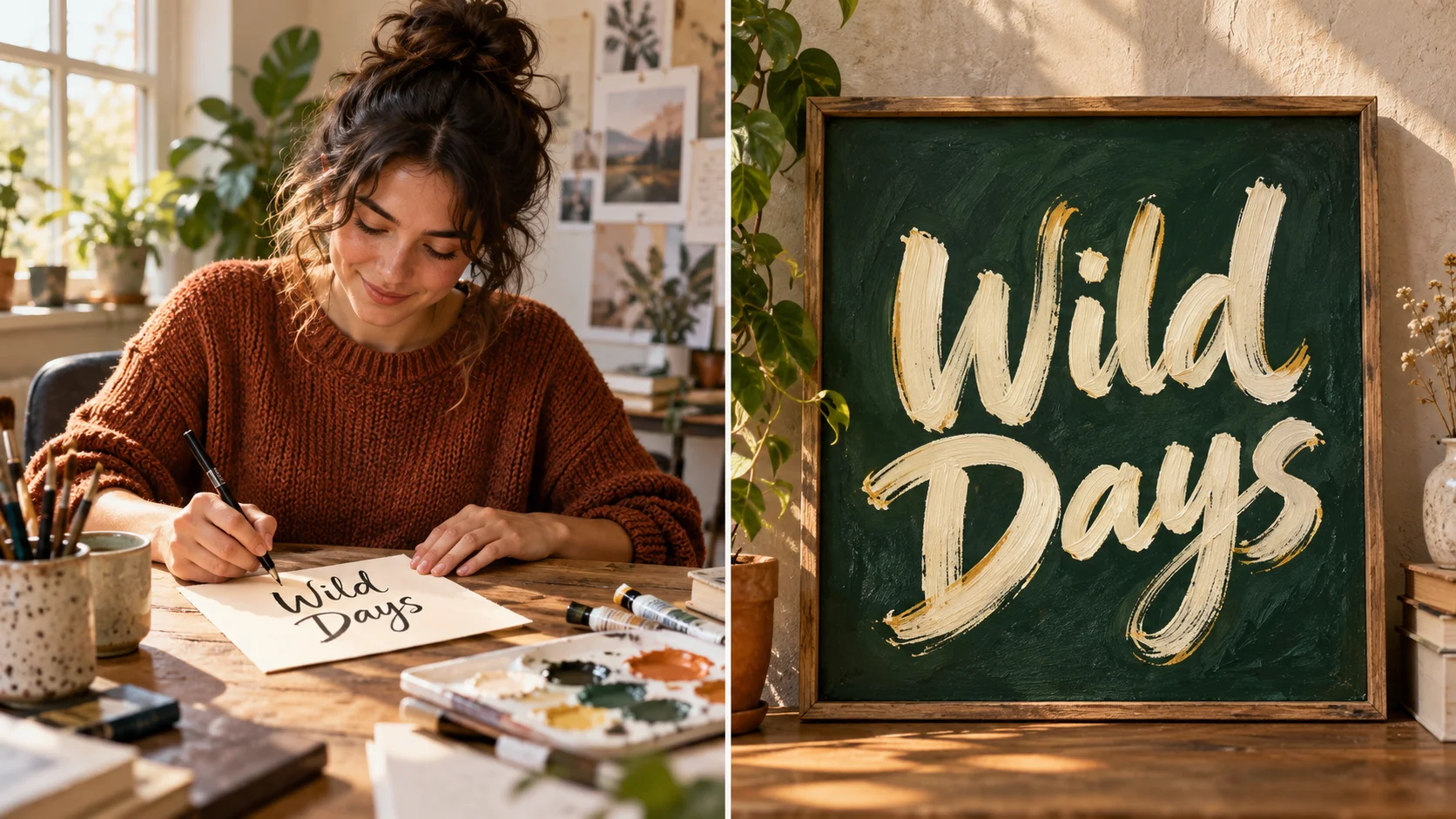
Make a separate poster headline
Develop a short lettering image after choosing the portrait composition.
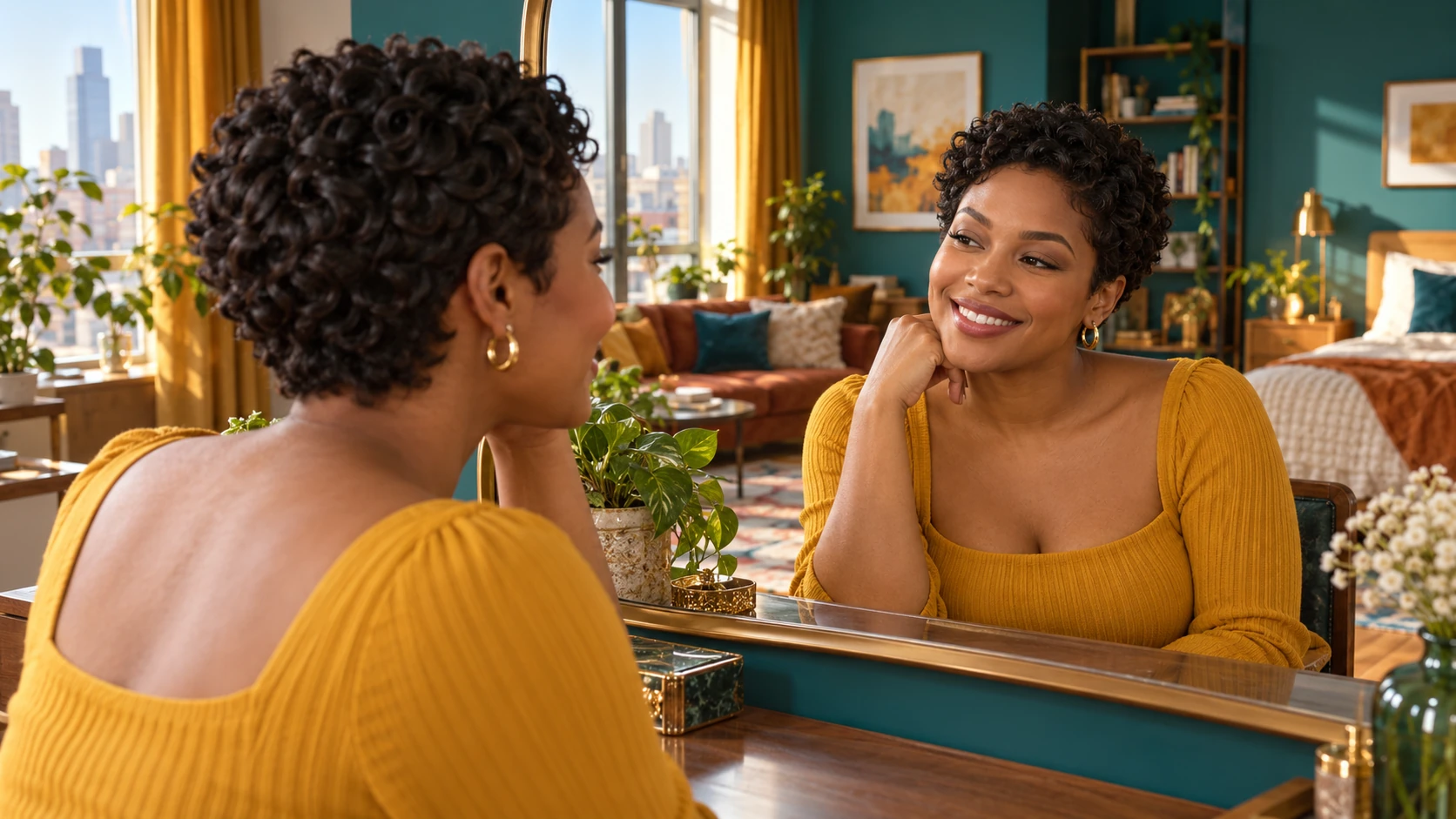
Plan the hair silhouette first
Explore a cropped hairstyle before changing the wider visual treatment.
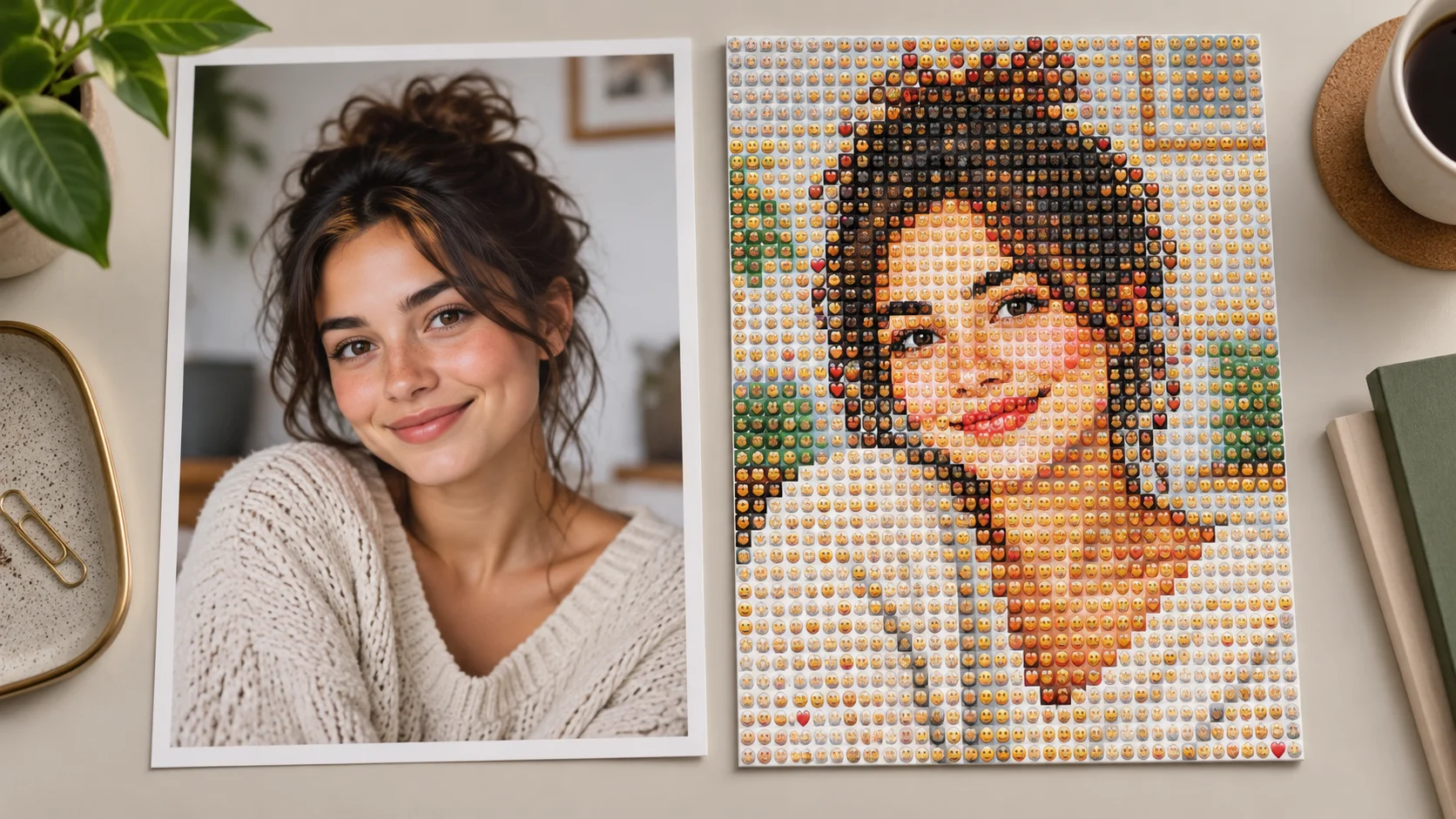
Explore a different graphic language
Compare an emoji mosaic when the next portrait calls for playful color tiles.
Choose the pose, palette and one city setting
Keep the first brief focused on a clear subject and strong graphic shapes. Review the quote, generate and inspect the face and composition in History.
Create an urban portraitdotsai.pro · Updated
What's new on this page
- — Added editable example prompts and separate drafts for text and reference modes, with an action to restore the example.
- — Page content published. Updated page copy and content. Updated page images or videos. Updated page generator or navigation settings.