
A practical guide to longer hair portraits
AI Long Hair Filter: A Playful Social-Post Concept Workshop
Explore a longer hair silhouette
History
Plan the length before you generate
What does the long hair filter do?
It makes a new portrait with the longer hair you describe. Your photo supplies the face and pose; your text explains the end length, layers, texture and details you want to preserve.
How do I begin with my own photo?
Use Image to Image and upload one clear adult portrait. Describe a length that fits the crop, keep the face and clothes in your direction, then check the quote and generate.
Can I try it without buying credits?
Check the balance and eligibility shown for your account. Available eligible credits may cover the selected attempt. If they do not, current Pricing shows the options before you decide whether to purchase more.
What needs to be visible in the image?
Show the full head, hairline and shoulders. For hair extending below the shoulders, include the upper torso too. Avoid a crop that removes the space where the new ends should appear.
How much does a long hair image cost?
Read the live credit amount after choosing the available image settings. Use that current quote for the attempt you are preparing. Selecting a photo or revising the wording does not submit a generation.
How soon can I compare the portrait?
The selected settings and queue affect completion. Follow the task in History after submission. Open the completed image there, compare it with the source and download the version you want to keep.
See how a longer hair silhouette frames your face before choosing a new portrait direction. The AI Long Hair Filter on dotsai.pro uses a photo and a written description to explore added length, layers and movement. Leave enough room around your shoulders, choose where the ends should fall and keep the first brief focused on hair. Below, you will find a practical way to prepare the photo, compare lengths and refine the version you prefer.
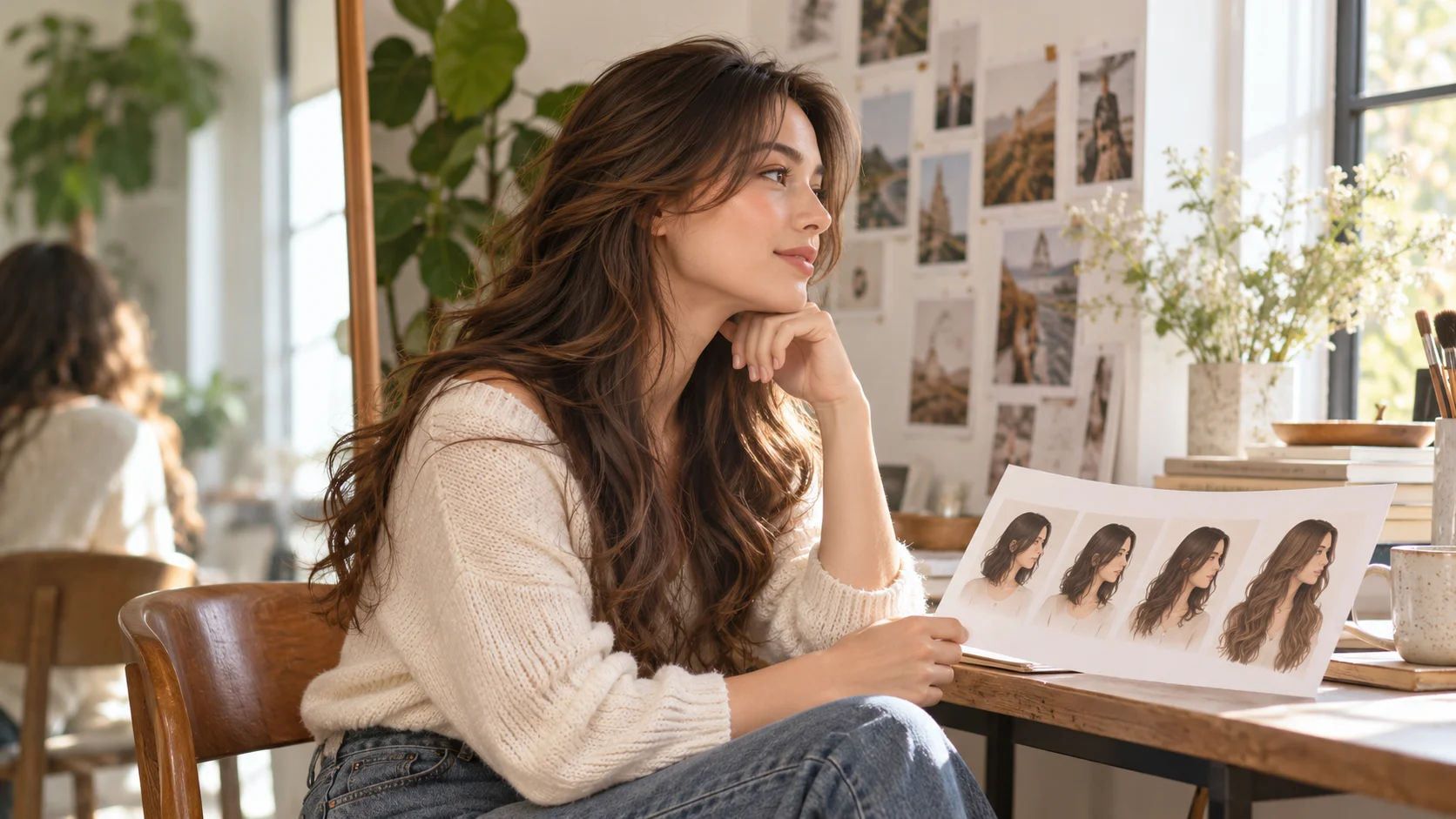
Preview longer hairShow the space where longer hair will fall
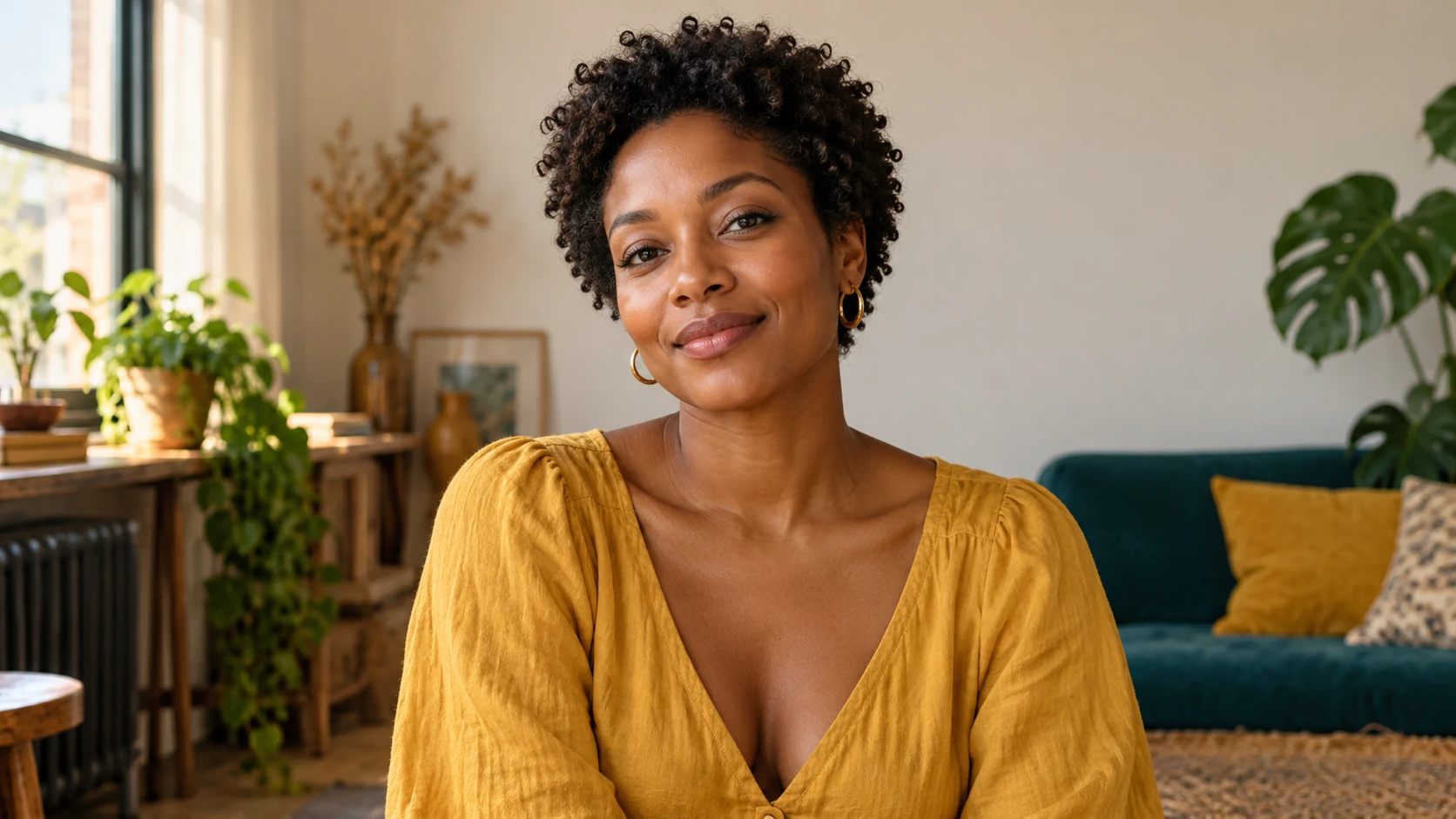
Give the new length enough photographic space
The most useful source is not always the closest selfie. Longer hair changes the silhouette around the neck and shoulders, so a wider view gives you more of that relationship to evaluate. Look for a portrait with an uncluttered background and enough contrast between the clothes and hair. Hair can disappear against a dark jacket, while strong background patterns make edges harder to inspect. Keep a little space above the head as well, especially if you want extra volume at the crown. Choose a photo that already supports the length you want rather than asking the model to invent most of the body and room.
How to use the AI Long Hair Filter
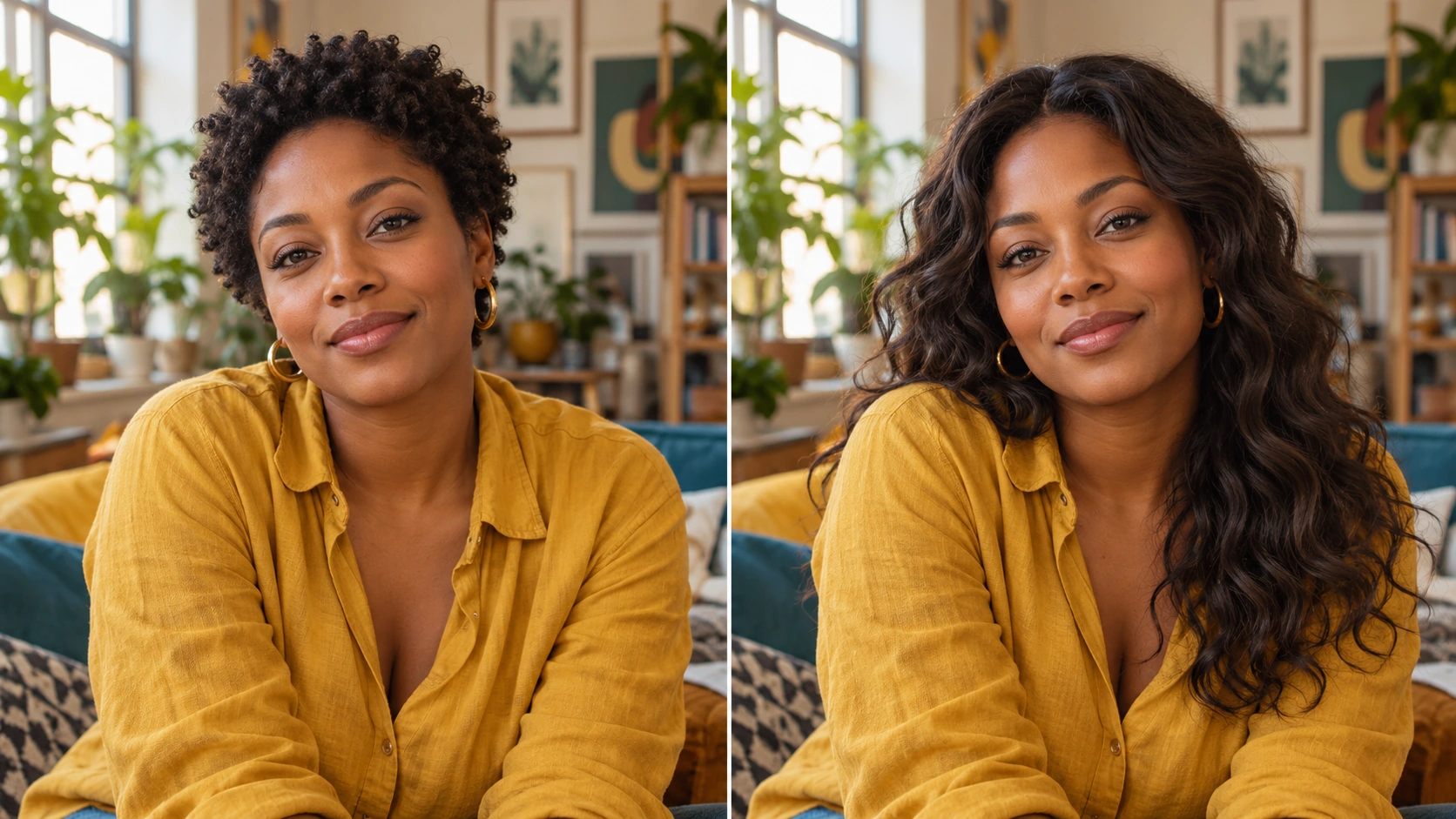
Choose a crop with room below the chin
A wider portrait gives longer hair somewhere to fall. Include both shoulders and the top of the chest when possible. Keep the face sharp and well exposed. If you only have a tight selfie, choose a modest shoulder-length idea rather than asking for ends that would extend far beyond the picture.
Name the length and the texture
Specify the end point first: touching the shoulders, just below them or toward the upper chest. Then choose straight hair, loose waves or the source's natural curls. Add a layer direction if it matters, such as soft face-framing layers beginning near the jaw. Keep your original color for the first comparison.
Keep the portrait around the hair steady
Ask to preserve the same face, skin tone, expression, clothes and background. Mention the source's light direction so the added length belongs in the photograph. Review the settings and current credit quote. When the input and description are ready, submit one attempt.
Check the ends and the hairline
In History, look at where the hair meets the shoulders and whether the ends have a coherent shape. Inspect the parting, temples and strands near the ears. If the length is useful but the volume is excessive, change the volume instruction while keeping the same source and length target.
Use length, layers and volume as separate controls
These three ideas do different jobs in a hair brief. Length describes where the ends fall. Layers describe how shorter sections meet the longer outline. Volume describes how far the hair sits away from the head and shoulders. A prompt that says very long, very layered and very full may create a shape that is difficult to compare with your source. Begin with one clear end point, soft layers and moderate volume. Keep the color unchanged while you review the result. Once that outline works, you can decide whether a smoother finish, a deeper wave or more movement would improve the portrait.
Review the hairstyle as a complete portrait
From a crop to shoulder-length waves
Choose a front-facing portrait with room at both shoulders. Ask for loose waves ending just below the shoulder line and keep the original color. Compare the overall balance before asking for extra length or a different fringe.
Longer curls with a visible outline
Keep the curl texture in the description and specify where the longest curls should end. Moderate volume helps the face remain easy to see. Review how the curls sit near the jaw and whether the ends are distinct from the clothing.
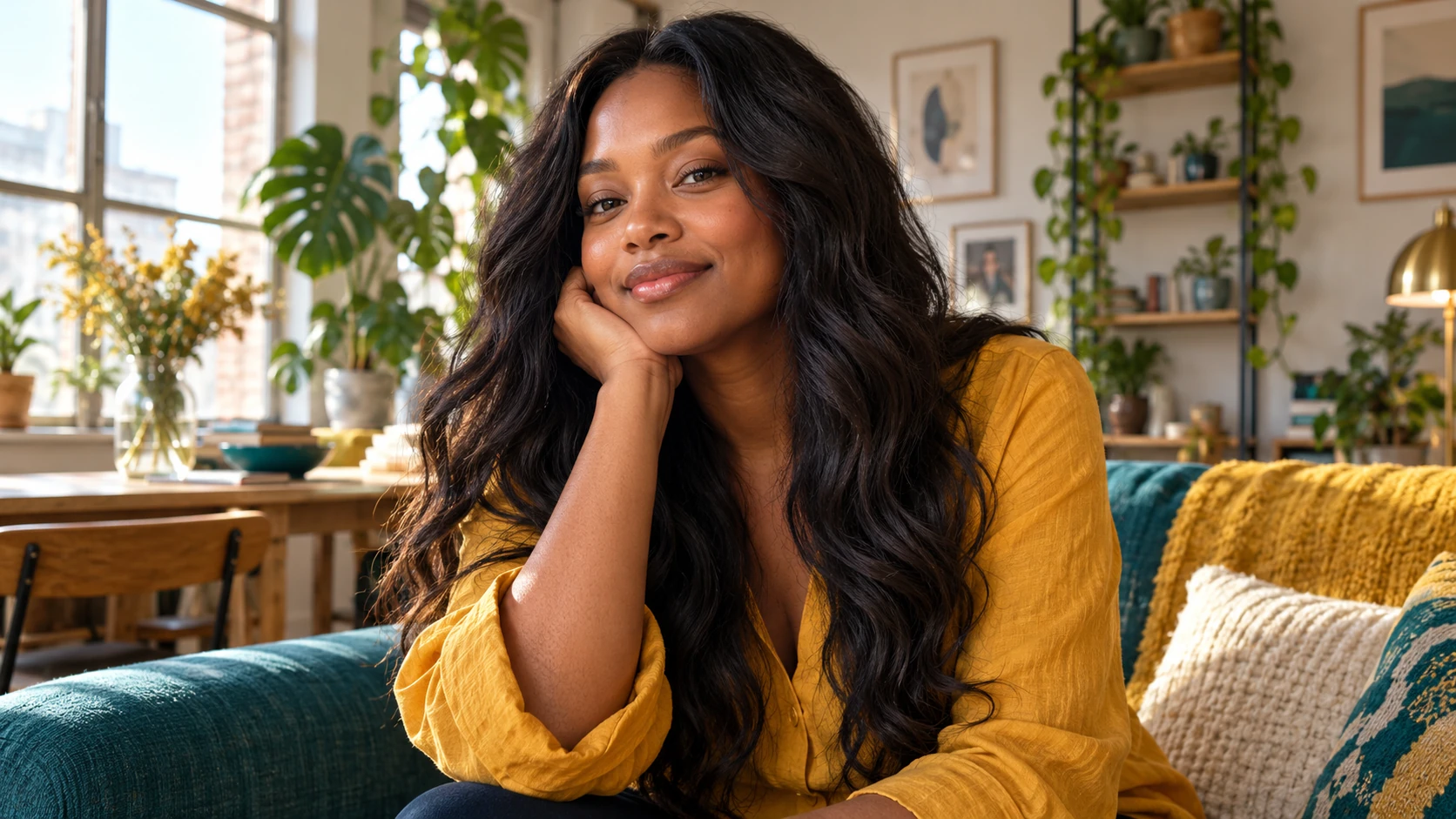
A relaxed portrait for a personal post
Keep the room, light and expression familiar while exploring longer hair. A simple setting makes the change the clear subject of the picture. Plan the final post crop so the new ends are still visible after you resize it.
Build a comparison you can explain
Use the same source photo for two different length ideas and view the outputs at the same size. Notice whether the face remains the focus, how the hair narrows or widens the outline and whether the shoulders are still clearly separated. Save your preferred portrait with the short description that produced it. This makes the image useful when discussing a styling idea or planning a social profile. It is a visual exploration rather than a forecast of hair growth. Your existing texture and day-to-day styling still matter when you translate the image into a real hair decision.
The hair is cut off at the bottom
Upload a wider portrait or choose a shorter target length that fits the existing frame. Mention that the complete hairstyle should remain visible. Do not rely on a tight face crop for a long, full-body hair concept.
The added length looks too heavy
Reduce volume and describe lighter ends or soft layers. Keep the face and shoulders visible. Change that one instruction before adding a new color, outfit or background to the next request.
The color or face drifted
Repeat the instruction to retain the source hair color and facial features. Use a naturally lit reference with less filtering. A focused length-only request makes the intended change easier to evaluate.
AI Long Hair Filter FAQ
Can I preview long hair from a short haircut?
Yes, describe the longer shape you want and use a source that includes the shoulders. The completed portrait gives you a visual direction to compare. Check the hairline and face as well as the added length.
Can I use this without uploading a photo?
Text to Image can create a fictional adult with the long hairstyle you describe. Uploaded references are not used in that mode. Use Image to Image when the idea needs to be shown with your own portrait.
Should I choose a side view or front view?
A front or slight three-quarter view usually makes it easier to compare the full outline and both sides of the face. A side view can emphasize length, but it gives less information about the opposite side.
Will this show how my hair will grow?
No. It creates a styled image of a longer hair idea. Real growth, density and texture are separate from that image. Use the portrait as a visual reference for the length and shape you like.
Can I change color in the same attempt?
You can include a color direction, but comparing length first gives a clearer starting point. Once you have a useful silhouette, keep it in the brief and explore color as the next deliberate change.
Build the next part of your image
Pick the end point, then refine the shape
Prepare a portrait with visible shoulders, choose one length and keep the first description focused. Check the quote before generating and compare the completed image in History.
Preview longer hairdotsai.pro · Updated
What's new on this page
- — Added editable example prompts and separate drafts for text and reference modes, with an action to restore the example.
- — Page content published. Updated page copy and content. Updated page images or videos. Updated page generator or navigation settings.