
A portrait guide for your next hairstyle idea
Is AI Hairstyle Online Free? Build a Hairstyle Idea for a Social Post
Try a hairstyle in your portrait
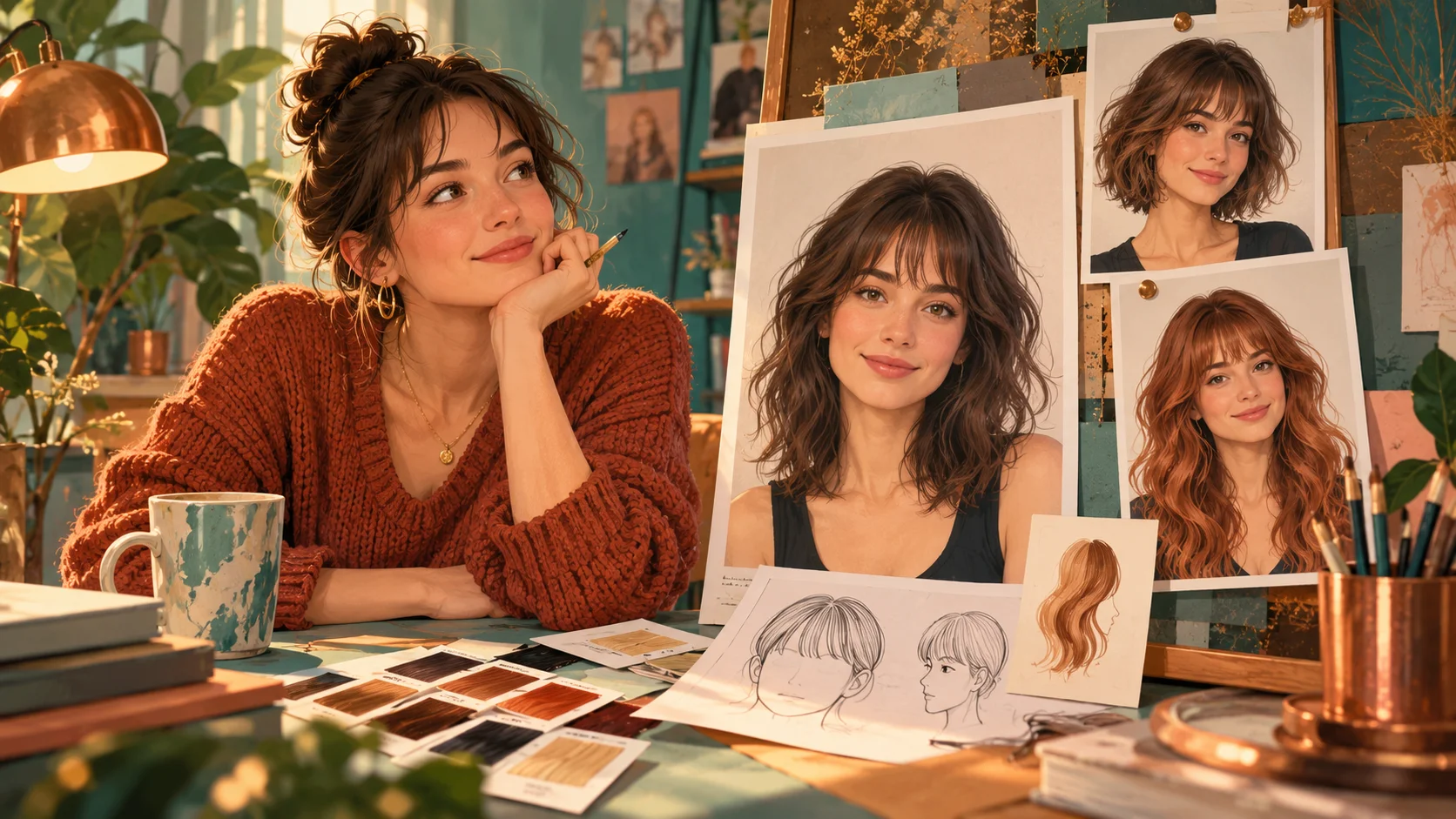
History
Choose your starting point
What does the hairstyle generator make?
It creates a new portrait showing the hair direction you describe. Use your own image to explore a cut, fringe, color or texture while asking the model to keep the face and expression recognizable.
How do I try it on my photo?
Choose Image to Image, upload one adult portrait and describe one hairstyle. Select the available image options, check the quote and submit. Review the finished portrait in History.
Can I use an AI hairstyle online free?
Your account's eligible credits and current access determine whether you can generate without a new purchase. Check the displayed balance and quote. If credits are insufficient, see current Pricing before continuing.
Which photo works best?
Use a sharp head-and-shoulders portrait with the full hair outline visible. Keep hats, hands and strong shadows away from the hairline. A simple background makes the change easier to inspect.
How are credits calculated?
Use the live credit quote for the selected image settings. Changing an available model, size or quality option can change the requirement. Preparing the description does not submit a job.
When can I see my new hairstyle?
Completion depends on image settings and the current queue. History shows the submitted task and its result. Wait for that status rather than repeatedly generating while the first image is processing.
A haircut is easier to discuss when you can show the shape you mean. Use the hairstyle workspace on dotsai.pro to explore a fringe, a new length or a different texture in a portrait before planning your next look. Begin with one clear adult photo and one specific hair idea. If you arrived looking for an AI hairstyle online free option, check the credits and access shown for your account before generating. The guide explains the process without assuming every option is free.
Explore a hairstyleLeave room for the hairstyle
Turn a vague makeover into a useful hair brief
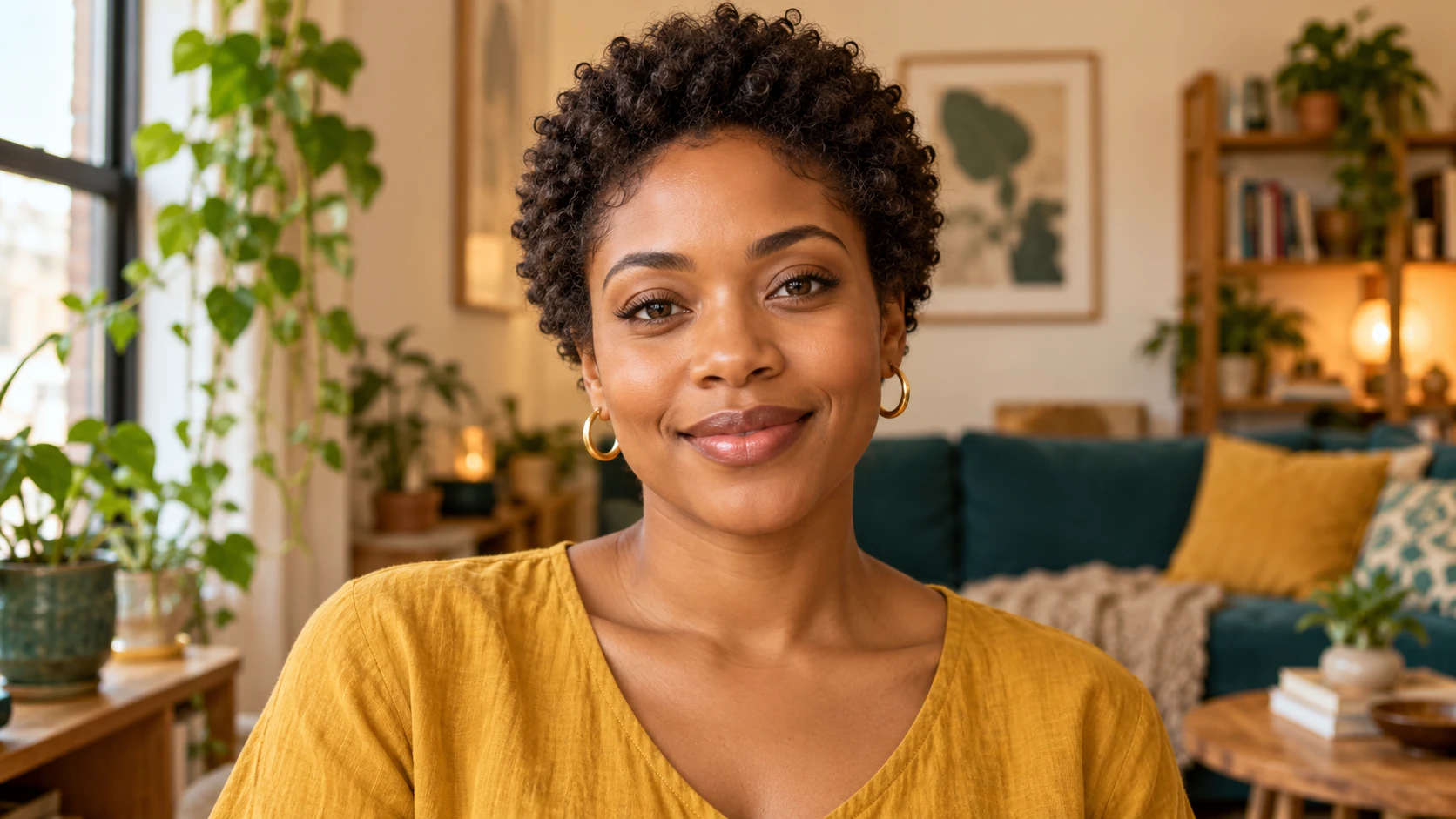
A request such as give me a new look leaves the important decisions open. Start by choosing the point where the hair should end: above the ears, at the chin, at the shoulders or below them. Add a parting and fringe direction, then name the texture you want to preserve. These details describe the visible shape without relying on a photograph of someone else's face. You can also mention whether the ends should look blunt or softly layered. Keep the first description short enough that you can explain why you prefer the result. Once the silhouette works, develop the smaller styling choices.
How to preview a hairstyle from a photo
Photograph the whole hair outline
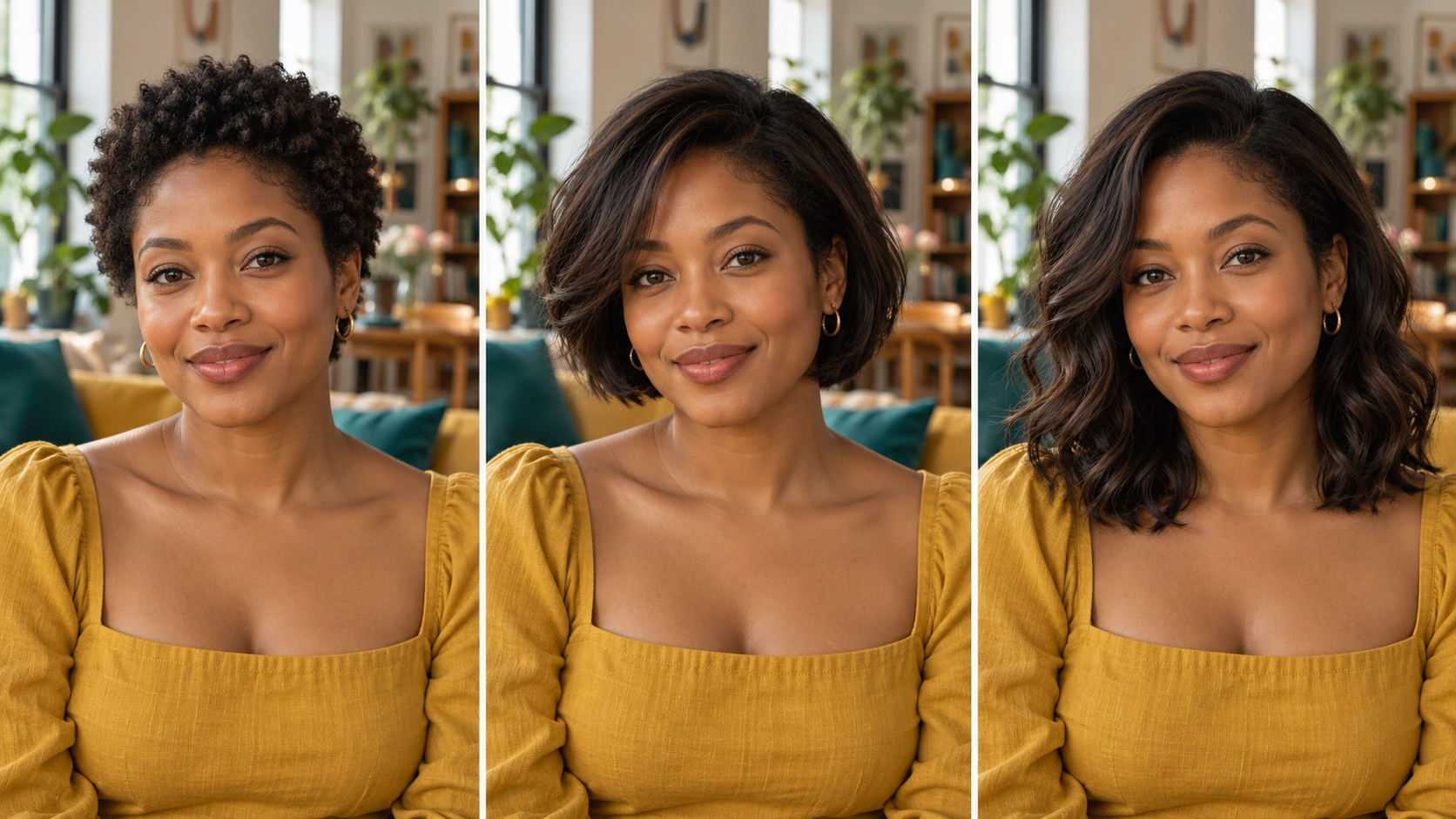
Choose a front-facing or gentle three-quarter portrait and leave room above the head and beside the shoulders. Hair cropped at the image edge is difficult to evaluate after a length change. Use light that shows the forehead and both sides of the face. Keep the original crop for comparison.
Write the cut in ordinary hair terms
Describe the length, parting and fringe before adding color. For example, ask for a shoulder-length layered cut with a center part and soft curtain fringe. If you have curls, say whether the new cut should keep that texture. This gives the model a clear silhouette to build around.
Say what should stay the same
Keep the face, expression, skin tone, clothes and background in your direction unless you want one of them changed. Avoid adding a new pose or dramatic scene during the first comparison. Check your chosen settings and credit quote before submitting the portrait.
Compare the outline before the small details
Open the result in History and first check the length at the jaw and shoulders. Then inspect the hairline, fringe, parting and the way strands sit near the ears. Save the version that best communicates the idea. If the cut is right, use a later attempt to refine color or volume.
Compare length, texture and color in separate rounds
A copper bob and long dark waves change several things at once, so it can be hard to tell which part you like. Start with your existing color and a new length. On the next attempt, keep that length and adjust the fringe or texture. Explore color after you have a shape you want to keep. Use the same photo and crop throughout the comparison. Notice how volume sits beside the cheeks, how the ends meet the shoulders and whether the fringe leaves the eyes visible. This process gives you a small collection of deliberate options that you can discuss clearly.
Picture the hairstyle in everyday light
A fringe without changing the length
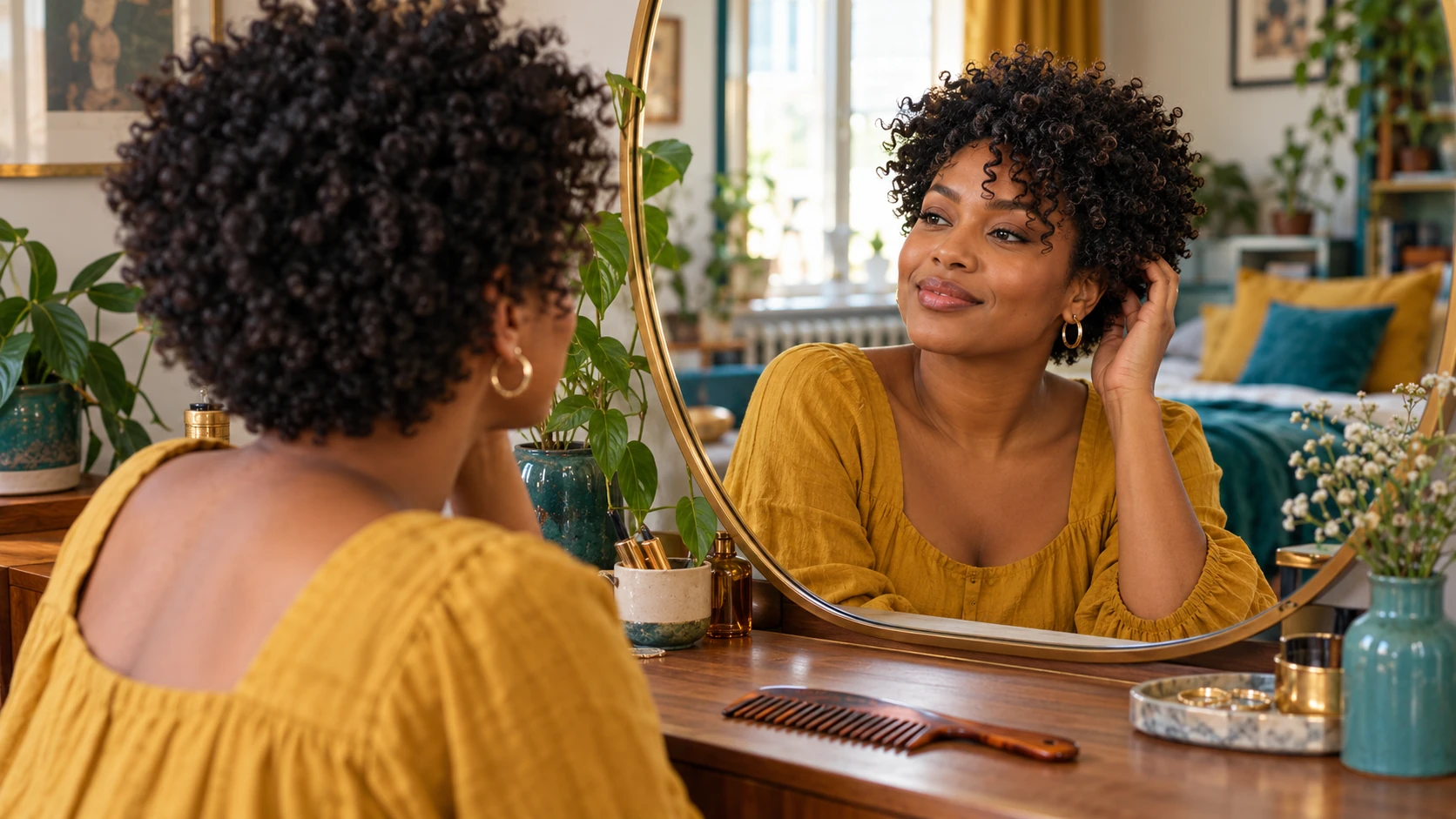
Keep the main cut and color steady while testing a curtain fringe or a softer cropped fringe. Compare how the hair opens around the eyes and joins the sides. This is a focused way to explore a visible change without inventing an entirely different style.
A shorter shape for a fresh profile
Try a jaw-length bob or textured crop using the same lighting as the source. Leave enough room around the head to see the silhouette clearly. Judge whether the hair frames the face in the way you wanted before selecting a profile image.
A color idea for a mood board
Choose one cut and compare a restrained color direction, such as warm brown or soft copper. Keep the skin tone and room light consistent so the color comparison remains useful. Add your own notes beside the finished portrait when planning the mood board.
Take a visual reference to the next conversation
A generated portrait can help you explain the mood and proportions you like. Choose the image because it shows a useful cut direction, then describe the specific parts you want to discuss: a softer fringe, more space around the jaw or a shorter back. Your current hair density, texture and styling routine still matter when planning a real haircut. Keep the source photo and your written description with the selected image so the visual does not become detached from the idea. For a social post, review face detail and hair edges at the final display size before sharing.
The hair grows beyond the crop
Use a source with more space above and beside the head. For longer styles, include the shoulders and upper torso. Name the intended end point so the next result has a clear length target.
The face or expression changed
Remove extra pose and beauty instructions. Ask to preserve the original face and expression while changing only the hair. A clearer portrait with unobstructed eyes is a better starting point than a heavily filtered selfie.
The new texture looks like a different idea
State whether the source's curls, waves or straight texture should remain. Describe the amount of volume and where the layers begin. Keep color unchanged until the texture and cut are closer to your brief.
AI Hairstyle Online Free FAQ
Can I make a hairstyle without a face photo?
Text to Image can create a fictional adult portrait with the hairstyle you describe. It does not use uploaded media. Choose Image to Image when you want the idea shown with your own face reference.
Should I upload a hairstyle reference as a second photo?
This page's standard image workflow uses one portrait. Describe the desired cut in the text rather than planning around an additional independent reference slot. Keep the description specific about length, fringe and texture.
Can I keep my natural curls?
Yes, make that part of the direction. Describe the curl texture, desired length and volume while asking to preserve the face and hairline. Inspect the result around the fringe and ears, where texture changes are easy to notice.
Does the portrait predict my real haircut?
It is a visual way to explore a styling idea. A real cut depends on your existing hair and the work of the person cutting it. Use the image to discuss the shape you like and the adjustments that would suit your hair.
Where can I compare my attempts?
Open History for the submitted portraits. Compare the images alongside the source and your notes. Changing the description prepares another attempt; submitting that attempt uses its own displayed credit quote.
Build the next part of your image
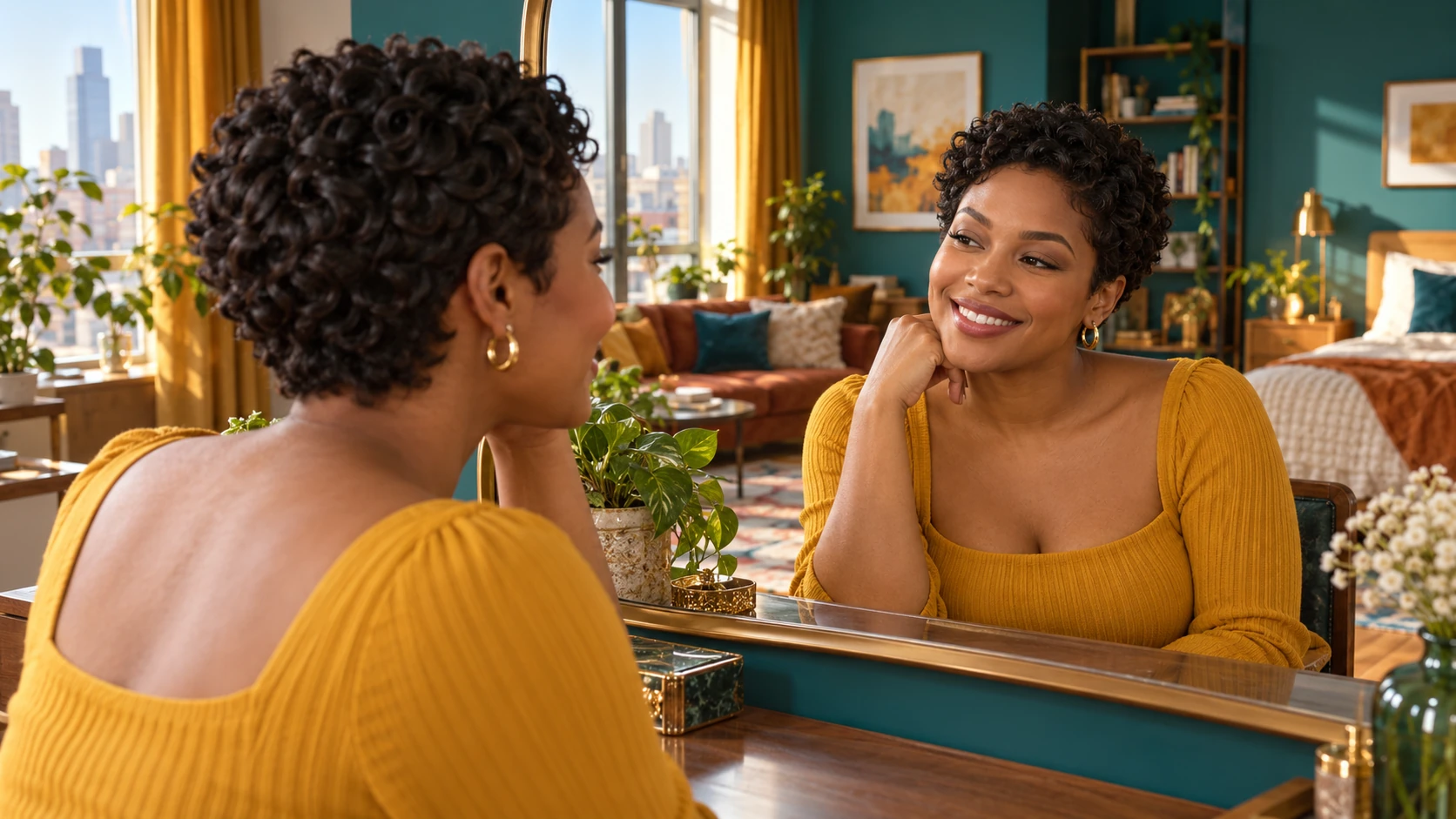
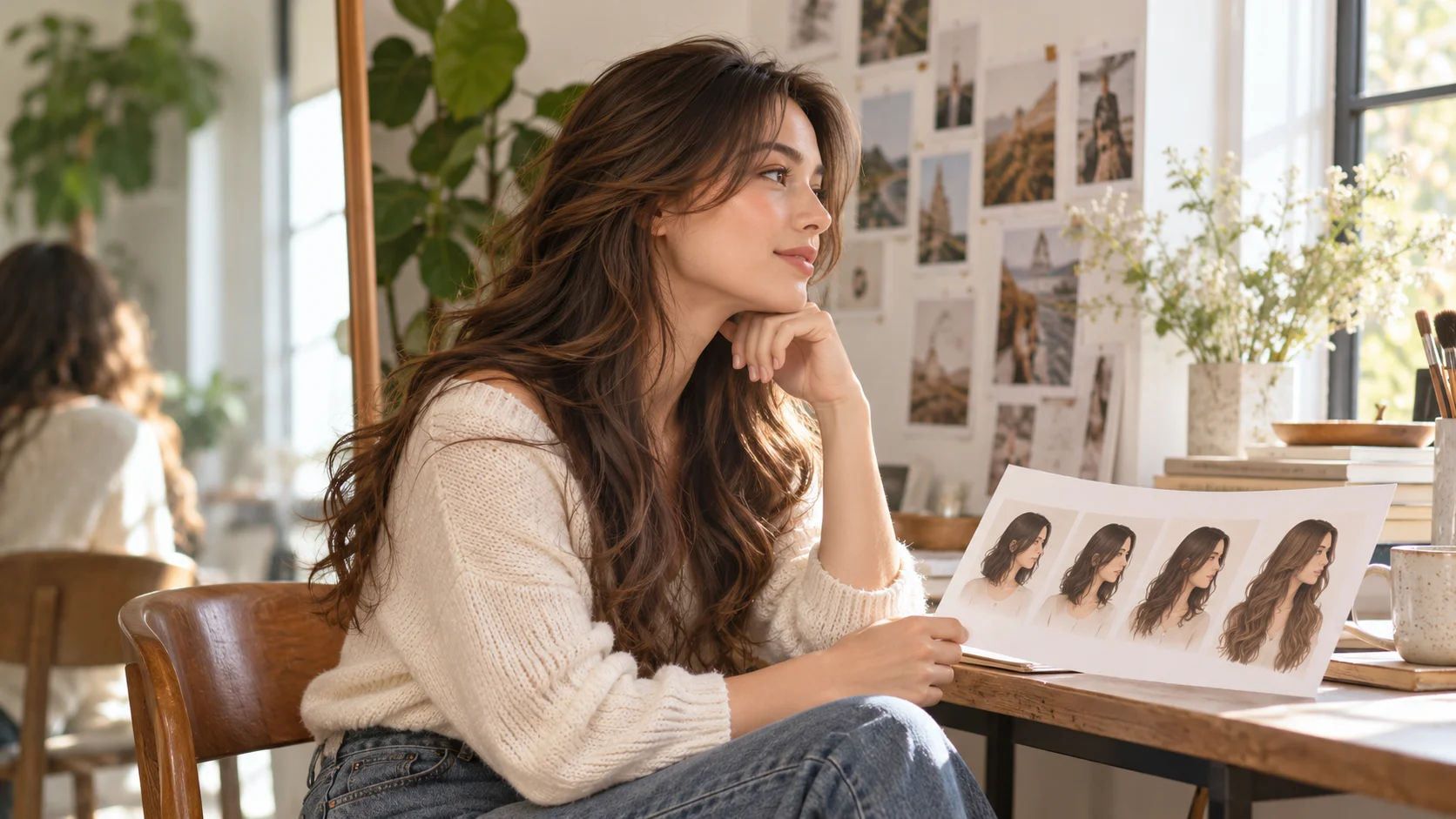
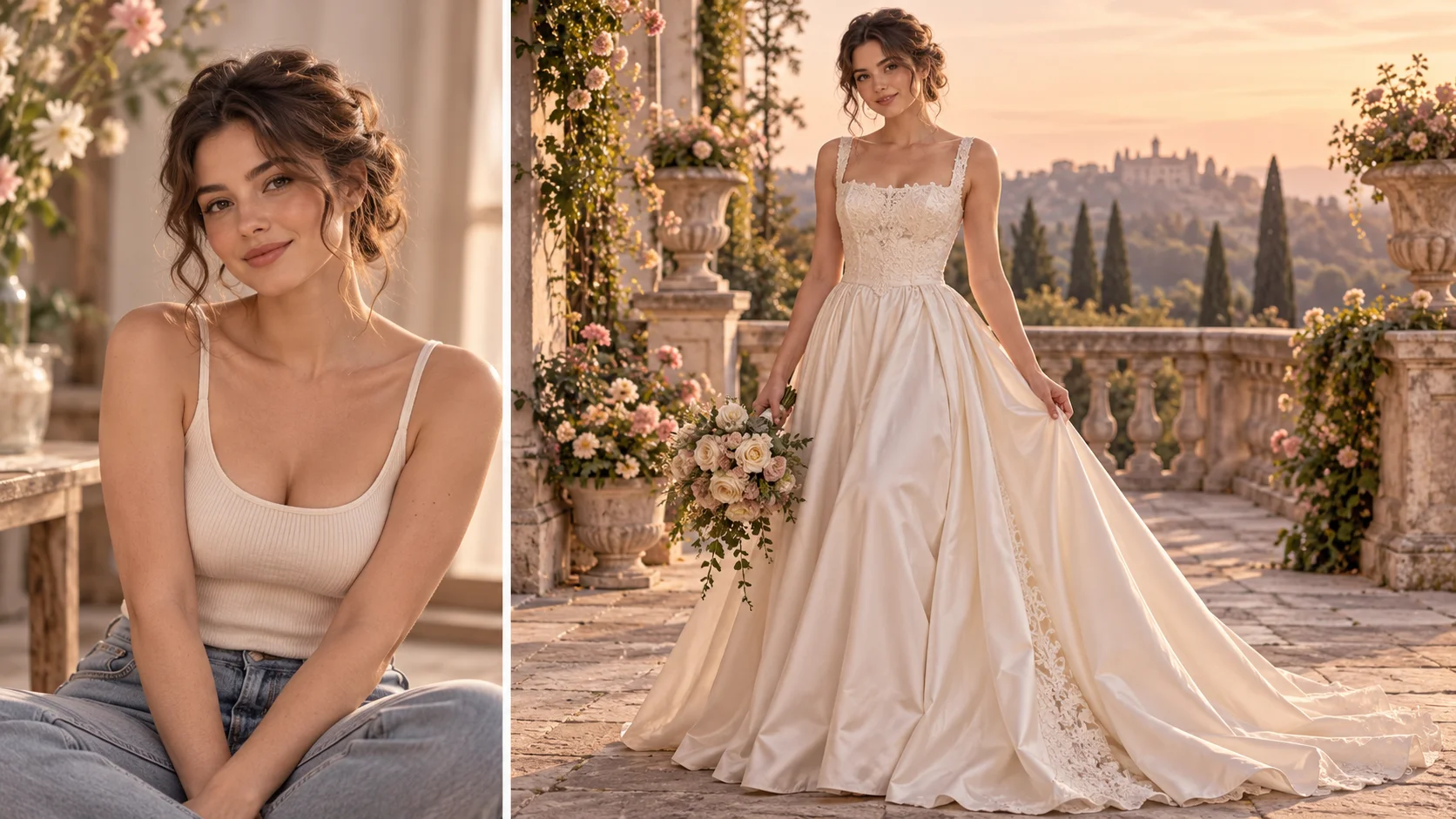
Choose one cut to explore first
Upload a portrait that shows the full hairline, describe the length and fringe, then read the quote. Compare your completed hairstyle in History before changing the next detail.
Explore a hairstyledotsai.pro · Updated
What's new on this page
- — Added editable example prompts and separate drafts for text and reference modes, with an action to restore the example.
- — Page content published. Updated page copy and content. Updated page images or videos. Updated page generator or navigation settings.