
A guide to appearance-age portrait ideas
AI Age Checker for a Playful Social-Post Concept
Explore a portrait's visual age impression
History
Understand the result before you begin
What does this AI Age Checker create?
It creates a styled portrait from your photo and written direction. You can explore a younger-looking or more mature visual treatment, then compare the impression. It does not return a verified age measurement.
How do I use my own portrait?
Select Image to Image and upload one adult portrait. Keep the face visible, describe a specific lighting or styling treatment, read the quote and generate when the brief is ready.
Is there a free trial?
Look at the credits and access shown for your account. If eligible credits cover the selected generation, you can use them. Current Pricing explains available purchases when your balance does not cover the quote.
What should the photo show?
Choose one adult, with visible eyes, natural skin detail and a clear face outline. A front or slight three-quarter view gives a useful starting point. Avoid beauty filters that conceal the details you want to compare.
What will I pay?
The generator displays the current credit requirement for your chosen settings. Check that amount after selecting the available image options. Opening the guide or preparing a photo does not submit a generation.
How long does a portrait take?
The queue and selected image settings affect processing. Follow the submitted task in History rather than relying on a fixed countdown. Open the completed result there to inspect and download it.
Curious how a portrait's styling changes its apparent age? The AI Age Checker workspace on dotsai.pro helps you explore that visual impression through a new portrait. Upload an adult photo, choose a photographic treatment and compare the face, expression and lighting. This is a creative image workflow: it does not determine a birth date or verify someone's age. Use the guide to keep the person recognizable while you experiment with the presentation.
Explore a portrait treatmentChoose a clear adult portrait
Separate facial detail from photographic styling
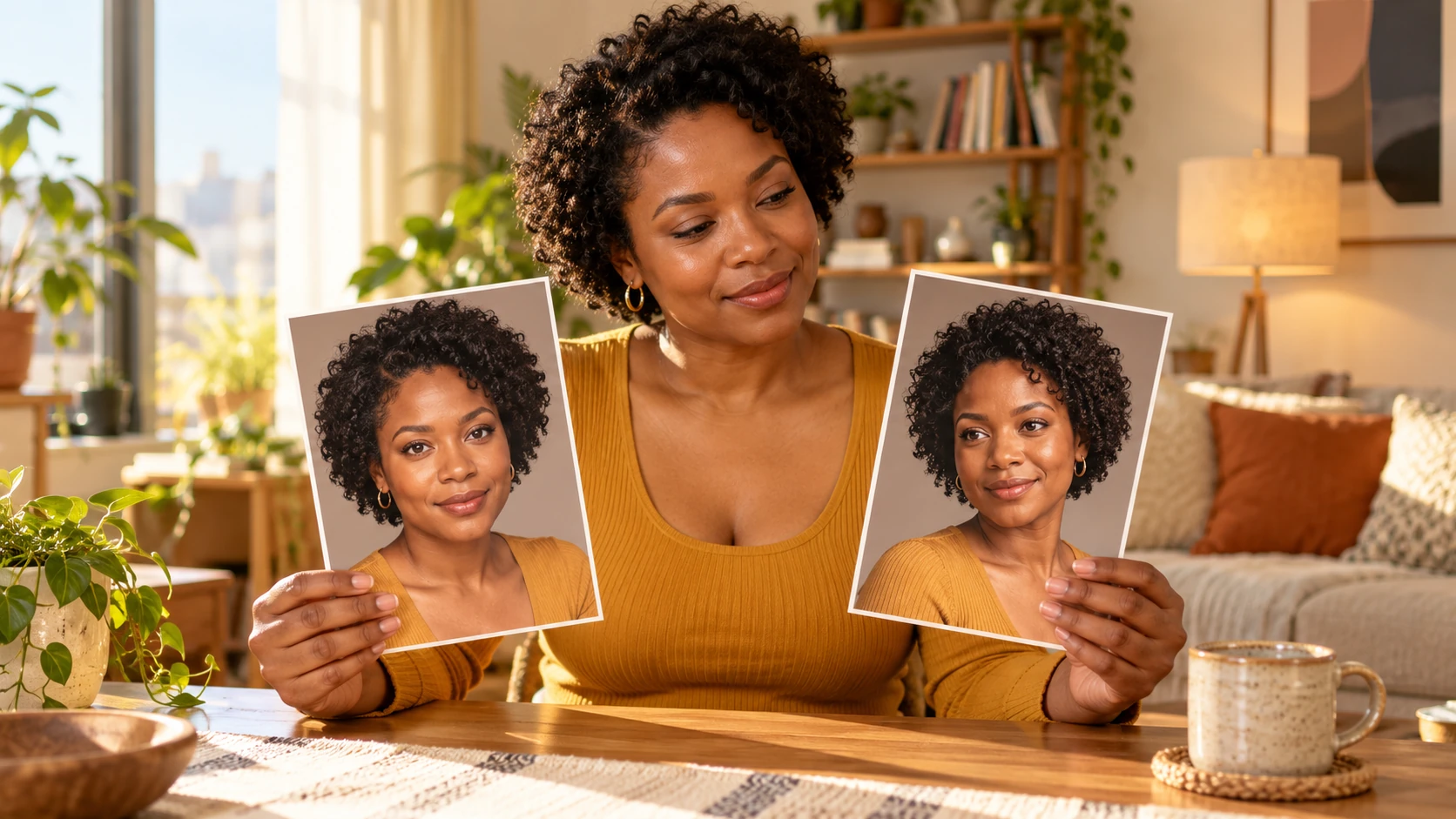
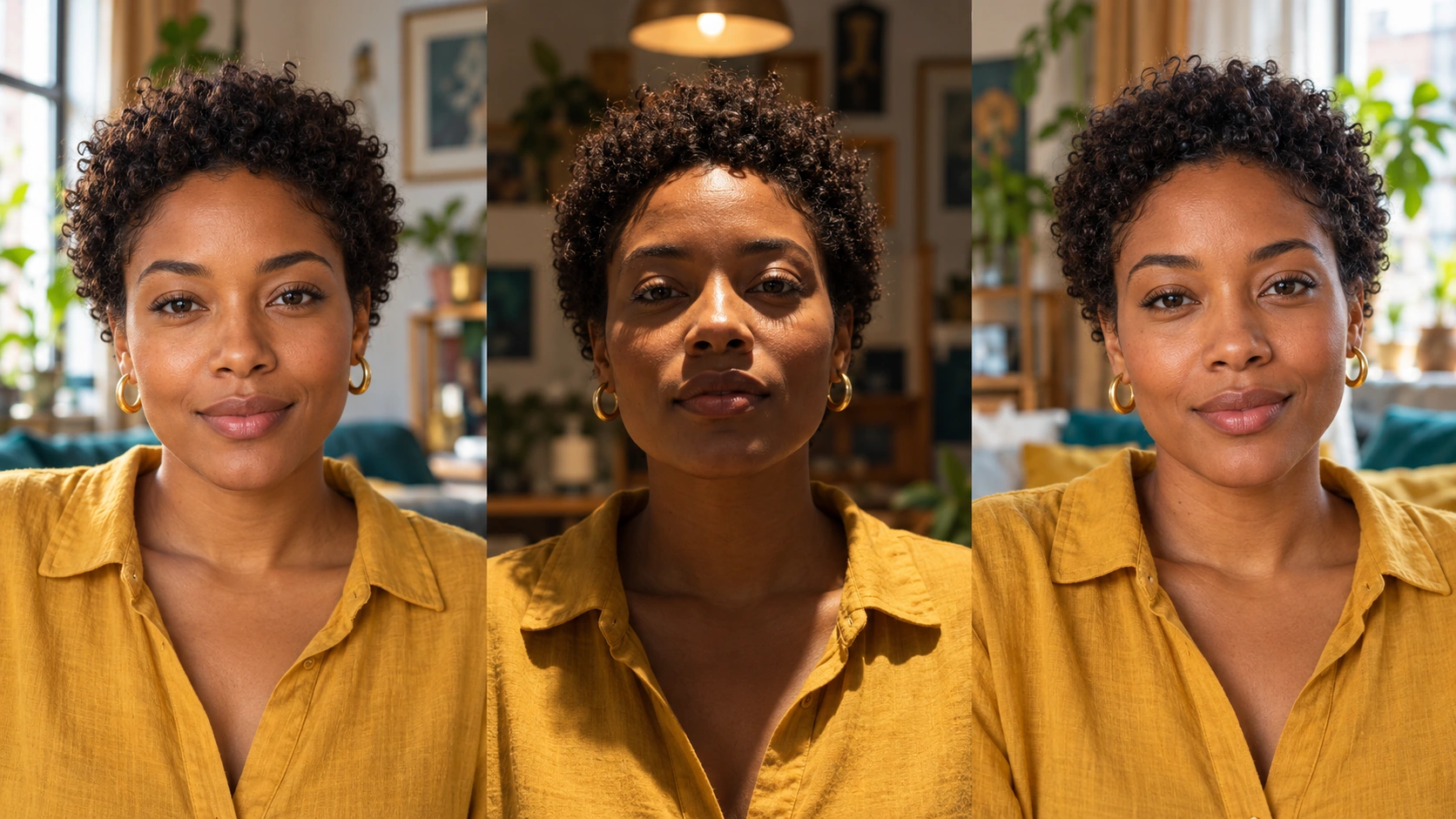
A face can read differently under a hard overhead light, a broad window or a warm evening lamp. Before changing anything, notice the source photo's shadows and expression. A smile changes the eye area; a low camera angle changes the jaw; a heavy filter removes texture. These are differences in presentation, and they can affect the apparent age impression without telling you the person's real age. For a useful first attempt, keep the camera angle and expression close to the source. Change the light or styling in a deliberate way, then compare the images at the same size. This keeps the exercise focused on visible photographic choices.
How to make an appearance-age portrait
Start with an honest view of the face
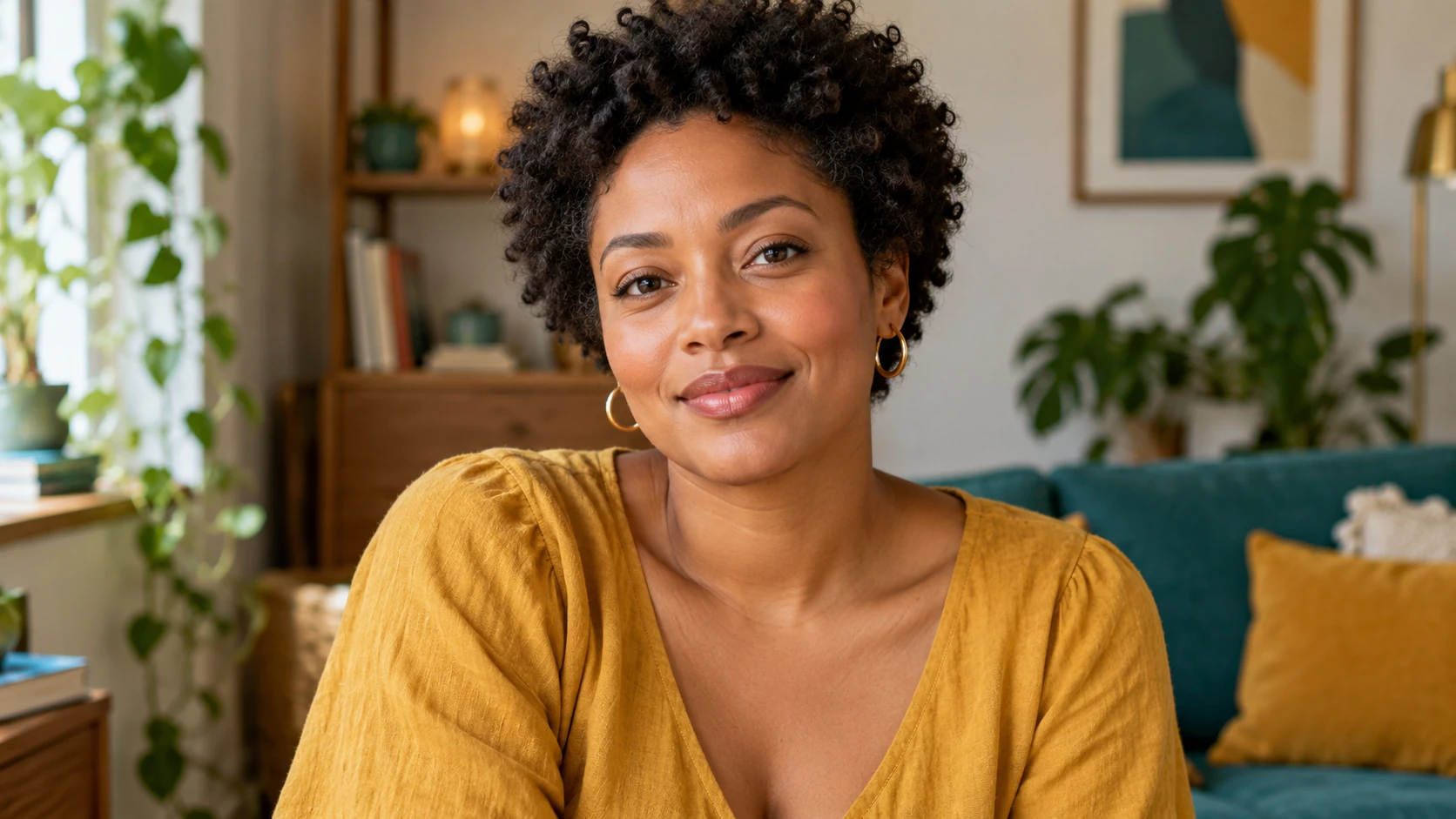
Choose a portrait with even exposure and a comfortable expression. Include the forehead, chin and a little space around the head so the model can preserve the face outline. If the source is a screenshot, crop away surrounding app controls. Keep the unedited photo beside you for a fair comparison.
Choose one visual question
Decide whether you want to examine soft portrait light, a different hairstyle, a more mature styling direction or a retro magazine treatment. Ask for one change first. A long list of changes to age impression, outfit, background and facial expression makes it harder to see what produced the difference.
Describe details instead of requesting a score
Use concrete photographic language: relaxed expression, gentle side light, natural skin texture and simple background. State that the same adult face should remain recognizable. Keep numbers, age badges and verification graphics out of the image; they do not help you compare the visual treatment.
Compare the completed portrait
Check the credit quote and submit when the photo and direction are ready. In History, compare eyes, jawline, expression and the way light falls across the cheeks. If you change the brief, keep the same source photo so the next attempt gives you a more useful comparison.
Write a portrait brief that you can evaluate
Begin with the subject, add a single treatment and finish with what should remain. For example, ask to preserve the adult's face and hairstyle while using soft daylight and a calm, natural expression. If you want a mature editorial direction, describe the clothes and lighting rather than asking for a precise age label. Keep the background quiet so it does not become the strongest part of the picture. When comparing attempts, change one sentence at a time and make a note of what you changed. That gives you a clear reason to prefer one result instead of collecting several unrelated portraits.
Choose a portrait with a clear purpose
A profile portrait with softer light
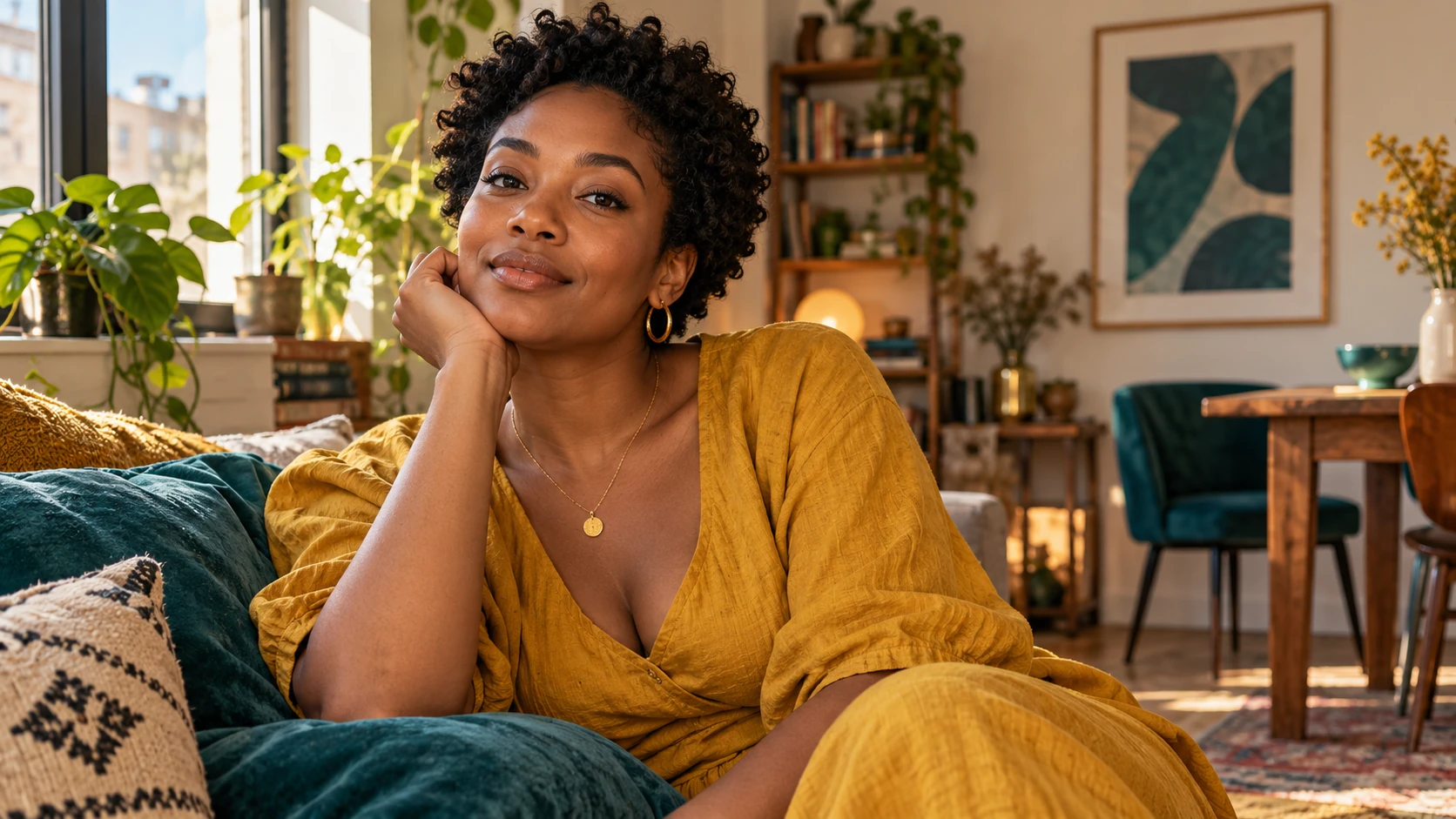
Try a broad window-light treatment while keeping your existing haircut and clothing. Compare the expression and shadows before you decide whether the revised portrait suits your profile. A small photographic change often gives a clearer result than a dramatic makeover.
A character's mature styling direction
Develop a fictional adult character through wardrobe, grooming and a more composed expression. Keep a consistent face reference across attempts, then choose the portrait that communicates the character's role. Treat the age impression as part of the character design.
A social post about portrait presentation
Build a comparison around one visible choice, such as warm studio light versus neutral daylight. Keep framing similar so viewers can understand the difference. Write a caption about the styling decision rather than presenting the picture as an age test.
Use the portrait for a creative purpose
This workflow suits a personal profile experiment, a character mood board or a discussion about how styling affects a photograph. Choose the result because the mood and likeness work for that project. It should not be used to decide whether a person meets an age requirement or to establish someone's identity. When planning a post, leave room for your own caption and keep the portrait itself free of invented measurement graphics. A thoughtful side-by-side comparison can communicate the visual idea more clearly than a prominent number that the image generator cannot substantiate.
The face changed too much
Reduce competing instructions and repeat the facial details you want to preserve. Use a sharper source with an unobstructed face. Compare the eyes and jaw before adjusting more subtle styling details.
The image looks overly retouched
Ask for visible natural skin texture and restrained photographic editing. Remove phrases that request flawless or porcelain skin. Keep the lighting soft without asking the model to erase every line and shadow.
The comparison is difficult to judge
Use the same source, crop and viewing size for the next attempt. Change just the light or styling direction. Two portraits with different expressions, angles and backgrounds give you too many variables to compare clearly.
AI Age Checker FAQ
Can this tell me someone's exact age?
No. This page uses an image generator to explore a portrait's visual presentation. A person's real age is not established by the generated image or by the way the face appears in a photograph.
Can I create a portrait without a reference?
Yes. Text to Image starts a new fictional adult portrait from your description. It does not use your uploaded face. Use Image to Image when comparing a treatment against a particular person's source photo.
Should I upload several people together?
A single adult portrait is the clearest choice for this page. A group makes the intended subject less obvious and leaves less space for facial detail. Crop to the person you want to use before uploading.
Can I keep my hairstyle unchanged?
Include that instruction in your description and keep the face and hairline visible in the source. Review both in the completed portrait. If hair is the main change you want to study, use the dedicated hairstyle guide instead.
Does changing the prompt run another job?
Editing the description prepares the next request. Generation begins when you submit it. Check the newly displayed quote before every attempt, and use History to review existing results without submitting another request.
Build the next part of your image
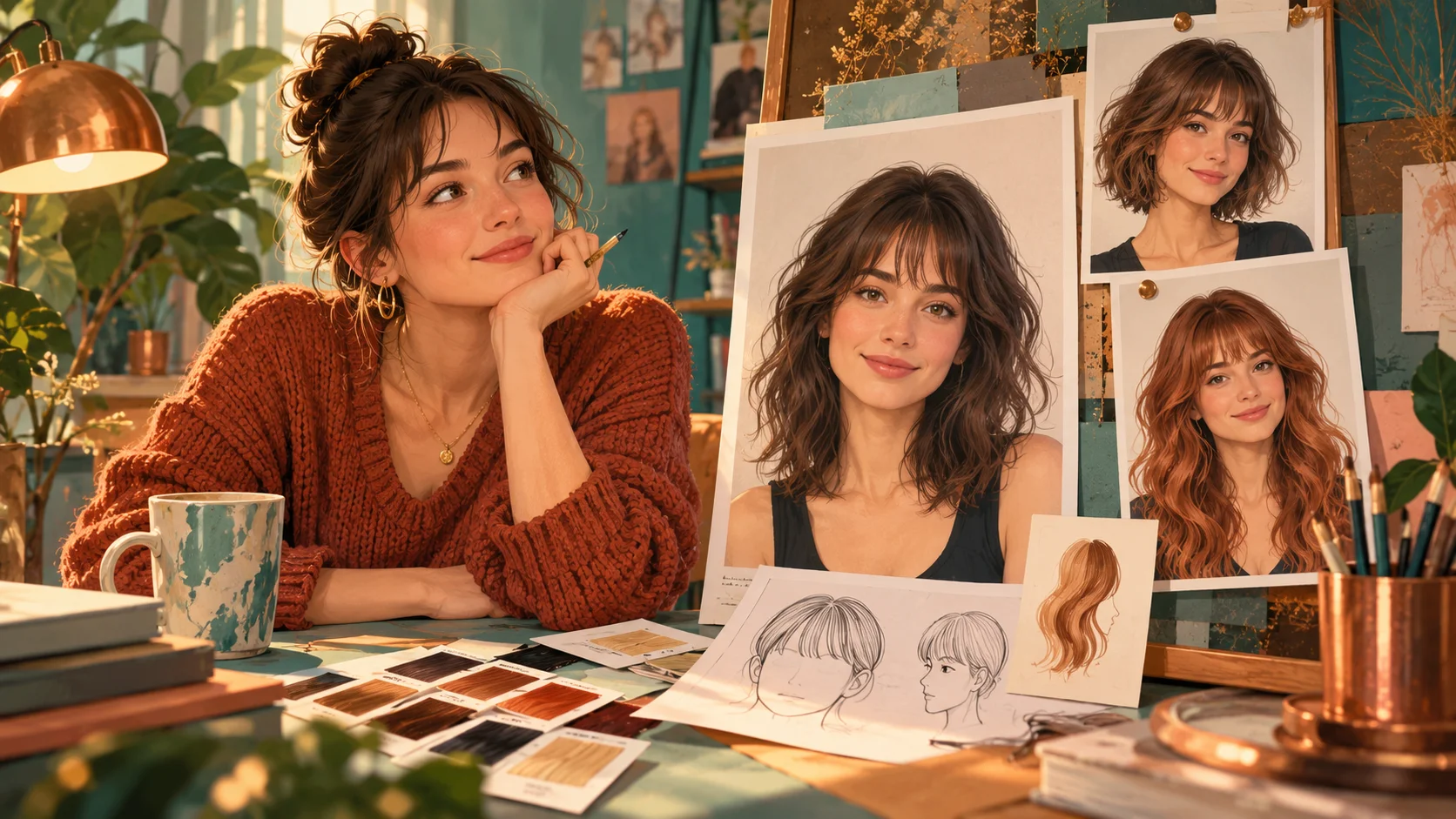
Explore hair as a separate styling choice
Compare the cut and fringe without mixing several portrait changes at once.
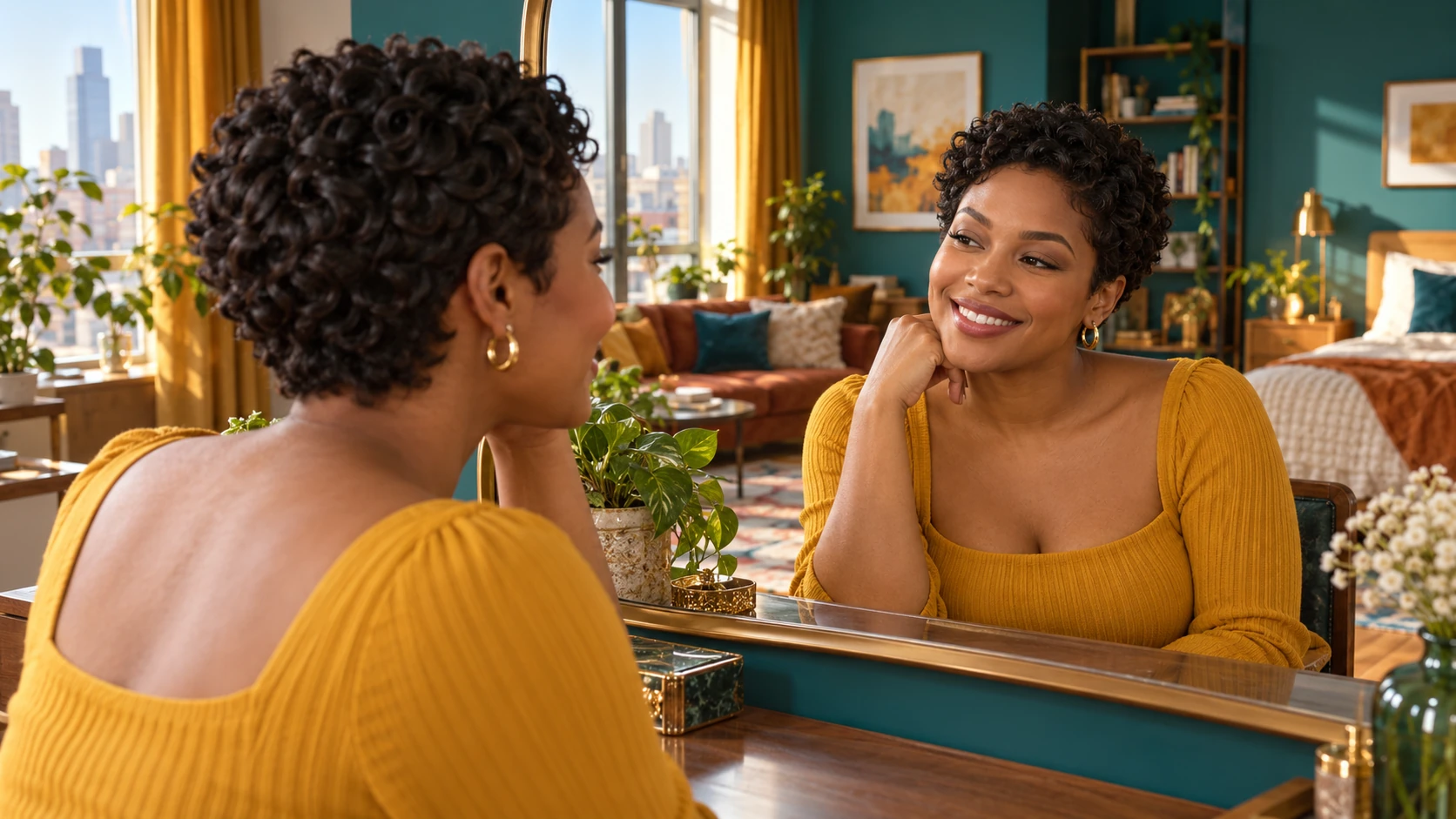
Try a shorter silhouette
Use a focused short-hair portrait to examine how the face is framed.
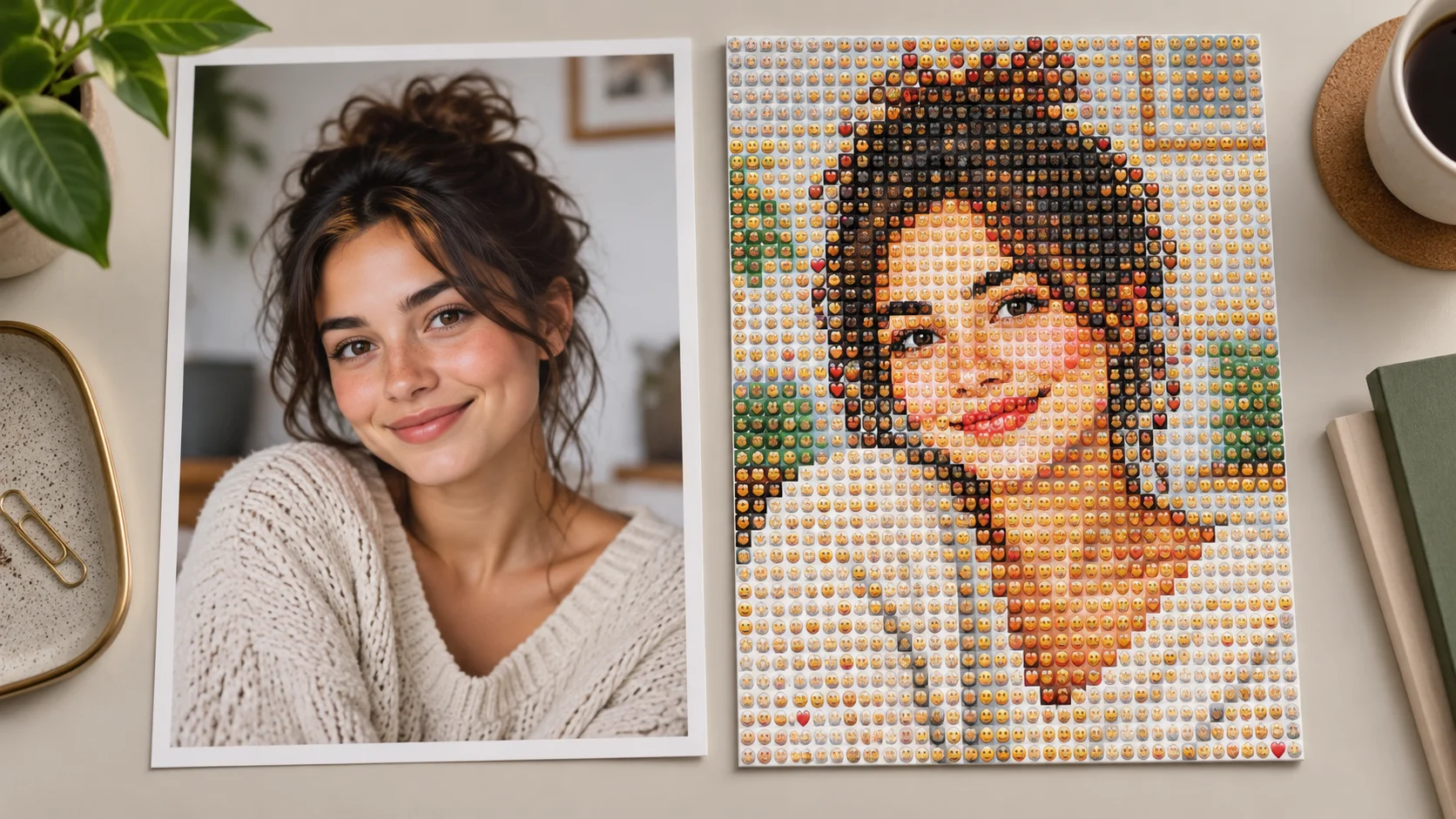
Make a playful portrait mosaic
Turn to a different visual language when your next post calls for color and shape.
Begin with one portrait and one styling choice
Keep the face visible, describe a deliberate photographic treatment and compare the result in History. Read the current quote before each generation.
Explore a portrait treatmentdotsai.pro · Updated
What's new on this page
- — Added editable example prompts and separate drafts for text and reference modes, with an action to restore the example.
- — Page content published. Updated page copy and content. Updated page images or videos. Updated page generator or navigation settings.