
A recognizable blocky character
Image to Minecraft Skin
Create Minecraft Skin
History
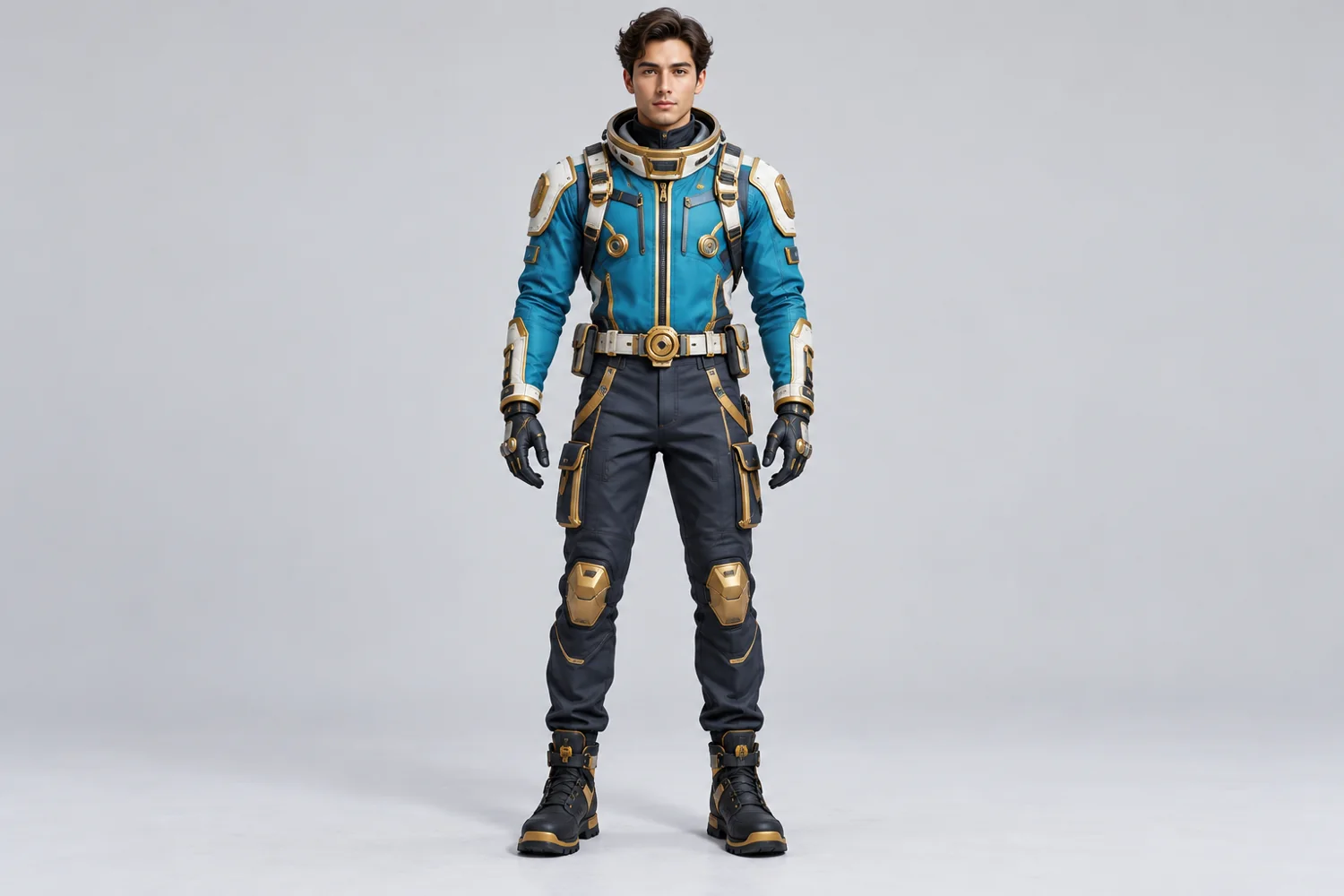
Turn a clear character reference into a blocky, Minecraft-inspired full-body skin concept. Prioritize clothing colors and a readable front view. Upload a portrait, mascot or character reference. The generator creates a blocky character concept image; inspect the full-body silhouette and clothing colors after generation.
Create Minecraft SkinHow to use Image to Minecraft Skin
Plan the image for character studies, avatars, and concept boards. Start with a suitable reference and use the live generator above.
1. Choose one character
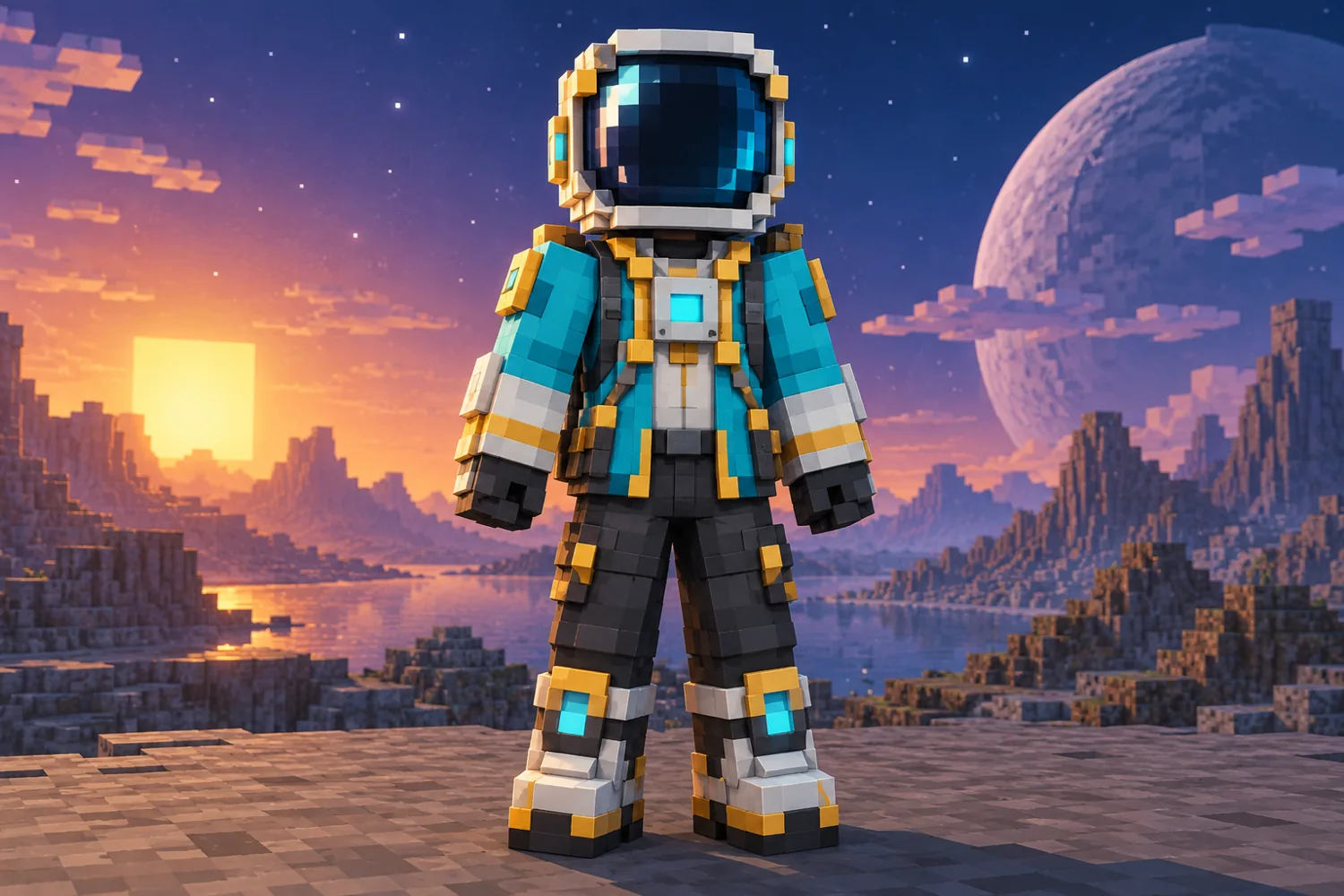
Begin with one full-body astronaut or inventor reference. The cyan jacket and gold trim provide an easy visual test for the blocky interpretation.
2. Set the character direction
Ask for a front view with complete arms and boots. Leave space around the figure so the helmet and costume edges remain visible.
3. Review the concept image
Inspect the cyan and gold balance, helmet shape and limb separation. The saved image is a character concept, not a texture you can import into the game.
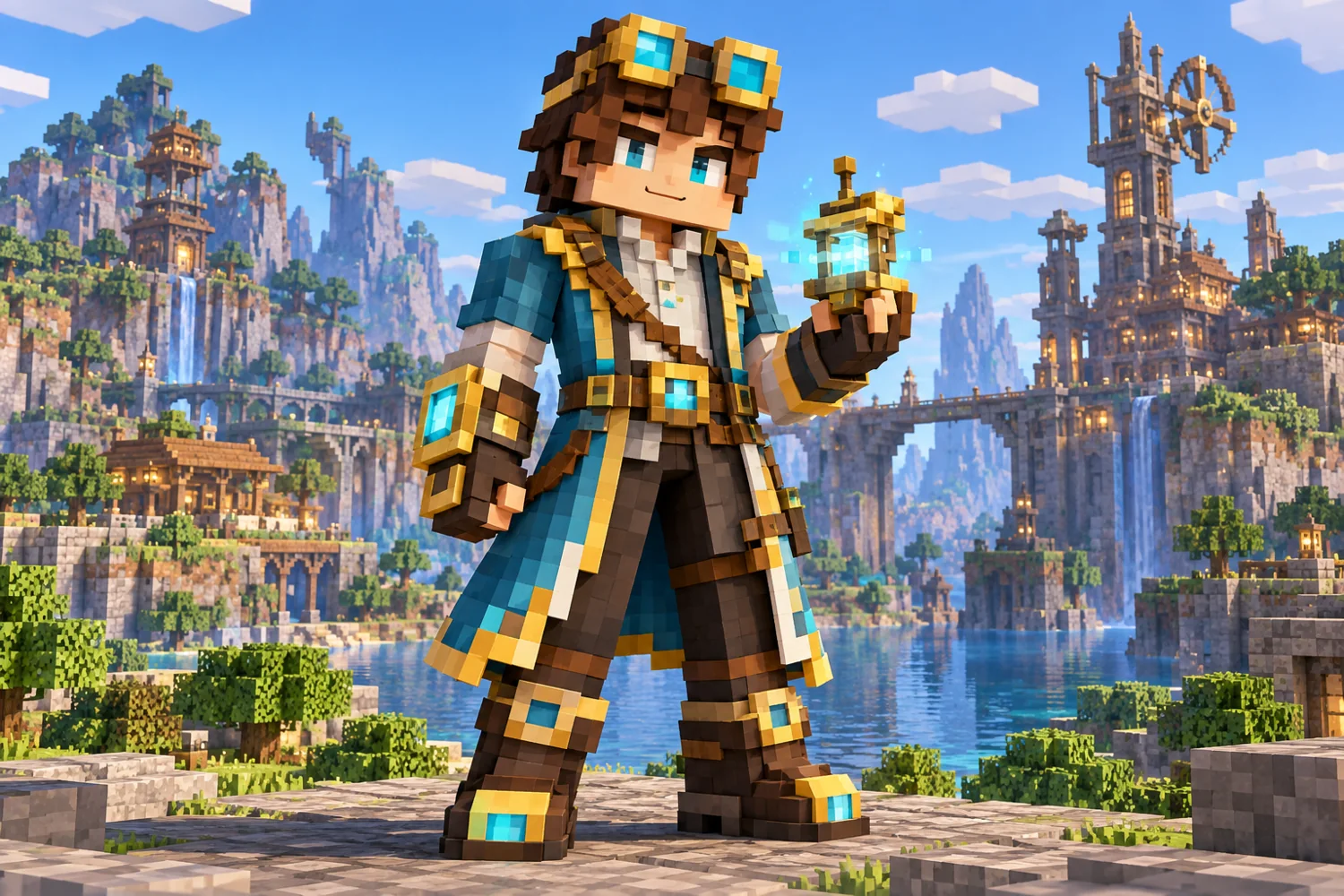
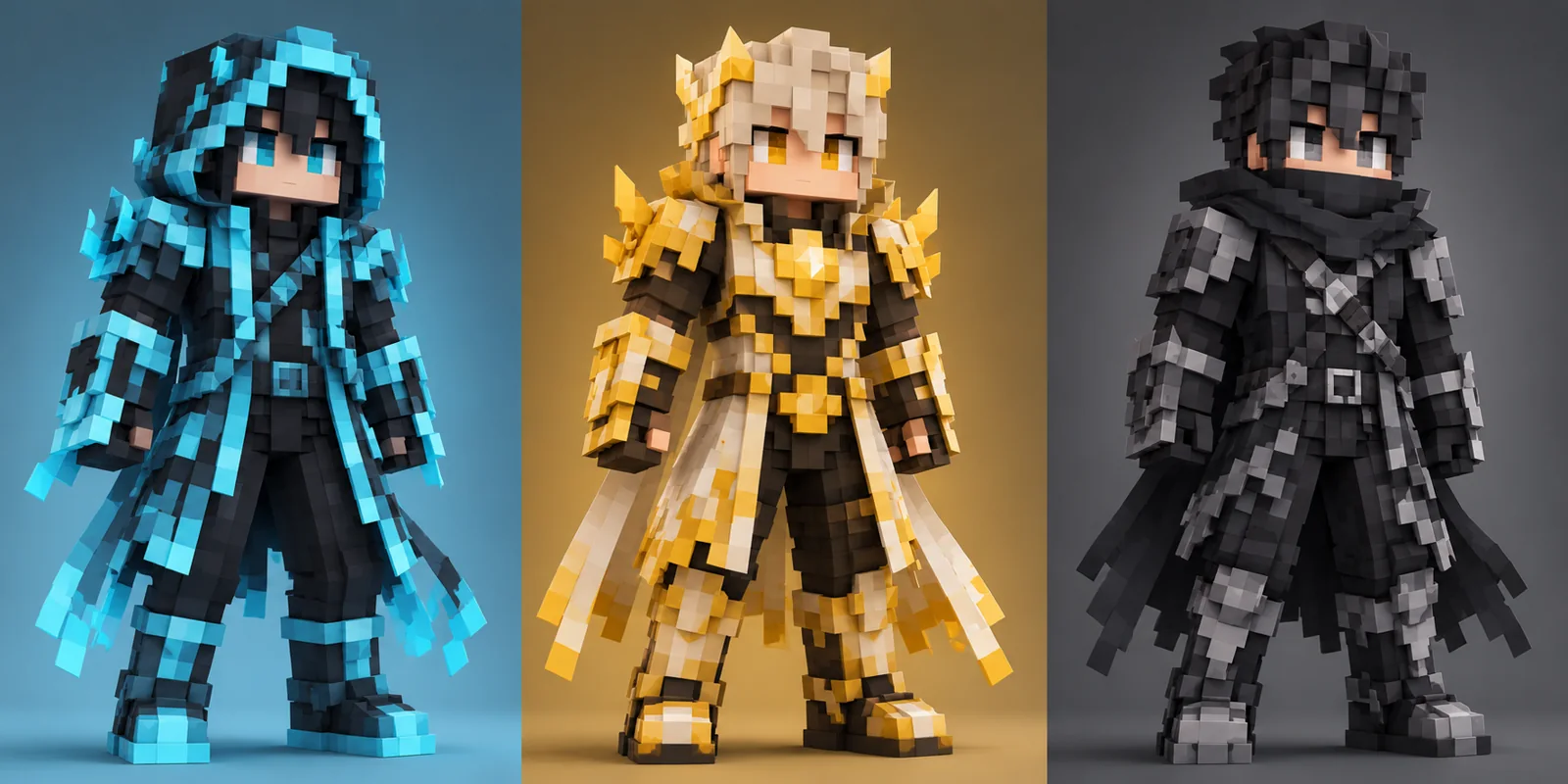
Blocky astronaut, Inventor variation and Palette variations
Ideas for dotsai.pro
A recognizable blocky character This workflow suits character studies, avatars, and concept boards. Keep the main subject visible and use one image direction per generation.
Image to Minecraft Skin FAQ
Does this export a Minecraft skin file?
Dotsai produces a blocky character picture for visual planning. The current workflow does not package a game skin file.
What reference works best?
Use a single clearly lit person or character. List the two costume colors and one signature accessory worth preserving.
Where can I make a matching scene?
Build the astronaut environment in Minecraft Pixel Art on this site, then compare the character against the observatory or railway scene.
Related image tools
Continue with another image direction on this site.
Create a Minecraft Pixel Art scene
dotsai.pro · Updated
What's new on this page
- — Added an image generator, visual examples and guidance for this creative task. Added editable example prompts and separate drafts for text and reference modes, with an action to restore the example.