
Unforgettable Car Trend with a Playful Character
Give the Unforgettable Car Trend a playful visual direction. Upload one character image, optionally choose a car photograph, and keep the supplied car-side motion as the basis of the clip. The blue-haired character and mint-car concepts below help you plan color, spacing and the two distinct reference roles.
Create your car-side clip
Preview the fixed car-side motion
History
Loading history…
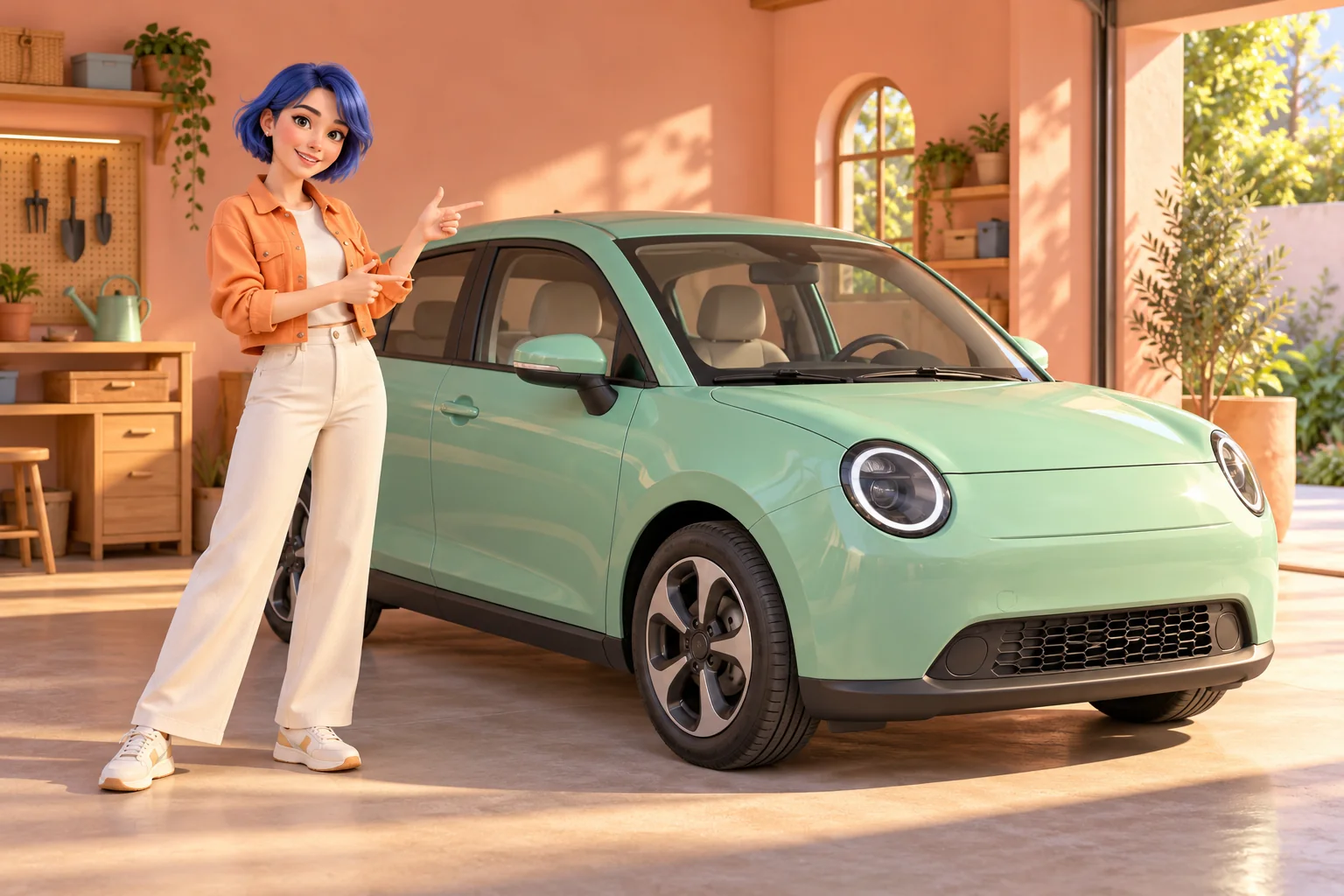
Keep a simple, recognizable character
A memorable hairstyle, one clear outfit and a compact color palette can help a playful scene feel coherent. The peach garage concepts use an apricot jacket and mint vehicle without crowding the frame with extra props. Decide which feature should remain most recognizable, then keep your style note focused on it. A stylized source is a creative choice; check whether the finished face and body proportions still suit your character.
Create your Unforgettable Car Trend clip
- Preview the car-side action before choosing a visual style.
- Upload a single character image as the lead reference.
- Add a distinct car image only if you want to guide the vehicle appearance.
- Describe a simple atmosphere and check the current quote and output settings.
- Generate once, open History and compare the complete clip with your source character.
Choose the lead photo
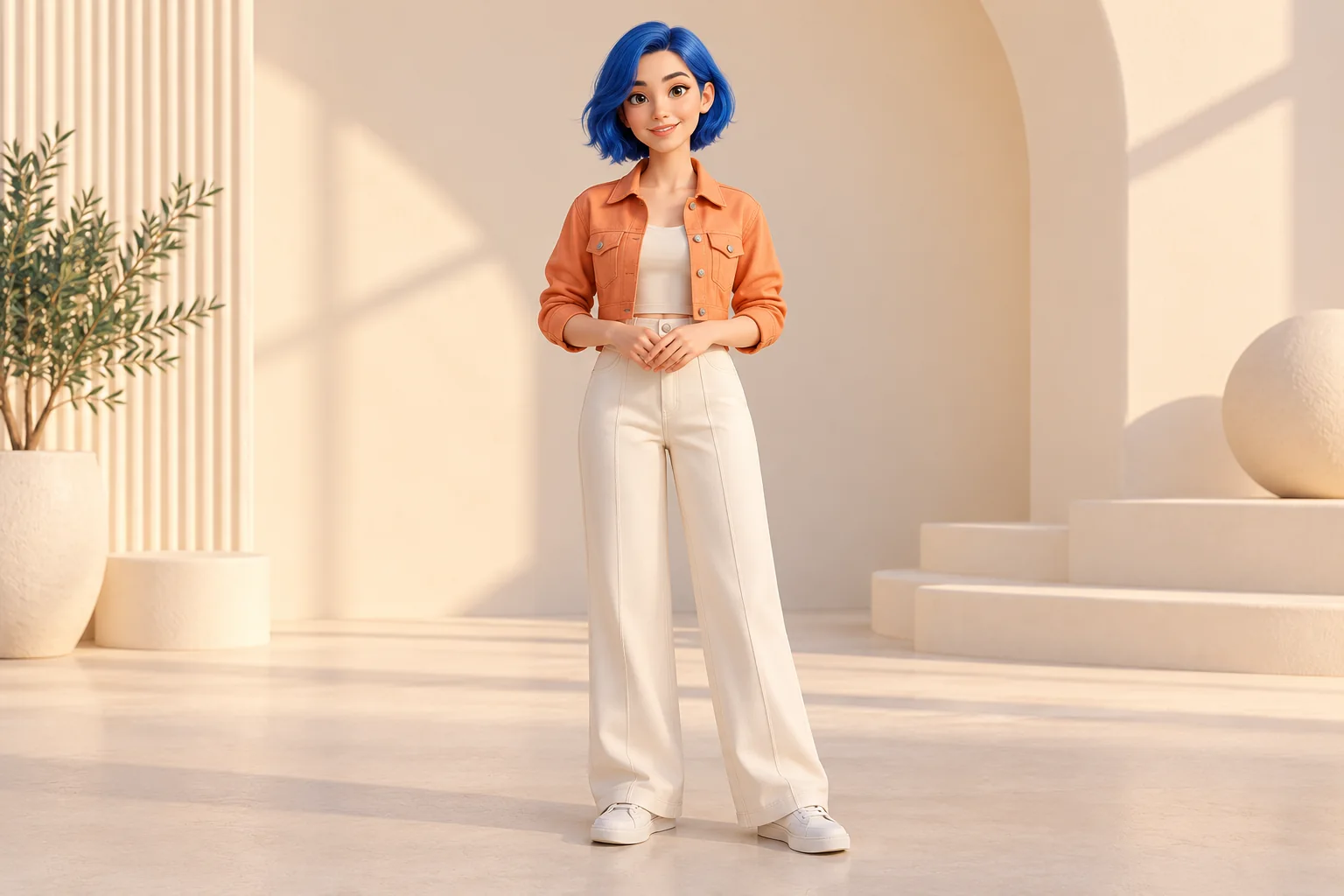
Place the character in the lead-image slot. Use one clear figure rather than a sheet of several poses. Leave enough room around the head and arms, especially if the hairstyle or sleeves are part of the design. A full-body or wider portrait can communicate clothing, while a tiny face in a busy landscape may be difficult to interpret. Keep your original source handy for comparison after generation.
Decide whether to add a vehicle reference
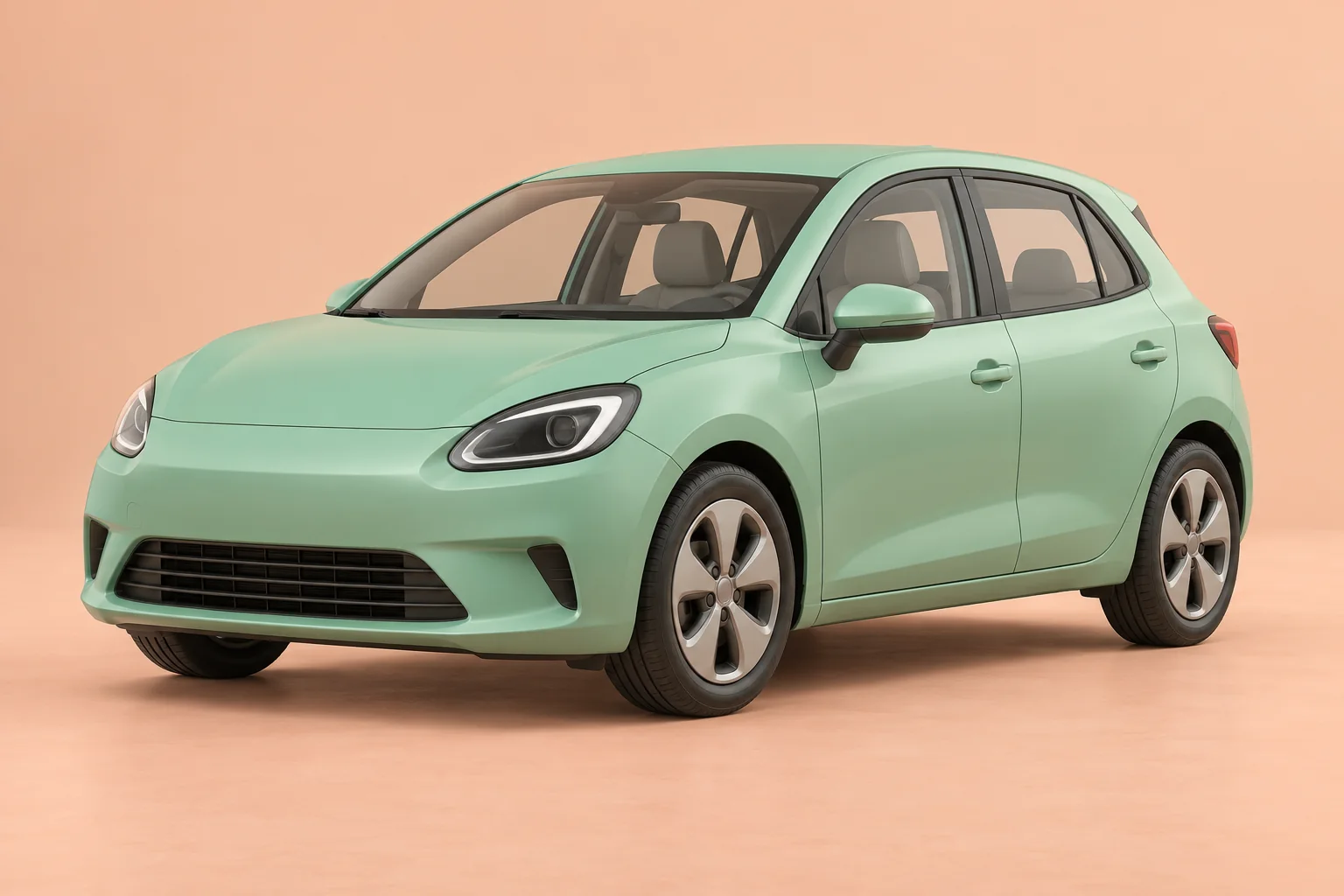
A separate car reference is optional. Choose a full view when the vehicle silhouette, color or proportions are important to the idea. The mint-car study illustrates why complete wheels and an uncropped roof are useful. A second character portrait does not belong in this slot. If you want the simplest setup, omit the car image and first evaluate how your character follows the supplied scene.
Keep the visual direction focused
Try a short direction such as soft peach daylight, a playful mood and a clear view of the character beside the car. Avoid stacking conflicting styles or requesting abrupt transformations. The reference already defines a gesture sequence and vehicle setting; your note is for the look of that scene. Change one meaningful choice at a time if you compare a softer illustration with a more photographic direction.
Review the whole scene before sharing
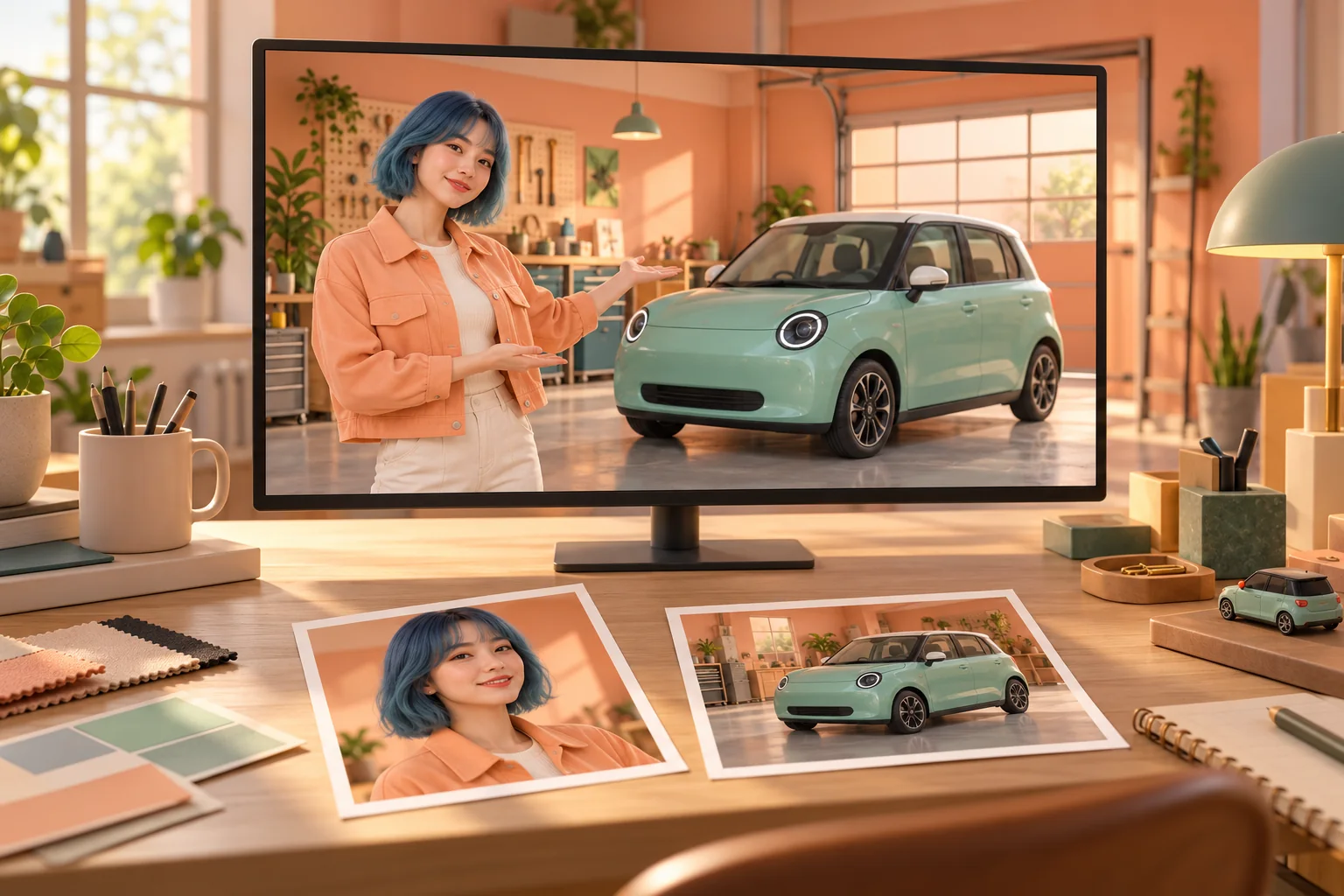
Look beyond the attractive opening frame. Watch how the character's fingers move, whether the hair changes shape unexpectedly and whether the vehicle remains grounded. On a phone, check that the face and gesture are still readable without zooming. The review-desk concept shows two separate references being considered together: they should support one scene, not compete for the same role.
Continue your project
Questions about the car trend
Is an illustrated character allowed?
You can explore a stylized image as the lead reference. Review the result carefully because a distinctive illustration does not guarantee identical facial or body details in motion.
What goes in the second image slot?
Use it for a vehicle reference only. It is optional and must be a different image from the lead character.
Can I skip the car photograph?
Yes. A lead image is sufficient to start this fixed-reference workflow. Add a vehicle reference when its specific look matters to your concept.
Can I replace the reference clip?
The motion is fixed on this page. There is no user-video upload here, so choose another tool if your project needs custom choreography.
How do I keep the style consistent?
Start with a coherent source image and a short note about light and color. Avoid asking the character, outfit and setting to transform several times.
Is fifteen seconds the wait time?
No. It is the output length selected for this effect. Processing time depends on the service and queue.
Will I see the charge before generating?
The generator displays the current credit quote. Check it together with your account access before sending an attempt.
What should I inspect on mobile?
Look at the face, hand motion and space around the car. A wide composition may look different in a narrow presentation, so review the whole clip before choosing its final crop.
dotsai.pro · Updated
What's new on this page
- — Added photo inputs, a motion reference preview and guidance for creating this video effect.