
Plan Focused Image Edits with Nano Banana 2
Explain Your Subject, Changes and References
List the details that matter in your Nano Banana 2 image brief: identity, shape, colors, clothing and background. Use supported references where appropriate and compare every result; exact consistency is not guaranteed.
Verified prompt
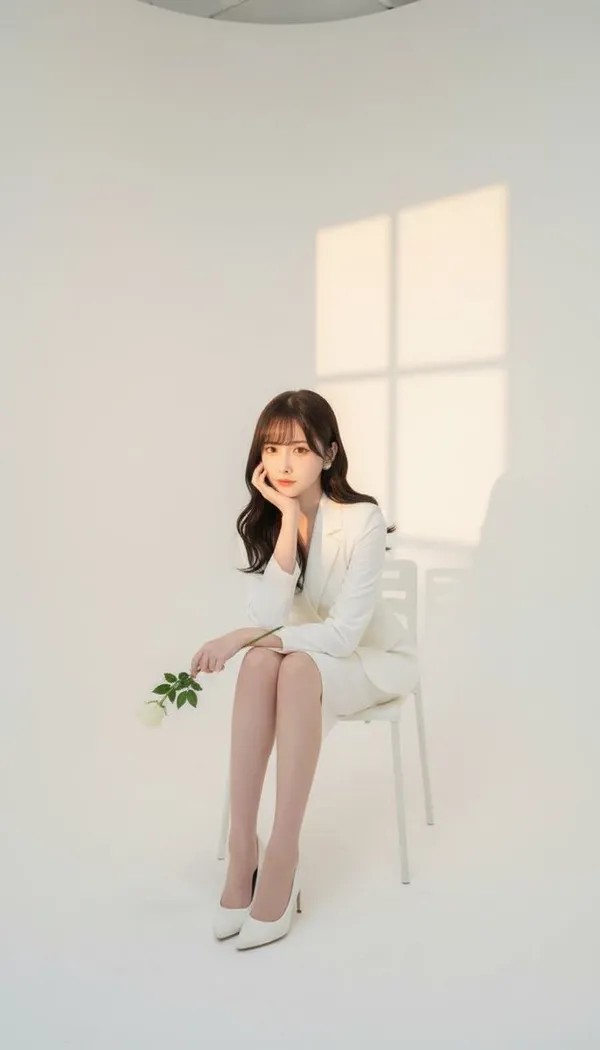
se take a photo in a photography studio, using the female face from the attached photo. The shot is taken from a frontal angle, with a white studio background, and the woman is seated on a chair. She is wearing a full white outfit: a white blazer, a white skirt, and white high heels. Her pose is elegant, with one hand supporting her chin, holding a small white rose. Soft sunset window light is projected onto the studio wall.
se take a photo in a photography studio, using the female face from the attached photo. The shot is taken from a frontal angle, with a white studio background, and the woman is seated on a chair. She is wearing a full white outfit: a white blazer, a white skirt, and white high heels. Her pose is elegant, with one hand supporting her chin, holding a small white rose. Soft sunset window light is projected onto the studio wall.
Verified prompt
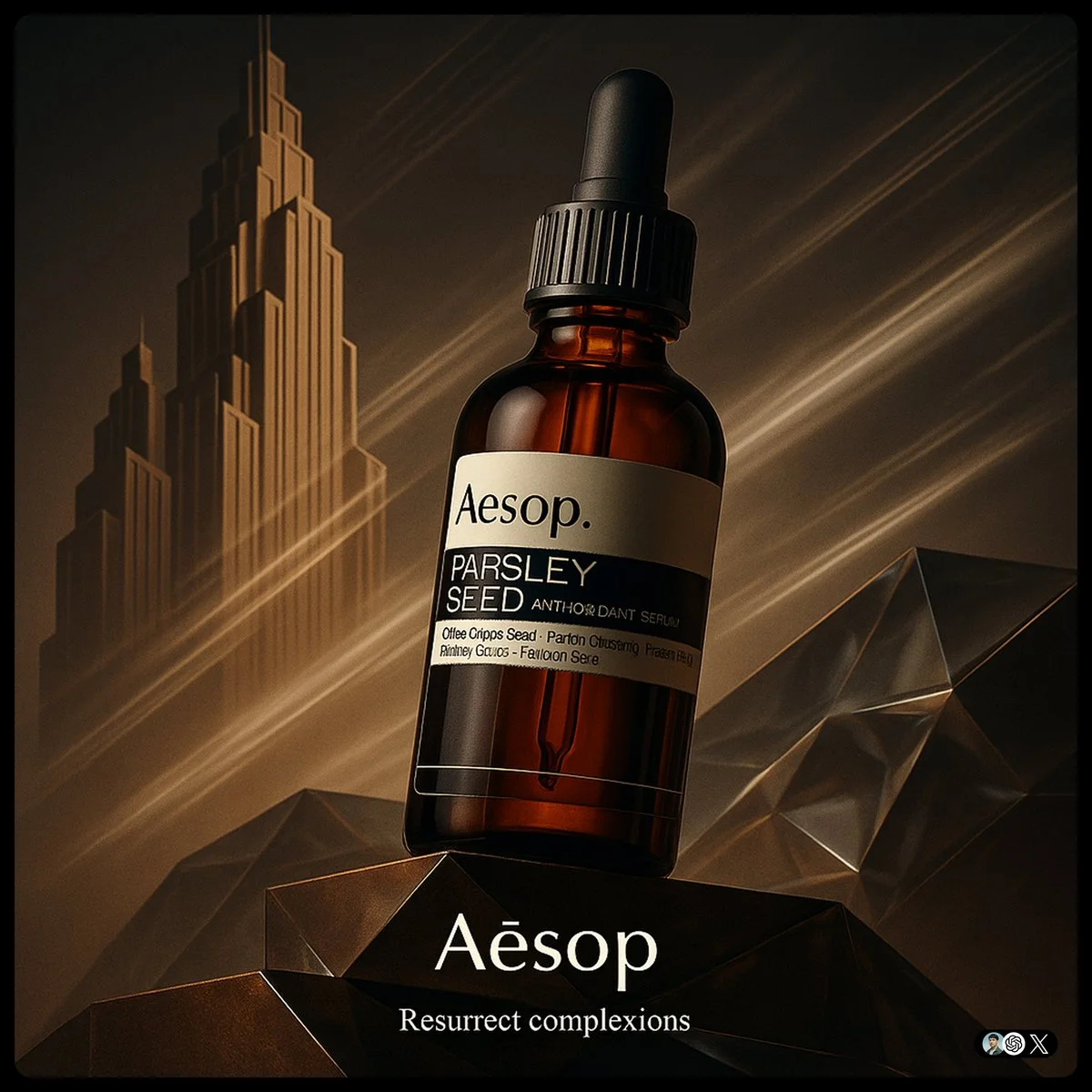
create image with 1:1 ratio [Brand] ad. Ultra-high-detail product photo in a fusion of Art Deco and Futurism. The product rest on platforms. Background features stylized Art Deco skyscraper silhouettes morphing into Futurist speed lines, forming a diagonal left-to-right composition. Surfaces use brand Core Material and faceted glass with ambient lighting in Brand Color theme. The product evoking motion and kinetic optimism. Dramatic low-angle lighting enhances reflections, with subtle vapor trails in the background. Small logo on the bottom, and a tiny slogan beneath
create image with 1:1 ratio [Brand] ad. Ultra-high-detail product photo in a fusion of Art Deco and Futurism. The product rest on platforms. Background features stylized Art Deco skyscraper silhouettes morphing into Futurist speed lines, forming a diagonal left-to-right composition. Surfaces use brand Core Material and faceted glass with ambient lighting in Brand Color theme. The product evoking motion and kinetic optimism. Dramatic low-angle lighting enhances reflections, with subtle vapor trails in the background. Small logo on the bottom, and a tiny slogan beneath
Verified prompt
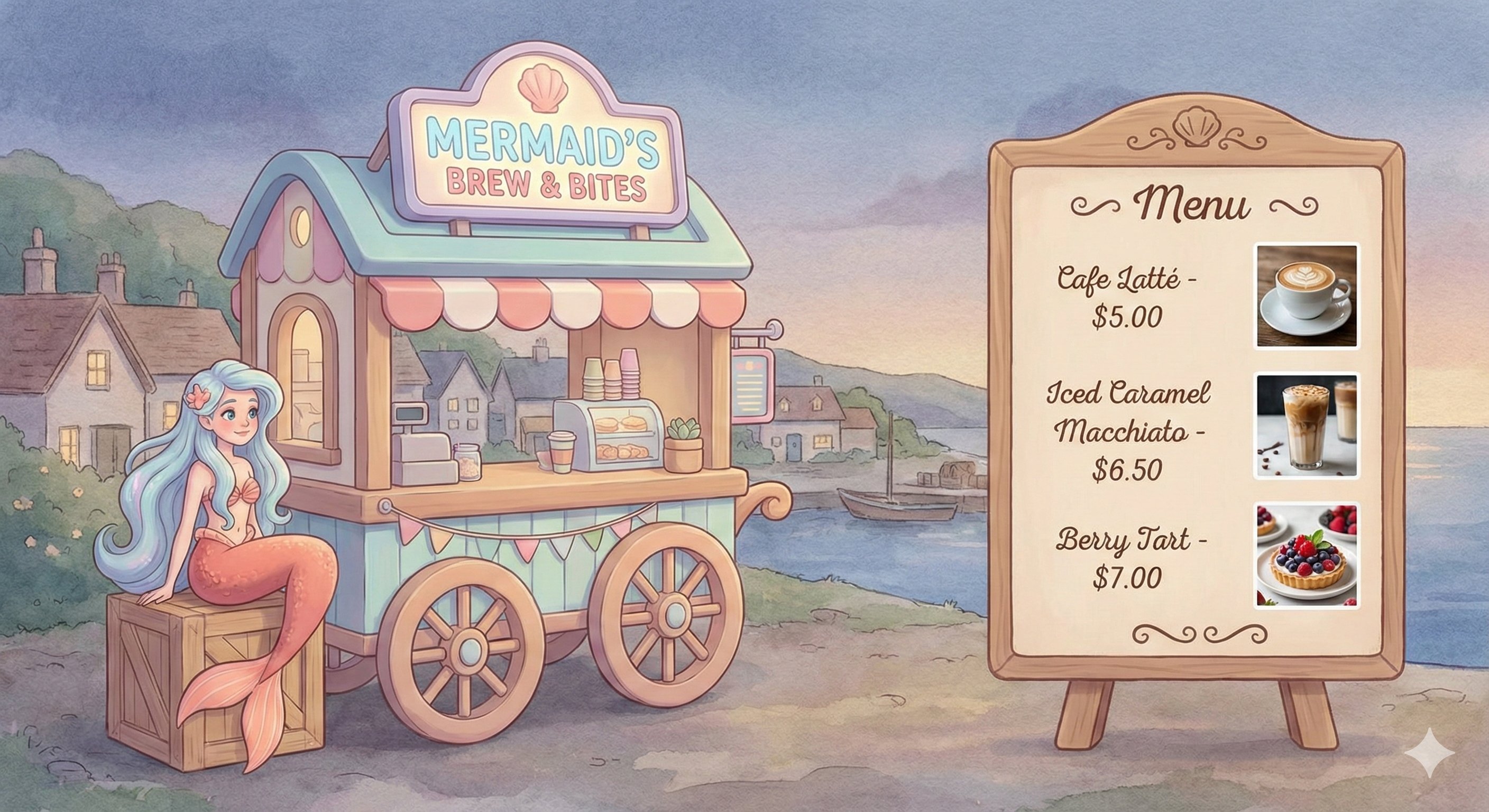
Banana Pro Prompt from @KanaWorks_AI 🧜♀️✨ A dreamy mermaid café with 3D-cartoon vibes—sip coffee, enjoy sweets, and relax in fantasy! --- Prompt --- The illustration features a delicate, soothing, and highly detailed art style rendered in high resolution. On the left side, there's a café wagon modeled in a playful 3D cartoon style typical of video games, charmingly designed and vividly colored. The focal character is a whimsical mermaid, adding a dreamy, magical atmosphere to the scene. On the right quarter of the image, neatly arranged menu items showcase realistic photographs of two enticing coffees and one delightful dessert, complete with clearly displayed pricing. The overall composition balances artistic elegance with practical design, evoking a warm, relaxing, and inviting feeling. --- Prompt --- 🧜♀️✨ A dreamy 3D mermaid-themed coffee hut, with fragrant coffee and comforting desserts, offering you a fairy-tale-like cozy time! ☕️🍰 The overall image adopts a delicate, soft, and soothing style, presented in high resolution. The main subject on the left is a cartoon-style coffee wagon created using 3D modeling typical of video games. The wagon is exquisitely and adorably designed, with the protagonist being a dreamy mermaid, lively in appearance and featuring bright, warm colors, creating a fairy-tale-like romantic atmosphere. In the right quarter of the image, the shop's signature menu is presented with refined typography and layout, including realistic photographs and price descriptions of two enticing coffee drinks and one exquisite dessert. The overall layout combines artistic sensibility with practicality, offering a warm, leisurely, and heart-soothing visual experience.
Banana Pro Prompt from @KanaWorks_AI 🧜♀️✨ A dreamy mermaid café with 3D-cartoon vibes—sip coffee, enjoy sweets, and relax in fantasy! --- Prompt --- The illustration features a delicate, soothing, and highly detailed art style rendered in high resolution. On the left side, there's a café wagon modeled in a playful 3D cartoon style typical of video games, charmingly designed and vividly colored. The focal character is a whimsical mermaid, adding a dreamy, magical atmosphere to the scene. On the right quarter of the image, neatly arranged menu items showcase realistic photographs of two enticing coffees and one delightful dessert, complete with clearly displayed pricing. The overall composition balances artistic elegance with practical design, evoking a warm, relaxing, and inviting feeling. --- Prompt --- 🧜♀️✨ A dreamy 3D mermaid-themed coffee hut, with fragrant coffee and comforting desserts, offering you a fairy-tale-like cozy time! ☕️🍰 The overall image adopts a delicate, soft, and soothing style, presented in high resolution. The main subject on the left is a cartoon-style coffee wagon created using 3D modeling typical of video games. The wagon is exquisitely and adorably designed, with the protagonist being a dreamy mermaid, lively in appearance and featuring bright, warm colors, creating a fairy-tale-like romantic atmosphere. In the right quarter of the image, the shop's signature menu is presented with refined typography and layout, including realistic photographs and price descriptions of two enticing coffee drinks and one exquisite dessert. The overall layout combines artistic sensibility with practicality, offering a warm, leisurely, and heart-soothing visual experience.
Verified prompt
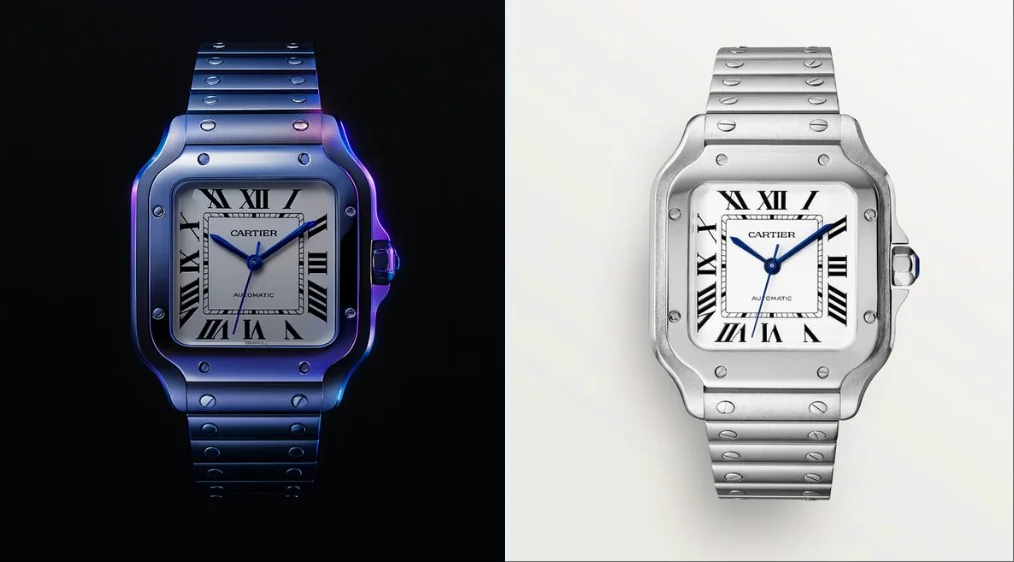
create image with 1:1 ratio retexture the photo I attached with the following json { "style_name": "hermes_subtle_specular_gradient", "background": { "type": "solid", "color": "#000000", "light_reflection": "none" }, "base_material": { "type": "polished_metal", "color": "#B0B0B0", "finish": "glossy", "reflectivity": 0.75, "surface_variation": { "micro_noise": 0.005, "brushed_direction": "none" } }, "highlight_strategy": { "mode": "localized_specular_enhancement", "trigger": "light-facing curved planes and direct lit faces", "color_gradient": ["#121A28", "#3D4C6B", "#8c71b7", "#4d21cd"], "gradient_type": "fluid_blend", "intensity_curve": "ease-out from highlight center", "falloff": 0.8, "blend_mode": "soft_light", "saturation_level": 0.4, "coverage_ratio": 0.2, "transition_smoothness": 0.95 }, "lighting": { "scene_type": "high-control studio", "key_light": { "intensity": 1.0, "color": "#FFFFFF", "angle": "35° above and side", "softness": 0.6 }, "fill_light": { "enabled": false }, "rim_light": { "enabled": false }, "reflection_behavior": { "mirrored_zones": "limited to high exposure zones", "glow_color": "applied from gradient with low saturation" } }, "specular_color_behavior": { "base_surface": "metallic neutral", "highlight_zones": "low-saturation chromatic reflection", "edge_bleed": "minimal", "inner_glow": 0.1 }, "detail_features": { "engraved_elements": { "type": "precise deboss", "lighting_response": "low bounce", "shadow_edge": "#222222", "rim_light_tint": "#888888" } }, "application_targets": [ "object product photography", "3D icons with selective lighting", "branding renders", "luxury UI component styling" ], "visual_effect_notes": { "mood": "understated luxury, technical precision, controlled emotion", "realism": "stylized physical logic", "focus": "refined colored specular only on light-facing curved surfaces with fluid-like gradient transitions" } }
create image with 1:1 ratio retexture the photo I attached with the following json { "style_name": "hermes_subtle_specular_gradient", "background": { "type": "solid", "color": "#000000", "light_reflection": "none" }, "base_material": { "type": "polished_metal", "color": "#B0B0B0", "finish": "glossy", "reflectivity": 0.75, "surface_variation": { "micro_noise": 0.005, "brushed_direction": "none" } }, "highlight_strategy": { "mode": "localized_specular_enhancement", "trigger": "light-facing curved planes and direct lit faces", "color_gradient": ["#121A28", "#3D4C6B", "#8c71b7", "#4d21cd"], "gradient_type": "fluid_blend", "intensity_curve": "ease-out from highlight center", "falloff": 0.8, "blend_mode": "soft_light", "saturation_level": 0.4, "coverage_ratio": 0.2, "transition_smoothness": 0.95 }, "lighting": { "scene_type": "high-control studio", "key_light": { "intensity": 1.0, "color": "#FFFFFF", "angle": "35° above and side", "softness": 0.6 }, "fill_light": { "enabled": false }, "rim_light": { "enabled": false }, "reflection_behavior": { "mirrored_zones": "limited to high exposure zones", "glow_color": "applied from gradient with low saturation" } }, "specular_color_behavior": { "base_surface": "metallic neutral", "highlight_zones": "low-saturation chromatic reflection", "edge_bleed": "minimal", "inner_glow": 0.1 }, "detail_features": { "engraved_elements": { "type": "precise deboss", "lighting_response": "low bounce", "shadow_edge": "#222222", "rim_light_tint": "#888888" } }, "application_targets": [ "object product photography", "3D icons with selective lighting", "branding renders", "luxury UI component styling" ], "visual_effect_notes": { "mood": "understated luxury, technical precision, controlled emotion", "realism": "stylized physical logic", "focus": "refined colored specular only on light-facing curved surfaces with fluid-like gradient transitions" } }
Verified prompt
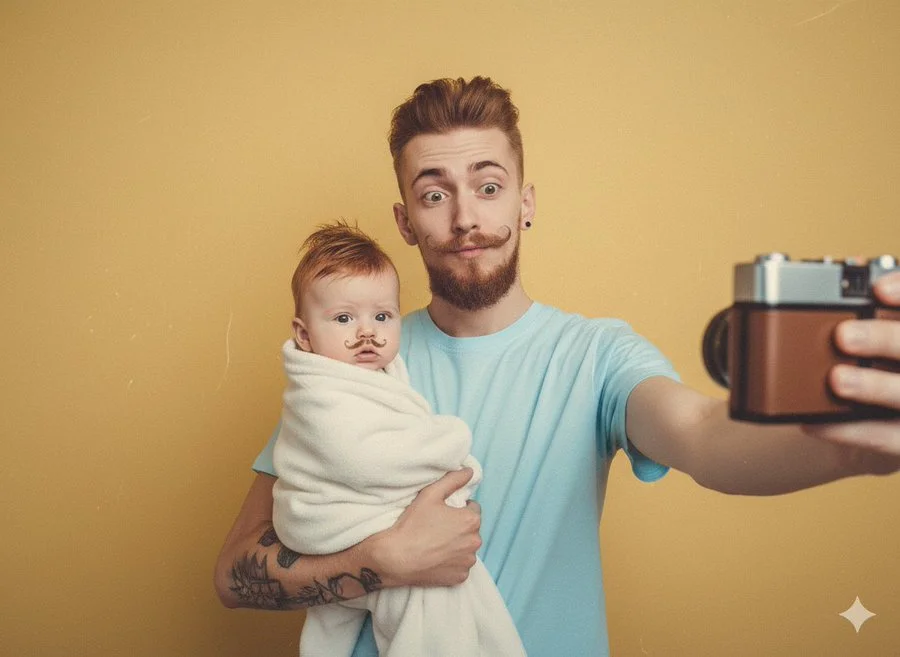
retro selfies of you holding a baby version of you
retro selfies of you holding a baby version of you
Verified prompt
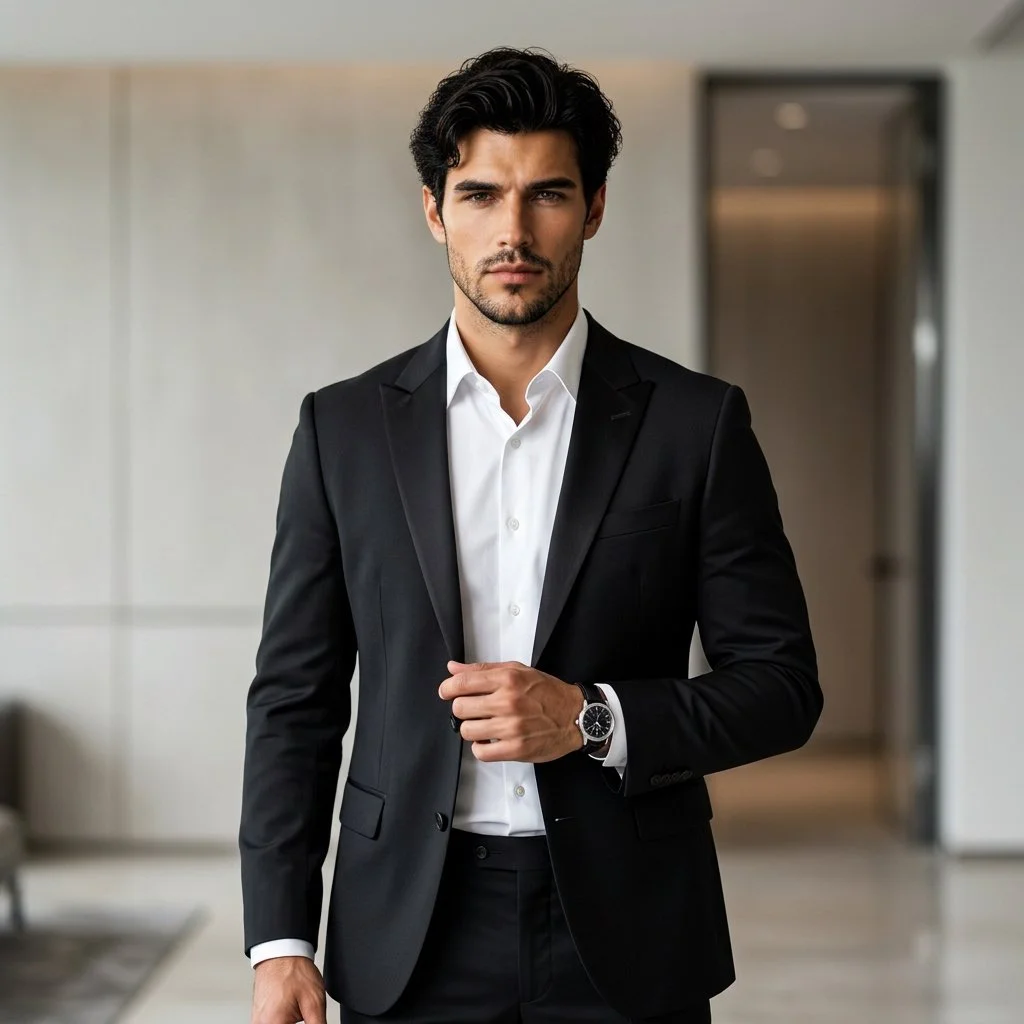
Using an uploaded adult portrait as the identity reference, create a professional fashion photograph in a modern interior. Dress the subject in a fitted black suit and crisp white shirt, with understated accessories. Pose them standing confidently with relaxed shoulders, one hand near the jacket and a natural direct gaze. Preserve the reference facial structure, skin tone and age. Use soft directional lighting, gentle background blur and subtle architectural details. Keep the eyes sharp and the fabric, hair and skin realistic for a refined formal portrait.
Using an uploaded adult portrait as the identity reference, create a professional fashion photograph in a modern interior. Dress the subject in a fitted black suit and crisp white shirt, with understated accessories. Pose them standing confidently with relaxed shoulders, one hand near the jacket and a natural direct gaze. Preserve the reference facial structure, skin tone and age. Use soft directional lighting, gentle background blur and subtle architectural details. Keep the eyes sharp and the fabric, hair and skin realistic for a refined formal portrait.
Verified prompt
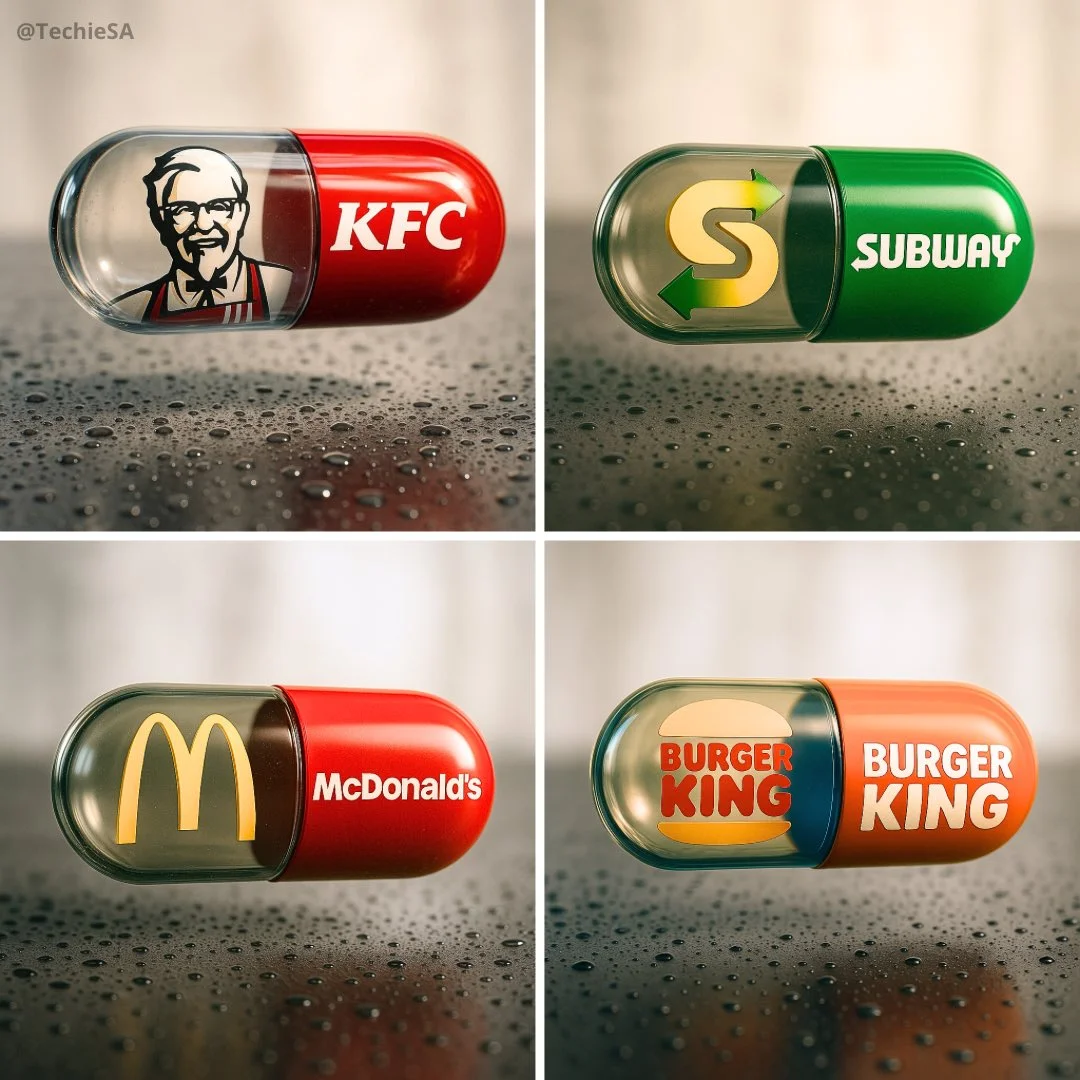
Create a hyper-realistic, stylish poster [1080x1080] aspect ratio featuring a horizontal tablet-capsule hovering above a surface covered in condensation and water droplets, with its shadow cast on the wet ground. One side of the capsule is transparent glass, while the other is glossy [BRAND COLORS] plastic, displaying the [BRAND] logo and name. Seamlessly floating inside the glass portion of the capsule is a photorealistic 3D model of the [BRAND LOGO OR ICON], perfectly centered and suspended in zero gravity. The glass and plastic surfaces showcase strong reflections, refractions, and environmental distortions. The background is a softly blurred, elegant light-toned setting. Use a dynamic perspective with a stylish camera angle, professional studio lighting, and ultra-high detail to make the image look like a DSLR-captured photograph with impeccable realism.
Create a hyper-realistic, stylish poster [1080x1080] aspect ratio featuring a horizontal tablet-capsule hovering above a surface covered in condensation and water droplets, with its shadow cast on the wet ground. One side of the capsule is transparent glass, while the other is glossy [BRAND COLORS] plastic, displaying the [BRAND] logo and name. Seamlessly floating inside the glass portion of the capsule is a photorealistic 3D model of the [BRAND LOGO OR ICON], perfectly centered and suspended in zero gravity. The glass and plastic surfaces showcase strong reflections, refractions, and environmental distortions. The background is a softly blurred, elegant light-toned setting. Use a dynamic perspective with a stylish camera angle, professional studio lighting, and ultra-high detail to make the image look like a DSLR-captured photograph with impeccable realism.
Verified prompt
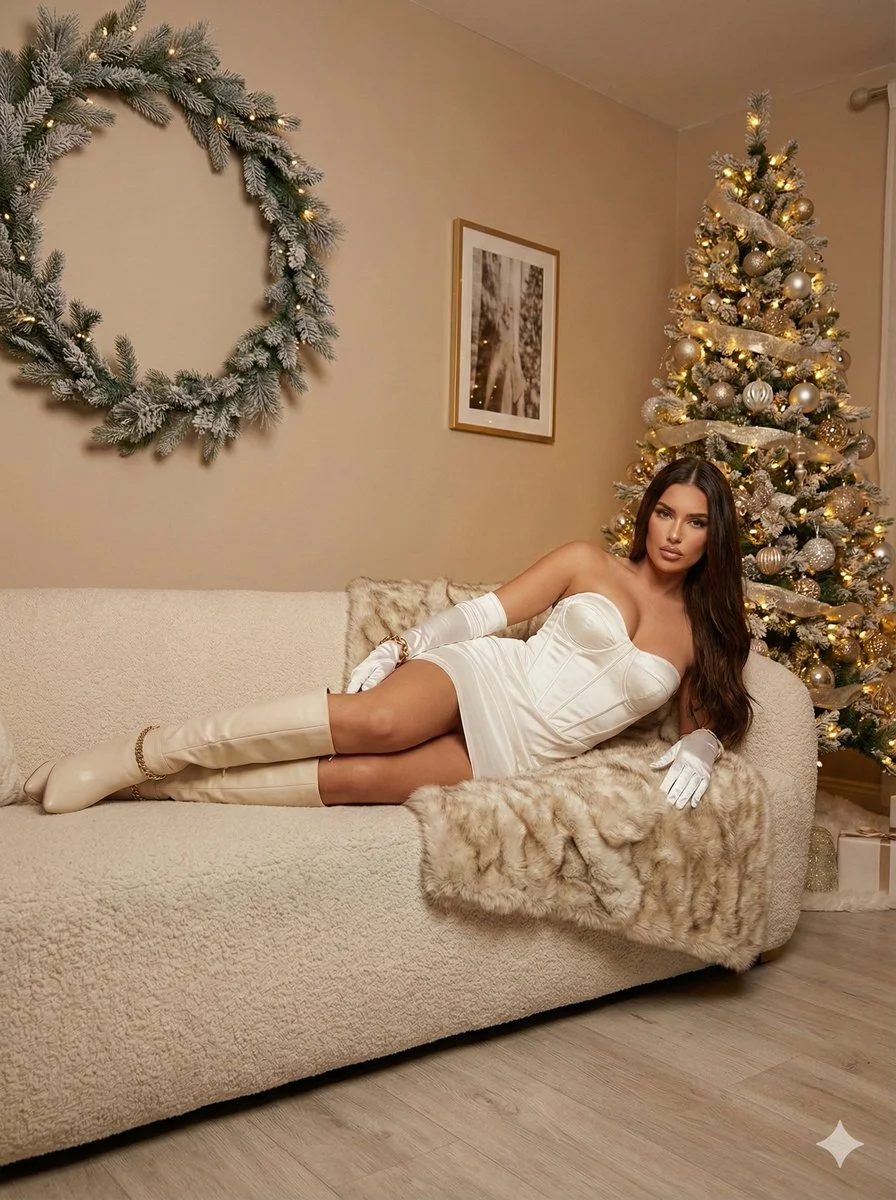
Ultra photorealistic 8K portrait, Leica Q2 camera, 28mm Summilux lens. Subject: female, early 20s, slim, glamorous waves honey brown hair, sparkling excited eyes, laughing. Holding lit sparkler up high and champagne flute. Wearing sequined silver/gold dress with spaghetti straps. Location: luxury rooftop bar, midnight New Year's Eve, fireworks reflecting on glass railings, festive confetti. Cinematic night portrait with mixed dramatic lighting, bokeh background.
Ultra photorealistic 8K portrait, Leica Q2 camera, 28mm Summilux lens. Subject: female, early 20s, slim, glamorous waves honey brown hair, sparkling excited eyes, laughing. Holding lit sparkler up high and champagne flute. Wearing sequined silver/gold dress with spaghetti straps. Location: luxury rooftop bar, midnight New Year's Eve, fireworks reflecting on glass railings, festive confetti. Cinematic night portrait with mixed dramatic lighting, bokeh background.
Verified prompt
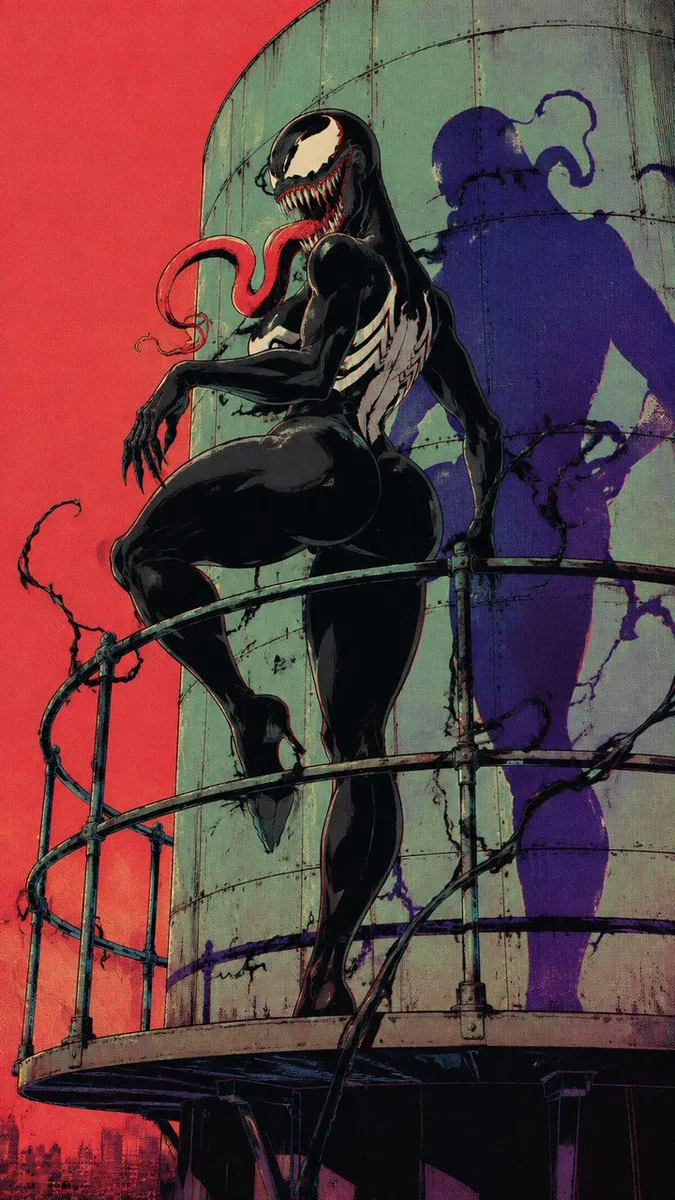
Adult female Venom symbiote in glossy black organic bodysuit, iconic huge white Venom eyes, enormous sharp-toothed grin, long red tongue, white spider emblem on chest, powerful curvy feminine silhouette, black clawed hands, subtle tendrils, confident predatory pose. Abandoned roadside diner empty desert highway outside, dramatic graphic shadow. Raw 1990s Japanese underground comic illustration, thick imperfect ink outlines, hard cel shading, limited black ivory orange turquoise purple palette, halftone print texture, dirty photocopy grain, ink bleed, subtle RGB misregistration, distressed vintage paper, retro pulp horror fashion editorial aesthetic.
Adult female Venom symbiote in glossy black organic bodysuit, iconic huge white Venom eyes, enormous sharp-toothed grin, long red tongue, white spider emblem on chest, powerful curvy feminine silhouette, black clawed hands, subtle tendrils, confident predatory pose. Abandoned roadside diner empty desert highway outside, dramatic graphic shadow. Raw 1990s Japanese underground comic illustration, thick imperfect ink outlines, hard cel shading, limited black ivory orange turquoise purple palette, halftone print texture, dirty photocopy grain, ink bleed, subtle RGB misregistration, distressed vintage paper, retro pulp horror fashion editorial aesthetic.
Verified prompt
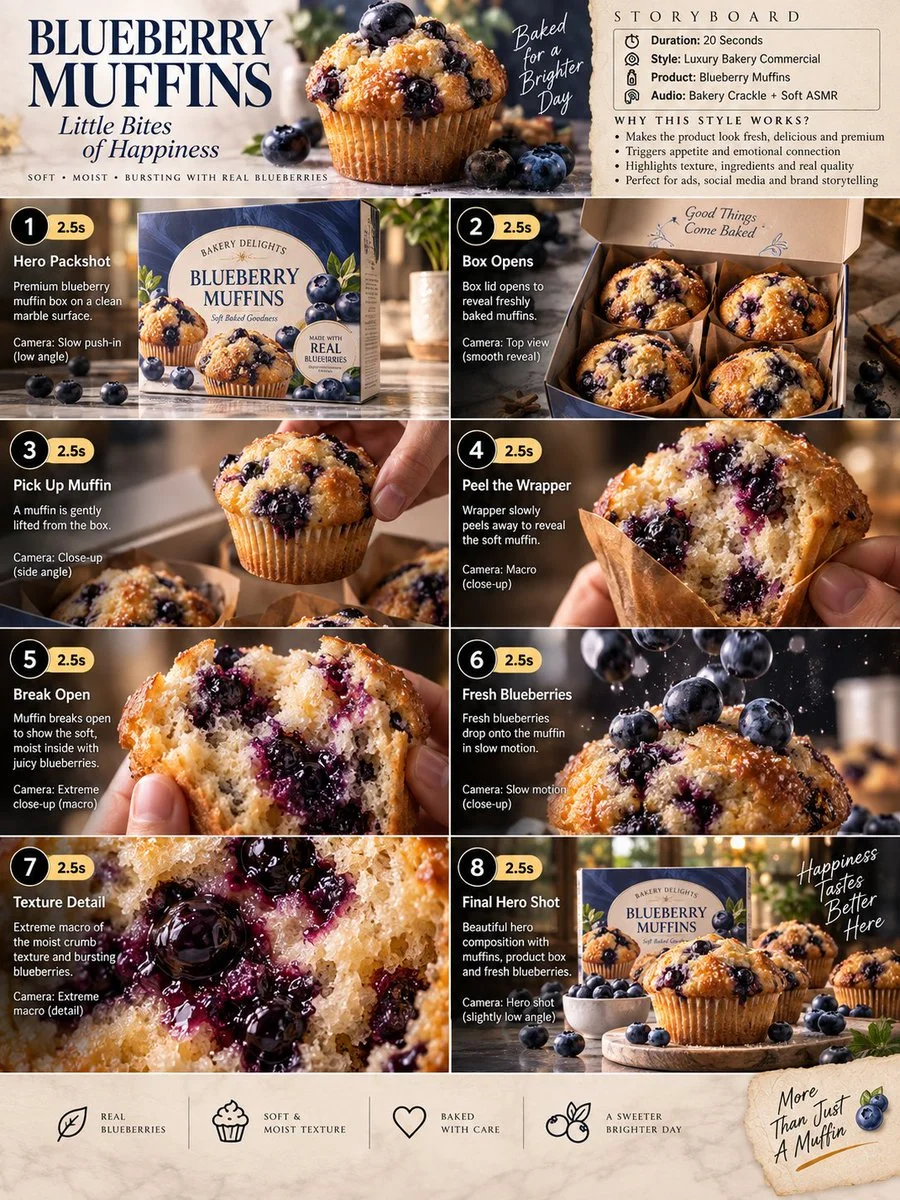
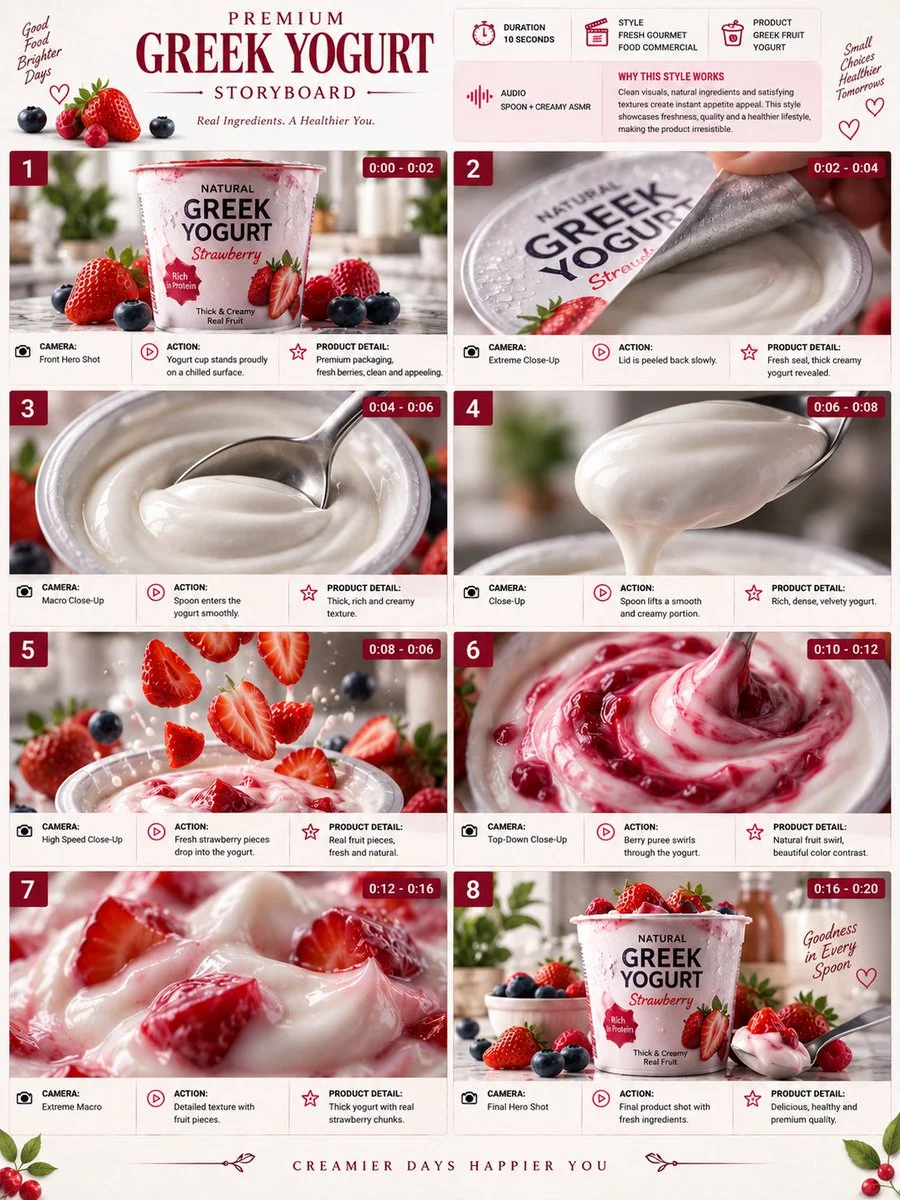
Premium 3:4 storyboard for 20s luxury blueberry muffin bakery commercial. Header: duration, gourmet style, muffins product, bakery ASMR, cream-blue-gold palette. Eight panels sequence box on marble, opening to reveal muffins, lifting muffin, wrapper peel macro, break to blueberry interior, slow-mo berry drop, extreme macro crumb and bursting berries, final hero box with muffins and scatter. Extreme macro, slow-motion, overhead, push-in cameras. Ultra-realistic textures, golden crust, steam, premium packaging, warm lighting, 8K, consistent product hero, no extra elements.
Premium 3:4 storyboard for 20s luxury blueberry muffin bakery commercial. Header: duration, gourmet style, muffins product, bakery ASMR, cream-blue-gold palette. Eight panels sequence box on marble, opening to reveal muffins, lifting muffin, wrapper peel macro, break to blueberry interior, slow-mo berry drop, extreme macro crumb and bursting berries, final hero box with muffins and scatter. Extreme macro, slow-motion, overhead, push-in cameras. Ultra-realistic textures, golden crust, steam, premium packaging, warm lighting, 8K, consistent product hero, no extra elements.
Verified prompt
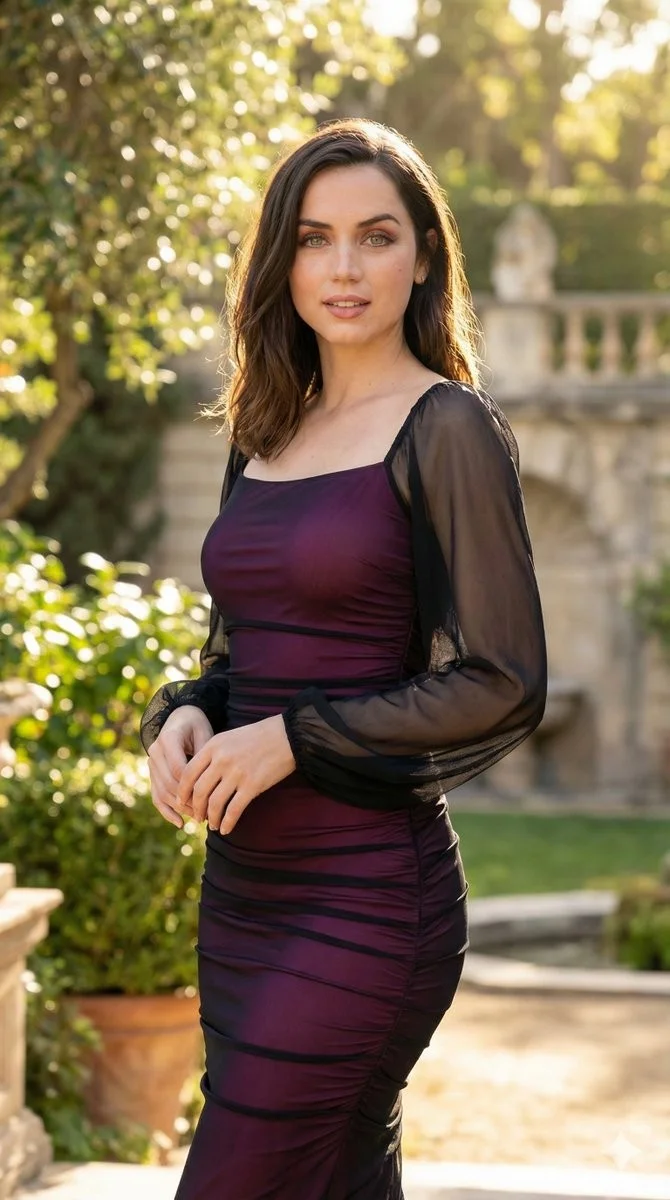
Image to image fusion workflow with identity preservation priority. Primary subject facial identity locked with zero morphing policy. Hyper-realistic skin texture with detailed pores and natural blemishes. Dynamic three-quarter turn pose with hand resting on hip. Setting: upscale outdoor terrace with deep blur background, soft architectural lines, golden hour warmth, vibrant greenery. Vibrant high-key lighting with bright natural sunlight, soft rim lighting to separate subject from background, ultra-high dynamic range. 85mm prime lens at f/1.8, sharp focus on eyes, 4K UHD quality.
Image to image fusion workflow with identity preservation priority. Primary subject facial identity locked with zero morphing policy. Hyper-realistic skin texture with detailed pores and natural blemishes. Dynamic three-quarter turn pose with hand resting on hip. Setting: upscale outdoor terrace with deep blur background, soft architectural lines, golden hour warmth, vibrant greenery. Vibrant high-key lighting with bright natural sunlight, soft rim lighting to separate subject from background, ultra-high dynamic range. 85mm prime lens at f/1.8, sharp focus on eyes, 4K UHD quality.
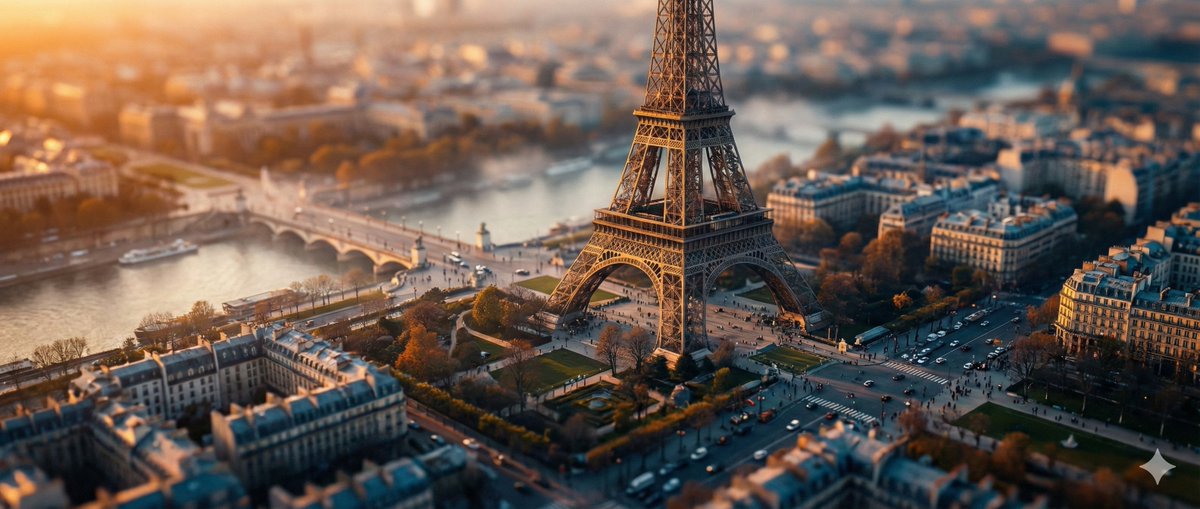
Verified prompt
ghly detailed tilt-shift photography of [LOCATION] captured from a high vantage point at [TIME OF DAY, e.g., golden hour sunset], transforming the iconic structure and surrounding landscape into a whimsical miniature toy model scene, with pinpoint sharp focus on the central elements like buildings, pathways, and key landmarks, gradually blurring into soft bokeh towards the edges and foreground/background for an exaggerated shallow depth of field effect; vibrant color palette featuring [COLOR SCHEME, e.g., warm oranges and deep blues], intricate textures on surfaces such as stone, foliage, or water reflections, subtle atmospheric haze or mist adding depth and realism, photorealistic rendering with high dynamic range lighting casting long dramatic shadows, ultra-high resolution 8K, cinematic composition emphasizing symmetry and leading lines, in the style of professional architectural miniature photography.
ghly detailed tilt-shift photography of [LOCATION] captured from a high vantage point at [TIME OF DAY, e.g., golden hour sunset], transforming the iconic structure and surrounding landscape into a whimsical miniature toy model scene, with pinpoint sharp focus on the central elements like buildings, pathways, and key landmarks, gradually blurring into soft bokeh towards the edges and foreground/background for an exaggerated shallow depth of field effect; vibrant color palette featuring [COLOR SCHEME, e.g., warm oranges and deep blues], intricate textures on surfaces such as stone, foliage, or water reflections, subtle atmospheric haze or mist adding depth and realism, photorealistic rendering with high dynamic range lighting casting long dramatic shadows, ultra-high resolution 8K, cinematic composition emphasizing symmetry and leading lines, in the style of professional architectural miniature photography.
Nano Banana 2: Create and Edit with Natural Language
Develop your Nano Banana 2 image brief around the result you need. Keep the main direction specific, check supported settings in the generator, and review the completed work before using it in your project.
Choose only the resolution and aspect ratio shown for the selected model. Check framing, fine details and any text in the completed image. A larger output size does not guarantee a more accurate result.
Explore Nano Banana 2
From a Brief to a Reviewed Image: The Nano Banana 2 Workflow
Allow time to inspect each image result and refine your brief. Processing time varies by model, request and service load. Change one direction at a time so that you can judge which edit improves the result.
Enter prompt or upload image
Start your Nano Banana 2 image brief with a source image you have permission to use. Name the area to change and the colors, proportions or objects to preserve. Reference count and editing support depend on the selected model.
Review Availability, Settings and Credits
Allow time to inspect each image result and refine your brief. Processing time varies by model, request and service load. Change one direction at a time so that you can judge which edit improves the result.
Review and Download Completed Results
When a request completes, inspect the image in History and download the result you want to keep. Review the composition and any unintended details before sharing it with your team or publishing it.
Build Your Nano Banana 2 Image Brief
For a Nano Banana 2 product concept, specify the product shape, material, key detail and setting. Keep logos and claims accurate, allow room for your own typography, and review the result before using it in an advertisement.
Explain Your Subject, Changes and References
Start your Nano Banana 2 image brief with a source image you have permission to use. Name the area to change and the colors, proportions or objects to preserve. Reference count and editing support depend on the selected model.
Describe the Changes and Details to Preserve
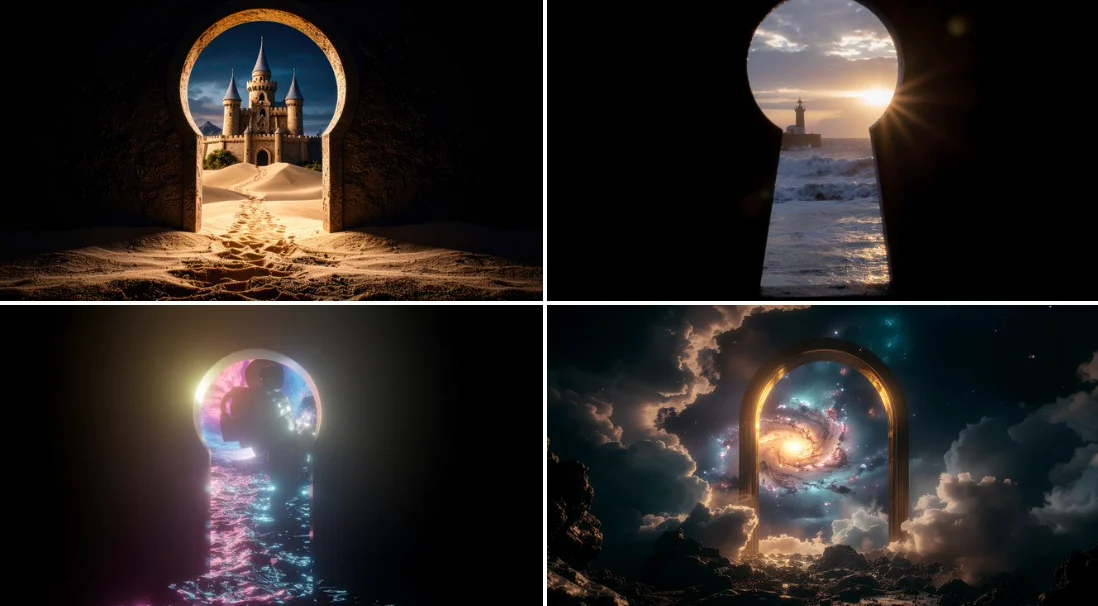
Write your Nano Banana 2 image brief around a subject, composition, lighting and intended style. Add a material or texture when it matters. For edits, state one precise change and explain which parts of the source should remain intact.
Check Details Across Every Result
Allow time to inspect each image result and refine your brief. Processing time varies by model, request and service load. Change one direction at a time so that you can judge which edit improves the result.
Explain Your Subject, Changes and References
List the details that matter in your Nano Banana 2 image brief: identity, shape, colors, clothing and background. Use supported references where appropriate and compare every result; exact consistency is not guaranteed.
A Clearer Creative Brief for Nano Banana 2
Allow time to inspect each image result and refine your brief. Processing time varies by model, request and service load. Change one direction at a time so that you can judge which edit improves the result.
Explain Your Subject, Changes and References
Allow time to inspect each image result and refine your brief. Processing time varies by model, request and service load. Change one direction at a time so that you can judge which edit improves the result.

Social Media & Advertising
For a Nano Banana 2 product concept, specify the product shape, material, key detail and setting. Keep logos and claims accurate, allow room for your own typography, and review the result before using it in an advertisement.

Check Details Across Every Result
List the details that matter in your Nano Banana 2 image brief: identity, shape, colors, clothing and background. Use supported references where appropriate and compare every result; exact consistency is not guaranteed.
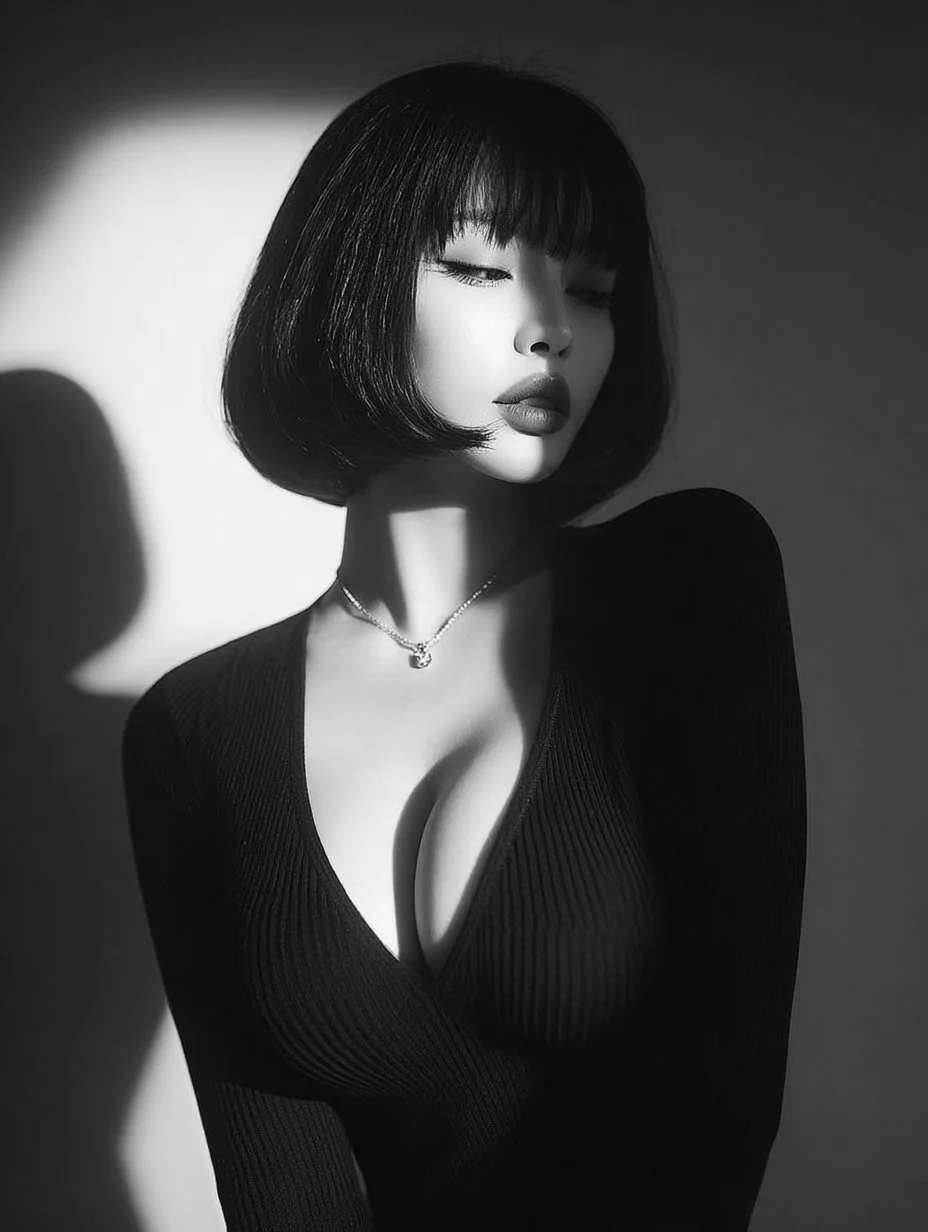
Efficient Production Workflow
For a Nano Banana 2 product concept, specify the product shape, material, key detail and setting. Keep logos and claims accurate, allow room for your own typography, and review the result before using it in an advertisement.
Creative Notes for Your Nano Banana 2 Image Brief
Give the main subject one clear action. For a Nano Banana 2 concept, a precise brief is easier to assess than a list of competing effects.
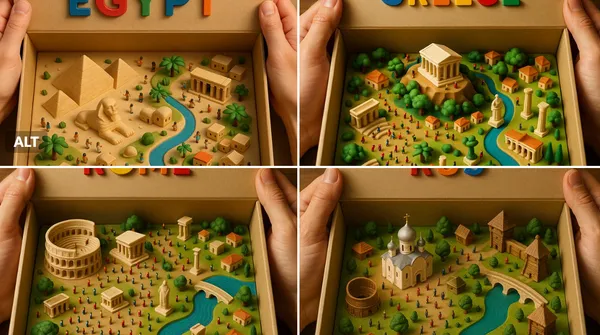
Nano Banana 2 Image Workflow: Questions & Answers
For a Nano Banana 2 product concept, specify the product shape, material, key detail and setting. Keep logos and claims accurate, allow room for your own typography, and review the result before using it in an advertisement.
This dotsai.pro page explains the Nano Banana 2 image workflow. It helps you write a focused brief and review the available inputs. Current access is shown in the generator; a model name on a guide does not mean it currently accepts requests.
Write your Nano Banana 2 image brief around a subject, composition, lighting and intended style. Add a material or texture when it matters. For edits, state one precise change and explain which parts of the source should remain intact.
Start your Nano Banana 2 image brief with a source image you have permission to use. Name the area to change and the colors, proportions or objects to preserve. Reference count and editing support depend on the selected model.
Develop your Nano Banana 2 image brief around the result you need. Keep the main direction specific, check supported settings in the generator, and review the completed work before using it in your project.
Use only the input modes and controls offered by the selected model. Describe the intended image clearly and add supported references when useful. This page does not promise separate motion-brush, audio-upload, restoration or editing tools.
List the details that matter in your Nano Banana 2 image brief: identity, shape, colors, clothing and background. Use supported references where appropriate and compare every result; exact consistency is not guaranteed.
For a Nano Banana 2 product concept, specify the product shape, material, key detail and setting. Keep logos and claims accurate, allow room for your own typography, and review the result before using it in an advertisement.
Choose only the resolution and aspect ratio shown for the selected model. Check framing, fine details and any text in the completed image. A larger output size does not guarantee a more accurate result.
You can request a refund within 10 days of purchase if you have unused credits from that purchase and provide a clear reason, subject to our Refund Policy. If eligible, an unused purchase can be fully refunded; a partly used purchase is refunded in proportion to its remaining unused credits. Fully used purchases and free or promotional credits are not refundable.
Credit validity depends on the pack, subscription or promotion that issued them. Review the purchase terms and expiration dates in Settings > Credits. A renewal or new purchase does not extend older credits. Use credits before their stated expiration; do not assume unused subscription credits roll over indefinitely.
Credits charged for a task that is confirmed as failed due to a system error are returned automatically. A task that is still processing has not yet been confirmed as failed. Check its status and your credit history before submitting again. If a confirmed failure still shows an unresolved charge, email support@dotsai.pro with the task ID.
AI results can vary, so a completed result that differs from your expectations is not automatically treated as a technical failure. Eligible completed image tasks can be submitted for credit refund review using the refund option where available; approval is required. For a video or another issue, contact support@dotsai.pro with the task ID and details. A credit refund returns credits, not money to your payment method.
Email support@dotsai.pro. For billing, include your account email and order ID; for generation, include the task ID, issue description and relevant screenshots. If you purchased as a guest, keep the original browser data and payment receipt so we can help locate the purchase.
Explore Your Next Nano Banana 2 Image Idea
Choose only the resolution and aspect ratio shown for the selected model. Check framing, fine details and any text in the completed image. A larger output size does not guarantee a more accurate result.
dotsai.pro · Updated
What's new on this page
- — Added editable example prompts and separate drafts for text and reference modes, with an action to restore the example.
- — Updated page copy and content.
- — Page content published.