
Verified prompt
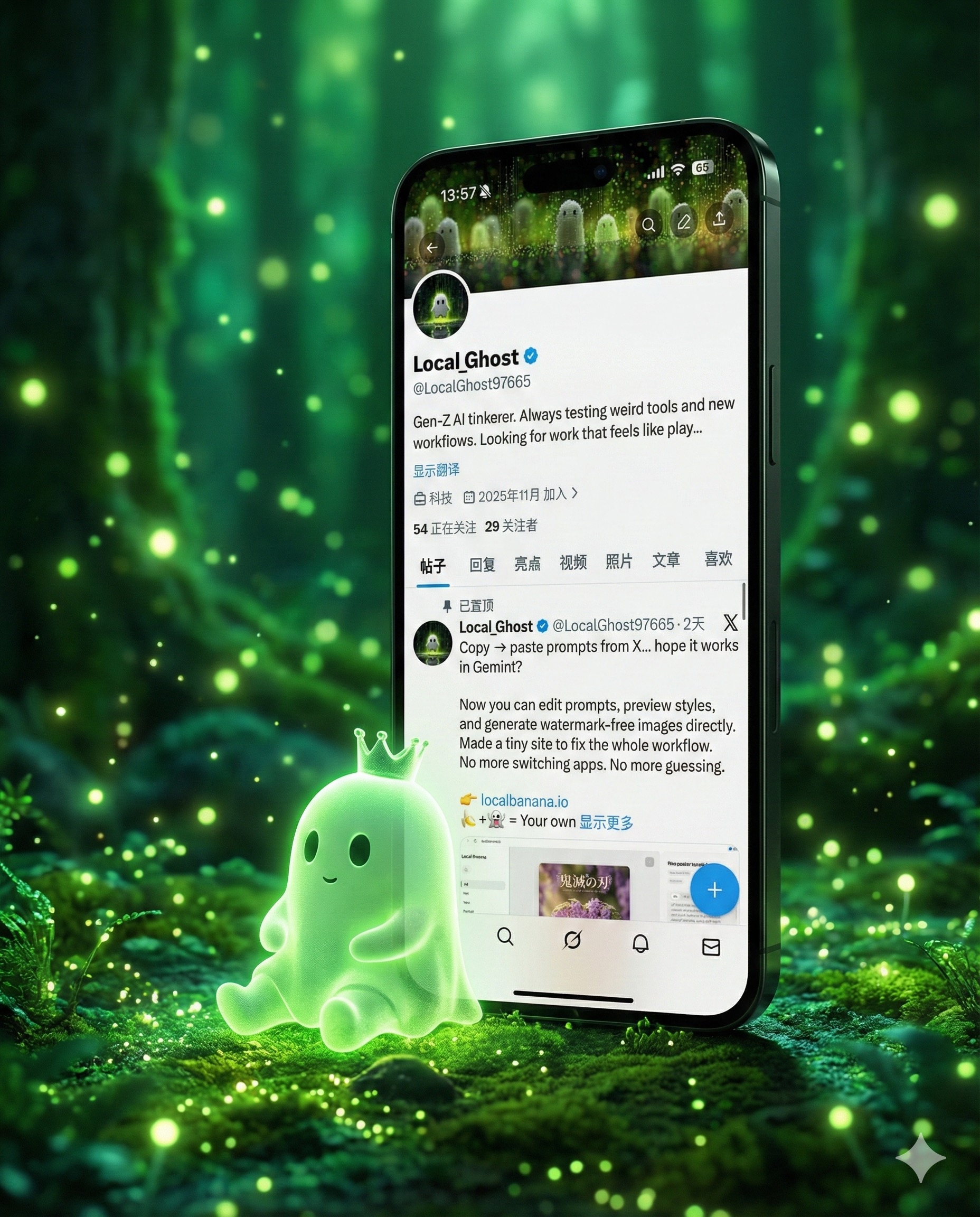
te a highly detailed 3D “breaking the fourth wall” art piece featuring a giant, sleek smartphone standing vertically. The phone must display the exact profile UI from the provided screenshot (username, display name, banner, and layout). The character from the profile picture — a glowing, soft, jelly-like green ghost with a small crown — has stepped out of the phone screen. Place the character sitting on the ground, leaning naturally and comfortably against the phone bezel, with realistic body weight and contact shadows. Match the background environment and floor to the exact “vibe & palette” of the screenshot banner: bioluminescent forest ambience, green luminous particles, soft fog, glowing light orbs, dreamy atmosphere. Use cinematic lighting, photorealistic materials, 8K render detail, crisp subsurface scattering on the ghost character, and realistic reflections on the smartphone. The composition should feel magical, grounded, and premium.
te a highly detailed 3D “breaking the fourth wall” art piece featuring a giant, sleek smartphone standing vertically. The phone must display the exact profile UI from the provided screenshot (username, display name, banner, and layout). The character from the profile picture — a glowing, soft, jelly-like green ghost with a small crown — has stepped out of the phone screen. Place the character sitting on the ground, leaning naturally and comfortably against the phone bezel, with realistic body weight and contact shadows. Match the background environment and floor to the exact “vibe & palette” of the screenshot banner: bioluminescent forest ambience, green luminous particles, soft fog, glowing light orbs, dreamy atmosphere. Use cinematic lighting, photorealistic materials, 8K render detail, crisp subsurface scattering on the ghost character, and realistic reflections on the smartphone. The composition should feel magical, grounded, and premium.
Verified prompt
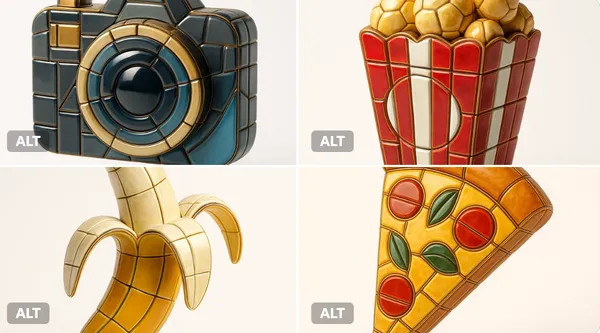
alize any selected emoji [] as an ultra-detailed, hyper-realistic 3D sculpture fully composed of luxurious enamel mosaic tiles. The emoji should retain its iconic silhouette and proportions, reinterpreted as a stylized 3D figure made entirely from curved, faceted, and geometrically interlocked enamel tiles in a radiant mosaic pattern. > Use high-gloss enamel tiles in varied shades derived from the emoji’s symbolic palette—integrating metallic accents, opalescent glazes, deep ceramic pigmentation, and subtle iridescence. Tile surfaces must exhibit gentle bevels, crisp joints, and tactile depth to emulate elite architectural mosaic work. > Ensure no visible support structures—the figure must appear freestanding and weightless, suspended mid-air at the exact center of the frame. > Background: pure white studio environment with soft ambient shadows directly beneath the sculpture to emphasize spatial presence and floating realism. > Lighting: cinematic, diffused from multiple angles to
alize any selected emoji [] as an ultra-detailed, hyper-realistic 3D sculpture fully composed of luxurious enamel mosaic tiles. The emoji should retain its iconic silhouette and proportions, reinterpreted as a stylized 3D figure made entirely from curved, faceted, and geometrically interlocked enamel tiles in a radiant mosaic pattern. > Use high-gloss enamel tiles in varied shades derived from the emoji’s symbolic palette—integrating metallic accents, opalescent glazes, deep ceramic pigmentation, and subtle iridescence. Tile surfaces must exhibit gentle bevels, crisp joints, and tactile depth to emulate elite architectural mosaic work. > Ensure no visible support structures—the figure must appear freestanding and weightless, suspended mid-air at the exact center of the frame. > Background: pure white studio environment with soft ambient shadows directly beneath the sculpture to emphasize spatial presence and floating realism. > Lighting: cinematic, diffused from multiple angles to
Verified prompt
Verified prompt
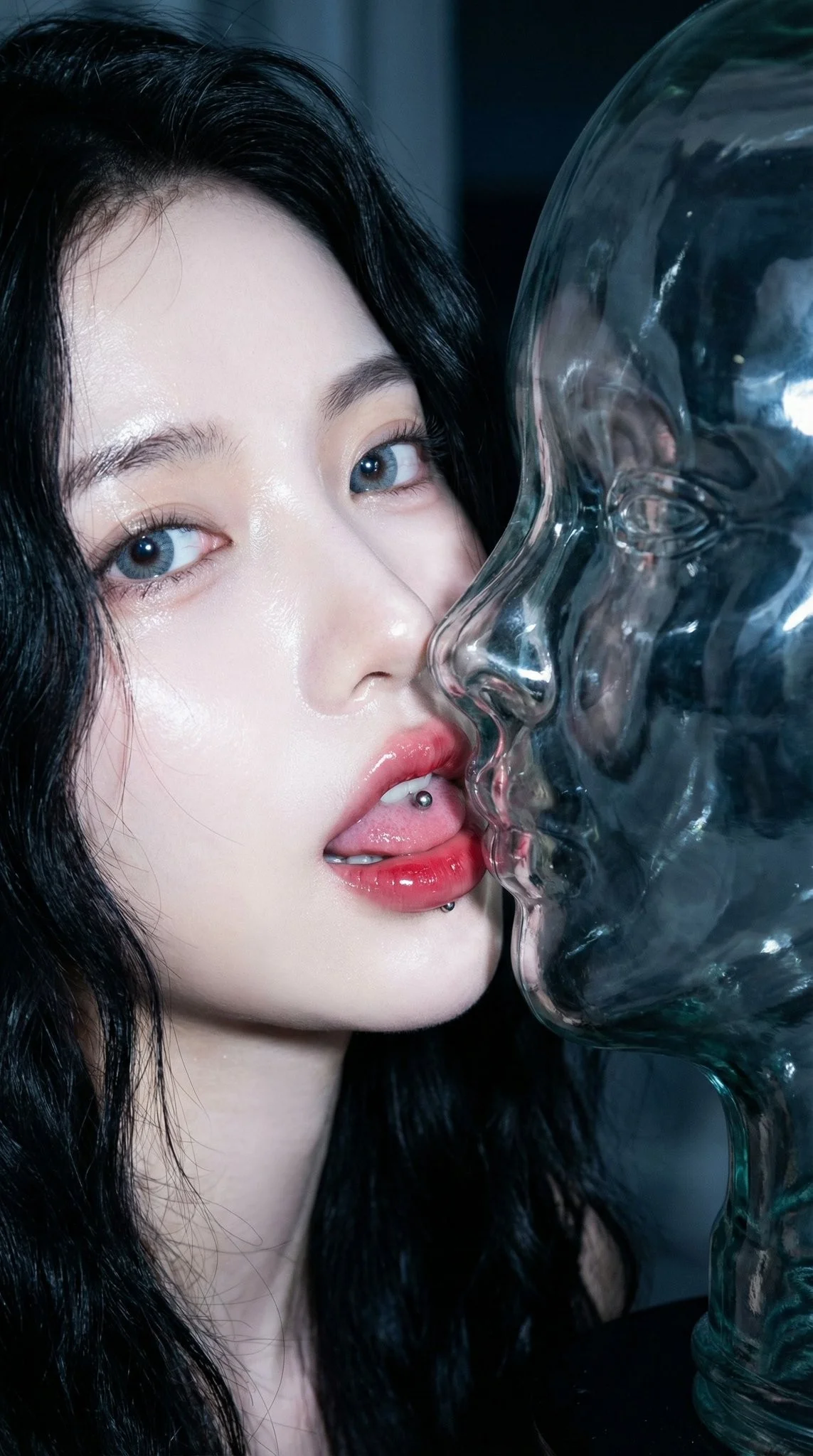
Extreme macro CCD sensor style, strong close-up flash. Intimate lip-to-lip close-up. Young and beautiful Chinese C-pop idol with the same transparent glass bust. Night, dark environment. Transparent glass sculpture female bust (head, neck, upper chest). Facial structure 100% identical to the real person. Crystal clear glass with flash enhanced strong caustic pattern. Subject bathed in bright, cool-white flash light creating strong highlights on the face and skin. Candid flash photography, high-energy, paparazzi aesthetic.
Extreme macro CCD sensor style, strong close-up flash. Intimate lip-to-lip close-up. Young and beautiful Chinese C-pop idol with the same transparent glass bust. Night, dark environment. Transparent glass sculpture female bust (head, neck, upper chest). Facial structure 100% identical to the real person. Crystal clear glass with flash enhanced strong caustic pattern. Subject bathed in bright, cool-white flash light creating strong highlights on the face and skin. Candid flash photography, high-energy, paparazzi aesthetic.
Verified prompt
Create a South Park style paper-cut cartoon character with short blond hair and a white shirt beside a vineyard. Use flat colors, round expressive eyes and a clear silhouette.
Create a South Park style paper-cut cartoon character with short blond hair and a white shirt beside a vineyard. Use flat colors, round expressive eyes and a clear silhouette.
Verified prompt
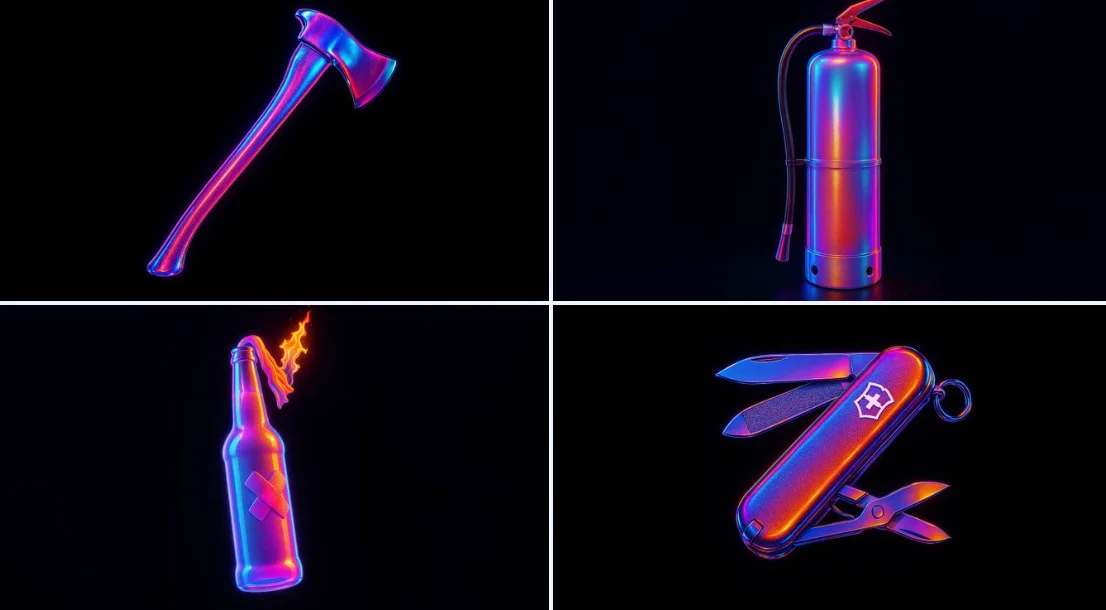
retexture the image attached based on the JSON aesthetic below { "style": "hyperrealistic 3D render", "material": "high-gloss translucent rubber with iridescent coating", "surface_texture": "fine-grain pebbling with micro-specular highlights", "lighting": { "type": "studio HDRI", "intensity": "high", "direction": "multi-point with rim and backlight", "colors": ["electric blue", "magenta", "neon purple", "sunset orange"], "glow_effect": true, "chromatic_aberration": true, "bloom": true }, "color_scheme": { "primary": "iridescent gradient", "highlights": "white light core reflections", "accent_edges": "black outlines with subtle glow" }, "background": { "color": "solid black", "texture": "none", "contrast": "extreme to enhance subject glow" }, "camera": { "angle": "straight-on center view", "focus": "sharp foreground, no depth blur", "lens": "macro with light distortion" }, "post_processing": { "glow": true, "contrast_boost": true, "color_grading": "vibrant spectrum", "noise": "minimal" } }
retexture the image attached based on the JSON aesthetic below { "style": "hyperrealistic 3D render", "material": "high-gloss translucent rubber with iridescent coating", "surface_texture": "fine-grain pebbling with micro-specular highlights", "lighting": { "type": "studio HDRI", "intensity": "high", "direction": "multi-point with rim and backlight", "colors": ["electric blue", "magenta", "neon purple", "sunset orange"], "glow_effect": true, "chromatic_aberration": true, "bloom": true }, "color_scheme": { "primary": "iridescent gradient", "highlights": "white light core reflections", "accent_edges": "black outlines with subtle glow" }, "background": { "color": "solid black", "texture": "none", "contrast": "extreme to enhance subject glow" }, "camera": { "angle": "straight-on center view", "focus": "sharp foreground, no depth blur", "lens": "macro with light distortion" }, "post_processing": { "glow": true, "contrast_boost": true, "color_grading": "vibrant spectrum", "noise": "minimal" } }
Verified prompt
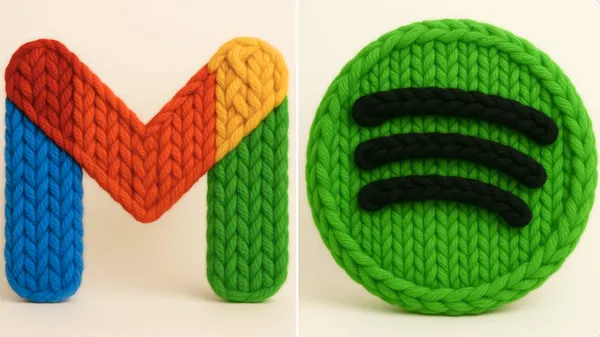
un render 3D fotorrealista de este logo hecho con hilo grueso y tejido a mano. El hilo debe parecer suave, esponjoso y de gran tamaño, con patrones visibles de tejido como bucles, giros y trenzas. Usa colores brillantes y saturados, estética cálida. Resalta la textura de las fibras, la suavidad del material y el acabado artesanal. Iluminación de estudio suave. Fondo blanco o crema limpio. El logo debe estar centrado y sin elementos adicionales. Cuadrado.
un render 3D fotorrealista de este logo hecho con hilo grueso y tejido a mano. El hilo debe parecer suave, esponjoso y de gran tamaño, con patrones visibles de tejido como bucles, giros y trenzas. Usa colores brillantes y saturados, estética cálida. Resalta la textura de las fibras, la suavidad del material y el acabado artesanal. Iluminación de estudio suave. Fondo blanco o crema limpio. El logo debe estar centrado y sin elementos adicionales. Cuadrado.
Verified prompt
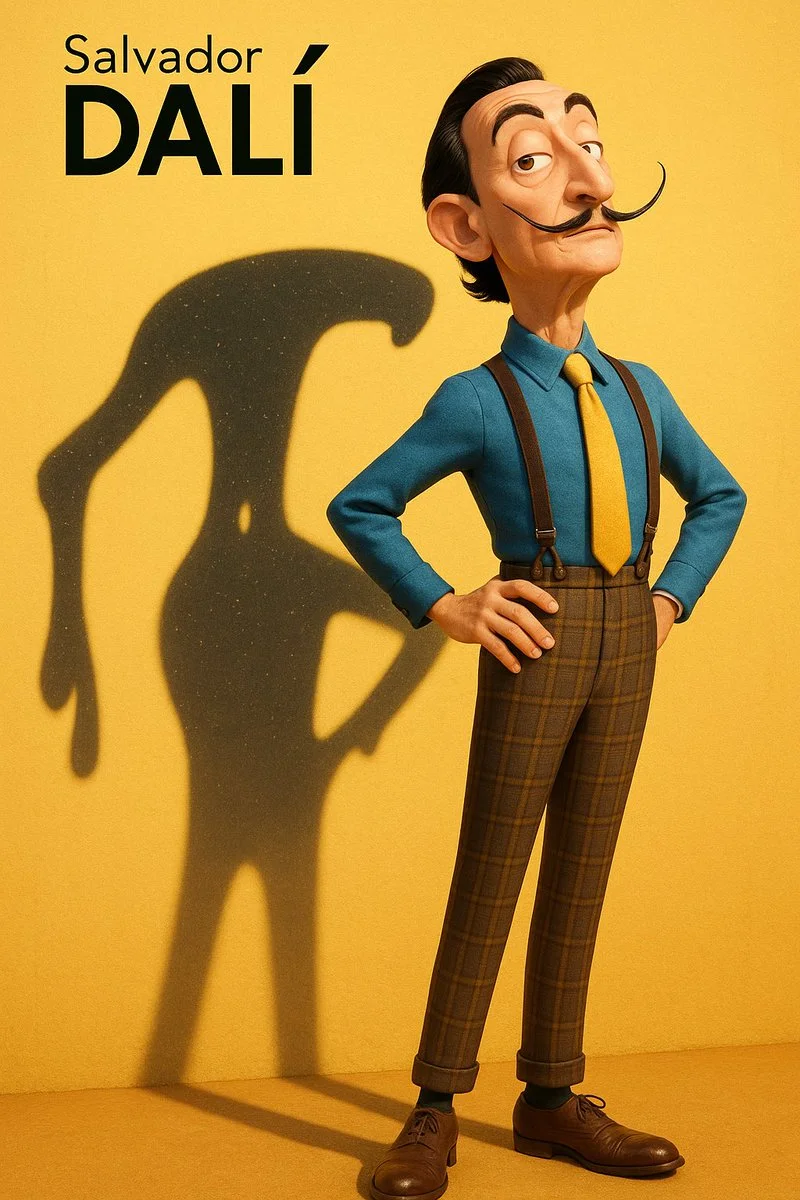
A high-resolution vertical Pixar-style 3D character illustration. Main character: Salvador Dalí — depicted as a tall, slim, and slightly exaggerated Pixar-style 3D character. Wearing a classic blue shirt, yellow tie, high-waisted plaid trousers with suspenders, and leather shoes. His iconic long upturned mustache, slick black hair, sharply arched eyebrows, and slightly eccentric posture. Stands with chest out, one hand on hip, head tilted slightly back in his typical theatrical flair. Background: Flat, clean yellow background with subtle surface texture. Strong sunlight from top-left casts a distinct and enlarged shadow on the wall behind him. Key Concept – Shadow as spiritual projection: The shadow cast behind him does **not** mirror his body shape. Instead, it takes the form of one of his most iconic artworks — a surreal melted clock with long dripping arms, inspired by “The Persistence of Memory”. The melted clock shadow is positioned diagonally, starting from his shoulder, stretching wide and low across the yellow wall, surreal and fluid, yet unmistakably symbolic. This shadow is **Dalí’s legacy made visible** — a symbolic extension of his identity through time, dream, and visual distortion. Lighting & Rendering: Pixar-like rendering with detailed but stylized textures. Use subtle filmic grain, soft shadows, and warm color grading. Subtle sparkles or light speckles inside the shadow to evoke dreamlike texture. Typography (top-left corner): “Salvador Dalí” in minimalist black sans-serif font, “Dalí” bolded.
A high-resolution vertical Pixar-style 3D character illustration. Main character: Salvador Dalí — depicted as a tall, slim, and slightly exaggerated Pixar-style 3D character. Wearing a classic blue shirt, yellow tie, high-waisted plaid trousers with suspenders, and leather shoes. His iconic long upturned mustache, slick black hair, sharply arched eyebrows, and slightly eccentric posture. Stands with chest out, one hand on hip, head tilted slightly back in his typical theatrical flair. Background: Flat, clean yellow background with subtle surface texture. Strong sunlight from top-left casts a distinct and enlarged shadow on the wall behind him. Key Concept – Shadow as spiritual projection: The shadow cast behind him does **not** mirror his body shape. Instead, it takes the form of one of his most iconic artworks — a surreal melted clock with long dripping arms, inspired by “The Persistence of Memory”. The melted clock shadow is positioned diagonally, starting from his shoulder, stretching wide and low across the yellow wall, surreal and fluid, yet unmistakably symbolic. This shadow is **Dalí’s legacy made visible** — a symbolic extension of his identity through time, dream, and visual distortion. Lighting & Rendering: Pixar-like rendering with detailed but stylized textures. Use subtle filmic grain, soft shadows, and warm color grading. Subtle sparkles or light speckles inside the shadow to evoke dreamlike texture. Typography (top-left corner): “Salvador Dalí” in minimalist black sans-serif font, “Dalí” bolded.
Verified prompt
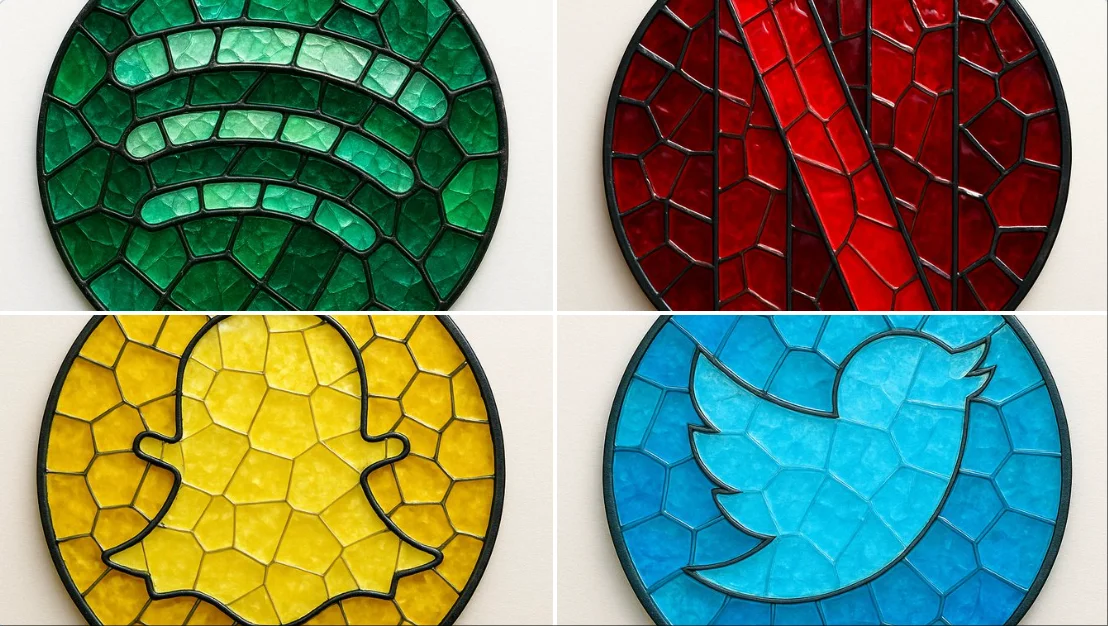
create image: { "style": "mosaic stained glass emblem", "object": "brand logo", "brand": { "name": "Spotify", "logo_shape": "circular", "icon_style": "three curved bars", "color_palette": { "primary": "#1DB954", "secondary": "#1ED760", "glass_variants": ["#147A3E", "#0F5C30", "#26C178"] } }, "material": { "type": "colored glass", "effect": "semi-transparent with light reflections", "outline": { "color": "#111111", "width": "medium", "style": "lead-line traditional mosaic" } }, "composition": { "layout": "logo composed of tessellated glass pieces", "geometry": "irregular but fitted glass shapes", "contrast": "dark outlines define shape clearly" }, "lighting": { "type": "diffused natural light", "highlight": "glass texture and color depth emphasized" }, "background": { "type": "flat surface", "color": "#F4F4F4" }, "camera": { "angle": "top-down", "focus": "centered on entire logo" }, "render": { "quality": "high", "shadows": "soft", "reflections": "minimal" } }
create image: { "style": "mosaic stained glass emblem", "object": "brand logo", "brand": { "name": "Spotify", "logo_shape": "circular", "icon_style": "three curved bars", "color_palette": { "primary": "#1DB954", "secondary": "#1ED760", "glass_variants": ["#147A3E", "#0F5C30", "#26C178"] } }, "material": { "type": "colored glass", "effect": "semi-transparent with light reflections", "outline": { "color": "#111111", "width": "medium", "style": "lead-line traditional mosaic" } }, "composition": { "layout": "logo composed of tessellated glass pieces", "geometry": "irregular but fitted glass shapes", "contrast": "dark outlines define shape clearly" }, "lighting": { "type": "diffused natural light", "highlight": "glass texture and color depth emphasized" }, "background": { "type": "flat surface", "color": "#F4F4F4" }, "camera": { "angle": "top-down", "focus": "centered on entire logo" }, "render": { "quality": "high", "shadows": "soft", "reflections": "minimal" } }
Verified prompt
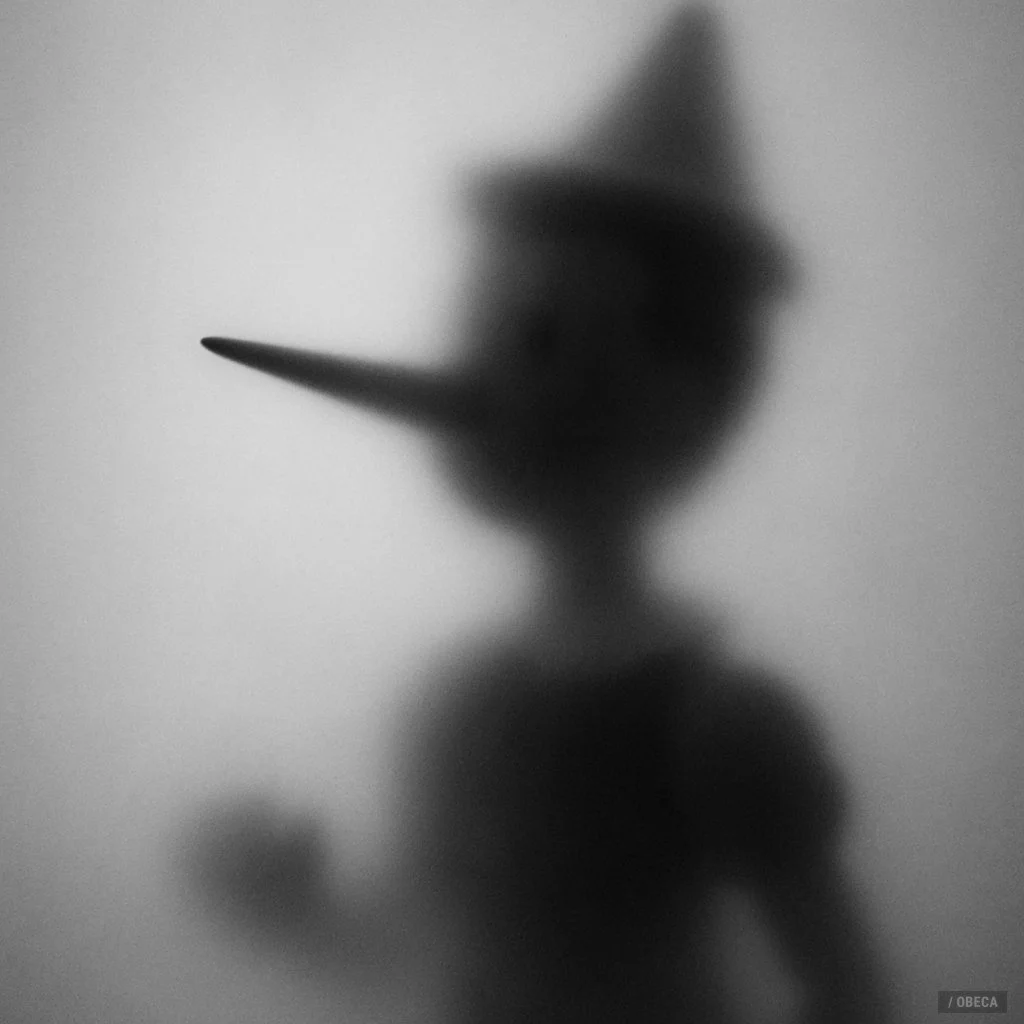
A black and white photograph shows the blurred silhouette of a [SUBJECT] behind a frosted or translucent surface. The [PART] is sharply defined and pressed against the surface, creating a stark contrast with the rest of the hazy, indistinct figure. The background is a soft gradient of gray tones, enhancing the mysterious and artistic atmosphere
A black and white photograph shows the blurred silhouette of a [SUBJECT] behind a frosted or translucent surface. The [PART] is sharply defined and pressed against the surface, creating a stark contrast with the rest of the hazy, indistinct figure. The background is a soft gradient of gray tones, enhancing the mysterious and artistic atmosphere
Verified prompt
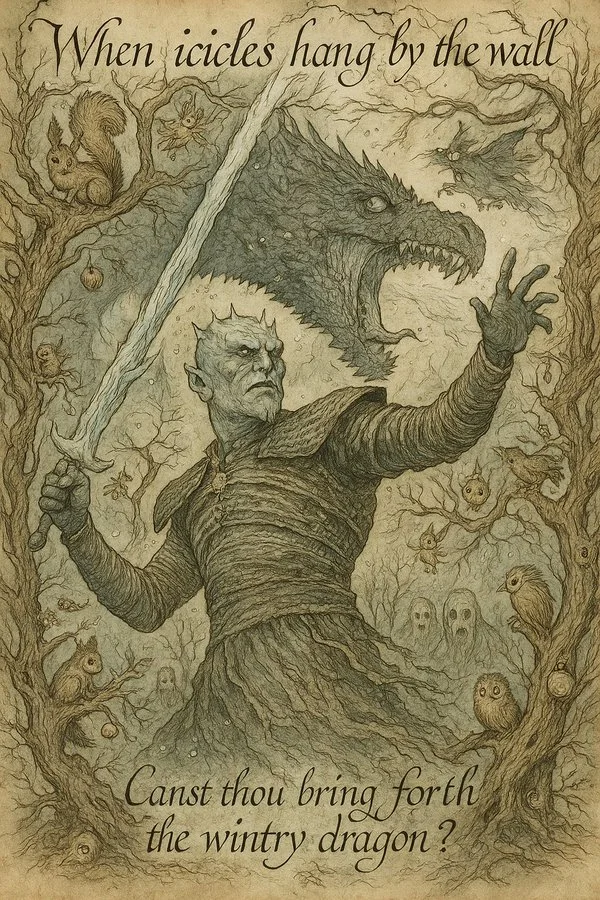
Transform this image into a 1920s fairy tale illustration in the style of Arthur Rackham. Use muted watercolor tones and intricate ink linework. Fill the scene with whimsical forest creatures, twisted tree branches, and hidden magical objects. The overall tone should be mysterious, enchanting, and slightly eerie. Add handwritten calligraphy-style captions and riddles.
Transform this image into a 1920s fairy tale illustration in the style of Arthur Rackham. Use muted watercolor tones and intricate ink linework. Fill the scene with whimsical forest creatures, twisted tree branches, and hidden magical objects. The overall tone should be mysterious, enchanting, and slightly eerie. Add handwritten calligraphy-style captions and riddles.
Verified prompt
Explore Image Workflows
Explore the GPT Image 2.5 workflow and compare it with the related image pages. The generator is the source of truth for current model access and settings. Use the prompt library to study published results and the model that created them.
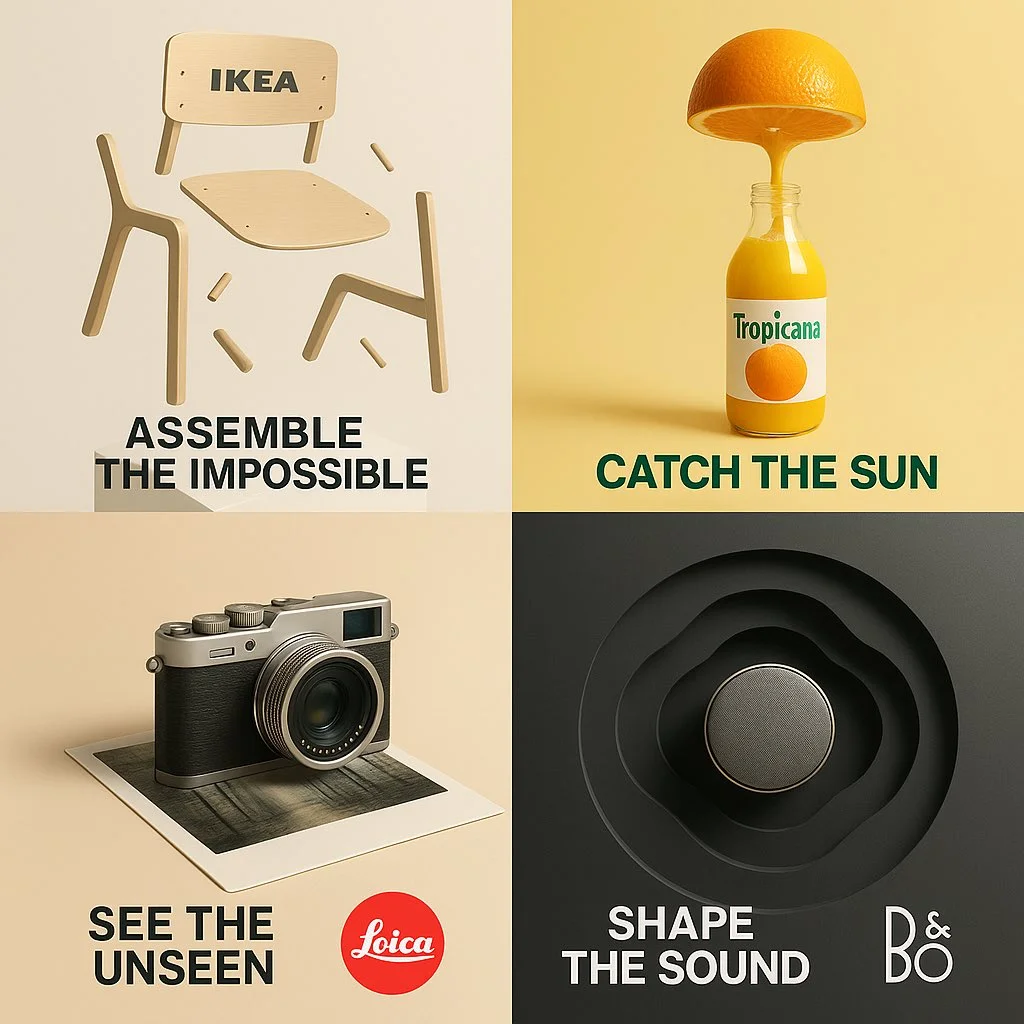
Create Images with Flare and Sunburst
Write your GPT Image 2.5 image brief around a subject, composition, lighting and intended style. Add a material or texture when it matters. For edits, state one precise change and explain which parts of the source should remain intact.
Write your GPT Image 2.5 image brief around a subject, composition, lighting and intended style. Add a material or texture when it matters. For edits, state one precise change and explain which parts of the source should remain intact.
Explore GPT Image 2.5Build Your GPT Image 2.5 Image Brief
Choose only the resolution and aspect ratio shown for the selected model. Check framing, fine details and any text in the completed image. A larger output size does not guarantee a more accurate result.
Advanced AI Image Generation & Customization
Choose only the resolution and aspect ratio shown for the selected model. Check framing, fine details and any text in the completed image. A larger output size does not guarantee a more accurate result.
Write Precise Editing and Style Directions
Choose only the resolution and aspect ratio shown for the selected model. Check framing, fine details and any text in the completed image. A larger output size does not guarantee a more accurate result.
Describe the Changes and Details to Preserve
Explore the GPT Image 2.5 workflow and compare it with the related image pages. The generator is the source of truth for current model access and settings. Use the prompt library to study published results and the model that created them.
Describe the Changes and Details to Preserve
Choose only the resolution and aspect ratio shown for the selected model. Check framing, fine details and any text in the completed image. A larger output size does not guarantee a more accurate result.
Review Usage Terms Before Sharing
Check the applicable model and platform terms before using a result commercially. You are responsible for the rights to uploaded images, identifiable people, logos and any other source material in your GPT Image 2.5 image brief.
Keep Your Workflow Simple
Develop your GPT Image 2.5 image brief around the result you need. Keep the main direction specific, check supported settings in the generator, and review the completed work before using it in your project.
A Clearer Creative Brief for GPT Image 2.5
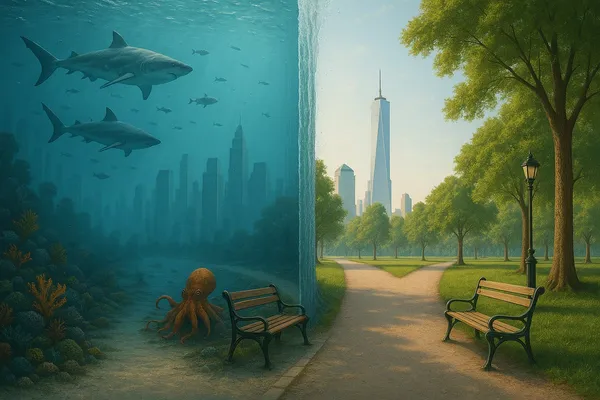
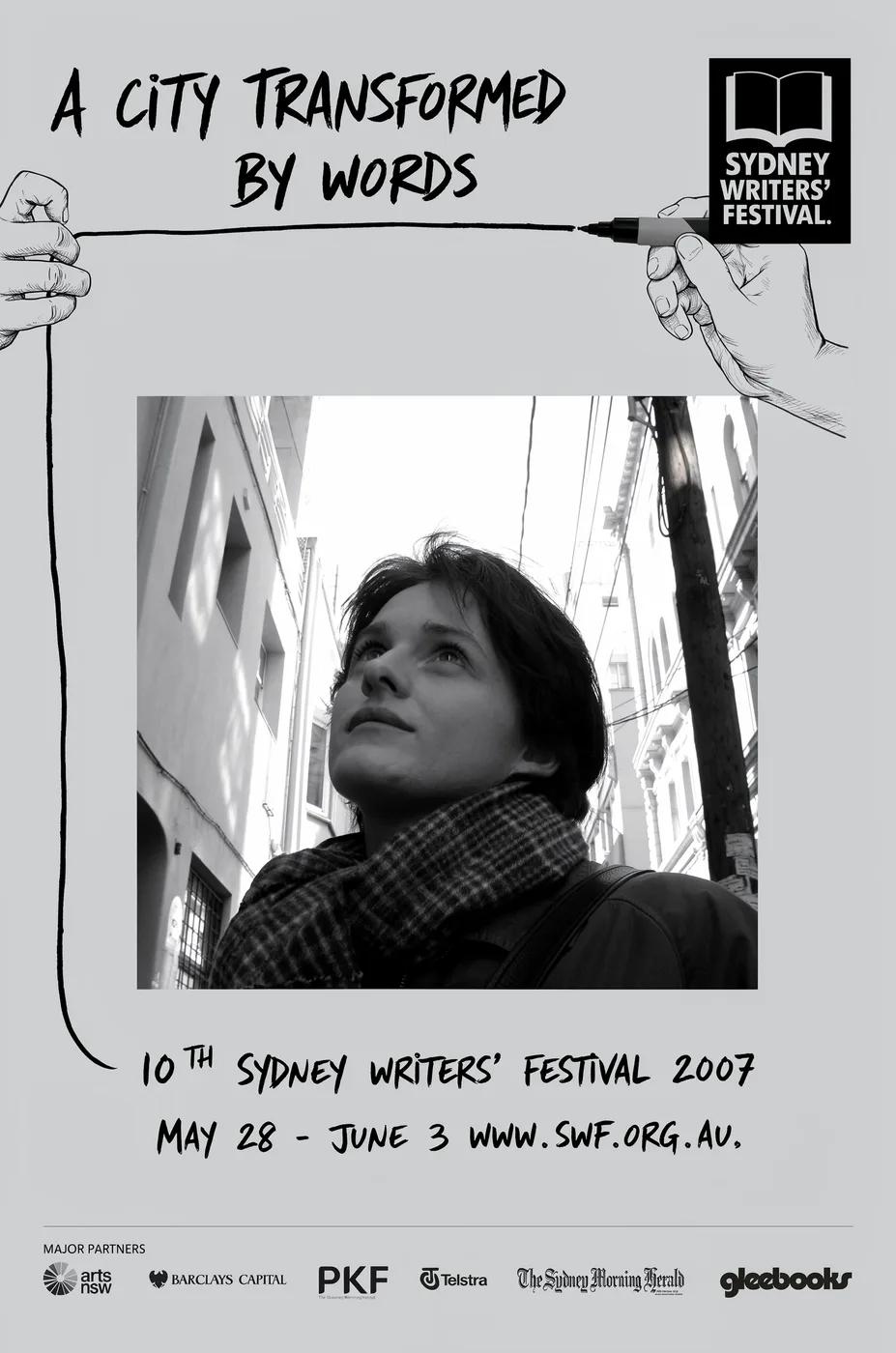
Diverse Styles & Effects for Every Vision
Develop your GPT Image 2.5 image brief around the result you need. Keep the main direction specific, check supported settings in the generator, and review the completed work before using it in your project.
Write your GPT Image 2.5 image brief around a subject, composition, lighting and intended style. Add a material or texture when it matters. For edits, state one precise change and explain which parts of the source should remain intact.
Versatile GPT Image 2.5 AI Image Generator for Every Creator's Vision
Start your GPT Image 2.5 image brief with a source image you have permission to use. Name the area to change and the colors, proportions or objects to preserve. Reference count and editing support depend on the selected model.
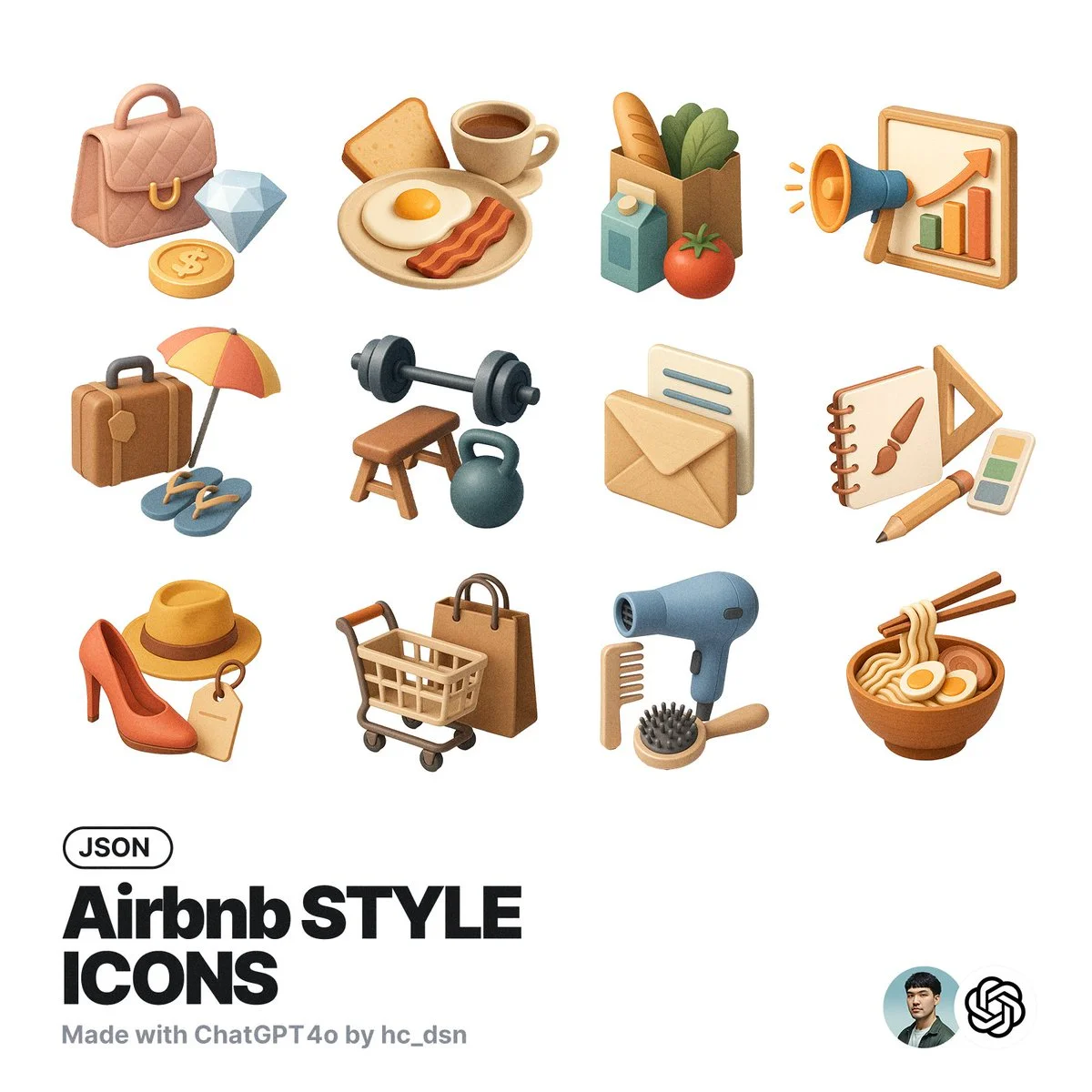
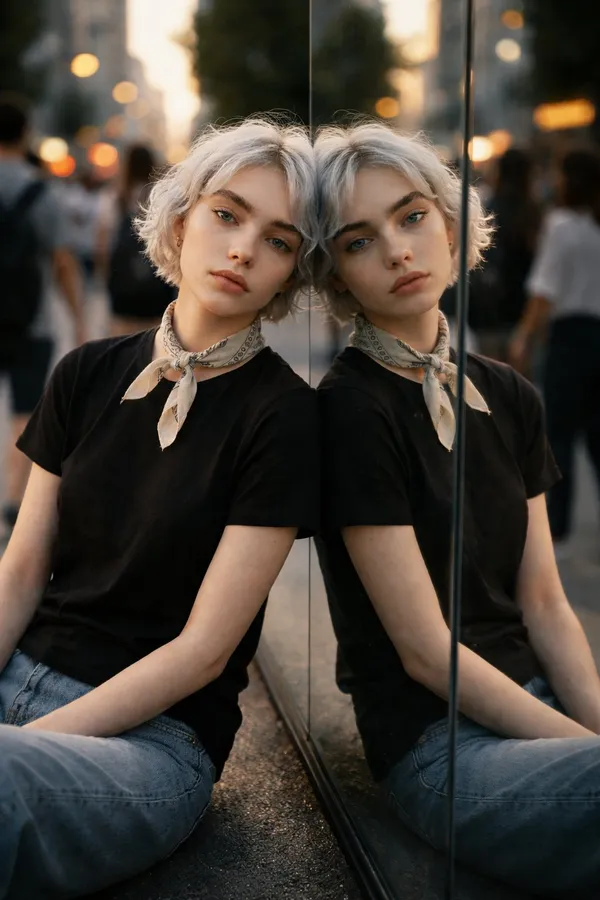
For Architects and Designers
Write your GPT Image 2.5 image brief around a subject, composition, lighting and intended style. Add a material or texture when it matters. For edits, state one precise change and explain which parts of the source should remain intact.
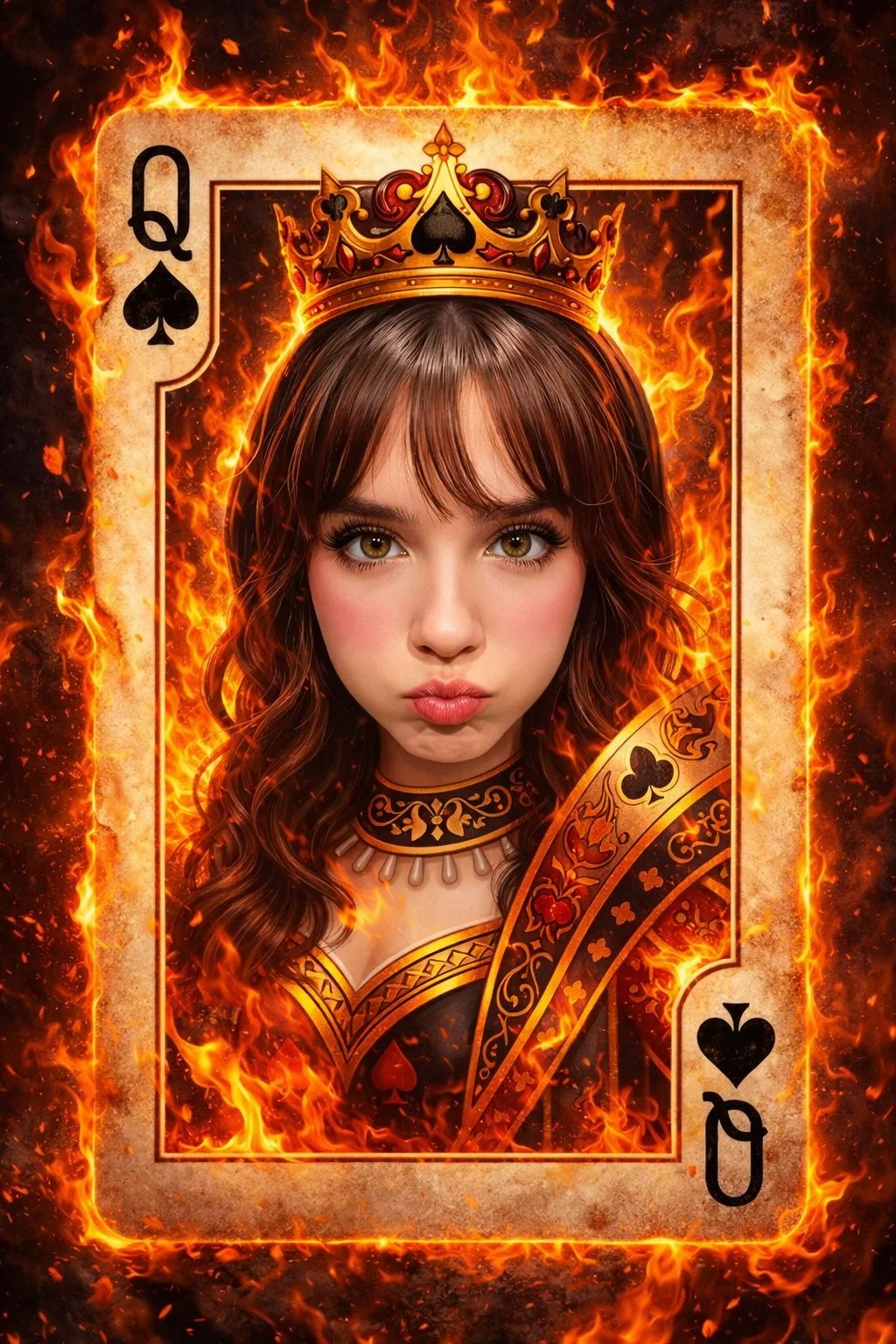
For E-Commerce Professionals
List the details that matter in your GPT Image 2.5 image brief: identity, shape, colors, clothing and background. Use supported references where appropriate and compare every result; exact consistency is not guaranteed.
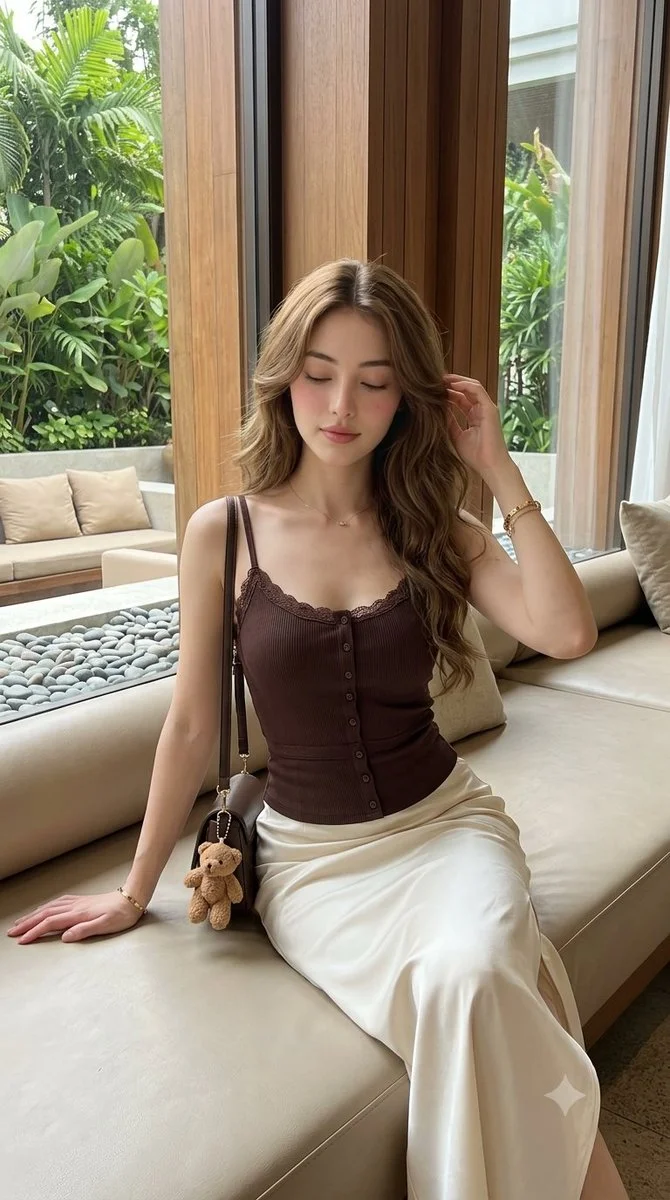
For Content Publishers
Choose only the resolution and aspect ratio shown for the selected model. Check framing, fine details and any text in the completed image. A larger output size does not guarantee a more accurate result.
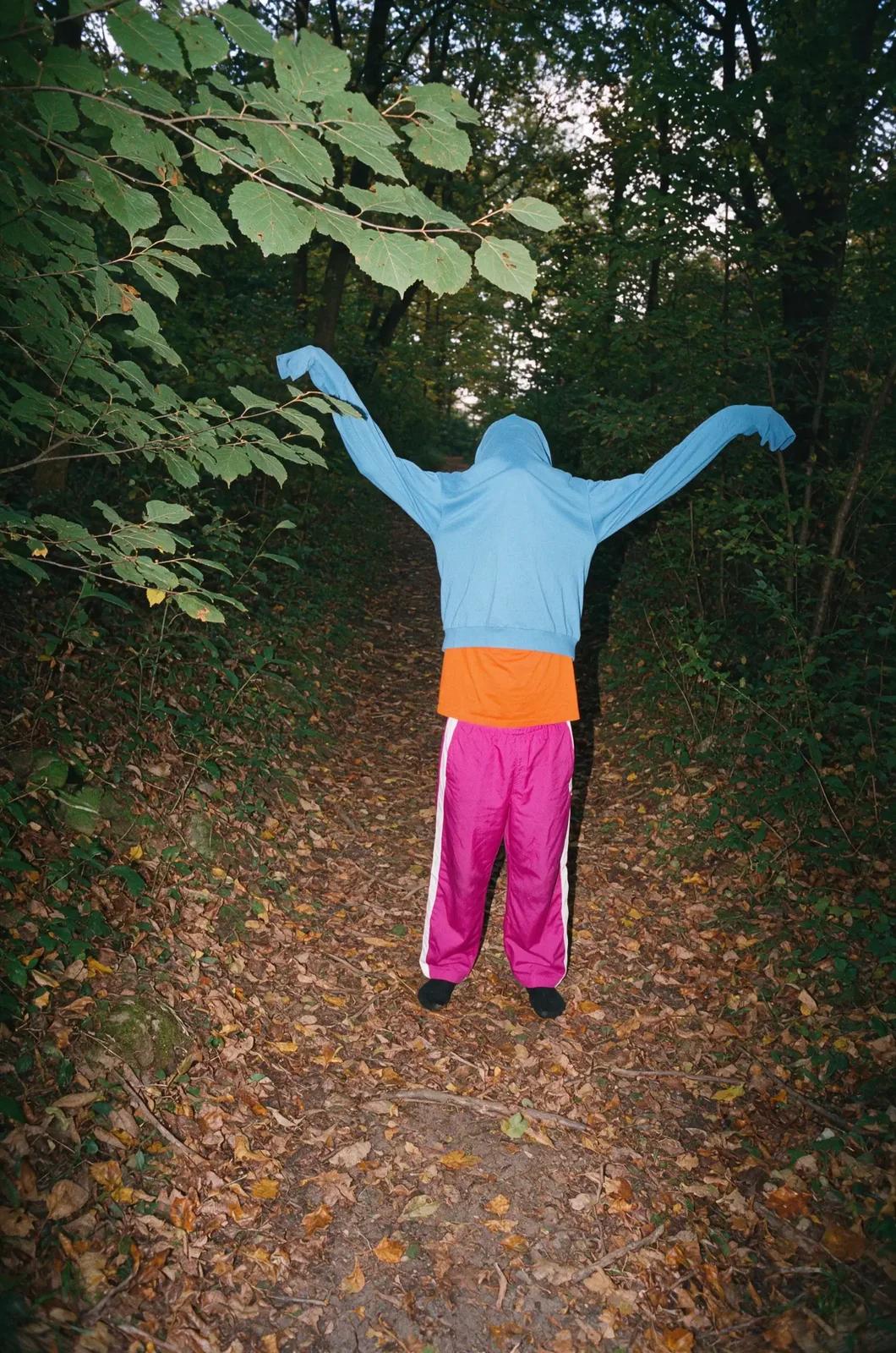
For Event Planners
Write your GPT Image 2.5 image brief around a subject, composition, lighting and intended style. Add a material or texture when it matters. For edits, state one precise change and explain which parts of the source should remain intact.
From a Brief to a Reviewed Image: The GPT Image 2.5 Workflow
Add Your Input
Start your GPT Image 2.5 image brief with a source image you have permission to use. Name the area to change and the colors, proportions or objects to preserve. Reference count and editing support depend on the selected model.
Customize Your Options
The generator shows current model availability. When a model accepts requests, choose its supported settings and review the required credits before submitting. Review your selection and credit balance before generating.
Generate and Refine
Write your GPT Image 2.5 image brief around a subject, composition, lighting and intended style. Add a material or texture when it matters. For edits, state one precise change and explain which parts of the source should remain intact.
Review and Download Completed Results
Start your GPT Image 2.5 image brief with a source image you have permission to use. Name the area to change and the colors, proportions or objects to preserve. Reference count and editing support depend on the selected model.
GPT Image 2.5 Image Ideas for Your Projects
Choose only the resolution and aspect ratio shown for the selected model. Check framing, fine details and any text in the completed image. A larger output size does not guarantee a more accurate result.
Digital Art & Illustration
Choose only the resolution and aspect ratio shown for the selected model. Check framing, fine details and any text in the completed image. A larger output size does not guarantee a more accurate result.
Marketing & E-Commerce Visuals
For a GPT Image 2.5 product concept, specify the product shape, material, key detail and setting. Keep logos and claims accurate, allow room for your own typography, and review the result before using it in an advertisement.
Educational Content & Presentations
Use a GPT Image 2.5 visual concept to support one teaching or presentation point. Check facts and labels yourself, and add final captions in your editing workflow rather than relying on generated text.
Game Development
List the details that matter in your GPT Image 2.5 image brief: identity, shape, colors, clothing and background. Use supported references where appropriate and compare every result; exact consistency is not guaranteed.
Creative Notes for Your GPT Image 2.5 Image Brief
Give the main subject one clear action. For a GPT Image 2.5 concept, a precise brief is easier to assess than a list of competing effects.
GPT Image 2.5 Image Workflow: Questions & Answers
This dotsai.pro page explains the GPT Image 2.5 image workflow. It helps you write a focused brief and review the available inputs. Current access is shown in the generator; a model name on a guide does not mean it currently accepts requests.
Write your GPT Image 2.5 image brief around a subject, composition, lighting and intended style. Add a material or texture when it matters. For edits, state one precise change and explain which parts of the source should remain intact.
Use only the input modes and controls offered by the selected model. Describe the intended image clearly and add supported references when useful. This page does not promise separate motion-brush, audio-upload, restoration or editing tools.
Check the applicable model and platform terms before using a result commercially. You are responsible for the rights to uploaded images, identifiable people, logos and any other source material in your GPT Image 2.5 image brief.
The generator shows current model availability. When a model accepts requests, choose its supported settings and review the required credits before submitting. Review your selection and credit balance before generating.
Develop your GPT Image 2.5 image brief around the result you need. Keep the main direction specific, check supported settings in the generator, and review the completed work before using it in your project.
You can request a refund within 10 days of purchase if you have unused credits from that purchase and provide a clear reason, subject to our Refund Policy. If eligible, an unused purchase can be fully refunded; a partly used purchase is refunded in proportion to its remaining unused credits. Fully used purchases and free or promotional credits are not refundable.
Credit validity depends on the pack, subscription or promotion that issued them. Review the purchase terms and expiration dates in Settings > Credits. A renewal or new purchase does not extend older credits. Use credits before their stated expiration; do not assume unused subscription credits roll over indefinitely.
Credits charged for a task that is confirmed as failed due to a system error are returned automatically. A task that is still processing has not yet been confirmed as failed. Check its status and your credit history before submitting again. If a confirmed failure still shows an unresolved charge, email support@dotsai.pro with the task ID.
AI results can vary, so a completed result that differs from your expectations is not automatically treated as a technical failure. Eligible completed image tasks can be submitted for credit refund review using the refund option where available; approval is required. For a video or another issue, contact support@dotsai.pro with the task ID and details. A credit refund returns credits, not money to your payment method.
Email support@dotsai.pro. For billing, include your account email and order ID; for generation, include the task ID, issue description and relevant screenshots. If you purchased as a guest, keep the original browser data and payment receipt so we can help locate the purchase.
Explore Your Next GPT Image 2.5 Image Idea
Explore the GPT Image 2.5 workflow and compare it with the related image pages. The generator is the source of truth for current model access and settings. Use the prompt library to study published results and the model that created them.
dotsai.pro · Updated
What's new on this page
- — Added editable example prompts and separate drafts for text and reference modes, with an action to restore the example.
- — Updated page copy and content.
- — Page content published.