
Plan Focused Image Edits with Nano Banana 2
Explain Your Subject, Changes and References
List the details that matter in your Nano Banana 2 image brief: identity, shape, colors, clothing and background. Use supported references where appropriate and compare every result; exact consistency is not guaranteed.
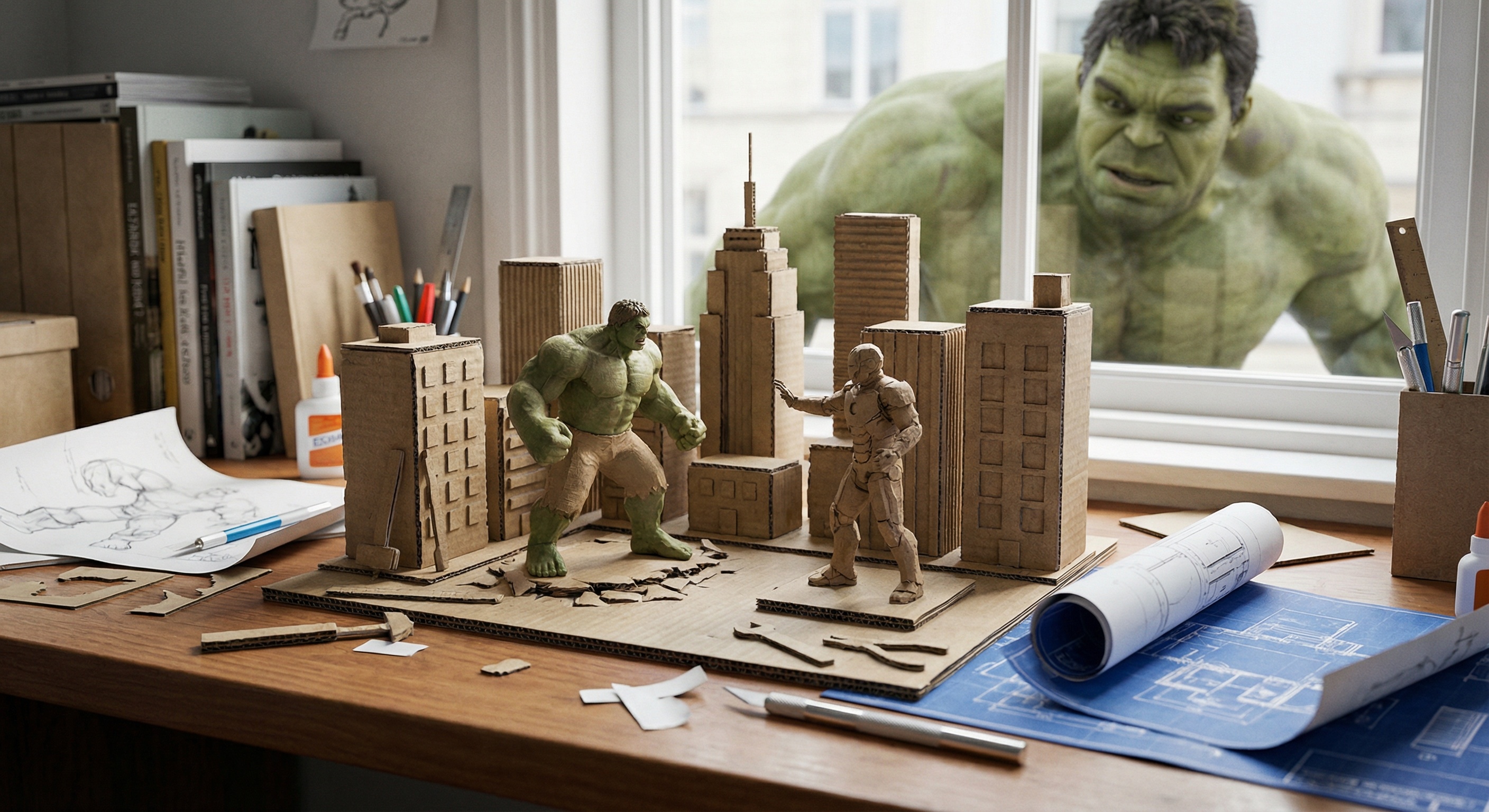

Verified prompt
Full-body 3D caricature of [Character Name] in Pixar/DreamWorks style, featuring expressive large eyes, slightly oversized head, and subtly exaggerated facial features. Realistic skin with soft subsurface scattering, detailed hair, and a gentle warm smile. Smooth polished surfaces with subtle fabric texture on clothing. Dynamic pose showing personality, with full body visible and balanced proportions. Soft ambient lighting, warm reddish-orange gradient background. Cinematic quality, high detail, vibrant yet natural colors, stylized charm with balanced realism.
Full-body 3D caricature of [Character Name] in Pixar/DreamWorks style, featuring expressive large eyes, slightly oversized head, and subtly exaggerated facial features. Realistic skin with soft subsurface scattering, detailed hair, and a gentle warm smile. Smooth polished surfaces with subtle fabric texture on clothing. Dynamic pose showing personality, with full body visible and balanced proportions. Soft ambient lighting, warm reddish-orange gradient background. Cinematic quality, high detail, vibrant yet natural colors, stylized charm with balanced realism.
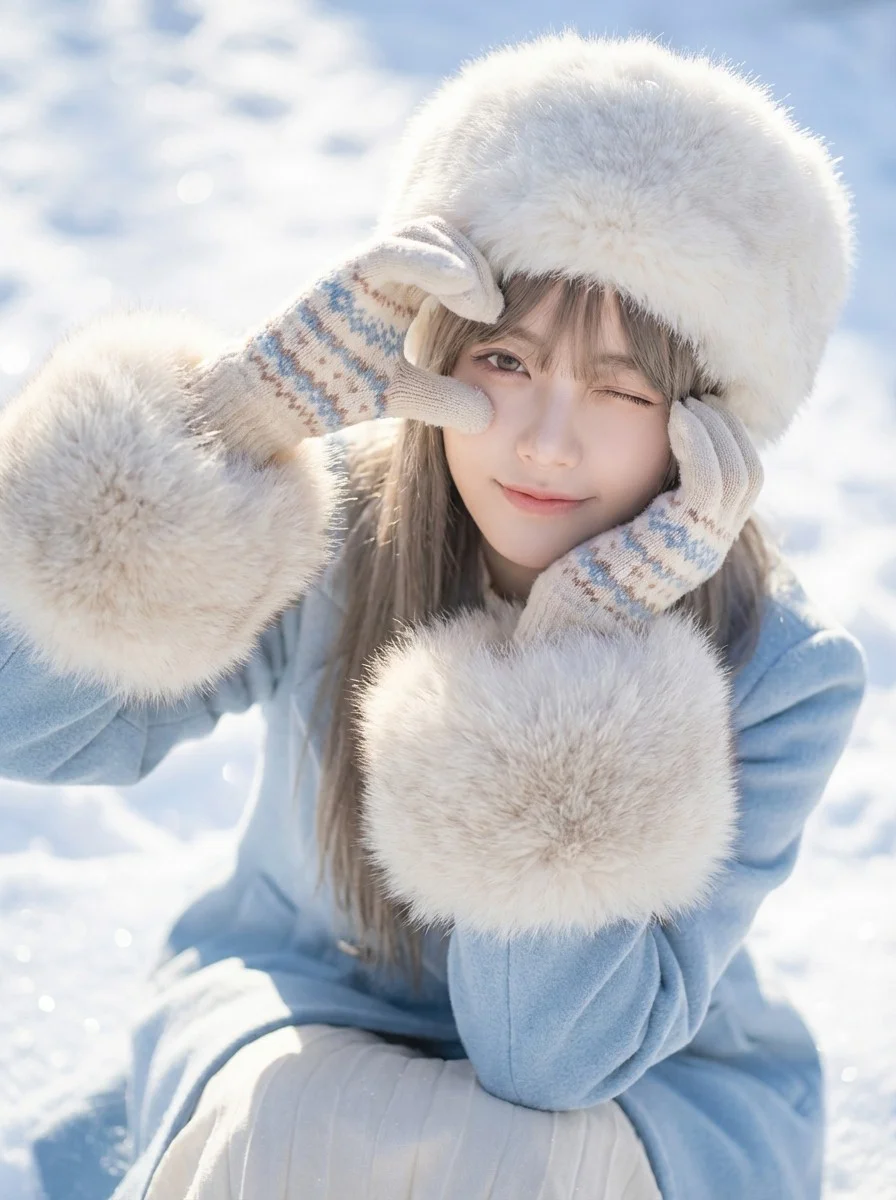
Verified prompt
Close-up portrait of a young woman in winter attire making a heart shape with her gloved hands around her eye. Social media aesthetic photography, soft focus, high-key exposure, stylish portrait. Bright natural daylight, strong snow reflection acting as fill light, crisp shadows on snow surface. Dominant icy blues and bright whites, pastel accents, creamy fur tones. Playful, cute, romantic, wintery, innocent mood. High angle shot looking down, subject sitting in snow. Wearing a fluffy white fur hat, light blue coat with large fur cuffs, cute patterned gloves, winking playfully, snowy background texture. High-quality lifestyle photography. Soft, airy, dreamy filter, optimized color grading for fresh skin tones and vibrant snow. Radiant, airy, high-key, sparkling lighting. Cheerful, romantic, cute, lively winter atmosphere. 8k resolution, sparkling snow texture.
Close-up portrait of a young woman in winter attire making a heart shape with her gloved hands around her eye. Social media aesthetic photography, soft focus, high-key exposure, stylish portrait. Bright natural daylight, strong snow reflection acting as fill light, crisp shadows on snow surface. Dominant icy blues and bright whites, pastel accents, creamy fur tones. Playful, cute, romantic, wintery, innocent mood. High angle shot looking down, subject sitting in snow. Wearing a fluffy white fur hat, light blue coat with large fur cuffs, cute patterned gloves, winking playfully, snowy background texture. High-quality lifestyle photography. Soft, airy, dreamy filter, optimized color grading for fresh skin tones and vibrant snow. Radiant, airy, high-key, sparkling lighting. Cheerful, romantic, cute, lively winter atmosphere. 8k resolution, sparkling snow texture.
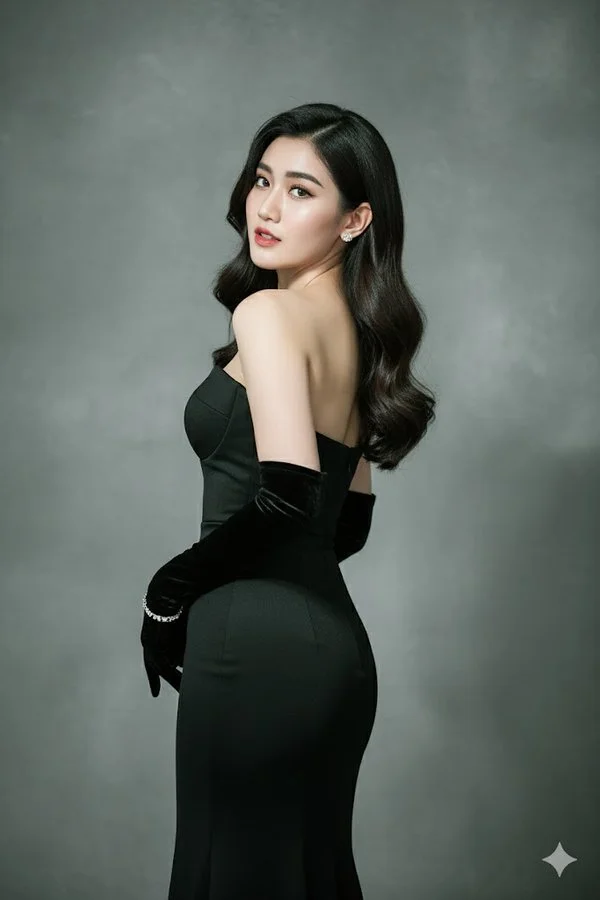
Verified prompt
Create the highest-resolution picture of me posing elegantly with my back slightly turned and my head looking over the shoulder towards the camera. I am wearing a sleek, form-fitting strapless black evening gown, paired with long, elegant black velvet opera gloves. My hair is styled in loose, glossy waves cascading naturally over my shoulder. I wear small, subtle earrings and a delicate bracelet on one wrist. My expression is confident, graceful, and alluring. The background is a plain stucco gray with soft gradient lighting, giving it a high-fashion photography look. The lighting is dramatic but soft, highlighting the contours of my body and face with realistic shadows and textures. The image should look like a high-quality, ultra-realistic fashion magazine photo, keeping my real face exactly as shown in the reference photo.
Create the highest-resolution picture of me posing elegantly with my back slightly turned and my head looking over the shoulder towards the camera. I am wearing a sleek, form-fitting strapless black evening gown, paired with long, elegant black velvet opera gloves. My hair is styled in loose, glossy waves cascading naturally over my shoulder. I wear small, subtle earrings and a delicate bracelet on one wrist. My expression is confident, graceful, and alluring. The background is a plain stucco gray with soft gradient lighting, giving it a high-fashion photography look. The lighting is dramatic but soft, highlighting the contours of my body and face with realistic shadows and textures. The image should look like a high-quality, ultra-realistic fashion magazine photo, keeping my real face exactly as shown in the reference photo.
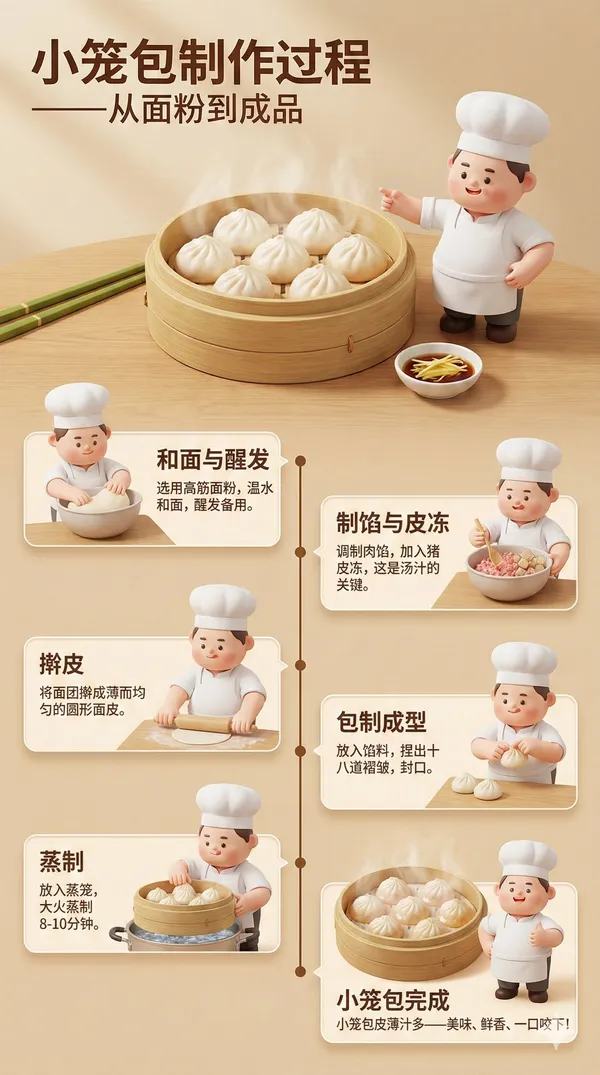
Verified prompt
te a highly detailed 3D infographic poster in Chinese showcasing the traditional Chinese Xiaolongbao making process. The poster must feature an adorable 3D chef character Koki Cubby (chubby, cute, wearing a white chef hat and apron, expressive, vibrant colors). Each step of the process should include Koki Cubby assisting or explaining. Poster colors: White, leaf green, dough yellow, Xiaolongbao brown. Visual style: 3D semi-realistic food illustration + cute character, soft lighting, high detail. Main Title: "Xiaolongbao Making Process – From Dough to Delicacy" Main Image: Realistic 3D bamboo steamer basket, wrapped in lotus leaves or translucent paper, containing clearly textured Xiaolongbao with visible pleats and steaming broth inside. Koki Cubby stands beside it, pointing at the finished Xiaolongbao. Dough Preparation (3D scene) • 3D illustration of flour on a wooden table • Chef Cubby checking dough quality with a small rolling pin • Text: "Select high-quality flour and warm water" Filling Preparation (3D bowl) • Minced pork and seasonings mixed in a large bowl • 3D ingredient details visible • Chef Cubby stirring the filling with a spoon • Text: "Mix pork with ginger, scallions and seasonings for 2 hours" Wrapping Process (3D workstation) • Thin dough wrappers being pleated around filling • 3D pleating details and folds • Chef Cubby demonstrating wrapping technique • Text: "Create 18-24 pleats for perfect shape" Steaming (3D bamboo steamer) • Xiaolongbao steaming in layered bamboo baskets • 3D steam details rising • Chef Cubby holding kitchen timer • Text: "Steam for 8-10 minutes until translucent" Broth Preparation (3D pot) • Aspic melting in a pot • 3D gelatinous broth details • Chef Cubby skimming the broth • Text: "Prepare and cool meat broth aspic" Assembly & Folding • Placing aspic cubes into filling • Using small 3D tools or hand techniques • Chef Cubby helping fold the dumplings • Text: "Add solidified broth for juicy filling" Steaming Setup • Arranging Xiaolongbao in steamer baskets • Chef Cubby placing parchment paper under dumplings • Text: "Space dumplings properly for even cooking" Final Steaming (15-20 minutes) • Xiaolongbao on bamboo steaming racks • White, semi-transparent texture developing • Chef Cubby waiting nearby, watching thermometer • Text: "Steam at 100°C until fully cooked" Xiaolongbao Completion • Perfectly steamed Xiaolongbao with thin skin and visible broth • Realistic 3D cross-section showing interior broth and filling • Chef Cubby giving thumbs up • Text: "Xiaolongbao ready to serve – Juicy, delicious, and authentic!" Poster Style • 3D isometric infographic with clean panels, small icons, and connecting timeline • Soft white-green gradient background • Subtle glow effects on dough and Xiaolongbao • Modern sans-serif typography • 4K high resolution • Clean, professional, educational – suitable for both children and adults
te a highly detailed 3D infographic poster in Chinese showcasing the traditional Chinese Xiaolongbao making process. The poster must feature an adorable 3D chef character Koki Cubby (chubby, cute, wearing a white chef hat and apron, expressive, vibrant colors). Each step of the process should include Koki Cubby assisting or explaining. Poster colors: White, leaf green, dough yellow, Xiaolongbao brown. Visual style: 3D semi-realistic food illustration + cute character, soft lighting, high detail. Main Title: "Xiaolongbao Making Process – From Dough to Delicacy" Main Image: Realistic 3D bamboo steamer basket, wrapped in lotus leaves or translucent paper, containing clearly textured Xiaolongbao with visible pleats and steaming broth inside. Koki Cubby stands beside it, pointing at the finished Xiaolongbao. Dough Preparation (3D scene) • 3D illustration of flour on a wooden table • Chef Cubby checking dough quality with a small rolling pin • Text: "Select high-quality flour and warm water" Filling Preparation (3D bowl) • Minced pork and seasonings mixed in a large bowl • 3D ingredient details visible • Chef Cubby stirring the filling with a spoon • Text: "Mix pork with ginger, scallions and seasonings for 2 hours" Wrapping Process (3D workstation) • Thin dough wrappers being pleated around filling • 3D pleating details and folds • Chef Cubby demonstrating wrapping technique • Text: "Create 18-24 pleats for perfect shape" Steaming (3D bamboo steamer) • Xiaolongbao steaming in layered bamboo baskets • 3D steam details rising • Chef Cubby holding kitchen timer • Text: "Steam for 8-10 minutes until translucent" Broth Preparation (3D pot) • Aspic melting in a pot • 3D gelatinous broth details • Chef Cubby skimming the broth • Text: "Prepare and cool meat broth aspic" Assembly & Folding • Placing aspic cubes into filling • Using small 3D tools or hand techniques • Chef Cubby helping fold the dumplings • Text: "Add solidified broth for juicy filling" Steaming Setup • Arranging Xiaolongbao in steamer baskets • Chef Cubby placing parchment paper under dumplings • Text: "Space dumplings properly for even cooking" Final Steaming (15-20 minutes) • Xiaolongbao on bamboo steaming racks • White, semi-transparent texture developing • Chef Cubby waiting nearby, watching thermometer • Text: "Steam at 100°C until fully cooked" Xiaolongbao Completion • Perfectly steamed Xiaolongbao with thin skin and visible broth • Realistic 3D cross-section showing interior broth and filling • Chef Cubby giving thumbs up • Text: "Xiaolongbao ready to serve – Juicy, delicious, and authentic!" Poster Style • 3D isometric infographic with clean panels, small icons, and connecting timeline • Soft white-green gradient background • Subtle glow effects on dough and Xiaolongbao • Modern sans-serif typography • 4K high resolution • Clean, professional, educational – suitable for both children and adults
Verified prompt
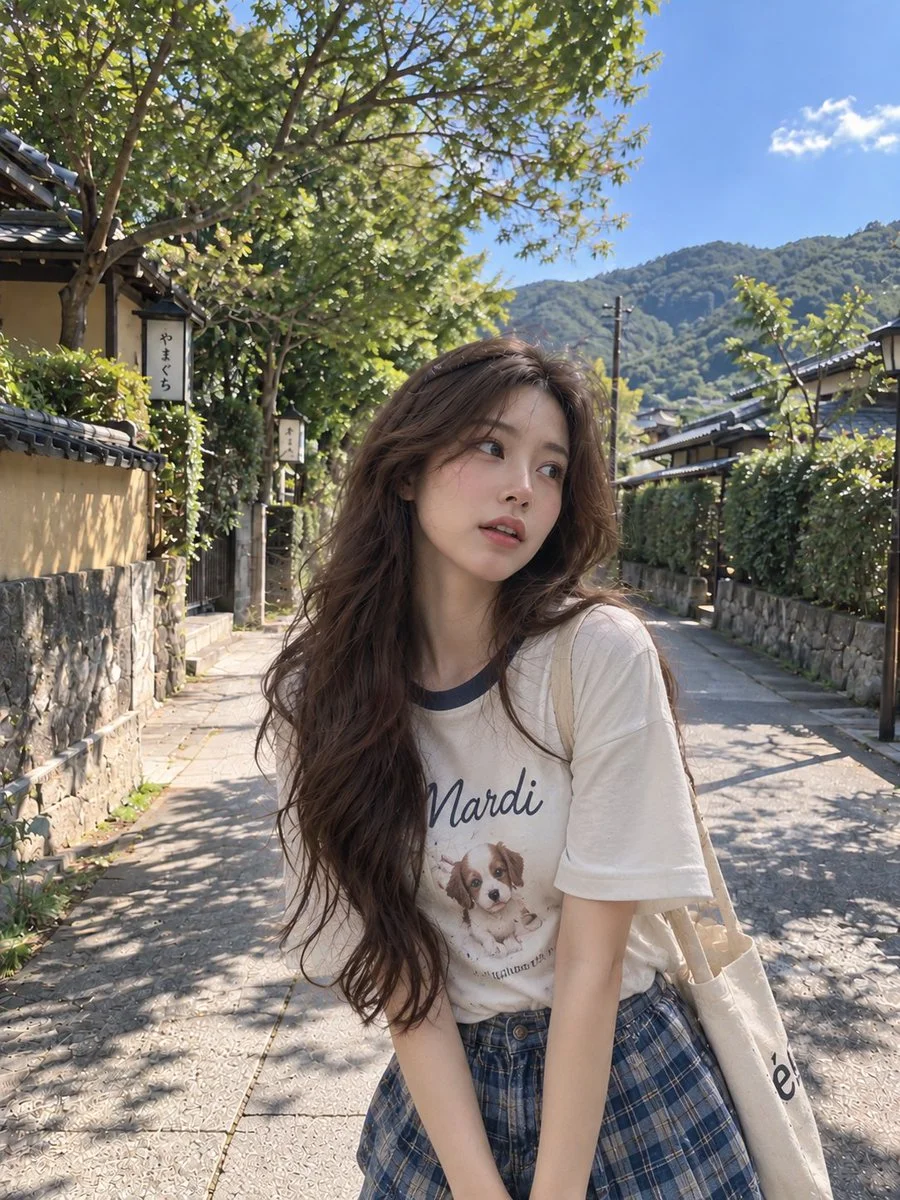
Using an uploaded adult portrait as a facial reference, create a candid travel photograph on a quiet Japanese neighborhood path. Dress the subject in a casual white graphic T-shirt and a muted plaid skirt. Let her stand at a slight angle, looking off to one side with a relaxed expression and loose dark hair. Include stone walls, traditional houses, leafy trees and distant hills beneath a clear sky. Use natural afternoon sunlight, believable shadows and a lightly imperfect smartphone composition. Preserve recognizable facial details without smoothing the skin into an artificial finish.
Using an uploaded adult portrait as a facial reference, create a candid travel photograph on a quiet Japanese neighborhood path. Dress the subject in a casual white graphic T-shirt and a muted plaid skirt. Let her stand at a slight angle, looking off to one side with a relaxed expression and loose dark hair. Include stone walls, traditional houses, leafy trees and distant hills beneath a clear sky. Use natural afternoon sunlight, believable shadows and a lightly imperfect smartphone composition. Preserve recognizable facial details without smoothing the skin into an artificial finish.
Verified prompt
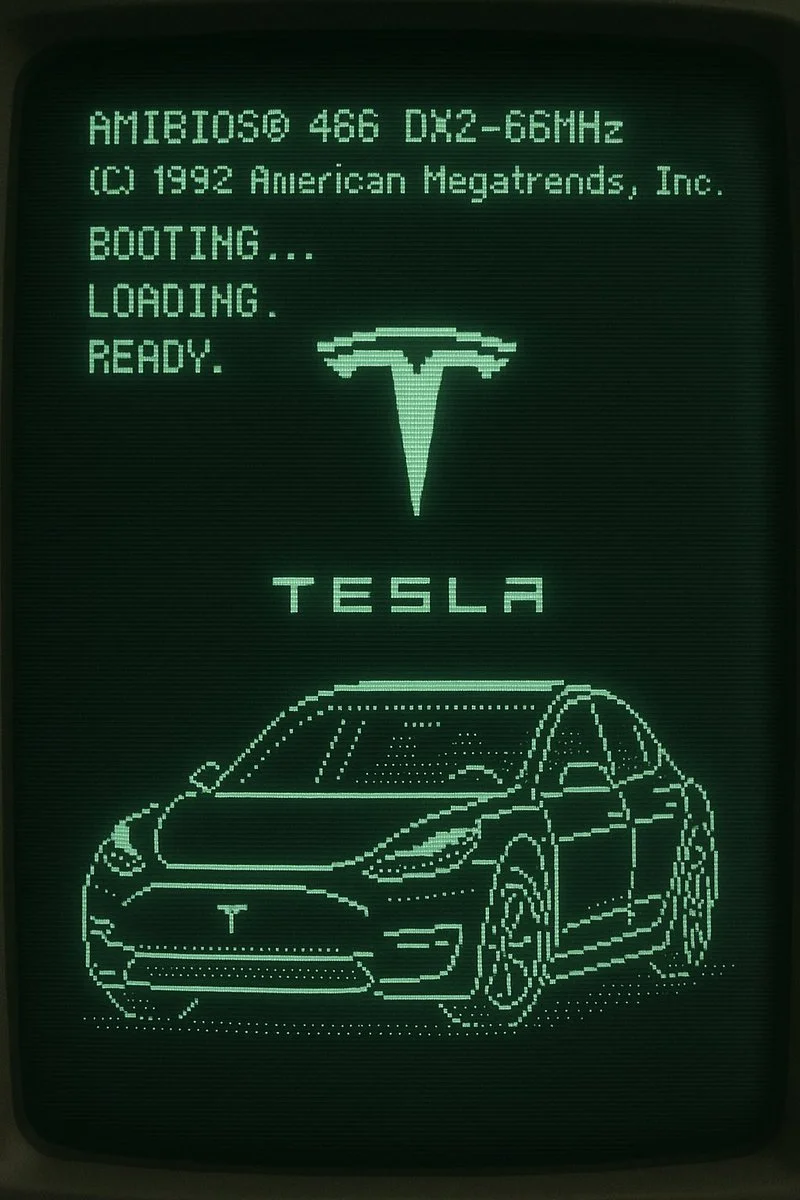
Retro CRT computer boot screen that resolves into ASCII-art of NYC's tallest building
Retro CRT computer boot screen that resolves into ASCII-art of NYC's tallest building
Verified prompt
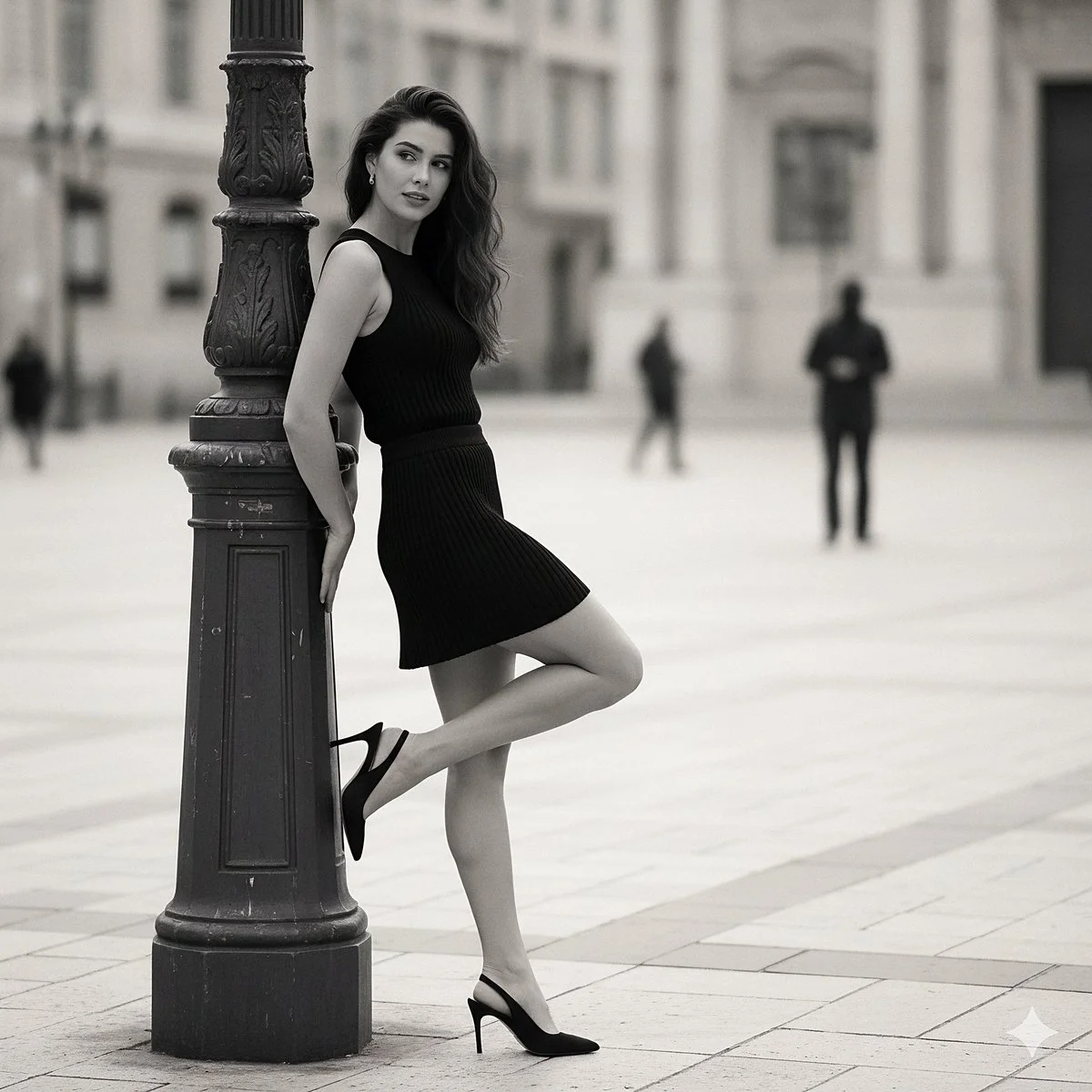
{ "prompt_title": "Effortless Chic Pose", "concept": "A hyperrealistic fashion photograph replicating a specific street style moment: a woman in a black knit set posing elegantly against a lamppost in a European city.", "scene_composition": { "shot_type": "Medium full-body shot", "camera_lens": "85mm f/1.4 lens", "perspective": "Eye-level, capturing the subject from the side.", "aspect_ratio": "2:3", "focus": "Sharp focus on the woman and her outfit. The background is beautifully blurred with creamy bokeh to isolate the subject." }, "environment": { "setting": "A European city square or wide pedestrian street during the day.", "background_details": "The background is softly blurred but shows classical architecture with light-colored stone buildings. A few indistinct figures are walking in the distance.", "ground": "Light-colored stone pavers or cobblestones.", "atmosphere": "Chic, relaxed, and sophisticated." }, "subject": { "primary": "A stylish young woman with long, wavy dark hair.", "appearance": "Her hair falls naturally over her shoulder. She has a gentle, soft expression and is looking slightly away from the camera.", "pose": "She is leaning with her back against a dark, ornate metal lamppost on the left side of the frame. Her right leg is bent and lifted behind her. " }, "outfit_and_details": { "top": "A form-fitting, sleeveless black top made of a visible ribbed knit fabric.", "bottom": "A matching black mini skirt, also made of the same ribbed knit material.", "shoes": "black slingback high heel" }, "style_and_aesthetics": { "realism": "Hyperrealistic, photorealistic, cinematic, 8K resolution, ultra-detailed.", "lighting": "Soft, diffused daylight, as if on an overcast day or in the shade, to prevent harsh shadows and create a flattering, even light on the subject.", "color_palette": "A monochrome and muted palette. Dominant blacks from the outfit and lamppost, contrasted with the light tones of the buildings and ground.", "details": "Emphasis on realistic material properties: the fine texture of the ribbed knit, the rough texture of the stone pavers, and the metallic finish of the lamppost." }, "quality_boosters": [ "masterpiece", "best quality", "insanely detailed", "sharp focus", "professional fashion photography", "street style", "editorial", "trending on Vogue" ], "negative_prompt": [ "cartoon, anime, 3D render, illustration, painting", "blurry, out of focus, low quality, jpeg artifacts", "harsh sunlight, strong shadows", "crowded street, distracting background", "deformed anatomy, bad hands, extra limbs", "text, watermark, signature" ] }
{ "prompt_title": "Effortless Chic Pose", "concept": "A hyperrealistic fashion photograph replicating a specific street style moment: a woman in a black knit set posing elegantly against a lamppost in a European city.", "scene_composition": { "shot_type": "Medium full-body shot", "camera_lens": "85mm f/1.4 lens", "perspective": "Eye-level, capturing the subject from the side.", "aspect_ratio": "2:3", "focus": "Sharp focus on the woman and her outfit. The background is beautifully blurred with creamy bokeh to isolate the subject." }, "environment": { "setting": "A European city square or wide pedestrian street during the day.", "background_details": "The background is softly blurred but shows classical architecture with light-colored stone buildings. A few indistinct figures are walking in the distance.", "ground": "Light-colored stone pavers or cobblestones.", "atmosphere": "Chic, relaxed, and sophisticated." }, "subject": { "primary": "A stylish young woman with long, wavy dark hair.", "appearance": "Her hair falls naturally over her shoulder. She has a gentle, soft expression and is looking slightly away from the camera.", "pose": "She is leaning with her back against a dark, ornate metal lamppost on the left side of the frame. Her right leg is bent and lifted behind her. " }, "outfit_and_details": { "top": "A form-fitting, sleeveless black top made of a visible ribbed knit fabric.", "bottom": "A matching black mini skirt, also made of the same ribbed knit material.", "shoes": "black slingback high heel" }, "style_and_aesthetics": { "realism": "Hyperrealistic, photorealistic, cinematic, 8K resolution, ultra-detailed.", "lighting": "Soft, diffused daylight, as if on an overcast day or in the shade, to prevent harsh shadows and create a flattering, even light on the subject.", "color_palette": "A monochrome and muted palette. Dominant blacks from the outfit and lamppost, contrasted with the light tones of the buildings and ground.", "details": "Emphasis on realistic material properties: the fine texture of the ribbed knit, the rough texture of the stone pavers, and the metallic finish of the lamppost." }, "quality_boosters": [ "masterpiece", "best quality", "insanely detailed", "sharp focus", "professional fashion photography", "street style", "editorial", "trending on Vogue" ], "negative_prompt": [ "cartoon, anime, 3D render, illustration, painting", "blurry, out of focus, low quality, jpeg artifacts", "harsh sunlight, strong shadows", "crowded street, distracting background", "deformed anatomy, bad hands, extra limbs", "text, watermark, signature" ] }
Verified prompt
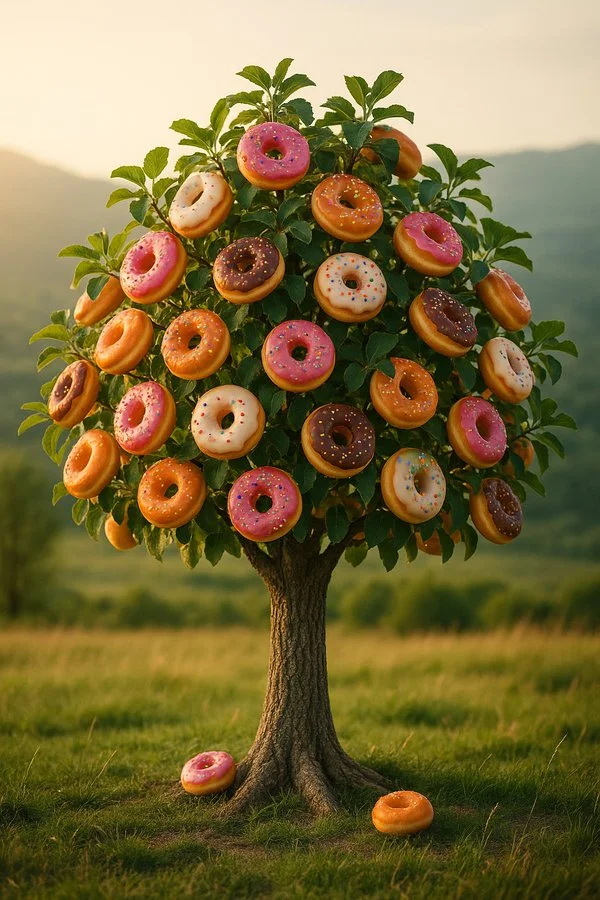
A hyper-realistic photograph of a tree in a scenic meadow, with a sturdy, detailed bark trunk and lush green leaves, where instead of fruits, the branches naturally bear [PRODUCT], seamlessly integrated into the foliage, with realistic textures, natural lighting, soft shadows, subtle imperfections, shot at eye level with a shallow depth of field, ultra-detailed, 8k
A hyper-realistic photograph of a tree in a scenic meadow, with a sturdy, detailed bark trunk and lush green leaves, where instead of fruits, the branches naturally bear [PRODUCT], seamlessly integrated into the foliage, with realistic textures, natural lighting, soft shadows, subtle imperfections, shot at eye level with a shallow depth of field, ultra-detailed, 8k
Verified prompt
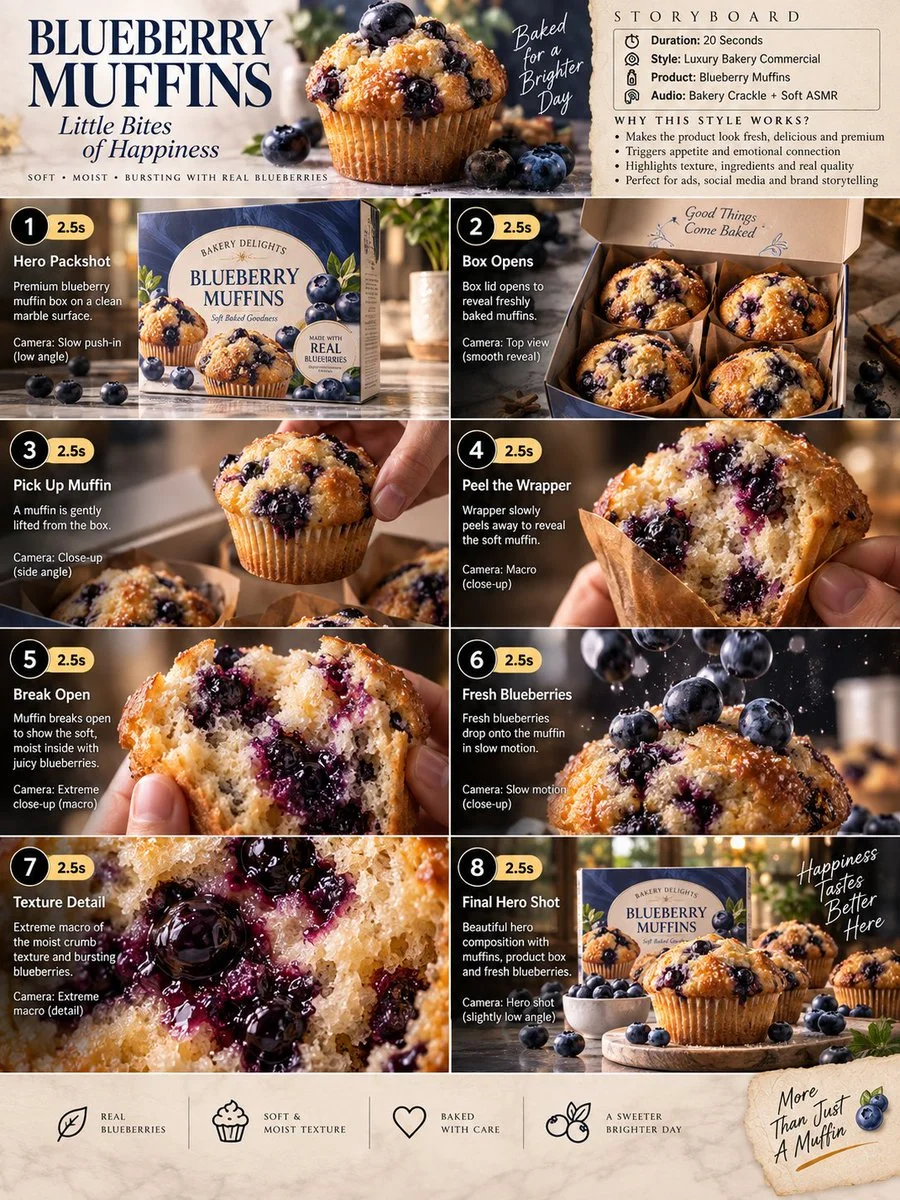
Premium 3:4 storyboard for 20s luxury blueberry muffin bakery commercial. Header: duration, gourmet style, muffins product, bakery ASMR, cream-blue-gold palette. Eight panels sequence box on marble, opening to reveal muffins, lifting muffin, wrapper peel macro, break to blueberry interior, slow-mo berry drop, extreme macro crumb and bursting berries, final hero box with muffins and scatter. Extreme macro, slow-motion, overhead, push-in cameras. Ultra-realistic textures, golden crust, steam, premium packaging, warm lighting, 8K, consistent product hero, no extra elements.
Premium 3:4 storyboard for 20s luxury blueberry muffin bakery commercial. Header: duration, gourmet style, muffins product, bakery ASMR, cream-blue-gold palette. Eight panels sequence box on marble, opening to reveal muffins, lifting muffin, wrapper peel macro, break to blueberry interior, slow-mo berry drop, extreme macro crumb and bursting berries, final hero box with muffins and scatter. Extreme macro, slow-motion, overhead, push-in cameras. Ultra-realistic textures, golden crust, steam, premium packaging, warm lighting, 8K, consistent product hero, no extra elements.
Verified prompt
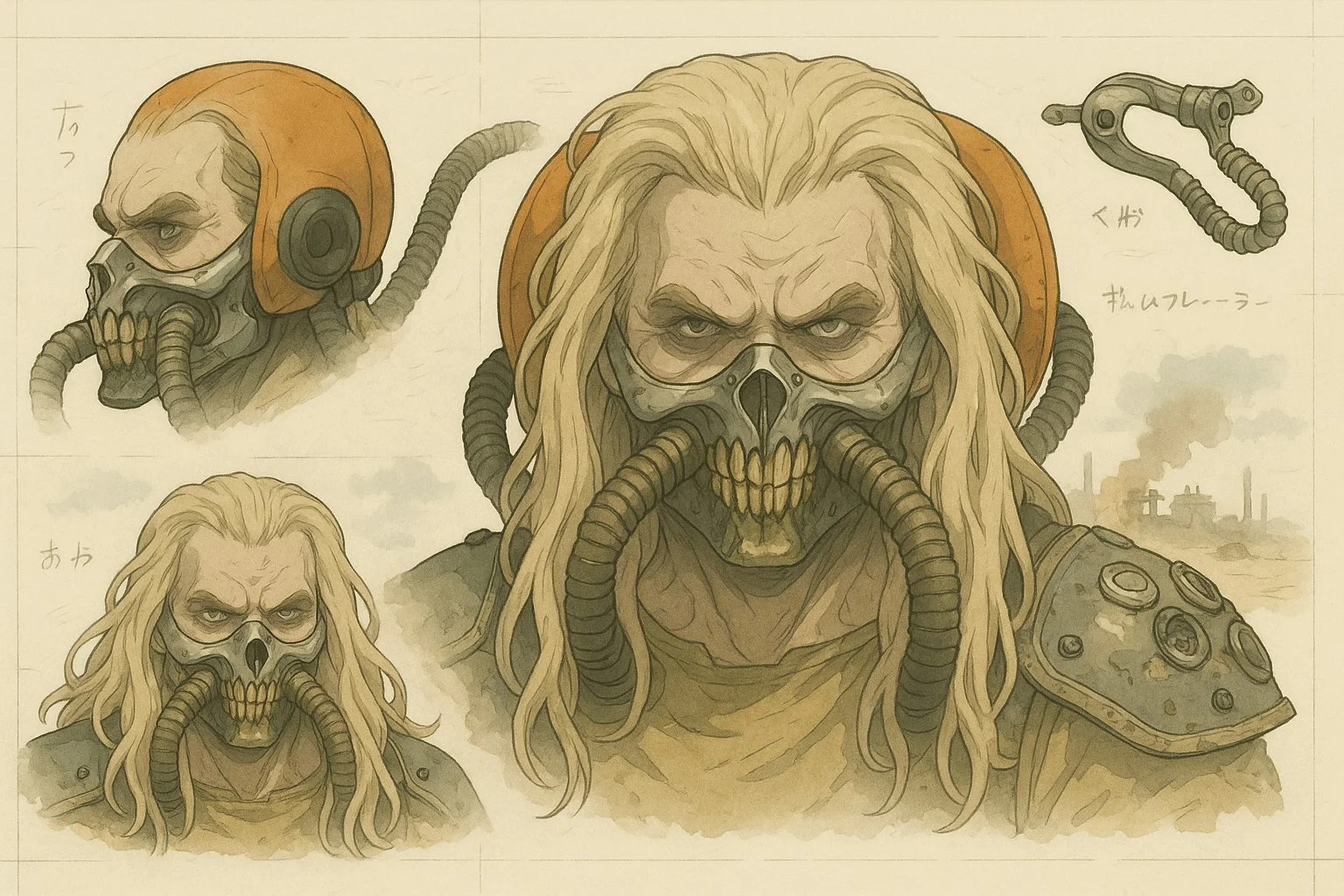
Transform this image into a stylized mechanical design sheet inspired by Japanese anime mecha blueprints. Render the subject with precise, clean linework and semi-realistic cel-shading, as if it were a technical illustration from an anime artbook. Break down the design into parts (e.g. head, hand, accessory, full body) and arrange them like a reference sheet, with different angles and views. Include soft handwritten notes or Japanese characters scattered like concept annotations. Use muted digital colors (red, gray, metallic tones) and draw the background in a loose watercolor anime landscape style — cliffs, cityscapes, or grassland ruins. The final composition should feel like an official design page for an animated sci-fi series or manga. Keep the format horizontal, like a blueprint or character sheet, with a balance between precision and artistic flair.
Transform this image into a stylized mechanical design sheet inspired by Japanese anime mecha blueprints. Render the subject with precise, clean linework and semi-realistic cel-shading, as if it were a technical illustration from an anime artbook. Break down the design into parts (e.g. head, hand, accessory, full body) and arrange them like a reference sheet, with different angles and views. Include soft handwritten notes or Japanese characters scattered like concept annotations. Use muted digital colors (red, gray, metallic tones) and draw the background in a loose watercolor anime landscape style — cliffs, cityscapes, or grassland ruins. The final composition should feel like an official design page for an animated sci-fi series or manga. Keep the format horizontal, like a blueprint or character sheet, with a balance between precision and artistic flair.
Verified prompt
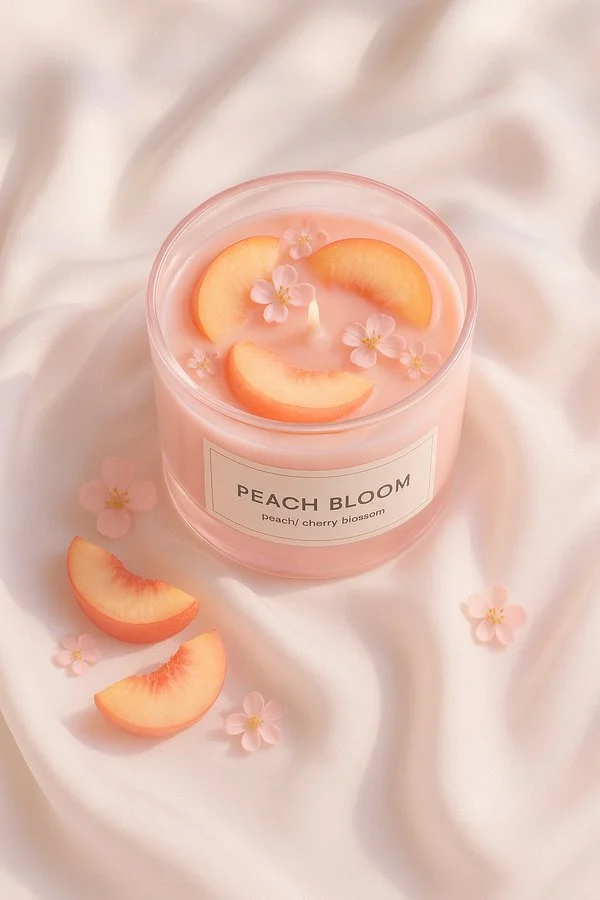
A minimal still life of a round glass candle filled with [fruit], labeled “[SCENT NAME]”, placed on elegant white silk fabric. The candle glass is [glass color], and the wax matches the fruit color. The scene is softly lit by natural daylight with subtle shadows and smooth highlights. Hyperrealistic texture, clean aesthetic, top-down view, styled like high-end product photography.
A minimal still life of a round glass candle filled with [fruit], labeled “[SCENT NAME]”, placed on elegant white silk fabric. The candle glass is [glass color], and the wax matches the fruit color. The scene is softly lit by natural daylight with subtle shadows and smooth highlights. Hyperrealistic texture, clean aesthetic, top-down view, styled like high-end product photography.
Verified prompt
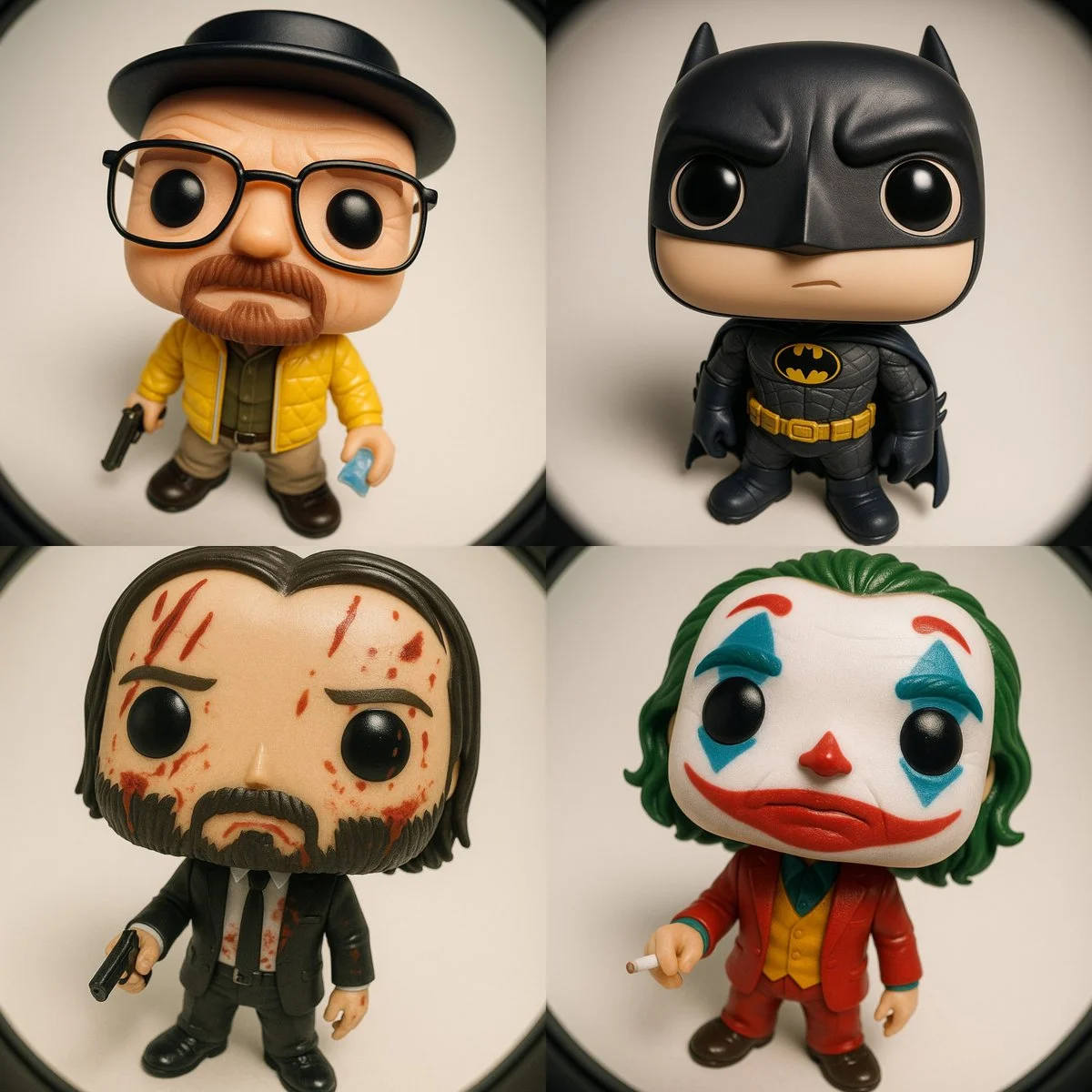
Funko Pop–style vinyl figure of [CHARACTER NAME] Wearing the iconic outfit and accessories typically associated with [CHARACTER], automatically matching their signature style and details. Pose/Expression: - Standing, looking upward toward the camera - Expression: curious yet slightly nonchalant CAMERA & LENS: - Camera positioned directly above, very close - Ultra-wide fisheye lens for dramatic perspective distortion - Gentle rounded frame edges LIGHTING & MATERIALS: - Soft studio lighting with gentle shadows - Glossy vinyl figure texture for skin and hair - Outfit materials accentuated (e.g. quilted, shiny, matte, etc.) depending on [CHARACTER]’s clothing RENDER STYLE: - High-resolution 3D render - Clean neutral background (solid or gradient) - Ultra sharp, collectible toy aesthetic
Funko Pop–style vinyl figure of [CHARACTER NAME] Wearing the iconic outfit and accessories typically associated with [CHARACTER], automatically matching their signature style and details. Pose/Expression: - Standing, looking upward toward the camera - Expression: curious yet slightly nonchalant CAMERA & LENS: - Camera positioned directly above, very close - Ultra-wide fisheye lens for dramatic perspective distortion - Gentle rounded frame edges LIGHTING & MATERIALS: - Soft studio lighting with gentle shadows - Glossy vinyl figure texture for skin and hair - Outfit materials accentuated (e.g. quilted, shiny, matte, etc.) depending on [CHARACTER]’s clothing RENDER STYLE: - High-resolution 3D render - Clean neutral background (solid or gradient) - Ultra sharp, collectible toy aesthetic
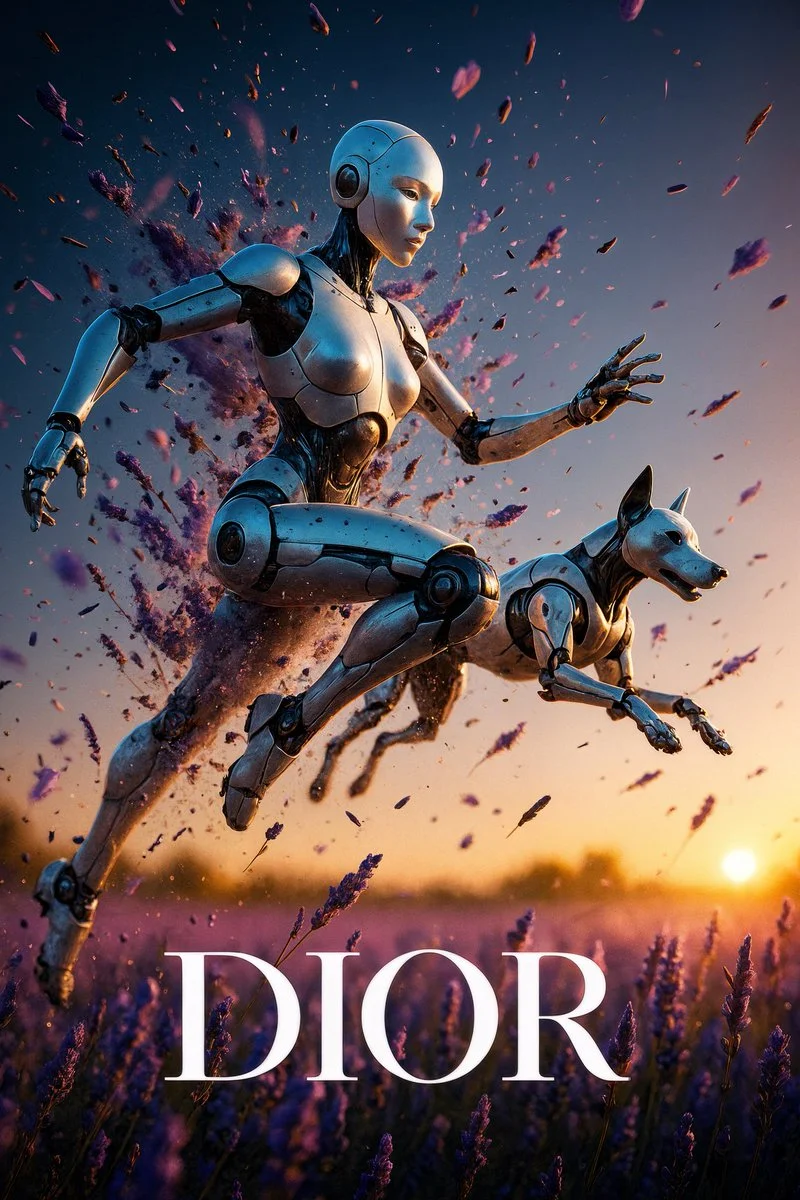
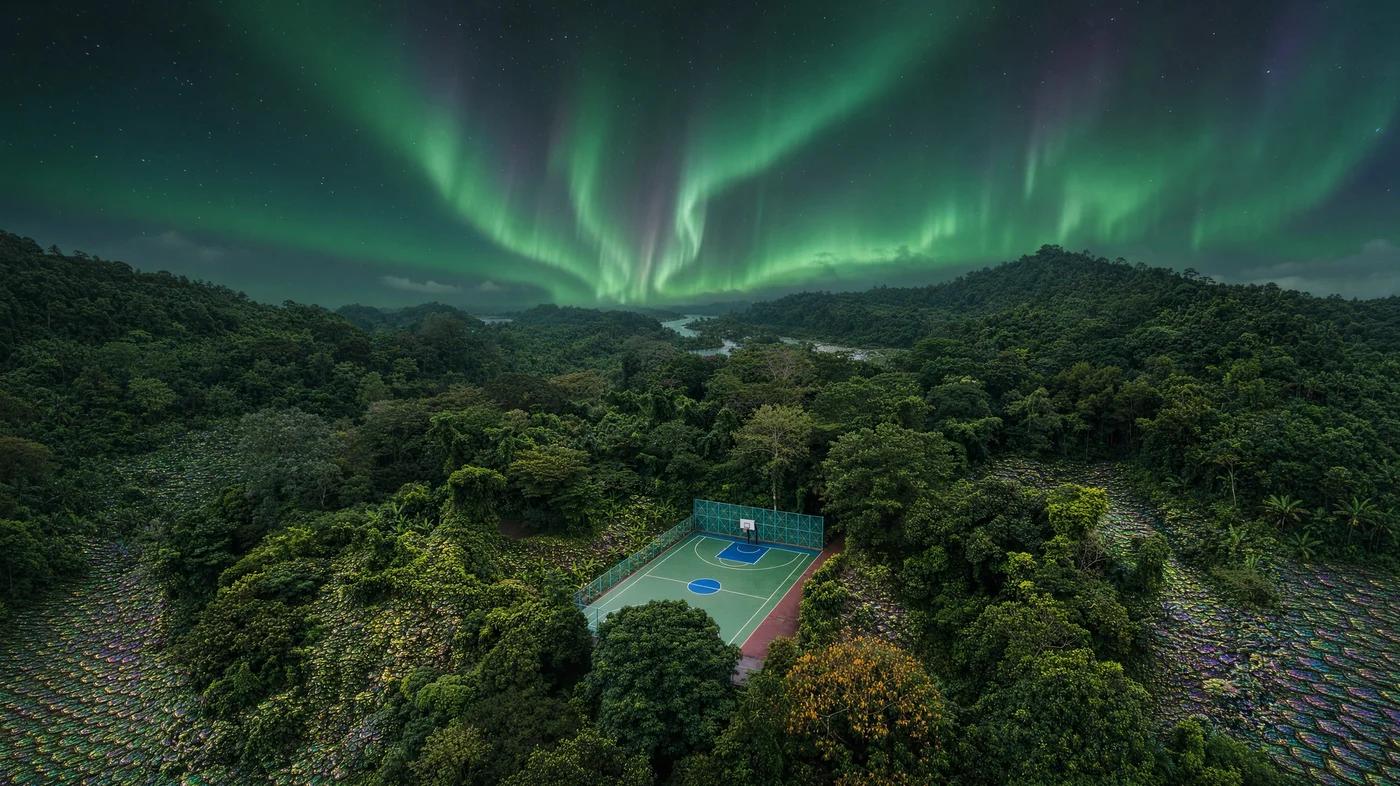
Nano Banana 2: Create and Edit with Natural Language
Develop your Nano Banana 2 image brief around the result you need. Keep the main direction specific, check supported settings in the generator, and review the completed work before using it in your project.
Choose only the resolution and aspect ratio shown for the selected model. Check framing, fine details and any text in the completed image. A larger output size does not guarantee a more accurate result.
Explore Nano Banana 2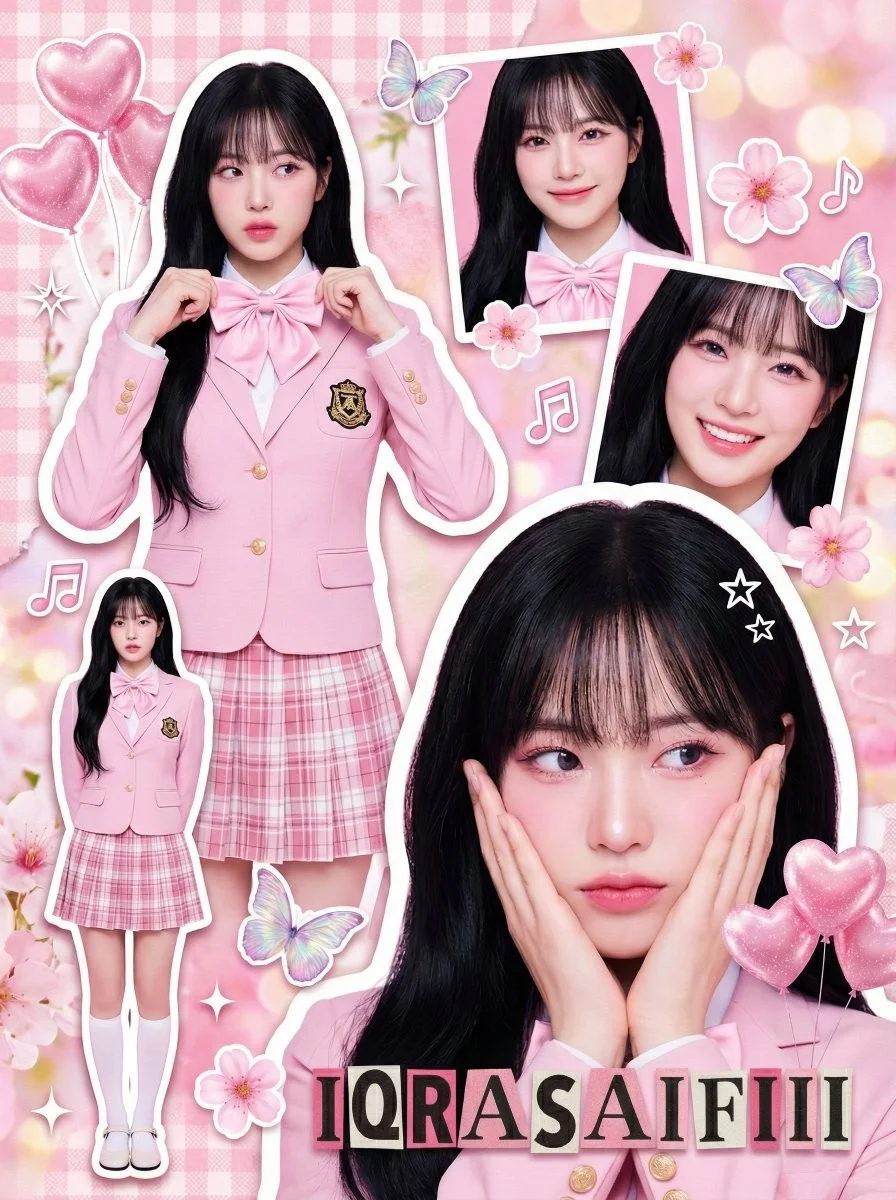
From a Brief to a Reviewed Image: The Nano Banana 2 Workflow
Allow time to inspect each image result and refine your brief. Processing time varies by model, request and service load. Change one direction at a time so that you can judge which edit improves the result.
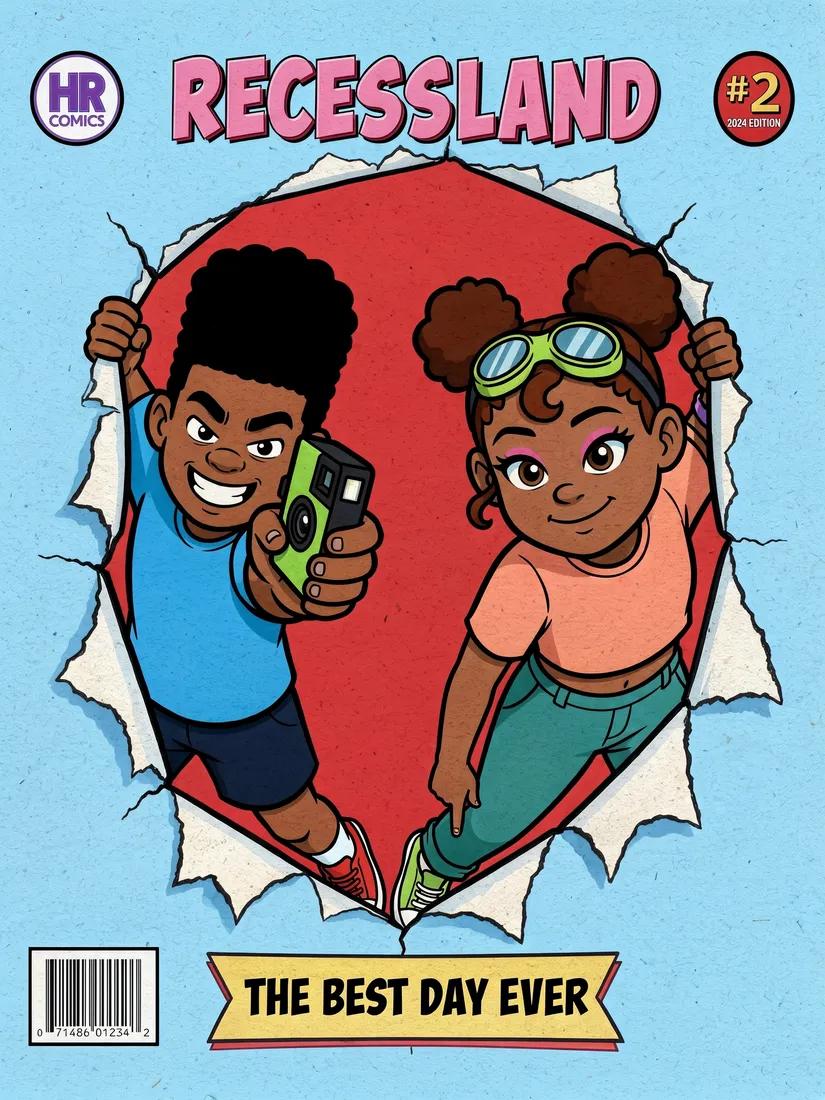
Enter prompt or upload image
Start your Nano Banana 2 image brief with a source image you have permission to use. Name the area to change and the colors, proportions or objects to preserve. Reference count and editing support depend on the selected model.
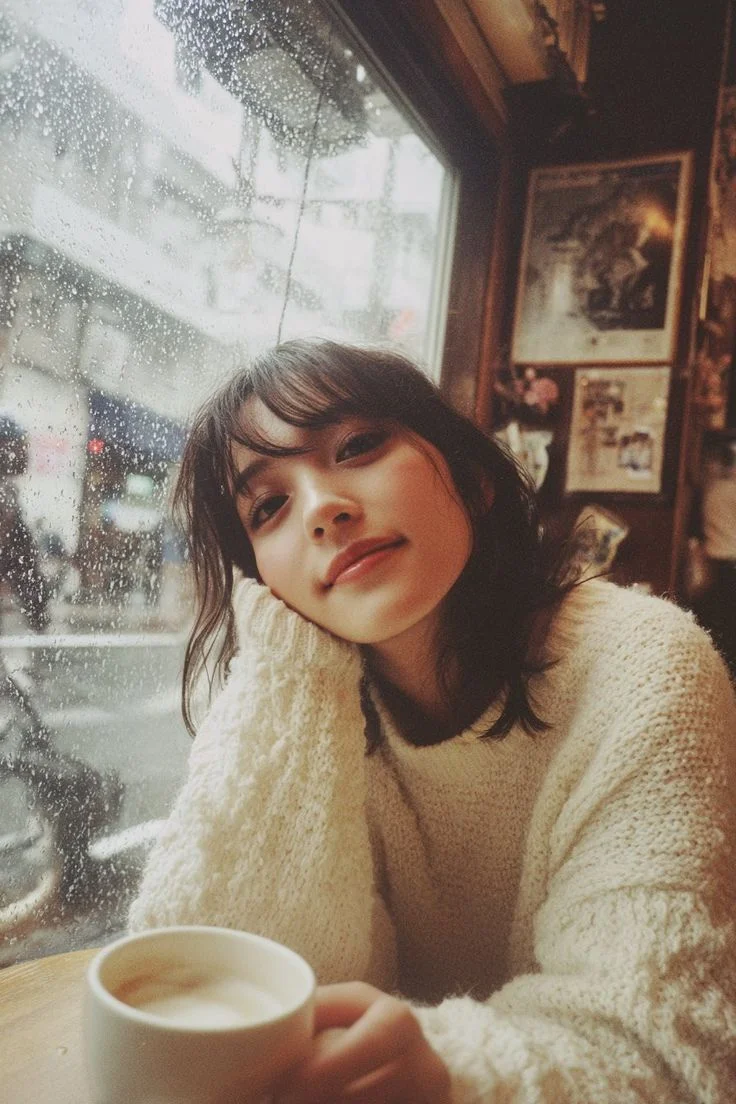
Review Availability, Settings and Credits
Allow time to inspect each image result and refine your brief. Processing time varies by model, request and service load. Change one direction at a time so that you can judge which edit improves the result.
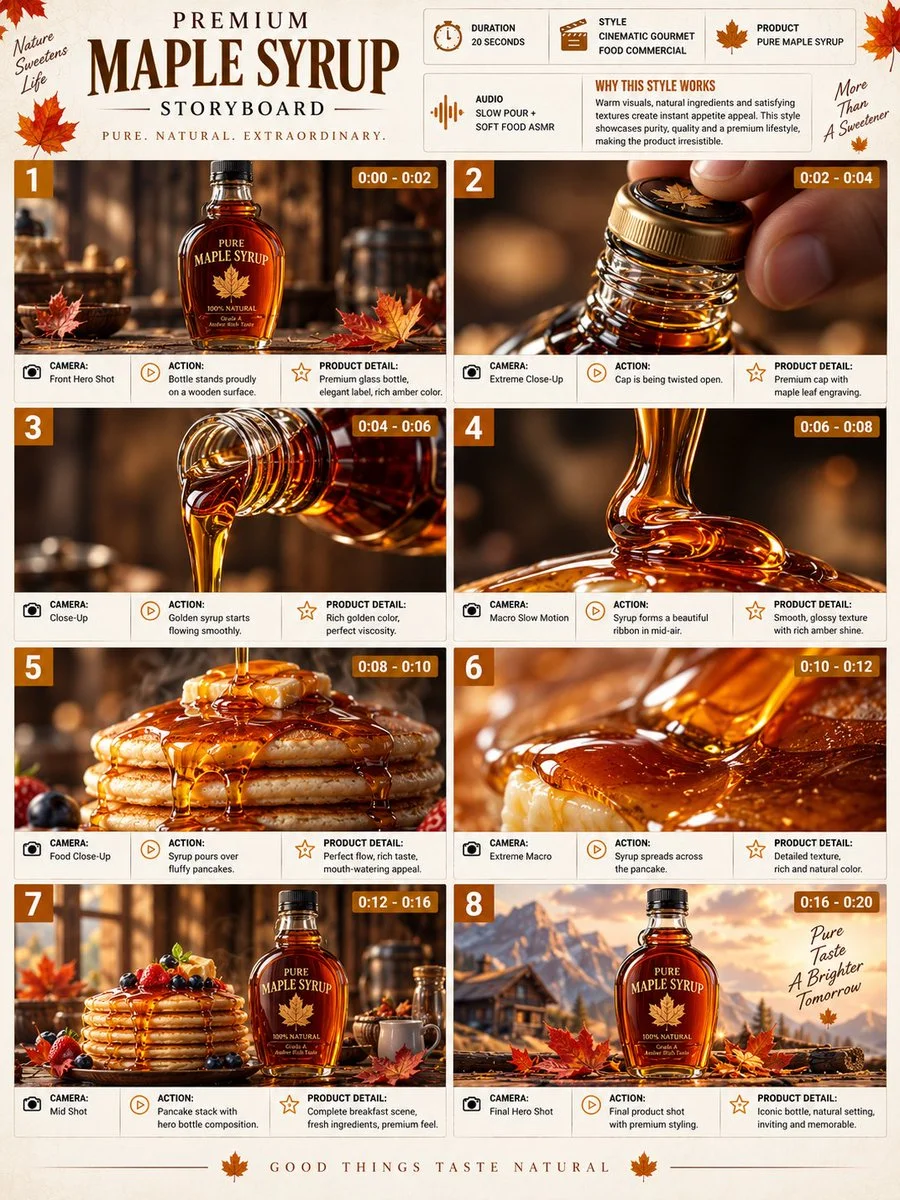
Review and Download Completed Results
When a request completes, inspect the image in History and download the result you want to keep. Review the composition and any unintended details before sharing it with your team or publishing it.
Build Your Nano Banana 2 Image Brief
For a Nano Banana 2 product concept, specify the product shape, material, key detail and setting. Keep logos and claims accurate, allow room for your own typography, and review the result before using it in an advertisement.
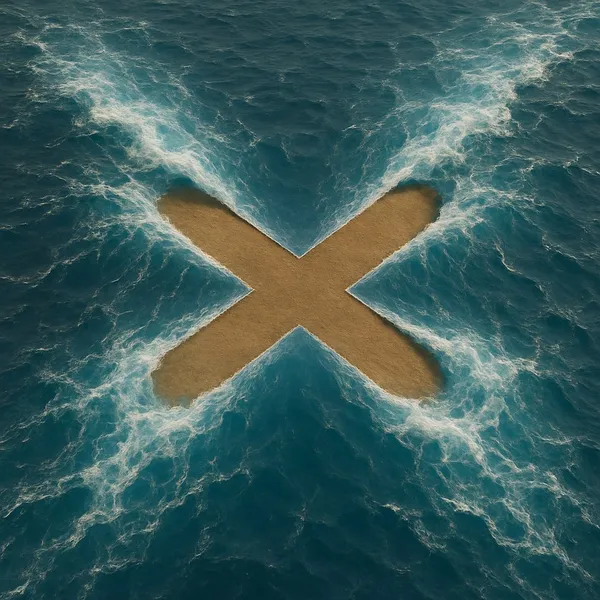
Explain Your Subject, Changes and References
Start your Nano Banana 2 image brief with a source image you have permission to use. Name the area to change and the colors, proportions or objects to preserve. Reference count and editing support depend on the selected model.
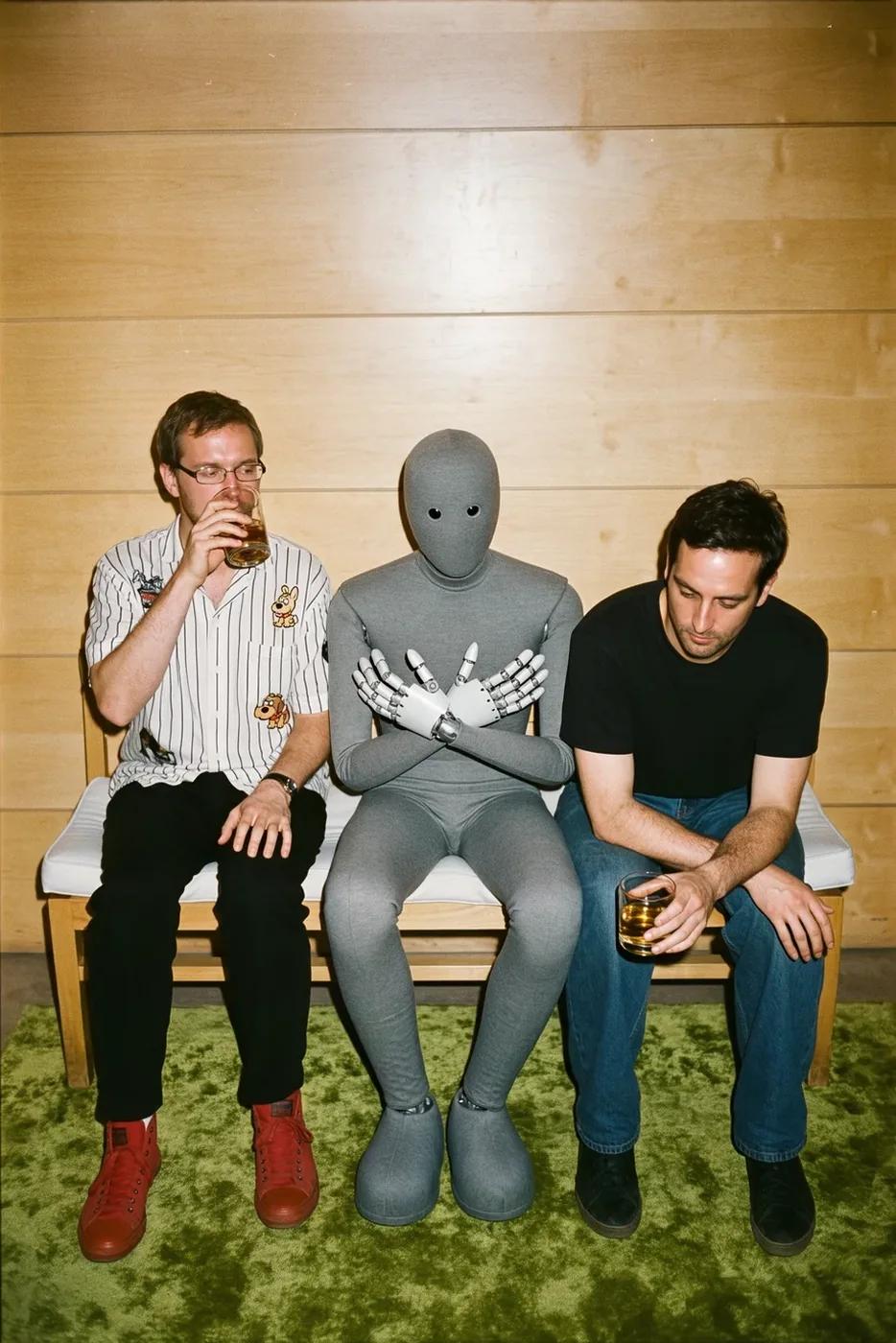
Describe the Changes and Details to Preserve
Write your Nano Banana 2 image brief around a subject, composition, lighting and intended style. Add a material or texture when it matters. For edits, state one precise change and explain which parts of the source should remain intact.

Check Details Across Every Result
Allow time to inspect each image result and refine your brief. Processing time varies by model, request and service load. Change one direction at a time so that you can judge which edit improves the result.
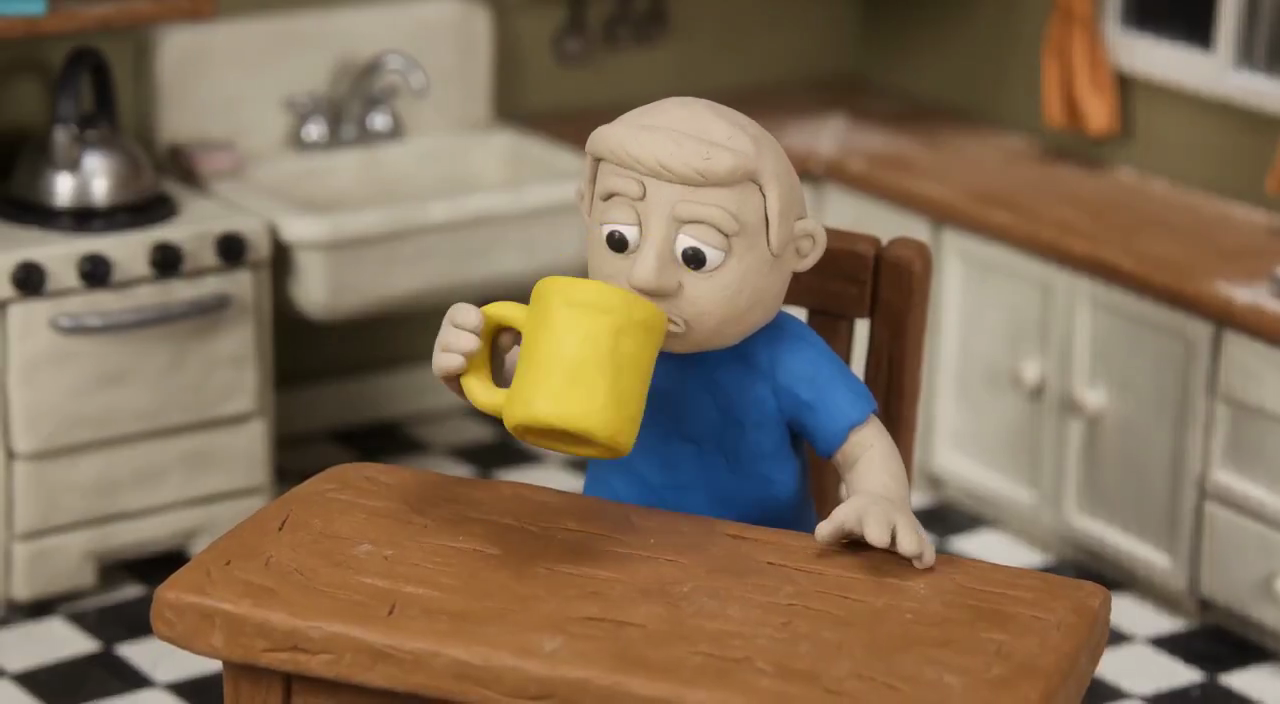
Explain Your Subject, Changes and References
List the details that matter in your Nano Banana 2 image brief: identity, shape, colors, clothing and background. Use supported references where appropriate and compare every result; exact consistency is not guaranteed.
A Clearer Creative Brief for Nano Banana 2
Allow time to inspect each image result and refine your brief. Processing time varies by model, request and service load. Change one direction at a time so that you can judge which edit improves the result.
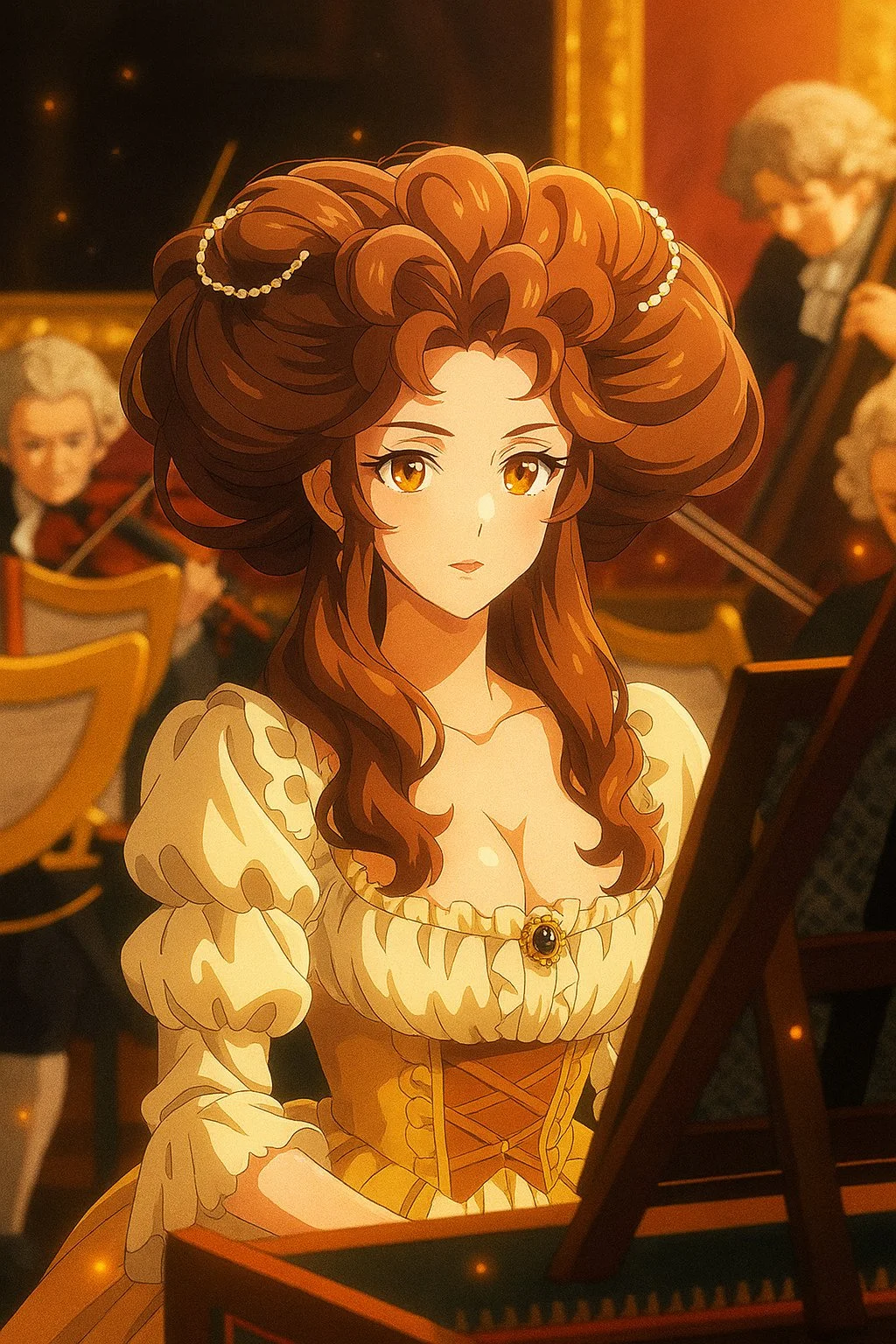
Explain Your Subject, Changes and References
Allow time to inspect each image result and refine your brief. Processing time varies by model, request and service load. Change one direction at a time so that you can judge which edit improves the result.
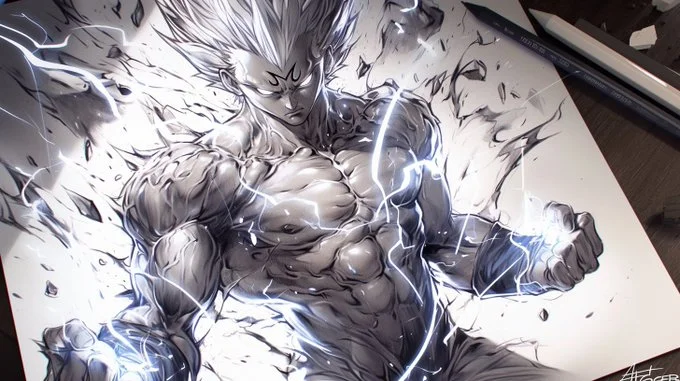
Social Media & Advertising
For a Nano Banana 2 product concept, specify the product shape, material, key detail and setting. Keep logos and claims accurate, allow room for your own typography, and review the result before using it in an advertisement.
Check Details Across Every Result
List the details that matter in your Nano Banana 2 image brief: identity, shape, colors, clothing and background. Use supported references where appropriate and compare every result; exact consistency is not guaranteed.
Efficient Production Workflow
For a Nano Banana 2 product concept, specify the product shape, material, key detail and setting. Keep logos and claims accurate, allow room for your own typography, and review the result before using it in an advertisement.
Creative Notes for Your Nano Banana 2 Image Brief
Give the main subject one clear action. For a Nano Banana 2 concept, a precise brief is easier to assess than a list of competing effects.
Nano Banana 2 Image Workflow: Questions & Answers
For a Nano Banana 2 product concept, specify the product shape, material, key detail and setting. Keep logos and claims accurate, allow room for your own typography, and review the result before using it in an advertisement.
This dotsai.pro page explains the Nano Banana 2 image workflow. It helps you write a focused brief and review the available inputs. Current access is shown in the generator; a model name on a guide does not mean it currently accepts requests.
Write your Nano Banana 2 image brief around a subject, composition, lighting and intended style. Add a material or texture when it matters. For edits, state one precise change and explain which parts of the source should remain intact.
Start your Nano Banana 2 image brief with a source image you have permission to use. Name the area to change and the colors, proportions or objects to preserve. Reference count and editing support depend on the selected model.
Develop your Nano Banana 2 image brief around the result you need. Keep the main direction specific, check supported settings in the generator, and review the completed work before using it in your project.
Use only the input modes and controls offered by the selected model. Describe the intended image clearly and add supported references when useful. This page does not promise separate motion-brush, audio-upload, restoration or editing tools.
List the details that matter in your Nano Banana 2 image brief: identity, shape, colors, clothing and background. Use supported references where appropriate and compare every result; exact consistency is not guaranteed.
For a Nano Banana 2 product concept, specify the product shape, material, key detail and setting. Keep logos and claims accurate, allow room for your own typography, and review the result before using it in an advertisement.
Choose only the resolution and aspect ratio shown for the selected model. Check framing, fine details and any text in the completed image. A larger output size does not guarantee a more accurate result.
You can request a refund within 10 days of purchase if you have unused credits from that purchase and provide a clear reason, subject to our Refund Policy. If eligible, an unused purchase can be fully refunded; a partly used purchase is refunded in proportion to its remaining unused credits. Fully used purchases and free or promotional credits are not refundable.
Credit validity depends on the pack, subscription or promotion that issued them. Review the purchase terms and expiration dates in Settings > Credits. A renewal or new purchase does not extend older credits. Use credits before their stated expiration; do not assume unused subscription credits roll over indefinitely.
Credits charged for a task that is confirmed as failed due to a system error are returned automatically. A task that is still processing has not yet been confirmed as failed. Check its status and your credit history before submitting again. If a confirmed failure still shows an unresolved charge, email support@dotsai.pro with the task ID.
AI results can vary, so a completed result that differs from your expectations is not automatically treated as a technical failure. Eligible completed image tasks can be submitted for credit refund review using the refund option where available; approval is required. For a video or another issue, contact support@dotsai.pro with the task ID and details. A credit refund returns credits, not money to your payment method.
Email support@dotsai.pro. For billing, include your account email and order ID; for generation, include the task ID, issue description and relevant screenshots. If you purchased as a guest, keep the original browser data and payment receipt so we can help locate the purchase.
Explore Your Next Nano Banana 2 Image Idea
Choose only the resolution and aspect ratio shown for the selected model. Check framing, fine details and any text in the completed image. A larger output size does not guarantee a more accurate result.
dotsai.pro · Updated
What's new on this page
- — Added editable example prompts and separate drafts for text and reference modes, with an action to restore the example.
- — Updated page copy and content.
- — Page content published.