
Plan Focused Image Edits with Nano Banana 2
Explain Your Subject, Changes and References
List the details that matter in your Nano Banana 2 image brief: identity, shape, colors, clothing and background. Use supported references where appropriate and compare every result; exact consistency is not guaranteed.
Verified prompt
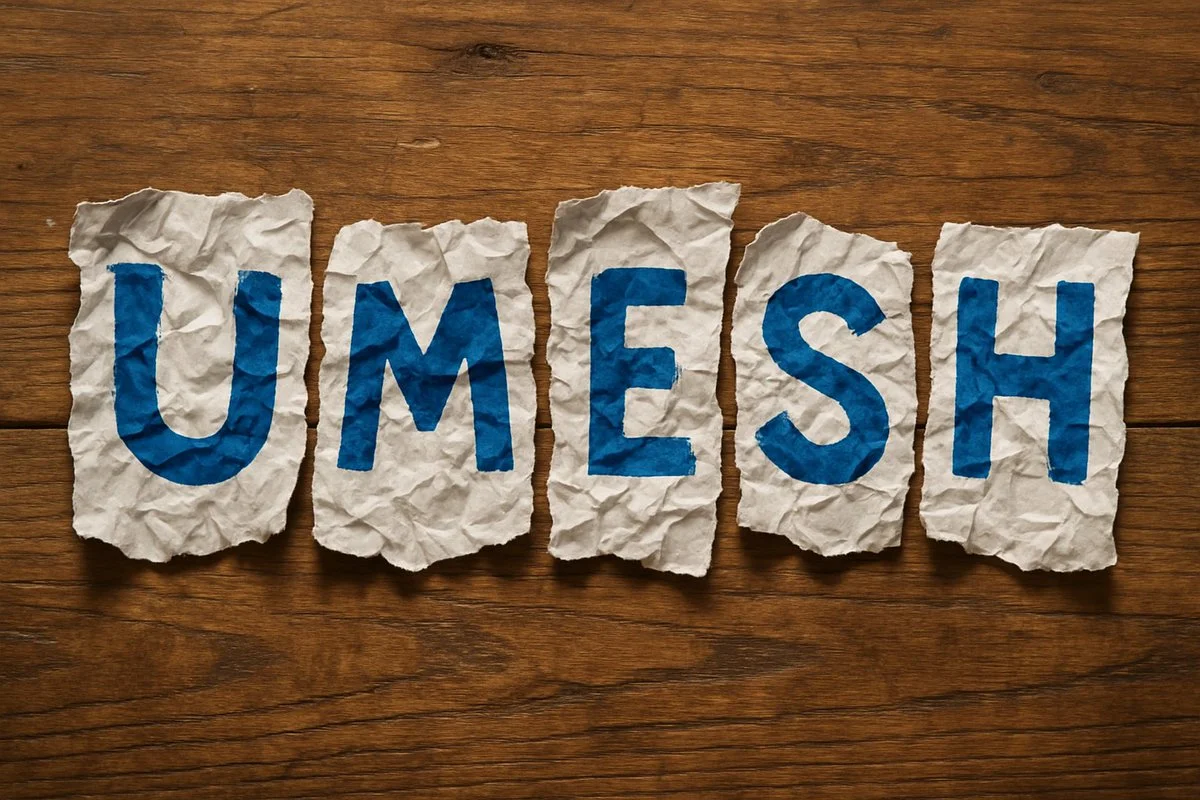
A photorealistic image of the word '[NAME]' spelled out using torn, highly crumpled pieces of white paper. Each letter is painted in bold [COLOR] on individual scraps, arranged loosely and unevenly, as if placed casually by hand, on a wooden table. The composition should convey a natural, handmade aesthetic with visible creases, shadows, and wood grain detail
A photorealistic image of the word '[NAME]' spelled out using torn, highly crumpled pieces of white paper. Each letter is painted in bold [COLOR] on individual scraps, arranged loosely and unevenly, as if placed casually by hand, on a wooden table. The composition should convey a natural, handmade aesthetic with visible creases, shadows, and wood grain detail
Verified prompt
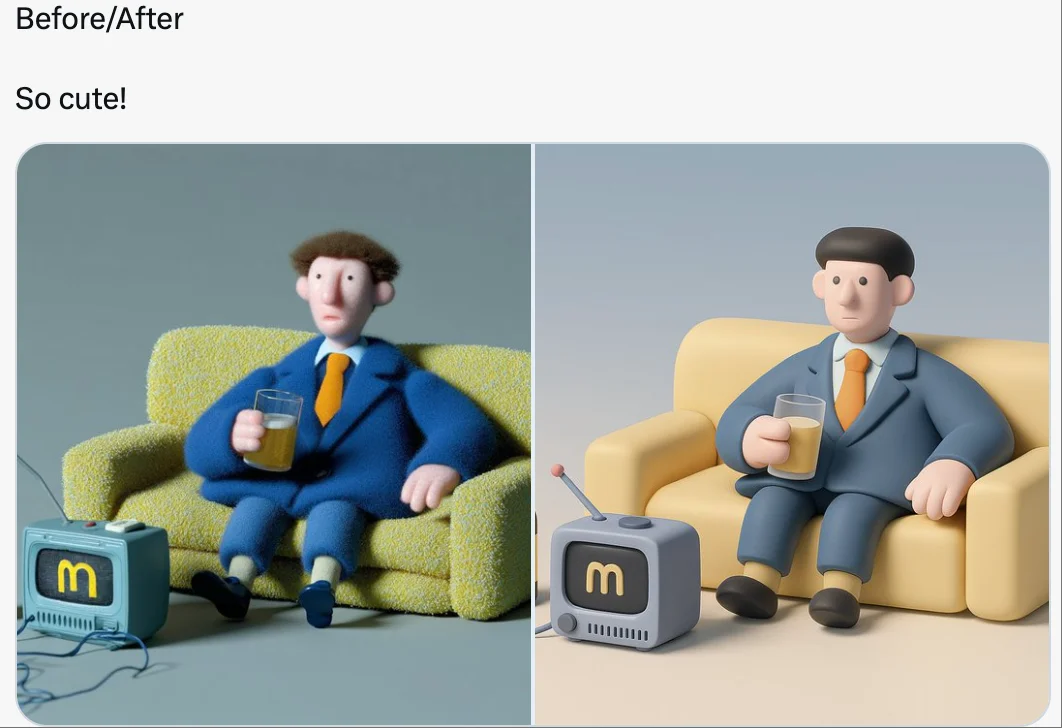
retexture the image attached based on the json below: { "style_name": "Soft Minimal 3D Plastic", "retexture_mode": "shape_lock", "object_analysis": { "preserve_silhouette": true, "geometry_sensitive_mapping": true, "detail_retention": "flatten complex details into simplified geometry blocks" }, "material_properties": { "base_material": [ "smooth matte plastic", "metallic edge trim with satin finish", "semi-reflective black screen surface" ], "surface_details": [ "subtle color gradient", "rounded bevels and corners", "soft transition between surfaces" ] }, "lighting": { "type": "soft gradient ambient light", "shadows": "minimal, soft-edged shadows", "highlights": "diffused, low-intensity reflections" }, "background": { "color": "pastel gradient (blue to cream)", "texture": "smooth and untextured", "elements": "clean background with no added geometry" }, "rendering": { "style": "isometric 3D render", "resolution": "high, with slight bloom", "focus": "central object, no depth blur" }, "color_palette": { "primary": ["cool grey", "steel blue", "soft charcoal"], "accents": ["light lavender", "pastel yellow"] } }
retexture the image attached based on the json below: { "style_name": "Soft Minimal 3D Plastic", "retexture_mode": "shape_lock", "object_analysis": { "preserve_silhouette": true, "geometry_sensitive_mapping": true, "detail_retention": "flatten complex details into simplified geometry blocks" }, "material_properties": { "base_material": [ "smooth matte plastic", "metallic edge trim with satin finish", "semi-reflective black screen surface" ], "surface_details": [ "subtle color gradient", "rounded bevels and corners", "soft transition between surfaces" ] }, "lighting": { "type": "soft gradient ambient light", "shadows": "minimal, soft-edged shadows", "highlights": "diffused, low-intensity reflections" }, "background": { "color": "pastel gradient (blue to cream)", "texture": "smooth and untextured", "elements": "clean background with no added geometry" }, "rendering": { "style": "isometric 3D render", "resolution": "high, with slight bloom", "focus": "central object, no depth blur" }, "color_palette": { "primary": ["cool grey", "steel blue", "soft charcoal"], "accents": ["light lavender", "pastel yellow"] } }
Verified prompt
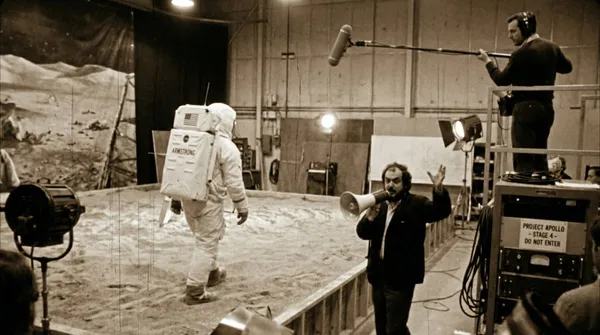
ed production footage from a secret soundstage, 1969. Neil Armstrong is walking on the "Moon surface," but the camera pulls back to reveal it is just a sandbox in a studio. A boom mic operator is visible in the top corner. Stanley Kubrick is shouting instructions through a megaphone. Studio lights, film grain, slightly blurry, handheld camera movement style.
ed production footage from a secret soundstage, 1969. Neil Armstrong is walking on the "Moon surface," but the camera pulls back to reveal it is just a sandbox in a studio. A boom mic operator is visible in the top corner. Stanley Kubrick is shouting instructions through a megaphone. Studio lights, film grain, slightly blurry, handheld camera movement style.
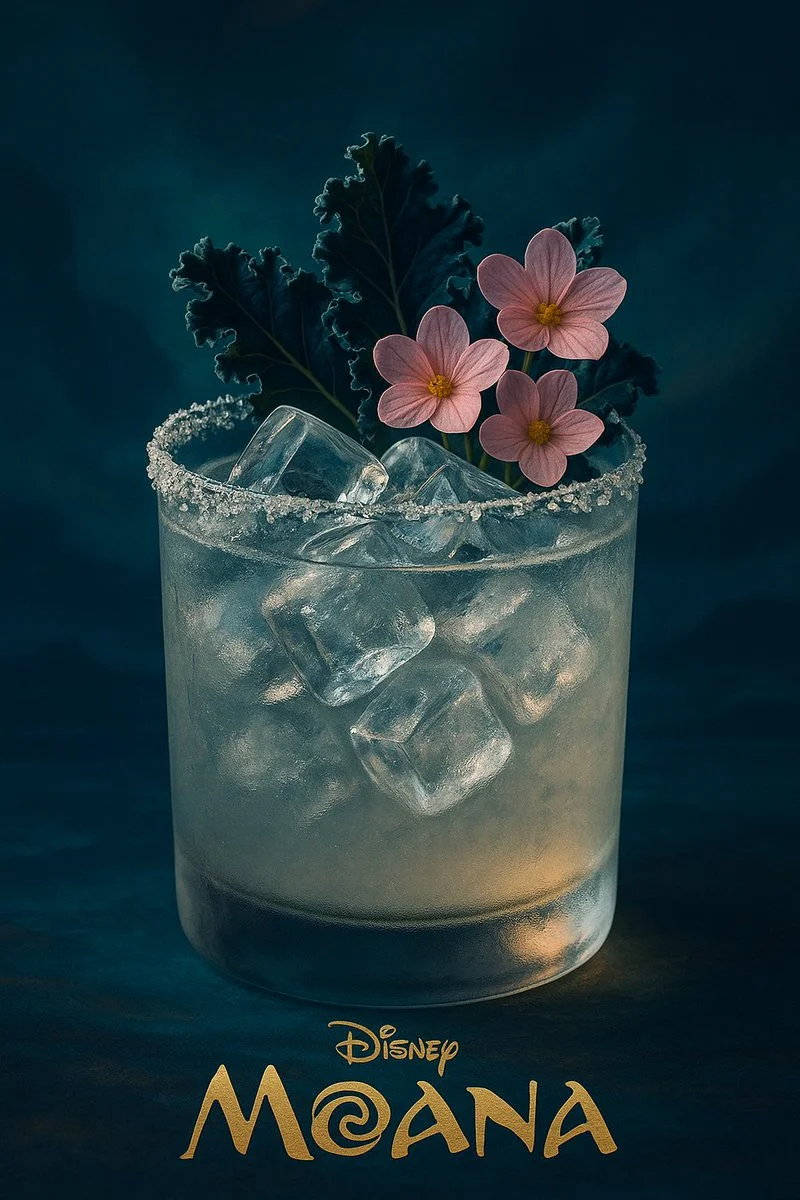
Verified prompt
A realistic, high-end cocktail in a frosted glass with a sparkling salt rim, filled with crystal-clear ice cubes. The drink is garnished with deep-blue kale leaves and delicate pastel-pink edible flowers. The lighting is moody and cinematic, with soft highlights on the glass. The entire visual style — color palette, lighting, background, and atmosphere — is inspired by the animated film 【MOVIE_TITLE】 by Disney, subtly reflecting its visual tone and mood. At the bottom of the image, in elegant golden serif text, it says: “Disney — 【MOVIE_TITLE】”. Vertical 9:16, ultra-detailed, photographic realism with artistic direction based on the film’s world.
A realistic, high-end cocktail in a frosted glass with a sparkling salt rim, filled with crystal-clear ice cubes. The drink is garnished with deep-blue kale leaves and delicate pastel-pink edible flowers. The lighting is moody and cinematic, with soft highlights on the glass. The entire visual style — color palette, lighting, background, and atmosphere — is inspired by the animated film 【MOVIE_TITLE】 by Disney, subtly reflecting its visual tone and mood. At the bottom of the image, in elegant golden serif text, it says: “Disney — 【MOVIE_TITLE】”. Vertical 9:16, ultra-detailed, photographic realism with artistic direction based on the film’s world.
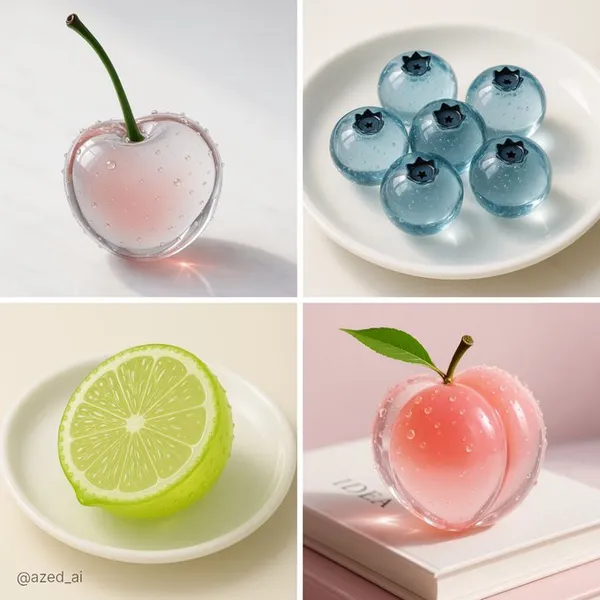
Verified prompt
r-realistic [fruit name] made of translucent glass, smooth, rounded surface with fine air bubbles inside, placed on a clean surface, sharp lighting with strong reflections and highlights, minimal background, photorealistic, glossy texture, 3D render style, crystal-like appearance, soft shadows, macro photography
r-realistic [fruit name] made of translucent glass, smooth, rounded surface with fine air bubbles inside, placed on a clean surface, sharp lighting with strong reflections and highlights, minimal background, photorealistic, glossy texture, 3D render style, crystal-like appearance, soft shadows, macro photography
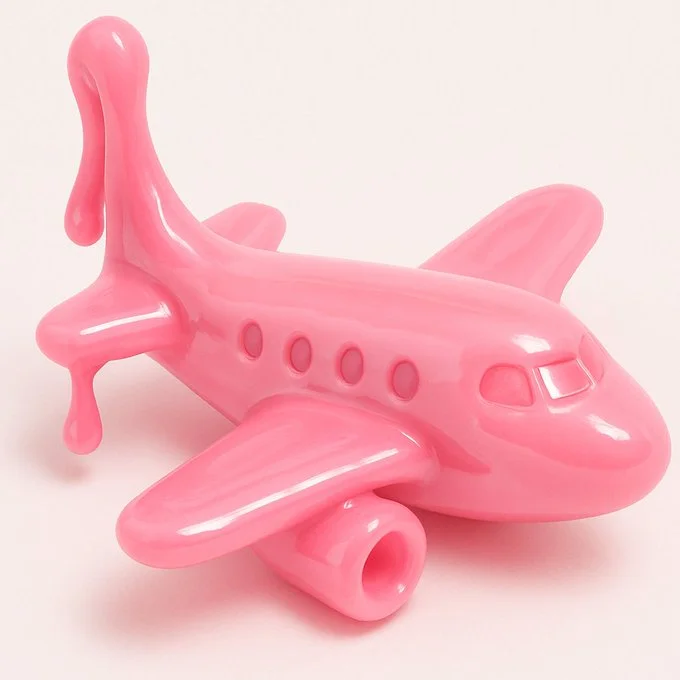
Verified prompt
{ "style": "Realistic 3D render", "material": "Glossy slime-like material", "texture": ["smooth", "soft", "stretchy", "shiny"], "color": "VARIABLE", "object_type": "VARIABLE", "background": "plain white", "lighting": "soft studio lighting", "details": { "focus": "single object centered", "shadows": "soft and subtle", "reflection": "light highlights on surface", "depth": "shallow depth of field" }, "format": "close-up or three-quarter view", "mood": "playful, clean, toy-like", "prompt_template": "A {color} {object_type} made of glossy slime material, soft and stretchy texture, realistic 3D look, set against a plain white background, soft lighting and smooth highlights" }
{ "style": "Realistic 3D render", "material": "Glossy slime-like material", "texture": ["smooth", "soft", "stretchy", "shiny"], "color": "VARIABLE", "object_type": "VARIABLE", "background": "plain white", "lighting": "soft studio lighting", "details": { "focus": "single object centered", "shadows": "soft and subtle", "reflection": "light highlights on surface", "depth": "shallow depth of field" }, "format": "close-up or three-quarter view", "mood": "playful, clean, toy-like", "prompt_template": "A {color} {object_type} made of glossy slime material, soft and stretchy texture, realistic 3D look, set against a plain white background, soft lighting and smooth highlights" }
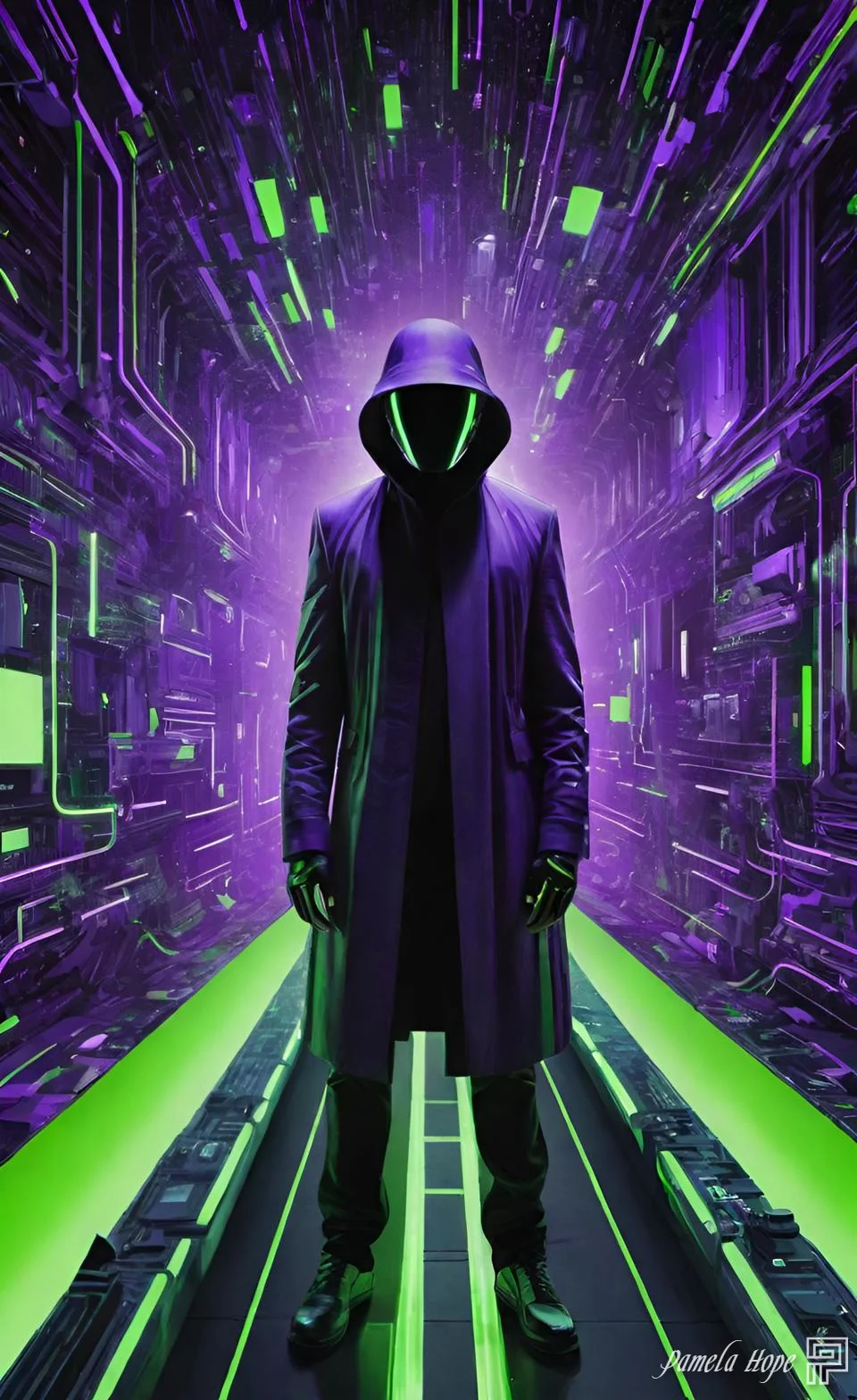
Verified prompt
[SUBJECT] reinterpreted through Cyber Matrix Dreamscapes, where cascading streams of digital code form the immersive backdrop. Imbue the scene with radical neon [COLOR1] and luminous [COLOR2] accents to evoke a futuristic reality where art converges with algorithm
[SUBJECT] reinterpreted through Cyber Matrix Dreamscapes, where cascading streams of digital code form the immersive backdrop. Imbue the scene with radical neon [COLOR1] and luminous [COLOR2] accents to evoke a futuristic reality where art converges with algorithm
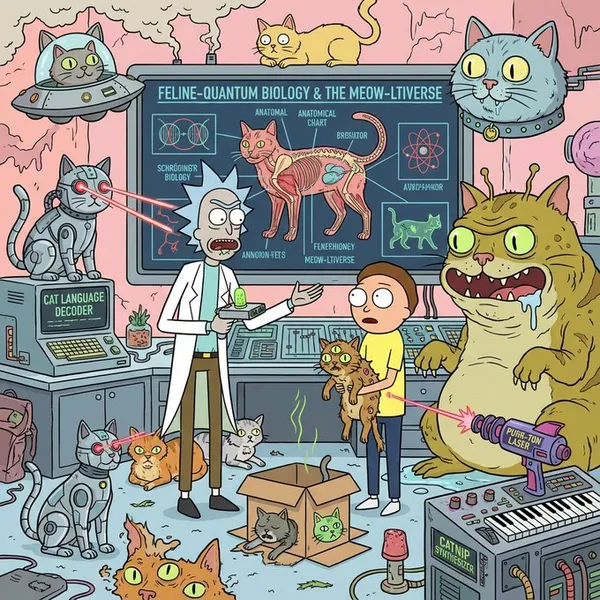
Verified prompt
g the Rick and Morty art style, provide an extremely detailed introduction to xxxxx
g the Rick and Morty art style, provide an extremely detailed introduction to xxxxx
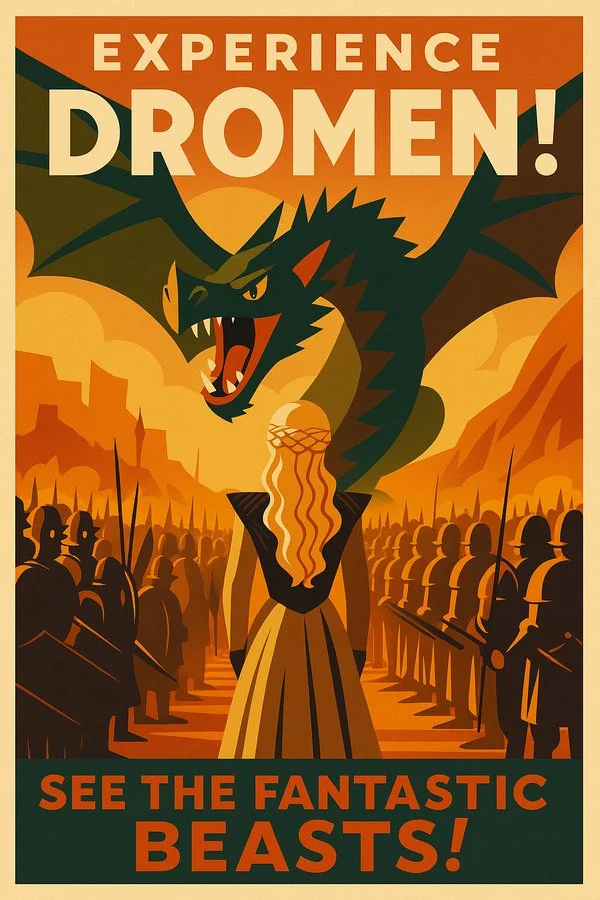
Verified prompt
Transform this image into a 1950s poster in the style of mid-century modern graphic designers. Use flat, geometric color blocks with strong typographic elements. The overall tone should be optimistic, nostalgic, and promotional. Add bold location labels and promotional slogans.
Transform this image into a 1950s poster in the style of mid-century modern graphic designers. Use flat, geometric color blocks with strong typographic elements. The overall tone should be optimistic, nostalgic, and promotional. Add bold location labels and promotional slogans.
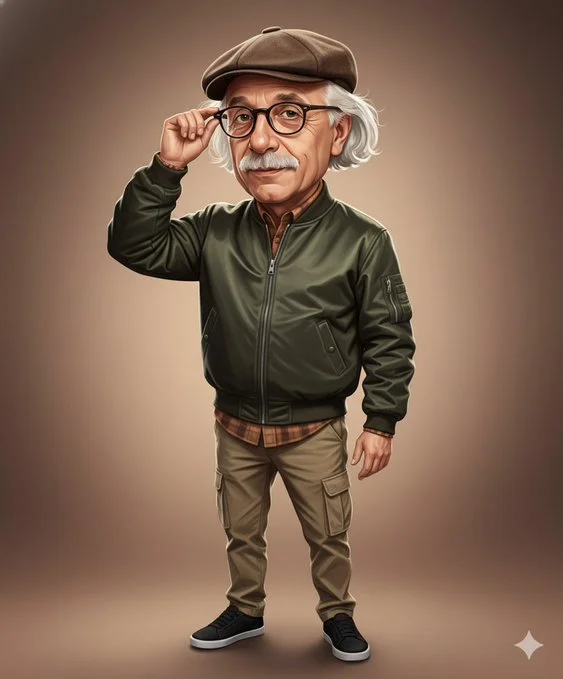
Verified prompt
Create a realistic digital caricature painting of a middle-aged man (attached photo) with a slightly oversized head, exuding charm and quiet confidence. He is dressed in a modern, stylish bomber jacket made of dark olive nylon with subtle reflective highlights that give it a sleek and fashionable look. Underneath, he wears a warm-toned flannel shirt slightly visible at the collar and cuffs, paired with khaki cargo pants and black sneakersthat ground the outfit with a casual yet confident energy. Completing his look, he wears a brown flat cap tilted slightly forward — a small detail that adds personality and flair. The man is portrayed in a mid-shot, adjusting his glasses with one hand while gazing directly at the viewer with a self-assured and composed expression. His head is slightly larger than normal, emphasizing his thoughtful character and giving the image a light caricature charm without losing realism.The facial expression radiates intelligence, humor, and approachability. The lighting is warm and soft, like that of a late afternoon sun filtering through a studio setup. Smooth gradual shadows enhance the contours of his face, while subtle highlights accentuate the texture of his bomber jacket and the reflection in his glasses. His skin tones glow naturally under the warm light, creating a pleasant sense of depth and realism.The background is a gradient of warm brown and beige hues, blending smoothly from light to dark. This background is simple yet elegant, allowing the subject to stand out while maintaining a professional, editorial quality. The art style should combine semi-realistic digital painting with the texture of oil brushstrokes, delivering a balanced fusion of realism and stylized charm.Clean outlines, smooth blending, and controlled highlights give the impression of a modern portrait illustration—detailed, expressive, and visually captivating.
Create a realistic digital caricature painting of a middle-aged man (attached photo) with a slightly oversized head, exuding charm and quiet confidence. He is dressed in a modern, stylish bomber jacket made of dark olive nylon with subtle reflective highlights that give it a sleek and fashionable look. Underneath, he wears a warm-toned flannel shirt slightly visible at the collar and cuffs, paired with khaki cargo pants and black sneakersthat ground the outfit with a casual yet confident energy. Completing his look, he wears a brown flat cap tilted slightly forward — a small detail that adds personality and flair. The man is portrayed in a mid-shot, adjusting his glasses with one hand while gazing directly at the viewer with a self-assured and composed expression. His head is slightly larger than normal, emphasizing his thoughtful character and giving the image a light caricature charm without losing realism.The facial expression radiates intelligence, humor, and approachability. The lighting is warm and soft, like that of a late afternoon sun filtering through a studio setup. Smooth gradual shadows enhance the contours of his face, while subtle highlights accentuate the texture of his bomber jacket and the reflection in his glasses. His skin tones glow naturally under the warm light, creating a pleasant sense of depth and realism.The background is a gradient of warm brown and beige hues, blending smoothly from light to dark. This background is simple yet elegant, allowing the subject to stand out while maintaining a professional, editorial quality. The art style should combine semi-realistic digital painting with the texture of oil brushstrokes, delivering a balanced fusion of realism and stylized charm.Clean outlines, smooth blending, and controlled highlights give the impression of a modern portrait illustration—detailed, expressive, and visually captivating.
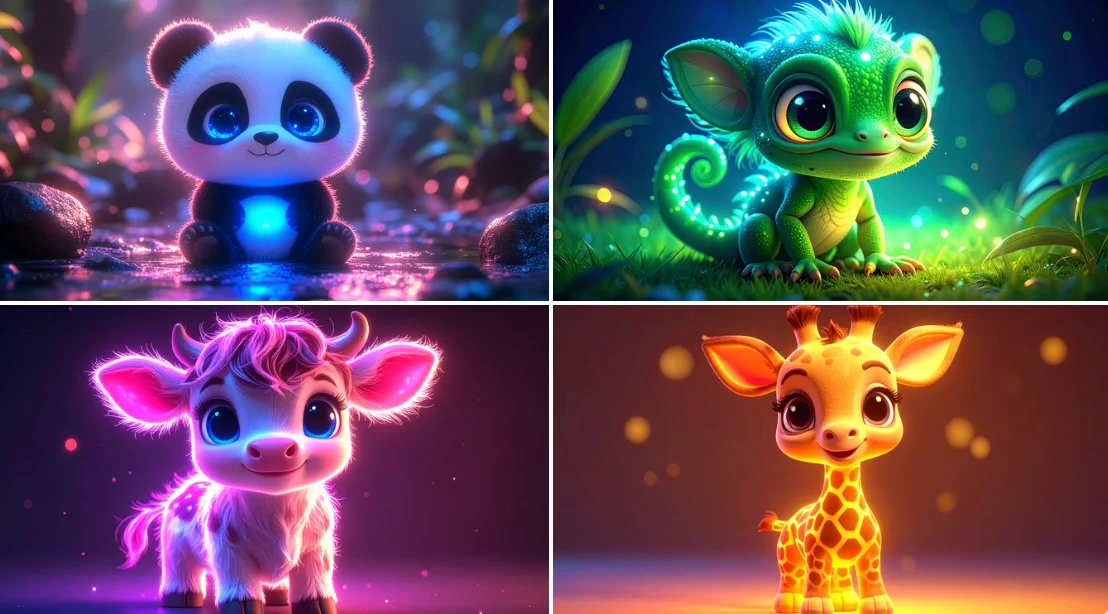
Verified prompt
bioluminescent cute [ANIMAL], kawaii, chibi, [COLOR] neon backlit, 3d cartoon, big cute bright eyes, high definition
bioluminescent cute [ANIMAL], kawaii, chibi, [COLOR] neon backlit, 3d cartoon, big cute bright eyes, high definition
Verified prompt
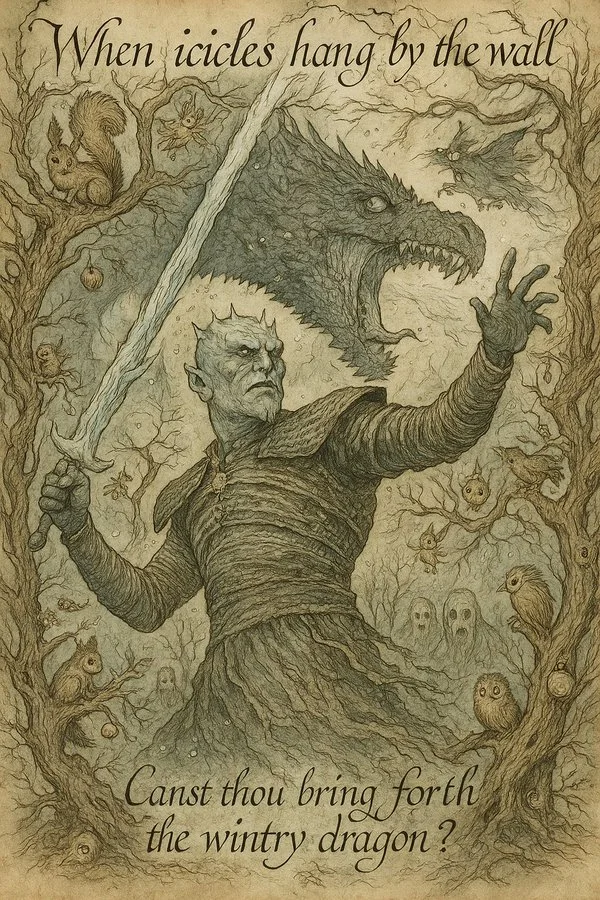
Transform this image into a 1920s fairy tale illustration in the style of Arthur Rackham. Use muted watercolor tones and intricate ink linework. Fill the scene with whimsical forest creatures, twisted tree branches, and hidden magical objects. The overall tone should be mysterious, enchanting, and slightly eerie. Add handwritten calligraphy-style captions and riddles.
Transform this image into a 1920s fairy tale illustration in the style of Arthur Rackham. Use muted watercolor tones and intricate ink linework. Fill the scene with whimsical forest creatures, twisted tree branches, and hidden magical objects. The overall tone should be mysterious, enchanting, and slightly eerie. Add handwritten calligraphy-style captions and riddles.
Nano Banana 2: Create and Edit with Natural Language
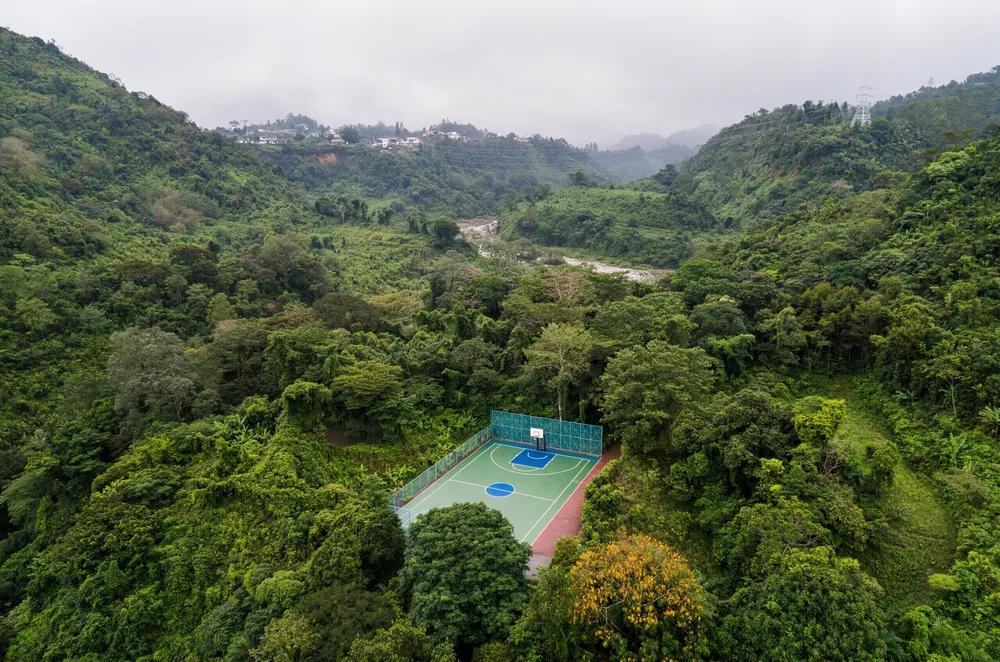
Develop your Nano Banana 2 image brief around the result you need. Keep the main direction specific, check supported settings in the generator, and review the completed work before using it in your project.
Choose only the resolution and aspect ratio shown for the selected model. Check framing, fine details and any text in the completed image. A larger output size does not guarantee a more accurate result.
Explore Nano Banana 2
From a Brief to a Reviewed Image: The Nano Banana 2 Workflow
Allow time to inspect each image result and refine your brief. Processing time varies by model, request and service load. Change one direction at a time so that you can judge which edit improves the result.
Enter prompt or upload image
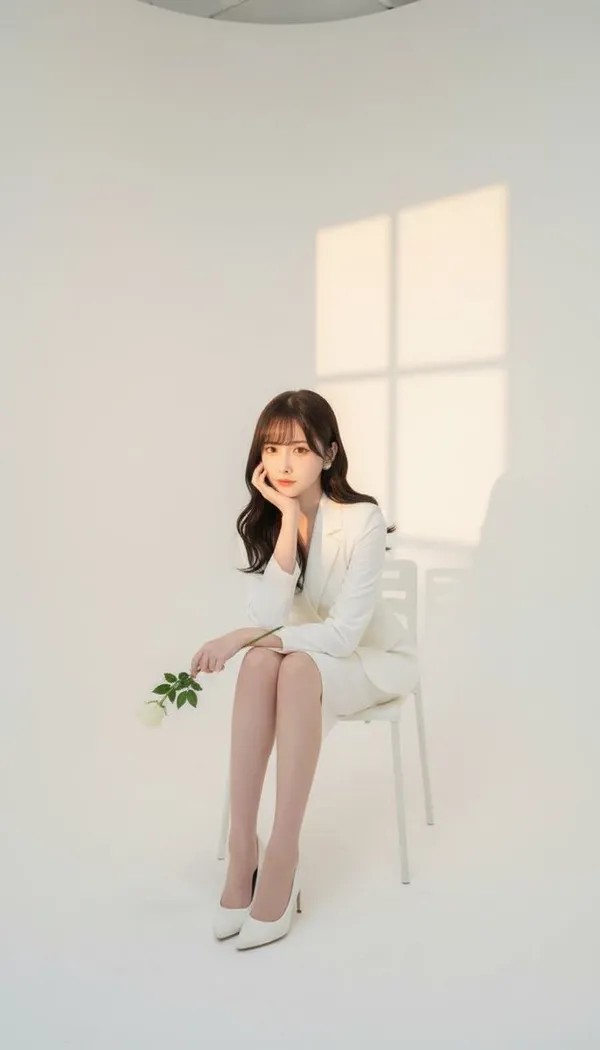
Start your Nano Banana 2 image brief with a source image you have permission to use. Name the area to change and the colors, proportions or objects to preserve. Reference count and editing support depend on the selected model.
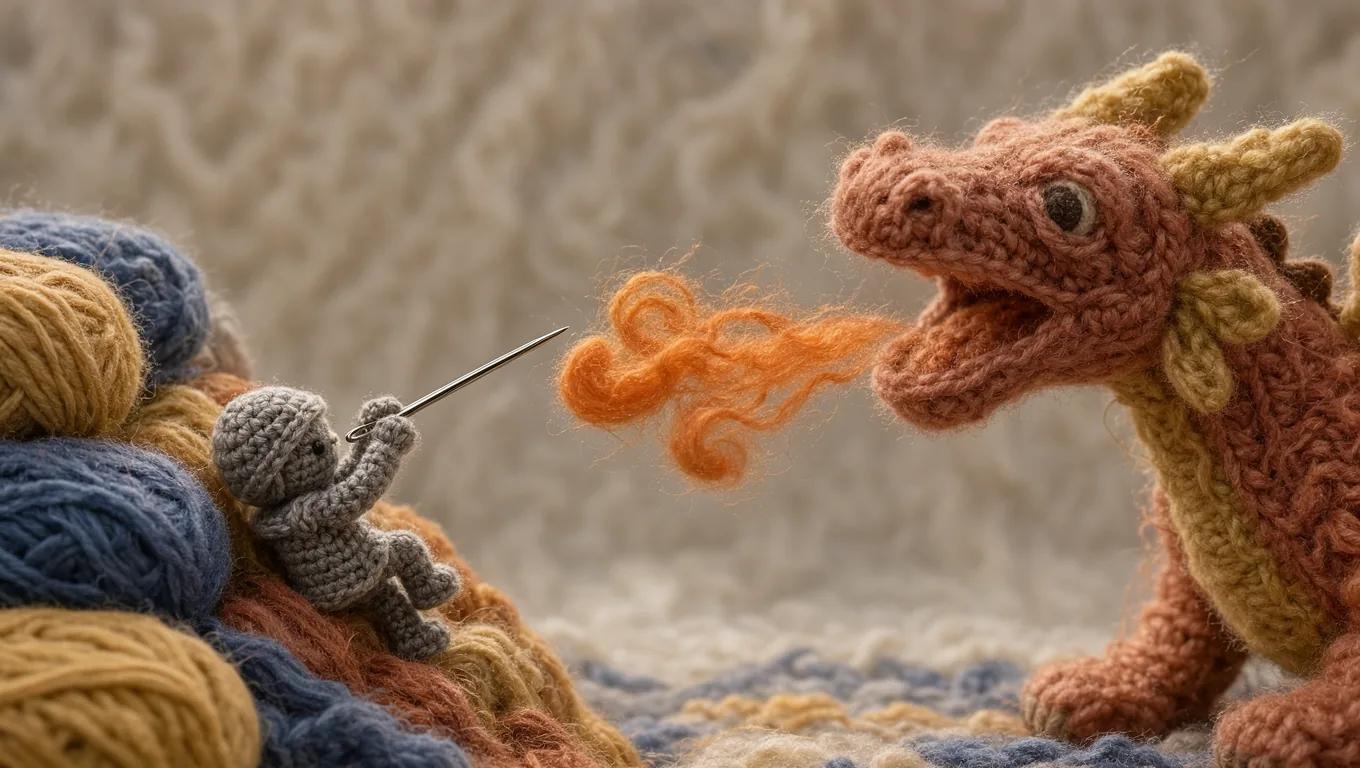
Review Availability, Settings and Credits
Allow time to inspect each image result and refine your brief. Processing time varies by model, request and service load. Change one direction at a time so that you can judge which edit improves the result.
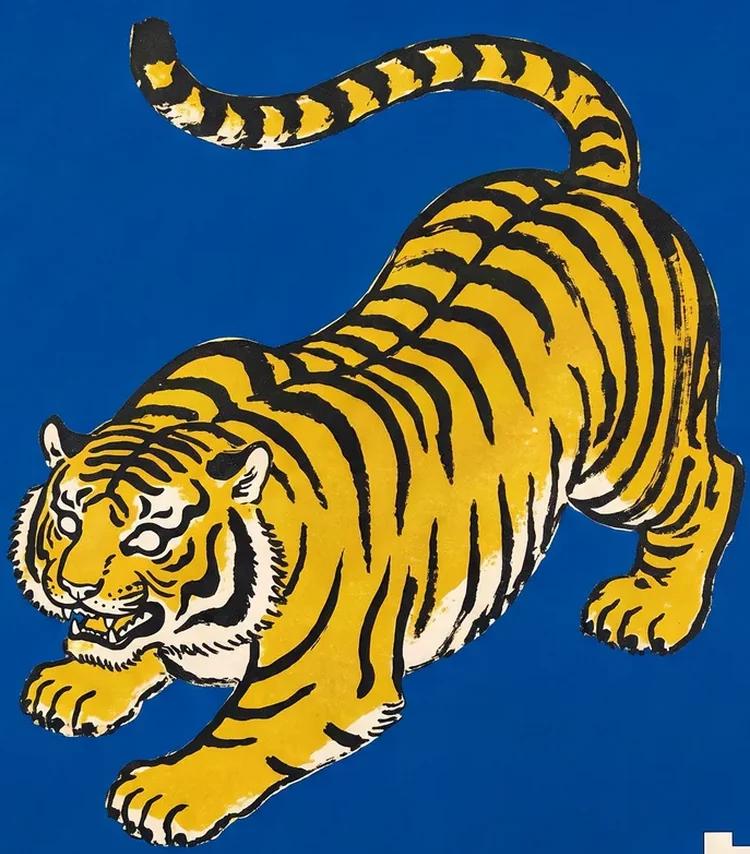
Review and Download Completed Results
When a request completes, inspect the image in History and download the result you want to keep. Review the composition and any unintended details before sharing it with your team or publishing it.
Build Your Nano Banana 2 Image Brief
For a Nano Banana 2 product concept, specify the product shape, material, key detail and setting. Keep logos and claims accurate, allow room for your own typography, and review the result before using it in an advertisement.
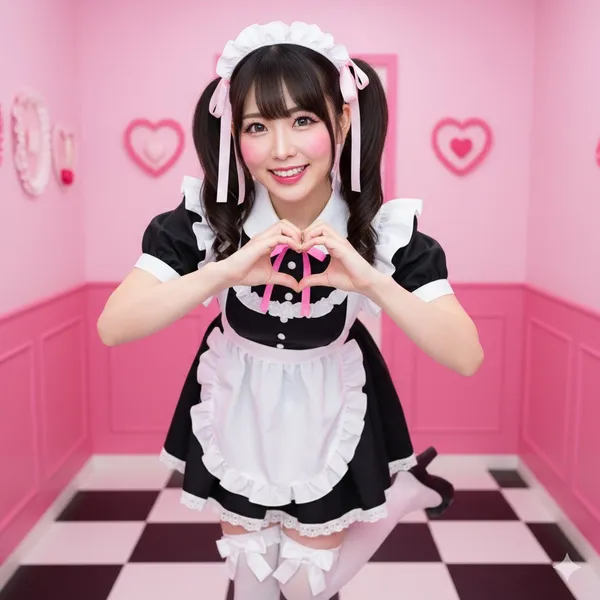
Explain Your Subject, Changes and References
Start your Nano Banana 2 image brief with a source image you have permission to use. Name the area to change and the colors, proportions or objects to preserve. Reference count and editing support depend on the selected model.
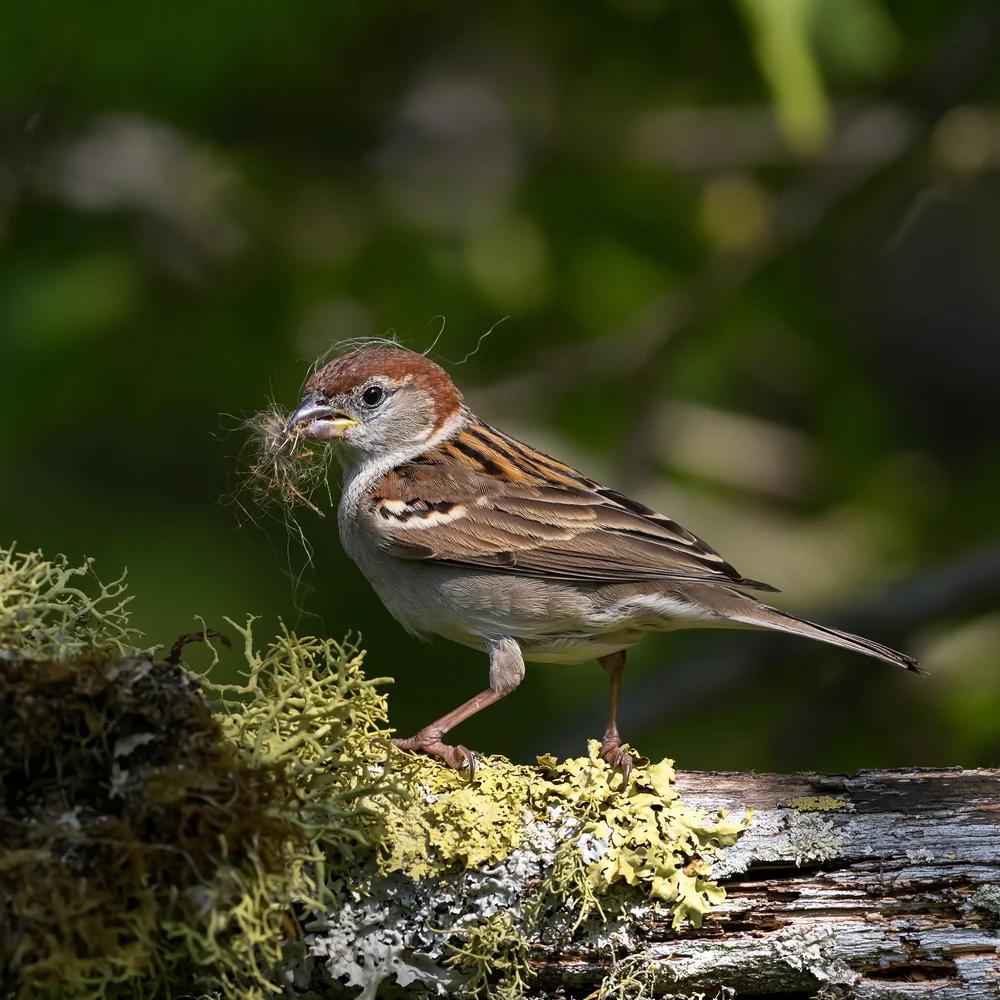
Describe the Changes and Details to Preserve
Write your Nano Banana 2 image brief around a subject, composition, lighting and intended style. Add a material or texture when it matters. For edits, state one precise change and explain which parts of the source should remain intact.
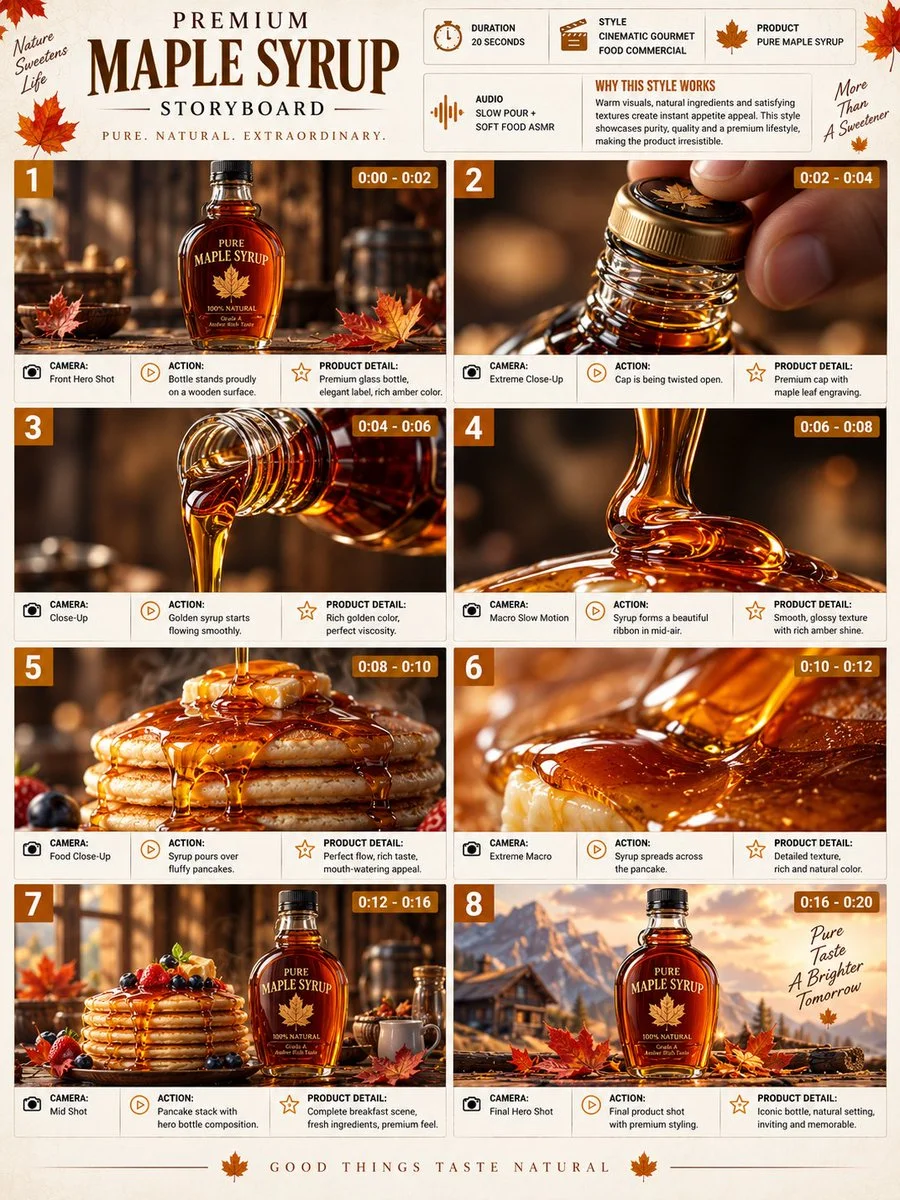
Check Details Across Every Result
Allow time to inspect each image result and refine your brief. Processing time varies by model, request and service load. Change one direction at a time so that you can judge which edit improves the result.
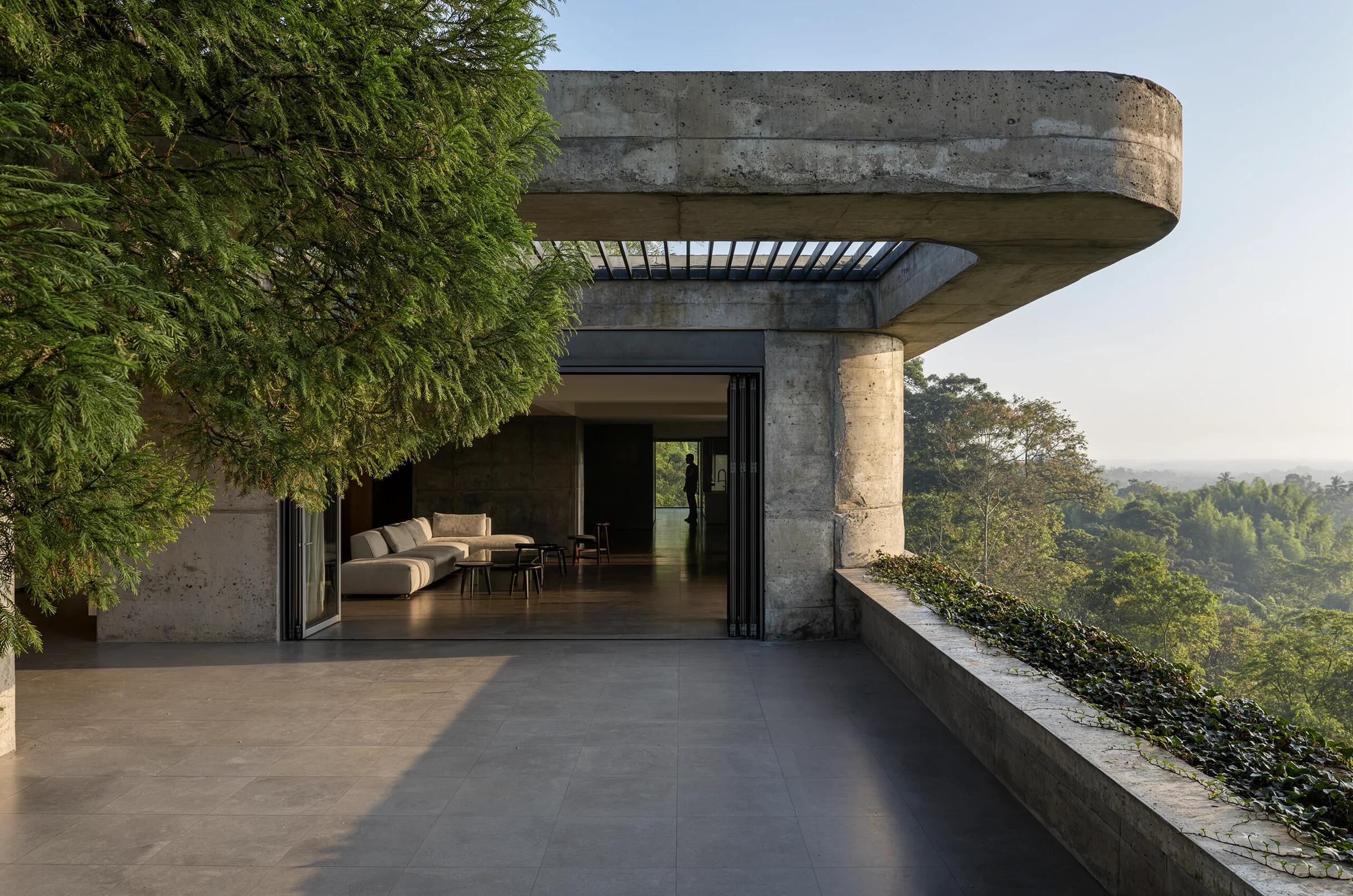
Explain Your Subject, Changes and References
List the details that matter in your Nano Banana 2 image brief: identity, shape, colors, clothing and background. Use supported references where appropriate and compare every result; exact consistency is not guaranteed.
A Clearer Creative Brief for Nano Banana 2
Allow time to inspect each image result and refine your brief. Processing time varies by model, request and service load. Change one direction at a time so that you can judge which edit improves the result.
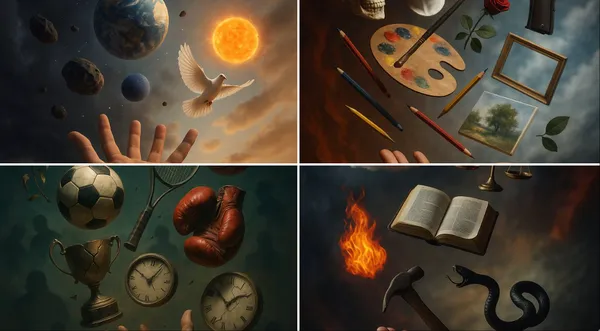
Explain Your Subject, Changes and References
Allow time to inspect each image result and refine your brief. Processing time varies by model, request and service load. Change one direction at a time so that you can judge which edit improves the result.
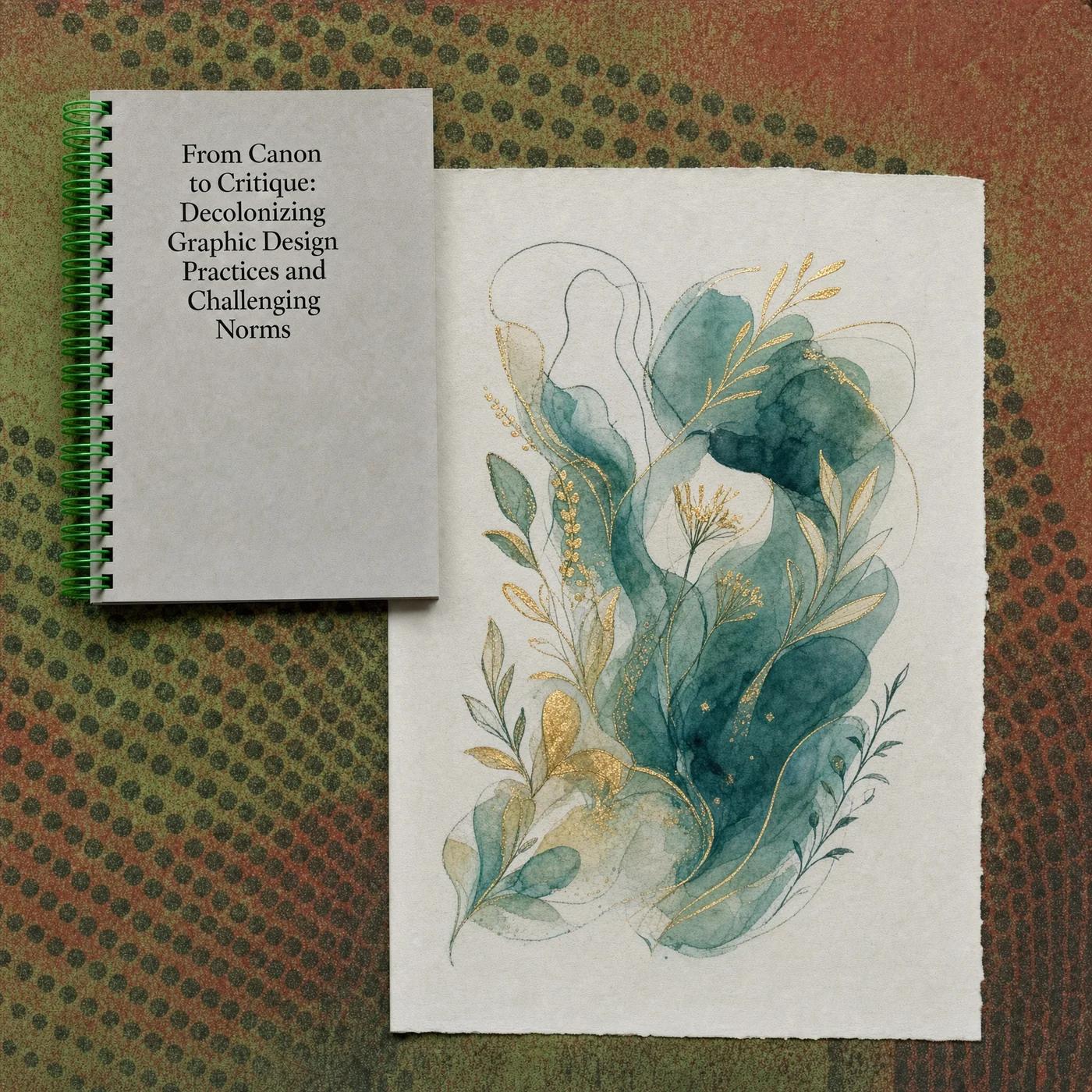
Social Media & Advertising
For a Nano Banana 2 product concept, specify the product shape, material, key detail and setting. Keep logos and claims accurate, allow room for your own typography, and review the result before using it in an advertisement.
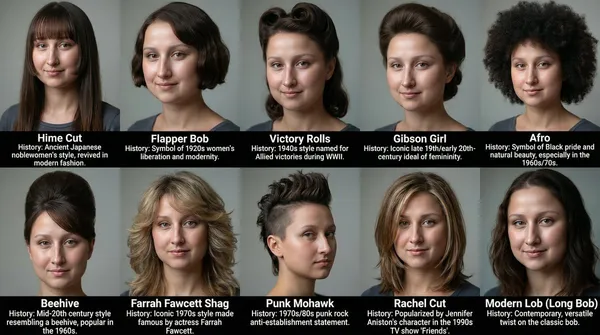
Check Details Across Every Result
List the details that matter in your Nano Banana 2 image brief: identity, shape, colors, clothing and background. Use supported references where appropriate and compare every result; exact consistency is not guaranteed.
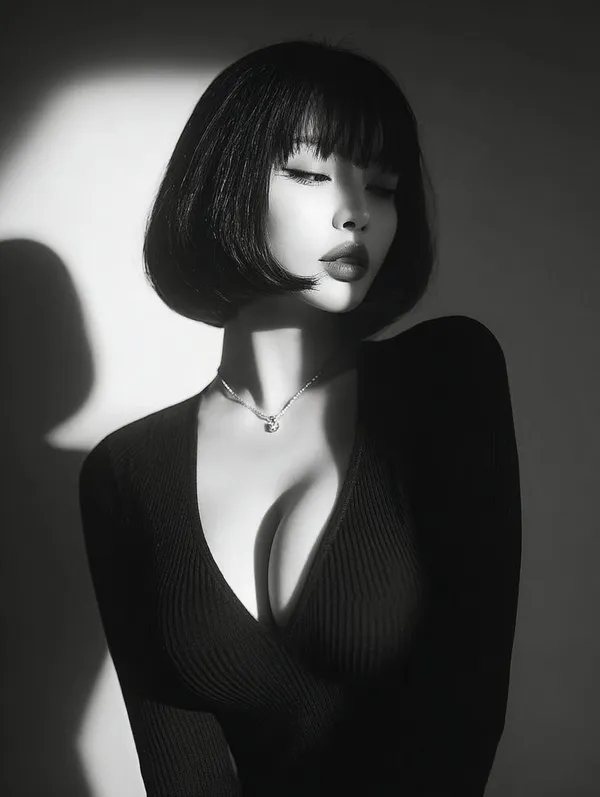
Efficient Production Workflow
For a Nano Banana 2 product concept, specify the product shape, material, key detail and setting. Keep logos and claims accurate, allow room for your own typography, and review the result before using it in an advertisement.
Creative Notes for Your Nano Banana 2 Image Brief
Give the main subject one clear action. For a Nano Banana 2 concept, a precise brief is easier to assess than a list of competing effects.
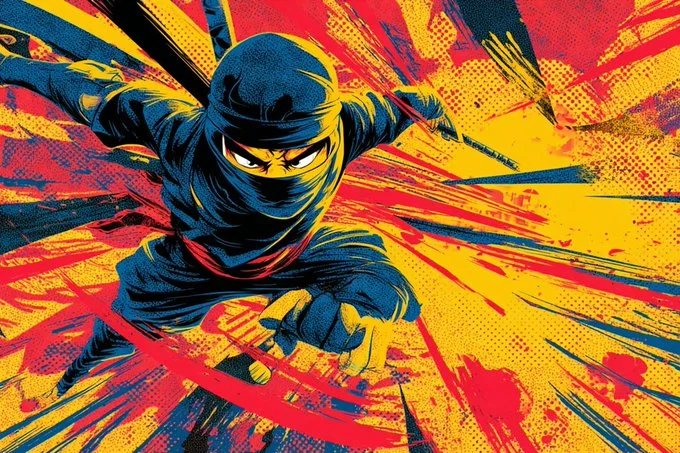
Nano Banana 2 Image Workflow: Questions & Answers
For a Nano Banana 2 product concept, specify the product shape, material, key detail and setting. Keep logos and claims accurate, allow room for your own typography, and review the result before using it in an advertisement.
This dotsai.pro page explains the Nano Banana 2 image workflow. It helps you write a focused brief and review the available inputs. Current access is shown in the generator; a model name on a guide does not mean it currently accepts requests.
Write your Nano Banana 2 image brief around a subject, composition, lighting and intended style. Add a material or texture when it matters. For edits, state one precise change and explain which parts of the source should remain intact.
Start your Nano Banana 2 image brief with a source image you have permission to use. Name the area to change and the colors, proportions or objects to preserve. Reference count and editing support depend on the selected model.
Develop your Nano Banana 2 image brief around the result you need. Keep the main direction specific, check supported settings in the generator, and review the completed work before using it in your project.
Use only the input modes and controls offered by the selected model. Describe the intended image clearly and add supported references when useful. This page does not promise separate motion-brush, audio-upload, restoration or editing tools.
List the details that matter in your Nano Banana 2 image brief: identity, shape, colors, clothing and background. Use supported references where appropriate and compare every result; exact consistency is not guaranteed.
For a Nano Banana 2 product concept, specify the product shape, material, key detail and setting. Keep logos and claims accurate, allow room for your own typography, and review the result before using it in an advertisement.
Choose only the resolution and aspect ratio shown for the selected model. Check framing, fine details and any text in the completed image. A larger output size does not guarantee a more accurate result.
You can request a refund within 10 days of purchase if you have unused credits from that purchase and provide a clear reason, subject to our Refund Policy. If eligible, an unused purchase can be fully refunded; a partly used purchase is refunded in proportion to its remaining unused credits. Fully used purchases and free or promotional credits are not refundable.
Credit validity depends on the pack, subscription or promotion that issued them. Review the purchase terms and expiration dates in Settings > Credits. A renewal or new purchase does not extend older credits. Use credits before their stated expiration; do not assume unused subscription credits roll over indefinitely.
Credits charged for a task that is confirmed as failed due to a system error are returned automatically. A task that is still processing has not yet been confirmed as failed. Check its status and your credit history before submitting again. If a confirmed failure still shows an unresolved charge, email support@dotsai.pro with the task ID.
AI results can vary, so a completed result that differs from your expectations is not automatically treated as a technical failure. Eligible completed image tasks can be submitted for credit refund review using the refund option where available; approval is required. For a video or another issue, contact support@dotsai.pro with the task ID and details. A credit refund returns credits, not money to your payment method.
Email support@dotsai.pro. For billing, include your account email and order ID; for generation, include the task ID, issue description and relevant screenshots. If you purchased as a guest, keep the original browser data and payment receipt so we can help locate the purchase.
Explore Your Next Nano Banana 2 Image Idea
Choose only the resolution and aspect ratio shown for the selected model. Check framing, fine details and any text in the completed image. A larger output size does not guarantee a more accurate result.
dotsai.pro · Updated
What's new on this page
- — Added editable example prompts and separate drafts for text and reference modes, with an action to restore the example.
- — Updated page copy and content.
- — Page content published.