
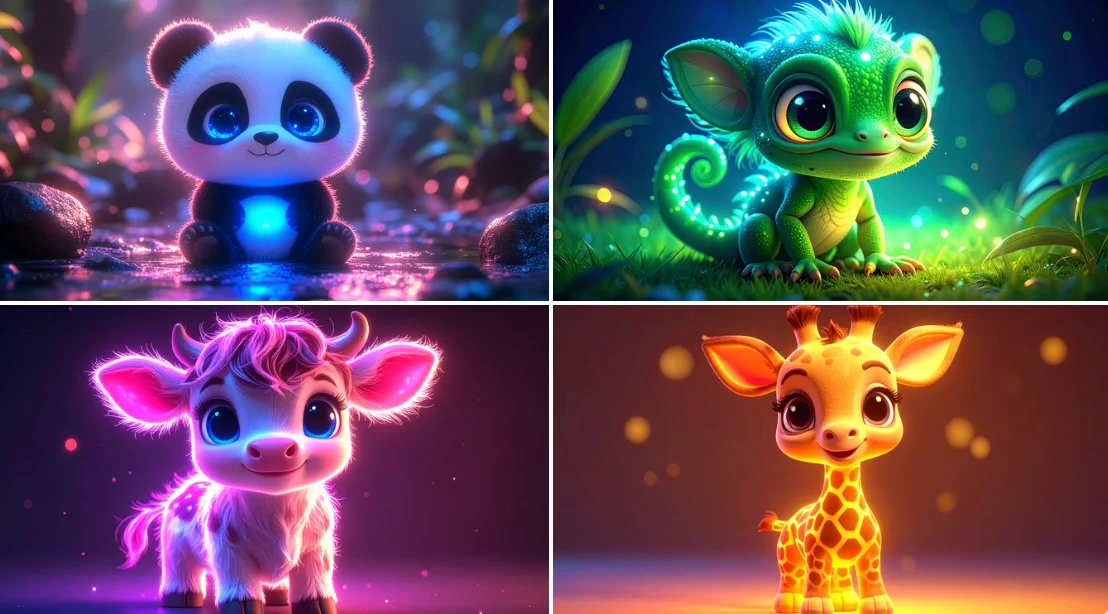
Verified prompt
bioluminescent cute [ANIMAL], kawaii, chibi, [COLOR] neon backlit, 3d cartoon, big cute bright eyes, high definition
bioluminescent cute [ANIMAL], kawaii, chibi, [COLOR] neon backlit, 3d cartoon, big cute bright eyes, high definition
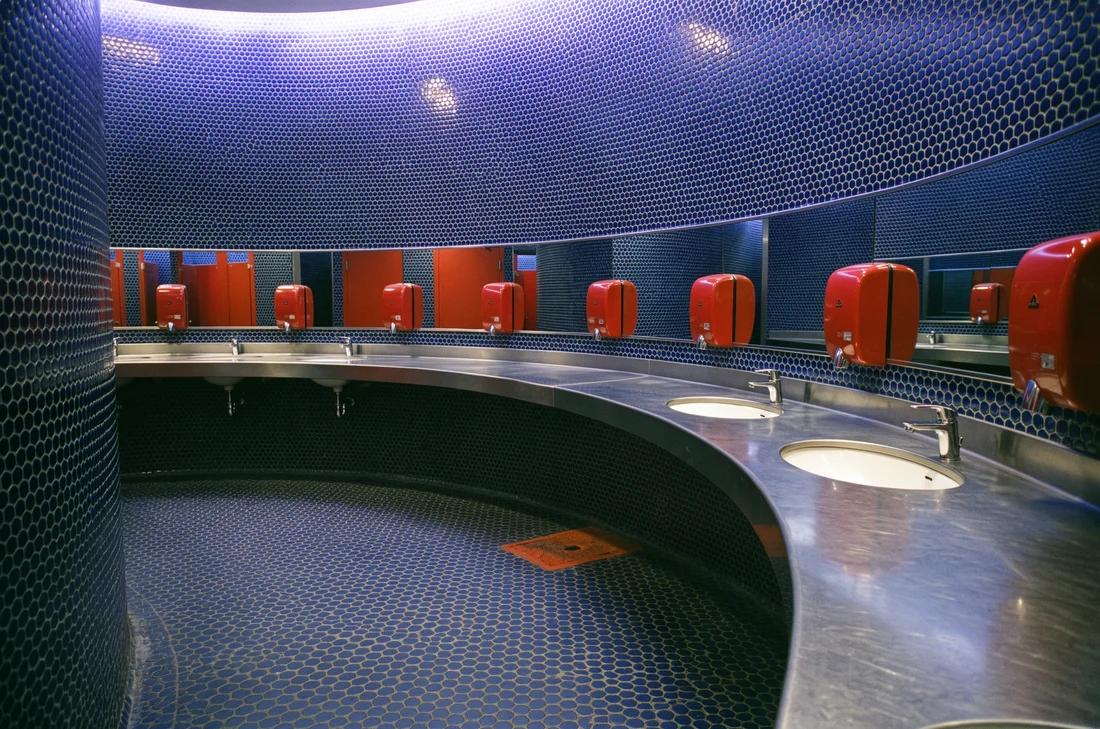
Verified prompt
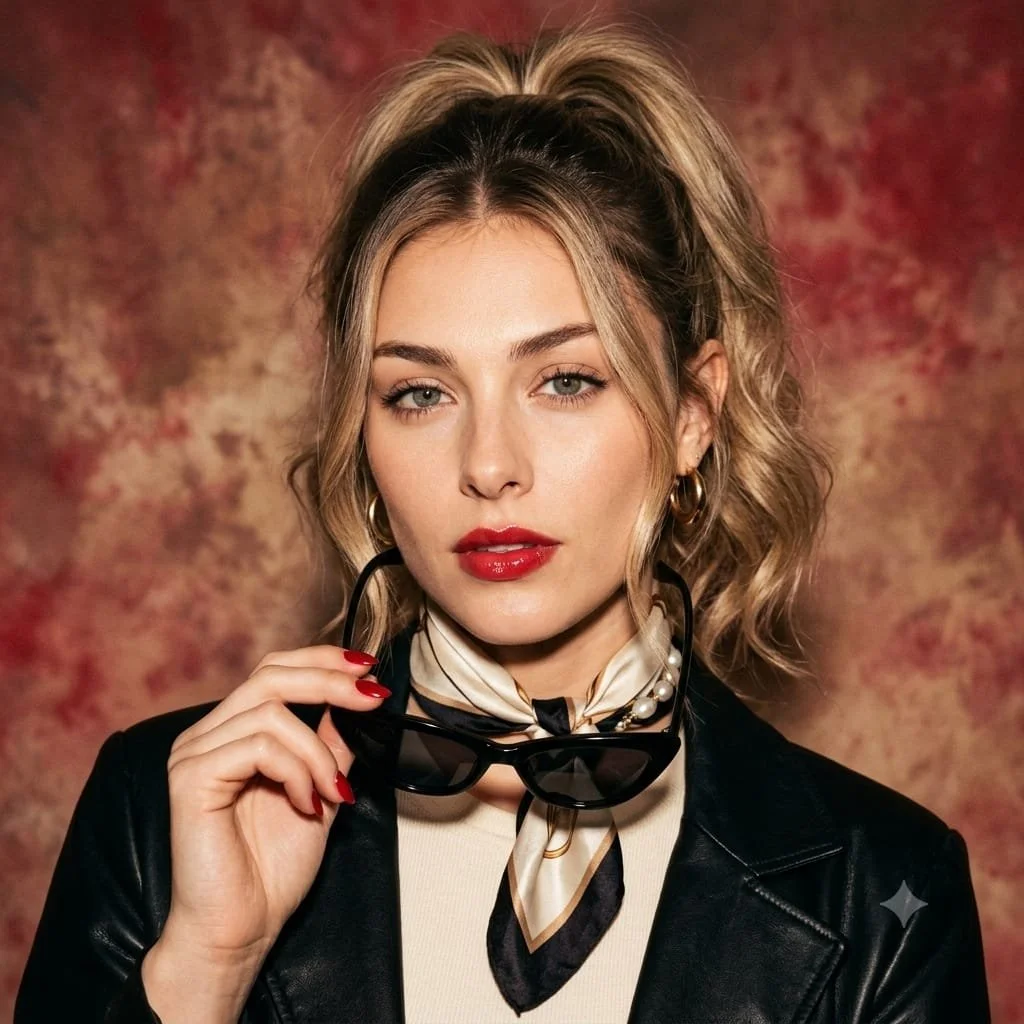
Verified prompt
Use an uploaded adult portrait as the facial reference for a retro Italian-inspired studio image. Style the subject in a cream top, a dark leather jacket and a patterned silk scarf. Let one hand hold dark cat-eye sunglasses beside the face, with red nails as a small accent. Use loosely gathered hair, understated gold jewelry and a composed direct gaze. Place the portrait against a painterly warm red and cream background with soft cinematic light. Preserve realistic facial details and texture in a balanced square composition.
Use an uploaded adult portrait as the facial reference for a retro Italian-inspired studio image. Style the subject in a cream top, a dark leather jacket and a patterned silk scarf. Let one hand hold dark cat-eye sunglasses beside the face, with red nails as a small accent. Use loosely gathered hair, understated gold jewelry and a composed direct gaze. Place the portrait against a painterly warm red and cream background with soft cinematic light. Preserve realistic facial details and texture in a balanced square composition.
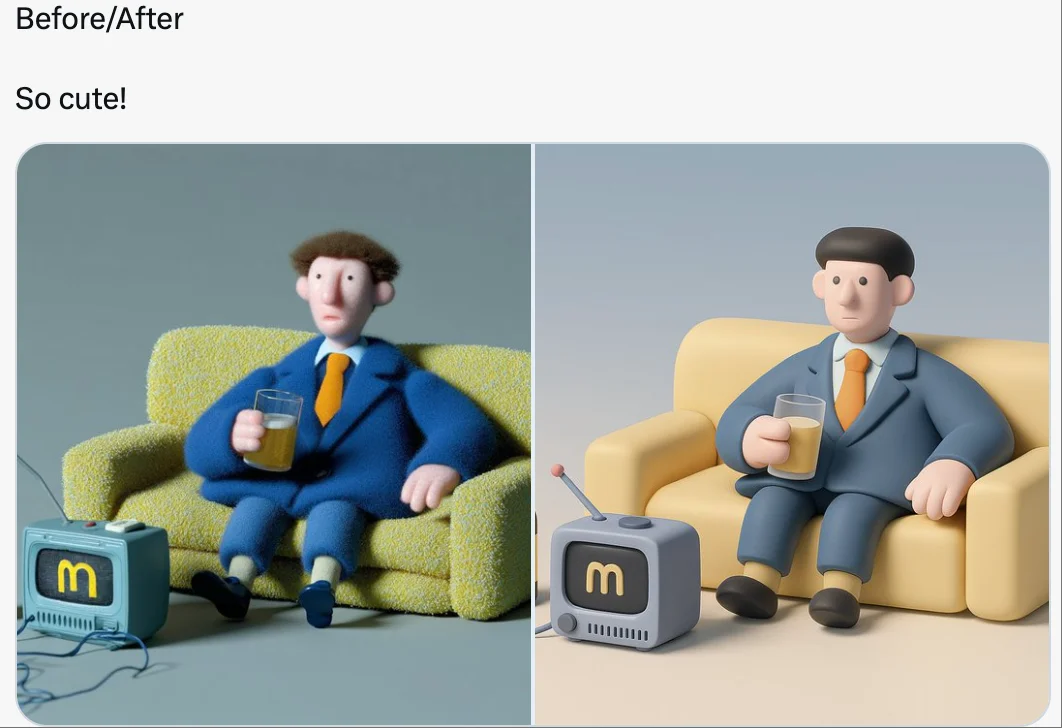
Verified prompt
retexture the image attached based on the json below: { "style_name": "Soft Minimal 3D Plastic", "retexture_mode": "shape_lock", "object_analysis": { "preserve_silhouette": true, "geometry_sensitive_mapping": true, "detail_retention": "flatten complex details into simplified geometry blocks" }, "material_properties": { "base_material": [ "smooth matte plastic", "metallic edge trim with satin finish", "semi-reflective black screen surface" ], "surface_details": [ "subtle color gradient", "rounded bevels and corners", "soft transition between surfaces" ] }, "lighting": { "type": "soft gradient ambient light", "shadows": "minimal, soft-edged shadows", "highlights": "diffused, low-intensity reflections" }, "background": { "color": "pastel gradient (blue to cream)", "texture": "smooth and untextured", "elements": "clean background with no added geometry" }, "rendering": { "style": "isometric 3D render", "resolution": "high, with slight bloom", "focus": "central object, no depth blur" }, "color_palette": { "primary": ["cool grey", "steel blue", "soft charcoal"], "accents": ["light lavender", "pastel yellow"] } }
retexture the image attached based on the json below: { "style_name": "Soft Minimal 3D Plastic", "retexture_mode": "shape_lock", "object_analysis": { "preserve_silhouette": true, "geometry_sensitive_mapping": true, "detail_retention": "flatten complex details into simplified geometry blocks" }, "material_properties": { "base_material": [ "smooth matte plastic", "metallic edge trim with satin finish", "semi-reflective black screen surface" ], "surface_details": [ "subtle color gradient", "rounded bevels and corners", "soft transition between surfaces" ] }, "lighting": { "type": "soft gradient ambient light", "shadows": "minimal, soft-edged shadows", "highlights": "diffused, low-intensity reflections" }, "background": { "color": "pastel gradient (blue to cream)", "texture": "smooth and untextured", "elements": "clean background with no added geometry" }, "rendering": { "style": "isometric 3D render", "resolution": "high, with slight bloom", "focus": "central object, no depth blur" }, "color_palette": { "primary": ["cool grey", "steel blue", "soft charcoal"], "accents": ["light lavender", "pastel yellow"] } }
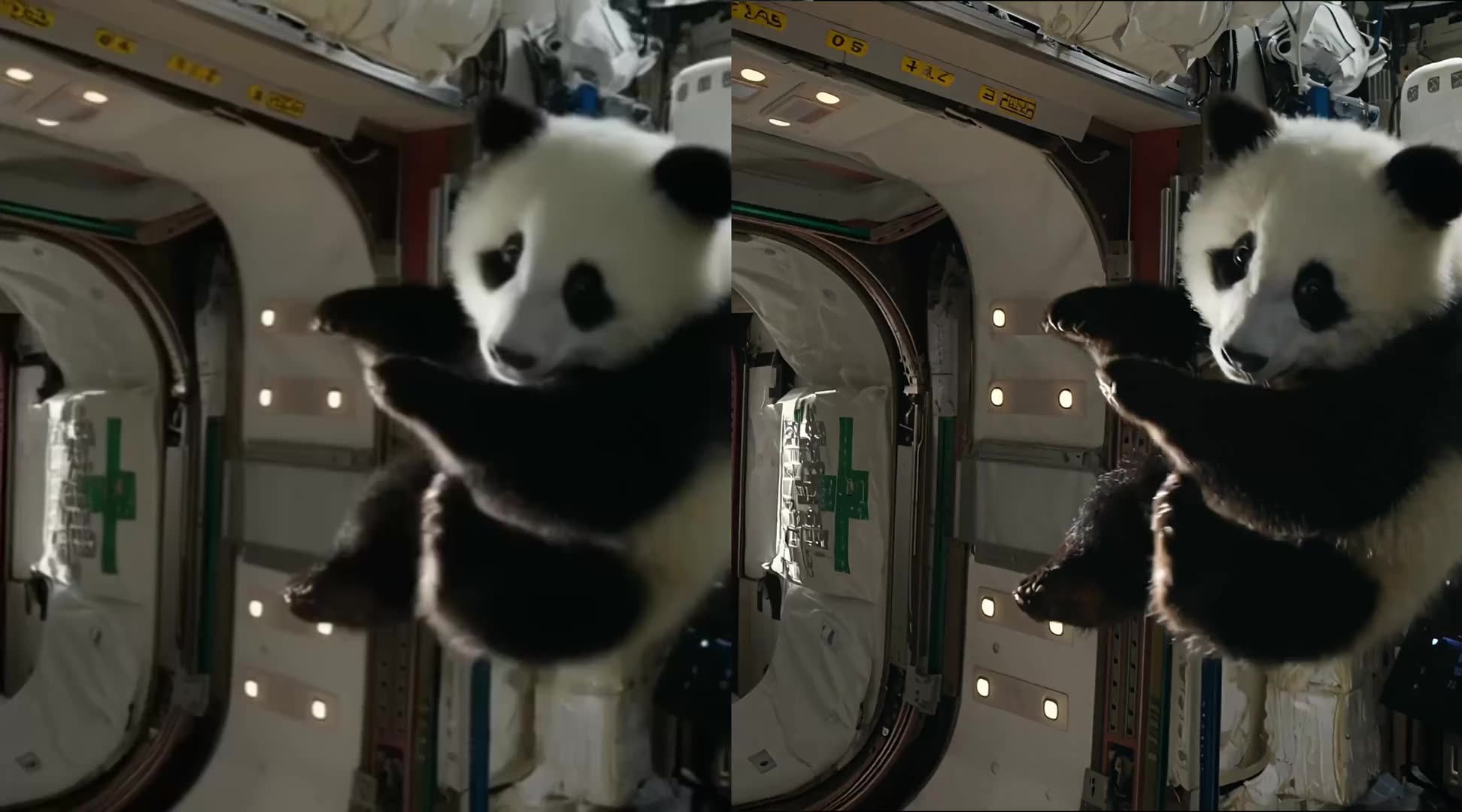
Verified prompt
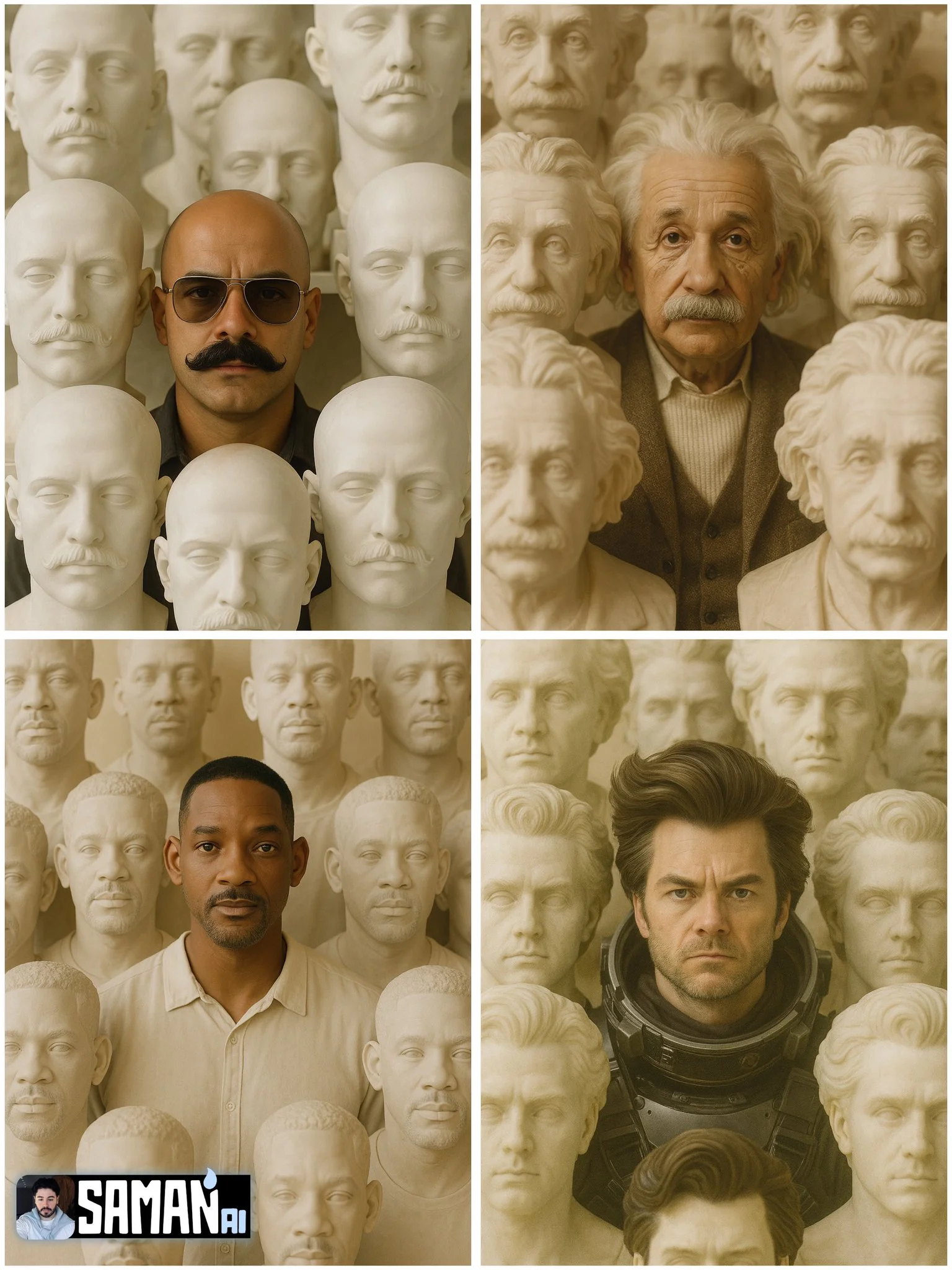
Verified prompt
Ultra-real portrait of [CHARACTER] centered, surrounded by dozens of life-size stone busts of [CHARACTER]; warm beige museum lighting, matte alabaster texture, symmetrical composition, shallow depth of field (85mm), subtle film grain, 3:4 vertical, no text or watermark.
Ultra-real portrait of [CHARACTER] centered, surrounded by dozens of life-size stone busts of [CHARACTER]; warm beige museum lighting, matte alabaster texture, symmetrical composition, shallow depth of field (85mm), subtle film grain, 3:4 vertical, no text or watermark.
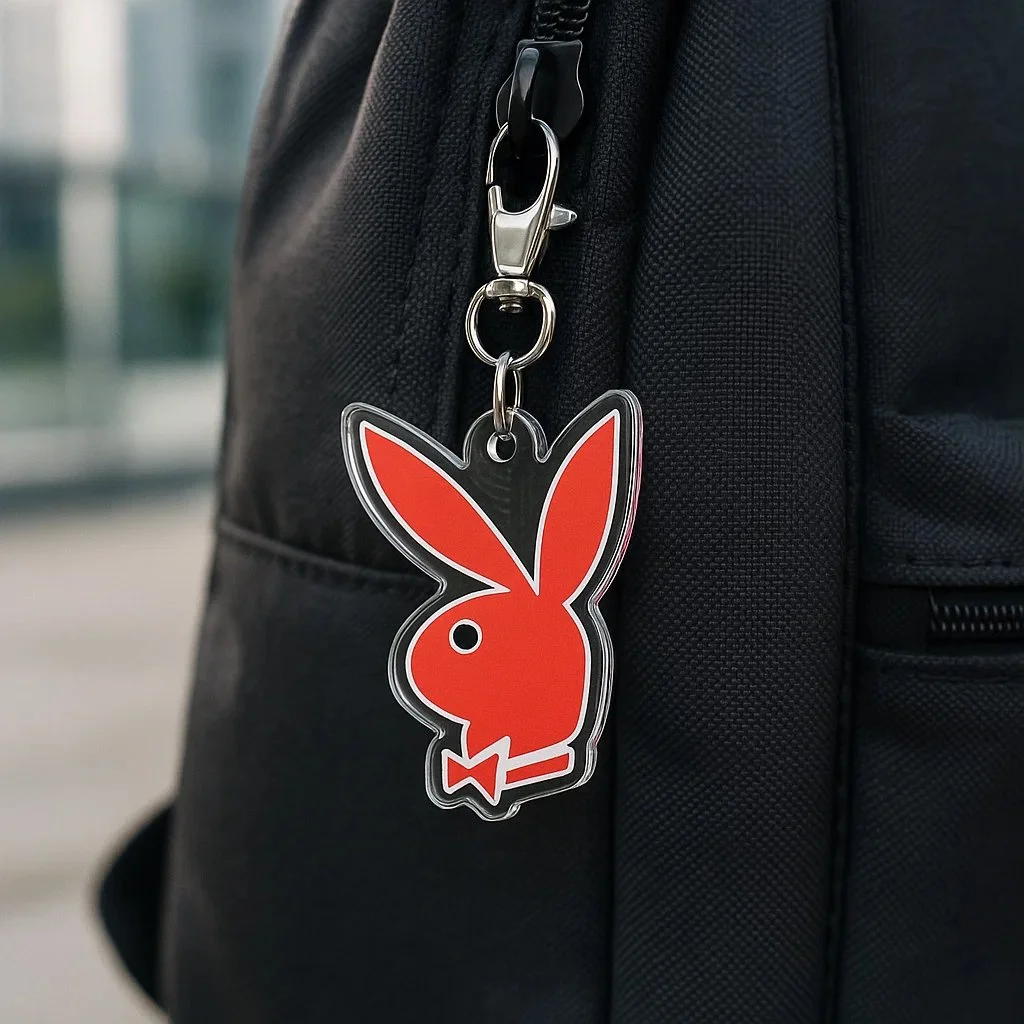
Verified prompt
Create a photorealistic square image (1080x1080) showing a custom acrylic keychain version of the [LOGO] logo hanging from the zipper of a dark-colored backpack (e.g. black or grey). The logo must retain its original shape, color, and proportions without any alteration. The keychain should have a clear glossy acrylic layer, clipped with a silver metal ring and clasp. Use soft daylight or diffused lighting to avoid yellow tones. Set the background in a modern outdoor setting, but keep it blurred to maintain focus on the logo keychain.
Create a photorealistic square image (1080x1080) showing a custom acrylic keychain version of the [LOGO] logo hanging from the zipper of a dark-colored backpack (e.g. black or grey). The logo must retain its original shape, color, and proportions without any alteration. The keychain should have a clear glossy acrylic layer, clipped with a silver metal ring and clasp. Use soft daylight or diffused lighting to avoid yellow tones. Set the background in a modern outdoor setting, but keep it blurred to maintain focus on the logo keychain.
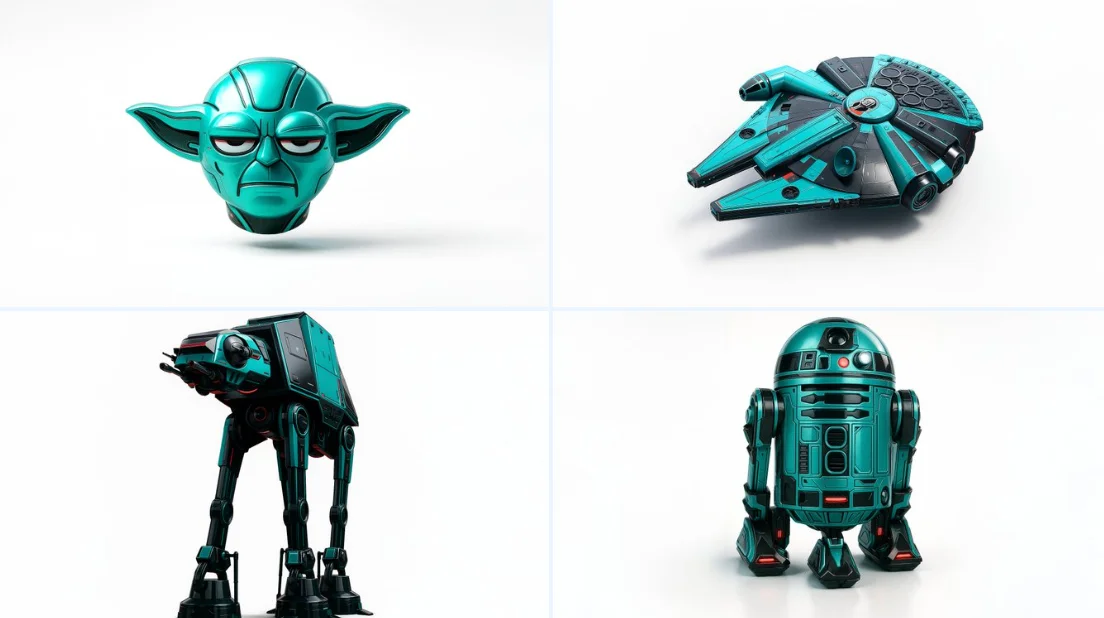
Verified prompt
Retexture the image attached based on the json below { "style": "C4D hyper-realistic 3D render", "object_form": "detailed mechanical design", "geometry": { "shape": "sharp edges with smooth curves", "scale": "real-world proportion", "detailing": "high-poly mesh with intricate mechanical features" }, "material": { "base": "polished plastic and carbon fiber", "texture": "fine surface variation with specular maps", "finish": "high gloss with realistic reflections" }, "design_elements": { "decals": "subtle branding and panel lines", "surface_effects": "anodized gradients, emissive lighting elements", "aero_parts": "spoilers, splitters, and aggressive styling cues" }, "color_scheme": { "primary": "#0ae2c0", "secondary": "#111111", "accents": ["#ffffff", "#e00000"], "reflections": "real-world HDRI light environment", "background": "#ffffff" }, "lighting": { "type": "studio 3-point with HDRI", "intensity": "balanced with key fill and rim lights", "shadows": "soft, subtle contact shadow under object", "highlights": "strong specular reflections on curves" }, "rendering": { "engine": "Cinema 4D Redshift or Octane", "resolution": "ultra high-definition (4K+)", "focus": "object-centered with floating illusion", "background_blur": "none" }, "composition": { "layout": "centered in frame", "object_count": 1, "orientation": "three-quarter front view", "camera": "35mm lens, slightly elevated", "grounding": "floating mid-air with realistic soft shadow cast on white background" } }
Retexture the image attached based on the json below { "style": "C4D hyper-realistic 3D render", "object_form": "detailed mechanical design", "geometry": { "shape": "sharp edges with smooth curves", "scale": "real-world proportion", "detailing": "high-poly mesh with intricate mechanical features" }, "material": { "base": "polished plastic and carbon fiber", "texture": "fine surface variation with specular maps", "finish": "high gloss with realistic reflections" }, "design_elements": { "decals": "subtle branding and panel lines", "surface_effects": "anodized gradients, emissive lighting elements", "aero_parts": "spoilers, splitters, and aggressive styling cues" }, "color_scheme": { "primary": "#0ae2c0", "secondary": "#111111", "accents": ["#ffffff", "#e00000"], "reflections": "real-world HDRI light environment", "background": "#ffffff" }, "lighting": { "type": "studio 3-point with HDRI", "intensity": "balanced with key fill and rim lights", "shadows": "soft, subtle contact shadow under object", "highlights": "strong specular reflections on curves" }, "rendering": { "engine": "Cinema 4D Redshift or Octane", "resolution": "ultra high-definition (4K+)", "focus": "object-centered with floating illusion", "background_blur": "none" }, "composition": { "layout": "centered in frame", "object_count": 1, "orientation": "three-quarter front view", "camera": "35mm lens, slightly elevated", "grounding": "floating mid-air with realistic soft shadow cast on white background" } }
Verified prompt
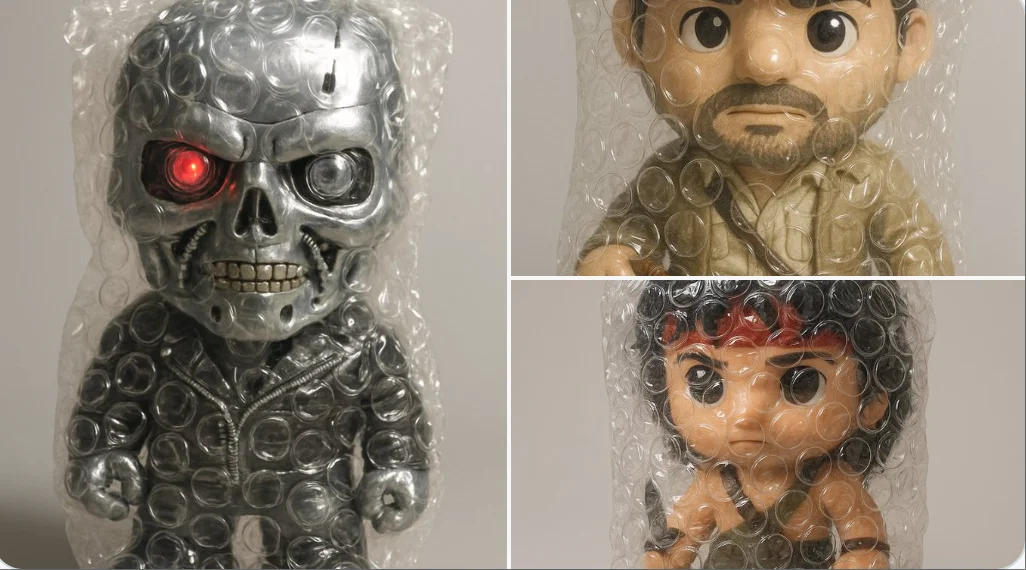
A hyper-realistic 3D render of the emoji [❤️🔥], entirely wrapped in transparent bubble wrap. The plastic is tightly fitted, with clearly visible air-filled bubbles creating overlaid reflections and soft distortions of the emoji underneath. The wrap has a glossy, crinkled texture that catches the light in detailed highlights. Set against a soft, neutral grey background with subtle shadows. Studio lighting should emphasize the tactile quality of the bubble wrap and the surreal effect it creates. Whimsical, satisfying, and visually clean.
A hyper-realistic 3D render of the emoji [❤️🔥], entirely wrapped in transparent bubble wrap. The plastic is tightly fitted, with clearly visible air-filled bubbles creating overlaid reflections and soft distortions of the emoji underneath. The wrap has a glossy, crinkled texture that catches the light in detailed highlights. Set against a soft, neutral grey background with subtle shadows. Studio lighting should emphasize the tactile quality of the bubble wrap and the surreal effect it creates. Whimsical, satisfying, and visually clean.
Verified prompt
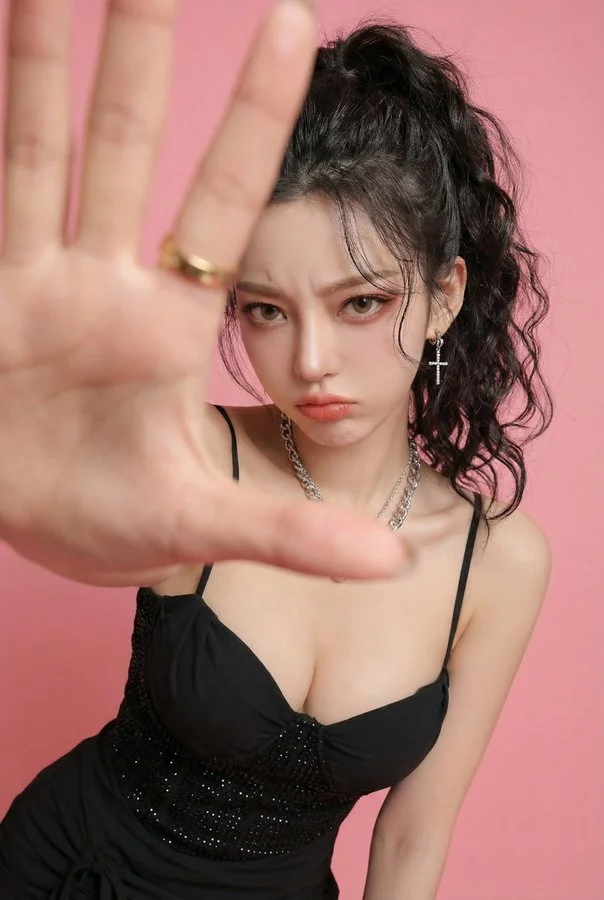
Photorealistic edit using the input person photo as strict identity reference: keep the same face, facial features, skin tone, hairstyle (color/bangs/length/volume), outfit and accessories unchanged (no face swap, no new person, no hair/outfit change). Change only expression/pose/background: pouty lips and furrowed brows, slightly angry/annoyed, like she's playfully mad at her boyfriend and saying 'stop filming me'. Close wide-angle perspective (18–28mm), body slightly leaning forward, one hand reaching toward the lens as if grabbing the boyfriend's phone / blocking the camera; huge foreground hand occupying 30–50% of the frame, palm facing camera, five natural fingers, realistic anatomy; face in the back in sharp focus. Replace background with a clean solid pink studio backdrop (seamless, no texture). No text, no watermark, no frame, no extra fingers, no deformed hands, no heavy blur, no style change.
Photorealistic edit using the input person photo as strict identity reference: keep the same face, facial features, skin tone, hairstyle (color/bangs/length/volume), outfit and accessories unchanged (no face swap, no new person, no hair/outfit change). Change only expression/pose/background: pouty lips and furrowed brows, slightly angry/annoyed, like she's playfully mad at her boyfriend and saying 'stop filming me'. Close wide-angle perspective (18–28mm), body slightly leaning forward, one hand reaching toward the lens as if grabbing the boyfriend's phone / blocking the camera; huge foreground hand occupying 30–50% of the frame, palm facing camera, five natural fingers, realistic anatomy; face in the back in sharp focus. Replace background with a clean solid pink studio backdrop (seamless, no texture). No text, no watermark, no frame, no extra fingers, no deformed hands, no heavy blur, no style change.
Verified prompt
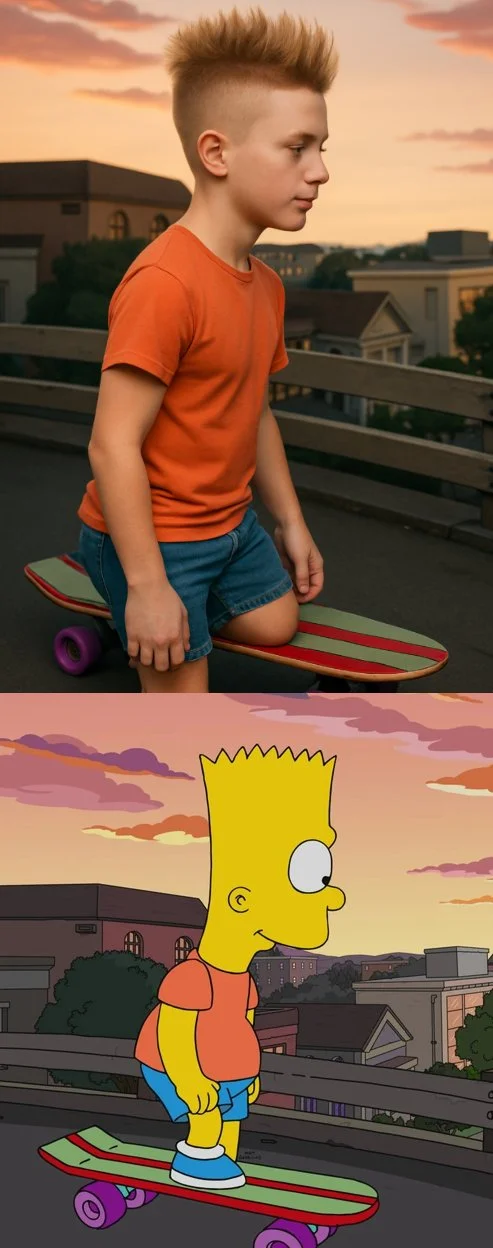
Transform the cartoon character from the reference image into a hyper-realistic human while maintaining their core attributes (clothing, hairstyle, facial expression, accessories, and proportions, age and so on). Create a photorealistic portrait
Transform the cartoon character from the reference image into a hyper-realistic human while maintaining their core attributes (clothing, hairstyle, facial expression, accessories, and proportions, age and so on). Create a photorealistic portrait
Verified prompt
Explore Image Workflows
Explore the GPT Image 2.5 workflow and compare it with the related image pages. The generator is the source of truth for current model access and settings. Use the prompt library to study published results and the model that created them.
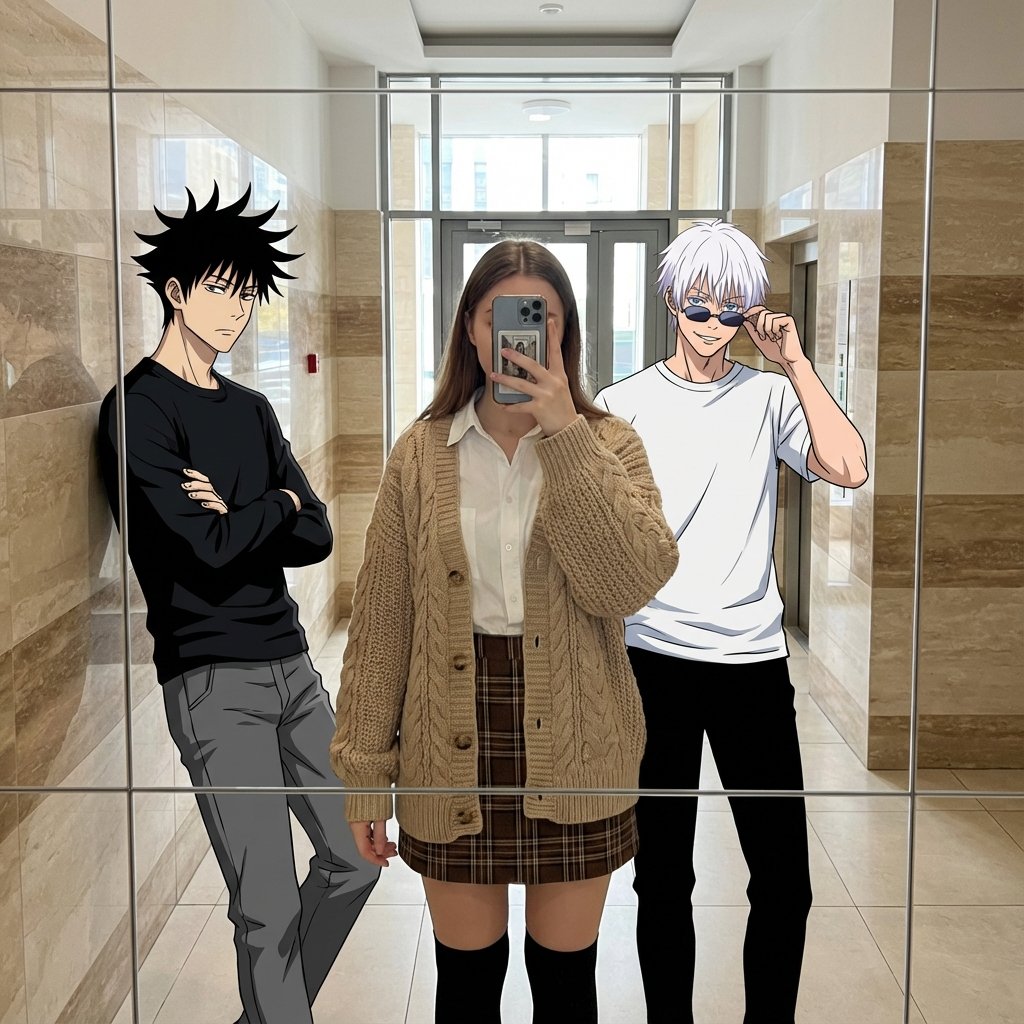
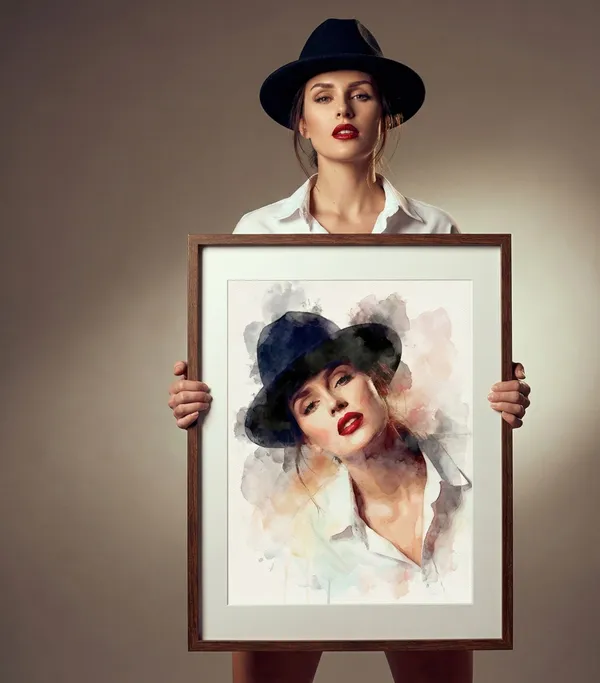
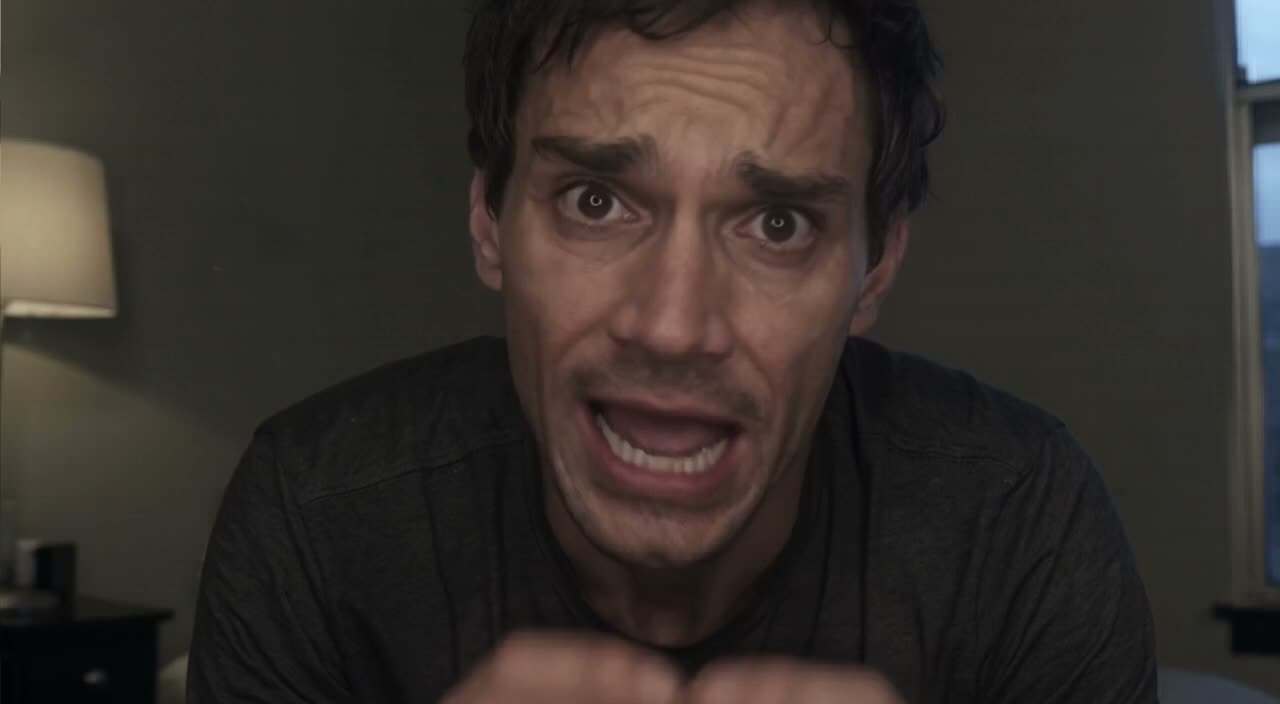
GPT Image 2.5 Flare vs Sunburst
Write your GPT Image 2.5 image brief around a subject, composition, lighting and intended style. Add a material or texture when it matters. For edits, state one precise change and explain which parts of the source should remain intact.
Write your GPT Image 2.5 image brief around a subject, composition, lighting and intended style. Add a material or texture when it matters. For edits, state one precise change and explain which parts of the source should remain intact.
Explore GPT Image 2.5Compare Flare and Sunburst with One Visual Brief
Select Flare or Sunburst in the generator and inspect the input options and credit quote for each. Use the same subject, composition and lighting when comparing results. Choose the result that fits your project; no fixed quality or processing-time ranking is assumed.
Compare Flare and Sunburst with One Visual Brief
Select Flare or Sunburst in the generator and inspect the input options and credit quote for each. Use the same subject, composition and lighting when comparing results. Choose the result that fits your project; no fixed quality or processing-time ranking is assumed.
Write Precise Editing and Style Directions
Choose only the resolution and aspect ratio shown for the selected model. Check framing, fine details and any text in the completed image. A larger output size does not guarantee a more accurate result.
Describe the Changes and Details to Preserve
Explore the GPT Image 2.5 workflow and compare it with the related image pages. The generator is the source of truth for current model access and settings. Use the prompt library to study published results and the model that created them.
Describe the Changes and Details to Preserve
Choose only the resolution and aspect ratio shown for the selected model. Check framing, fine details and any text in the completed image. A larger output size does not guarantee a more accurate result.
Review Usage Terms Before Sharing
Check the applicable model and platform terms before using a result commercially. You are responsible for the rights to uploaded images, identifiable people, logos and any other source material in your GPT Image 2.5 image brief.
Keep Your Workflow Simple
Develop your GPT Image 2.5 image brief around the result you need. Keep the main direction specific, check supported settings in the generator, and review the completed work before using it in your project.
A Clearer Creative Brief for GPT Image 2.5
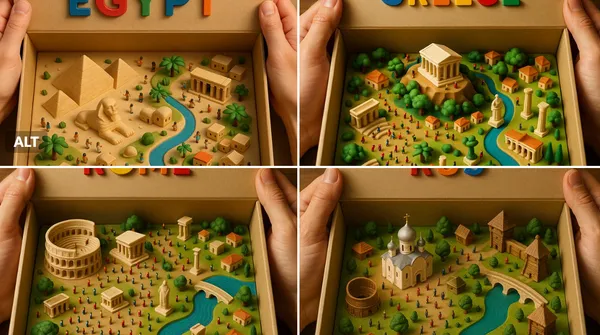
Diverse Styles & Effects for Every Vision
Develop your GPT Image 2.5 image brief around the result you need. Keep the main direction specific, check supported settings in the generator, and review the completed work before using it in your project.
Write your GPT Image 2.5 image brief around a subject, composition, lighting and intended style. Add a material or texture when it matters. For edits, state one precise change and explain which parts of the source should remain intact.
Versatile GPT Image 2.5 AI Image Generator for Every Creator's Vision
Start your GPT Image 2.5 image brief with a source image you have permission to use. Name the area to change and the colors, proportions or objects to preserve. Reference count and editing support depend on the selected model.
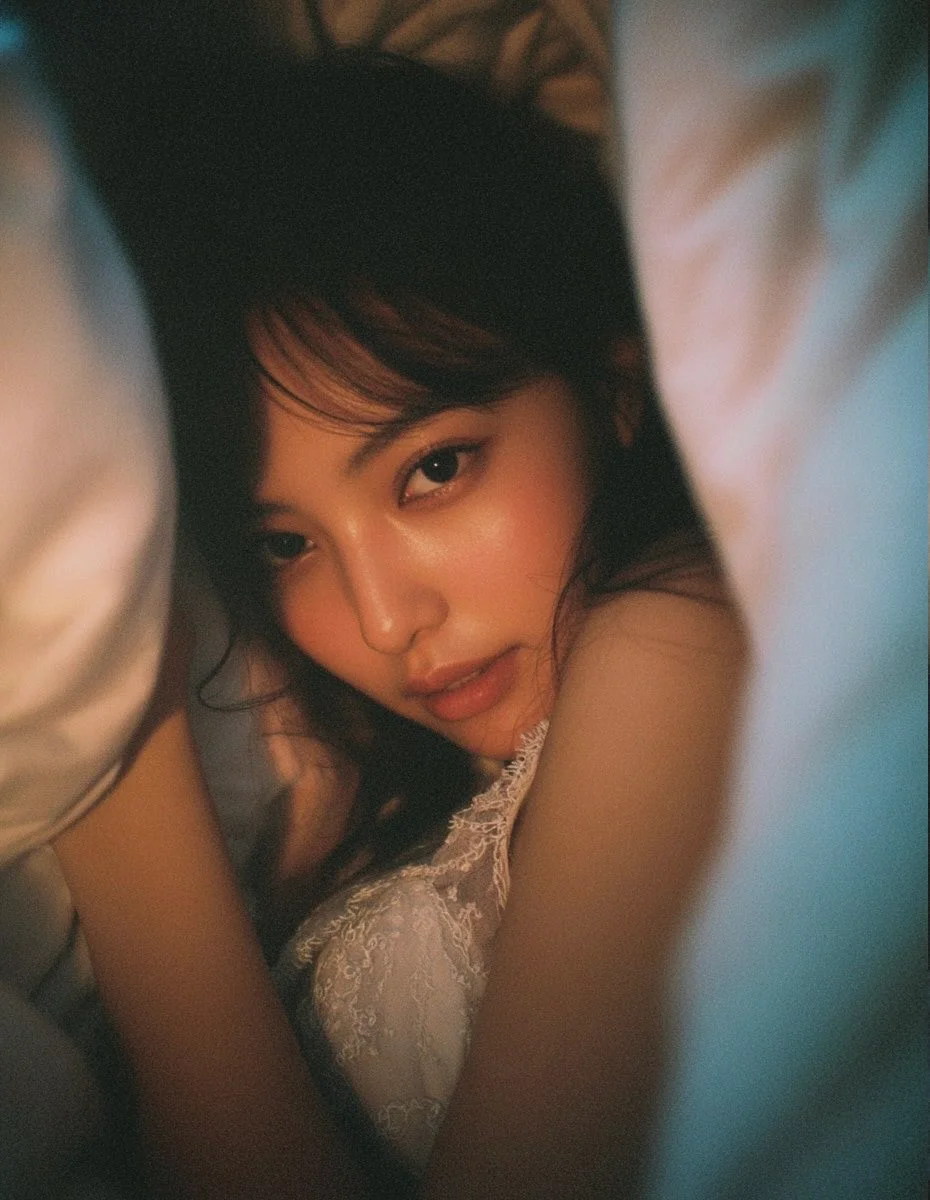
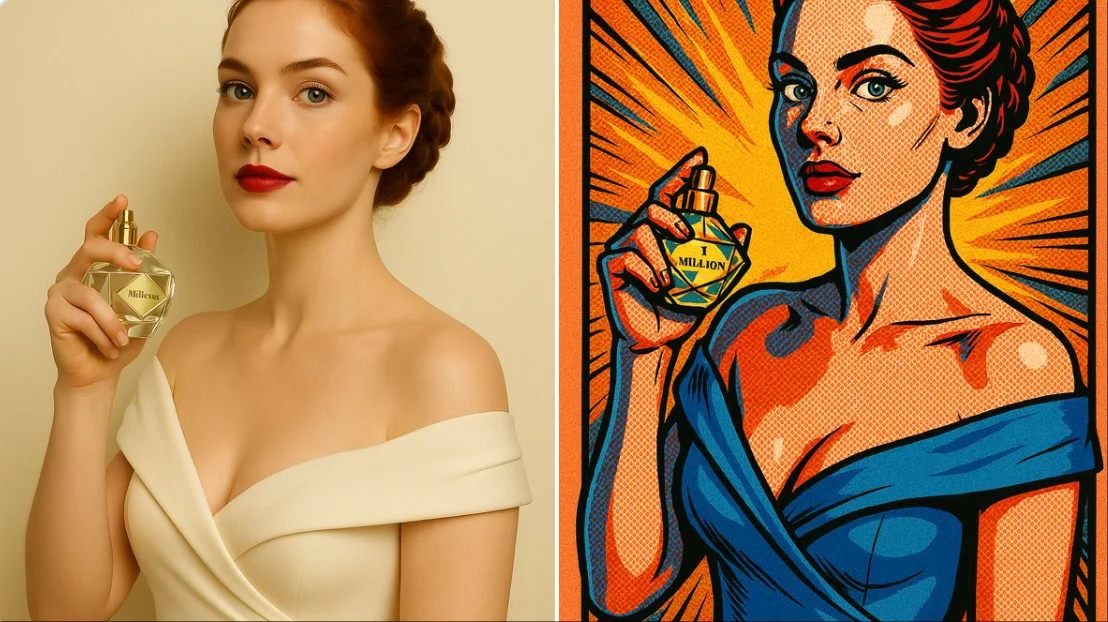
For Architects and Designers
Write your GPT Image 2.5 image brief around a subject, composition, lighting and intended style. Add a material or texture when it matters. For edits, state one precise change and explain which parts of the source should remain intact.
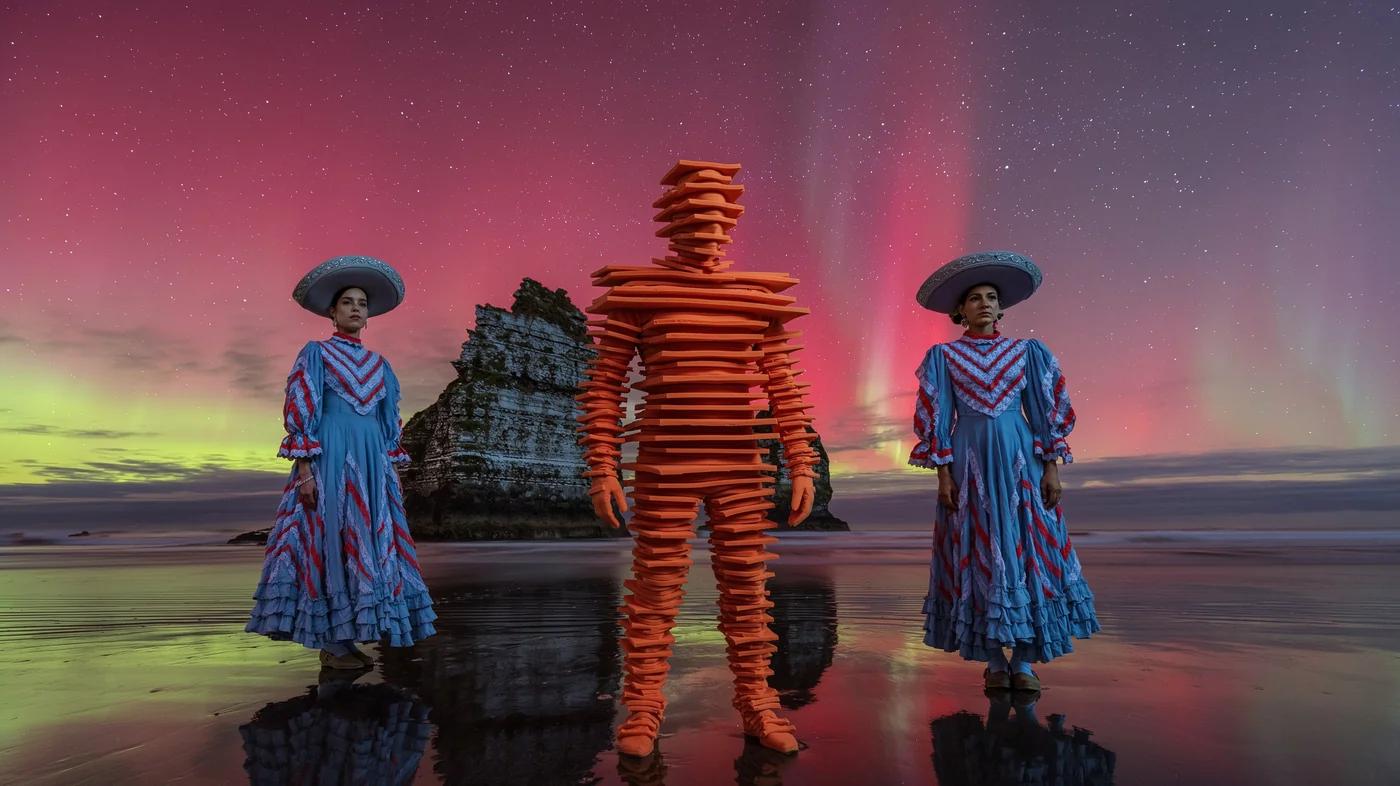
For E-Commerce Professionals
List the details that matter in your GPT Image 2.5 image brief: identity, shape, colors, clothing and background. Use supported references where appropriate and compare every result; exact consistency is not guaranteed.
For Content Publishers
Choose only the resolution and aspect ratio shown for the selected model. Check framing, fine details and any text in the completed image. A larger output size does not guarantee a more accurate result.
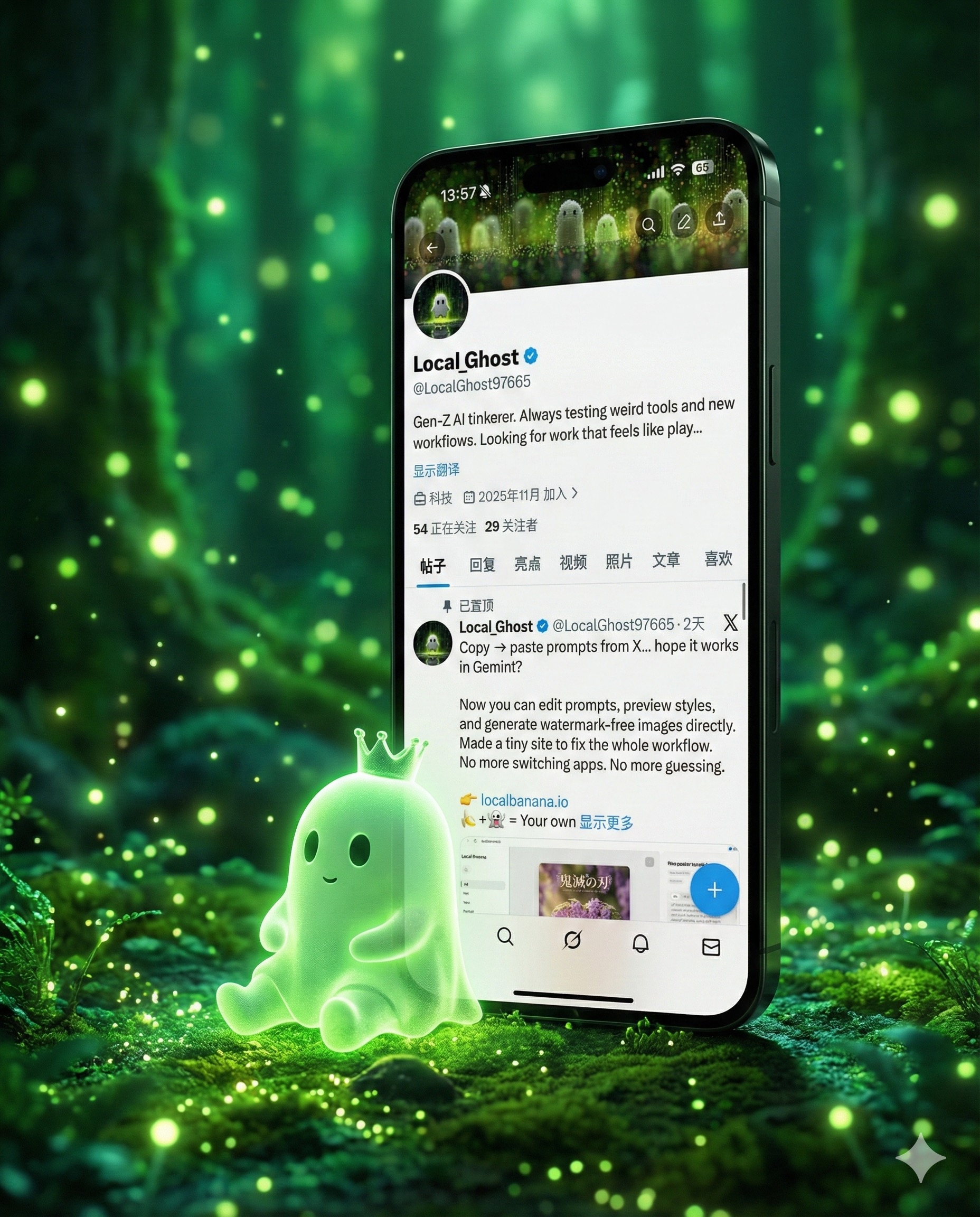
For Event Planners
Write your GPT Image 2.5 image brief around a subject, composition, lighting and intended style. Add a material or texture when it matters. For edits, state one precise change and explain which parts of the source should remain intact.
From a Brief to a Reviewed Image: The GPT Image 2.5 Workflow
Add Your Input
Start your GPT Image 2.5 image brief with a source image you have permission to use. Name the area to change and the colors, proportions or objects to preserve. Reference count and editing support depend on the selected model.
Customize Your Options
The generator shows current model availability. When a model accepts requests, choose its supported settings and review the required credits before submitting. Review your selection and credit balance before generating.
Generate and Refine
Write your GPT Image 2.5 image brief around a subject, composition, lighting and intended style. Add a material or texture when it matters. For edits, state one precise change and explain which parts of the source should remain intact.
Review and Download Completed Results
Start your GPT Image 2.5 image brief with a source image you have permission to use. Name the area to change and the colors, proportions or objects to preserve. Reference count and editing support depend on the selected model.
GPT Image 2.5 Image Ideas for Your Projects
Choose only the resolution and aspect ratio shown for the selected model. Check framing, fine details and any text in the completed image. A larger output size does not guarantee a more accurate result.
Digital Art & Illustration
Choose only the resolution and aspect ratio shown for the selected model. Check framing, fine details and any text in the completed image. A larger output size does not guarantee a more accurate result.
Marketing & E-Commerce Visuals
For a GPT Image 2.5 product concept, specify the product shape, material, key detail and setting. Keep logos and claims accurate, allow room for your own typography, and review the result before using it in an advertisement.
Educational Content & Presentations
Use a GPT Image 2.5 visual concept to support one teaching or presentation point. Check facts and labels yourself, and add final captions in your editing workflow rather than relying on generated text.
Game Development
List the details that matter in your GPT Image 2.5 image brief: identity, shape, colors, clothing and background. Use supported references where appropriate and compare every result; exact consistency is not guaranteed.
Creative Notes for Your GPT Image 2.5 Image Brief
Give the main subject one clear action. For a GPT Image 2.5 concept, a precise brief is easier to assess than a list of competing effects.
GPT Image 2.5 Image Workflow: Questions & Answers
This dotsai.pro page explains the GPT Image 2.5 image workflow. It helps you write a focused brief and review the available inputs. Current access is shown in the generator; a model name on a guide does not mean it currently accepts requests.
Write your GPT Image 2.5 image brief around a subject, composition, lighting and intended style. Add a material or texture when it matters. For edits, state one precise change and explain which parts of the source should remain intact.
Use only the input modes and controls offered by the selected model. Describe the intended image clearly and add supported references when useful. This page does not promise separate motion-brush, audio-upload, restoration or editing tools.
Check the applicable model and platform terms before using a result commercially. You are responsible for the rights to uploaded images, identifiable people, logos and any other source material in your GPT Image 2.5 image brief.
The generator shows current model availability. When a model accepts requests, choose its supported settings and review the required credits before submitting. Review your selection and credit balance before generating.
Develop your GPT Image 2.5 image brief around the result you need. Keep the main direction specific, check supported settings in the generator, and review the completed work before using it in your project.
You can request a refund within 10 days of purchase if you have unused credits from that purchase and provide a clear reason, subject to our Refund Policy. If eligible, an unused purchase can be fully refunded; a partly used purchase is refunded in proportion to its remaining unused credits. Fully used purchases and free or promotional credits are not refundable.
Credit validity depends on the pack, subscription or promotion that issued them. Review the purchase terms and expiration dates in Settings > Credits. A renewal or new purchase does not extend older credits. Use credits before their stated expiration; do not assume unused subscription credits roll over indefinitely.
Credits charged for a task that is confirmed as failed due to a system error are returned automatically. A task that is still processing has not yet been confirmed as failed. Check its status and your credit history before submitting again. If a confirmed failure still shows an unresolved charge, email support@dotsai.pro with the task ID.
AI results can vary, so a completed result that differs from your expectations is not automatically treated as a technical failure. Eligible completed image tasks can be submitted for credit refund review using the refund option where available; approval is required. For a video or another issue, contact support@dotsai.pro with the task ID and details. A credit refund returns credits, not money to your payment method.
Email support@dotsai.pro. For billing, include your account email and order ID; for generation, include the task ID, issue description and relevant screenshots. If you purchased as a guest, keep the original browser data and payment receipt so we can help locate the purchase.
Explore Your Next GPT Image 2.5 Image Idea
Explore the GPT Image 2.5 workflow and compare it with the related image pages. The generator is the source of truth for current model access and settings. Use the prompt library to study published results and the model that created them.
dotsai.pro · Updated
What's new on this page
- — Added editable example prompts and separate drafts for text and reference modes, with an action to restore the example.
- — Updated page copy and content.
- — Page content published.