
Plan Focused Image Edits with Nano Banana 2
Explain Your Subject, Changes and References
List the details that matter in your Nano Banana 2 image brief: identity, shape, colors, clothing and background. Use supported references where appropriate and compare every result; exact consistency is not guaranteed.
Verified prompt
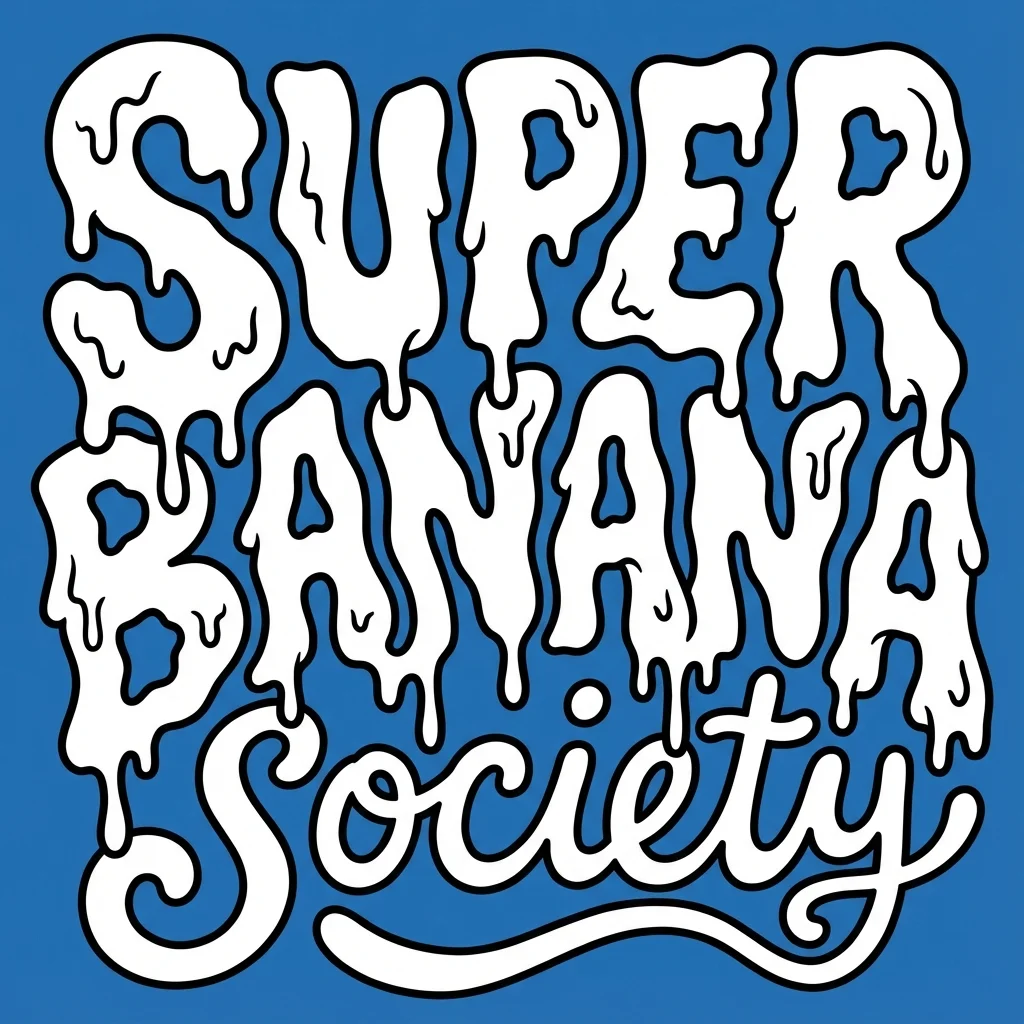
te a bold, warped cartoon-style text design with two distinct layers. The top layer should say “SUPER GNARLY” in warped bubble letters with a melty, drippy texture, like ghost slime or goo. The letters should feel heavy and organic, with a slightly psychedelic or paranormal vibe. The bottom layer should say “SOCIETY” in much smaller, script-like or handwritten-style letters that tuck underneath or nestle between the larger title letters. Both layers should be solid white with thick black outlines. No gradients, shading, or texture. Layout should be playful and a little chaotic, but still readable. Vector friendly. Blue background. Square aspect ratio.
te a bold, warped cartoon-style text design with two distinct layers. The top layer should say “SUPER GNARLY” in warped bubble letters with a melty, drippy texture, like ghost slime or goo. The letters should feel heavy and organic, with a slightly psychedelic or paranormal vibe. The bottom layer should say “SOCIETY” in much smaller, script-like or handwritten-style letters that tuck underneath or nestle between the larger title letters. Both layers should be solid white with thick black outlines. No gradients, shading, or texture. Layout should be playful and a little chaotic, but still readable. Vector friendly. Blue background. Square aspect ratio.
Verified prompt
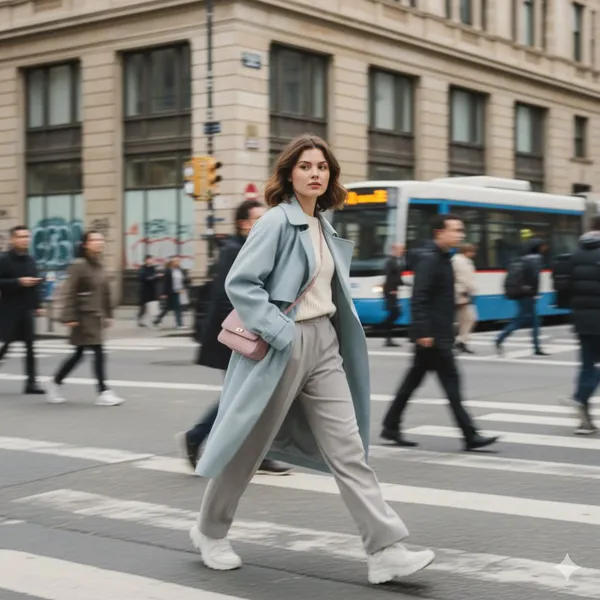
MATIC STREET PHOTOGRAPHY, STYLISH YOUNG WOMAN IN MOTION, URBAN ENVIRONMENT, MOTION BLUR EFFECT. BLURRED PEDESTRIANS PASSING BY, SHALLOW DEPTH OF FIELD, NATURAL OVERCAST LIGHTING, SOFT PASTEL TONES, EDITORIAL FASHION PHOTOGRAPHY, CANDID MOMENT, DYNAMIC MOVEMENT, FILM AESTHETIC, MUTED COLORS
MATIC STREET PHOTOGRAPHY, STYLISH YOUNG WOMAN IN MOTION, URBAN ENVIRONMENT, MOTION BLUR EFFECT. BLURRED PEDESTRIANS PASSING BY, SHALLOW DEPTH OF FIELD, NATURAL OVERCAST LIGHTING, SOFT PASTEL TONES, EDITORIAL FASHION PHOTOGRAPHY, CANDID MOMENT, DYNAMIC MOVEMENT, FILM AESTHETIC, MUTED COLORS
Verified prompt
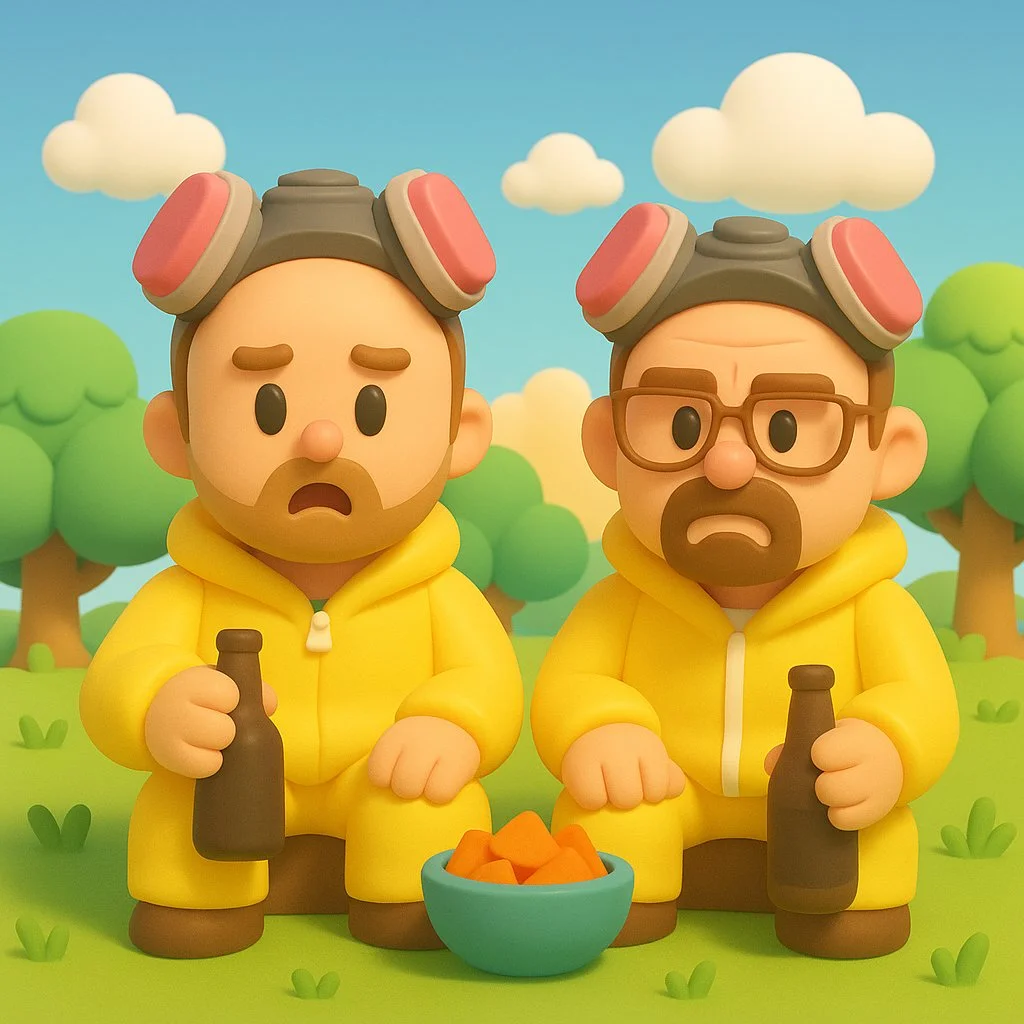
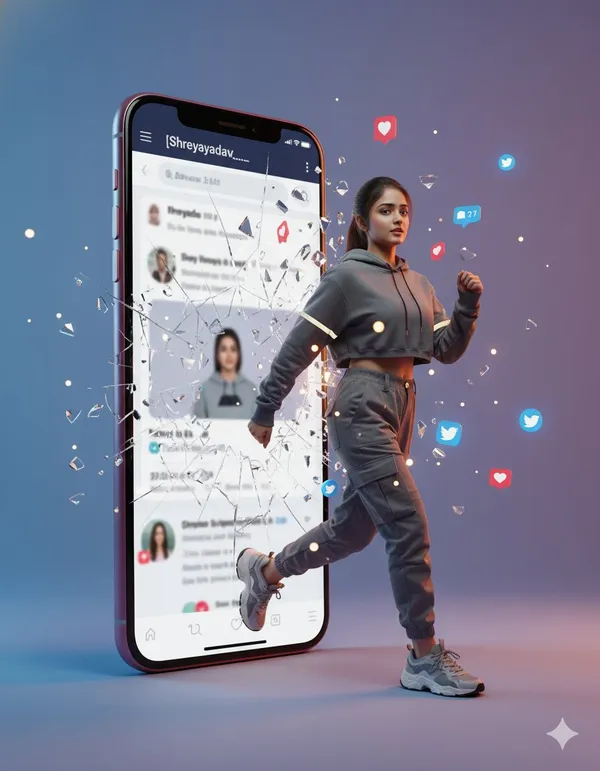
Transform this image into a Nintendo-inspired 3D cartoon style illustration. Use soft, rounded 3D shapes and clean, toy-like geometry to give the characters and objects a charming, handcrafted look. Characters should have exaggerated, childlike proportions (large heads, small limbs), with expressive, simplified faces and bright, colorful clothing — similar to designs seen in Zelda: Link’s Awakening, Animal Crossing, or Miitopia. Apply smooth, matte textures with no realistic detail — everything should look cheerful and slightly plastic, as if sculpted from soft clay or digital vinyl. The environment should be bright and whimsical, with stylized grass, puffy clouds, geometric trees, and soft lighting like a sunny afternoon. The overall tone should be lighthearted, clean, and family-friendly, like a frame from a Nintendo fantasy adventure game.
Transform this image into a Nintendo-inspired 3D cartoon style illustration. Use soft, rounded 3D shapes and clean, toy-like geometry to give the characters and objects a charming, handcrafted look. Characters should have exaggerated, childlike proportions (large heads, small limbs), with expressive, simplified faces and bright, colorful clothing — similar to designs seen in Zelda: Link’s Awakening, Animal Crossing, or Miitopia. Apply smooth, matte textures with no realistic detail — everything should look cheerful and slightly plastic, as if sculpted from soft clay or digital vinyl. The environment should be bright and whimsical, with stylized grass, puffy clouds, geometric trees, and soft lighting like a sunny afternoon. The overall tone should be lighthearted, clean, and family-friendly, like a frame from a Nintendo fantasy adventure game.
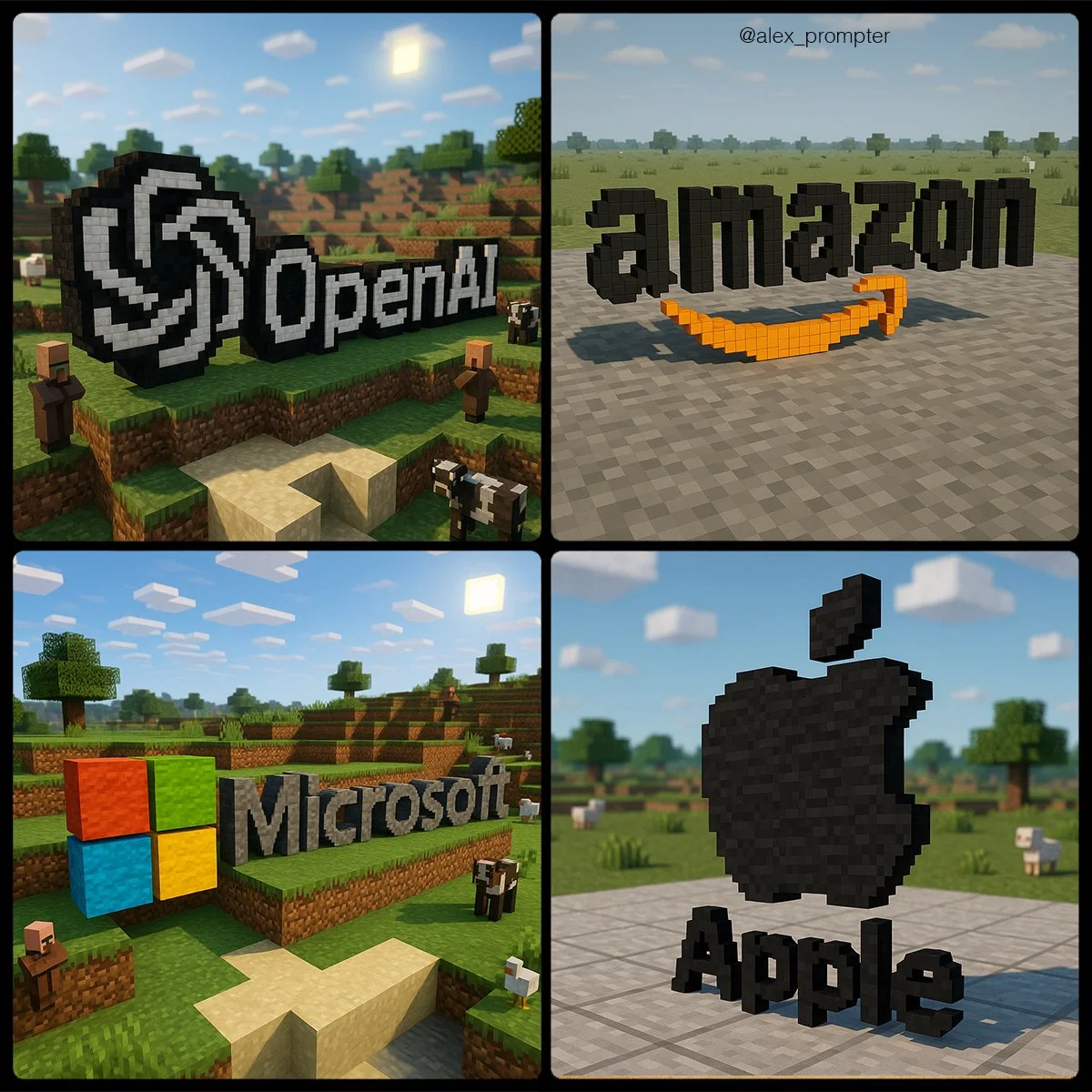
Verified prompt
Recreate the [BRAND NAME] logo following the JSON Aesthetic below: { "style": "Minecraft-style voxel 3D rendering", "logo_handling": { "adapt_to_uploaded_logo": true, "rebuild_logo_using_voxel_blocks": true, "use_original_logo_as_strict_pixel-color map": true, "preserve_text_in_logo": true, "preserve_text_case": true, "preserve_original_logo_colors": true, "preserve_shape_and_layout": true "aspect_ratio": [INSERT ASPECT RATIO] }, "minecraft_conversion": { "voxel_depth": "medium thickness to show 3D volume", "block_style": "authentic Minecraft texture mapping", "color_strategy": "each block in the logo must match a pixel from the uploaded logo exactly — no estimation or stylistic substitution", "voxel_material_match": "map logo pixels to Minecraft block colors that visually match pixel color as closely as possible — no creative enhancements", "disable_palette_expansion": true }, "scene_environment": { "base": "neutral terrain (gray concrete or light stone)", "background": "simple sky (clouds, no sun flare)", "optional_elements": [ "Minecraft animals at a distance", "terrain vegetation in background only" ], "environment_color_policy": "environment must not share colors used in the logo to prevent blending or confusion" }, "lighting": { "neutral directional light": true, "do_not_adjust_logo_colors_for_lighting": true, "prevent_ambient_light_color_bleed": true }, "camera": { "angle": "slightly top-down with 3D logo centered", "focus": "sharp focus on voxel logo only, environment softly rendered" }, "render_quality": { "voxel_texture_resolution": "high", "shadows": "natural voxel-style ambient shadows only", "disable_artistic_effects": true }, "post_processing": { "no glow effects": true, "no color correction": true, "disable AI reinterpretation of tones or palette": true }, "image_constraints": { "transparent_background": false, "include_text": true, "preserve_text_case": true, "preserve_original_logo_colors": true, "obey_uploaded_logo_shape": true, "match_uploaded_logo_layout": true, "enforce_color_source_from_logo_only": true }, "notes": "Rebuild the uploaded logo using Minecraft-style voxel blocks. Every block must represent one pixel from the logo's original image. No creative license is allowed in color, shape, or layout. The environment is decorative only and must not affect logo readability or color perception. The final image should appear as if the logo were physically constructed in a Minecraft world using blocks that match its exact colors and shapes." }
Recreate the [BRAND NAME] logo following the JSON Aesthetic below: { "style": "Minecraft-style voxel 3D rendering", "logo_handling": { "adapt_to_uploaded_logo": true, "rebuild_logo_using_voxel_blocks": true, "use_original_logo_as_strict_pixel-color map": true, "preserve_text_in_logo": true, "preserve_text_case": true, "preserve_original_logo_colors": true, "preserve_shape_and_layout": true "aspect_ratio": [INSERT ASPECT RATIO] }, "minecraft_conversion": { "voxel_depth": "medium thickness to show 3D volume", "block_style": "authentic Minecraft texture mapping", "color_strategy": "each block in the logo must match a pixel from the uploaded logo exactly — no estimation or stylistic substitution", "voxel_material_match": "map logo pixels to Minecraft block colors that visually match pixel color as closely as possible — no creative enhancements", "disable_palette_expansion": true }, "scene_environment": { "base": "neutral terrain (gray concrete or light stone)", "background": "simple sky (clouds, no sun flare)", "optional_elements": [ "Minecraft animals at a distance", "terrain vegetation in background only" ], "environment_color_policy": "environment must not share colors used in the logo to prevent blending or confusion" }, "lighting": { "neutral directional light": true, "do_not_adjust_logo_colors_for_lighting": true, "prevent_ambient_light_color_bleed": true }, "camera": { "angle": "slightly top-down with 3D logo centered", "focus": "sharp focus on voxel logo only, environment softly rendered" }, "render_quality": { "voxel_texture_resolution": "high", "shadows": "natural voxel-style ambient shadows only", "disable_artistic_effects": true }, "post_processing": { "no glow effects": true, "no color correction": true, "disable AI reinterpretation of tones or palette": true }, "image_constraints": { "transparent_background": false, "include_text": true, "preserve_text_case": true, "preserve_original_logo_colors": true, "obey_uploaded_logo_shape": true, "match_uploaded_logo_layout": true, "enforce_color_source_from_logo_only": true }, "notes": "Rebuild the uploaded logo using Minecraft-style voxel blocks. Every block must represent one pixel from the logo's original image. No creative license is allowed in color, shape, or layout. The environment is decorative only and must not affect logo readability or color perception. The final image should appear as if the logo were physically constructed in a Minecraft world using blocks that match its exact colors and shapes." }
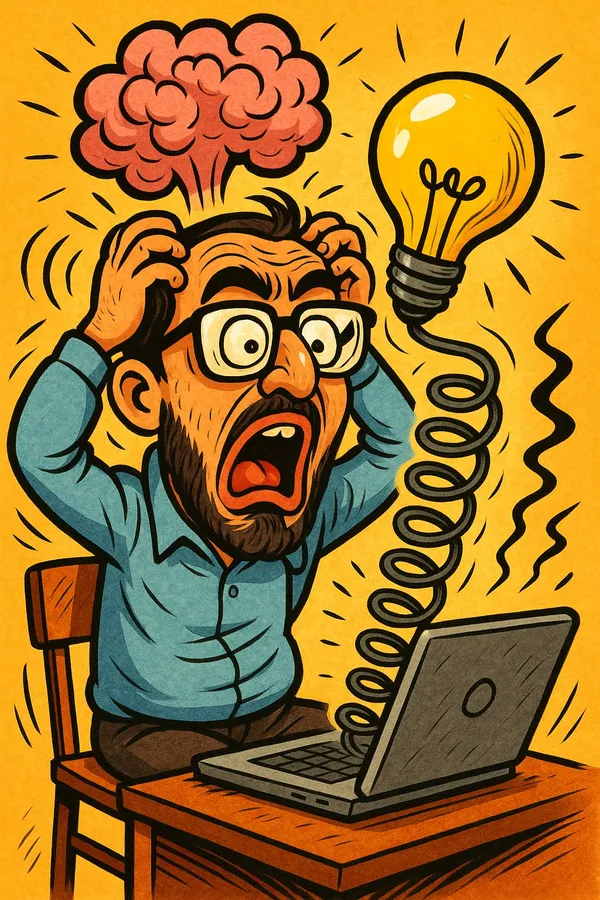
Verified prompt
d on your understanding of my personality and past interactions, create a humorous and satirical image that teases me in a playful way. The image must have comedic features, using exaggerated expressions or surreal visual metaphors. Artistic style: cartoon or caricature with high contrast and expressive details. The goal is to amuse, not insult. Ensure the satire is clever and mindful.
d on your understanding of my personality and past interactions, create a humorous and satirical image that teases me in a playful way. The image must have comedic features, using exaggerated expressions or surreal visual metaphors. Artistic style: cartoon or caricature with high contrast and expressive details. The goal is to amuse, not insult. Ensure the satire is clever and mindful.
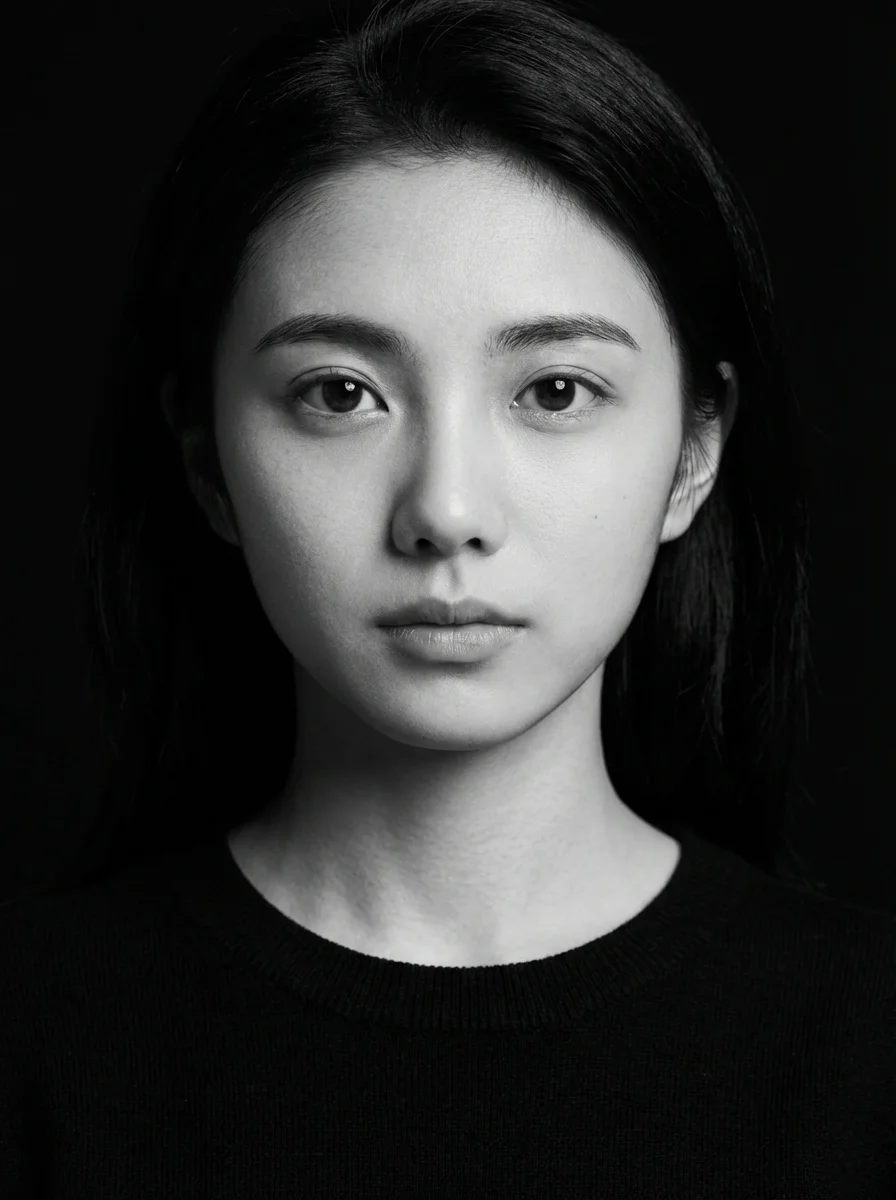
Verified prompt
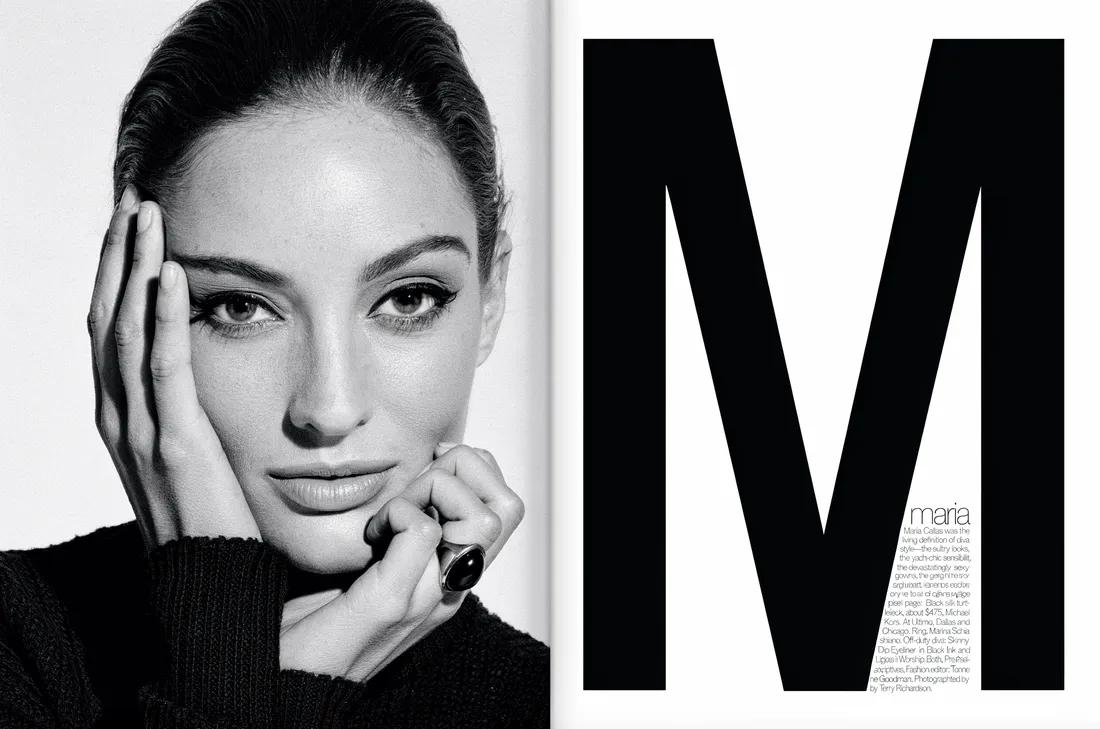
k and white studio portrait of the young woman in the uploaded image, looking directly into the camera with a calm, neutral expression. She is wearing a plain black crew-neck sweater. Deep black background with hard-edged studio lighting from the left, crisp facial shadows, sharp highlights on cheekbones, ultra-detailed skin texture, photorealistic, captured with an 85mm lens. 3:4 aspect ratio.
k and white studio portrait of the young woman in the uploaded image, looking directly into the camera with a calm, neutral expression. She is wearing a plain black crew-neck sweater. Deep black background with hard-edged studio lighting from the left, crisp facial shadows, sharp highlights on cheekbones, ultra-detailed skin texture, photorealistic, captured with an 85mm lens. 3:4 aspect ratio.
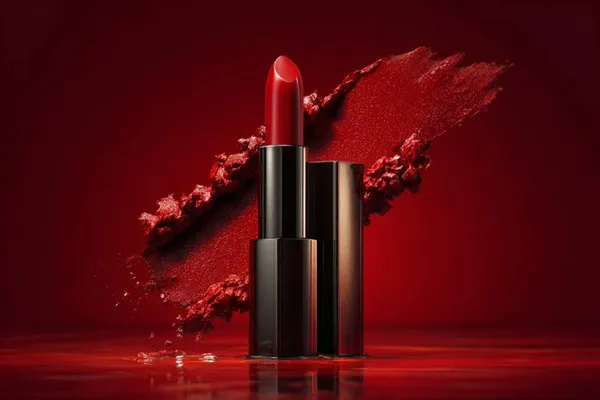
Verified prompt
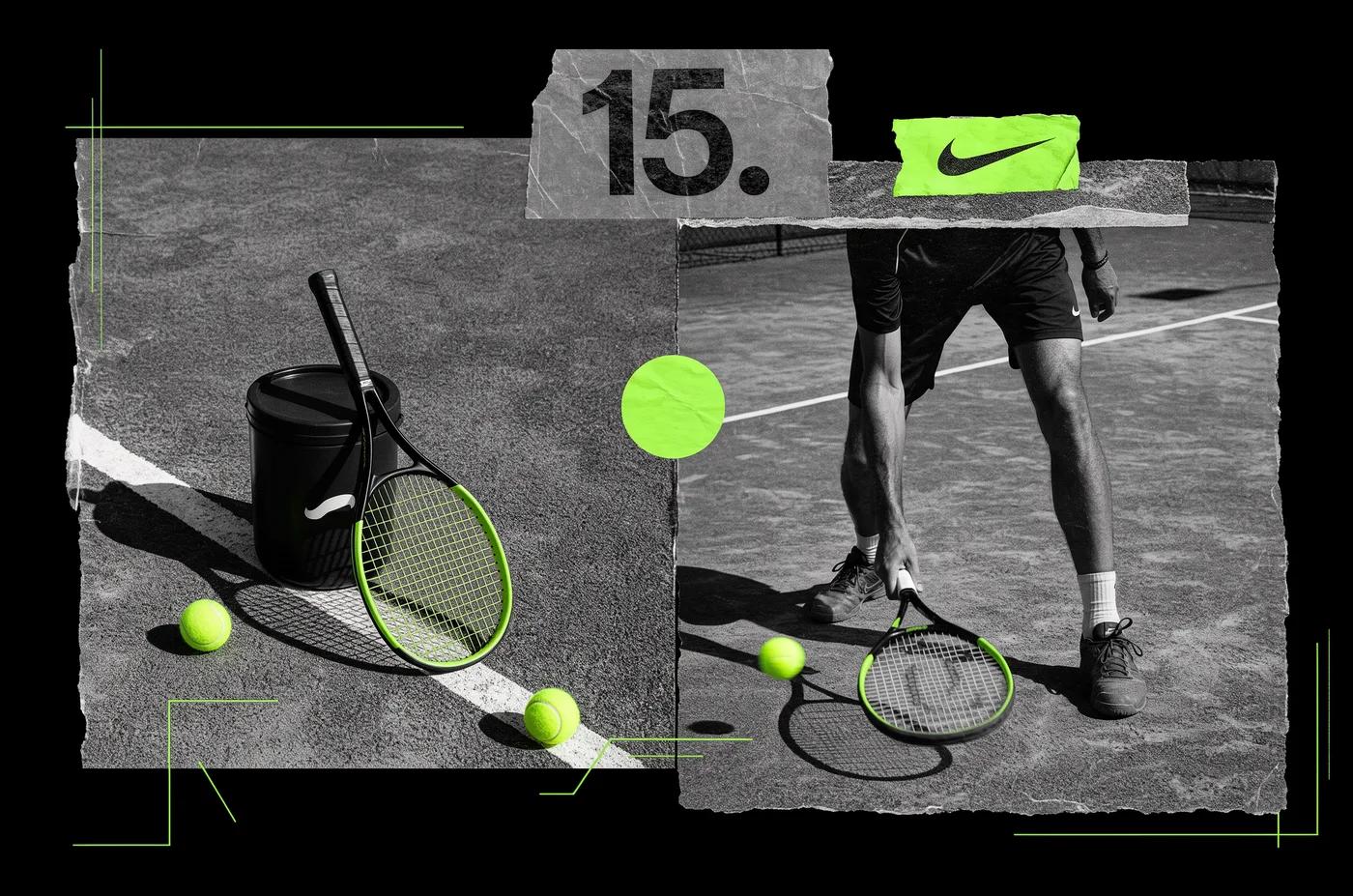
io shot of [PRODUCT], placed on a [background], surrounded by soft shadows and gradient background, high-key lighting, shallow depth of field, ultra-sharp focus on the object, premium product photography, shot on a DSLR, minimal aesthetic, subtle reflections, commercial lighting setup
io shot of [PRODUCT], placed on a [background], surrounded by soft shadows and gradient background, high-key lighting, shallow depth of field, ultra-sharp focus on the object, premium product photography, shot on a DSLR, minimal aesthetic, subtle reflections, commercial lighting setup
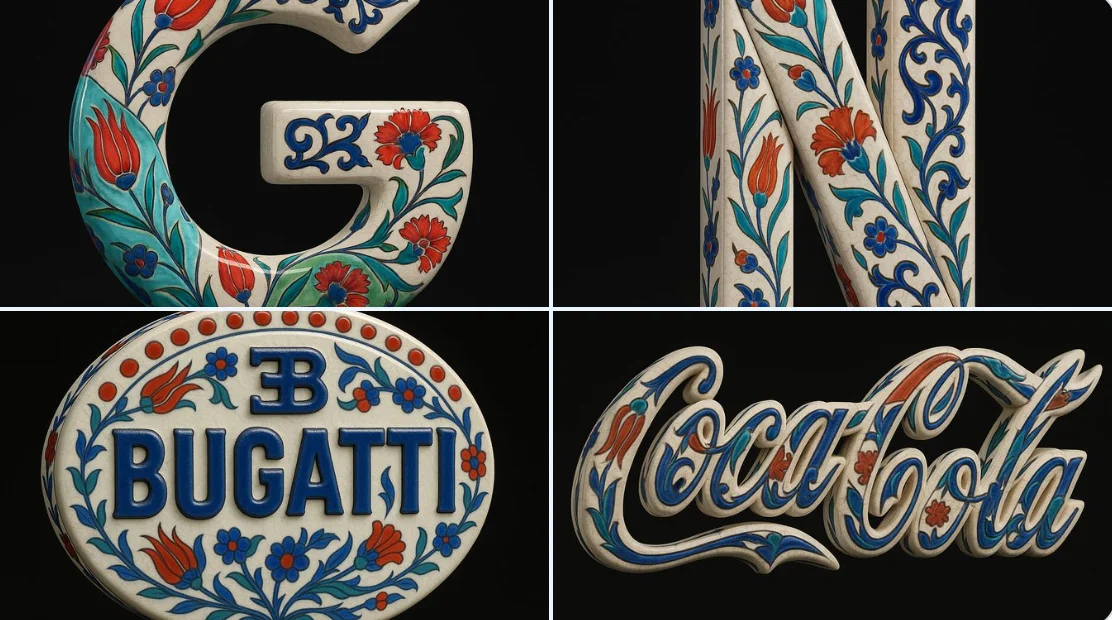
Verified prompt
Using the uploaded image as the exact visual base, transform it into a hyper-realistic 3D object that retains the original shape and proportions of the logo only. Apply traditional Ottoman Iznik ceramic textures—featuring a warm white glazed base with delicate crackle lines, overlaid with vivid cobalt blue, turquoise, and bold red floral motifs such as tulips, carnations, and arabesque vines. The entire logo should be treated as a standalone porcelain sculpture with raised, hand-painted detailing and no background plate or tile structure. Ensure the decorative patterns elegantly follow the contours of the Bugatti logo, without altering its form. Render the object in a pure black background with Cinema 4D-style product lighting—highlighting realistic ceramic gloss, material depth, and subtle reflections. The final result should feel like a luxurious handcrafted ceramic reinterpretation, balancing heritage ornamentation with industrial branding.
Using the uploaded image as the exact visual base, transform it into a hyper-realistic 3D object that retains the original shape and proportions of the logo only. Apply traditional Ottoman Iznik ceramic textures—featuring a warm white glazed base with delicate crackle lines, overlaid with vivid cobalt blue, turquoise, and bold red floral motifs such as tulips, carnations, and arabesque vines. The entire logo should be treated as a standalone porcelain sculpture with raised, hand-painted detailing and no background plate or tile structure. Ensure the decorative patterns elegantly follow the contours of the Bugatti logo, without altering its form. Render the object in a pure black background with Cinema 4D-style product lighting—highlighting realistic ceramic gloss, material depth, and subtle reflections. The final result should feel like a luxurious handcrafted ceramic reinterpretation, balancing heritage ornamentation with industrial branding.
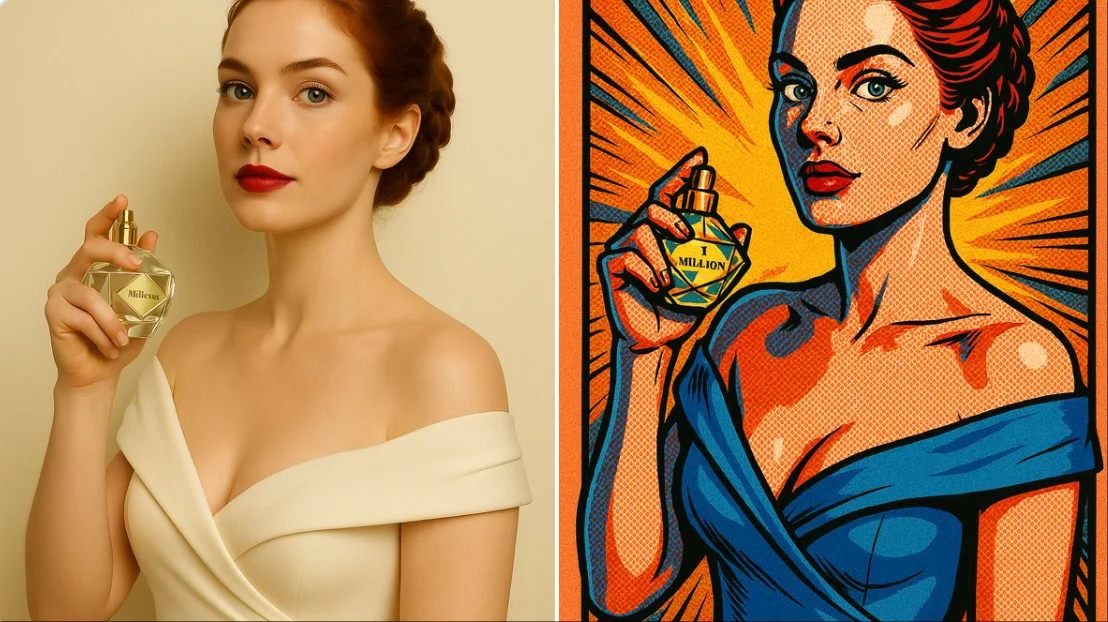
Verified prompt
create comic style illustration: { "style": "comic book illustration", "line_art": { "type": "bold black outlines", "thickness": "medium", "detail": "emphasized contours and shading lines" }, "coloring": { "palette": "vibrant and saturated colors", "shading": "halftone dots and cel shading", "highlighting": "strong contrast with pop art effects" }, "texture": { "surface": "flat with visible ink strokes", "effect": "printed comic paper texture" }, "composition": { "layout": "centered subject", "background": "simple with radial burst or comic-style lines", "framing": "comic panel border" }, "lighting": { "type": "dramatic", "angle": "top-left with bold highlights and shadows" }, "post_processing": { "effect": ["halftone dots", "ink outline", "grain"], "saturation": "high", "contrast": "high" }, "mood": "dynamic and action-oriented", "format": "vertical or square depending on original image" }
create comic style illustration: { "style": "comic book illustration", "line_art": { "type": "bold black outlines", "thickness": "medium", "detail": "emphasized contours and shading lines" }, "coloring": { "palette": "vibrant and saturated colors", "shading": "halftone dots and cel shading", "highlighting": "strong contrast with pop art effects" }, "texture": { "surface": "flat with visible ink strokes", "effect": "printed comic paper texture" }, "composition": { "layout": "centered subject", "background": "simple with radial burst or comic-style lines", "framing": "comic panel border" }, "lighting": { "type": "dramatic", "angle": "top-left with bold highlights and shadows" }, "post_processing": { "effect": ["halftone dots", "ink outline", "grain"], "saturation": "high", "contrast": "high" }, "mood": "dynamic and action-oriented", "format": "vertical or square depending on original image" }
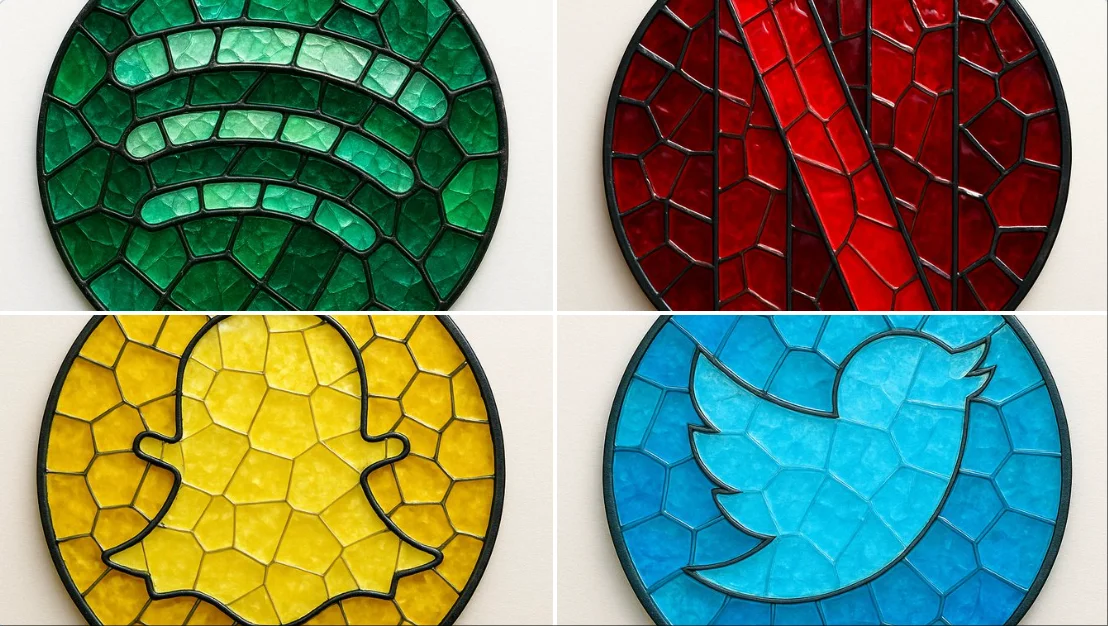
Verified prompt
create image: { "style": "mosaic stained glass emblem", "object": "brand logo", "brand": { "name": "Spotify", "logo_shape": "circular", "icon_style": "three curved bars", "color_palette": { "primary": "#1DB954", "secondary": "#1ED760", "glass_variants": ["#147A3E", "#0F5C30", "#26C178"] } }, "material": { "type": "colored glass", "effect": "semi-transparent with light reflections", "outline": { "color": "#111111", "width": "medium", "style": "lead-line traditional mosaic" } }, "composition": { "layout": "logo composed of tessellated glass pieces", "geometry": "irregular but fitted glass shapes", "contrast": "dark outlines define shape clearly" }, "lighting": { "type": "diffused natural light", "highlight": "glass texture and color depth emphasized" }, "background": { "type": "flat surface", "color": "#F4F4F4" }, "camera": { "angle": "top-down", "focus": "centered on entire logo" }, "render": { "quality": "high", "shadows": "soft", "reflections": "minimal" } }
create image: { "style": "mosaic stained glass emblem", "object": "brand logo", "brand": { "name": "Spotify", "logo_shape": "circular", "icon_style": "three curved bars", "color_palette": { "primary": "#1DB954", "secondary": "#1ED760", "glass_variants": ["#147A3E", "#0F5C30", "#26C178"] } }, "material": { "type": "colored glass", "effect": "semi-transparent with light reflections", "outline": { "color": "#111111", "width": "medium", "style": "lead-line traditional mosaic" } }, "composition": { "layout": "logo composed of tessellated glass pieces", "geometry": "irregular but fitted glass shapes", "contrast": "dark outlines define shape clearly" }, "lighting": { "type": "diffused natural light", "highlight": "glass texture and color depth emphasized" }, "background": { "type": "flat surface", "color": "#F4F4F4" }, "camera": { "angle": "top-down", "focus": "centered on entire logo" }, "render": { "quality": "high", "shadows": "soft", "reflections": "minimal" } }
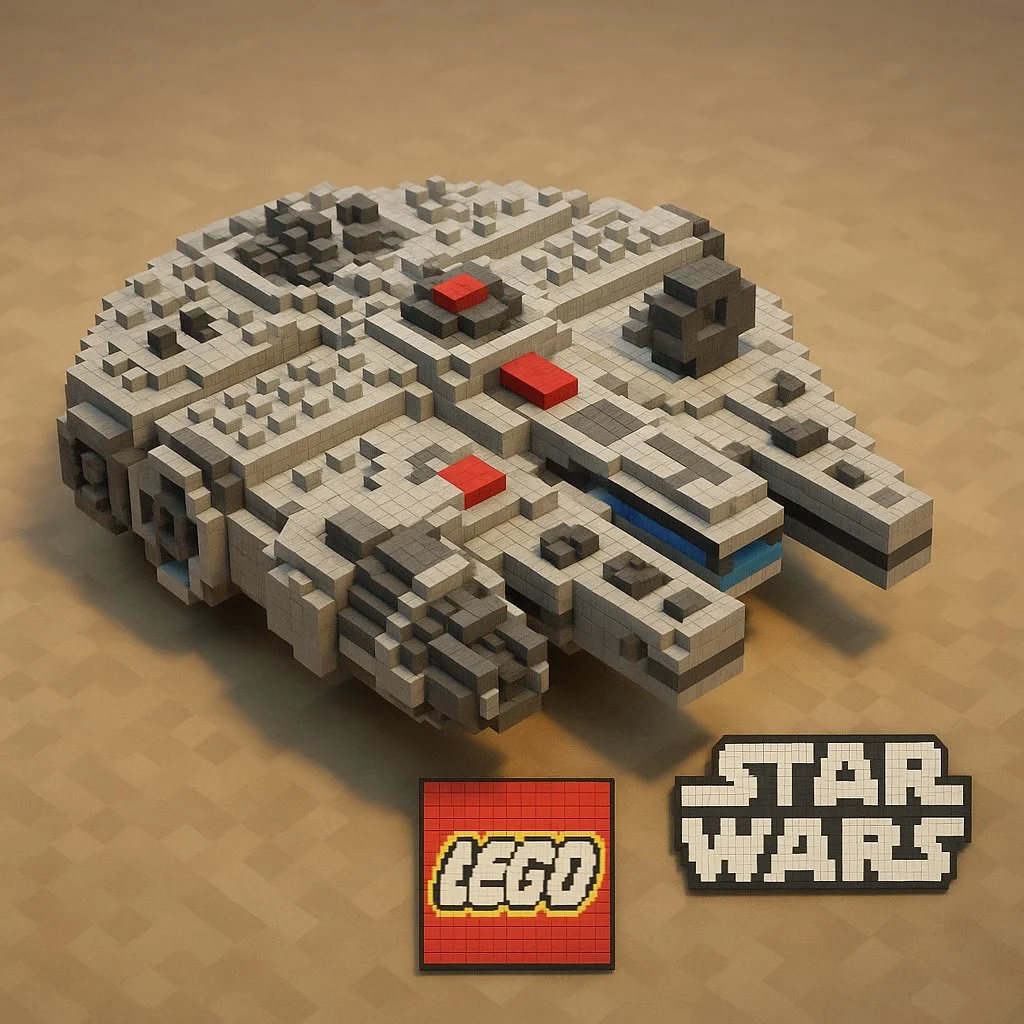
Verified prompt
"A Minecraft-style voxel recreation of a [BRAND NAME] [OBJECT], built entirely from pixelated cubes — detailed voxel modeling, signature brand colors and logo, blocky textures, clean lighting, stylized yet recognizable, 3D render, high resolution, playful and creative interpretation
"A Minecraft-style voxel recreation of a [BRAND NAME] [OBJECT], built entirely from pixelated cubes — detailed voxel modeling, signature brand colors and logo, blocky textures, clean lighting, stylized yet recognizable, 3D render, high resolution, playful and creative interpretation
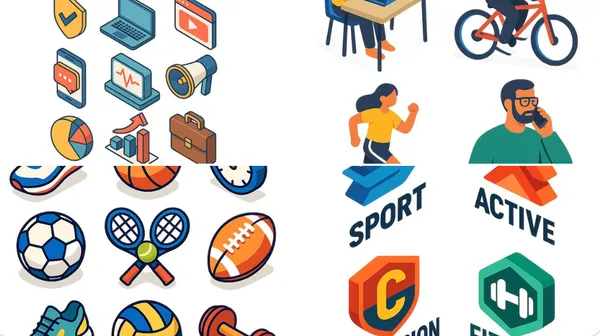
Verified prompt
at isometric digital illustration of [describe the subject: e.g., a modern workspace, a city block, a group of app icons, a sports shop], clean lines and geometric forms, bright pastel colors, simplified perspective with 3D depth, minimal shading, white background or light gradient. Style resembles modern vector infographics, ideal for UI, app design or web visuals.
at isometric digital illustration of [describe the subject: e.g., a modern workspace, a city block, a group of app icons, a sports shop], clean lines and geometric forms, bright pastel colors, simplified perspective with 3D depth, minimal shading, white background or light gradient. Style resembles modern vector infographics, ideal for UI, app design or web visuals.
Nano Banana 2: Create and Edit with Natural Language
Develop your Nano Banana 2 image brief around the result you need. Keep the main direction specific, check supported settings in the generator, and review the completed work before using it in your project.
Choose only the resolution and aspect ratio shown for the selected model. Check framing, fine details and any text in the completed image. A larger output size does not guarantee a more accurate result.
Explore Nano Banana 2
From a Brief to a Reviewed Image: The Nano Banana 2 Workflow
Allow time to inspect each image result and refine your brief. Processing time varies by model, request and service load. Change one direction at a time so that you can judge which edit improves the result.
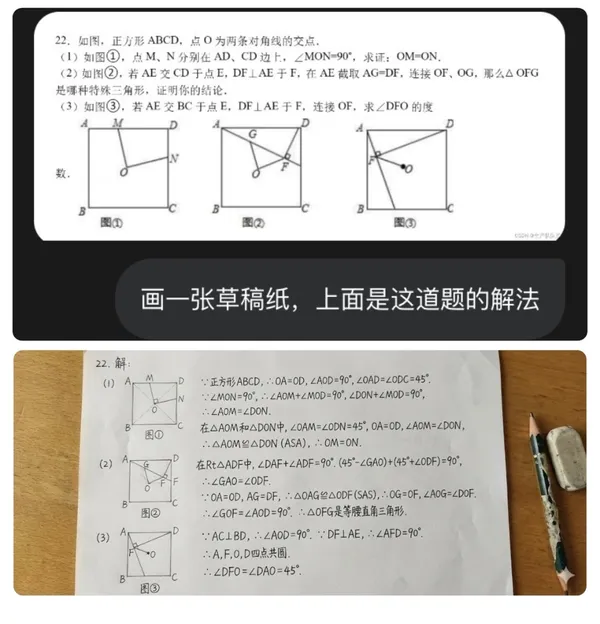
Enter prompt or upload image
Start your Nano Banana 2 image brief with a source image you have permission to use. Name the area to change and the colors, proportions or objects to preserve. Reference count and editing support depend on the selected model.
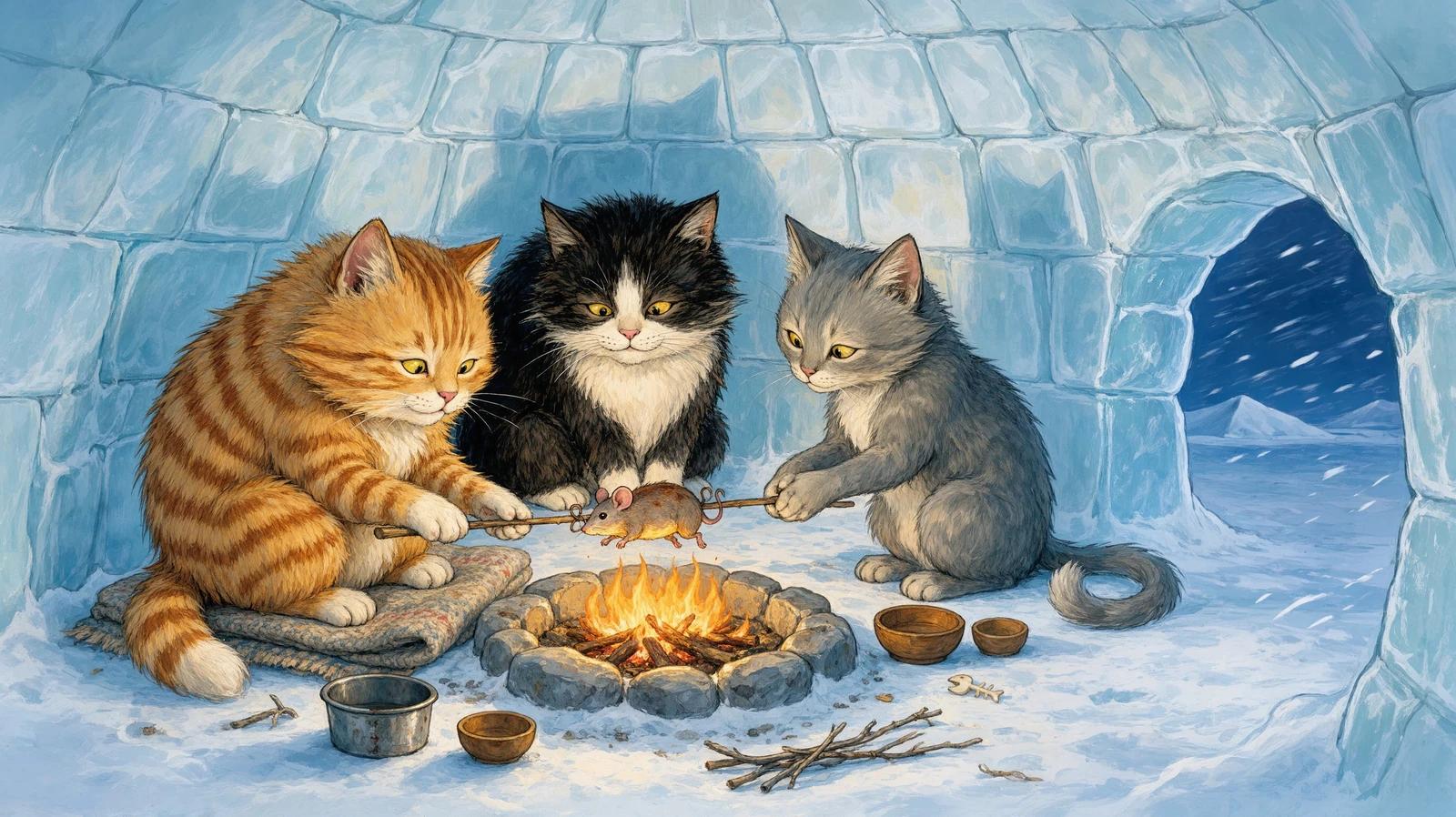
Review Availability, Settings and Credits
Allow time to inspect each image result and refine your brief. Processing time varies by model, request and service load. Change one direction at a time so that you can judge which edit improves the result.
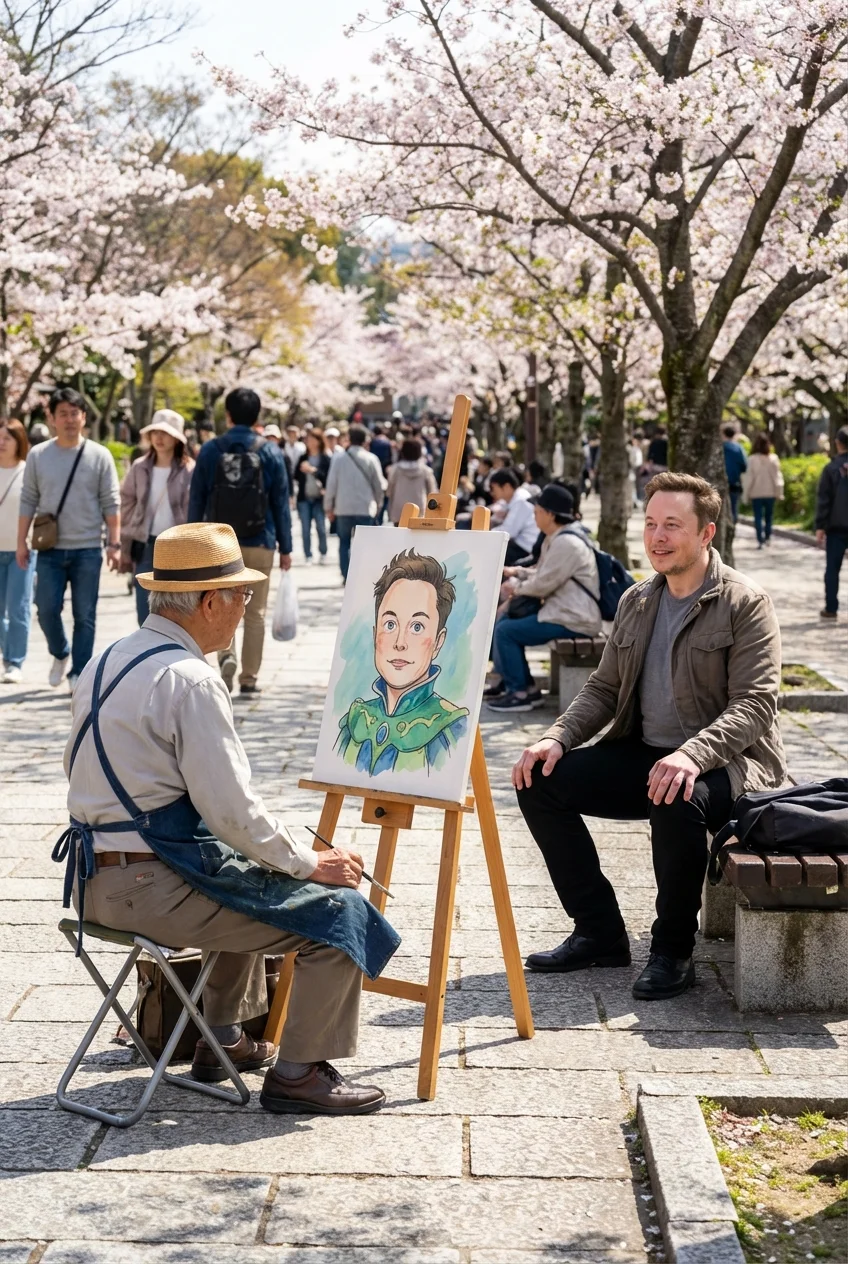
Review and Download Completed Results
When a request completes, inspect the image in History and download the result you want to keep. Review the composition and any unintended details before sharing it with your team or publishing it.
Build Your Nano Banana 2 Image Brief
For a Nano Banana 2 product concept, specify the product shape, material, key detail and setting. Keep logos and claims accurate, allow room for your own typography, and review the result before using it in an advertisement.
Explain Your Subject, Changes and References
Start your Nano Banana 2 image brief with a source image you have permission to use. Name the area to change and the colors, proportions or objects to preserve. Reference count and editing support depend on the selected model.
Describe the Changes and Details to Preserve
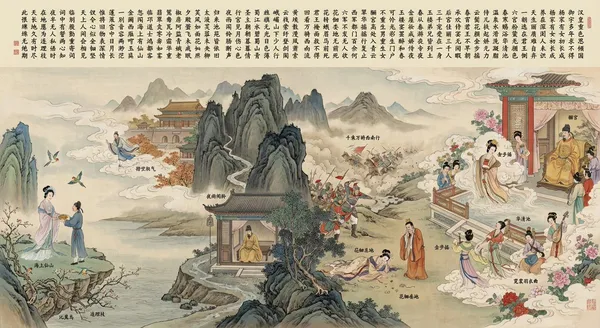
Write your Nano Banana 2 image brief around a subject, composition, lighting and intended style. Add a material or texture when it matters. For edits, state one precise change and explain which parts of the source should remain intact.
Check Details Across Every Result
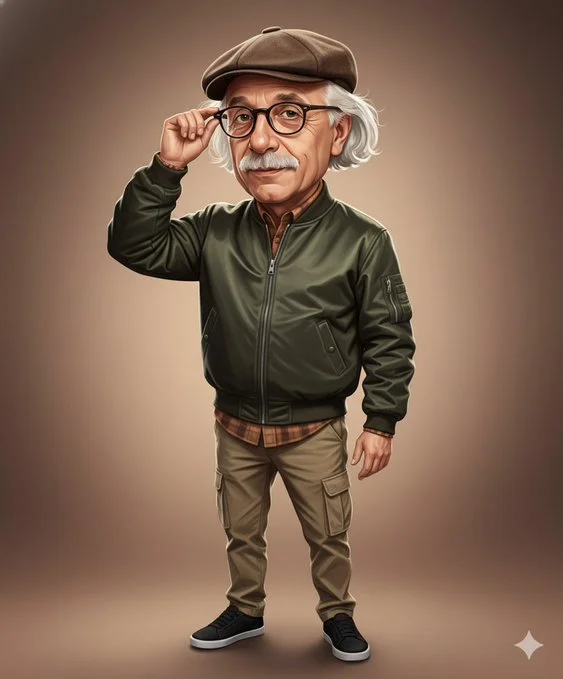
Allow time to inspect each image result and refine your brief. Processing time varies by model, request and service load. Change one direction at a time so that you can judge which edit improves the result.
Explain Your Subject, Changes and References
List the details that matter in your Nano Banana 2 image brief: identity, shape, colors, clothing and background. Use supported references where appropriate and compare every result; exact consistency is not guaranteed.
A Clearer Creative Brief for Nano Banana 2
Allow time to inspect each image result and refine your brief. Processing time varies by model, request and service load. Change one direction at a time so that you can judge which edit improves the result.
Explain Your Subject, Changes and References
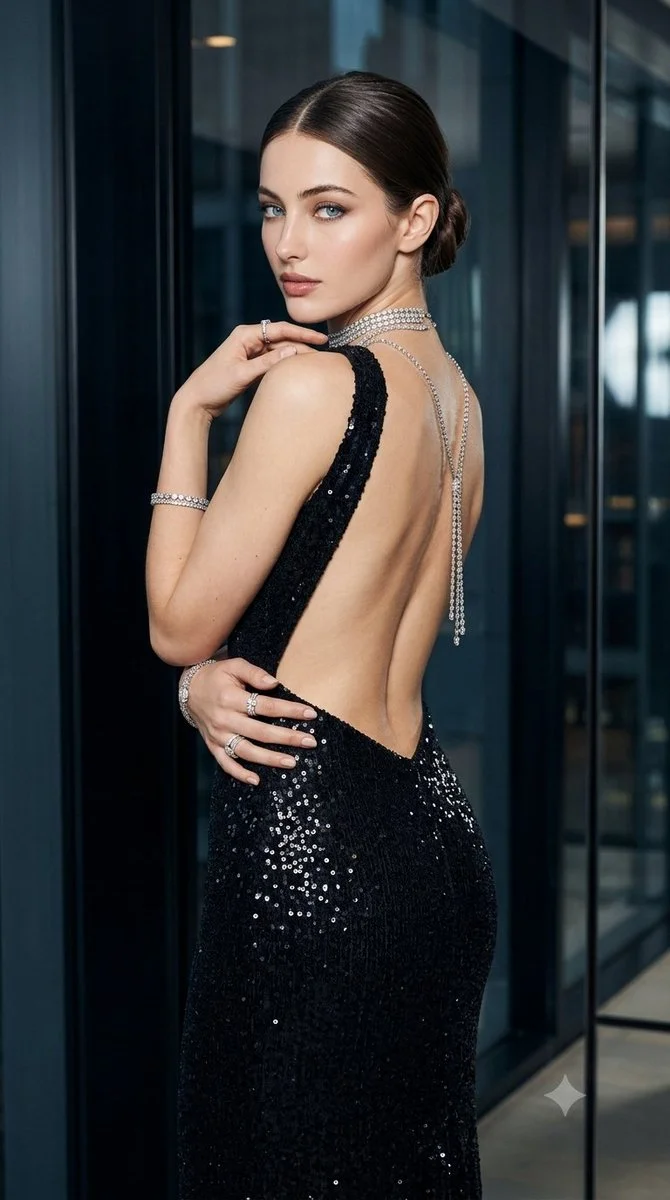
Allow time to inspect each image result and refine your brief. Processing time varies by model, request and service load. Change one direction at a time so that you can judge which edit improves the result.
Social Media & Advertising
For a Nano Banana 2 product concept, specify the product shape, material, key detail and setting. Keep logos and claims accurate, allow room for your own typography, and review the result before using it in an advertisement.
Check Details Across Every Result
List the details that matter in your Nano Banana 2 image brief: identity, shape, colors, clothing and background. Use supported references where appropriate and compare every result; exact consistency is not guaranteed.
Efficient Production Workflow
For a Nano Banana 2 product concept, specify the product shape, material, key detail and setting. Keep logos and claims accurate, allow room for your own typography, and review the result before using it in an advertisement.
Creative Notes for Your Nano Banana 2 Image Brief
Give the main subject one clear action. For a Nano Banana 2 concept, a precise brief is easier to assess than a list of competing effects.

Nano Banana 2 Image Workflow: Questions & Answers
For a Nano Banana 2 product concept, specify the product shape, material, key detail and setting. Keep logos and claims accurate, allow room for your own typography, and review the result before using it in an advertisement.
This dotsai.pro page explains the Nano Banana 2 image workflow. It helps you write a focused brief and review the available inputs. Current access is shown in the generator; a model name on a guide does not mean it currently accepts requests.
Write your Nano Banana 2 image brief around a subject, composition, lighting and intended style. Add a material or texture when it matters. For edits, state one precise change and explain which parts of the source should remain intact.
Start your Nano Banana 2 image brief with a source image you have permission to use. Name the area to change and the colors, proportions or objects to preserve. Reference count and editing support depend on the selected model.
Develop your Nano Banana 2 image brief around the result you need. Keep the main direction specific, check supported settings in the generator, and review the completed work before using it in your project.
Use only the input modes and controls offered by the selected model. Describe the intended image clearly and add supported references when useful. This page does not promise separate motion-brush, audio-upload, restoration or editing tools.
List the details that matter in your Nano Banana 2 image brief: identity, shape, colors, clothing and background. Use supported references where appropriate and compare every result; exact consistency is not guaranteed.
For a Nano Banana 2 product concept, specify the product shape, material, key detail and setting. Keep logos and claims accurate, allow room for your own typography, and review the result before using it in an advertisement.
Choose only the resolution and aspect ratio shown for the selected model. Check framing, fine details and any text in the completed image. A larger output size does not guarantee a more accurate result.
You can request a refund within 10 days of purchase if you have unused credits from that purchase and provide a clear reason, subject to our Refund Policy. If eligible, an unused purchase can be fully refunded; a partly used purchase is refunded in proportion to its remaining unused credits. Fully used purchases and free or promotional credits are not refundable.
Credit validity depends on the pack, subscription or promotion that issued them. Review the purchase terms and expiration dates in Settings > Credits. A renewal or new purchase does not extend older credits. Use credits before their stated expiration; do not assume unused subscription credits roll over indefinitely.
Credits charged for a task that is confirmed as failed due to a system error are returned automatically. A task that is still processing has not yet been confirmed as failed. Check its status and your credit history before submitting again. If a confirmed failure still shows an unresolved charge, email support@dotsai.pro with the task ID.
AI results can vary, so a completed result that differs from your expectations is not automatically treated as a technical failure. Eligible completed image tasks can be submitted for credit refund review using the refund option where available; approval is required. For a video or another issue, contact support@dotsai.pro with the task ID and details. A credit refund returns credits, not money to your payment method.
Email support@dotsai.pro. For billing, include your account email and order ID; for generation, include the task ID, issue description and relevant screenshots. If you purchased as a guest, keep the original browser data and payment receipt so we can help locate the purchase.
Explore Your Next Nano Banana 2 Image Idea
Choose only the resolution and aspect ratio shown for the selected model. Check framing, fine details and any text in the completed image. A larger output size does not guarantee a more accurate result.
dotsai.pro · Updated
What's new on this page
- — Added editable example prompts and separate drafts for text and reference modes, with an action to restore the example.
- — Updated page copy and content.
- — Page content published.