
Veo Availability:Supported Video Models
Choose a Supported Text or Image Video Model
Veo is unavailable on dotsai.pro. Use an enabled Kling or Seedance model on the AI Video page for text-to-video or image-to-video. These examples are general creative inspiration, not Veo demonstrations.
Verified prompt
A cozy Studio Ghibli-inspired anime sequence in a warm, sunlit artist's studio. A young woman in a flowing white dress gently starts a vintage wooden gramophone, then pours tea from an ornate glass teapot into a floral porcelain teacup beside a window overlooking lush green hills, a peaceful village, and a faint rainbow. She paints graceful blue brushstrokes on a canvas while soft afternoon light fills the room, then joyfully twirls barefoot-like in beige pumps across the rustic wooden floor, surrounded by art supplies and finished paintings. Dreamy, nostalgic atmosphere, rich hand-painted textures, warm golden lighting, smooth cinematic camera movements, shallow depth of field, highly detailed, 12-second animation.
A cozy Studio Ghibli-inspired anime sequence in a warm, sunlit artist's studio. A young woman in a flowing white dress gently starts a vintage wooden gramophone, then pours tea from an ornate glass teapot into a floral porcelain teacup beside a window overlooking lush green hills, a peaceful village, and a faint rainbow. She paints graceful blue brushstrokes on a canvas while soft afternoon light fills the room, then joyfully twirls barefoot-like in beige pumps across the rustic wooden floor, surrounded by art supplies and finished paintings. Dreamy, nostalgic atmosphere, rich hand-painted textures, warm golden lighting, smooth cinematic camera movements, shallow depth of field, highly detailed, 12-second animation.
Verified prompt
CAMERA: DV 16mm tape camcorder, handheld POV by CHASE, occasionally propped on vanity. Natural shake, imperfect framing, delayed focus, clumsy zooms, face occasionally cropped. Camera never visible. LOOK: Soft blurry tape, faint tape noise, bloomed vanity bulbs, flickering auto-exposure, muted contrast, natural skin. STYLE: Casual beauty vlog. Relaxed, chatty, slow pacing with quiet mirror moments. CHARACTER: CHASE, Korean idol (20s), long straight black hair, dewy skin, coral lips, robe/makeup cape. Unseen stylist's hands occasionally enter frame. SETTING: Bulb-lit vanity, styling chair, hair tools/products on counter, handheld mirror. STORYBOARD: 1. Propped: Waves. "Hey guys, getting my hair done." 2. Handheld CU: Hair tug. "This always takes forever." 3. Insert: Stylist clips hair. Ambient only. 4. Propped: Smiles. "We're getting to the good part." 5. Handheld CU: Watches mirror, smiles. Ambient. 6. Handheld: Checks back with mirror. "Let me see the back—" 7. Tight: Grins. "I really like this." 8. Selfie: Waves/thumbs up. "Hair's done—see you guys!"
CAMERA: DV 16mm tape camcorder, handheld POV by CHASE, occasionally propped on vanity. Natural shake, imperfect framing, delayed focus, clumsy zooms, face occasionally cropped. Camera never visible. LOOK: Soft blurry tape, faint tape noise, bloomed vanity bulbs, flickering auto-exposure, muted contrast, natural skin. STYLE: Casual beauty vlog. Relaxed, chatty, slow pacing with quiet mirror moments. CHARACTER: CHASE, Korean idol (20s), long straight black hair, dewy skin, coral lips, robe/makeup cape. Unseen stylist's hands occasionally enter frame. SETTING: Bulb-lit vanity, styling chair, hair tools/products on counter, handheld mirror. STORYBOARD: 1. Propped: Waves. "Hey guys, getting my hair done." 2. Handheld CU: Hair tug. "This always takes forever." 3. Insert: Stylist clips hair. Ambient only. 4. Propped: Smiles. "We're getting to the good part." 5. Handheld CU: Watches mirror, smiles. Ambient. 6. Handheld: Checks back with mirror. "Let me see the back—" 7. Tight: Grins. "I really like this." 8. Selfie: Waves/thumbs up. "Hair's done—see you guys!"
Verified prompt
visual_anchor: style: "Delicate oil canvas texture with thick-painted impasto brushwork. High-fidelity 2D digital anime aesthetic mixed with Triple-A CG realism. Low-saturation tones, cinematic haziness, and sophisticated lighting." character_description: "A young woman with a refined, doll-like face, large expressive eyes, and light brown hair styled in twin buns adorned with pink cherry blossoms and navy blue ribbons. She wears a Victorian-inspired maid outfit: a white lace blouse with sheer sleeves, a navy blue corsellette with gold lace-up detailing, and an embroidered apron over a ruffled skirt. White lace-top stockings and navy blue pumps." mecha_form: "The transformation wraps her in sleek, dark blued-steel armor accented with gold filigree and glowing red energy channels. The armor design is intricate and asymmetrical, maintaining her silhouette while adding aggressive mechanical edges." weapon_description: "A massive 'Sapphire Blossom' Saber-Staff. It features a long, blued-steel pole-arm body with a sharp saber blade at the tip. The hilt is ornate, decorated with pink enamel cherry blossoms and a large, glowing teardrop sapphire gem at the crossguard." environment_specs: setting: "Infinite high-altitude sky during peak daylight. Rapidly moving cloud layers and high-velocity air currents. Heavy motion blur, Tyndall effect (god rays), and floating red energy particles." camera: "A single, seamless long take. Panavision C-Series lens (35mm, f4) aesthetic. IMAX film grain. Dramatic camera shake during the high-speed descent to emphasize g-force." timeline_script: 00-02s: "Vertical free-fall. The character descends through the clouds with eyes closed, hair and ribbons whipped violently by the wind. Red electrical arcs dance across her skin as dark mecha plates begin to converge from the periphery, falling in sync with her body." 02-04s: "Lower Body Assembly. Camera glides to her legs. Large blued-steel mecha plates snap and lock onto her thighs and shins over her white stockings. Intricate mechanical parts extend and interlock with a heavy, metallic 'clack' and red sparks." 04-06s: "Torso Assembly. Camera tracks upward. A mechanical chest plate slams into place, locking over her embroidered apron. Asymmetrical armor components ripple outward from her sternum, snapping shut with fluid mechanical precision against the howling wind." 06-08s: "Shoulder & Arm Assembly. Dual shoulder pauldrons lock into place simultaneously with a heavy metallic impact. Mechanical components slide down her sheer sleeves, encasing her arms in blued-steel plating. Her eyes remain tightly shut." 08-10s: "Head Transformation. Tight push-in on her face. Fine mechanical segments extend from behind her ears, interlocking across her forehead and jaw. A sleek mechanical visor slides shut over her eyes, locking with a sharp red glow at the moment of contact." 10-13s: "The Stall & Pose. Character performs a 360-degree mid-air spin to cancel her downward momentum. She hovers in a low-angle hero shot. She draws the Sapphire Blossom Saber-Staff from her back with a flourish, pointing the blade at the lens. Red light erupts from the sapphire gem. A massive circular shockwave震散s the surrounding clouds. Violent camera shake." technical_execution: physics: "Realistic inertia and weight. Mechanical parts have visible thickness and collision. Smooth, non-floaty body mechanics." audio_profile: "Environmental SFX only: wind shear, mechanical locking, electrical hums, and the 'thump' of the shockwave. No BGM." negative_prompt: "Western architecture, text watermarks, distorted limbs, extra fingers, blurry facial features, low-quality VFX, choppy frame transitions."
visual_anchor: style: "Delicate oil canvas texture with thick-painted impasto brushwork. High-fidelity 2D digital anime aesthetic mixed with Triple-A CG realism. Low-saturation tones, cinematic haziness, and sophisticated lighting." character_description: "A young woman with a refined, doll-like face, large expressive eyes, and light brown hair styled in twin buns adorned with pink cherry blossoms and navy blue ribbons. She wears a Victorian-inspired maid outfit: a white lace blouse with sheer sleeves, a navy blue corsellette with gold lace-up detailing, and an embroidered apron over a ruffled skirt. White lace-top stockings and navy blue pumps." mecha_form: "The transformation wraps her in sleek, dark blued-steel armor accented with gold filigree and glowing red energy channels. The armor design is intricate and asymmetrical, maintaining her silhouette while adding aggressive mechanical edges." weapon_description: "A massive 'Sapphire Blossom' Saber-Staff. It features a long, blued-steel pole-arm body with a sharp saber blade at the tip. The hilt is ornate, decorated with pink enamel cherry blossoms and a large, glowing teardrop sapphire gem at the crossguard." environment_specs: setting: "Infinite high-altitude sky during peak daylight. Rapidly moving cloud layers and high-velocity air currents. Heavy motion blur, Tyndall effect (god rays), and floating red energy particles." camera: "A single, seamless long take. Panavision C-Series lens (35mm, f4) aesthetic. IMAX film grain. Dramatic camera shake during the high-speed descent to emphasize g-force." timeline_script: 00-02s: "Vertical free-fall. The character descends through the clouds with eyes closed, hair and ribbons whipped violently by the wind. Red electrical arcs dance across her skin as dark mecha plates begin to converge from the periphery, falling in sync with her body." 02-04s: "Lower Body Assembly. Camera glides to her legs. Large blued-steel mecha plates snap and lock onto her thighs and shins over her white stockings. Intricate mechanical parts extend and interlock with a heavy, metallic 'clack' and red sparks." 04-06s: "Torso Assembly. Camera tracks upward. A mechanical chest plate slams into place, locking over her embroidered apron. Asymmetrical armor components ripple outward from her sternum, snapping shut with fluid mechanical precision against the howling wind." 06-08s: "Shoulder & Arm Assembly. Dual shoulder pauldrons lock into place simultaneously with a heavy metallic impact. Mechanical components slide down her sheer sleeves, encasing her arms in blued-steel plating. Her eyes remain tightly shut." 08-10s: "Head Transformation. Tight push-in on her face. Fine mechanical segments extend from behind her ears, interlocking across her forehead and jaw. A sleek mechanical visor slides shut over her eyes, locking with a sharp red glow at the moment of contact." 10-13s: "The Stall & Pose. Character performs a 360-degree mid-air spin to cancel her downward momentum. She hovers in a low-angle hero shot. She draws the Sapphire Blossom Saber-Staff from her back with a flourish, pointing the blade at the lens. Red light erupts from the sapphire gem. A massive circular shockwave震散s the surrounding clouds. Violent camera shake." technical_execution: physics: "Realistic inertia and weight. Mechanical parts have visible thickness and collision. Smooth, non-floaty body mechanics." audio_profile: "Environmental SFX only: wind shear, mechanical locking, electrical hums, and the 'thump' of the shockwave. No BGM." negative_prompt: "Western architecture, text watermarks, distorted limbs, extra fingers, blurry facial features, low-quality VFX, choppy frame transitions."
Verified prompt
Ultra wide cinematic aerial shot during blue hour over the vast frozen landscapes of Iceland featuring massive glaciers black volcanic sand plains and icy rivers reflecting the fading sky. A dramatic volcanic rift suddenly opens across the ground emitting glowing magma and dense steam as sections of a towering glacier begin to crack and collapse into the valley below. The camera accelerates forward at high speed skimming above the ice fields then dives through rising steam clouds before circling the erupting fissure capturing flying ice debris molten lava fountains and drifting ash. Realistic physics on fractured ice flowing meltwater volcanic gases and airborne particles dynamic wind effects dramatic volumetric lighting from molten magma reflections lens flares and atmospheric fog hyper realistic textures smooth camera motion perfect stabilization cinematic color grading with deep blues fiery oranges and photorealistic visuals.
Ultra wide cinematic aerial shot during blue hour over the vast frozen landscapes of Iceland featuring massive glaciers black volcanic sand plains and icy rivers reflecting the fading sky. A dramatic volcanic rift suddenly opens across the ground emitting glowing magma and dense steam as sections of a towering glacier begin to crack and collapse into the valley below. The camera accelerates forward at high speed skimming above the ice fields then dives through rising steam clouds before circling the erupting fissure capturing flying ice debris molten lava fountains and drifting ash. Realistic physics on fractured ice flowing meltwater volcanic gases and airborne particles dynamic wind effects dramatic volumetric lighting from molten magma reflections lens flares and atmospheric fog hyper realistic textures smooth camera motion perfect stabilization cinematic color grading with deep blues fiery oranges and photorealistic visuals.
Verified prompt
Open on a majestic lunar landscape under black sky, silver dust exploding under the hooves of a lone white horse galloping across crater edges. Earth looms gigantic above the horizon, blue and fragile. The camera races beside the horse, matching its speed, then swings ahead and backward in one fluid motion, revealing a hooded rider clutching something bright against their chest. The pursuit intensifies — behind them, distant headlights appear, bouncing over the crater field like hunters closing in. The camera rises high to show the horse crossing impossible terrain, then dives again as the rider approaches a cliff edge where the moon’s surface drops into darkness. With nowhere left to run, the rider stands in the stirrups and hurls the glowing object skyward. The camera follows it up through silent lunar night — and the reveal hits: the moon, horse, hunters, everything is part of an elaborate carousel in an abandoned amusement park.
Open on a majestic lunar landscape under black sky, silver dust exploding under the hooves of a lone white horse galloping across crater edges. Earth looms gigantic above the horizon, blue and fragile. The camera races beside the horse, matching its speed, then swings ahead and backward in one fluid motion, revealing a hooded rider clutching something bright against their chest. The pursuit intensifies — behind them, distant headlights appear, bouncing over the crater field like hunters closing in. The camera rises high to show the horse crossing impossible terrain, then dives again as the rider approaches a cliff edge where the moon’s surface drops into darkness. With nowhere left to run, the rider stands in the stirrups and hurls the glowing object skyward. The camera follows it up through silent lunar night — and the reveal hits: the moon, horse, hunters, everything is part of an elaborate carousel in an abandoned amusement park.
Verified prompt
MERV — 30-Second Trailer 0:00–0:05 — "The Hill" Visual: A soft felt world — rolling green hills, a wool-textured sky. On the tallest hill stands Merv, perfectly still, arms hanging, one big eye blinking slowly. Wind gently ruffles his pink fur. A tiny felt butterfly lands on his horn. He watches it. It leaves. He sighs. Camera: Locked-off wide, letting the stillness do the comedy. Sound: A pastoral folk tune — recorder and acoustic guitar, slightly out of breath. One long, deflating sigh. VO (mild, kind narrator): "This is Merv. Merv has one eye, two horns… and absolutely no idea what he's doing." 0:05–0:12 — "The Calling" Visual: A felt poster tumbles across the grass and slaps onto Merv's face. He peels it off: "VILLAGE CHAMPION WANTED. MUST BE BRAVE. MUST BE STRONG. MUST HAVE OWN SNEAKERS." Merv looks at the poster. Looks at his little yellow sneakers. Looks at the camera. His eye widens with the confidence of someone who meets exactly one of three requirements. Camera: Snap zoom on the sneakers, then on the eye. Sound: The music stops on a record scratch. One triumphant kazoo note. Merv (soft, wobbly, delighted): "…I have sneakers." 0:12–0:20 — "The Training" Visual: Montage of pure failure — Merv trying to headbutt a boulder and getting his horn stuck; Merv doing one push-up and celebrating like he won a medal; Merv attempting to look intimidating in a mirror and scaring himself; Merv jogging in slow motion, sweatband gleaming, while a felt snail overtakes him. Camera: Sports-drama push-ins played completely straight over ridiculous content. Sound: An 80s training-montage synth anthem, performed slightly too slow. Boing sounds. The snail has tiny footsteps somehow. VO: "He wasn't the hero the village asked for. He wasn't even the hero the village would have settled for." 0:20–0:25 — "The Heart" Visual: Night. Merv sits on his hill, sneakers off, rubbing his sore feet. A tiny felt sheep from the village walks up and silently sits next to him, copying his exact slouch. Merv looks down. The sheep looks up. Merv puts his sweatband on the sheep's head. It's enormous on it. Perfect fit, emotionally. Camera: Warm two-shot, moonlight on wool. Sound: The folk tune returns, tender now, hummed by a single voice. Merv (quietly): "We start again tomorrow. Slower, probably." 0:25–0:30 — "Title Card" Visual: Cut to a felt-textured card. Wobbly stitched letters spell: MERV. Tagline stitched beneath: THE CHOSEN ONE. (BY DEFAULT.) Button — Merv leans into frame, waves shyly with one small hand, and knocks the title crooked with his horn. He tries to fix it. He makes it worse. He leaves it. Camera: Static, patient. Sound: One kazoo fanfare, cut short. The soft fwip of felt on felt. Cut to black.
MERV — 30-Second Trailer 0:00–0:05 — "The Hill" Visual: A soft felt world — rolling green hills, a wool-textured sky. On the tallest hill stands Merv, perfectly still, arms hanging, one big eye blinking slowly. Wind gently ruffles his pink fur. A tiny felt butterfly lands on his horn. He watches it. It leaves. He sighs. Camera: Locked-off wide, letting the stillness do the comedy. Sound: A pastoral folk tune — recorder and acoustic guitar, slightly out of breath. One long, deflating sigh. VO (mild, kind narrator): "This is Merv. Merv has one eye, two horns… and absolutely no idea what he's doing." 0:05–0:12 — "The Calling" Visual: A felt poster tumbles across the grass and slaps onto Merv's face. He peels it off: "VILLAGE CHAMPION WANTED. MUST BE BRAVE. MUST BE STRONG. MUST HAVE OWN SNEAKERS." Merv looks at the poster. Looks at his little yellow sneakers. Looks at the camera. His eye widens with the confidence of someone who meets exactly one of three requirements. Camera: Snap zoom on the sneakers, then on the eye. Sound: The music stops on a record scratch. One triumphant kazoo note. Merv (soft, wobbly, delighted): "…I have sneakers." 0:12–0:20 — "The Training" Visual: Montage of pure failure — Merv trying to headbutt a boulder and getting his horn stuck; Merv doing one push-up and celebrating like he won a medal; Merv attempting to look intimidating in a mirror and scaring himself; Merv jogging in slow motion, sweatband gleaming, while a felt snail overtakes him. Camera: Sports-drama push-ins played completely straight over ridiculous content. Sound: An 80s training-montage synth anthem, performed slightly too slow. Boing sounds. The snail has tiny footsteps somehow. VO: "He wasn't the hero the village asked for. He wasn't even the hero the village would have settled for." 0:20–0:25 — "The Heart" Visual: Night. Merv sits on his hill, sneakers off, rubbing his sore feet. A tiny felt sheep from the village walks up and silently sits next to him, copying his exact slouch. Merv looks down. The sheep looks up. Merv puts his sweatband on the sheep's head. It's enormous on it. Perfect fit, emotionally. Camera: Warm two-shot, moonlight on wool. Sound: The folk tune returns, tender now, hummed by a single voice. Merv (quietly): "We start again tomorrow. Slower, probably." 0:25–0:30 — "Title Card" Visual: Cut to a felt-textured card. Wobbly stitched letters spell: MERV. Tagline stitched beneath: THE CHOSEN ONE. (BY DEFAULT.) Button — Merv leans into frame, waves shyly with one small hand, and knocks the title crooked with his horn. He tries to fix it. He makes it worse. He leaves it. Camera: Static, patient. Sound: One kazoo fanfare, cut short. The soft fwip of felt on felt. Cut to black.
Verified prompt
Preserve the exact face, identity, skin tone, body proportions, facial features, hairstyle, and outfit from @image1 throughout the entire video. Do not change her appearance in any scene. Duration: 15 seconds Aspect Ratio: 16:9 Style: Authentic Japanese 2026 daily-life vlog. Extremely realistic handheld smartphone front-camera footage. Raw phone video aesthetic with natural camera shake, autofocus hunting, slight exposure fluctuations, occasional imperfect framing, natural motion blur, genuine smartphone microphone audio, no cinematic lighting, no beauty filter, no stabilization, no color grading, no subtitles, no watermark. 00:00–00:02 Walking through a quiet modern Japanese residential neighborhood while filming herself. Several local mothers are chatting outside a house. She smiles warmly, waves, and naturally says, "Ohayō gozaimasu!" The mothers smile and reply, "Ohayō gozaimasu!" 00:02–00:04 She stops at a small neighborhood convenience store and buys a cup of iced tea. The cashier hands it to her. She smiles and says, "Arigatō gozaimasu." She immediately takes a sip while continuing her vlog. 00:04–00:06 She notices a local bus about to leave. Still holding her iced tea, she jogs toward it while laughing, raises one hand, and calls, "Sumimasen! Matte kudasai!" The driver slows down and opens the door. 00:06–00:08 She steps onto the bus, laughing because she barely made it. She briefly films the passengers and the busy street outside through the window. 00:08–00:10 After getting off, she notices a street musician playing an acoustic guitar. She smiles, places some coins into the donation box, and says, "Ganbatte kudasai!" 00:10–00:12 Continuing her walk along a lively Japanese shopping street, casually drinking her iced tea while chatting naturally to the camera about enjoying simple moments around the city. 00:12–00:15 Selfie shot while walking away. She smiles brightly, waves at the camera, and says, "Mata ne! Arigatō gozaimashita!" The recording ends naturally as the phone lowers slightly. Natural ambience only: Neighborhood conversations, bicycles passing, distant traffic, bus engine sounds, footsteps, ice clinking inside the cup, convenience store ambience, street musician singing softly with acoustic guitar, light breeze, authentic Japanese city ambience.
Preserve the exact face, identity, skin tone, body proportions, facial features, hairstyle, and outfit from @image1 throughout the entire video. Do not change her appearance in any scene. Duration: 15 seconds Aspect Ratio: 16:9 Style: Authentic Japanese 2026 daily-life vlog. Extremely realistic handheld smartphone front-camera footage. Raw phone video aesthetic with natural camera shake, autofocus hunting, slight exposure fluctuations, occasional imperfect framing, natural motion blur, genuine smartphone microphone audio, no cinematic lighting, no beauty filter, no stabilization, no color grading, no subtitles, no watermark. 00:00–00:02 Walking through a quiet modern Japanese residential neighborhood while filming herself. Several local mothers are chatting outside a house. She smiles warmly, waves, and naturally says, "Ohayō gozaimasu!" The mothers smile and reply, "Ohayō gozaimasu!" 00:02–00:04 She stops at a small neighborhood convenience store and buys a cup of iced tea. The cashier hands it to her. She smiles and says, "Arigatō gozaimasu." She immediately takes a sip while continuing her vlog. 00:04–00:06 She notices a local bus about to leave. Still holding her iced tea, she jogs toward it while laughing, raises one hand, and calls, "Sumimasen! Matte kudasai!" The driver slows down and opens the door. 00:06–00:08 She steps onto the bus, laughing because she barely made it. She briefly films the passengers and the busy street outside through the window. 00:08–00:10 After getting off, she notices a street musician playing an acoustic guitar. She smiles, places some coins into the donation box, and says, "Ganbatte kudasai!" 00:10–00:12 Continuing her walk along a lively Japanese shopping street, casually drinking her iced tea while chatting naturally to the camera about enjoying simple moments around the city. 00:12–00:15 Selfie shot while walking away. She smiles brightly, waves at the camera, and says, "Mata ne! Arigatō gozaimashita!" The recording ends naturally as the phone lowers slightly. Natural ambience only: Neighborhood conversations, bicycles passing, distant traffic, bus engine sounds, footsteps, ice clinking inside the cup, convenience store ambience, street musician singing softly with acoustic guitar, light breeze, authentic Japanese city ambience.
Verified prompt
A one-take begins in extreme close-up on a Stone Age hand gripping a rough flint tool. The camera rotates slowly around the hand as the tool transforms continuously and almost instantly through human history: flint knife to polished spearhead, bronze blade, iron hammer, chisel, quill, compass, telescope, mechanical wrench, fountain pen, soldering iron, keyboard, smartphone, then a gesture controlling floating AI interfaces in midair. The hand ages, changes, scars, skin tone, clothing, and era, but the grip and movement stay continuous. Around it, the blurred environment transforms too: cave wall paintings, mud-brick settlement, forge, library, ship deck, workshop, factory, laboratory, server room, and intelligent future workspace. Each transformation must feel like one invention leading naturally to the next. The story is humanity learning to shape the world with increasing precision. Final reveal: the hand opens, no longer gripping a tool but guiding a luminous AI-generated model of Earth, showing the shift from surviving nature to collaborating with intelligence itself.
A one-take begins in extreme close-up on a Stone Age hand gripping a rough flint tool. The camera rotates slowly around the hand as the tool transforms continuously and almost instantly through human history: flint knife to polished spearhead, bronze blade, iron hammer, chisel, quill, compass, telescope, mechanical wrench, fountain pen, soldering iron, keyboard, smartphone, then a gesture controlling floating AI interfaces in midair. The hand ages, changes, scars, skin tone, clothing, and era, but the grip and movement stay continuous. Around it, the blurred environment transforms too: cave wall paintings, mud-brick settlement, forge, library, ship deck, workshop, factory, laboratory, server room, and intelligent future workspace. Each transformation must feel like one invention leading naturally to the next. The story is humanity learning to shape the world with increasing precision. Final reveal: the hand opens, no longer gripping a tool but guiding a luminous AI-generated model of Earth, showing the shift from surviving nature to collaborating with intelligence itself.
Verified prompt
A lone man struggles to steady himself on a small boat in the middle of a violent ocean storm. Thunder cracks and heavy rain lashes down as towering waves crash around him. Suddenly, a sea monster bursts from the dark water, its massive jaws opening wide. It clamps its teeth onto the boat, splintering the wood, and violently drags it beneath the churning ocean as the man fights for his life. Dramatic lighting, cinematic camera angles, hyper-realistic, intense atmosphere.
A lone man struggles to steady himself on a small boat in the middle of a violent ocean storm. Thunder cracks and heavy rain lashes down as towering waves crash around him. Suddenly, a sea monster bursts from the dark water, its massive jaws opening wide. It clamps its teeth onto the boat, splintering the wood, and violently drags it beneath the churning ocean as the man fights for his life. Dramatic lighting, cinematic camera angles, hyper-realistic, intense atmosphere.
Verified prompt
Use the uploaded face photo as the ONLY identity reference. Preserve exact likeness, age, facial proportions, eyes, nose, lips, skin tone, hair texture, natural skin texture and overall appearance. No face drift, no face mixing, no beautifying beyond realistic editorial retouching. Replace the generated subject with this person while keeping all other elements — setting, styling, lighting, pose, camera angle and composition — exactly as described. Create a single unified three-part vertical collage on one continuous canvas. The collage must be edge-to-edge and seamless, with no white borders, no black borders, no frames, no gutters, no dividers and no visible separation lines. All three sections should blend together as one continuous Y2K vacation sequence. The collage captures a summer night at a small seaside amusement park. Top section: A wide establishing shot shows a beachfront amusement park after dark, with a lit Ferris wheel, glowing ride signs, food stalls, scattered people and the dark sea faintly visible beyond the boardwalk. The frame should feel like a real compact-camera snapshot, slightly imperfect and candid. Middle section: A straight-on medium shot shows the person standing near a game booth or railing under bright artificial lights. They wear casual summer clothing suitable for either a man or a woman: a fitted tank or light top, relaxed shorts or low-key beach bottoms, an open shirt or zip hoodie tied loosely, and slim sunglasses pushed up on the head or hanging from the shirt. One hand holds a soft drink or cotton candy, while the other rests naturally by the side. The pose is casual and slightly playful, like a real vacation photo taken by a friend. Bottom section: A close-up detail shot shows a bench or boardwalk surface with a few personal items scattered naturally: a compact digital camera, ride tickets, a plastic cup with condensation, sunglasses, a small pouch or wallet, and a wristband. Small details like flash reflections, scratched paint, and grains of sand on the boardwalk should be visible. Lighting is mixed nighttime carnival lighting with direct on-camera flash, creating bright frontal highlights, dark falloff in the background and a raw compact-camera look. The color palette combines neon red, faded blue, warm yellow bulbs, black night sky, sun-washed denim, white cotton and reflective plastic surfaces. Captured with a small consumer compact digital camera, crisp flash exposure, slightly harsh highlights, mild digital noise and nostalgic early-2000s vacation energy.
Use the uploaded face photo as the ONLY identity reference. Preserve exact likeness, age, facial proportions, eyes, nose, lips, skin tone, hair texture, natural skin texture and overall appearance. No face drift, no face mixing, no beautifying beyond realistic editorial retouching. Replace the generated subject with this person while keeping all other elements — setting, styling, lighting, pose, camera angle and composition — exactly as described. Create a single unified three-part vertical collage on one continuous canvas. The collage must be edge-to-edge and seamless, with no white borders, no black borders, no frames, no gutters, no dividers and no visible separation lines. All three sections should blend together as one continuous Y2K vacation sequence. The collage captures a summer night at a small seaside amusement park. Top section: A wide establishing shot shows a beachfront amusement park after dark, with a lit Ferris wheel, glowing ride signs, food stalls, scattered people and the dark sea faintly visible beyond the boardwalk. The frame should feel like a real compact-camera snapshot, slightly imperfect and candid. Middle section: A straight-on medium shot shows the person standing near a game booth or railing under bright artificial lights. They wear casual summer clothing suitable for either a man or a woman: a fitted tank or light top, relaxed shorts or low-key beach bottoms, an open shirt or zip hoodie tied loosely, and slim sunglasses pushed up on the head or hanging from the shirt. One hand holds a soft drink or cotton candy, while the other rests naturally by the side. The pose is casual and slightly playful, like a real vacation photo taken by a friend. Bottom section: A close-up detail shot shows a bench or boardwalk surface with a few personal items scattered naturally: a compact digital camera, ride tickets, a plastic cup with condensation, sunglasses, a small pouch or wallet, and a wristband. Small details like flash reflections, scratched paint, and grains of sand on the boardwalk should be visible. Lighting is mixed nighttime carnival lighting with direct on-camera flash, creating bright frontal highlights, dark falloff in the background and a raw compact-camera look. The color palette combines neon red, faded blue, warm yellow bulbs, black night sky, sun-washed denim, white cotton and reflective plastic surfaces. Captured with a small consumer compact digital camera, crisp flash exposure, slightly harsh highlights, mild digital noise and nostalgic early-2000s vacation energy.
Verified prompt
Create a 15-second vertical 16:9 UGC-style shampoo advertisement that feels authentic, premium, and social-media ready. A confident young woman stands in a bright, modern bathroom with soft natural morning light. She holds the shampoo bottle close to the camera, smiling warmly as if recommending it to a friend. Her hair is long, healthy, shiny, and naturally bouncy. She speaks directly to the camera: "I've finally found a shampoo that leaves my hair feeling soft, strong, and incredibly shiny. It cleans without drying, smells amazing, and honestly makes every wash feel like a salon treatment. If you're looking for healthier-looking hair, you have to try this!" Storyboard: Scene 1: Close-up of the shampoo bottle in her hand as she introduces it. Scene 2: She dispenses the shampoo into her palm, creating a rich, creamy lather. Scene 3: Beauty shots of her gently washing and massaging her hair, with realistic foam and flowing water. Scene 4: After drying, she flips her silky, glossy hair while smiling confidently at the camera. Scene 5: Final hero shot holding the shampoo beside her face with a clean, premium bathroom background. She smiles and says, "Highly recommend!" The video should have realistic smartphone camera quality, natural handheld movement, genuine facial expressions, smooth transitions, accurate lip sync, premium product visibility throughout, and a polished yet authentic UGC aesthetic. The shampoo bottle label remains sharp, readable, and consistently visible in every product shot.
Create a 15-second vertical 16:9 UGC-style shampoo advertisement that feels authentic, premium, and social-media ready. A confident young woman stands in a bright, modern bathroom with soft natural morning light. She holds the shampoo bottle close to the camera, smiling warmly as if recommending it to a friend. Her hair is long, healthy, shiny, and naturally bouncy. She speaks directly to the camera: "I've finally found a shampoo that leaves my hair feeling soft, strong, and incredibly shiny. It cleans without drying, smells amazing, and honestly makes every wash feel like a salon treatment. If you're looking for healthier-looking hair, you have to try this!" Storyboard: Scene 1: Close-up of the shampoo bottle in her hand as she introduces it. Scene 2: She dispenses the shampoo into her palm, creating a rich, creamy lather. Scene 3: Beauty shots of her gently washing and massaging her hair, with realistic foam and flowing water. Scene 4: After drying, she flips her silky, glossy hair while smiling confidently at the camera. Scene 5: Final hero shot holding the shampoo beside her face with a clean, premium bathroom background. She smiles and says, "Highly recommend!" The video should have realistic smartphone camera quality, natural handheld movement, genuine facial expressions, smooth transitions, accurate lip sync, premium product visibility throughout, and a polished yet authentic UGC aesthetic. The shampoo bottle label remains sharp, readable, and consistently visible in every product shot.
Verified prompt
do this for Apple, 16:9 <instructions> First, analyze it and infer: (1) key geometric motifs (speed lines, impact bursts, screen tone patterns), (2) 3–5 color palette swatches (manga white # FFF9F0, sumi ink black # 0A0A0A, screen tone gray 20%, screen tone gray 50%, accent red # E63946), (3) edge/line style (dynamic ink brush strokes with variable weight), (4) 3 brand adjectives (energetic, dramatic, iconic), and (5) logo usage rules (appears as title treatment or uniform emblem only; never broken by panel borders; must maintain screen tone integrity). Then generate 4 images in a consistent style: Shonen Jump manga meets 3D render with extruded speed lines + halftone dot shadows + dramatic fisheye perspective + ink splatter accents, high-energy and cinematic, Weekly Shonen Jump cover quality, pure manga white background, aspect ratio 16:9. The logo must appear cleanly (as title kanji treatment / uniform emblem / speed line integration), never melted, never stretched, never re-drawn incorrectly. Keep the same brand palette across all 4. Image 1 — Hero Isometric / Establishing: A 3D isometric splash panel of the logistics hub on floating island with speed lines radiating from center, parcels exploding outward as impact bursts, and drones trailing motion lines. Dramatic low-angle perspective. Image 2 — Systems View / Ortho Map: Grid layout of 4 sequential manga panels showing operational flow: (1) drone arrival, (2) sorting action, (3) parcel launch, (4) delivery impact. Screen tone patterns indicate zones—no text. Image 3 — Macro Detail / Close-Up: "Power-up" close-up frame of robotic arm mid-action with speed lines converging on logo emblazoned on its chest plate. Halftone dots create shadow gradient across metal surface. Image 4 — Brand Application Mock: Clean mock of brand applied to two real manga objects: volume cover wrap (logo as title treatment) + promotional poster with logo integrated into speed line burst. Both shown with authentic manga paper texture. </instructions>
do this for Apple, 16:9 <instructions> First, analyze it and infer: (1) key geometric motifs (speed lines, impact bursts, screen tone patterns), (2) 3–5 color palette swatches (manga white # FFF9F0, sumi ink black # 0A0A0A, screen tone gray 20%, screen tone gray 50%, accent red # E63946), (3) edge/line style (dynamic ink brush strokes with variable weight), (4) 3 brand adjectives (energetic, dramatic, iconic), and (5) logo usage rules (appears as title treatment or uniform emblem only; never broken by panel borders; must maintain screen tone integrity). Then generate 4 images in a consistent style: Shonen Jump manga meets 3D render with extruded speed lines + halftone dot shadows + dramatic fisheye perspective + ink splatter accents, high-energy and cinematic, Weekly Shonen Jump cover quality, pure manga white background, aspect ratio 16:9. The logo must appear cleanly (as title kanji treatment / uniform emblem / speed line integration), never melted, never stretched, never re-drawn incorrectly. Keep the same brand palette across all 4. Image 1 — Hero Isometric / Establishing: A 3D isometric splash panel of the logistics hub on floating island with speed lines radiating from center, parcels exploding outward as impact bursts, and drones trailing motion lines. Dramatic low-angle perspective. Image 2 — Systems View / Ortho Map: Grid layout of 4 sequential manga panels showing operational flow: (1) drone arrival, (2) sorting action, (3) parcel launch, (4) delivery impact. Screen tone patterns indicate zones—no text. Image 3 — Macro Detail / Close-Up: "Power-up" close-up frame of robotic arm mid-action with speed lines converging on logo emblazoned on its chest plate. Halftone dots create shadow gradient across metal surface. Image 4 — Brand Application Mock: Clean mock of brand applied to two real manga objects: volume cover wrap (logo as title treatment) + promotional poster with logo integrated into speed line burst. Both shown with authentic manga paper texture. </instructions>
Explore Video Workflows
Explore available video workflows and compare it with the related video pages. The generator is the source of truth for current model access and settings. Use the prompt library to study published results and the model that created them.
Plan a Scene with Available Video Models
Choose only the resolution and aspect ratio shown for the selected model. Check framing, fine details and any text in the completed video. A larger output size does not guarantee a more accurate result.
Describe speech, ambient sound and music as separate directions in your video brief. Audio output depends on the selected model and the options shown in the generator; check the finished clip rather than assuming sound is included.
Choose available video models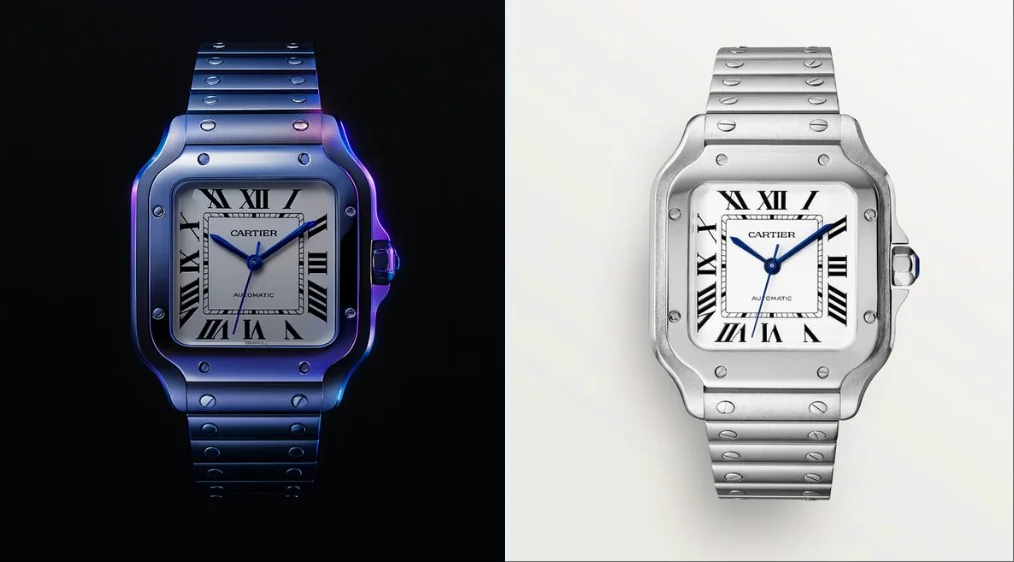
Explore Veo Video Ideas with dotsai.pro
For your video brief, describe how the subject should move from its starting pose. If the selected model supports an image or ending frame, use it to explain composition and continuity. Do not assume every reference type is accepted.
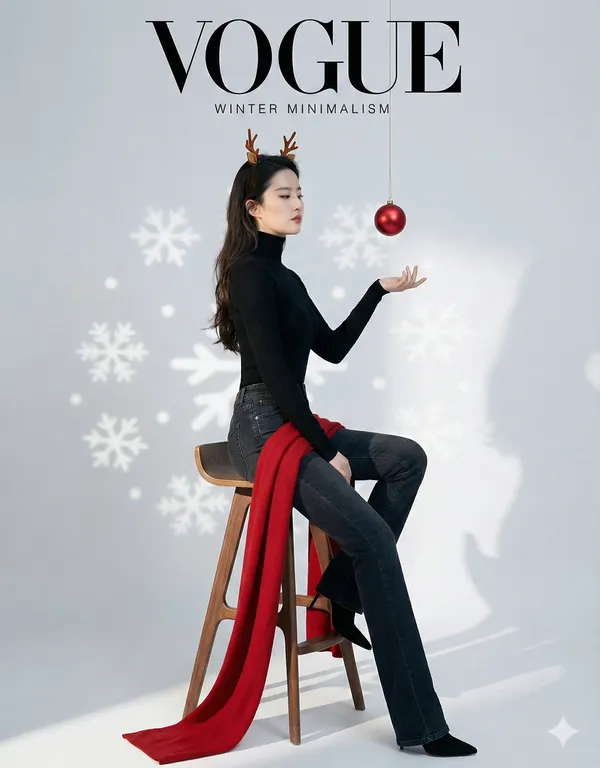
Text to Video Mode
Write your video brief around one visible action. Add the setting, shot size, camera movement and lighting. Keep dialogue and sound cues separate from the visual instructions so the intended scene is easy to understand.
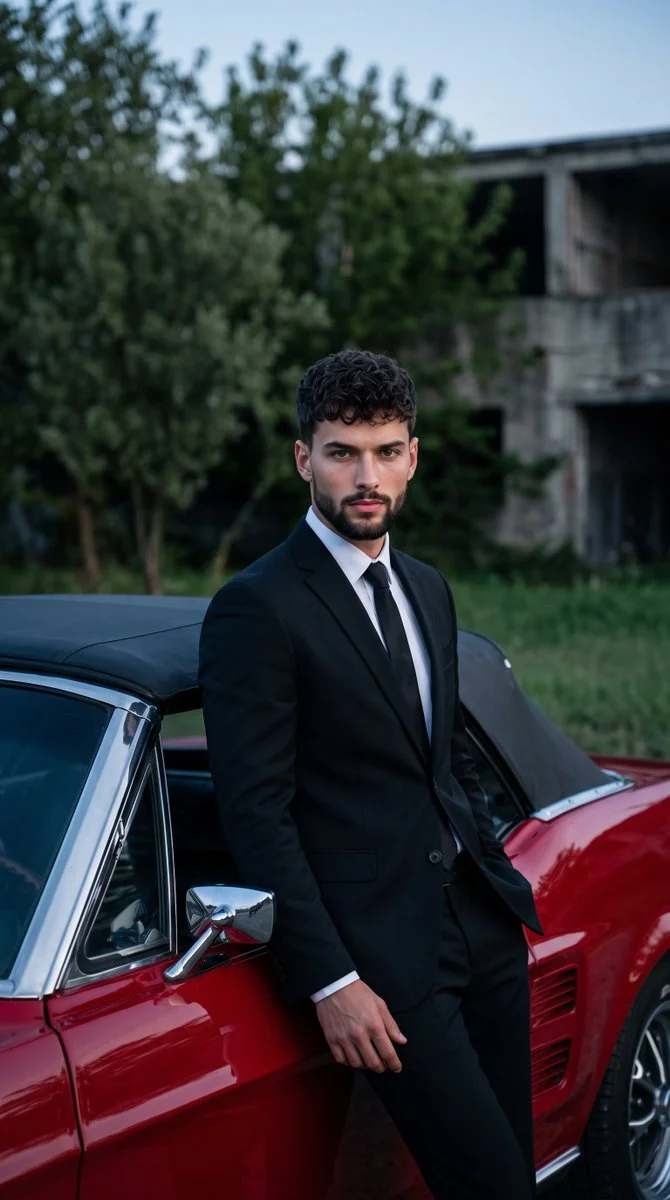
Image to Video Mode
For your video brief, describe how the subject should move from its starting pose. If the selected model supports an image or ending frame, use it to explain composition and continuity. Do not assume every reference type is accepted.
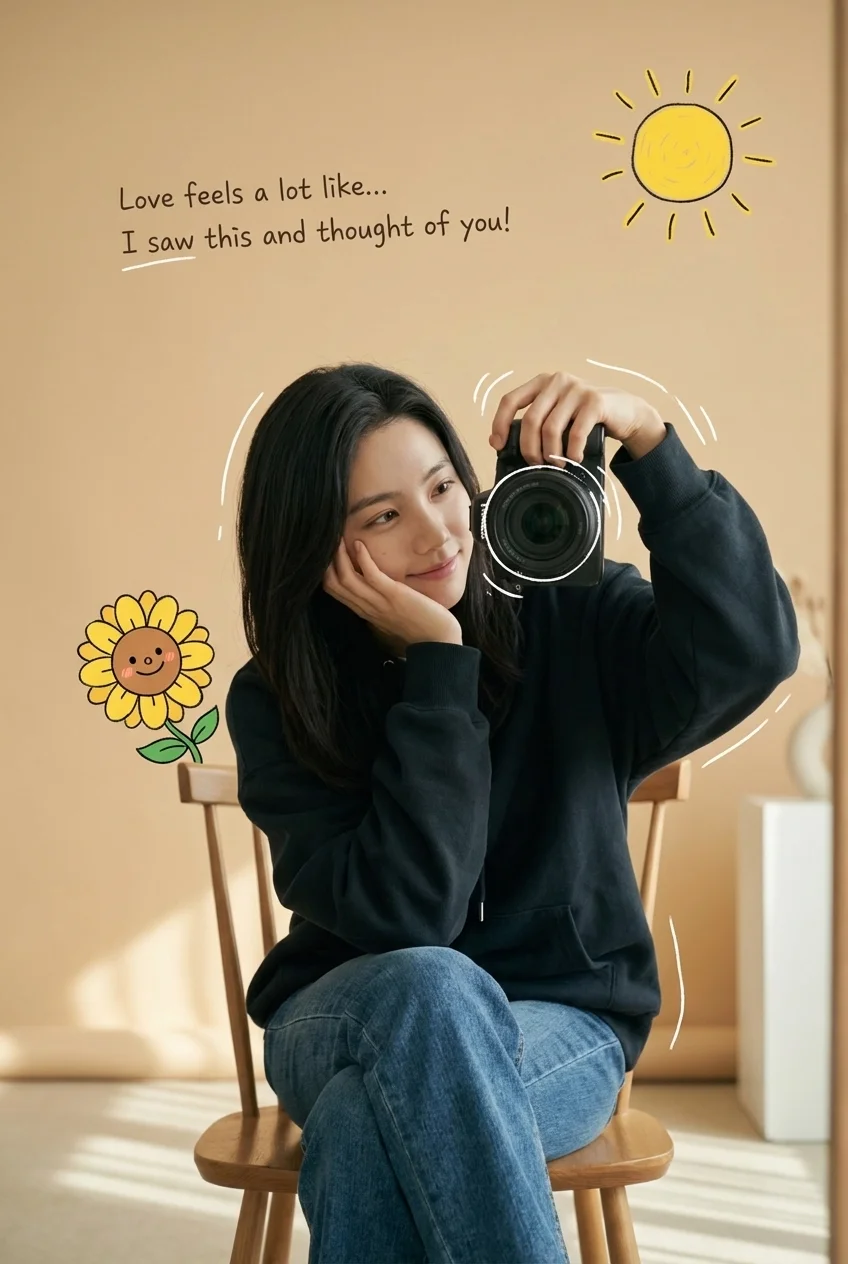
Review and Download Completed Results
When a request completes, inspect the video in History and download the result you want to keep. Review the composition and any unintended details before sharing it with your team or publishing it.
Explore Related Video Workflows
Explore available video workflows and compare it with the related video pages. The generator is the source of truth for current model access and settings. Use the prompt library to study published results and the model that created them.
Choose an enabled model on the AI Video page. Review its supported settings and credit quote before generating a clip from text or an image.
For a video product concept, specify the product shape, material, key detail and setting. Keep logos and claims accurate, allow room for your own typography, and review the result before using it in an advertisement.
Choose a Supported Output Size
Choose only the resolution and aspect ratio shown for the selected model. Check framing, fine details and any text in the completed video. A larger output size does not guarantee a more accurate result.
Write your video brief around one visible action. Add the setting, shot size, camera movement and lighting. Keep dialogue and sound cues separate from the visual instructions so the intended scene is easy to understand.
Develop your video brief around the result you need. Keep the main direction specific, check supported settings in the generator, and review the completed work before using it in your project.
Develop your video brief around the result you need. Keep the main direction specific, check supported settings in the generator, and review the completed work before using it in your project.
Choose an enabled model on the AI Video page. Review its supported settings and credit quote before generating a clip from text or an image.
Describe speech, ambient sound and music as separate directions in your video brief. Audio output depends on the selected model and the options shown in the generator; check the finished clip rather than assuming sound is included.
Write your video brief around one visible action. Add the setting, shot size, camera movement and lighting. Keep dialogue and sound cues separate from the visual instructions so the intended scene is easy to understand.
Describe speech, ambient sound and music as separate directions in your video brief. Audio output depends on the selected model and the options shown in the generator; check the finished clip rather than assuming sound is included.
Describe speech, ambient sound and music as separate directions in your video brief. Audio output depends on the selected model and the options shown in the generator; check the finished clip rather than assuming sound is included.
Use References to Explain the Intended Result
For your video brief, describe how the subject should move from its starting pose. If the selected model supports an image or ending frame, use it to explain composition and continuity. Do not assume every reference type is accepted.
For your video brief, describe how the subject should move from its starting pose. If the selected model supports an image or ending frame, use it to explain composition and continuity. Do not assume every reference type is accepted.
Write your video brief around one visible action. Add the setting, shot size, camera movement and lighting. Keep dialogue and sound cues separate from the visual instructions so the intended scene is easy to understand.
Develop your video brief around the result you need. Keep the main direction specific, check supported settings in the generator, and review the completed work before using it in your project.
Review and Download Completed Results
Choose only the resolution and aspect ratio shown for the selected model. Check framing, fine details and any text in the completed video. A larger output size does not guarantee a more accurate result.
For a video product concept, specify the product shape, material, key detail and setting. Keep logos and claims accurate, allow room for your own typography, and review the result before using it in an advertisement.
Choose only the resolution and aspect ratio shown for the selected model. Check framing, fine details and any text in the completed video. A larger output size does not guarantee a more accurate result.
Allow time to inspect each video result and refine your brief. Processing time varies by model, request and service load. Change one direction at a time so that you can judge which edit improves the result.
A Clearer Creative Brief for Veo
For a video product concept, specify the product shape, material, key detail and setting. Keep logos and claims accurate, allow room for your own typography, and review the result before using it in an advertisement.
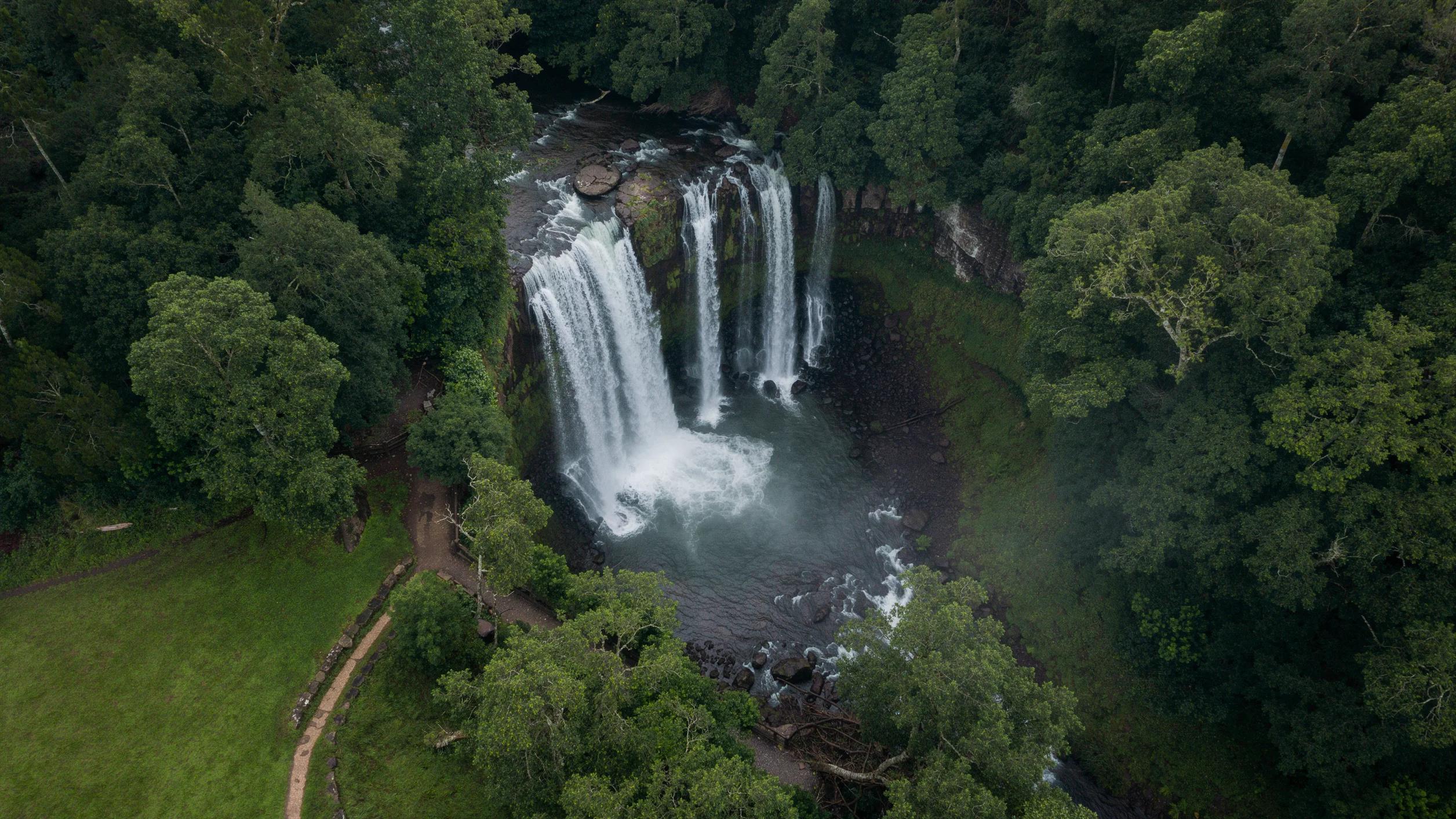
Plan One Clear Action per Shot
List the details that matter in your video brief: identity, shape, colors, clothing and background. Use supported references where appropriate and compare every result; exact consistency is not guaranteed.
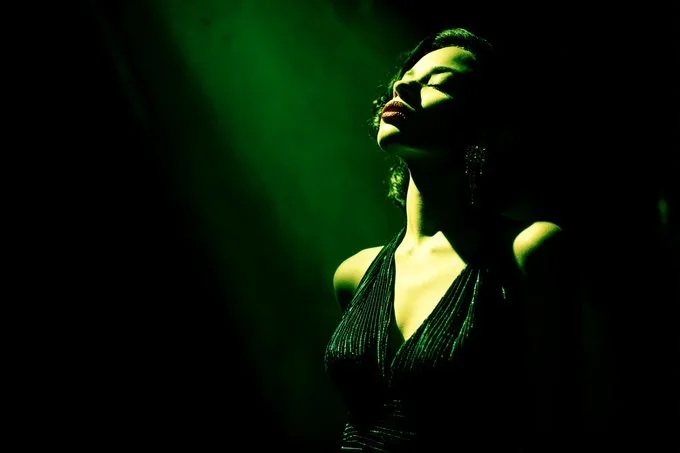
Flexible Production Modes
For a video product concept, specify the product shape, material, key detail and setting. Keep logos and claims accurate, allow room for your own typography, and review the result before using it in an advertisement.
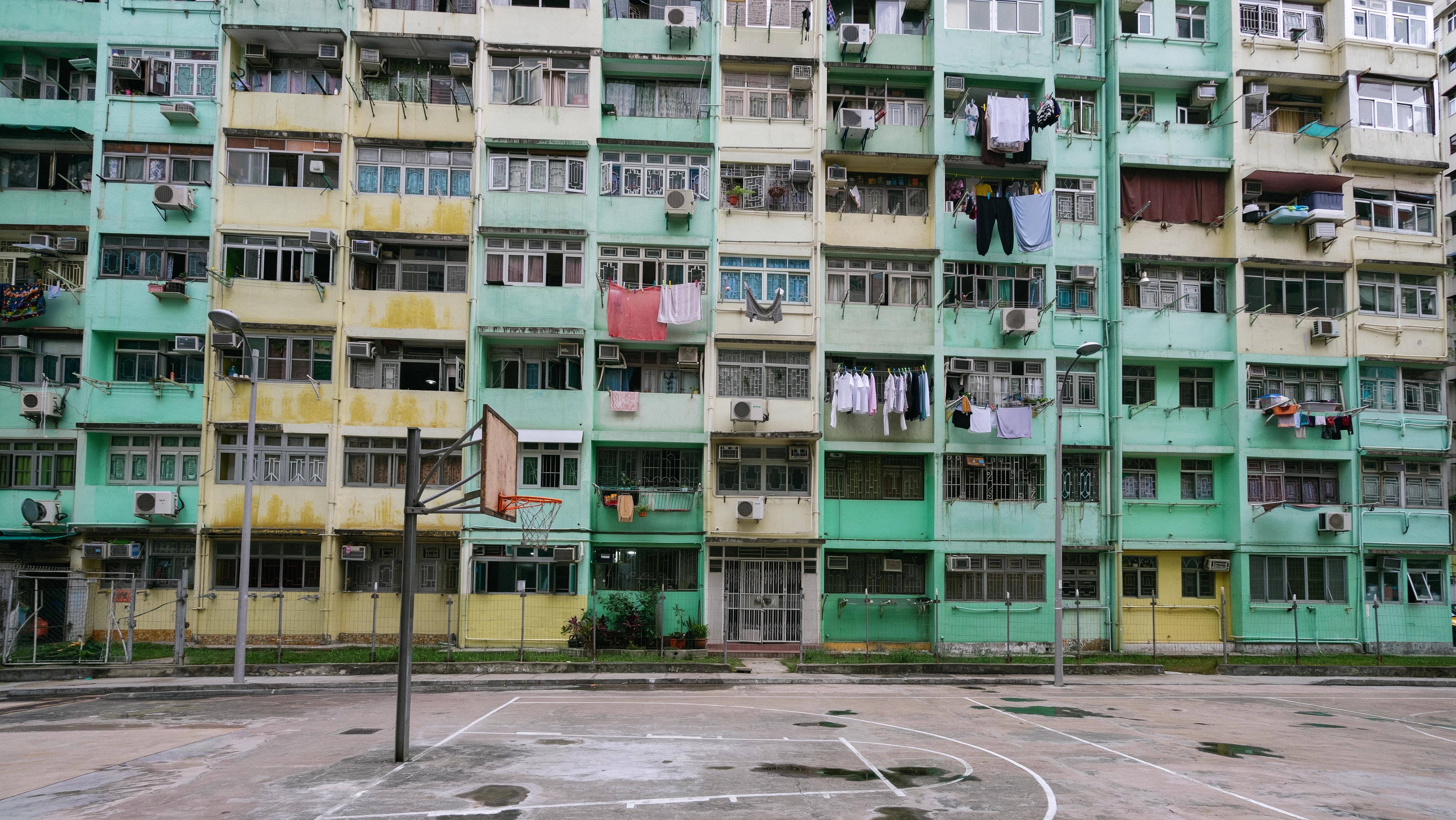
Write Precise Editing and Style Directions
For a video product concept, specify the product shape, material, key detail and setting. Keep logos and claims accurate, allow room for your own typography, and review the result before using it in an advertisement.
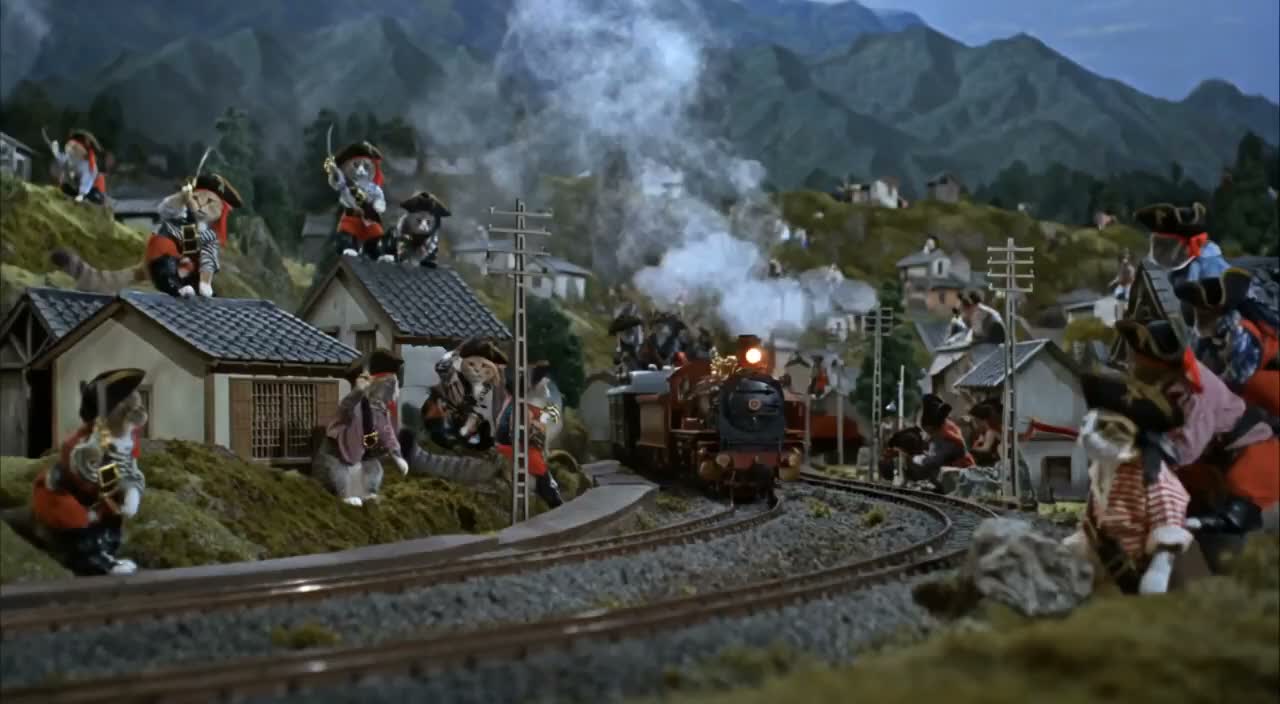
Explore Variations with a Focused Brief
Explore available video workflows and compare it with the related video pages. The generator is the source of truth for current model access and settings. Use the prompt library to study published results and the model that created them.
Choose an enabled model on the AI Video page. Review its supported settings and credit quote before generating a clip from text or an image.
Give the main subject one clear action. For a video concept, a precise brief is easier to assess than a list of competing effects.
Veo Video Workflow: Questions & Answers
For a video product concept, specify the product shape, material, key detail and setting. Keep logos and claims accurate, allow room for your own typography, and review the result before using it in an advertisement.
This dotsai.pro page explains the video workflow. It helps you write a focused brief and review the available inputs. Current access is shown in the generator; a model name on a guide does not mean it currently accepts requests.
Write your video brief around one visible action. Add the setting, shot size, camera movement and lighting. Keep dialogue and sound cues separate from the visual instructions so the intended scene is easy to understand.
Develop your video brief around the result you need. Keep the main direction specific, check supported settings in the generator, and review the completed work before using it in your project.
Choose only the resolution and aspect ratio shown for the selected model. Check framing, fine details and any text in the completed video. A larger output size does not guarantee a more accurate result.
Describe speech, ambient sound and music as separate directions in your video brief. Audio output depends on the selected model and the options shown in the generator; check the finished clip rather than assuming sound is included.
List the details that matter in your video brief: identity, shape, colors, clothing and background. Use supported references where appropriate and compare every result; exact consistency is not guaranteed.
You can request a refund within 10 days of purchase if you have unused credits from that purchase and provide a clear reason, subject to our Refund Policy. If eligible, an unused purchase can be fully refunded; a partly used purchase is refunded in proportion to its remaining unused credits. Fully used purchases and free or promotional credits are not refundable.
Credit validity depends on the pack, subscription or promotion that issued them. Review the purchase terms and expiration dates in Settings > Credits. A renewal or new purchase does not extend older credits. Use credits before their stated expiration; do not assume unused subscription credits roll over indefinitely.
Credits charged for a task that is confirmed as failed due to a system error are returned automatically. A task that is still processing has not yet been confirmed as failed. Check its status and your credit history before submitting again. If a confirmed failure still shows an unresolved charge, email support@dotsai.pro with the task ID.
AI results can vary, so a completed result that differs from your expectations is not automatically treated as a technical failure. Eligible completed image tasks can be submitted for credit refund review using the refund option where available; approval is required. For a video or another issue, contact support@dotsai.pro with the task ID and details. A credit refund returns credits, not money to your payment method.
Email support@dotsai.pro. For billing, include your account email and order ID; for generation, include the task ID, issue description and relevant screenshots. If you purchased as a guest, keep the original browser data and payment receipt so we can help locate the purchase.
Explore Your Next Veo Video Idea
Choose only the resolution and aspect ratio shown for the selected model. Check framing, fine details and any text in the completed video. A larger output size does not guarantee a more accurate result.
dotsai.pro · Updated
What's new on this page
- — Added editable example prompts and separate drafts for text and reference modes, with an action to restore the example.
- — Updated page copy and content.
- — Page content published.