
Verified prompt
Verified prompt
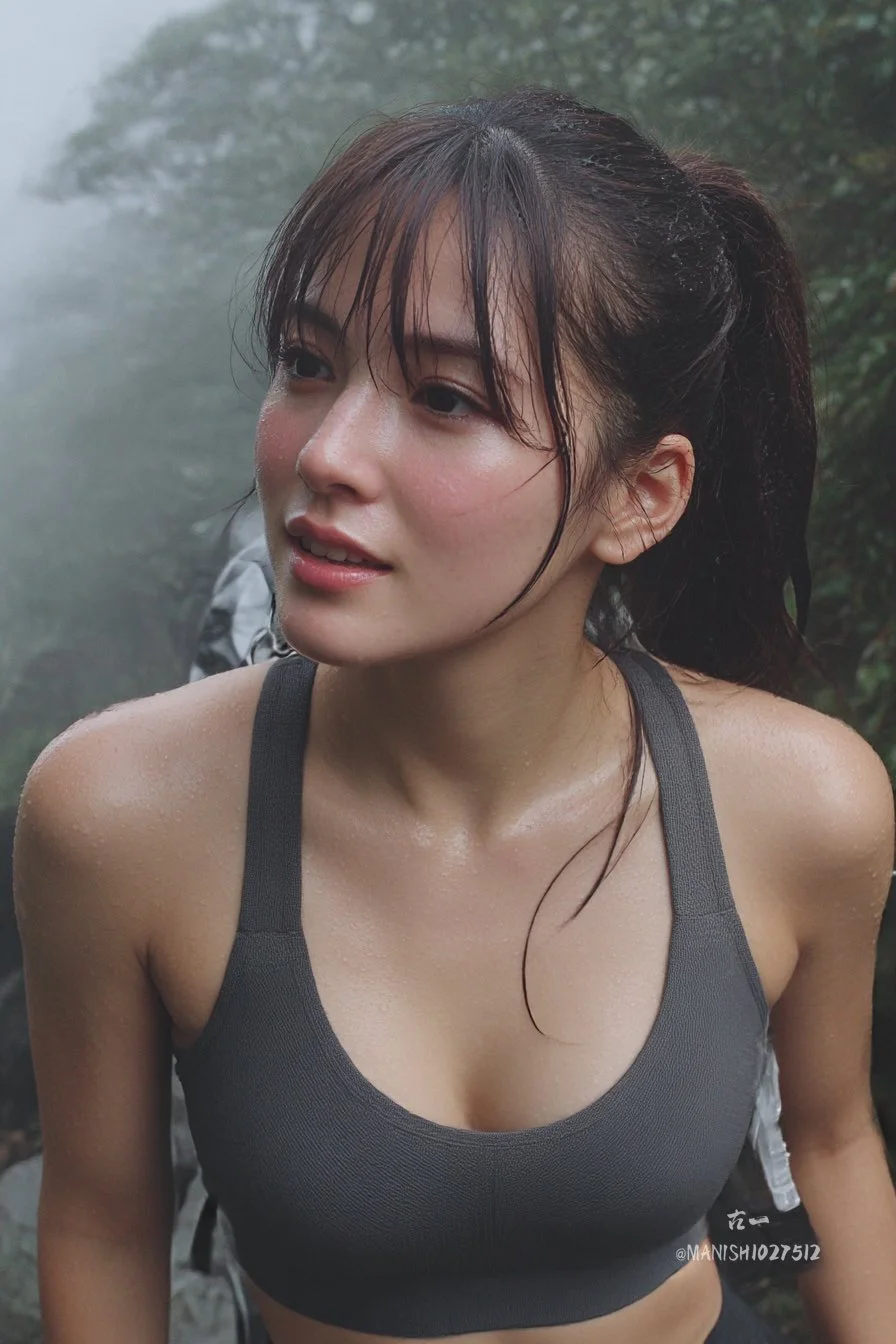
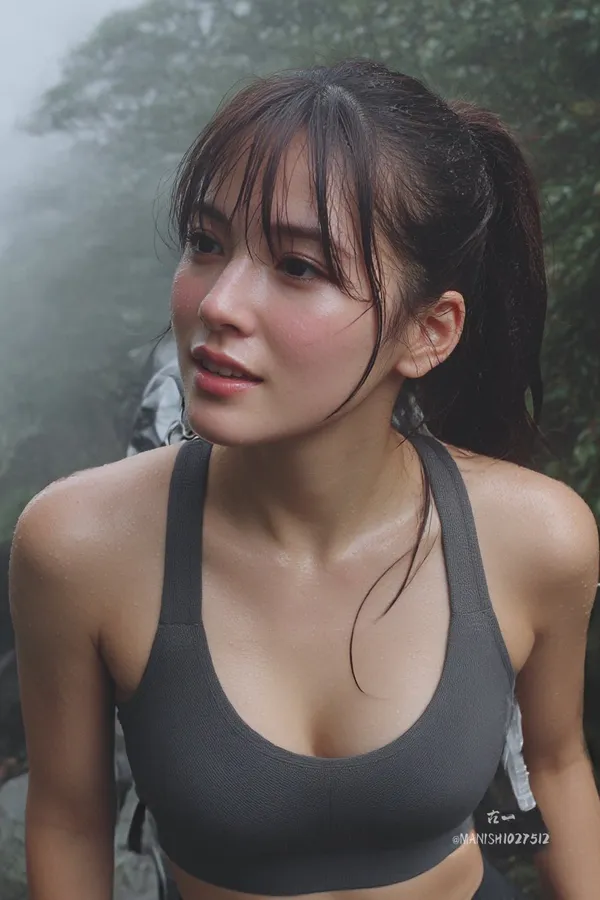
A natural grab shot of an alluring day-style woman hiking in the mountains, ponytail with bangs, flushed cheeks from exertion, in a sports bra top and leggings, pausing to look at the view, misty background with slight fog, captured mid-step for dynamic feel.
A natural grab shot of an alluring day-style woman hiking in the mountains, ponytail with bangs, flushed cheeks from exertion, in a sports bra top and leggings, pausing to look at the view, misty background with slight fog, captured mid-step for dynamic feel.
Verified prompt
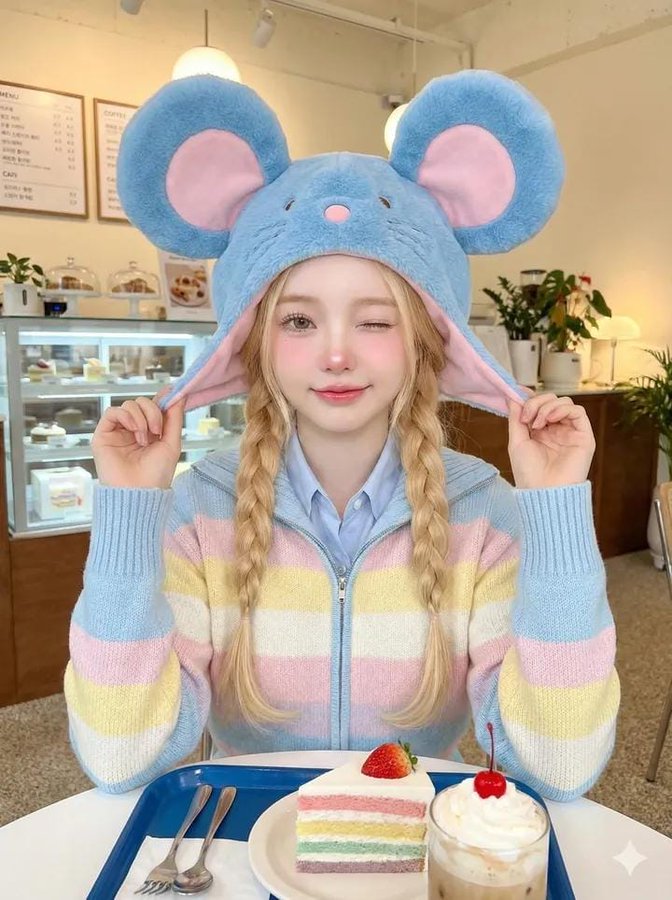
-quality cute portrait photo of a young girl sitting in a cozy café, captured in a bright soft-flash lighting style. Main subject (girl): • Cute youthful face, fair flawless skin • Soft glam natural makeup with pink blush • One eye winking playfully, small smile • Two neat black braided pigtails • Wearing an oversized blue plush mouse hat with huge round ears, pink ear lining, and a tiny pink nose • Holding both sides of the hat with her hands lifted up Outfit: • Pastel striped knit zip-up cardigan • Colors: baby blue, soft yellow, pale pink, white stripes • Light blue collar visible under the cardigan • Cozy, soft texture, slightly oversized sleeves Pose: • Sitting front-facing • Playful expression, slight head tilt • Both hands pulling the long sides of the mouse hat outward Café background: • Minimalist bright café interior • Glass display case with pastries • Menu board on the wall (blurred) • Plants adding cozy vibes • Warm ambient lighting with clean white tones • Slight depth-of-field blur Table elements: • Blue tray in front of her • Small slice of layered pastel cake (pink + white + blue) with strawberry on top • Glass of drink with whipped topping and a cherry inside • Fork and spoon next to the plate Lighting & Camera: • Soft flash photography with bright highlights • Slight overexposed glow on skin for cute aesthetic • 3:4 vertical composition • Clean, crisp texture with pastel tones dominant • No harsh shadows • Kawaii café snapshot vibe Aesthetic: Cute pastel, cozy café girl, playful expression, soft flash, colorful and happy atmosphere.
-quality cute portrait photo of a young girl sitting in a cozy café, captured in a bright soft-flash lighting style. Main subject (girl): • Cute youthful face, fair flawless skin • Soft glam natural makeup with pink blush • One eye winking playfully, small smile • Two neat black braided pigtails • Wearing an oversized blue plush mouse hat with huge round ears, pink ear lining, and a tiny pink nose • Holding both sides of the hat with her hands lifted up Outfit: • Pastel striped knit zip-up cardigan • Colors: baby blue, soft yellow, pale pink, white stripes • Light blue collar visible under the cardigan • Cozy, soft texture, slightly oversized sleeves Pose: • Sitting front-facing • Playful expression, slight head tilt • Both hands pulling the long sides of the mouse hat outward Café background: • Minimalist bright café interior • Glass display case with pastries • Menu board on the wall (blurred) • Plants adding cozy vibes • Warm ambient lighting with clean white tones • Slight depth-of-field blur Table elements: • Blue tray in front of her • Small slice of layered pastel cake (pink + white + blue) with strawberry on top • Glass of drink with whipped topping and a cherry inside • Fork and spoon next to the plate Lighting & Camera: • Soft flash photography with bright highlights • Slight overexposed glow on skin for cute aesthetic • 3:4 vertical composition • Clean, crisp texture with pastel tones dominant • No harsh shadows • Kawaii café snapshot vibe Aesthetic: Cute pastel, cozy café girl, playful expression, soft flash, colorful and happy atmosphere.
Verified prompt
Verified prompt
Verified prompt
Verified prompt
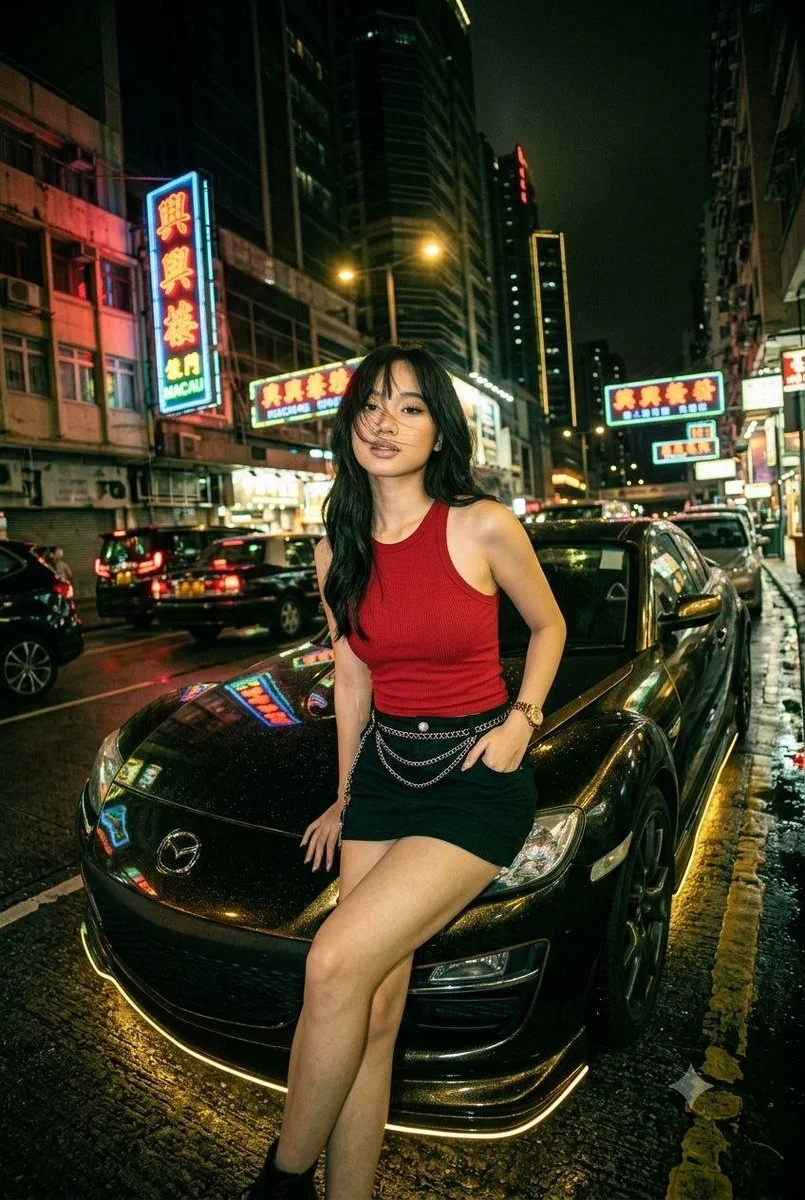
Create a cinematic night-street portrait of an adult woman seated against the hood of a customized dark Mazda RX-8. Style her in a red sleeveless top, a black skirt and a few subtle chain accessories. Surround the car with a busy neon-lit city street and wet asphalt. Use a slightly tilted wide-angle view, gold reflections beneath the car and green-red neon highlights on nearby surfaces. Keep her expression calm, pose natural and anatomy realistic. Balance crisp subject detail with glowing signs and atmospheric reflections in the background.
Create a cinematic night-street portrait of an adult woman seated against the hood of a customized dark Mazda RX-8. Style her in a red sleeveless top, a black skirt and a few subtle chain accessories. Surround the car with a busy neon-lit city street and wet asphalt. Use a slightly tilted wide-angle view, gold reflections beneath the car and green-red neon highlights on nearby surfaces. Keep her expression calm, pose natural and anatomy realistic. Balance crisp subject detail with glowing signs and atmospheric reflections in the background.
Verified prompt
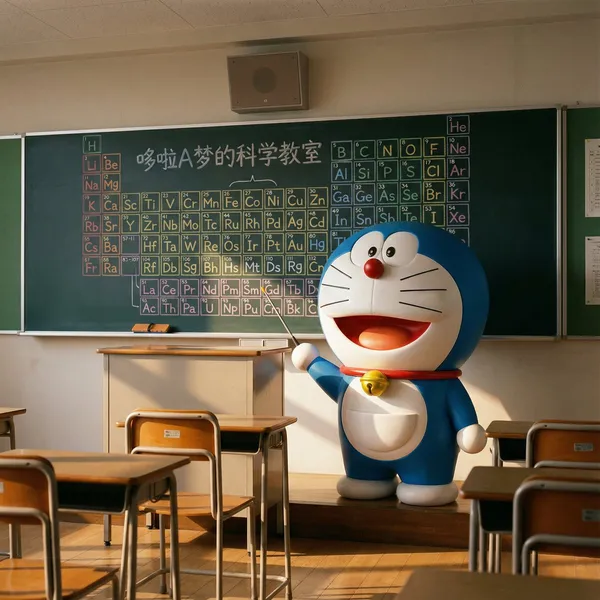
nt an ultra-realistic photo, but with a slightly surreal touch. It should feel like a child peeking through the classroom door after school and witnessing a magical scene: Doraemon is actually in the empty classroom, like a little teacher, seriously preparing for a chemistry lesson. The entire image should be highly realistic, yet filled with a fairytale-like warmth and wonder. **Image Content** **Subject:** Doraemon himself, alive and standing in front of the classroom teacher's desk, not drawn on the blackboard. He should look three-dimensional, with a smooth texture, as if he stepped out of the anime, yet perfectly integrated into this realistic environment. **Character Details:** Doraemon is standing beside the teacher's desk, his body slightly turned, with a serious yet kind expression, as if thinking about how to teach Nobita and the others. One of his hands holds a small pointer, pointing toward the blackboard behind him. His yellow bell has a slight reflection in the classroom light, and his four-dimensional pocket on his belly looks full. **Background Details (Blackboard):** On the blackboard behind him, there's a hand-drawn periodic table of elements in various colored chalks. This periodic table should look like Doraemon just drew it himself, colorful and with a slightly cute style. Use different colored chalks (e.g., yellow, blue, pink) to differentiate different element groups, making the overall image more colorful. **Text:** At the top or corner of the blackboard, write the title in cute chalk font: "Doraemon's Science Classroom." **Environment and Composition** **Scene:** An ordinary Japanese classroom, with desks and chairs neatly arranged. The glow of the setting sun shines through the windows, creating a quiet, warm atmosphere. **Composition:** The aspect ratio is 4:3. The view is from the perspective of a student's seat, with Doraemon and the teacher's desk positioned centrally in the frame. **Foreground:** Include one or two student desks and chairs in the very front of the frame to enhance the immersive perspective. On the teacher's desk, place a box of colored chalks and a blackboard eraser. **Style and Technical Requirements** **Style:** Photorealism. The key is the realistic environment and lighting, combined with the magical presence of Doraemon, an anime character. **Lighting:** Warm afternoon natural light streams in diagonally from the windows. The light should naturally fall on Doraemon, creating soft shadows and highlights on his round body to give him a sense of volume. A faint shadow should be cast at his feet to make him appear more real. **Focus:** The focus should be sharply on Doraemon. The content on the blackboard should also be clear, but the desks in the foreground can be slightly blurred. **Absolutely Avoid!** Do not make Doraemon look like a plastic toy or model; he must appear alive. Do not include any other characters, especially Nobita, Shizuka, etc. Do not make the style look like an anime screenshot or pure CGI; it must feel like a photo. The composition should be stable; avoid strange low angles or fisheye lenses. Colors should not be overly vibrant; they should match the hues under realistic lighting.
nt an ultra-realistic photo, but with a slightly surreal touch. It should feel like a child peeking through the classroom door after school and witnessing a magical scene: Doraemon is actually in the empty classroom, like a little teacher, seriously preparing for a chemistry lesson. The entire image should be highly realistic, yet filled with a fairytale-like warmth and wonder. **Image Content** **Subject:** Doraemon himself, alive and standing in front of the classroom teacher's desk, not drawn on the blackboard. He should look three-dimensional, with a smooth texture, as if he stepped out of the anime, yet perfectly integrated into this realistic environment. **Character Details:** Doraemon is standing beside the teacher's desk, his body slightly turned, with a serious yet kind expression, as if thinking about how to teach Nobita and the others. One of his hands holds a small pointer, pointing toward the blackboard behind him. His yellow bell has a slight reflection in the classroom light, and his four-dimensional pocket on his belly looks full. **Background Details (Blackboard):** On the blackboard behind him, there's a hand-drawn periodic table of elements in various colored chalks. This periodic table should look like Doraemon just drew it himself, colorful and with a slightly cute style. Use different colored chalks (e.g., yellow, blue, pink) to differentiate different element groups, making the overall image more colorful. **Text:** At the top or corner of the blackboard, write the title in cute chalk font: "Doraemon's Science Classroom." **Environment and Composition** **Scene:** An ordinary Japanese classroom, with desks and chairs neatly arranged. The glow of the setting sun shines through the windows, creating a quiet, warm atmosphere. **Composition:** The aspect ratio is 4:3. The view is from the perspective of a student's seat, with Doraemon and the teacher's desk positioned centrally in the frame. **Foreground:** Include one or two student desks and chairs in the very front of the frame to enhance the immersive perspective. On the teacher's desk, place a box of colored chalks and a blackboard eraser. **Style and Technical Requirements** **Style:** Photorealism. The key is the realistic environment and lighting, combined with the magical presence of Doraemon, an anime character. **Lighting:** Warm afternoon natural light streams in diagonally from the windows. The light should naturally fall on Doraemon, creating soft shadows and highlights on his round body to give him a sense of volume. A faint shadow should be cast at his feet to make him appear more real. **Focus:** The focus should be sharply on Doraemon. The content on the blackboard should also be clear, but the desks in the foreground can be slightly blurred. **Absolutely Avoid!** Do not make Doraemon look like a plastic toy or model; he must appear alive. Do not include any other characters, especially Nobita, Shizuka, etc. Do not make the style look like an anime screenshot or pure CGI; it must feel like a photo. The composition should be stable; avoid strange low angles or fisheye lenses. Colors should not be overly vibrant; they should match the hues under realistic lighting.
Verified prompt
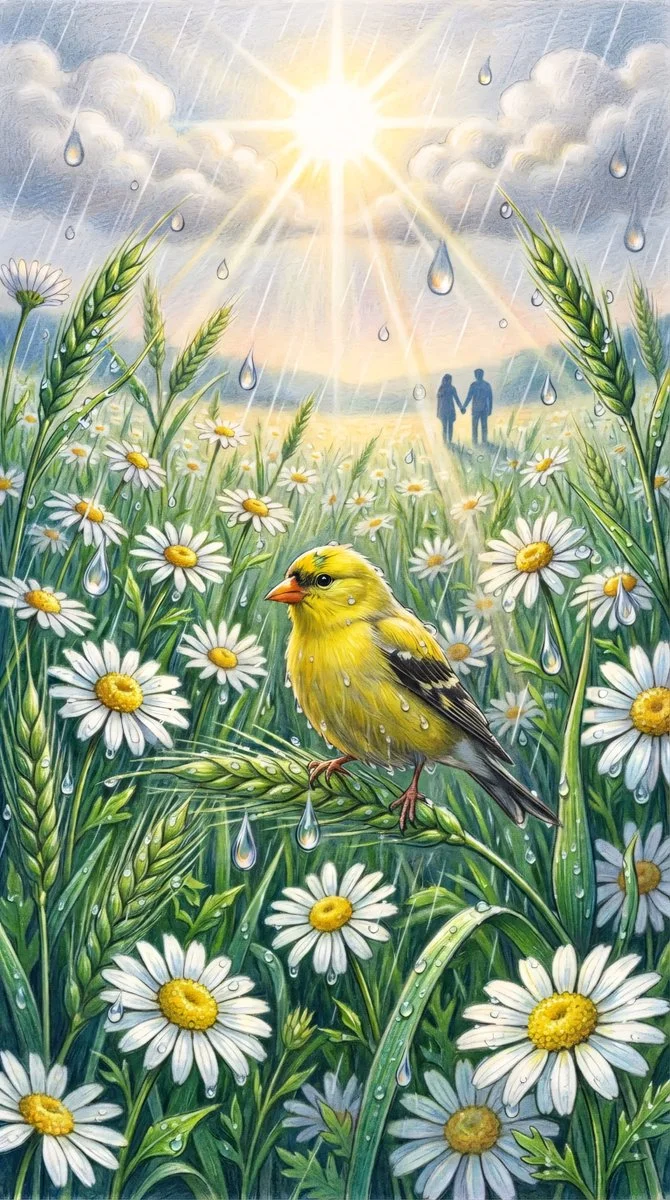
Vibrant colored-pencil illustration portrait orientation. Bright yellow goldfinch with orange beak perches on bent green wheat stalk, damp feathers with water droplets, head turned. Surrounded by lush white daisies with golden centers, green wheat and grasses. Large glass-like teardrop droplets suspended refracting light, clinging to petals. Soft summer rain diagonal streaks. Brilliant sun through grey-white clouds casting golden god rays and lens flare. Distant couple silhouettes hand in hand. Rich deep greens, crisp white, sunny yellow, warm gold, cool droplets. Dense immersive eye-level composition, colored pencil textures, fresh lush magical mood of sunlight and rain coexisting.
Vibrant colored-pencil illustration portrait orientation. Bright yellow goldfinch with orange beak perches on bent green wheat stalk, damp feathers with water droplets, head turned. Surrounded by lush white daisies with golden centers, green wheat and grasses. Large glass-like teardrop droplets suspended refracting light, clinging to petals. Soft summer rain diagonal streaks. Brilliant sun through grey-white clouds casting golden god rays and lens flare. Distant couple silhouettes hand in hand. Rich deep greens, crisp white, sunny yellow, warm gold, cool droplets. Dense immersive eye-level composition, colored pencil textures, fresh lush magical mood of sunlight and rain coexisting.
Verified prompt
tural grab shot of an alluring day-style woman hiking in the mountains, ponytail with bangs, flushed cheeks from exertion, in a sports bra top and leggings, pausing to look at the view, misty background with slight fog, captured mid-step for dynamic feel.
tural grab shot of an alluring day-style woman hiking in the mountains, ponytail with bangs, flushed cheeks from exertion, in a sports bra top and leggings, pausing to look at the view, misty background with slight fog, captured mid-step for dynamic feel.
Verified prompt
Verified prompt
Explore Image Workflows
Explore the GPT Image 2.5 workflow and compare it with the related image pages. The generator is the source of truth for current model access and settings. Use the prompt library to study published results and the model that created them.
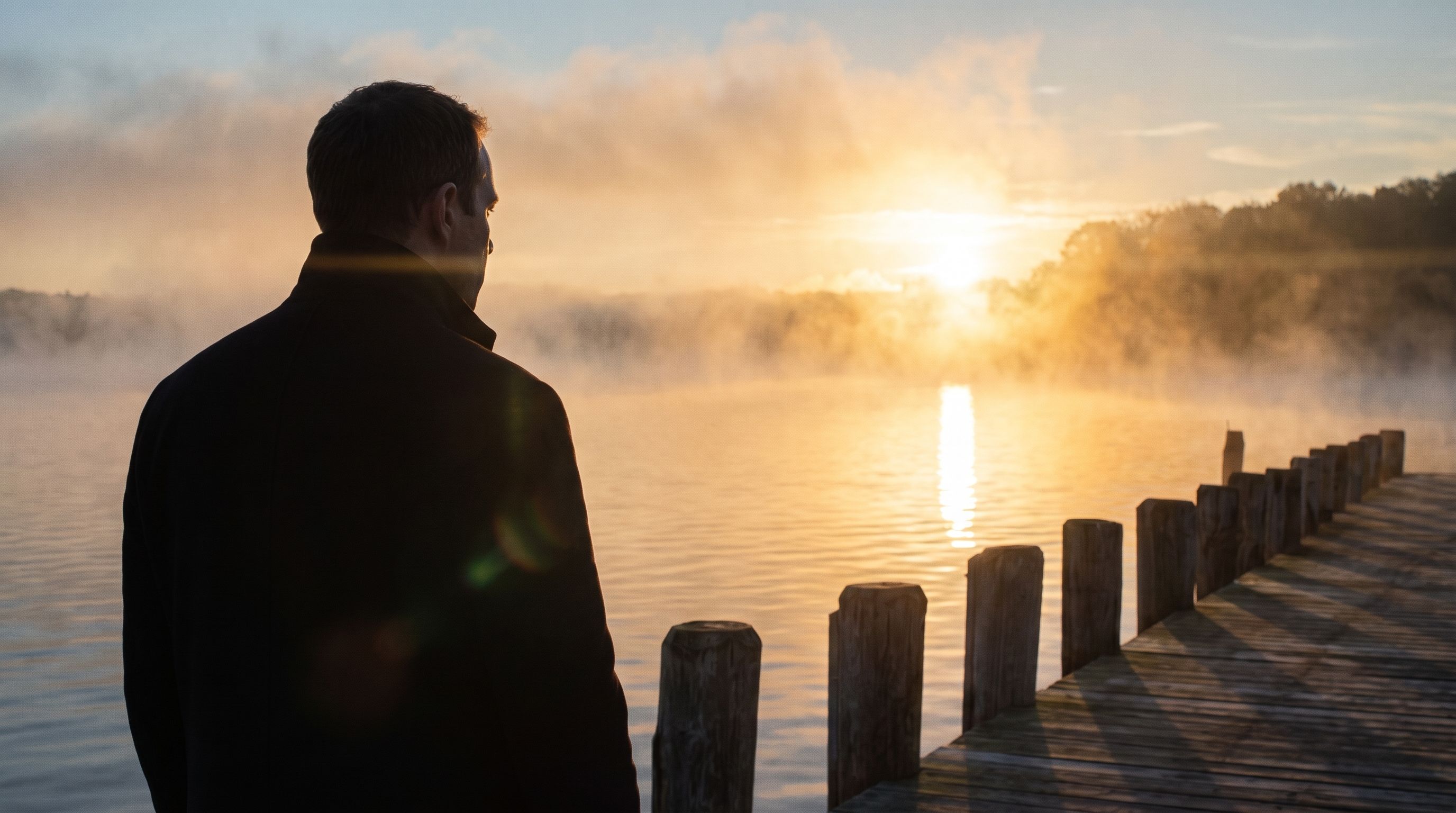
Create Images with Flare and Sunburst
Write your GPT Image 2.5 image brief around a subject, composition, lighting and intended style. Add a material or texture when it matters. For edits, state one precise change and explain which parts of the source should remain intact.
Write your GPT Image 2.5 image brief around a subject, composition, lighting and intended style. Add a material or texture when it matters. For edits, state one precise change and explain which parts of the source should remain intact.
Explore GPT Image 2.5Build Your GPT Image 2.5 Image Brief
Choose only the resolution and aspect ratio shown for the selected model. Check framing, fine details and any text in the completed image. A larger output size does not guarantee a more accurate result.
Advanced AI Image Generation & Customization
Choose only the resolution and aspect ratio shown for the selected model. Check framing, fine details and any text in the completed image. A larger output size does not guarantee a more accurate result.
Write Precise Editing and Style Directions
Choose only the resolution and aspect ratio shown for the selected model. Check framing, fine details and any text in the completed image. A larger output size does not guarantee a more accurate result.
Describe the Changes and Details to Preserve
Explore the GPT Image 2.5 workflow and compare it with the related image pages. The generator is the source of truth for current model access and settings. Use the prompt library to study published results and the model that created them.
Describe the Changes and Details to Preserve
Choose only the resolution and aspect ratio shown for the selected model. Check framing, fine details and any text in the completed image. A larger output size does not guarantee a more accurate result.
Review Usage Terms Before Sharing
Check the applicable model and platform terms before using a result commercially. You are responsible for the rights to uploaded images, identifiable people, logos and any other source material in your GPT Image 2.5 image brief.
Keep Your Workflow Simple
Develop your GPT Image 2.5 image brief around the result you need. Keep the main direction specific, check supported settings in the generator, and review the completed work before using it in your project.
A Clearer Creative Brief for GPT Image 2.5
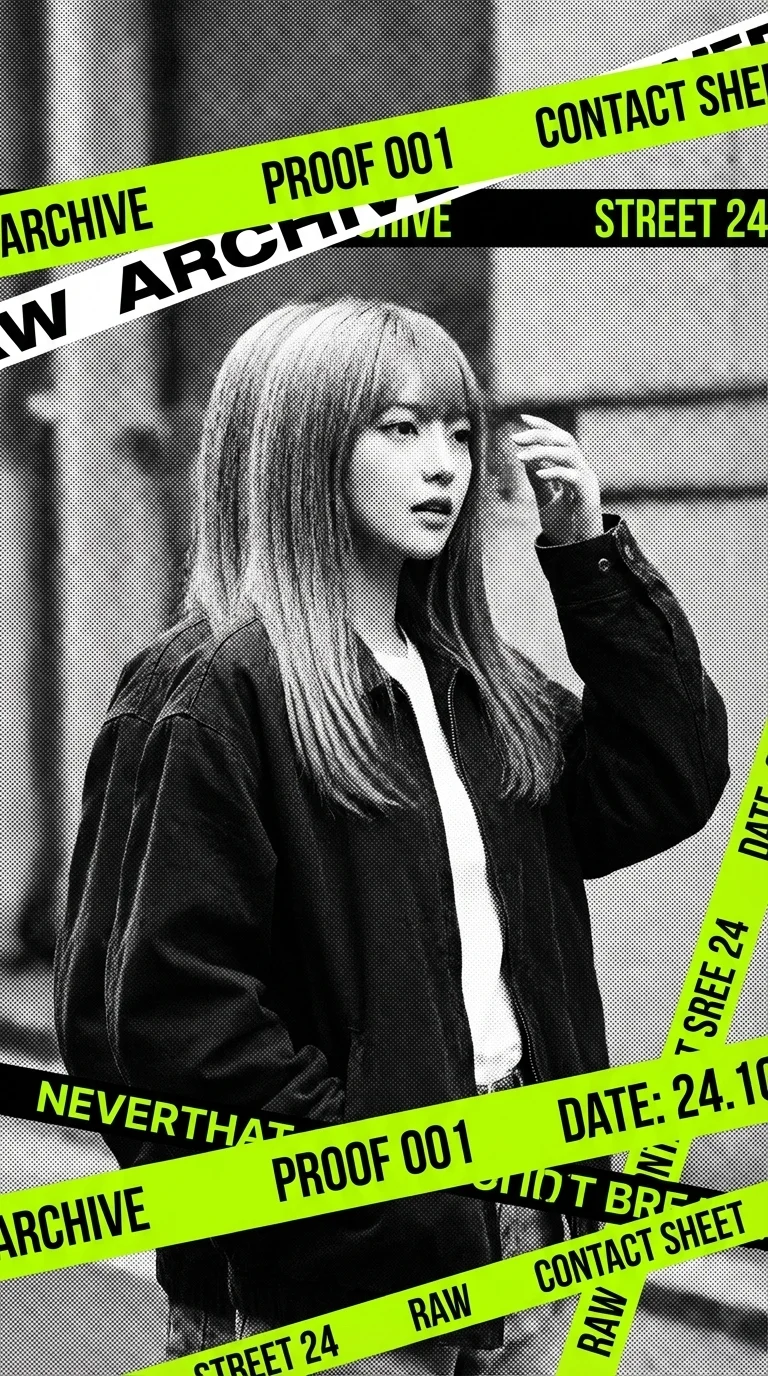
Diverse Styles & Effects for Every Vision
Develop your GPT Image 2.5 image brief around the result you need. Keep the main direction specific, check supported settings in the generator, and review the completed work before using it in your project.
Write your GPT Image 2.5 image brief around a subject, composition, lighting and intended style. Add a material or texture when it matters. For edits, state one precise change and explain which parts of the source should remain intact.
Versatile GPT Image 2.5 AI Image Generator for Every Creator's Vision
Start your GPT Image 2.5 image brief with a source image you have permission to use. Name the area to change and the colors, proportions or objects to preserve. Reference count and editing support depend on the selected model.
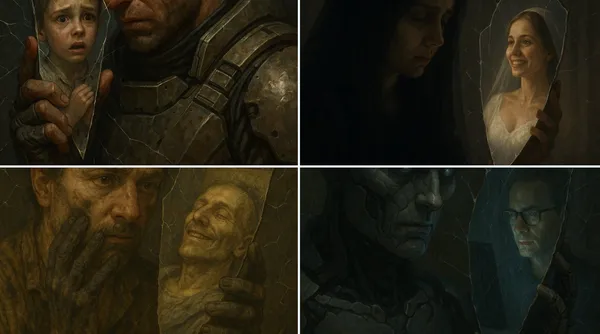
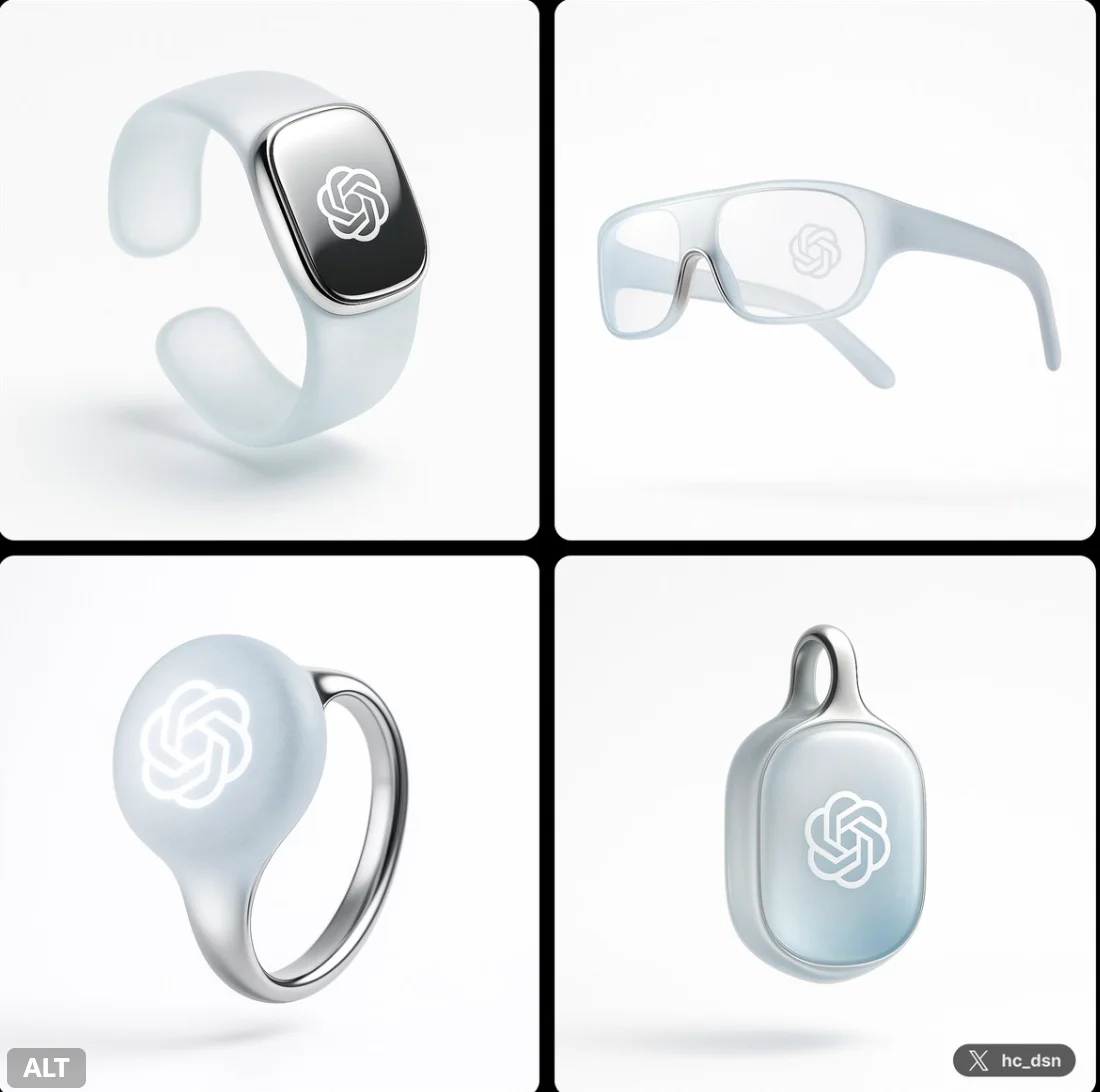
For Architects and Designers
Write your GPT Image 2.5 image brief around a subject, composition, lighting and intended style. Add a material or texture when it matters. For edits, state one precise change and explain which parts of the source should remain intact.
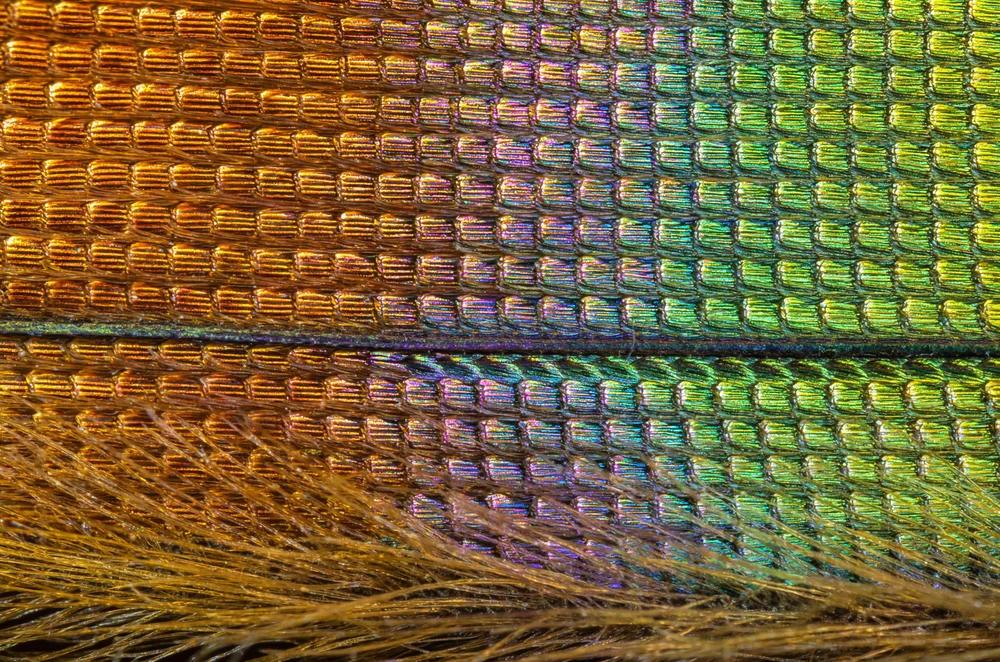
For E-Commerce Professionals
List the details that matter in your GPT Image 2.5 image brief: identity, shape, colors, clothing and background. Use supported references where appropriate and compare every result; exact consistency is not guaranteed.
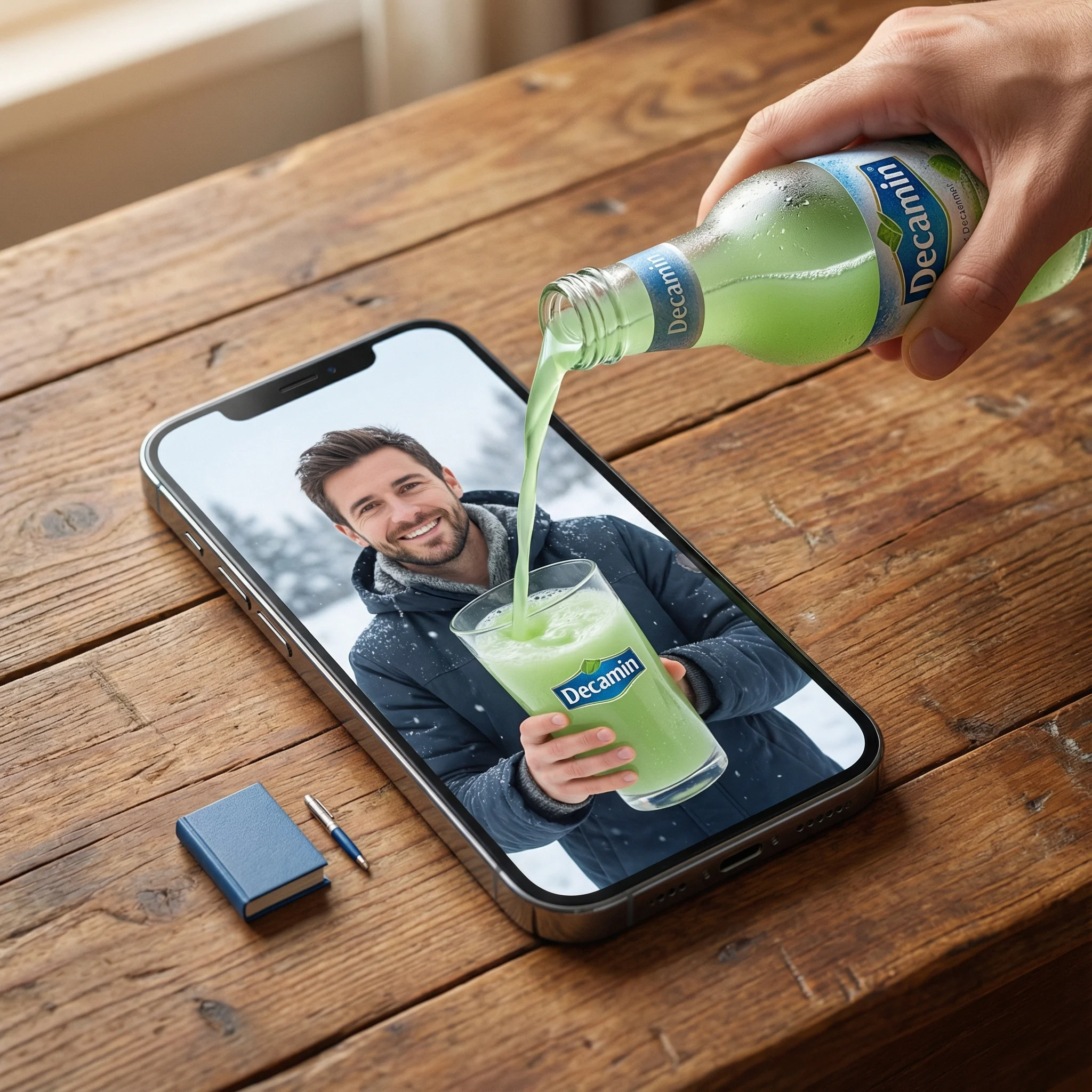
For Content Publishers
Choose only the resolution and aspect ratio shown for the selected model. Check framing, fine details and any text in the completed image. A larger output size does not guarantee a more accurate result.
For Event Planners
Write your GPT Image 2.5 image brief around a subject, composition, lighting and intended style. Add a material or texture when it matters. For edits, state one precise change and explain which parts of the source should remain intact.
From a Brief to a Reviewed Image: The GPT Image 2.5 Workflow
Add Your Input
Start your GPT Image 2.5 image brief with a source image you have permission to use. Name the area to change and the colors, proportions or objects to preserve. Reference count and editing support depend on the selected model.
Customize Your Options
The generator shows current model availability. When a model accepts requests, choose its supported settings and review the required credits before submitting. Review your selection and credit balance before generating.
Generate and Refine
Write your GPT Image 2.5 image brief around a subject, composition, lighting and intended style. Add a material or texture when it matters. For edits, state one precise change and explain which parts of the source should remain intact.
Review and Download Completed Results
Start your GPT Image 2.5 image brief with a source image you have permission to use. Name the area to change and the colors, proportions or objects to preserve. Reference count and editing support depend on the selected model.
GPT Image 2.5 Image Ideas for Your Projects
Choose only the resolution and aspect ratio shown for the selected model. Check framing, fine details and any text in the completed image. A larger output size does not guarantee a more accurate result.
Digital Art & Illustration
Choose only the resolution and aspect ratio shown for the selected model. Check framing, fine details and any text in the completed image. A larger output size does not guarantee a more accurate result.
Marketing & E-Commerce Visuals
For a GPT Image 2.5 product concept, specify the product shape, material, key detail and setting. Keep logos and claims accurate, allow room for your own typography, and review the result before using it in an advertisement.
Educational Content & Presentations
Use a GPT Image 2.5 visual concept to support one teaching or presentation point. Check facts and labels yourself, and add final captions in your editing workflow rather than relying on generated text.
Game Development
List the details that matter in your GPT Image 2.5 image brief: identity, shape, colors, clothing and background. Use supported references where appropriate and compare every result; exact consistency is not guaranteed.
Creative Notes for Your GPT Image 2.5 Image Brief
Give the main subject one clear action. For a GPT Image 2.5 concept, a precise brief is easier to assess than a list of competing effects.
GPT Image 2.5 Image Workflow: Questions & Answers
This dotsai.pro page explains the GPT Image 2.5 image workflow. It helps you write a focused brief and review the available inputs. Current access is shown in the generator; a model name on a guide does not mean it currently accepts requests.
Write your GPT Image 2.5 image brief around a subject, composition, lighting and intended style. Add a material or texture when it matters. For edits, state one precise change and explain which parts of the source should remain intact.
Use only the input modes and controls offered by the selected model. Describe the intended image clearly and add supported references when useful. This page does not promise separate motion-brush, audio-upload, restoration or editing tools.
Check the applicable model and platform terms before using a result commercially. You are responsible for the rights to uploaded images, identifiable people, logos and any other source material in your GPT Image 2.5 image brief.
The generator shows current model availability. When a model accepts requests, choose its supported settings and review the required credits before submitting. Review your selection and credit balance before generating.
Develop your GPT Image 2.5 image brief around the result you need. Keep the main direction specific, check supported settings in the generator, and review the completed work before using it in your project.
You can request a refund within 10 days of purchase if you have unused credits from that purchase and provide a clear reason, subject to our Refund Policy. If eligible, an unused purchase can be fully refunded; a partly used purchase is refunded in proportion to its remaining unused credits. Fully used purchases and free or promotional credits are not refundable.
Credit validity depends on the pack, subscription or promotion that issued them. Review the purchase terms and expiration dates in Settings > Credits. A renewal or new purchase does not extend older credits. Use credits before their stated expiration; do not assume unused subscription credits roll over indefinitely.
Credits charged for a task that is confirmed as failed due to a system error are returned automatically. A task that is still processing has not yet been confirmed as failed. Check its status and your credit history before submitting again. If a confirmed failure still shows an unresolved charge, email support@dotsai.pro with the task ID.
AI results can vary, so a completed result that differs from your expectations is not automatically treated as a technical failure. Eligible completed image tasks can be submitted for credit refund review using the refund option where available; approval is required. For a video or another issue, contact support@dotsai.pro with the task ID and details. A credit refund returns credits, not money to your payment method.
Email support@dotsai.pro. For billing, include your account email and order ID; for generation, include the task ID, issue description and relevant screenshots. If you purchased as a guest, keep the original browser data and payment receipt so we can help locate the purchase.
Explore Your Next GPT Image 2.5 Image Idea
Explore the GPT Image 2.5 workflow and compare it with the related image pages. The generator is the source of truth for current model access and settings. Use the prompt library to study published results and the model that created them.
dotsai.pro · Updated
What's new on this page
- — Added editable example prompts and separate drafts for text and reference modes, with an action to restore the example.
- — Updated page copy and content.
- — Page content published.