
Plan Focused Image Edits with Nano Banana 2
Explain Your Subject, Changes and References
List the details that matter in your Nano Banana 2 image brief: identity, shape, colors, clothing and background. Use supported references where appropriate and compare every result; exact consistency is not guaranteed.
Verified prompt
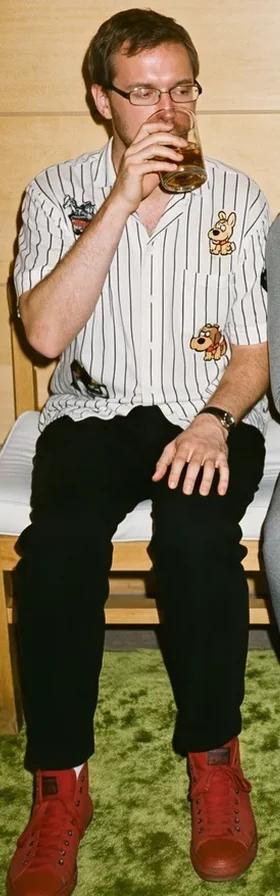
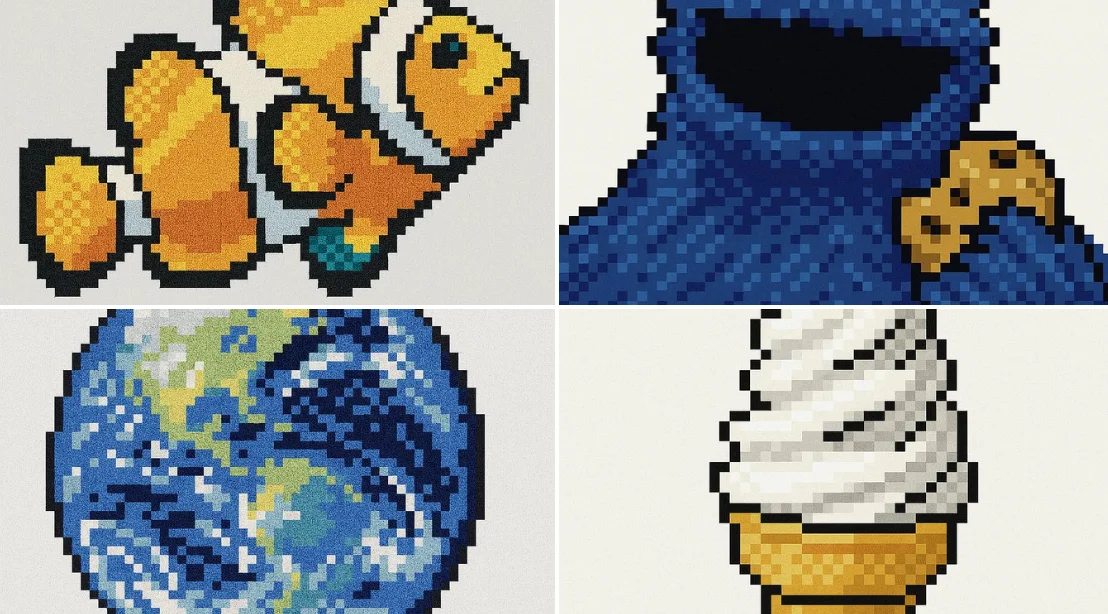
retexture the image attached in the following json aesthetic style: { "style": "Retro Pixel UI Icons", "resolution": "low (32x32 or 48x48)", "color_palette": [ "#F2F2F2", "#C0C0C0", "#000000", "#FFFFFF", "#0000FF", "#00FF00", "#FFFF99", "#008080" ], "outline": { "enabled": true, "color": "#000000", "thickness": "1px" }, "shading": { "method": "dithering", "colors_used": ["base color", "highlight", "shadow"], "pattern": "checkerboard or diagonal lines" }, "lighting": { "type": "flat", "source": "top-left", "highlight_color": "#FFFFFF", "shadow_color": "#808080" }, "background": { "color": "#F2F2F2", "type": "plain", "transparency": false }, "object_properties": { "style": "pixel art", "perspective": "isometric or front-facing", "animation": { "enabled": false, "frame_style": "static pixel art" } } }
retexture the image attached in the following json aesthetic style: { "style": "Retro Pixel UI Icons", "resolution": "low (32x32 or 48x48)", "color_palette": [ "#F2F2F2", "#C0C0C0", "#000000", "#FFFFFF", "#0000FF", "#00FF00", "#FFFF99", "#008080" ], "outline": { "enabled": true, "color": "#000000", "thickness": "1px" }, "shading": { "method": "dithering", "colors_used": ["base color", "highlight", "shadow"], "pattern": "checkerboard or diagonal lines" }, "lighting": { "type": "flat", "source": "top-left", "highlight_color": "#FFFFFF", "shadow_color": "#808080" }, "background": { "color": "#F2F2F2", "type": "plain", "transparency": false }, "object_properties": { "style": "pixel art", "perspective": "isometric or front-facing", "animation": { "enabled": false, "frame_style": "static pixel art" } } }
Verified prompt
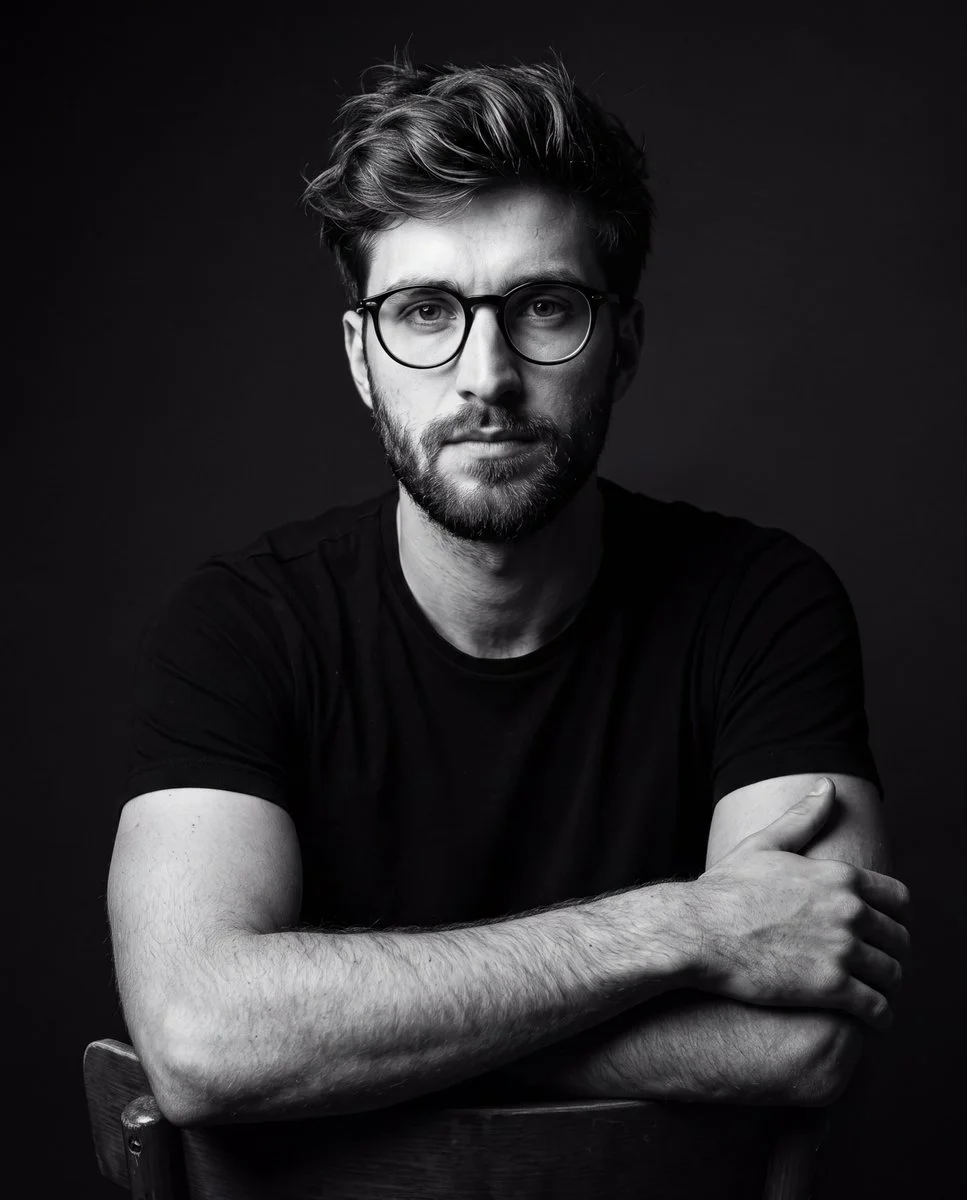
A dramatic black-and-white studio portrait of a young man wearing a plain black t-shirt and glasses, seated on a chair posing confidently. Dark minimalist background, cinematic lighting with strong shadows, high contrast, sharp details, professional photography style, moody atmosphere. Focus on realistic textures, facial features, and fabric, with no color, emphasizing dramatic light and shadow play for a timeless editorial look.
A dramatic black-and-white studio portrait of a young man wearing a plain black t-shirt and glasses, seated on a chair posing confidently. Dark minimalist background, cinematic lighting with strong shadows, high contrast, sharp details, professional photography style, moody atmosphere. Focus on realistic textures, facial features, and fabric, with no color, emphasizing dramatic light and shadow play for a timeless editorial look.
Verified prompt
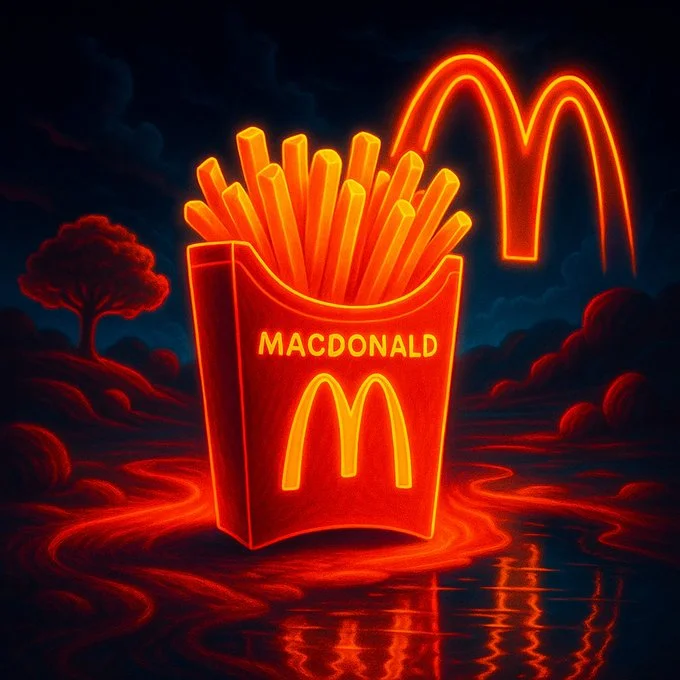
a surreal-realistic digital artwork of a product from the brand [Brand name]. The product should be glowing with neon outlines, stylized like a high-contrast 3D render. Place it in a dreamlike environment inspired by the brand’s identity, color scheme, and culture. Use soft shadows, deep blacks, and intense lighting for dramatic effect.
a surreal-realistic digital artwork of a product from the brand [Brand name]. The product should be glowing with neon outlines, stylized like a high-contrast 3D render. Place it in a dreamlike environment inspired by the brand’s identity, color scheme, and culture. Use soft shadows, deep blacks, and intense lighting for dramatic effect.
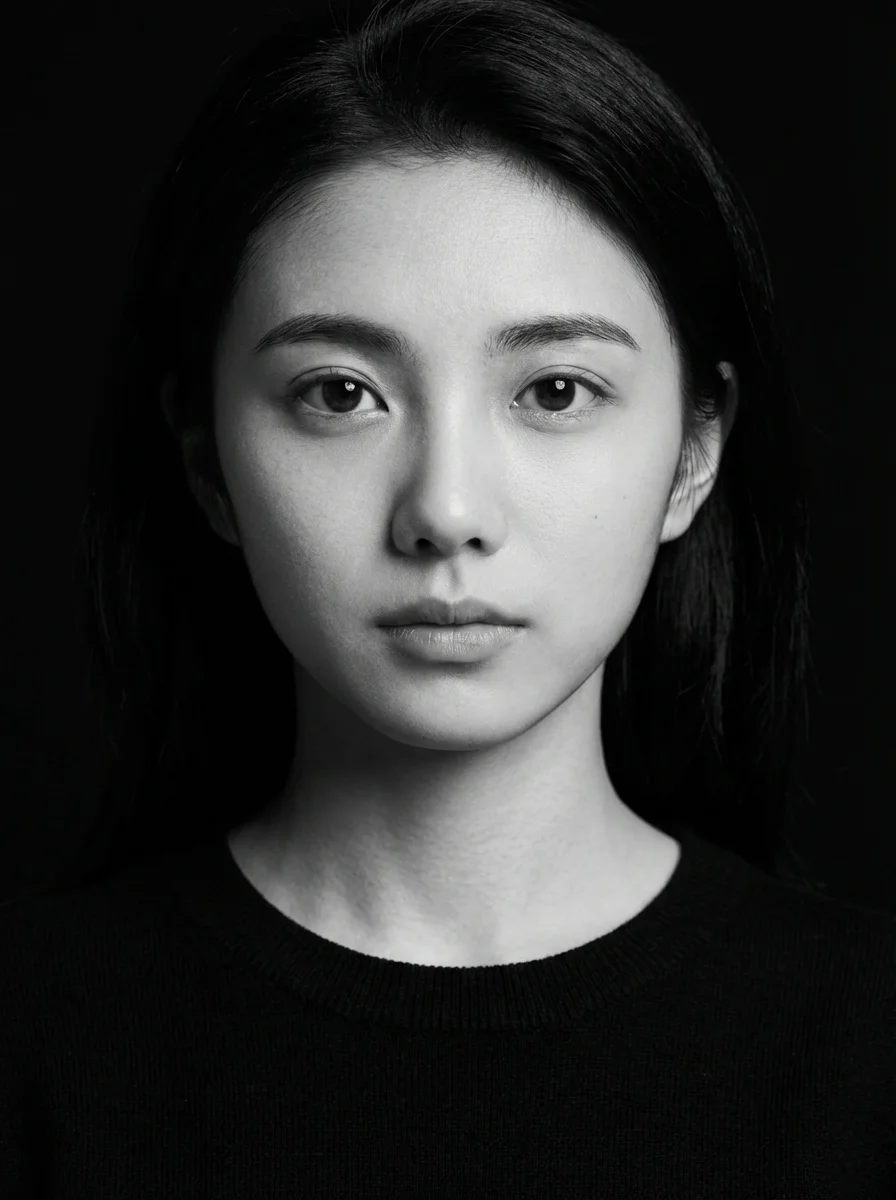
Verified prompt
k and white studio portrait of the young woman in the uploaded image, looking directly into the camera with a calm, neutral expression. She is wearing a plain black crew-neck sweater. Deep black background with hard-edged studio lighting from the left, crisp facial shadows, sharp highlights on cheekbones, ultra-detailed skin texture, photorealistic, captured with an 85mm lens. 3:4 aspect ratio.
k and white studio portrait of the young woman in the uploaded image, looking directly into the camera with a calm, neutral expression. She is wearing a plain black crew-neck sweater. Deep black background with hard-edged studio lighting from the left, crisp facial shadows, sharp highlights on cheekbones, ultra-detailed skin texture, photorealistic, captured with an 85mm lens. 3:4 aspect ratio.
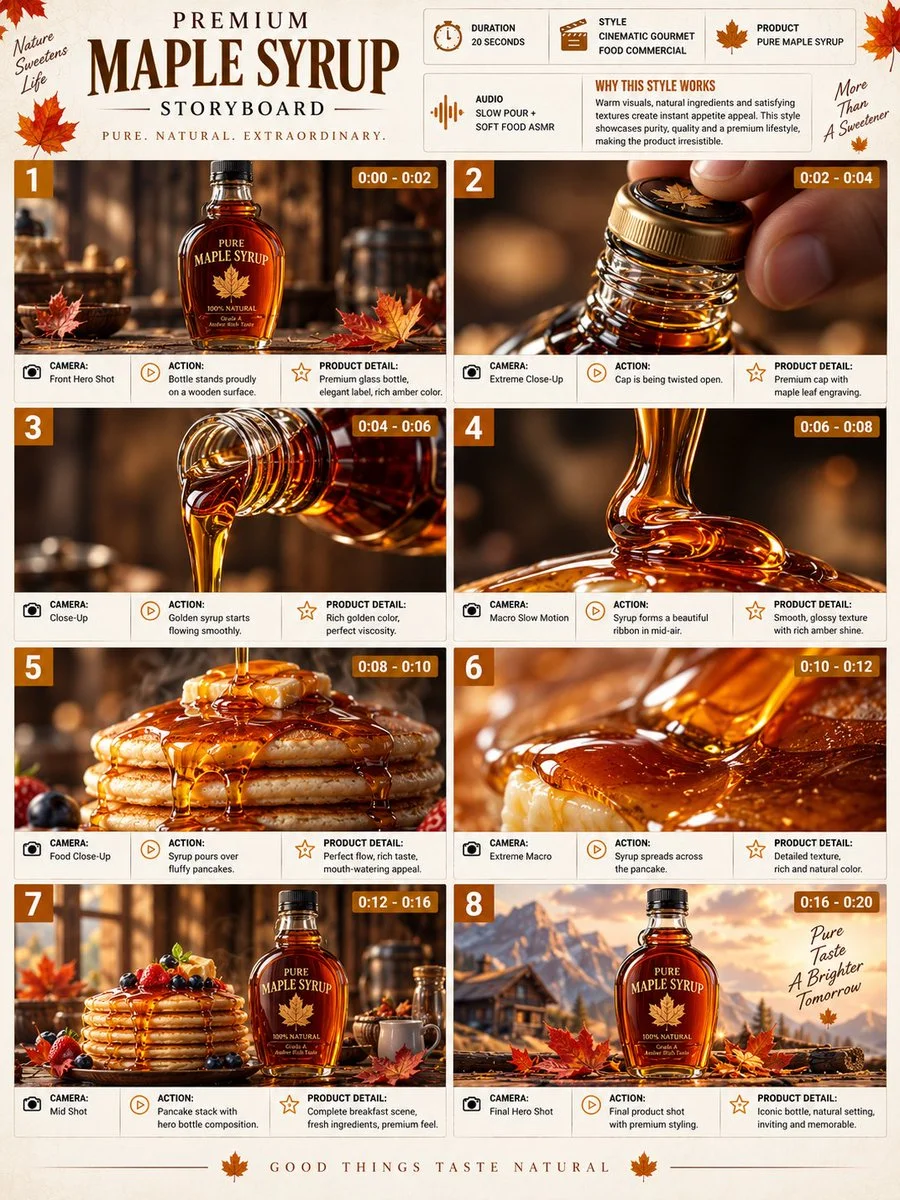
Verified prompt
Premium 3:4 storyboard for 20s cinematic gourmet maple syrup commercial. Header: duration, food style, syrup product, pour ASMR, amber-cream-brown palette. Eight panels: bottle on wood, cap open macro, golden flow, mid-air ribbon, cascade over pancakes, extreme texture macro, pancake stack with leaves, final luxury packshot pour. Extreme macro, slow-mo liquid, overhead, push-in. Ultra-realistic viscosity, glossy texture, warm lighting, premium glass, 8K, product hero consistent, sophisticated presentation.
Premium 3:4 storyboard for 20s cinematic gourmet maple syrup commercial. Header: duration, food style, syrup product, pour ASMR, amber-cream-brown palette. Eight panels: bottle on wood, cap open macro, golden flow, mid-air ribbon, cascade over pancakes, extreme texture macro, pancake stack with leaves, final luxury packshot pour. Extreme macro, slow-mo liquid, overhead, push-in. Ultra-realistic viscosity, glossy texture, warm lighting, premium glass, 8K, product hero consistent, sophisticated presentation.
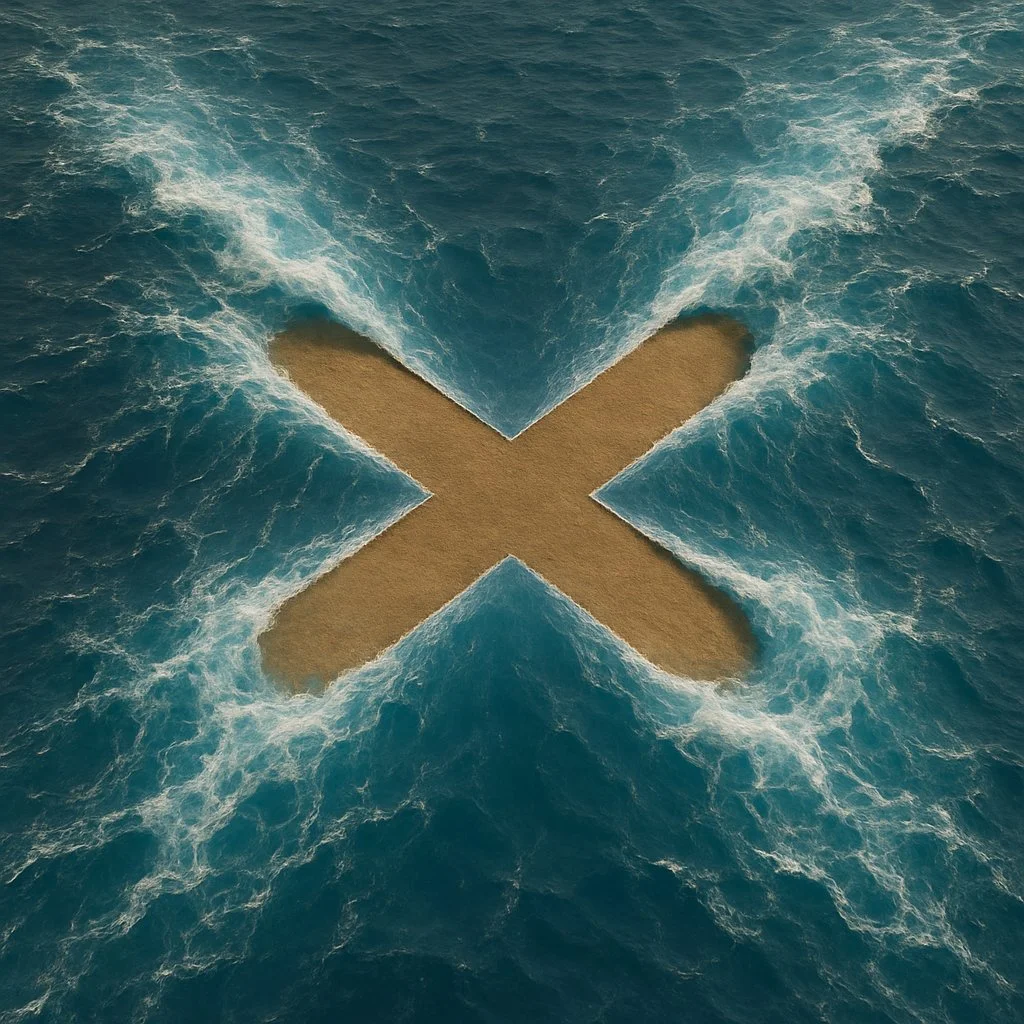
Verified prompt
Create a hyper-realistic image where [SHAPE] shape is formed by the magical parting of [wavy] blue ocean, with the [SHAPE] shape being a [COLOUR] empty land. The top view should show the water being pushed aside by an unseen force, creating the [SHAPE] with an ultra-thin line. The stark [COLOR] color of the [SHAPE] interior should contrast with the vibrant blue water around it, emphasizing the supernatural effect as if the water is being parted to reveal the [SHAPE] shape distinctly.
Create a hyper-realistic image where [SHAPE] shape is formed by the magical parting of [wavy] blue ocean, with the [SHAPE] shape being a [COLOUR] empty land. The top view should show the water being pushed aside by an unseen force, creating the [SHAPE] with an ultra-thin line. The stark [COLOR] color of the [SHAPE] interior should contrast with the vibrant blue water around it, emphasizing the supernatural effect as if the water is being parted to reveal the [SHAPE] shape distinctly.
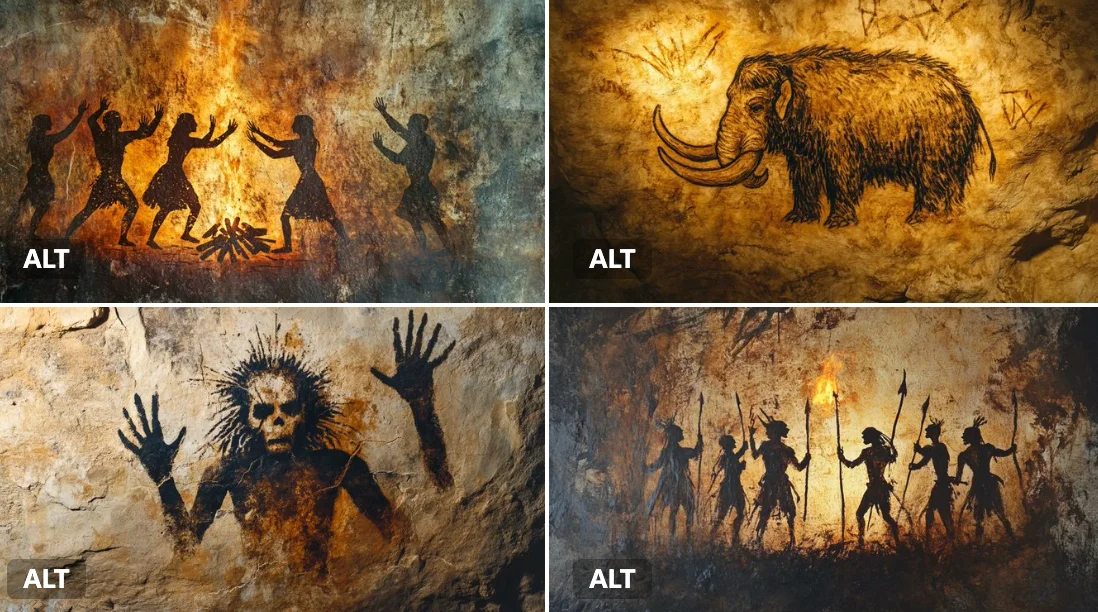
Verified prompt
A cave painting of a [subject], rendered with primitive ochres and charcoal lines on a rough stone wall. Smudged handprints, crude geometry, and flickering torchlight add a primal, ancient mood.
A cave painting of a [subject], rendered with primitive ochres and charcoal lines on a rough stone wall. Smudged handprints, crude geometry, and flickering torchlight add a primal, ancient mood.
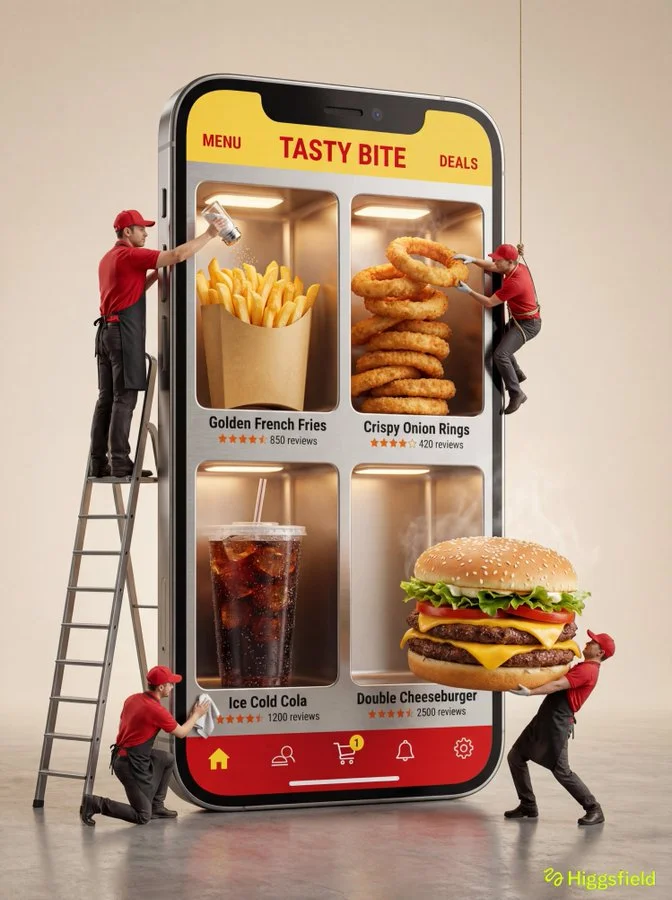
Verified prompt
A hyper-realistic 3D commercial photograph of a giant smartphone standing vertically on a studio floor. The phone is viewed from a slight 3/4 perspective angle. The screen acts as a physical display cabinet with four deep, recessed alcoves arranged in a 2x2 grid. Products are tangible, volumetric 3D objects sitting inside these slots. UI uses themed aesthetic with SORT (left), FILTER (right), BRAND NAME (center). Four miniature photorealistic workers dressed in uniforms interacting with products: Worker 1 on ladder adjusting top-left product, Worker 2 hanging by rope cleaning top-right product, Worker 3 kneeling as supervisor with clipboard, Worker 4 lifting heavy fallen product on floor. Clean grey studio background. High-contrast realistic lighting with 8k resolution, Octane render style.
A hyper-realistic 3D commercial photograph of a giant smartphone standing vertically on a studio floor. The phone is viewed from a slight 3/4 perspective angle. The screen acts as a physical display cabinet with four deep, recessed alcoves arranged in a 2x2 grid. Products are tangible, volumetric 3D objects sitting inside these slots. UI uses themed aesthetic with SORT (left), FILTER (right), BRAND NAME (center). Four miniature photorealistic workers dressed in uniforms interacting with products: Worker 1 on ladder adjusting top-left product, Worker 2 hanging by rope cleaning top-right product, Worker 3 kneeling as supervisor with clipboard, Worker 4 lifting heavy fallen product on floor. Clean grey studio background. High-contrast realistic lighting with 8k resolution, Octane render style.
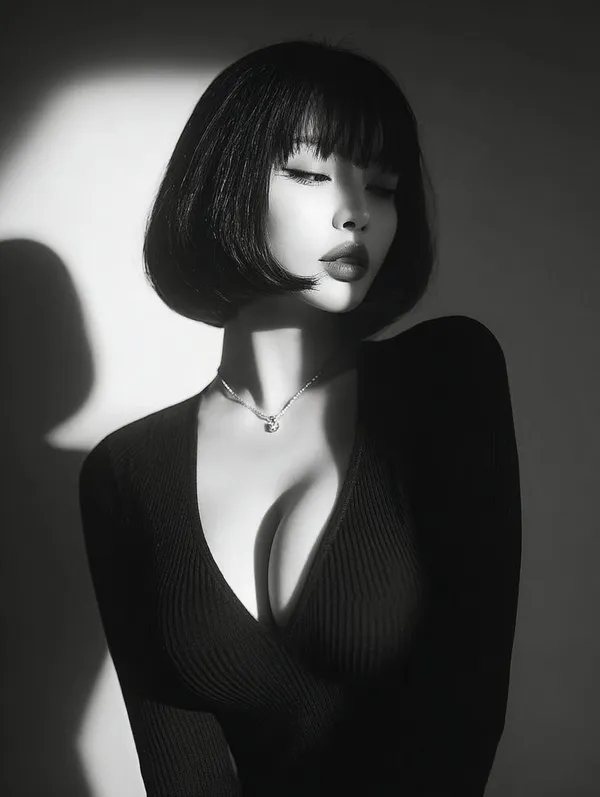
Verified prompt
ptivating black and white close-up portrait of a beautiful young Asian woman with flawless skin, short bob haircut featuring straight blunt bangs framing her forehead, eyes gently closed with long lashes, subtle pouty lips, serene and introspective expression, wearing a form-fitting deep V-neck black ribbed sweater that accentuates her, a delicate thin necklace with a small pendant, dramatic side lighting from the left creating strong shadows and highlights on her face, neck, and shoulders, high contrast chiaroscuro style, minimalist studio background with soft gradient from light to dark, photorealistic, vintage film grain effect, high detail, emotional and mysterious atmosphere.
ptivating black and white close-up portrait of a beautiful young Asian woman with flawless skin, short bob haircut featuring straight blunt bangs framing her forehead, eyes gently closed with long lashes, subtle pouty lips, serene and introspective expression, wearing a form-fitting deep V-neck black ribbed sweater that accentuates her, a delicate thin necklace with a small pendant, dramatic side lighting from the left creating strong shadows and highlights on her face, neck, and shoulders, high contrast chiaroscuro style, minimalist studio background with soft gradient from light to dark, photorealistic, vintage film grain effect, high detail, emotional and mysterious atmosphere.
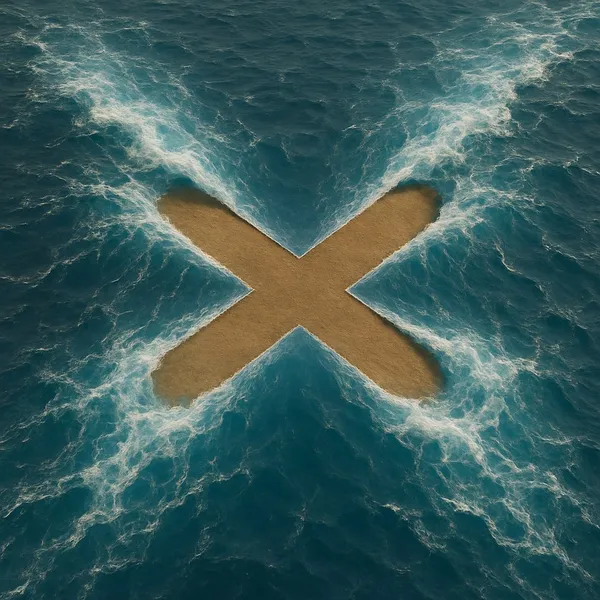
Verified prompt
te a hyper-realistic image where [SHAPE] shape is formed by the magical parting of [wavy] blue ocean, with the [SHAPE] shape being a [COLOUR] empty land. The top view should show the water being pushed aside by an unseen force, creating the [SHAPE] with an ultra-thin line. The stark [COLOR] color of the [SHAPE] interior should contrast with the vibrant blue water around it, emphasizing the supernatural effect as if the water is being parted to reveal the [SHAPE] shape distinctly.
te a hyper-realistic image where [SHAPE] shape is formed by the magical parting of [wavy] blue ocean, with the [SHAPE] shape being a [COLOUR] empty land. The top view should show the water being pushed aside by an unseen force, creating the [SHAPE] with an ultra-thin line. The stark [COLOR] color of the [SHAPE] interior should contrast with the vibrant blue water around it, emphasizing the supernatural effect as if the water is being parted to reveal the [SHAPE] shape distinctly.
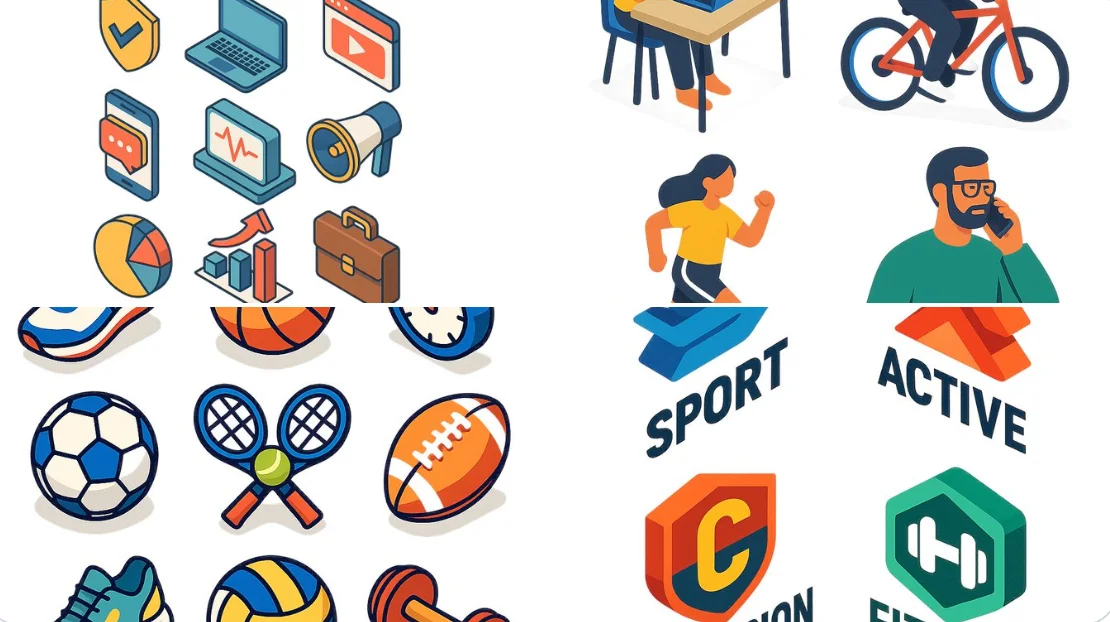
Verified prompt
A flat isometric digital illustration of [describe the subject: e.g., a modern workspace, a city block, a group of app icons, a sports shop], clean lines and geometric forms, bright pastel colors, simplified perspective with 3D depth, minimal shading, white background or light gradient. Style resembles modern vector infographics, ideal for UI, app design or web visuals.
A flat isometric digital illustration of [describe the subject: e.g., a modern workspace, a city block, a group of app icons, a sports shop], clean lines and geometric forms, bright pastel colors, simplified perspective with 3D depth, minimal shading, white background or light gradient. Style resembles modern vector infographics, ideal for UI, app design or web visuals.
Verified prompt
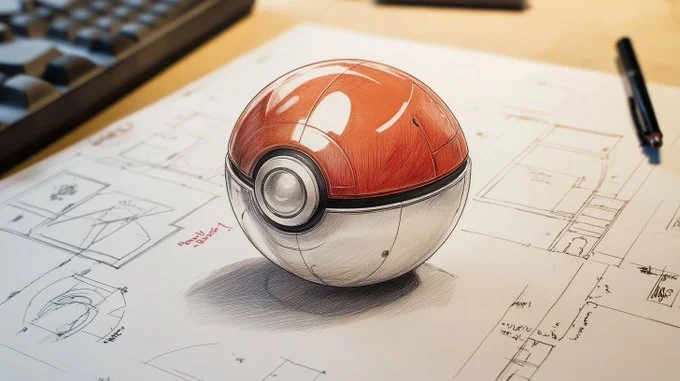
Detailed technical drawing of a [vehicle, weapon, object, or item], on white paper with dimensions and annotations in red marker. [The subject] is depicted in pencil with [material or texture details], showing [list of key parts and functional elements], all in clear detail. Intricate element, detailed blueprint style with notes on its features and functionality
Detailed technical drawing of a [vehicle, weapon, object, or item], on white paper with dimensions and annotations in red marker. [The subject] is depicted in pencil with [material or texture details], showing [list of key parts and functional elements], all in clear detail. Intricate element, detailed blueprint style with notes on its features and functionality
Nano Banana 2: Create and Edit with Natural Language
Develop your Nano Banana 2 image brief around the result you need. Keep the main direction specific, check supported settings in the generator, and review the completed work before using it in your project.
Choose only the resolution and aspect ratio shown for the selected model. Check framing, fine details and any text in the completed image. A larger output size does not guarantee a more accurate result.
Explore Nano Banana 2
From a Brief to a Reviewed Image: The Nano Banana 2 Workflow
Allow time to inspect each image result and refine your brief. Processing time varies by model, request and service load. Change one direction at a time so that you can judge which edit improves the result.
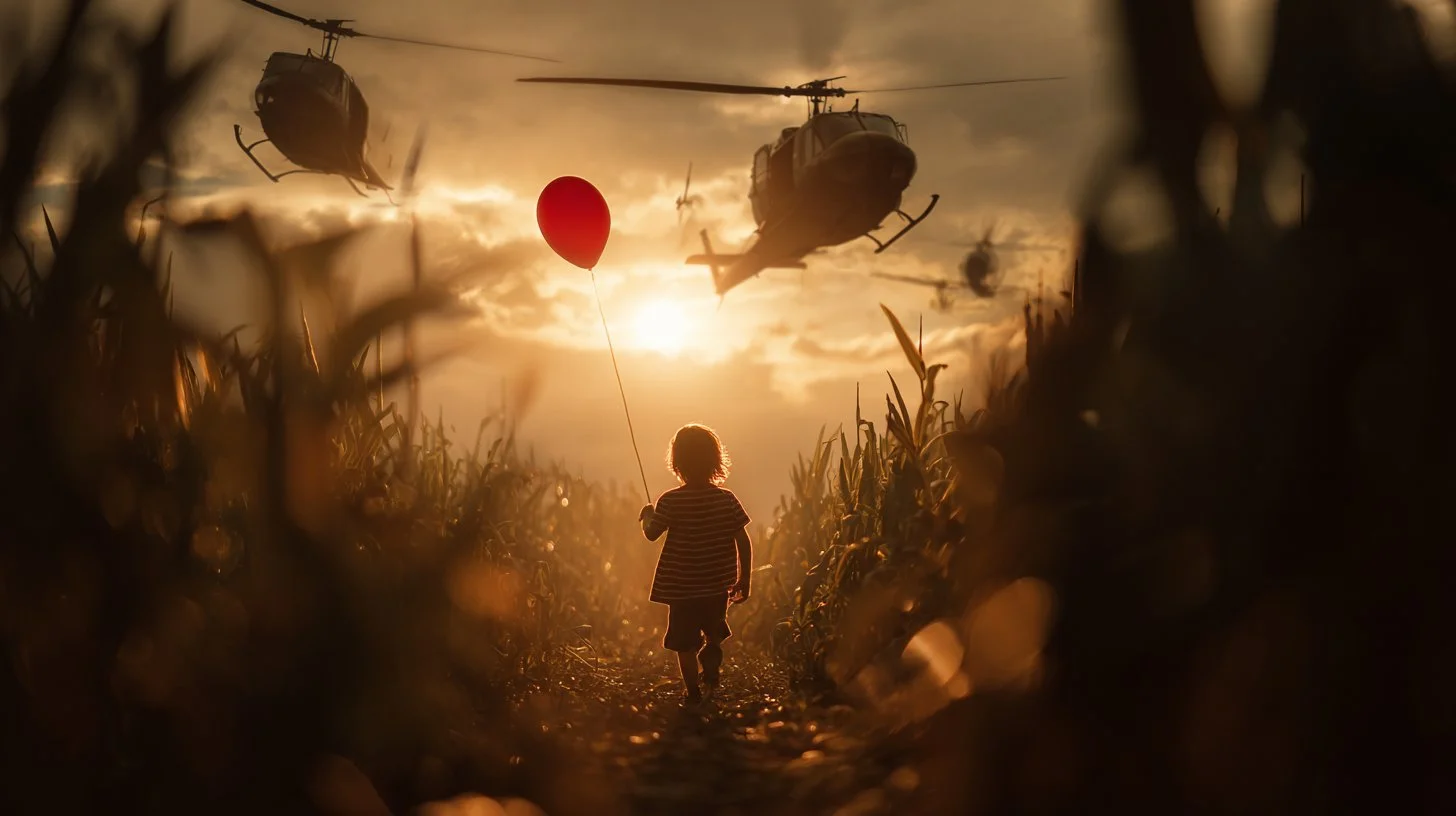
Enter prompt or upload image
Start your Nano Banana 2 image brief with a source image you have permission to use. Name the area to change and the colors, proportions or objects to preserve. Reference count and editing support depend on the selected model.
Review Availability, Settings and Credits
Allow time to inspect each image result and refine your brief. Processing time varies by model, request and service load. Change one direction at a time so that you can judge which edit improves the result.
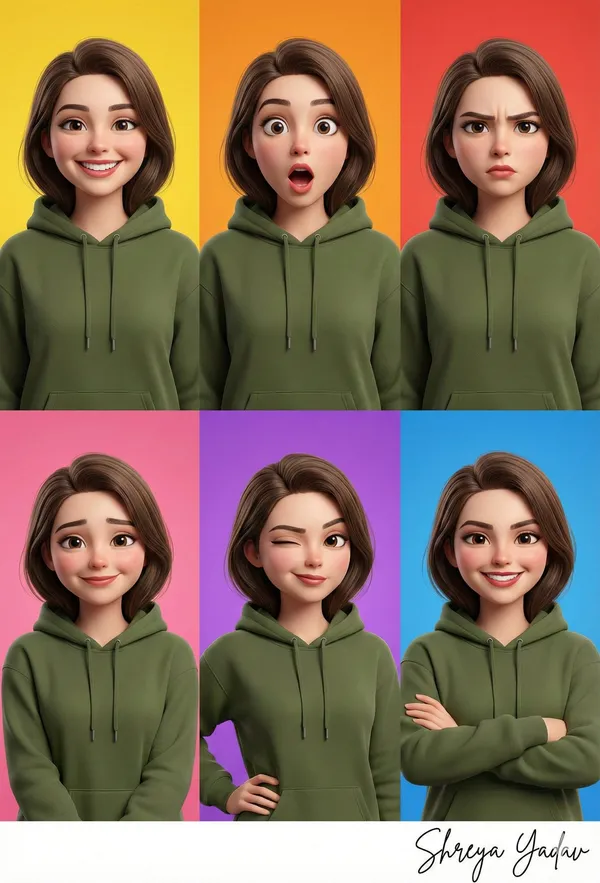
Review and Download Completed Results
When a request completes, inspect the image in History and download the result you want to keep. Review the composition and any unintended details before sharing it with your team or publishing it.
Build Your Nano Banana 2 Image Brief
For a Nano Banana 2 product concept, specify the product shape, material, key detail and setting. Keep logos and claims accurate, allow room for your own typography, and review the result before using it in an advertisement.
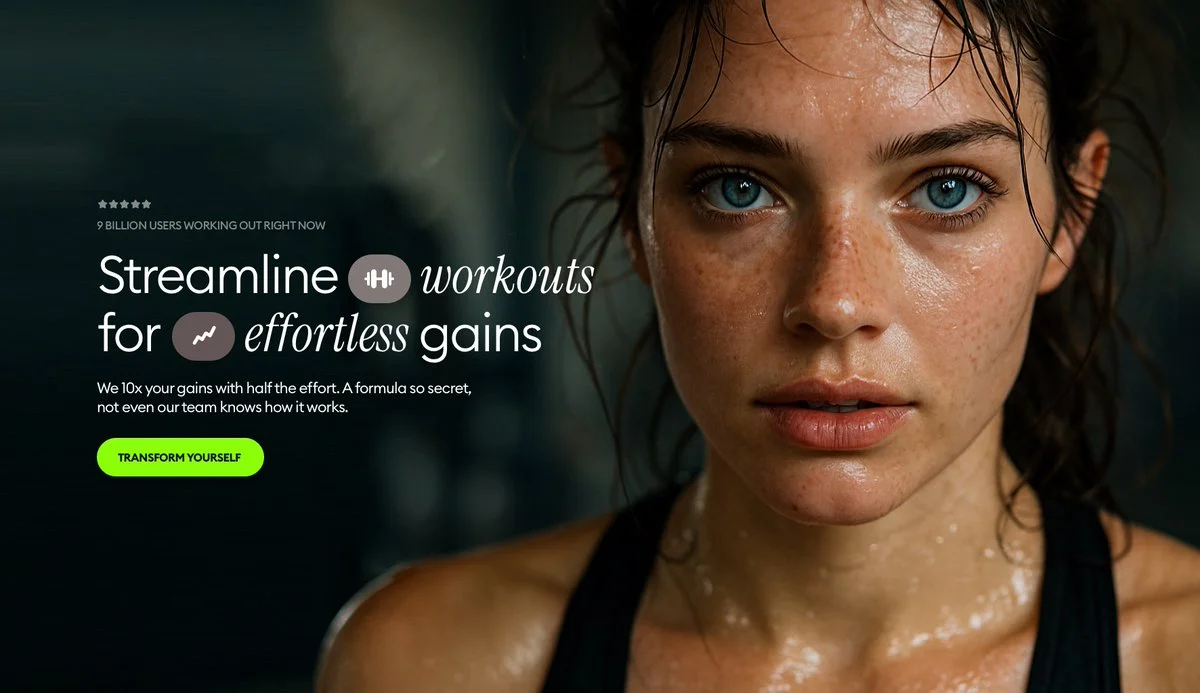
Explain Your Subject, Changes and References
Start your Nano Banana 2 image brief with a source image you have permission to use. Name the area to change and the colors, proportions or objects to preserve. Reference count and editing support depend on the selected model.
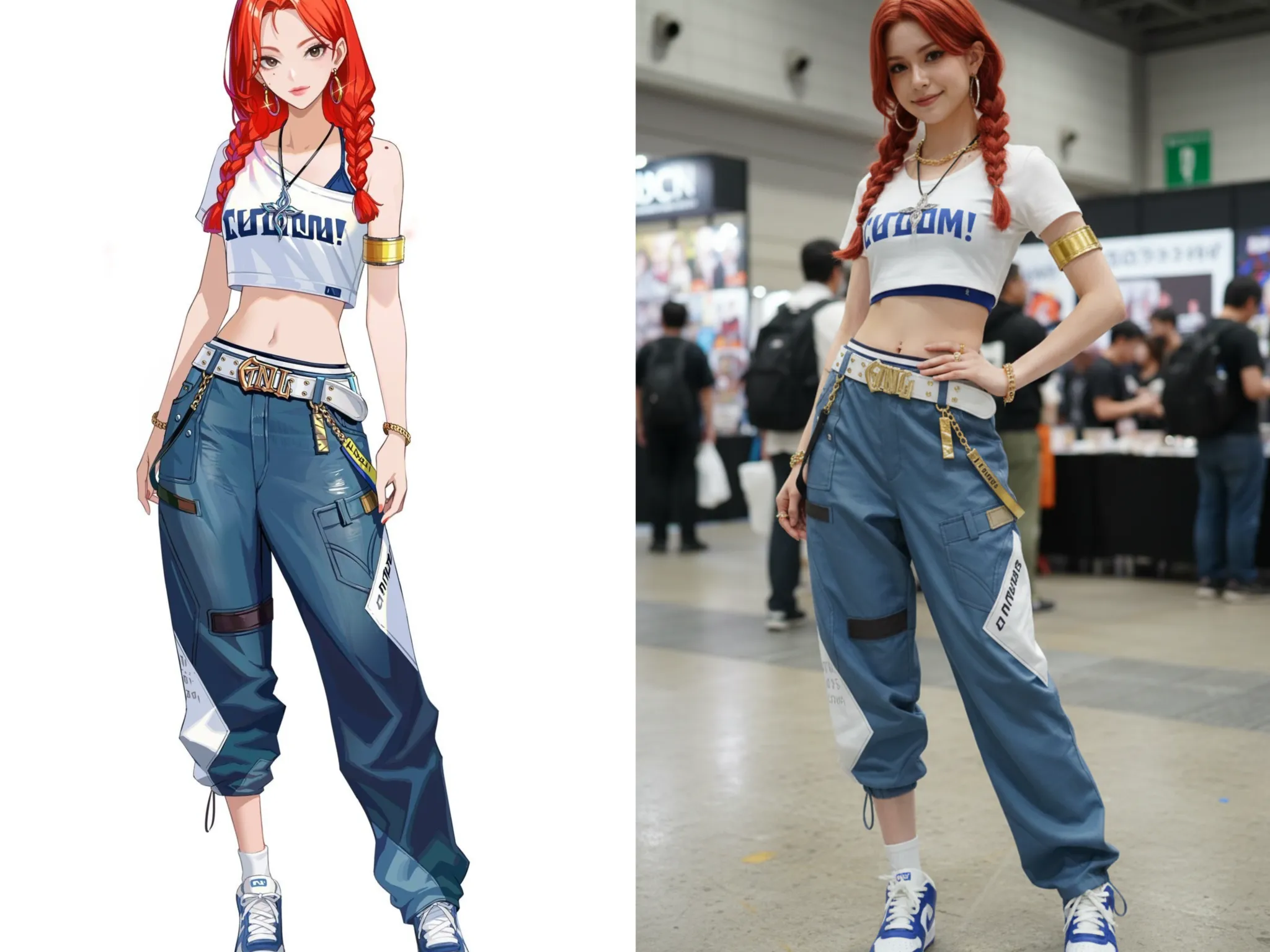
Describe the Changes and Details to Preserve
Write your Nano Banana 2 image brief around a subject, composition, lighting and intended style. Add a material or texture when it matters. For edits, state one precise change and explain which parts of the source should remain intact.
Check Details Across Every Result
Allow time to inspect each image result and refine your brief. Processing time varies by model, request and service load. Change one direction at a time so that you can judge which edit improves the result.
Explain Your Subject, Changes and References
List the details that matter in your Nano Banana 2 image brief: identity, shape, colors, clothing and background. Use supported references where appropriate and compare every result; exact consistency is not guaranteed.
A Clearer Creative Brief for Nano Banana 2
Allow time to inspect each image result and refine your brief. Processing time varies by model, request and service load. Change one direction at a time so that you can judge which edit improves the result.
Explain Your Subject, Changes and References
Allow time to inspect each image result and refine your brief. Processing time varies by model, request and service load. Change one direction at a time so that you can judge which edit improves the result.
Social Media & Advertising
For a Nano Banana 2 product concept, specify the product shape, material, key detail and setting. Keep logos and claims accurate, allow room for your own typography, and review the result before using it in an advertisement.
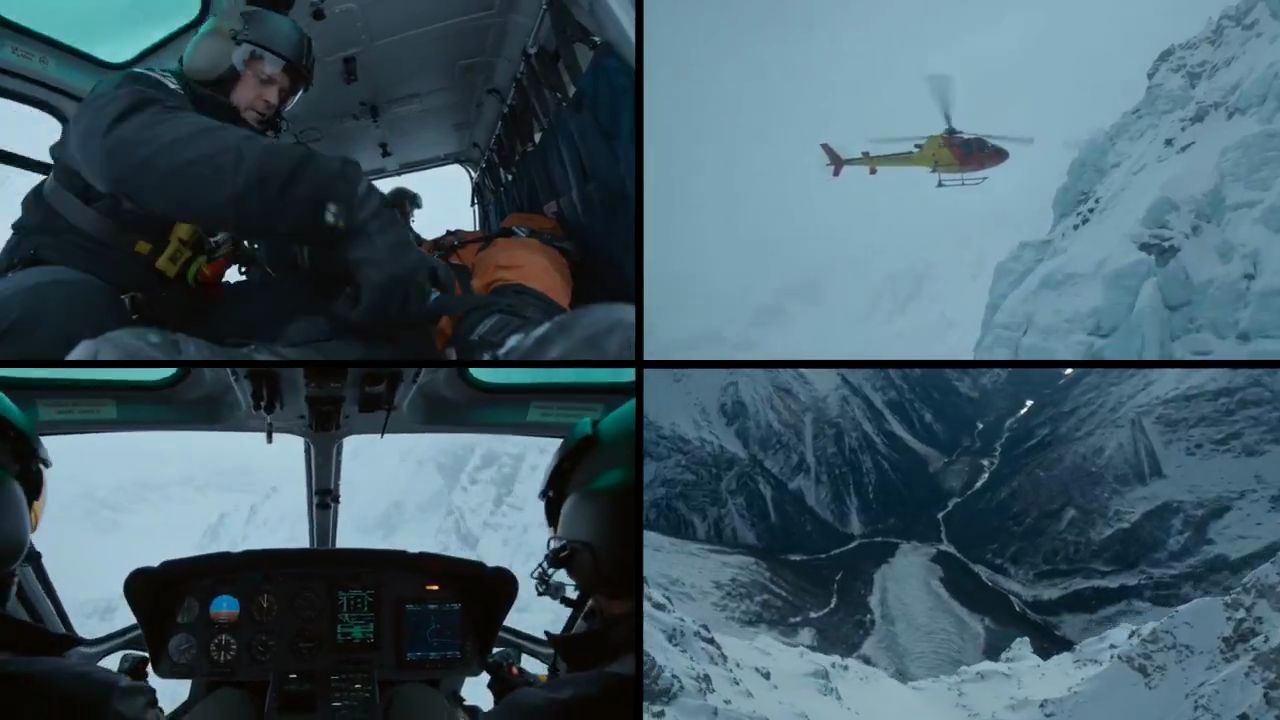
Check Details Across Every Result
List the details that matter in your Nano Banana 2 image brief: identity, shape, colors, clothing and background. Use supported references where appropriate and compare every result; exact consistency is not guaranteed.
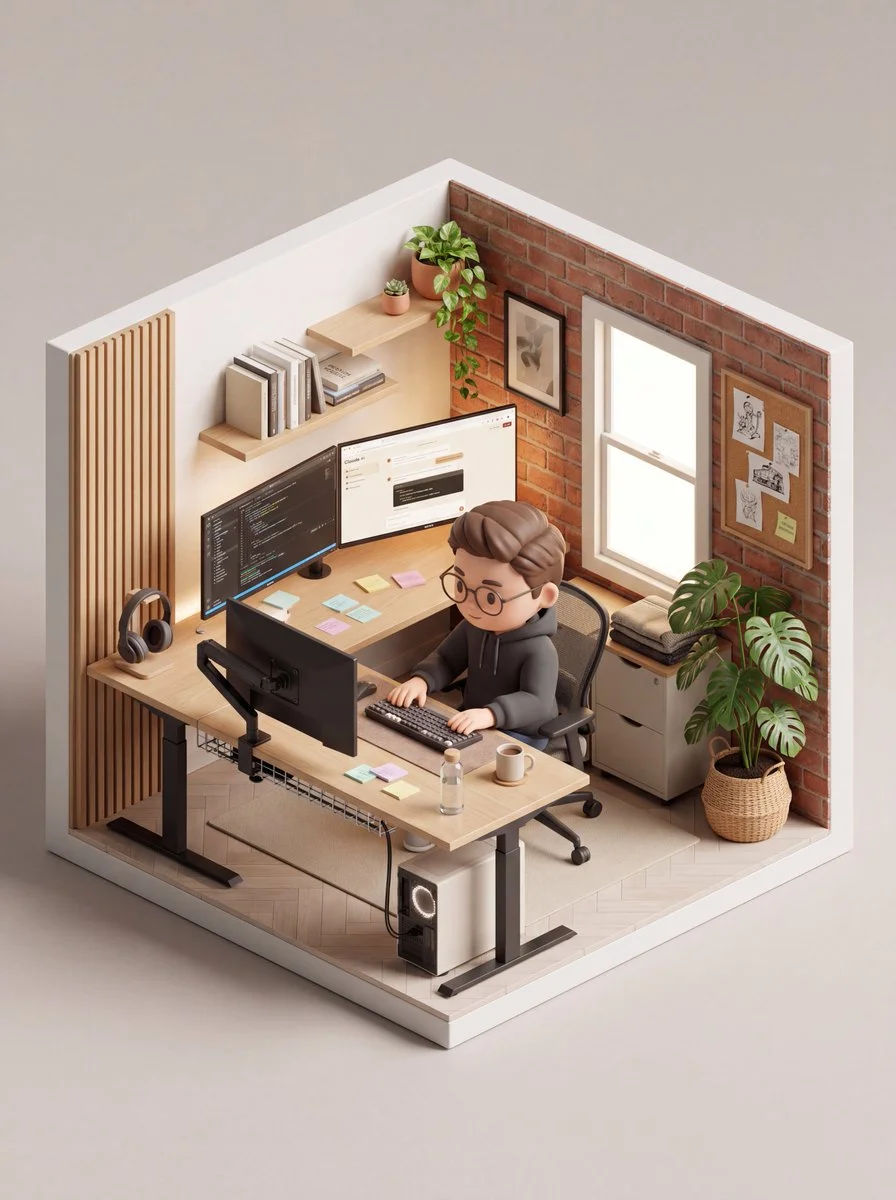
Efficient Production Workflow
For a Nano Banana 2 product concept, specify the product shape, material, key detail and setting. Keep logos and claims accurate, allow room for your own typography, and review the result before using it in an advertisement.
Creative Notes for Your Nano Banana 2 Image Brief
Give the main subject one clear action. For a Nano Banana 2 concept, a precise brief is easier to assess than a list of competing effects.

Nano Banana 2 Image Workflow: Questions & Answers
For a Nano Banana 2 product concept, specify the product shape, material, key detail and setting. Keep logos and claims accurate, allow room for your own typography, and review the result before using it in an advertisement.
This dotsai.pro page explains the Nano Banana 2 image workflow. It helps you write a focused brief and review the available inputs. Current access is shown in the generator; a model name on a guide does not mean it currently accepts requests.
Write your Nano Banana 2 image brief around a subject, composition, lighting and intended style. Add a material or texture when it matters. For edits, state one precise change and explain which parts of the source should remain intact.
Start your Nano Banana 2 image brief with a source image you have permission to use. Name the area to change and the colors, proportions or objects to preserve. Reference count and editing support depend on the selected model.
Develop your Nano Banana 2 image brief around the result you need. Keep the main direction specific, check supported settings in the generator, and review the completed work before using it in your project.
Use only the input modes and controls offered by the selected model. Describe the intended image clearly and add supported references when useful. This page does not promise separate motion-brush, audio-upload, restoration or editing tools.
List the details that matter in your Nano Banana 2 image brief: identity, shape, colors, clothing and background. Use supported references where appropriate and compare every result; exact consistency is not guaranteed.
For a Nano Banana 2 product concept, specify the product shape, material, key detail and setting. Keep logos and claims accurate, allow room for your own typography, and review the result before using it in an advertisement.
Choose only the resolution and aspect ratio shown for the selected model. Check framing, fine details and any text in the completed image. A larger output size does not guarantee a more accurate result.
You can request a refund within 10 days of purchase if you have unused credits from that purchase and provide a clear reason, subject to our Refund Policy. If eligible, an unused purchase can be fully refunded; a partly used purchase is refunded in proportion to its remaining unused credits. Fully used purchases and free or promotional credits are not refundable.
Credit validity depends on the pack, subscription or promotion that issued them. Review the purchase terms and expiration dates in Settings > Credits. A renewal or new purchase does not extend older credits. Use credits before their stated expiration; do not assume unused subscription credits roll over indefinitely.
Credits charged for a task that is confirmed as failed due to a system error are returned automatically. A task that is still processing has not yet been confirmed as failed. Check its status and your credit history before submitting again. If a confirmed failure still shows an unresolved charge, email support@dotsai.pro with the task ID.
AI results can vary, so a completed result that differs from your expectations is not automatically treated as a technical failure. Eligible completed image tasks can be submitted for credit refund review using the refund option where available; approval is required. For a video or another issue, contact support@dotsai.pro with the task ID and details. A credit refund returns credits, not money to your payment method.
Email support@dotsai.pro. For billing, include your account email and order ID; for generation, include the task ID, issue description and relevant screenshots. If you purchased as a guest, keep the original browser data and payment receipt so we can help locate the purchase.
Explore Your Next Nano Banana 2 Image Idea
Choose only the resolution and aspect ratio shown for the selected model. Check framing, fine details and any text in the completed image. A larger output size does not guarantee a more accurate result.
dotsai.pro · Updated
What's new on this page
- — Added editable example prompts and separate drafts for text and reference modes, with an action to restore the example.
- — Updated page copy and content.
- — Page content published.