
Veo Availability:Supported Video Models
Choose a Supported Text or Image Video Model
Veo is unavailable on dotsai.pro. Use an enabled Kling or Seedance model on the AI Video page for text-to-video or image-to-video. These examples are general creative inspiration, not Veo demonstrations.
Verified prompt
A wide cinematic landscape shot of a large outdoor concrete staircase beside a massive modern building covered with tall rectangular glass panels. Warm late afternoon sunlight creates realistic golden highlights and long shadows across the stairs and open concrete plaza. A broad sloping silver metal handrail runs diagonally down the center of the staircase toward the camera. A young female roller skater stands near the upper-right side of the stairs, wearing an oversized mustard-yellow sweatshirt with a red graphic on the chest, fitted black pants, a white baseball cap, and white quad roller skates with subtle pink details. Her long brown ponytail moves naturally in the breeze. 0–3 seconds: One continuous stationary smartphone-style wide shot. The skater rolls carefully into position at the top of the sloping rail, looks down its length, bends her knees and raises her arms, preparing for the stunt. A few distant people sit casually on the stairs in the background. 3–6 seconds: She gathers confidence, rolls forward and crouches lower. Her wheels vibrate realistically over the stone surface. She jumps upward, turning her body slightly sideways, attempting to land both roller skates on top of the wide rail. 6–9 seconds: She lands in a deep crouch on the rail and begins sliding downward. For a brief moment the stunt appears successful. Her arms stretch outward for balance, her sweatshirt flutters, her ponytail swings and the roller skates scrape realistically against the metal. 9–12 seconds: Her weight suddenly shifts to one side. One skate slips from the rail, causing her hips to rotate awkwardly. She grabs at the rail but cannot recover. She slides sideways, tumbles off the lower end and falls onto the flat concrete plaza. Her white cap flies off and bounces nearby. Use convincing gravity, momentum, body weight and natural protective arm movements. 12–15 seconds: She completes a small shoulder roll and ends lying on her side beside the staircase, one knee bent and one leg extended. Her loose hair spreads across the ground while the cap rests a short distance away. She remains still for a moment, then gives a tiny embarrassed movement showing that she is unharmed. The camera continues recording without cutting. Photorealistic human anatomy, authentic roller-skating movement, physically accurate fall, realistic fabric and hair simulation, natural facial reactions, documentary style exposure, subtle handheld micro shake, crisp environmental detail, believable sunlight and shadows, real-world motion blur, 30 fps, no cinematic slow motion, no camera cuts. Audio: quiet outdoor city ambience, roller wheels rumbling over stone, brief metal scraping sound during the slide, clothing movement, a realistic soft impact and the cap tapping against the pavement. Avoid: serious injury, blood, exaggerated violence, impossible acrobatics, floating body, rubber limbs, distorted hands, duplicated skates, changing clothes, morphing rail, disappearing cap, artificial CGI appearance, dramatic camera movement, zooming or scene transitions.
A wide cinematic landscape shot of a large outdoor concrete staircase beside a massive modern building covered with tall rectangular glass panels. Warm late afternoon sunlight creates realistic golden highlights and long shadows across the stairs and open concrete plaza. A broad sloping silver metal handrail runs diagonally down the center of the staircase toward the camera. A young female roller skater stands near the upper-right side of the stairs, wearing an oversized mustard-yellow sweatshirt with a red graphic on the chest, fitted black pants, a white baseball cap, and white quad roller skates with subtle pink details. Her long brown ponytail moves naturally in the breeze. 0–3 seconds: One continuous stationary smartphone-style wide shot. The skater rolls carefully into position at the top of the sloping rail, looks down its length, bends her knees and raises her arms, preparing for the stunt. A few distant people sit casually on the stairs in the background. 3–6 seconds: She gathers confidence, rolls forward and crouches lower. Her wheels vibrate realistically over the stone surface. She jumps upward, turning her body slightly sideways, attempting to land both roller skates on top of the wide rail. 6–9 seconds: She lands in a deep crouch on the rail and begins sliding downward. For a brief moment the stunt appears successful. Her arms stretch outward for balance, her sweatshirt flutters, her ponytail swings and the roller skates scrape realistically against the metal. 9–12 seconds: Her weight suddenly shifts to one side. One skate slips from the rail, causing her hips to rotate awkwardly. She grabs at the rail but cannot recover. She slides sideways, tumbles off the lower end and falls onto the flat concrete plaza. Her white cap flies off and bounces nearby. Use convincing gravity, momentum, body weight and natural protective arm movements. 12–15 seconds: She completes a small shoulder roll and ends lying on her side beside the staircase, one knee bent and one leg extended. Her loose hair spreads across the ground while the cap rests a short distance away. She remains still for a moment, then gives a tiny embarrassed movement showing that she is unharmed. The camera continues recording without cutting. Photorealistic human anatomy, authentic roller-skating movement, physically accurate fall, realistic fabric and hair simulation, natural facial reactions, documentary style exposure, subtle handheld micro shake, crisp environmental detail, believable sunlight and shadows, real-world motion blur, 30 fps, no cinematic slow motion, no camera cuts. Audio: quiet outdoor city ambience, roller wheels rumbling over stone, brief metal scraping sound during the slide, clothing movement, a realistic soft impact and the cap tapping against the pavement. Avoid: serious injury, blood, exaggerated violence, impossible acrobatics, floating body, rubber limbs, distorted hands, duplicated skates, changing clothes, morphing rail, disappearing cap, artificial CGI appearance, dramatic camera movement, zooming or scene transitions.
Verified prompt
A dark fantasy transformation scene unfolds inside a ritual chamber filled with smoke, cold blue-white light, sparks, and ominous biomechanical structures. From the very first second, a human figure is already thrusting or stabbing forward into a glowing organic membrane-like surface, triggering a violent supernatural reaction. The chamber should feel alien, ancient, and ceremonial, with energy crackling through the environment the moment contact is made. As the ritual activates, the character is hit by overwhelming pain and begins transforming slowly and visibly. The first stage shows dragon-like skin and scales spreading across the hand, arm, neck, and face. Then the mutation accelerates: fingers stretch into claws, the back and shoulders grow heavier, horns start emerging, and the body becomes more beast-like with each second. The transformation must feel gradual and cinematic, not like an instant jump cut. By the climax, the human form is almost completely gone. Wings, tail, monstrous mass, and full draconic anatomy take shape as the chamber trembles under the force of the mutation. The final reveal must show a colossal dark red spiked dragon with a monstrous face, horned head, huge claws, wings, and terrifying scale, fully replacing the human form. The tone should feel intense, painful, supernatural, and epic, like a Hollywood dark fantasy blockbuster creature transformation. Style: ultra-cinematic dark fantasy blockbuster, photorealistic realism, premium Hollywood creature transformation, ARRI Alexa 65, 35mm anamorphic lens, cold ritual lighting, magical sparks, smoke and haze, progressive scale growth, monstrous anatomy emergence, no text, no subtitles, no watermark.
A dark fantasy transformation scene unfolds inside a ritual chamber filled with smoke, cold blue-white light, sparks, and ominous biomechanical structures. From the very first second, a human figure is already thrusting or stabbing forward into a glowing organic membrane-like surface, triggering a violent supernatural reaction. The chamber should feel alien, ancient, and ceremonial, with energy crackling through the environment the moment contact is made. As the ritual activates, the character is hit by overwhelming pain and begins transforming slowly and visibly. The first stage shows dragon-like skin and scales spreading across the hand, arm, neck, and face. Then the mutation accelerates: fingers stretch into claws, the back and shoulders grow heavier, horns start emerging, and the body becomes more beast-like with each second. The transformation must feel gradual and cinematic, not like an instant jump cut. By the climax, the human form is almost completely gone. Wings, tail, monstrous mass, and full draconic anatomy take shape as the chamber trembles under the force of the mutation. The final reveal must show a colossal dark red spiked dragon with a monstrous face, horned head, huge claws, wings, and terrifying scale, fully replacing the human form. The tone should feel intense, painful, supernatural, and epic, like a Hollywood dark fantasy blockbuster creature transformation. Style: ultra-cinematic dark fantasy blockbuster, photorealistic realism, premium Hollywood creature transformation, ARRI Alexa 65, 35mm anamorphic lens, cold ritual lighting, magical sparks, smoke and haze, progressive scale growth, monstrous anatomy emergence, no text, no subtitles, no watermark.
Verified prompt
FPV shot: The camera flies through an immense sunflower field stretching to the horizon beneath an enormous blue summer sky. Warm wind rolls through the flowers like waves across the ocean. Golden pollen rises from thousands of blossoms, surrounding the camera in an immense glowing vortex before naturally sculpting "SUNSHINE" and bursting into millions of sparkling particles carried by the breeze. Emotional, uplifting, cinematic beauty.
FPV shot: The camera flies through an immense sunflower field stretching to the horizon beneath an enormous blue summer sky. Warm wind rolls through the flowers like waves across the ocean. Golden pollen rises from thousands of blossoms, surrounding the camera in an immense glowing vortex before naturally sculpting "SUNSHINE" and bursting into millions of sparkling particles carried by the breeze. Emotional, uplifting, cinematic beauty.
Verified prompt
Use the uploaded face photo as the ONLY identity reference. Preserve exact likeness, age, facial proportions, eyes, nose, lips, skin tone, hair texture, natural skin texture and overall appearance. No face drift, no face mixing, no beautifying beyond realistic editorial retouching. Replace the generated subject with this person while keeping all other elements — setting, styling, lighting, pose, camera angle and composition — exactly as described. Create a single unified three-part vertical collage on one continuous canvas. The collage must be edge-to-edge and seamless, with no white borders, no black borders, no frames, no gutters, no dividers and no visible separation lines. All three sections should blend together as one continuous Y2K vacation sequence. The collage captures a summer night at a small seaside amusement park. Top section: A wide establishing shot shows a beachfront amusement park after dark, with a lit Ferris wheel, glowing ride signs, food stalls, scattered people and the dark sea faintly visible beyond the boardwalk. The frame should feel like a real compact-camera snapshot, slightly imperfect and candid. Middle section: A straight-on medium shot shows the person standing near a game booth or railing under bright artificial lights. They wear casual summer clothing suitable for either a man or a woman: a fitted tank or light top, relaxed shorts or low-key beach bottoms, an open shirt or zip hoodie tied loosely, and slim sunglasses pushed up on the head or hanging from the shirt. One hand holds a soft drink or cotton candy, while the other rests naturally by the side. The pose is casual and slightly playful, like a real vacation photo taken by a friend. Bottom section: A close-up detail shot shows a bench or boardwalk surface with a few personal items scattered naturally: a compact digital camera, ride tickets, a plastic cup with condensation, sunglasses, a small pouch or wallet, and a wristband. Small details like flash reflections, scratched paint, and grains of sand on the boardwalk should be visible. Lighting is mixed nighttime carnival lighting with direct on-camera flash, creating bright frontal highlights, dark falloff in the background and a raw compact-camera look. The color palette combines neon red, faded blue, warm yellow bulbs, black night sky, sun-washed denim, white cotton and reflective plastic surfaces. Captured with a small consumer compact digital camera, crisp flash exposure, slightly harsh highlights, mild digital noise and nostalgic early-2000s vacation energy.
Use the uploaded face photo as the ONLY identity reference. Preserve exact likeness, age, facial proportions, eyes, nose, lips, skin tone, hair texture, natural skin texture and overall appearance. No face drift, no face mixing, no beautifying beyond realistic editorial retouching. Replace the generated subject with this person while keeping all other elements — setting, styling, lighting, pose, camera angle and composition — exactly as described. Create a single unified three-part vertical collage on one continuous canvas. The collage must be edge-to-edge and seamless, with no white borders, no black borders, no frames, no gutters, no dividers and no visible separation lines. All three sections should blend together as one continuous Y2K vacation sequence. The collage captures a summer night at a small seaside amusement park. Top section: A wide establishing shot shows a beachfront amusement park after dark, with a lit Ferris wheel, glowing ride signs, food stalls, scattered people and the dark sea faintly visible beyond the boardwalk. The frame should feel like a real compact-camera snapshot, slightly imperfect and candid. Middle section: A straight-on medium shot shows the person standing near a game booth or railing under bright artificial lights. They wear casual summer clothing suitable for either a man or a woman: a fitted tank or light top, relaxed shorts or low-key beach bottoms, an open shirt or zip hoodie tied loosely, and slim sunglasses pushed up on the head or hanging from the shirt. One hand holds a soft drink or cotton candy, while the other rests naturally by the side. The pose is casual and slightly playful, like a real vacation photo taken by a friend. Bottom section: A close-up detail shot shows a bench or boardwalk surface with a few personal items scattered naturally: a compact digital camera, ride tickets, a plastic cup with condensation, sunglasses, a small pouch or wallet, and a wristband. Small details like flash reflections, scratched paint, and grains of sand on the boardwalk should be visible. Lighting is mixed nighttime carnival lighting with direct on-camera flash, creating bright frontal highlights, dark falloff in the background and a raw compact-camera look. The color palette combines neon red, faded blue, warm yellow bulbs, black night sky, sun-washed denim, white cotton and reflective plastic surfaces. Captured with a small consumer compact digital camera, crisp flash exposure, slightly harsh highlights, mild digital noise and nostalgic early-2000s vacation energy.
Verified prompt
Mukbang ASMR Vlog CAMERA/LOOK: Handheld DV 16mm camcorder POV, held by CHASE (never visible on screen), occasionally propped for stability. Shaky, imperfect framing, delayed focus pulls, clumsy zooms, occasional face-cut-off selfie framing. Soft/blurry tape quality, faint noise, bloomy highlights, flickering auto-exposure, muted contrast, natural skin tones. STYLE: Mukbang x ASMR-lite. Quiet, minimal dialogue, whispered/soft-spoken lines only. Slow cuts, close framing, stillness. Ambient sound focus: chopsticks, sizzling, steam, soft chewing, quiet sighs. CHASE: Korean idol, 20s, long straight black hair, dewy skin, coral lips, big eyes, slim-curvy build. Cozy oversized hoodie/loungewear, minimal jewelry. Soft, relaxed energy; occasional glances/smiles at lens. SETTING: Dorm room at night, warm lamp light, small food table, camera angled to capture her + food, low ambient noise. STORYBOARD: (2s, propped, medium) Sits on floor cushion, adjusts camera, soft wave. "Hey guys... doing a quiet mukbang tonight." (2s, close insert) Steam off noodle bowl, chopsticks lift a bite — sizzle sound only. (2s, handheld, face track) Slow bite, eyes close, soft exhale. "Mmm... this is so good." (1.5s, macro, shallow DOF) Chopsticks lift another piece, steam/texture close-up — clink sound only. (2s, medium) Warm smile at lens, head tilt. "I need to order this again sometime." (2s, close/propped) Quiet sip, sets cup down, content sigh — ambient only. (1.5s, tight punch-in) Chin on hand, gazing at food. "This is my favorite part of the day." (2s, slow fade-out) Reaches to end recording, soft smile, hand blocks lens as it cuts. "Goodnight, everyone."
Mukbang ASMR Vlog CAMERA/LOOK: Handheld DV 16mm camcorder POV, held by CHASE (never visible on screen), occasionally propped for stability. Shaky, imperfect framing, delayed focus pulls, clumsy zooms, occasional face-cut-off selfie framing. Soft/blurry tape quality, faint noise, bloomy highlights, flickering auto-exposure, muted contrast, natural skin tones. STYLE: Mukbang x ASMR-lite. Quiet, minimal dialogue, whispered/soft-spoken lines only. Slow cuts, close framing, stillness. Ambient sound focus: chopsticks, sizzling, steam, soft chewing, quiet sighs. CHASE: Korean idol, 20s, long straight black hair, dewy skin, coral lips, big eyes, slim-curvy build. Cozy oversized hoodie/loungewear, minimal jewelry. Soft, relaxed energy; occasional glances/smiles at lens. SETTING: Dorm room at night, warm lamp light, small food table, camera angled to capture her + food, low ambient noise. STORYBOARD: (2s, propped, medium) Sits on floor cushion, adjusts camera, soft wave. "Hey guys... doing a quiet mukbang tonight." (2s, close insert) Steam off noodle bowl, chopsticks lift a bite — sizzle sound only. (2s, handheld, face track) Slow bite, eyes close, soft exhale. "Mmm... this is so good." (1.5s, macro, shallow DOF) Chopsticks lift another piece, steam/texture close-up — clink sound only. (2s, medium) Warm smile at lens, head tilt. "I need to order this again sometime." (2s, close/propped) Quiet sip, sets cup down, content sigh — ambient only. (1.5s, tight punch-in) Chin on hand, gazing at food. "This is my favorite part of the day." (2s, slow fade-out) Reaches to end recording, soft smile, hand blocks lens as it cuts. "Goodnight, everyone."
Verified prompt
Ultra-realistic original dark fantasy battle at the ruins of an ancient citadel at night. A gigantic living stone titan rises among shattered towers while swarms of winged abyssal creatures dive through moonlit smoke and thousands of fighters battle below. 0–4s: wide aerial shot revealing the ruined city, the titan emerging through dust, winged monsters circling overhead, fires burning between broken walls. 4–9s: orbit around the titan as it swings a massive arm through the air, scattering attackers, collapsing stone arches, sending debris across the battlefield while soldiers run beneath it. 9–15s: rapid cinematic escalation as winged creatures dive at full speed, the titan grabs one from the air and slams it into the ruins, shockwaves of dust and rubble spreading across the scene. Dark, brutal, majestic, photorealistic, dynamic, huge scale, moonlight, smoke, sparks, falling masonry, apocalyptic fantasy atmosphere.
Ultra-realistic original dark fantasy battle at the ruins of an ancient citadel at night. A gigantic living stone titan rises among shattered towers while swarms of winged abyssal creatures dive through moonlit smoke and thousands of fighters battle below. 0–4s: wide aerial shot revealing the ruined city, the titan emerging through dust, winged monsters circling overhead, fires burning between broken walls. 4–9s: orbit around the titan as it swings a massive arm through the air, scattering attackers, collapsing stone arches, sending debris across the battlefield while soldiers run beneath it. 9–15s: rapid cinematic escalation as winged creatures dive at full speed, the titan grabs one from the air and slams it into the ruins, shockwaves of dust and rubble spreading across the scene. Dark, brutal, majestic, photorealistic, dynamic, huge scale, moonlight, smoke, sparks, falling masonry, apocalyptic fantasy atmosphere.
Verified prompt
Create a professional character bible reference sheet, replicating the exact layout of a AAA game character reference board on a clean white background. Use the uploaded character sheet as the only visual reference for the character's face, hair, outfit and proportions — do not change his appearance. FAR LEFT COLUMN: Small header text "CHARACTER REFERENCE // v1.0". Below it huge bold black title "KAI" with Japanese katakana カイ under it. Below: small section labeled QUOTE with "The only way out is through." Then section labeled PROFILE with tiny rows: Full Name, Age, Height, Role, Affiliation, Origin, Theme. Then section PERSONALITY with a small paragraph. Then section LORE with a small paragraph. Then section ABILITIES with four small icons each with a name and one-line description. NEXT TO THAT TEXT COLUMN: One large full-height hero image of Kai standing directly on the white background, no frame, no box, no background behind him — full body dramatic standing pose, hands slightly out, confident fighter energy, taking up the entire vertical height of the sheet just like a premium concept art hero pose. CENTER: Section labeled TURNAROUND with four smaller full body views standing on white: Front, Side, Back, 3/4 View, all identical to the reference character. Below: section ACCESSORIES & GEAR with three clean product-style panels on white: hand wraps, worn boots, grey hoodie. Below: COLOR PALETTE with hex swatch squares, and SYMBOLS & LOGOS row with a small fist emblem, The Pit logo, and a signature waveform. RIGHT COLUMN: Section labeled DETAILS & CLOSE-UPS — a clean grid of small square close-up panels each labeled in tiny text: Face, Hairstyle, Eyes, Scar, Hand Wraps, Boots, Hoodie Texture, Hands, Back Emblem. Bottom right corner: section THEME & ENERGY with bold words "RELENTLESS WILL" and Japanese text under it, plus a small design notes sketch area. Overall: clean white background everywhere, thin grid dividing lines, minimal red accent details, small clean typography, premium AAA character bible presentation, cinematic cel-shaded 3D anime character art, semi-realistic CGI, hand-painted textures, print ready
Create a professional character bible reference sheet, replicating the exact layout of a AAA game character reference board on a clean white background. Use the uploaded character sheet as the only visual reference for the character's face, hair, outfit and proportions — do not change his appearance. FAR LEFT COLUMN: Small header text "CHARACTER REFERENCE // v1.0". Below it huge bold black title "KAI" with Japanese katakana カイ under it. Below: small section labeled QUOTE with "The only way out is through." Then section labeled PROFILE with tiny rows: Full Name, Age, Height, Role, Affiliation, Origin, Theme. Then section PERSONALITY with a small paragraph. Then section LORE with a small paragraph. Then section ABILITIES with four small icons each with a name and one-line description. NEXT TO THAT TEXT COLUMN: One large full-height hero image of Kai standing directly on the white background, no frame, no box, no background behind him — full body dramatic standing pose, hands slightly out, confident fighter energy, taking up the entire vertical height of the sheet just like a premium concept art hero pose. CENTER: Section labeled TURNAROUND with four smaller full body views standing on white: Front, Side, Back, 3/4 View, all identical to the reference character. Below: section ACCESSORIES & GEAR with three clean product-style panels on white: hand wraps, worn boots, grey hoodie. Below: COLOR PALETTE with hex swatch squares, and SYMBOLS & LOGOS row with a small fist emblem, The Pit logo, and a signature waveform. RIGHT COLUMN: Section labeled DETAILS & CLOSE-UPS — a clean grid of small square close-up panels each labeled in tiny text: Face, Hairstyle, Eyes, Scar, Hand Wraps, Boots, Hoodie Texture, Hands, Back Emblem. Bottom right corner: section THEME & ENERGY with bold words "RELENTLESS WILL" and Japanese text under it, plus a small design notes sketch area. Overall: clean white background everywhere, thin grid dividing lines, minimal red accent details, small clean typography, premium AAA character bible presentation, cinematic cel-shaded 3D anime character art, semi-realistic CGI, hand-painted textures, print ready
Verified prompt
"PASSIONATE FEMALE ROCK VOICEOVER SINGING SONG LYRICS " FLUX THREE VS SEEDANCE TWO WHO IS GONNA WIN" Hyper realistic blockbuster cinematic 15 second action sequence in one true unbroken continuous shot, with no cuts, no morphing, and no scene transitions. A rally car races along a narrow alpine cliff road in bright cold daylight, escaping a falling avalanche and trying to reach a tunnel before the route is buried. The camera begins high above in a wide aerial view revealing snow peaks, sheer drops, and the winding road, then physically dives toward the car into a close tracking chase. It glides beside the doors, drops low near the spinning tires as snow sprays, rises overhead to reveal the avalanche rushing behind, then arcs outward into a high circling drone like view before descending again into a front facing backward tracking move. The shot remains seamless throughout as the car drifts around icy switchbacks, clips loose snow, and bursts toward the tunnel just ahead of the collapsing slope.
"PASSIONATE FEMALE ROCK VOICEOVER SINGING SONG LYRICS " FLUX THREE VS SEEDANCE TWO WHO IS GONNA WIN" Hyper realistic blockbuster cinematic 15 second action sequence in one true unbroken continuous shot, with no cuts, no morphing, and no scene transitions. A rally car races along a narrow alpine cliff road in bright cold daylight, escaping a falling avalanche and trying to reach a tunnel before the route is buried. The camera begins high above in a wide aerial view revealing snow peaks, sheer drops, and the winding road, then physically dives toward the car into a close tracking chase. It glides beside the doors, drops low near the spinning tires as snow sprays, rises overhead to reveal the avalanche rushing behind, then arcs outward into a high circling drone like view before descending again into a front facing backward tracking move. The shot remains seamless throughout as the car drifts around icy switchbacks, clips loose snow, and bursts toward the tunnel just ahead of the collapsing slope.
Verified prompt
Immersive first-person flying camera perspective, no visible drone or flying device. The camera dives through an ancient jungle temple swallowed by storm clouds, racing between vines, stone statues, waterfalls, and glowing ruins. At the end, the temple opens into a massive underground sun, releasing golden shockwaves and levitating stone rings. Continuous POV shot, no cuts, aggressive banking, cinematic motion blur, volumetric mist, high-end fantasy VFX.
Immersive first-person flying camera perspective, no visible drone or flying device. The camera dives through an ancient jungle temple swallowed by storm clouds, racing between vines, stone statues, waterfalls, and glowing ruins. At the end, the temple opens into a massive underground sun, releasing golden shockwaves and levitating stone rings. Continuous POV shot, no cuts, aggressive banking, cinematic motion blur, volumetric mist, high-end fantasy VFX.
Verified prompt
Verified prompt
Ultra-detailed hyper-realistic side profile portrait of a cat made entirely of intricate marble stone mosaic tiles and polished mineral fragments. The cat wears a marble mosaic baseball cap with a flower emblem and stylized letter pattern, and round stone-framed glasses with mineral mosaic lenses. Its whiskers, beard-like fur, and facial details are sculpted from delicate stone filaments and tiles. Its skin/fur is composed of tiny polished marble squares forming a luxurious stone mosaic texture. Along its jawline and neck, miniature futuristic stone city skyscrapers and architectural structures emerge organically from the mosaic surface, blending the feline form with a marble metropolis. Its paw rests thoughtfully on its chin, covered in the same detailed marble mosaic tiles, wearing ornate stone rings with glowing dark gemstones. Its clothing is an elaborate marble mosaic garment decorated with sunflower-like ornaments and geometric patterns. Dramatic studio lighting highlights the polished stone surfaces and extreme detail. Deep black background for high contrast. Ultra sharp focus, cinematic lighting, luxury editorial photography style, hyper-real textures, extreme detail, masterpiece.
Ultra-detailed hyper-realistic side profile portrait of a cat made entirely of intricate marble stone mosaic tiles and polished mineral fragments. The cat wears a marble mosaic baseball cap with a flower emblem and stylized letter pattern, and round stone-framed glasses with mineral mosaic lenses. Its whiskers, beard-like fur, and facial details are sculpted from delicate stone filaments and tiles. Its skin/fur is composed of tiny polished marble squares forming a luxurious stone mosaic texture. Along its jawline and neck, miniature futuristic stone city skyscrapers and architectural structures emerge organically from the mosaic surface, blending the feline form with a marble metropolis. Its paw rests thoughtfully on its chin, covered in the same detailed marble mosaic tiles, wearing ornate stone rings with glowing dark gemstones. Its clothing is an elaborate marble mosaic garment decorated with sunflower-like ornaments and geometric patterns. Dramatic studio lighting highlights the polished stone surfaces and extreme detail. Deep black background for high contrast. Ultra sharp focus, cinematic lighting, luxury editorial photography style, hyper-real textures, extreme detail, masterpiece.
Verified prompt
0–2 sec Establishing Shot Wide aerial dolly-in A giant cupcake sits on a table while dozens of tiny construction workers arrive with miniature cranes, forklifts, and trucks. Soft cheerful music, tiny vehicle sounds. 2–4 sec Frosting Scene Medium tracking shot A mixer truck pours silky pink frosting onto the cupcake as workers spread it evenly using tiny trowels. Cream pouring, tool scraping, upbeat music. 4–6 sec Toppings Assembly Close-up + slow motion Conveyor belts deliver strawberries, blueberries, chocolate chunks, and rainbow sprinkles. Workers carefully place each topping. Conveyor sounds, sprinkle drops, light magical chimes. 6–8 sec Cherry Lift Low-angle cinematic shot A miniature crane slowly lifts a giant shiny cherry toward the top while workers guide it with ropes. Crane motor, suspenseful orchestral rise. 8–10 sec Final Reveal 360° orbit close-up The cherry lands perfectly. Confetti bursts into the air as workers celebrate. Camera circles the completed cupcake before fading out. Confetti pop, cheering, uplifting music ending. 🎨 Visual Style Pixar-quality 3D animation Macro miniature world Bright pastel colors Warm golden lighting Ultra-detailed CGI Shallow depth of field Smooth cinematic camera movement 720p Cute, satisfying, premium animation feel
0–2 sec Establishing Shot Wide aerial dolly-in A giant cupcake sits on a table while dozens of tiny construction workers arrive with miniature cranes, forklifts, and trucks. Soft cheerful music, tiny vehicle sounds. 2–4 sec Frosting Scene Medium tracking shot A mixer truck pours silky pink frosting onto the cupcake as workers spread it evenly using tiny trowels. Cream pouring, tool scraping, upbeat music. 4–6 sec Toppings Assembly Close-up + slow motion Conveyor belts deliver strawberries, blueberries, chocolate chunks, and rainbow sprinkles. Workers carefully place each topping. Conveyor sounds, sprinkle drops, light magical chimes. 6–8 sec Cherry Lift Low-angle cinematic shot A miniature crane slowly lifts a giant shiny cherry toward the top while workers guide it with ropes. Crane motor, suspenseful orchestral rise. 8–10 sec Final Reveal 360° orbit close-up The cherry lands perfectly. Confetti bursts into the air as workers celebrate. Camera circles the completed cupcake before fading out. Confetti pop, cheering, uplifting music ending. 🎨 Visual Style Pixar-quality 3D animation Macro miniature world Bright pastel colors Warm golden lighting Ultra-detailed CGI Shallow depth of field Smooth cinematic camera movement 720p Cute, satisfying, premium animation feel
Explore Video Workflows
Explore available video workflows and compare it with the related video pages. The generator is the source of truth for current model access and settings. Use the prompt library to study published results and the model that created them.
Plan a Scene with Available Video Models
Choose only the resolution and aspect ratio shown for the selected model. Check framing, fine details and any text in the completed video. A larger output size does not guarantee a more accurate result.
Describe speech, ambient sound and music as separate directions in your video brief. Audio output depends on the selected model and the options shown in the generator; check the finished clip rather than assuming sound is included.
Choose available video models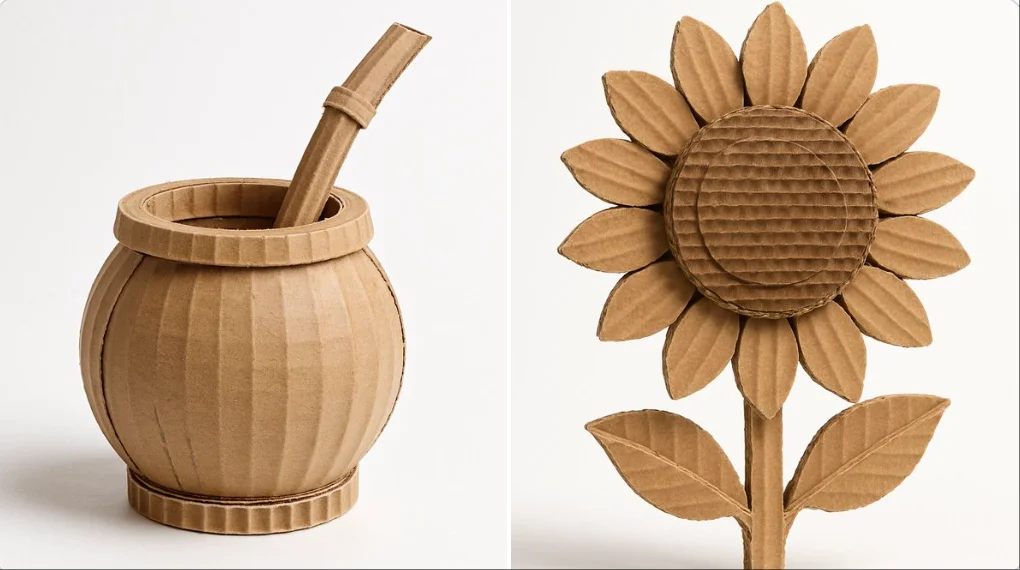
Explore Veo Video Ideas with dotsai.pro
For your video brief, describe how the subject should move from its starting pose. If the selected model supports an image or ending frame, use it to explain composition and continuity. Do not assume every reference type is accepted.
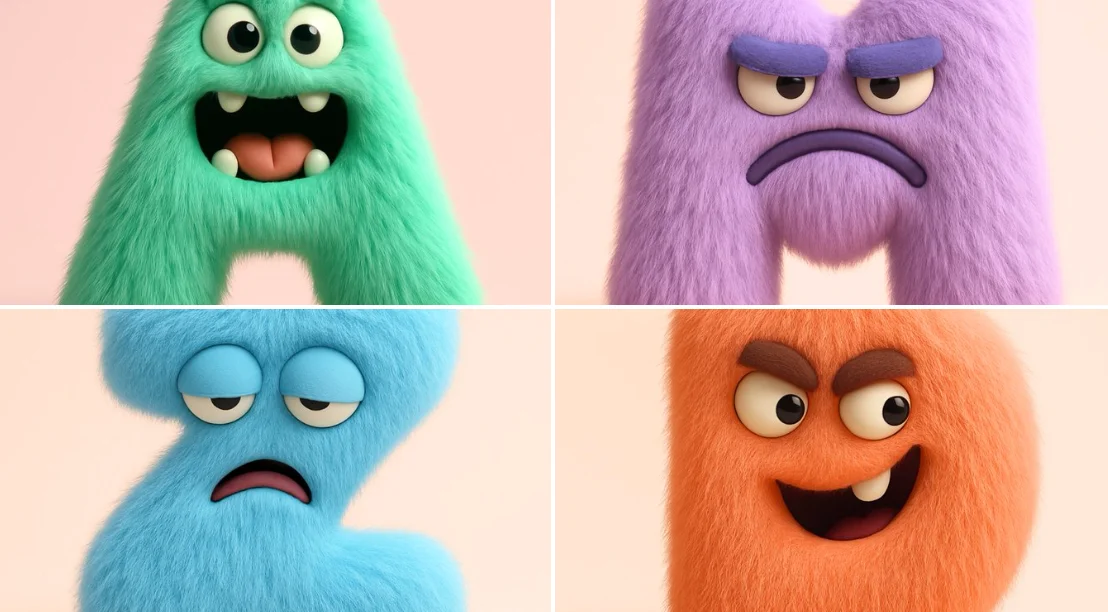
Text to Video Mode
Write your video brief around one visible action. Add the setting, shot size, camera movement and lighting. Keep dialogue and sound cues separate from the visual instructions so the intended scene is easy to understand.
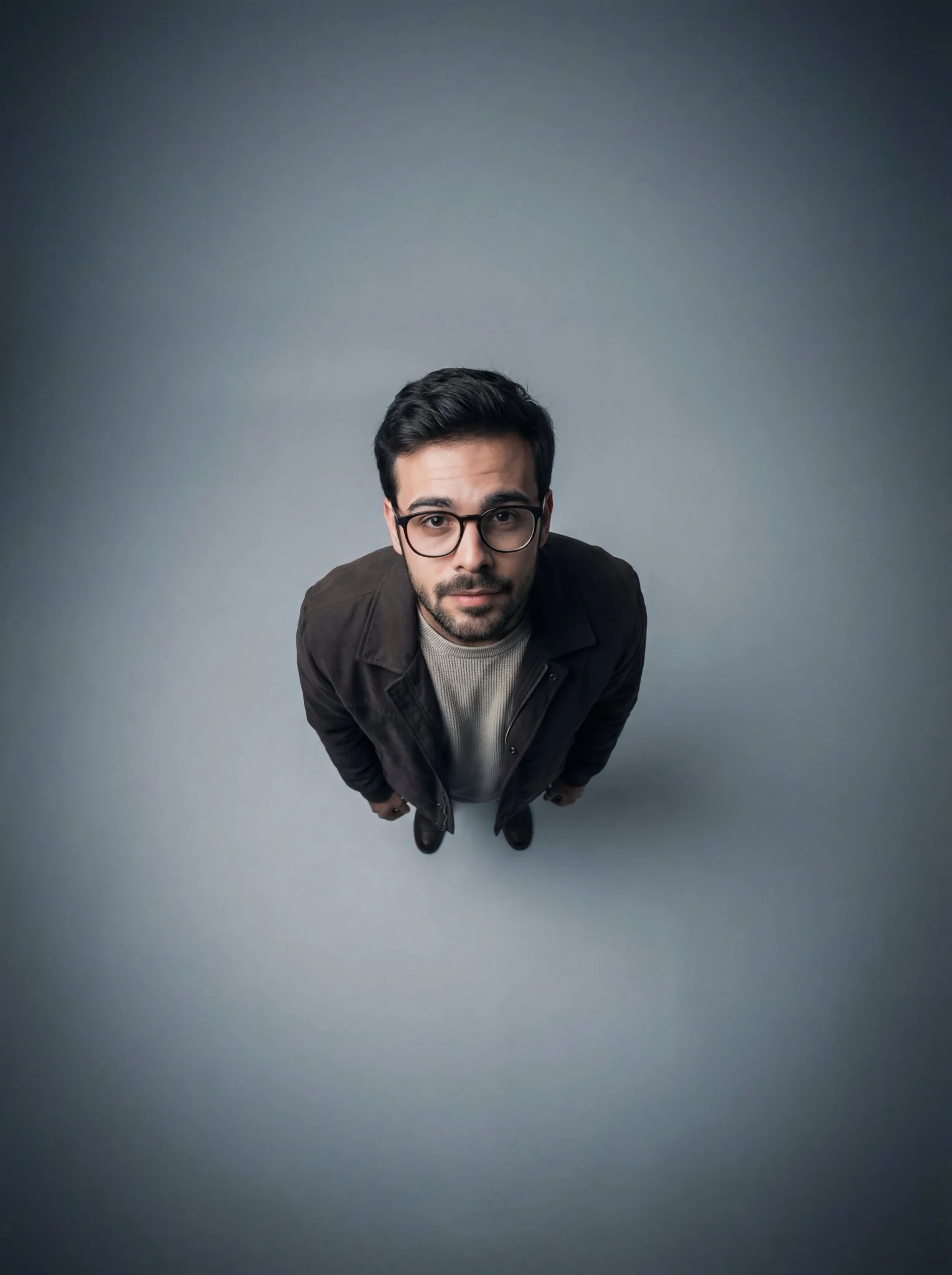
Image to Video Mode
For your video brief, describe how the subject should move from its starting pose. If the selected model supports an image or ending frame, use it to explain composition and continuity. Do not assume every reference type is accepted.
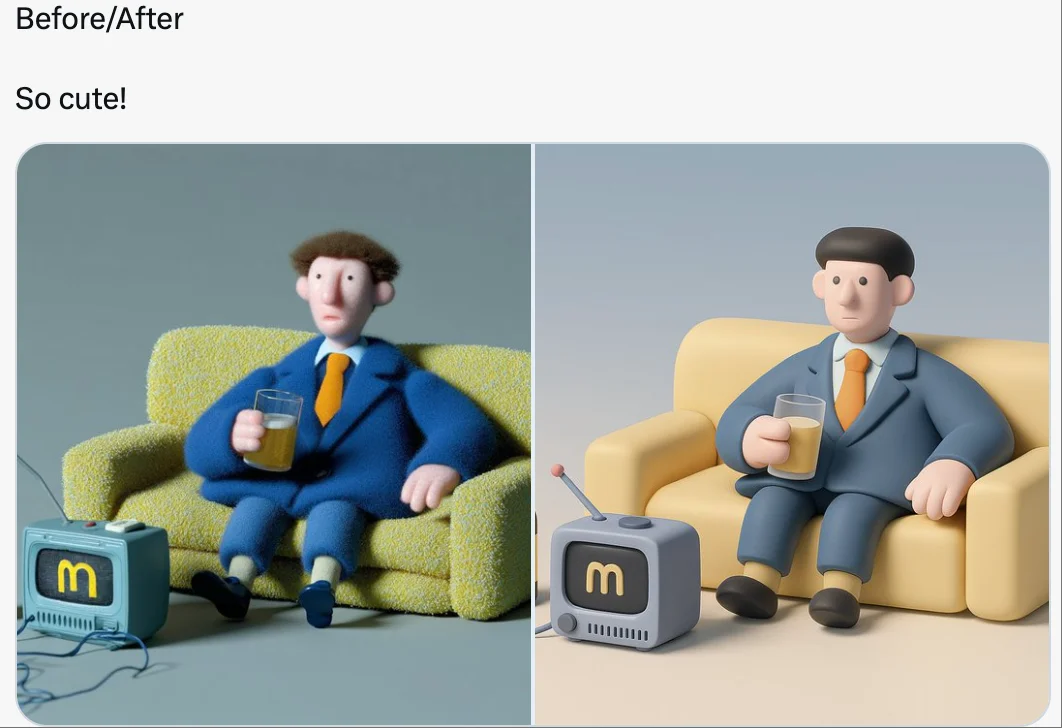
Review and Download Completed Results
When a request completes, inspect the video in History and download the result you want to keep. Review the composition and any unintended details before sharing it with your team or publishing it.
Explore Related Video Workflows
Explore available video workflows and compare it with the related video pages. The generator is the source of truth for current model access and settings. Use the prompt library to study published results and the model that created them.
Choose an enabled model on the AI Video page. Review its supported settings and credit quote before generating a clip from text or an image.
For a video product concept, specify the product shape, material, key detail and setting. Keep logos and claims accurate, allow room for your own typography, and review the result before using it in an advertisement.
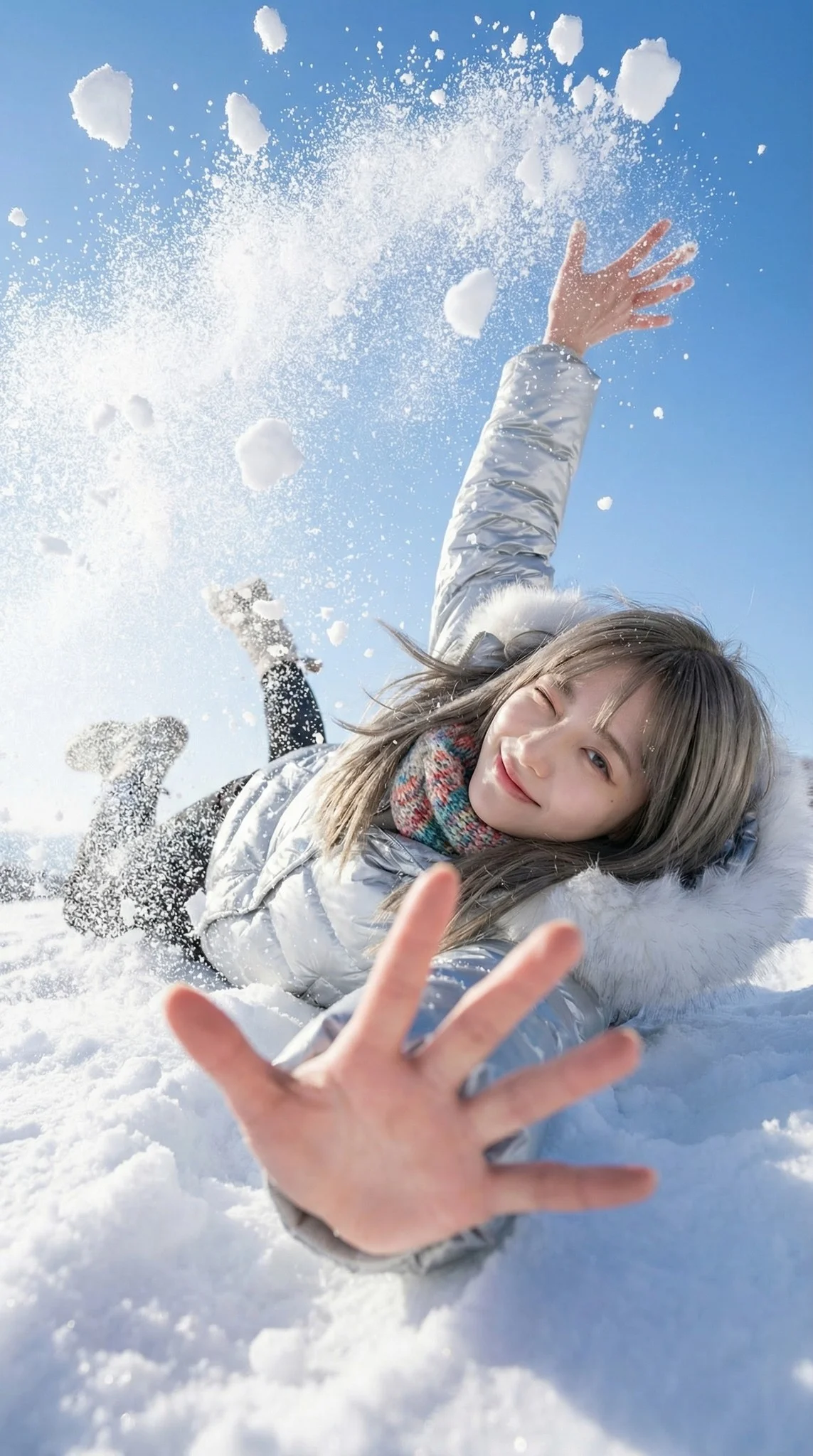
Choose a Supported Output Size
Choose only the resolution and aspect ratio shown for the selected model. Check framing, fine details and any text in the completed video. A larger output size does not guarantee a more accurate result.
Write your video brief around one visible action. Add the setting, shot size, camera movement and lighting. Keep dialogue and sound cues separate from the visual instructions so the intended scene is easy to understand.
Develop your video brief around the result you need. Keep the main direction specific, check supported settings in the generator, and review the completed work before using it in your project.
Develop your video brief around the result you need. Keep the main direction specific, check supported settings in the generator, and review the completed work before using it in your project.
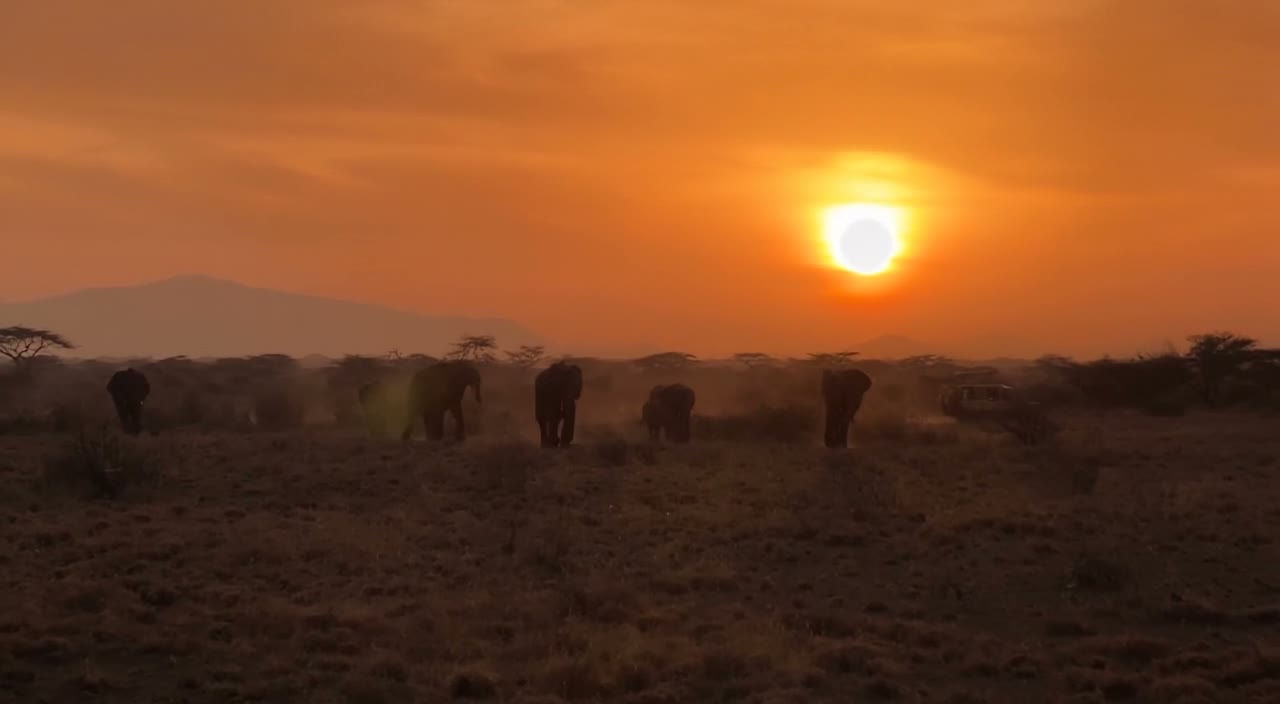
Choose an enabled model on the AI Video page. Review its supported settings and credit quote before generating a clip from text or an image.
Describe speech, ambient sound and music as separate directions in your video brief. Audio output depends on the selected model and the options shown in the generator; check the finished clip rather than assuming sound is included.
Write your video brief around one visible action. Add the setting, shot size, camera movement and lighting. Keep dialogue and sound cues separate from the visual instructions so the intended scene is easy to understand.
Describe speech, ambient sound and music as separate directions in your video brief. Audio output depends on the selected model and the options shown in the generator; check the finished clip rather than assuming sound is included.
Describe speech, ambient sound and music as separate directions in your video brief. Audio output depends on the selected model and the options shown in the generator; check the finished clip rather than assuming sound is included.
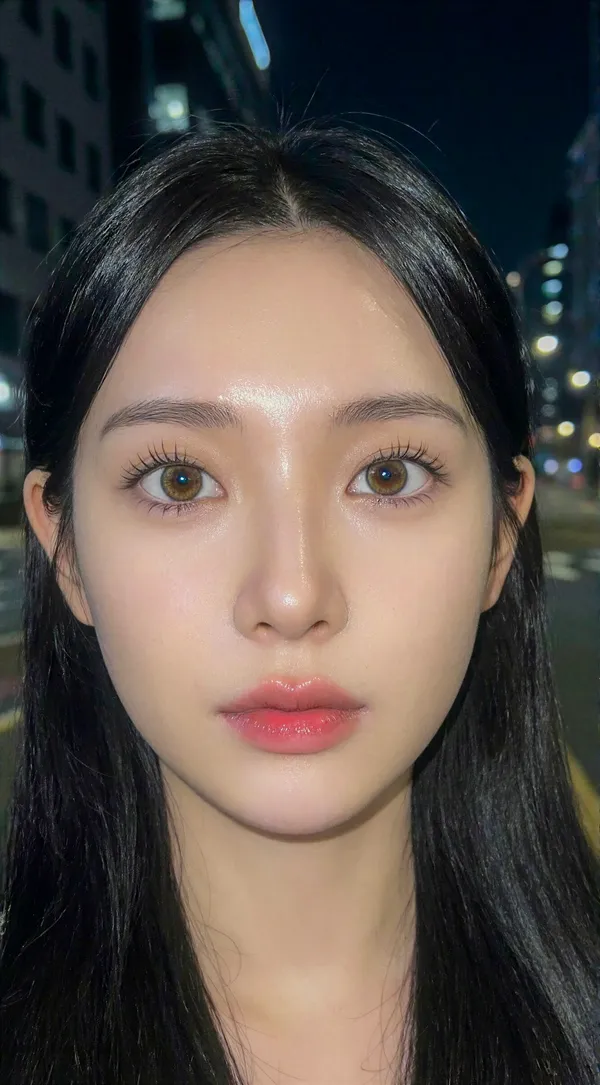
Use References to Explain the Intended Result
For your video brief, describe how the subject should move from its starting pose. If the selected model supports an image or ending frame, use it to explain composition and continuity. Do not assume every reference type is accepted.
For your video brief, describe how the subject should move from its starting pose. If the selected model supports an image or ending frame, use it to explain composition and continuity. Do not assume every reference type is accepted.
Write your video brief around one visible action. Add the setting, shot size, camera movement and lighting. Keep dialogue and sound cues separate from the visual instructions so the intended scene is easy to understand.
Develop your video brief around the result you need. Keep the main direction specific, check supported settings in the generator, and review the completed work before using it in your project.
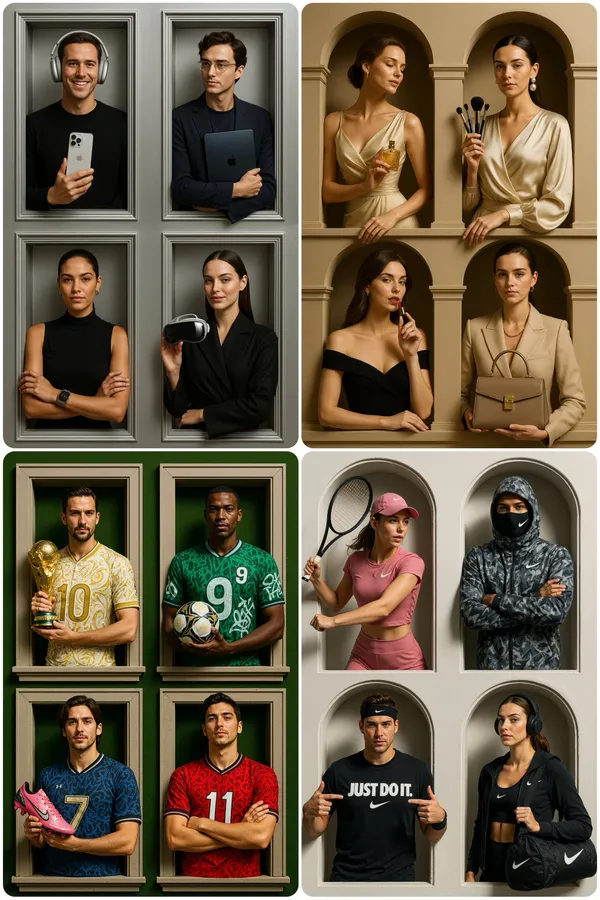
Review and Download Completed Results
Choose only the resolution and aspect ratio shown for the selected model. Check framing, fine details and any text in the completed video. A larger output size does not guarantee a more accurate result.
For a video product concept, specify the product shape, material, key detail and setting. Keep logos and claims accurate, allow room for your own typography, and review the result before using it in an advertisement.
Choose only the resolution and aspect ratio shown for the selected model. Check framing, fine details and any text in the completed video. A larger output size does not guarantee a more accurate result.
Allow time to inspect each video result and refine your brief. Processing time varies by model, request and service load. Change one direction at a time so that you can judge which edit improves the result.
A Clearer Creative Brief for Veo
For a video product concept, specify the product shape, material, key detail and setting. Keep logos and claims accurate, allow room for your own typography, and review the result before using it in an advertisement.
Plan One Clear Action per Shot
List the details that matter in your video brief: identity, shape, colors, clothing and background. Use supported references where appropriate and compare every result; exact consistency is not guaranteed.
Flexible Production Modes
For a video product concept, specify the product shape, material, key detail and setting. Keep logos and claims accurate, allow room for your own typography, and review the result before using it in an advertisement.
Write Precise Editing and Style Directions
For a video product concept, specify the product shape, material, key detail and setting. Keep logos and claims accurate, allow room for your own typography, and review the result before using it in an advertisement.
Explore Variations with a Focused Brief
Explore available video workflows and compare it with the related video pages. The generator is the source of truth for current model access and settings. Use the prompt library to study published results and the model that created them.
Choose an enabled model on the AI Video page. Review its supported settings and credit quote before generating a clip from text or an image.
Give the main subject one clear action. For a video concept, a precise brief is easier to assess than a list of competing effects.
Veo Video Workflow: Questions & Answers
For a video product concept, specify the product shape, material, key detail and setting. Keep logos and claims accurate, allow room for your own typography, and review the result before using it in an advertisement.
This dotsai.pro page explains the video workflow. It helps you write a focused brief and review the available inputs. Current access is shown in the generator; a model name on a guide does not mean it currently accepts requests.
Write your video brief around one visible action. Add the setting, shot size, camera movement and lighting. Keep dialogue and sound cues separate from the visual instructions so the intended scene is easy to understand.
Develop your video brief around the result you need. Keep the main direction specific, check supported settings in the generator, and review the completed work before using it in your project.
Choose only the resolution and aspect ratio shown for the selected model. Check framing, fine details and any text in the completed video. A larger output size does not guarantee a more accurate result.
Describe speech, ambient sound and music as separate directions in your video brief. Audio output depends on the selected model and the options shown in the generator; check the finished clip rather than assuming sound is included.
List the details that matter in your video brief: identity, shape, colors, clothing and background. Use supported references where appropriate and compare every result; exact consistency is not guaranteed.
You can request a refund within 10 days of purchase if you have unused credits from that purchase and provide a clear reason, subject to our Refund Policy. If eligible, an unused purchase can be fully refunded; a partly used purchase is refunded in proportion to its remaining unused credits. Fully used purchases and free or promotional credits are not refundable.
Credit validity depends on the pack, subscription or promotion that issued them. Review the purchase terms and expiration dates in Settings > Credits. A renewal or new purchase does not extend older credits. Use credits before their stated expiration; do not assume unused subscription credits roll over indefinitely.
Credits charged for a task that is confirmed as failed due to a system error are returned automatically. A task that is still processing has not yet been confirmed as failed. Check its status and your credit history before submitting again. If a confirmed failure still shows an unresolved charge, email support@dotsai.pro with the task ID.
AI results can vary, so a completed result that differs from your expectations is not automatically treated as a technical failure. Eligible completed image tasks can be submitted for credit refund review using the refund option where available; approval is required. For a video or another issue, contact support@dotsai.pro with the task ID and details. A credit refund returns credits, not money to your payment method.
Email support@dotsai.pro. For billing, include your account email and order ID; for generation, include the task ID, issue description and relevant screenshots. If you purchased as a guest, keep the original browser data and payment receipt so we can help locate the purchase.
Explore Your Next Veo Video Idea
Choose only the resolution and aspect ratio shown for the selected model. Check framing, fine details and any text in the completed video. A larger output size does not guarantee a more accurate result.
dotsai.pro · Updated
What's new on this page
- — Added editable example prompts and separate drafts for text and reference modes, with an action to restore the example.
- — Updated page copy and content.
- — Page content published.