
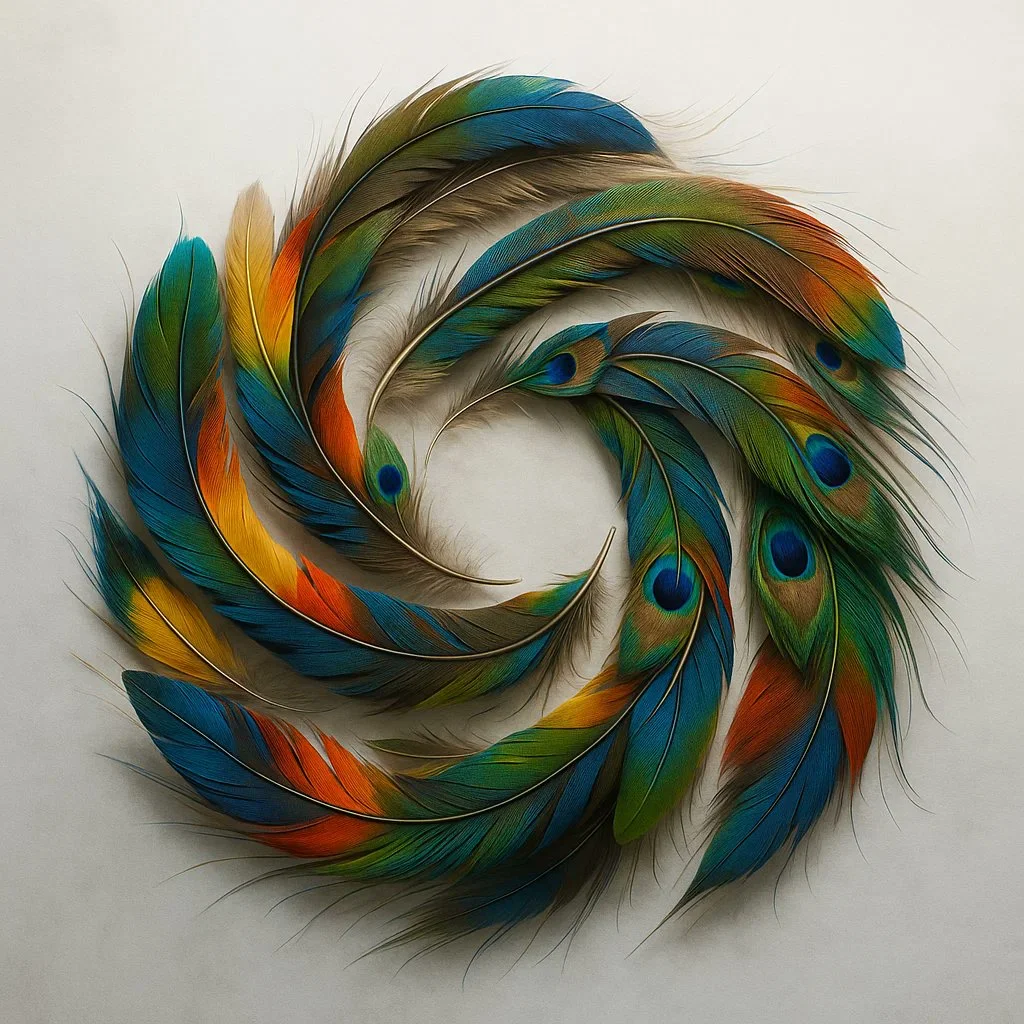
Verified prompt
A detailed overhead shot of a fluid, colorful OpenAI logo created by arranging hundreds of naturally shed exotic bird feathers. Capture the incredible iridescence, delicate barbs, and varied textures against a misty white backdrop with side lighting.
A detailed overhead shot of a fluid, colorful OpenAI logo created by arranging hundreds of naturally shed exotic bird feathers. Capture the incredible iridescence, delicate barbs, and varied textures against a misty white backdrop with side lighting.
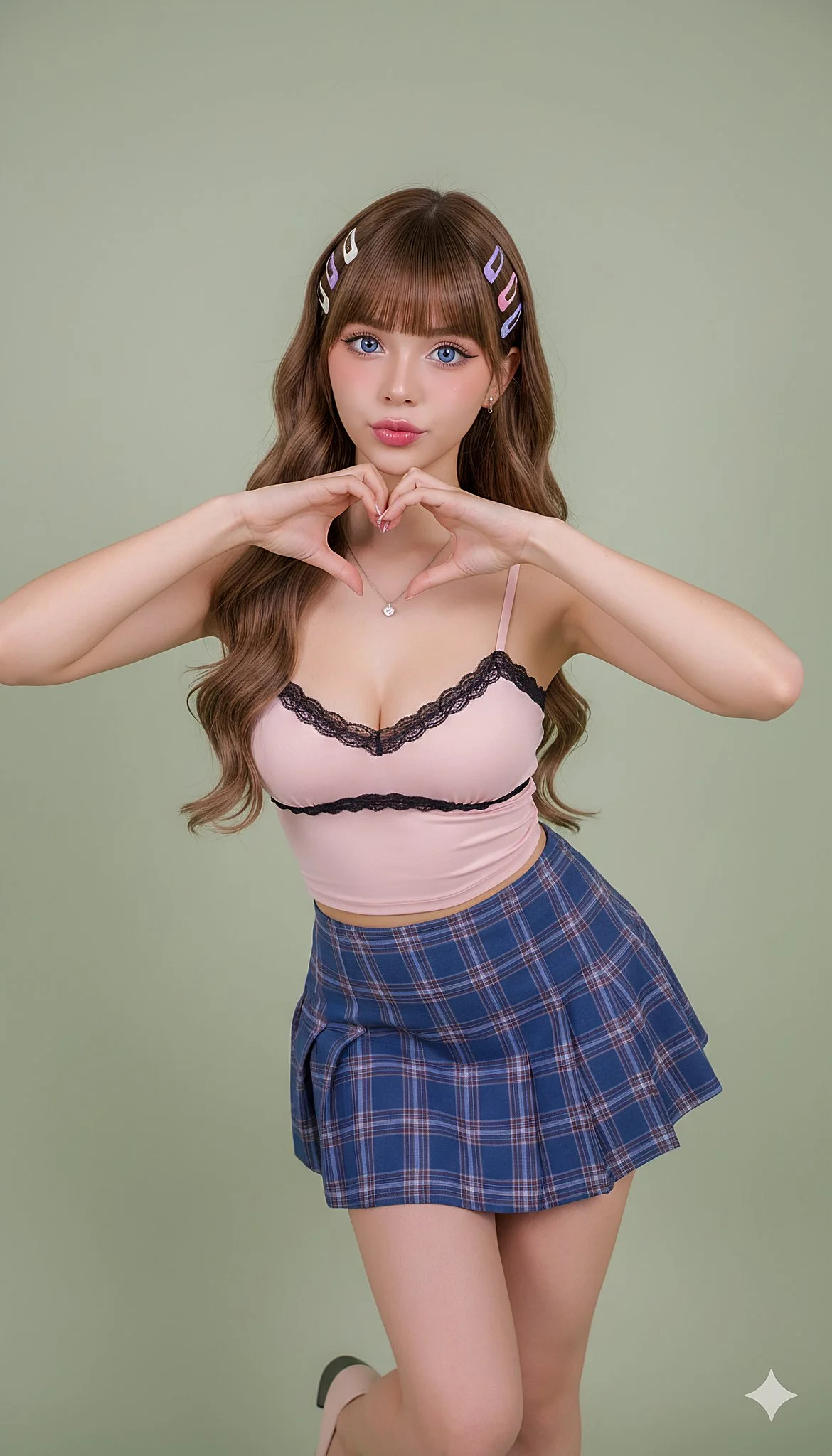
Verified prompt
{ "scene": { "location": "clean studio corner", "background": "soft pastel sage seamless, subtle falloff, no clutter" }, "subject": { "age": "adult", "description": "woman with fair skin, long wavy brown hair with straight bangs, vivid blue eyes", "wardrobe": "pink strappy cami with black lace trim, blue plaid skirt", "accessories": "delicate necklace, symmetrical pastel hair clips", "pose": "full body; gentle S-curve; hip slightly popped; front knee inward; toes pointed; hands frame face in small heart gesture near chin", "expression": "kawaii allure: bright eyes with micro-smile and soft pout; slight 8° head tilt toward camera", "gaze": "direct to camera", "body_notes": "realistic adult proportions; natural skin texture" }, "camera": { "sensor": "full_frame", "focal_length_mm": 70, "aperture_f": 2.2, "shutter_s": 0.00625, "iso": 200, "white_balance_k": 5200, "distance_m": 4.0, "camera_height_m": 1.05, "framing": "entire figure visible with 5% headroom and shoes in frame", "focus": "eye_detect_AF on nearest eye" }, "lighting": { "key": "large diffused softbox front-left at 45°, close to subject, high-key beauty", "fill": "white bounce on camera-right one stop under key", "hair": "soft rim from behind to lift hair texture", "catchlights": "two circular catchlights at 10 and 2 o'clock", "notes": "flicker-free LEDs; even skin luminance; avoid harsh speculars" }, "color_grade": { "style": "Ulzzang / kawaii soft-glam", "palette": "pastel pinks and sage; neutral skin with peach blush", "contrast": "medium-low with crisp micro-contrast on eyes and lips", "saturation": "moderate" }, "makeup": { "eyes": "subtle winged liner, long lashes, soft brown shadow, gentle aegyo-sal highlight", "cheeks": "peach gradient blush", "lips": "pink gradient tint with light gloss" }, "postprocess": { "retouch": "light frequency separation; maintain pores and flyaway hair", "clarity": "selective clarity on irises, lashes, lips", "dodge_burn": "micro dodge on eyes and cupid's bow; mild burn on hair shadows", "vignette": "very subtle" }, "art_direction": { "mood": "cute, playful, alluring yet tasteful", "keywords": ["kawaii", "S-curve", "face-framing gesture", "soft glow", "clean studio"] }, "negative_prompts": [ "nsfw", "underage look", "text or logos", "plastic doll skin", "warped hands or extra fingers", "deformed limbs", "flat lighting", "oversharpening halos", "cluttered background" ] }
{ "scene": { "location": "clean studio corner", "background": "soft pastel sage seamless, subtle falloff, no clutter" }, "subject": { "age": "adult", "description": "woman with fair skin, long wavy brown hair with straight bangs, vivid blue eyes", "wardrobe": "pink strappy cami with black lace trim, blue plaid skirt", "accessories": "delicate necklace, symmetrical pastel hair clips", "pose": "full body; gentle S-curve; hip slightly popped; front knee inward; toes pointed; hands frame face in small heart gesture near chin", "expression": "kawaii allure: bright eyes with micro-smile and soft pout; slight 8° head tilt toward camera", "gaze": "direct to camera", "body_notes": "realistic adult proportions; natural skin texture" }, "camera": { "sensor": "full_frame", "focal_length_mm": 70, "aperture_f": 2.2, "shutter_s": 0.00625, "iso": 200, "white_balance_k": 5200, "distance_m": 4.0, "camera_height_m": 1.05, "framing": "entire figure visible with 5% headroom and shoes in frame", "focus": "eye_detect_AF on nearest eye" }, "lighting": { "key": "large diffused softbox front-left at 45°, close to subject, high-key beauty", "fill": "white bounce on camera-right one stop under key", "hair": "soft rim from behind to lift hair texture", "catchlights": "two circular catchlights at 10 and 2 o'clock", "notes": "flicker-free LEDs; even skin luminance; avoid harsh speculars" }, "color_grade": { "style": "Ulzzang / kawaii soft-glam", "palette": "pastel pinks and sage; neutral skin with peach blush", "contrast": "medium-low with crisp micro-contrast on eyes and lips", "saturation": "moderate" }, "makeup": { "eyes": "subtle winged liner, long lashes, soft brown shadow, gentle aegyo-sal highlight", "cheeks": "peach gradient blush", "lips": "pink gradient tint with light gloss" }, "postprocess": { "retouch": "light frequency separation; maintain pores and flyaway hair", "clarity": "selective clarity on irises, lashes, lips", "dodge_burn": "micro dodge on eyes and cupid's bow; mild burn on hair shadows", "vignette": "very subtle" }, "art_direction": { "mood": "cute, playful, alluring yet tasteful", "keywords": ["kawaii", "S-curve", "face-framing gesture", "soft glow", "clean studio"] }, "negative_prompts": [ "nsfw", "underage look", "text or logos", "plastic doll skin", "warped hands or extra fingers", "deformed limbs", "flat lighting", "oversharpening halos", "cluttered background" ] }
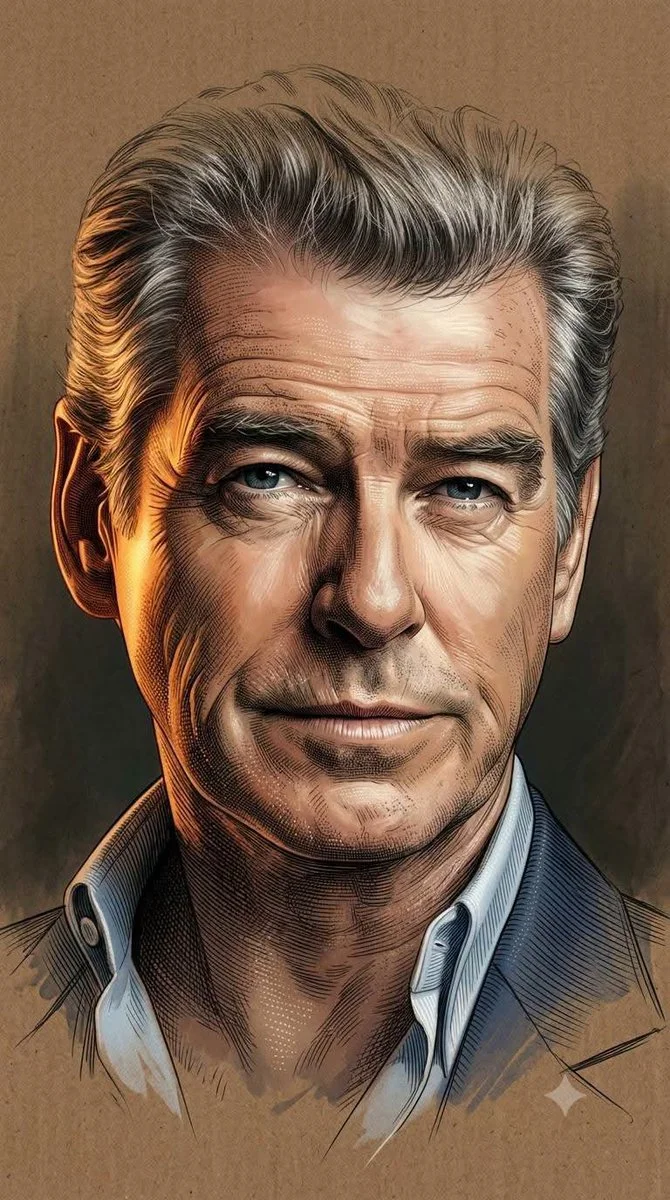
Verified prompt
Using an uploaded portrait as the subject reference, blend soft semi-realistic digital painting with highly detailed engraving illustration using painterly softness, ultra-fine crosshatching, and dotting. Apply cinematic warm golden-orange lighting on one side against cool shadows and chiaroscuro. Render skin and textures via luminous digital shading fused with dense engraving lines for gradients and intricate work. Preserve glossy eye highlights. Integrate soft brush strokes with contour lines and micro-etching. Fade head top and lower body into incomplete sketch dissolving into background. Use textured brown cardboard with matte grain merging into dark studio depth. Minimal elegant composition, warm muted palette, high contrast, museum-quality 8K finish. Aspect 9:16.
Using an uploaded portrait as the subject reference, blend soft semi-realistic digital painting with highly detailed engraving illustration using painterly softness, ultra-fine crosshatching, and dotting. Apply cinematic warm golden-orange lighting on one side against cool shadows and chiaroscuro. Render skin and textures via luminous digital shading fused with dense engraving lines for gradients and intricate work. Preserve glossy eye highlights. Integrate soft brush strokes with contour lines and micro-etching. Fade head top and lower body into incomplete sketch dissolving into background. Use textured brown cardboard with matte grain merging into dark studio depth. Minimal elegant composition, warm muted palette, high contrast, museum-quality 8K finish. Aspect 9:16.
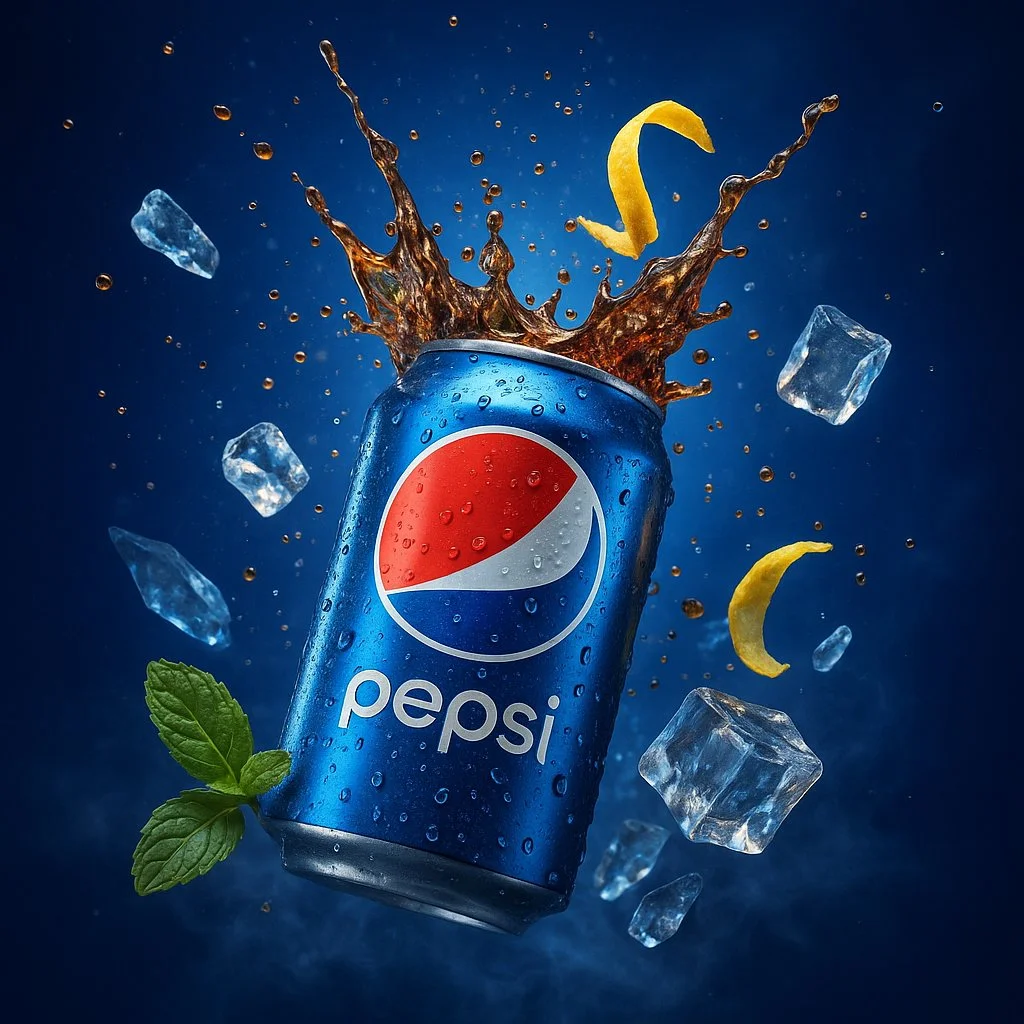
Verified prompt
A hyper-realistic, ultra-detailed 3D digital advertisement showcasing a Pepsi can bursting open at its center, sending a refreshing splash of carbonated cola into the air, with effervescent bubbles and ice cubes flying outward. The can’s metallic surface is rendered with sharp, photorealistic textures, complete with condensation droplets, light reflections, and subtle scratches. Surrounding the scene are cold, translucent ice shards and a twist of lemon zest caught mid-motion, adding a vibrant contrast. The background features a deep electric blue gradient with cinematic volumetric lighting and soft lens flares. Green mint leaves and misty vapors add a refreshing, natural accent. The entire scene is rendered in 4K UHD using advanced global illumination, HDR lighting, and realistic shadows. The composition evokes premium beverage advertising with a dramatic tone, created using tools like Unreal Engine + Octane Render for maximum visual impact.
A hyper-realistic, ultra-detailed 3D digital advertisement showcasing a Pepsi can bursting open at its center, sending a refreshing splash of carbonated cola into the air, with effervescent bubbles and ice cubes flying outward. The can’s metallic surface is rendered with sharp, photorealistic textures, complete with condensation droplets, light reflections, and subtle scratches. Surrounding the scene are cold, translucent ice shards and a twist of lemon zest caught mid-motion, adding a vibrant contrast. The background features a deep electric blue gradient with cinematic volumetric lighting and soft lens flares. Green mint leaves and misty vapors add a refreshing, natural accent. The entire scene is rendered in 4K UHD using advanced global illumination, HDR lighting, and realistic shadows. The composition evokes premium beverage advertising with a dramatic tone, created using tools like Unreal Engine + Octane Render for maximum visual impact.
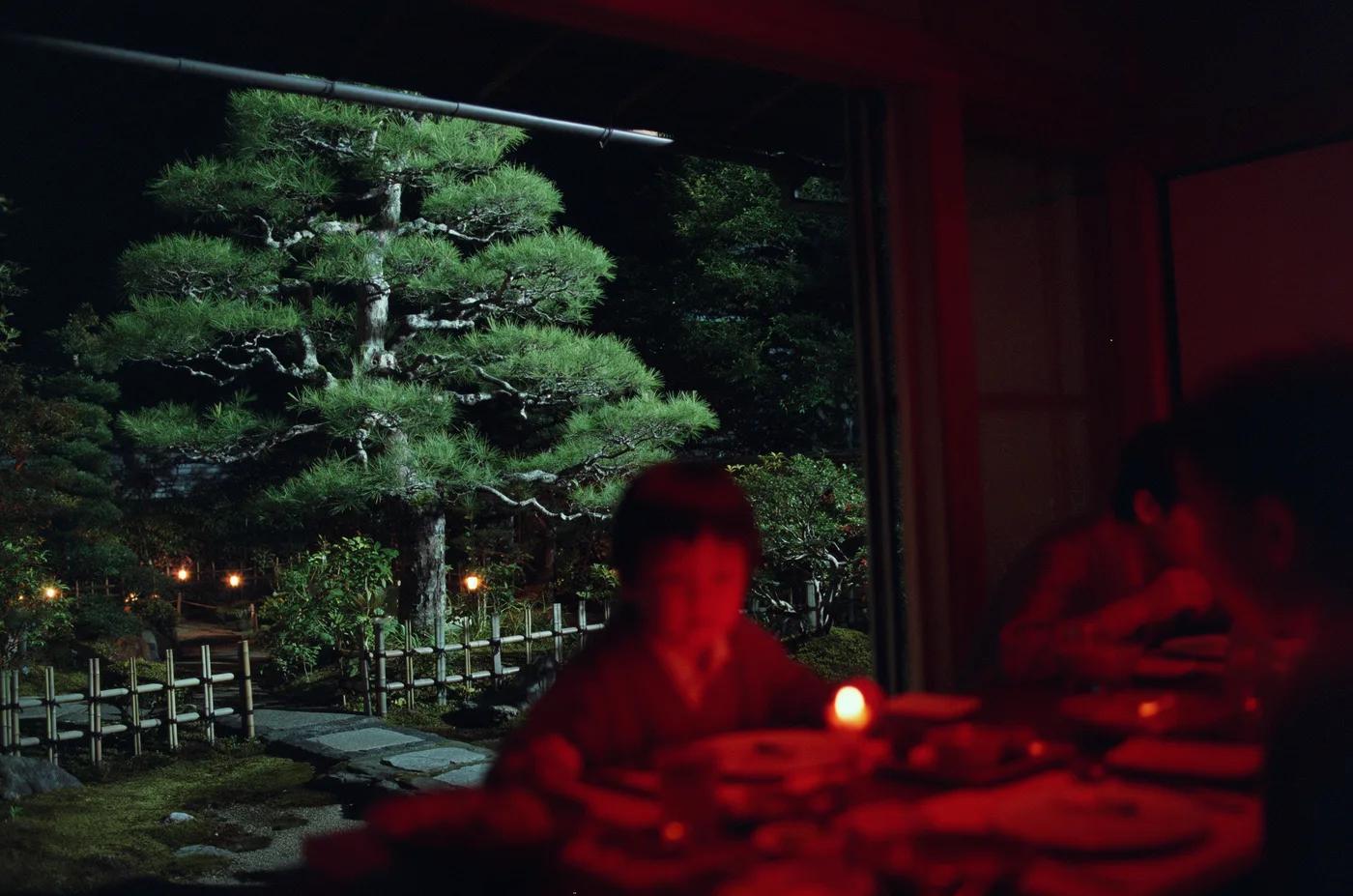
Verified prompt
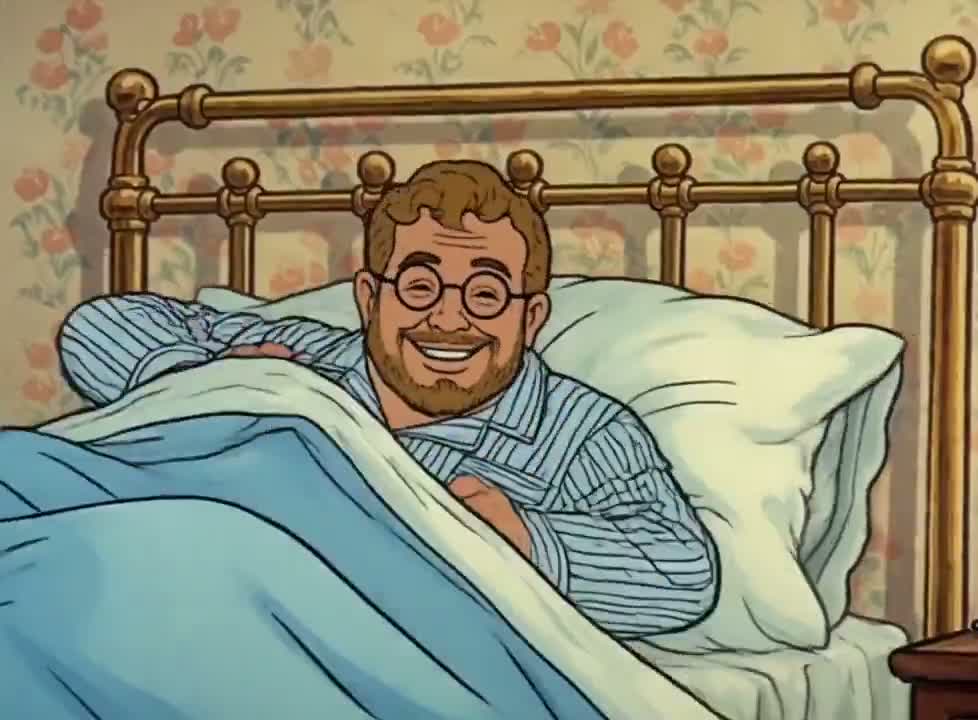
Verified prompt
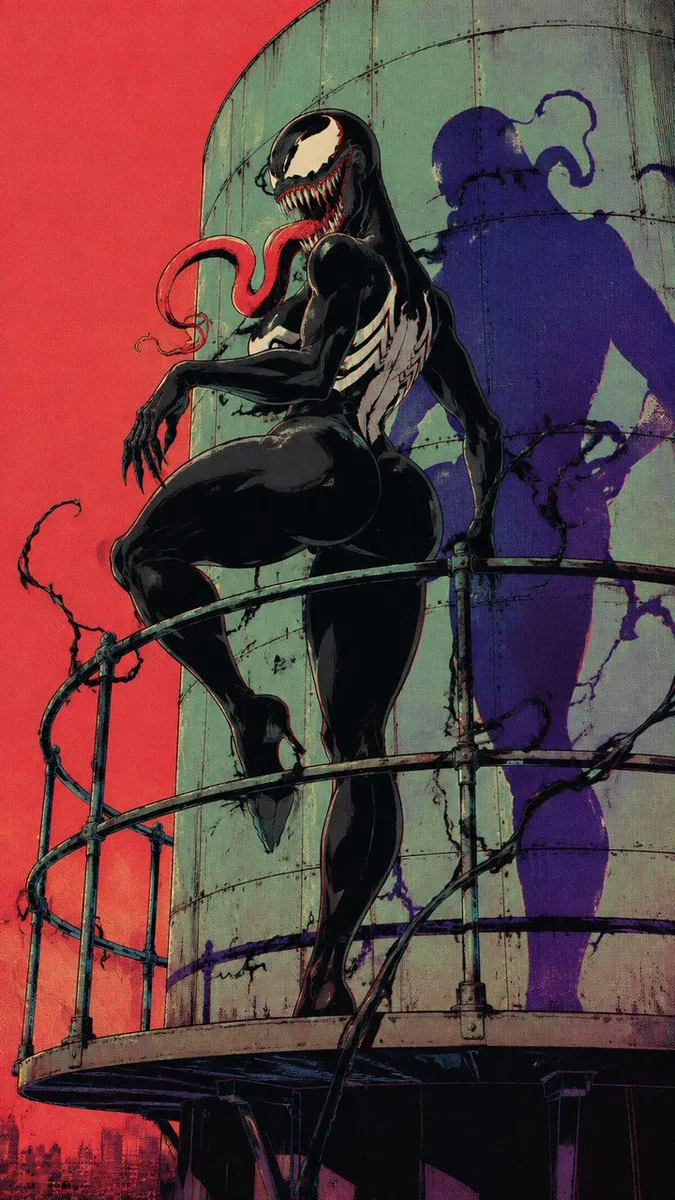
Verified prompt
Adult female Venom symbiote in glossy black organic bodysuit, iconic huge white Venom eyes, enormous sharp-toothed grin, long red tongue, white spider emblem on chest, powerful curvy feminine silhouette, black clawed hands, subtle tendrils, confident predatory pose. Abandoned roadside diner empty desert highway outside, dramatic graphic shadow. Raw 1990s Japanese underground comic illustration, thick imperfect ink outlines, hard cel shading, limited black ivory orange turquoise purple palette, halftone print texture, dirty photocopy grain, ink bleed, subtle RGB misregistration, distressed vintage paper, retro pulp horror fashion editorial aesthetic.
Adult female Venom symbiote in glossy black organic bodysuit, iconic huge white Venom eyes, enormous sharp-toothed grin, long red tongue, white spider emblem on chest, powerful curvy feminine silhouette, black clawed hands, subtle tendrils, confident predatory pose. Abandoned roadside diner empty desert highway outside, dramatic graphic shadow. Raw 1990s Japanese underground comic illustration, thick imperfect ink outlines, hard cel shading, limited black ivory orange turquoise purple palette, halftone print texture, dirty photocopy grain, ink bleed, subtle RGB misregistration, distressed vintage paper, retro pulp horror fashion editorial aesthetic.
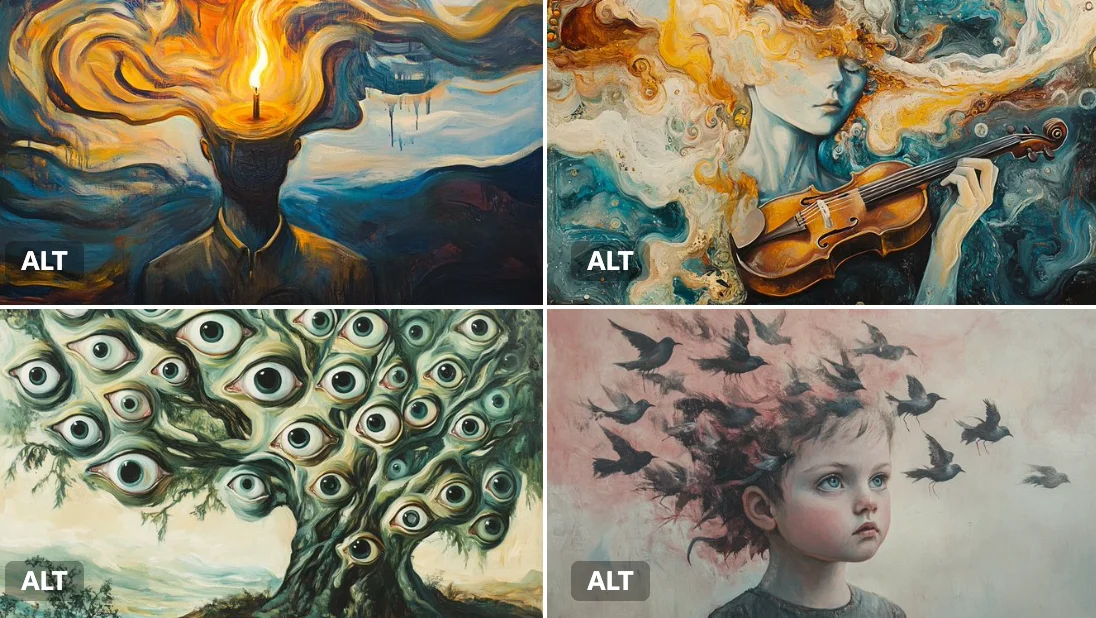
Verified prompt
A surreal oil painting of a [subject], executed in the style of early 20th-century dreamscapes. Melting shapes, floating forms, and swirling [color1] and [color2] brushstrokes create a dreamlike dissonance.
A surreal oil painting of a [subject], executed in the style of early 20th-century dreamscapes. Melting shapes, floating forms, and swirling [color1] and [color2] brushstrokes create a dreamlike dissonance.
Verified prompt
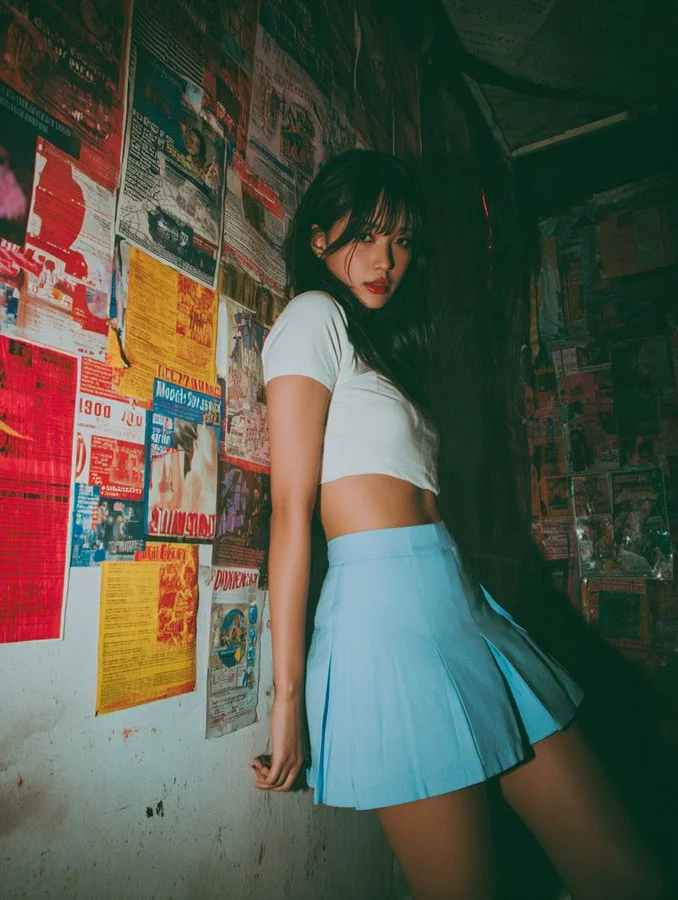
The image features a subject with long, dark hair, dressed in a short-sleeved, cropped white top and a high-waisted, pleated blue mini skirt that ends well above mid-thigh, fitting snugly to accentuate the figure. The subject is captured in a slightly turned pose, leaning forward with one hand resting on a wall covered in a dense collage of overlapping posters, flyers, and advertisements in various colors such as red, yellow, blue, and white, with text in multiple languages, suggesting an urban or vintage environment. The wall appears worn, with visible creases and minor damage, adding to the nostalgic ambiance. The subject's facial expression, partially visible from a side angle, conveys a subtle mix of curiosity and playfulness. The lighting is dim with a warm tone, casting soft shadows that enhance the mood. The composition employs a low-angle perspective, drawing attention to the subject's lower body and the skirt's height, with a sharp focus on the subject against a slightly blurred background. The overall mood is provocative yet nostalgic, blending modern attire with a retro aesthetic. Technically, the image exhibits a deliberate soft-focus effect, contributing to a hazy, dreamlike quality that softens details and edges. Additionally, noticeable grain and noise texture are present, enhancing the vintage aesthetic and adding a tactile, gritty feel to the photograph. The resolution remains moderate, typical of digital photography, with a slightly desaturated color profile featuring a vintage filter effect. The aspect ratio is vertical, approximately 4:5, supporting the focused framing of the subject.
The image features a subject with long, dark hair, dressed in a short-sleeved, cropped white top and a high-waisted, pleated blue mini skirt that ends well above mid-thigh, fitting snugly to accentuate the figure. The subject is captured in a slightly turned pose, leaning forward with one hand resting on a wall covered in a dense collage of overlapping posters, flyers, and advertisements in various colors such as red, yellow, blue, and white, with text in multiple languages, suggesting an urban or vintage environment. The wall appears worn, with visible creases and minor damage, adding to the nostalgic ambiance. The subject's facial expression, partially visible from a side angle, conveys a subtle mix of curiosity and playfulness. The lighting is dim with a warm tone, casting soft shadows that enhance the mood. The composition employs a low-angle perspective, drawing attention to the subject's lower body and the skirt's height, with a sharp focus on the subject against a slightly blurred background. The overall mood is provocative yet nostalgic, blending modern attire with a retro aesthetic. Technically, the image exhibits a deliberate soft-focus effect, contributing to a hazy, dreamlike quality that softens details and edges. Additionally, noticeable grain and noise texture are present, enhancing the vintage aesthetic and adding a tactile, gritty feel to the photograph. The resolution remains moderate, typical of digital photography, with a slightly desaturated color profile featuring a vintage filter effect. The aspect ratio is vertical, approximately 4:5, supporting the focused framing of the subject.
Verified prompt
Verified prompt
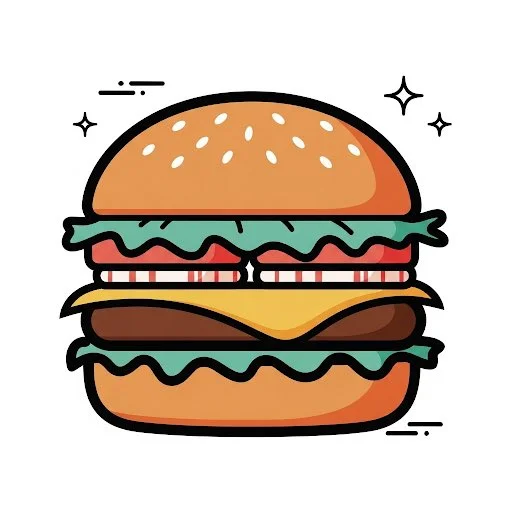
Create an illustration of a [OBJECT] in a retro cartoon style. Use only flat, solid colors with no gradients, smudging, airbrushing, or blur. All shading and highlights should be made from clean, separate color blocks. Outline all shapes with thick, bold black lines. Use a simplified color palette (such as teal, coral, mustard, and white) for a vintage feel. Add small sparkle accents or motion lines for charm, but keep the icon the clear focus. Set the illustration on a plain white background. The final result must be crisp, clean, and vector friendly with sharp edges and no texture or raster effects. Square aspect ratio.
Create an illustration of a [OBJECT] in a retro cartoon style. Use only flat, solid colors with no gradients, smudging, airbrushing, or blur. All shading and highlights should be made from clean, separate color blocks. Outline all shapes with thick, bold black lines. Use a simplified color palette (such as teal, coral, mustard, and white) for a vintage feel. Add small sparkle accents or motion lines for charm, but keep the icon the clear focus. Set the illustration on a plain white background. The final result must be crisp, clean, and vector friendly with sharp edges and no texture or raster effects. Square aspect ratio.
Verified prompt
Explore Image Workflows
Explore the GPT Image 2.5 workflow and compare it with the related image pages. The generator is the source of truth for current model access and settings. Use the prompt library to study published results and the model that created them.
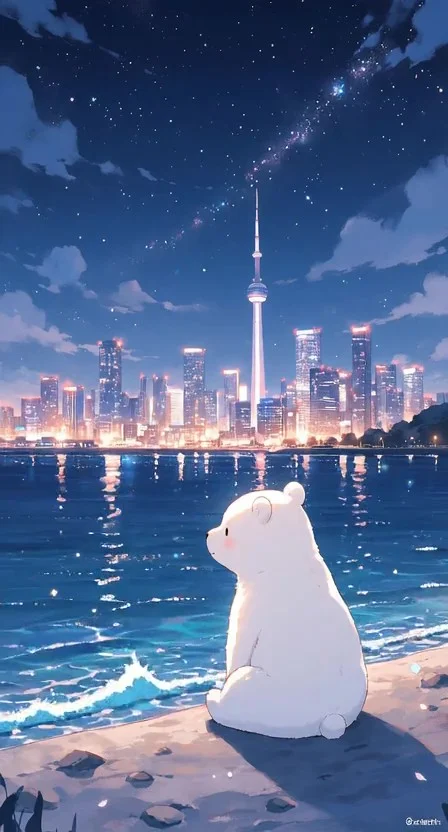
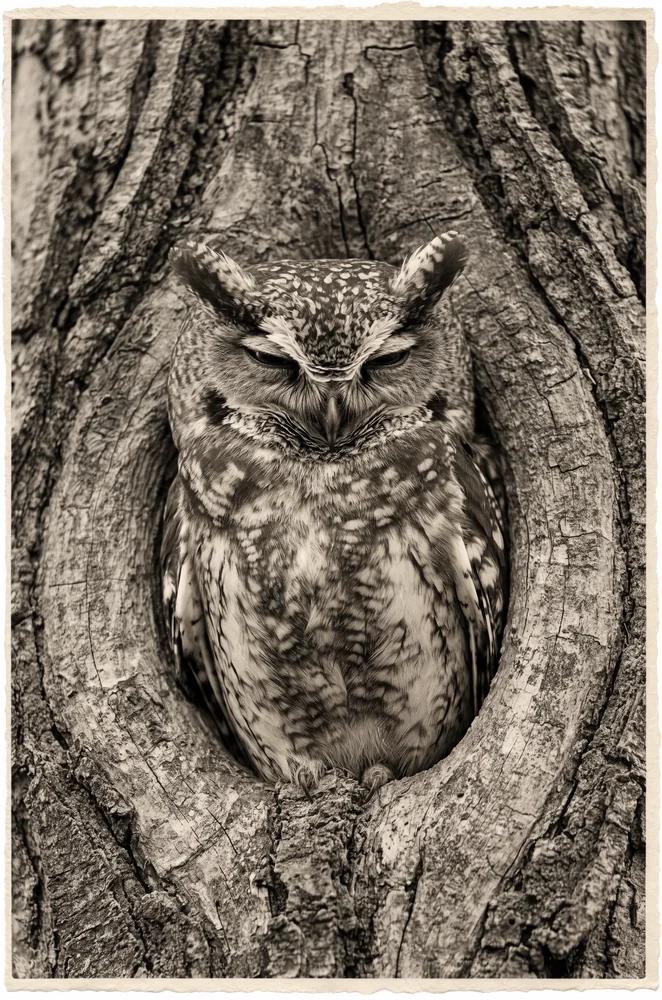
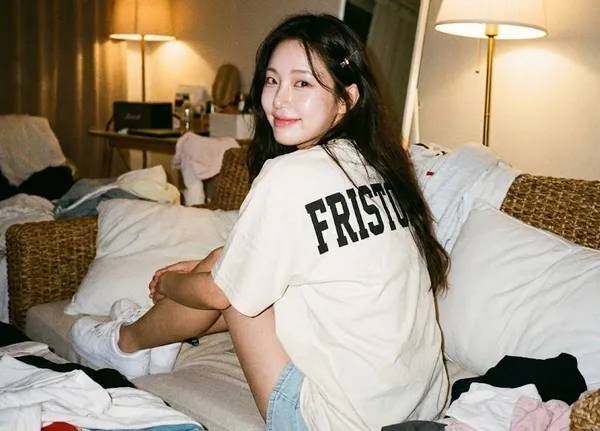
Create Images with Flare and Sunburst
Write your GPT Image 2.5 image brief around a subject, composition, lighting and intended style. Add a material or texture when it matters. For edits, state one precise change and explain which parts of the source should remain intact.
Write your GPT Image 2.5 image brief around a subject, composition, lighting and intended style. Add a material or texture when it matters. For edits, state one precise change and explain which parts of the source should remain intact.
Explore GPT Image 2.5Build Your GPT Image 2.5 Image Brief
Choose only the resolution and aspect ratio shown for the selected model. Check framing, fine details and any text in the completed image. A larger output size does not guarantee a more accurate result.
Advanced AI Image Generation & Customization
Choose only the resolution and aspect ratio shown for the selected model. Check framing, fine details and any text in the completed image. A larger output size does not guarantee a more accurate result.
Write Precise Editing and Style Directions
Choose only the resolution and aspect ratio shown for the selected model. Check framing, fine details and any text in the completed image. A larger output size does not guarantee a more accurate result.
Describe the Changes and Details to Preserve
Explore the GPT Image 2.5 workflow and compare it with the related image pages. The generator is the source of truth for current model access and settings. Use the prompt library to study published results and the model that created them.
Describe the Changes and Details to Preserve
Choose only the resolution and aspect ratio shown for the selected model. Check framing, fine details and any text in the completed image. A larger output size does not guarantee a more accurate result.
Review Usage Terms Before Sharing
Check the applicable model and platform terms before using a result commercially. You are responsible for the rights to uploaded images, identifiable people, logos and any other source material in your GPT Image 2.5 image brief.
Keep Your Workflow Simple
Develop your GPT Image 2.5 image brief around the result you need. Keep the main direction specific, check supported settings in the generator, and review the completed work before using it in your project.
A Clearer Creative Brief for GPT Image 2.5
Diverse Styles & Effects for Every Vision
Develop your GPT Image 2.5 image brief around the result you need. Keep the main direction specific, check supported settings in the generator, and review the completed work before using it in your project.
Write your GPT Image 2.5 image brief around a subject, composition, lighting and intended style. Add a material or texture when it matters. For edits, state one precise change and explain which parts of the source should remain intact.
Versatile GPT Image 2.5 AI Image Generator for Every Creator's Vision
Start your GPT Image 2.5 image brief with a source image you have permission to use. Name the area to change and the colors, proportions or objects to preserve. Reference count and editing support depend on the selected model.
For Architects and Designers
Write your GPT Image 2.5 image brief around a subject, composition, lighting and intended style. Add a material or texture when it matters. For edits, state one precise change and explain which parts of the source should remain intact.
For E-Commerce Professionals
List the details that matter in your GPT Image 2.5 image brief: identity, shape, colors, clothing and background. Use supported references where appropriate and compare every result; exact consistency is not guaranteed.
For Content Publishers
Choose only the resolution and aspect ratio shown for the selected model. Check framing, fine details and any text in the completed image. A larger output size does not guarantee a more accurate result.
For Event Planners
Write your GPT Image 2.5 image brief around a subject, composition, lighting and intended style. Add a material or texture when it matters. For edits, state one precise change and explain which parts of the source should remain intact.
From a Brief to a Reviewed Image: The GPT Image 2.5 Workflow
Add Your Input
Start your GPT Image 2.5 image brief with a source image you have permission to use. Name the area to change and the colors, proportions or objects to preserve. Reference count and editing support depend on the selected model.
Customize Your Options
The generator shows current model availability. When a model accepts requests, choose its supported settings and review the required credits before submitting. Review your selection and credit balance before generating.
Generate and Refine
Write your GPT Image 2.5 image brief around a subject, composition, lighting and intended style. Add a material or texture when it matters. For edits, state one precise change and explain which parts of the source should remain intact.
Review and Download Completed Results
Start your GPT Image 2.5 image brief with a source image you have permission to use. Name the area to change and the colors, proportions or objects to preserve. Reference count and editing support depend on the selected model.
GPT Image 2.5 Image Ideas for Your Projects
Choose only the resolution and aspect ratio shown for the selected model. Check framing, fine details and any text in the completed image. A larger output size does not guarantee a more accurate result.
Digital Art & Illustration
Choose only the resolution and aspect ratio shown for the selected model. Check framing, fine details and any text in the completed image. A larger output size does not guarantee a more accurate result.
Marketing & E-Commerce Visuals
For a GPT Image 2.5 product concept, specify the product shape, material, key detail and setting. Keep logos and claims accurate, allow room for your own typography, and review the result before using it in an advertisement.
Educational Content & Presentations
Use a GPT Image 2.5 visual concept to support one teaching or presentation point. Check facts and labels yourself, and add final captions in your editing workflow rather than relying on generated text.
Game Development
List the details that matter in your GPT Image 2.5 image brief: identity, shape, colors, clothing and background. Use supported references where appropriate and compare every result; exact consistency is not guaranteed.
Creative Notes for Your GPT Image 2.5 Image Brief
Give the main subject one clear action. For a GPT Image 2.5 concept, a precise brief is easier to assess than a list of competing effects.
GPT Image 2.5 Image Workflow: Questions & Answers
This dotsai.pro page explains the GPT Image 2.5 image workflow. It helps you write a focused brief and review the available inputs. Current access is shown in the generator; a model name on a guide does not mean it currently accepts requests.
Write your GPT Image 2.5 image brief around a subject, composition, lighting and intended style. Add a material or texture when it matters. For edits, state one precise change and explain which parts of the source should remain intact.
Use only the input modes and controls offered by the selected model. Describe the intended image clearly and add supported references when useful. This page does not promise separate motion-brush, audio-upload, restoration or editing tools.
Check the applicable model and platform terms before using a result commercially. You are responsible for the rights to uploaded images, identifiable people, logos and any other source material in your GPT Image 2.5 image brief.
The generator shows current model availability. When a model accepts requests, choose its supported settings and review the required credits before submitting. Review your selection and credit balance before generating.
Develop your GPT Image 2.5 image brief around the result you need. Keep the main direction specific, check supported settings in the generator, and review the completed work before using it in your project.
You can request a refund within 10 days of purchase if you have unused credits from that purchase and provide a clear reason, subject to our Refund Policy. If eligible, an unused purchase can be fully refunded; a partly used purchase is refunded in proportion to its remaining unused credits. Fully used purchases and free or promotional credits are not refundable.
Credit validity depends on the pack, subscription or promotion that issued them. Review the purchase terms and expiration dates in Settings > Credits. A renewal or new purchase does not extend older credits. Use credits before their stated expiration; do not assume unused subscription credits roll over indefinitely.
Credits charged for a task that is confirmed as failed due to a system error are returned automatically. A task that is still processing has not yet been confirmed as failed. Check its status and your credit history before submitting again. If a confirmed failure still shows an unresolved charge, email support@dotsai.pro with the task ID.
AI results can vary, so a completed result that differs from your expectations is not automatically treated as a technical failure. Eligible completed image tasks can be submitted for credit refund review using the refund option where available; approval is required. For a video or another issue, contact support@dotsai.pro with the task ID and details. A credit refund returns credits, not money to your payment method.
Email support@dotsai.pro. For billing, include your account email and order ID; for generation, include the task ID, issue description and relevant screenshots. If you purchased as a guest, keep the original browser data and payment receipt so we can help locate the purchase.
Explore Your Next GPT Image 2.5 Image Idea
Explore the GPT Image 2.5 workflow and compare it with the related image pages. The generator is the source of truth for current model access and settings. Use the prompt library to study published results and the model that created them.
dotsai.pro · Updated
What's new on this page
- — Added editable example prompts and separate drafts for text and reference modes, with an action to restore the example.
- — Updated page copy and content.
- — Page content published.