
Veo Availability:Supported Video Models
Choose a Supported Text or Image Video Model
Veo is unavailable on dotsai.pro. Use an enabled Kling or Seedance model on the AI Video page for text-to-video or image-to-video. These examples are general creative inspiration, not Veo demonstrations.
Verified prompt
[ { "shot_type": "Extreme long shot transitioning to a dizzying centrifugal orbital spiral", "camera_movement": "360-degree barrel roll with a snap-focus lock, simulating high-G vibration and inertial lurch", "lens_spec": "22mm wide-angle prime, heavy chromatic aberration at the edges, T1.5 for shallow focus on near-field debris", "lighting": "Harsh unshielded solar radiation, blinding white-hot rim lighting, deep chiaroscuro voids in the shadows of asteroids", "subject_details": "Squadron of chrome-plated solar-sail gliders with iridescent nanotech wings, reflecting distorted star-fields and plasma heat-haze", "environment_details": "The golden rings of a gas giant, saturated with crystalline ice shards, floating silicate dust, and a distant burning corona", "vfx_elements": "Solar wind diffraction spikes, hexagonal lens bokeh, refracting ice crystals, and hyper-realistic plasma cavitation trails", "color_palette": "Molten gold, deep violet, obsidian black, and iridescent teal highlights", "framing": "Subject positioned at the intersection of the planet's curvature and a leading line of orbital debris, creating a sense of infinite scale", "shutter_speed": "Variable shutter; high-speed for frozen crystal facets, 180-degree rule for fluid light-trail persistence" } ]
[ { "shot_type": "Extreme long shot transitioning to a dizzying centrifugal orbital spiral", "camera_movement": "360-degree barrel roll with a snap-focus lock, simulating high-G vibration and inertial lurch", "lens_spec": "22mm wide-angle prime, heavy chromatic aberration at the edges, T1.5 for shallow focus on near-field debris", "lighting": "Harsh unshielded solar radiation, blinding white-hot rim lighting, deep chiaroscuro voids in the shadows of asteroids", "subject_details": "Squadron of chrome-plated solar-sail gliders with iridescent nanotech wings, reflecting distorted star-fields and plasma heat-haze", "environment_details": "The golden rings of a gas giant, saturated with crystalline ice shards, floating silicate dust, and a distant burning corona", "vfx_elements": "Solar wind diffraction spikes, hexagonal lens bokeh, refracting ice crystals, and hyper-realistic plasma cavitation trails", "color_palette": "Molten gold, deep violet, obsidian black, and iridescent teal highlights", "framing": "Subject positioned at the intersection of the planet's curvature and a leading line of orbital debris, creating a sense of infinite scale", "shutter_speed": "Variable shutter; high-speed for frozen crystal facets, 180-degree rule for fluid light-trail persistence" } ]
Verified prompt
İlk saniyede kamera kadının yüzüne çok yakın: rüzgârda savrulan siyah saçlar, kafasının üstündeki gözlük ve tamamen odaklanmış bir bakış… Sonra kamera bir anda yanından süzülüp arkasına geçiyor. Artık her şey hız: → board’un altından fırlayan kumlar → dalga gibi kıvrılan dev çöl tepeleri → yere sıfır takip kamerası → kuma dokunan parmak uçları → slalom gibi akan carving hareketleri → lensi kaplayan altın toz bulutu Finalde bir anda havalanıyor. Slow motion başlıyor. Havadayken sandboard’u eliyle tutuyor, vücudunu kameraya çeviriyor ve doğrudan izleyiciye bakıyor. Tam o anda slow motion bitiyor. Hız normale dönüyor. Sert iniş. Kum patlaması. Board yere çarpıyor ve kamera hâlâ arkasında, kumun içinde sürüklenir gibi takip ediyor.
İlk saniyede kamera kadının yüzüne çok yakın: rüzgârda savrulan siyah saçlar, kafasının üstündeki gözlük ve tamamen odaklanmış bir bakış… Sonra kamera bir anda yanından süzülüp arkasına geçiyor. Artık her şey hız: → board’un altından fırlayan kumlar → dalga gibi kıvrılan dev çöl tepeleri → yere sıfır takip kamerası → kuma dokunan parmak uçları → slalom gibi akan carving hareketleri → lensi kaplayan altın toz bulutu Finalde bir anda havalanıyor. Slow motion başlıyor. Havadayken sandboard’u eliyle tutuyor, vücudunu kameraya çeviriyor ve doğrudan izleyiciye bakıyor. Tam o anda slow motion bitiyor. Hız normale dönüyor. Sert iniş. Kum patlaması. Board yere çarpıyor ve kamera hâlâ arkasında, kumun içinde sürüklenir gibi takip ediyor.
Verified prompt
Mukbang ASMR Vlog CAMERA/LOOK: Handheld DV 16mm camcorder POV, held by CHASE (never visible on screen), occasionally propped for stability. Shaky, imperfect framing, delayed focus pulls, clumsy zooms, occasional face-cut-off selfie framing. Soft/blurry tape quality, faint noise, bloomy highlights, flickering auto-exposure, muted contrast, natural skin tones. STYLE: Mukbang x ASMR-lite. Quiet, minimal dialogue, whispered/soft-spoken lines only. Slow cuts, close framing, stillness. Ambient sound focus: chopsticks, sizzling, steam, soft chewing, quiet sighs. CHASE: Korean idol, 20s, long straight black hair, dewy skin, coral lips, big eyes, slim-curvy build. Cozy oversized hoodie/loungewear, minimal jewelry. Soft, relaxed energy; occasional glances/smiles at lens. SETTING: Dorm room at night, warm lamp light, small food table, camera angled to capture her + food, low ambient noise. STORYBOARD: (2s, propped, medium) Sits on floor cushion, adjusts camera, soft wave. "Hey guys... doing a quiet mukbang tonight." (2s, close insert) Steam off noodle bowl, chopsticks lift a bite — sizzle sound only. (2s, handheld, face track) Slow bite, eyes close, soft exhale. "Mmm... this is so good." (1.5s, macro, shallow DOF) Chopsticks lift another piece, steam/texture close-up — clink sound only. (2s, medium) Warm smile at lens, head tilt. "I need to order this again sometime." (2s, close/propped) Quiet sip, sets cup down, content sigh — ambient only. (1.5s, tight punch-in) Chin on hand, gazing at food. "This is my favorite part of the day." (2s, slow fade-out) Reaches to end recording, soft smile, hand blocks lens as it cuts. "Goodnight, everyone."
Mukbang ASMR Vlog CAMERA/LOOK: Handheld DV 16mm camcorder POV, held by CHASE (never visible on screen), occasionally propped for stability. Shaky, imperfect framing, delayed focus pulls, clumsy zooms, occasional face-cut-off selfie framing. Soft/blurry tape quality, faint noise, bloomy highlights, flickering auto-exposure, muted contrast, natural skin tones. STYLE: Mukbang x ASMR-lite. Quiet, minimal dialogue, whispered/soft-spoken lines only. Slow cuts, close framing, stillness. Ambient sound focus: chopsticks, sizzling, steam, soft chewing, quiet sighs. CHASE: Korean idol, 20s, long straight black hair, dewy skin, coral lips, big eyes, slim-curvy build. Cozy oversized hoodie/loungewear, minimal jewelry. Soft, relaxed energy; occasional glances/smiles at lens. SETTING: Dorm room at night, warm lamp light, small food table, camera angled to capture her + food, low ambient noise. STORYBOARD: (2s, propped, medium) Sits on floor cushion, adjusts camera, soft wave. "Hey guys... doing a quiet mukbang tonight." (2s, close insert) Steam off noodle bowl, chopsticks lift a bite — sizzle sound only. (2s, handheld, face track) Slow bite, eyes close, soft exhale. "Mmm... this is so good." (1.5s, macro, shallow DOF) Chopsticks lift another piece, steam/texture close-up — clink sound only. (2s, medium) Warm smile at lens, head tilt. "I need to order this again sometime." (2s, close/propped) Quiet sip, sets cup down, content sigh — ambient only. (1.5s, tight punch-in) Chin on hand, gazing at food. "This is my favorite part of the day." (2s, slow fade-out) Reaches to end recording, soft smile, hand blocks lens as it cuts. "Goodnight, everyone."
Verified prompt
Dynamic FPV shot: The camera races through a futuristic city during a violent rainstorm, skimming inches above flooded streets as neon reflections stretch across the water. Cars slide, streetlights explode, and waves of rainwater crash against glass buildings. The camera dives into a tunnel where the flood accelerates like a river, carrying sparks, debris, and shattered signs. A massive electrical explosion lights up the entire corridor, freezing millions of raindrops in midair. The droplets, smoke, and glowing reflections spiral together, naturally forming the word "RUSH" before the flood bursts out of the tunnel into the city. Cyberpunk action, liquid chaos, cinematic realism, ultra dynamic.
Dynamic FPV shot: The camera races through a futuristic city during a violent rainstorm, skimming inches above flooded streets as neon reflections stretch across the water. Cars slide, streetlights explode, and waves of rainwater crash against glass buildings. The camera dives into a tunnel where the flood accelerates like a river, carrying sparks, debris, and shattered signs. A massive electrical explosion lights up the entire corridor, freezing millions of raindrops in midair. The droplets, smoke, and glowing reflections spiral together, naturally forming the word "RUSH" before the flood bursts out of the tunnel into the city. Cyberpunk action, liquid chaos, cinematic realism, ultra dynamic.
Verified prompt
Cinematic 16:9 high dynamic action scene shot on 35mm film, set inside a realistic South Korean high school classroom with pale seafoam green walls, metal lockers, and wooden desks. A dynamic, fast-paced fight sequence unfolds between a male student in a white uniform shirt over a blue graphic tee and several male students wearing pinstriped baseball uniforms. The combat features fluid, realistic martial arts choreography with natural weight and impact. The camera uses kinetic handheld movement, subtle whip pans, and close tracking shots following fast punches, dodges, and disarms. Lighting is authentic overhead fluorescent classroom light with natural soft shadows. Color grading shifts mid-sequence into a muted, high-contrast, desaturated dramatic style. Physical motion blur on fast movements, atmospheric dust particles in room light, seamless spatial continuity, zero cinematic artifacts, photorealistic textures on clothing and skin, 15 seconds continuous energy. Audio includes high energy Brazilian phonk music track with heavy bass, crisp snare hits, and punchy rhythmic drops synchronized with physical hits and camera movements.
Cinematic 16:9 high dynamic action scene shot on 35mm film, set inside a realistic South Korean high school classroom with pale seafoam green walls, metal lockers, and wooden desks. A dynamic, fast-paced fight sequence unfolds between a male student in a white uniform shirt over a blue graphic tee and several male students wearing pinstriped baseball uniforms. The combat features fluid, realistic martial arts choreography with natural weight and impact. The camera uses kinetic handheld movement, subtle whip pans, and close tracking shots following fast punches, dodges, and disarms. Lighting is authentic overhead fluorescent classroom light with natural soft shadows. Color grading shifts mid-sequence into a muted, high-contrast, desaturated dramatic style. Physical motion blur on fast movements, atmospheric dust particles in room light, seamless spatial continuity, zero cinematic artifacts, photorealistic textures on clothing and skin, 15 seconds continuous energy. Audio includes high energy Brazilian phonk music track with heavy bass, crisp snare hits, and punchy rhythmic drops synchronized with physical hits and camera movements.
Verified prompt
16:9, 15s, hyper-realistic Korean noir crime teaser. A rain-soaked Korean woman (late 20s, trench coat) enters an abandoned underground nightclub searching for her missing sister. A scarred crime boss (40s), presumed dead for years, emerges from the shadows with a lit cigarette. Atmosphere: 90s Korean noir, practical neon, rain, smoke, film grain, tactile realism, no CGI gloss. Shots: 1. She enters: "언니... 여기 있어?" 2. Lighter ignites, revealing his scar. "오랜만이네." 3. She freezes: "당신... 죽은 줄 알았는데." 4. Slow push-in. He smiles: "네 언니가 날 죽였다고 생각했겠지." 5. They lock eyes. Thunder. Cut to black. Audio: Rain, thunder, jazz crackle, lighter click, intimate silence during dialogue.
16:9, 15s, hyper-realistic Korean noir crime teaser. A rain-soaked Korean woman (late 20s, trench coat) enters an abandoned underground nightclub searching for her missing sister. A scarred crime boss (40s), presumed dead for years, emerges from the shadows with a lit cigarette. Atmosphere: 90s Korean noir, practical neon, rain, smoke, film grain, tactile realism, no CGI gloss. Shots: 1. She enters: "언니... 여기 있어?" 2. Lighter ignites, revealing his scar. "오랜만이네." 3. She freezes: "당신... 죽은 줄 알았는데." 4. Slow push-in. He smiles: "네 언니가 날 죽였다고 생각했겠지." 5. They lock eyes. Thunder. Cut to black. Audio: Rain, thunder, jazz crackle, lighter click, intimate silence during dialogue.
Verified prompt
A 15 second continuous handheld video collage shot on a mobile phone camera, natural uncorrected color, visible sensor grain and mild compression softness, no stabilization rig every movement has authentic micro-shake and settle. 0:00–0:02 Five rapid whip cuts (roughly 0.4s each) between different everyday moments: a hand reaching for a coffee cup on a wooden table, morning light through a window; a sneaker stepping onto a sidewalk; a car door closing; a phone screen lighting up on a desk; a gust of wind moving through leaves. Each cut is a hard jump, no crossfade, slight motion blur trailing the action, natural ambient room tone and street sound bleeding between cuts. 0:02–0:05 Pace eases. Two longer handheld holds (0.7–1s each): a person laughing mid-conversation at a café table, shallow depth of field, background pedestrians soft-focus; then a slow pan across a cluttered desk with sunlight raking across dust in the air. Audio: overlapping café chatter, a chair scrape, wind against the phone mic. 0:05–0:07 One held beat (about a second): close up of hands typing on a laptop keyboard, warm desk lamp light, shallow focus falloff on the keys. Natural room hum audio. 0:07–0:08 Micro cut burst: seven near instant flash cuts within one second a strobing rapid sequence of a hand clap, a light switch flicking, a foot tapping a curb, a passing car's headlight flare, a page turning, a splash of water, a door slamming each frame held barely long enough to register, mimicking a percussive drum roll edit. Sound: quick overlapping foley hits (clap, tap, splash, slam) in tight sync with the cuts, panned hard between left and right channels. 0:08–0:09 Recovery hold: a slow handheld push in on a candle flame flickering in dim ambient light, natural flicker and soft crackle audio. 0:09–0:10.6 Longest hold of the video: a static-feeling handheld shot of someone looking out a rain streaked window, natural desaturated grey daylight, faint traffic hum outside, breathing room in the edit. 0:10.6–0:11.8 Second micro-cut burst: six flash cuts in just over a second a hand flipping a light switch, sparks from a grinder, confetti falling, a jump cut of feet running down stairs, a slammed laptop lid, a camera flash going off synced to a rapid overlapping foley/percussion burst, mirroring the first strobe cluster in rhythm and intensity. 0:11.8–0:13.1 Three medium handheld cuts (0.3–0.7s): a dog shaking off water outdoors; a hand stirring a pot on a stove, steam rising; a bicycle wheel spinning in close up. Kitchen sizzle, outdoor ambience, and spoke ticking sound layered between cuts. 0:13.1–0:15 Closing hold: a slow handheld drift toward an open window at golden hour, curtain moving gently in a breeze, warm backlight, natural wind and distant birdsong audio, image settling to stillness on the final frame with no on screen text and no camera shake at the very last instant. Camera: entirely handheld, phone shot aesthetic throughout, natural exposure shifts between cuts (no artificial color grade unifying the segments), authentic rolling-shutter wobble on fast pans, imperfect focus racking, real ambient ISO noise in shadow areas. Audio is fully diegetic and location authentic to each cut no music, no score, only real world sound design synced to the visual rhythm described above. Absolutely no on-screen text, captions, or overlays at any point in the video.
A 15 second continuous handheld video collage shot on a mobile phone camera, natural uncorrected color, visible sensor grain and mild compression softness, no stabilization rig every movement has authentic micro-shake and settle. 0:00–0:02 Five rapid whip cuts (roughly 0.4s each) between different everyday moments: a hand reaching for a coffee cup on a wooden table, morning light through a window; a sneaker stepping onto a sidewalk; a car door closing; a phone screen lighting up on a desk; a gust of wind moving through leaves. Each cut is a hard jump, no crossfade, slight motion blur trailing the action, natural ambient room tone and street sound bleeding between cuts. 0:02–0:05 Pace eases. Two longer handheld holds (0.7–1s each): a person laughing mid-conversation at a café table, shallow depth of field, background pedestrians soft-focus; then a slow pan across a cluttered desk with sunlight raking across dust in the air. Audio: overlapping café chatter, a chair scrape, wind against the phone mic. 0:05–0:07 One held beat (about a second): close up of hands typing on a laptop keyboard, warm desk lamp light, shallow focus falloff on the keys. Natural room hum audio. 0:07–0:08 Micro cut burst: seven near instant flash cuts within one second a strobing rapid sequence of a hand clap, a light switch flicking, a foot tapping a curb, a passing car's headlight flare, a page turning, a splash of water, a door slamming each frame held barely long enough to register, mimicking a percussive drum roll edit. Sound: quick overlapping foley hits (clap, tap, splash, slam) in tight sync with the cuts, panned hard between left and right channels. 0:08–0:09 Recovery hold: a slow handheld push in on a candle flame flickering in dim ambient light, natural flicker and soft crackle audio. 0:09–0:10.6 Longest hold of the video: a static-feeling handheld shot of someone looking out a rain streaked window, natural desaturated grey daylight, faint traffic hum outside, breathing room in the edit. 0:10.6–0:11.8 Second micro-cut burst: six flash cuts in just over a second a hand flipping a light switch, sparks from a grinder, confetti falling, a jump cut of feet running down stairs, a slammed laptop lid, a camera flash going off synced to a rapid overlapping foley/percussion burst, mirroring the first strobe cluster in rhythm and intensity. 0:11.8–0:13.1 Three medium handheld cuts (0.3–0.7s): a dog shaking off water outdoors; a hand stirring a pot on a stove, steam rising; a bicycle wheel spinning in close up. Kitchen sizzle, outdoor ambience, and spoke ticking sound layered between cuts. 0:13.1–0:15 Closing hold: a slow handheld drift toward an open window at golden hour, curtain moving gently in a breeze, warm backlight, natural wind and distant birdsong audio, image settling to stillness on the final frame with no on screen text and no camera shake at the very last instant. Camera: entirely handheld, phone shot aesthetic throughout, natural exposure shifts between cuts (no artificial color grade unifying the segments), authentic rolling-shutter wobble on fast pans, imperfect focus racking, real ambient ISO noise in shadow areas. Audio is fully diegetic and location authentic to each cut no music, no score, only real world sound design synced to the visual rhythm described above. Absolutely no on-screen text, captions, or overlays at any point in the video.
Verified prompt
Create a 15-second animated educational video that introduces young children to the first four days of the week: Monday, Tuesday, Wednesday, Thursday. Learning pattern: DAY NAME → SOUND → FUN ACTIVITY ICON → PLAYFUL ACTION → DAY NAME REPEAT Target audience: children ages 3 to 6. Visual style: Same premium-cute aesthetic — pastel tones, rounded 3D icons, soft lighting, off-white background, unique glow per day, clean bold typography, gentle calendar-page-flip style transitions. 0:00–0:01 Intro: Mascot bounces onto a soft floating calendar page, text "Let's learn the days!", tap flips to reveal Monday. ▪️0:01–0:04 | Monday — School Day: Calendar page shows "Monday" in big rounded text. Narrator: "Monday. Time for school!" A tiny backpack icon bounces onto the page and wiggles happily. Word "MONDAY" highlighted in soft blue. ▪️0:04–0:07 | Tuesday — Park Day: Page flips gently to Tuesday. Narrator: "Tuesday. Time to play!" A small swing icon appears and swings back and forth once. Word "TUESDAY" highlighted in soft orange. ▪️0:07–0:10 | Wednesday — Art Day: Page flips to Wednesday. Narrator: "Wednesday. Time to paint!" A tiny paintbrush icon appears and draws one curved rainbow line. Word "WEDNESDAY" highlighted in soft purple. ▪️0:10–0:13 | Thursday — Story Day: Page flips to Thursday. Narrator: "Thursday. Time for stories!" A small open book icon appears, pages gently flutter. Word "THURSDAY" highlighted in soft green. ▪️0:13–0:15 Recap: Backpack, swing, paintbrush, book appear in four tiles with day names above. Mascot points to each; Narrator: "Monday, Tuesday, Wednesday, Thursday. Great job!" Sparkle + chime.
Create a 15-second animated educational video that introduces young children to the first four days of the week: Monday, Tuesday, Wednesday, Thursday. Learning pattern: DAY NAME → SOUND → FUN ACTIVITY ICON → PLAYFUL ACTION → DAY NAME REPEAT Target audience: children ages 3 to 6. Visual style: Same premium-cute aesthetic — pastel tones, rounded 3D icons, soft lighting, off-white background, unique glow per day, clean bold typography, gentle calendar-page-flip style transitions. 0:00–0:01 Intro: Mascot bounces onto a soft floating calendar page, text "Let's learn the days!", tap flips to reveal Monday. ▪️0:01–0:04 | Monday — School Day: Calendar page shows "Monday" in big rounded text. Narrator: "Monday. Time for school!" A tiny backpack icon bounces onto the page and wiggles happily. Word "MONDAY" highlighted in soft blue. ▪️0:04–0:07 | Tuesday — Park Day: Page flips gently to Tuesday. Narrator: "Tuesday. Time to play!" A small swing icon appears and swings back and forth once. Word "TUESDAY" highlighted in soft orange. ▪️0:07–0:10 | Wednesday — Art Day: Page flips to Wednesday. Narrator: "Wednesday. Time to paint!" A tiny paintbrush icon appears and draws one curved rainbow line. Word "WEDNESDAY" highlighted in soft purple. ▪️0:10–0:13 | Thursday — Story Day: Page flips to Thursday. Narrator: "Thursday. Time for stories!" A small open book icon appears, pages gently flutter. Word "THURSDAY" highlighted in soft green. ▪️0:13–0:15 Recap: Backpack, swing, paintbrush, book appear in four tiles with day names above. Mascot points to each; Narrator: "Monday, Tuesday, Wednesday, Thursday. Great job!" Sparkle + chime.
Verified prompt
Create a 16:9 monochrome 2D storyboard line-sketch sheet for a winter queen forging and charging a katana through ritual dance; show its attached horizon extension, and do not render bracketed labels. [HEADER] Minimal header, crisp typography, one thin rule; show only: "Crown of Frost" "Forge, gather, swing, extend" [BOARD] Balanced sheet with 11 near-equal 16:9 landscape panels, clear gutters, natural P## order, and a centered incomplete last row. Headers use `P## / camera angle / short beat`; one frozen beat each, count and order above packing. [STYLE] Clean monochrome 2D storyboard line sketch on white paper: sparse single-pass graphite-gray contours, simplified featureless figures, minimal construction marks, essential set geometry. No dense/repeated lines, facial/anatomy/clothing/surface detail, fills, wash, hatching, shading, shadows, ambient occlusion, color, texture, 3D/clay volume, or finished rendering. [REFERENCES] Image A controls only Yuki's gross build, hair mass, crown, and layered feather silhouette. [CONTINUITY] Keep Yuki's crown, braid, slim silhouette and train fixed; no katana P01, right-hand hilt P02, complete katana P03-P11. All ritual contours stay blade-bound; the P10-P11 extension is rooted only screen-right, none behind Yuki. [RULES] Only two header lines and panel headers are visible; no panel text, arrows, icons, insets, duplicates, ghost poses, or detached object-like effect marks. [BEATS] Draw one storyboard panel per visual BEAT: BEATS: P01 / FRONTAL ECU / pressure held: Eye-level frontal ECU, hidden horizon; Yuki's face fills frame, both hands outside and no sword visible. P02 / HAND ECU / form begins: Side hand ECU, no horizon; Yuki's open right palm frames one half-formed hilt and guard, attached contours marking unfinished edges. P03 / BLADE ECU / sword complete: Blade-axis ECU, no horizon, guard near and tip far; Yuki grips one complete katana, residual contours fixed to its new edge. P04 / LOW FRONT 3Q / current caught: Knee-height front three-quarter FS pitched up, low horizon; Yuki holds a deep side bend, katana diagonal low-left, contours converging on its edge. P05 / FRONT 3Q / current folded: Waist-height front three-quarter FS, level horizon; Yuki counter-arches with katana high screen-right above one shoulder, contours layered along the blade. P06 / LOW PROFILE / charge carried: Knee-height profile FS pitched up, low horizon and spires; Yuki holds a deep backbend, katana behind her shoulder line, contours clinging to its arc. P07 / PROFILE FS / power compressed: Waist-height profile FS, level horizon; Yuki plants a weighted side step, torso contracted, katana across her front toward screen-right. P08 / BLADE ECU / edge saturated: Side blade-axis ECU, no horizon, guard near and tip far; one dense unbroken contour skin hugs the entire katana edge. P09 / LOW REAR 3Q / blade loaded: Ground rear three-quarter MLS pitched up, low horizon; Yuki faces right, katana reaches screen-left into near foreground, oversized blade beside the frame edge. P10 / GROUND PROFILE / edge lengthens: Ground profile WS, low horizon and near ice planes converge screen-right; Yuki holds a rightward swing apex, katana near foreground, rooted extension open from its outer edge. P11 / HIGH PROFILE / scale expands: Raised profile EWS pitched down, lake top plane and foreground spire visible; Yuki is tiny lower-left, continuous extension links katana to a vast front filling the right two-thirds beyond the horizon.
Create a 16:9 monochrome 2D storyboard line-sketch sheet for a winter queen forging and charging a katana through ritual dance; show its attached horizon extension, and do not render bracketed labels. [HEADER] Minimal header, crisp typography, one thin rule; show only: "Crown of Frost" "Forge, gather, swing, extend" [BOARD] Balanced sheet with 11 near-equal 16:9 landscape panels, clear gutters, natural P## order, and a centered incomplete last row. Headers use `P## / camera angle / short beat`; one frozen beat each, count and order above packing. [STYLE] Clean monochrome 2D storyboard line sketch on white paper: sparse single-pass graphite-gray contours, simplified featureless figures, minimal construction marks, essential set geometry. No dense/repeated lines, facial/anatomy/clothing/surface detail, fills, wash, hatching, shading, shadows, ambient occlusion, color, texture, 3D/clay volume, or finished rendering. [REFERENCES] Image A controls only Yuki's gross build, hair mass, crown, and layered feather silhouette. [CONTINUITY] Keep Yuki's crown, braid, slim silhouette and train fixed; no katana P01, right-hand hilt P02, complete katana P03-P11. All ritual contours stay blade-bound; the P10-P11 extension is rooted only screen-right, none behind Yuki. [RULES] Only two header lines and panel headers are visible; no panel text, arrows, icons, insets, duplicates, ghost poses, or detached object-like effect marks. [BEATS] Draw one storyboard panel per visual BEAT: BEATS: P01 / FRONTAL ECU / pressure held: Eye-level frontal ECU, hidden horizon; Yuki's face fills frame, both hands outside and no sword visible. P02 / HAND ECU / form begins: Side hand ECU, no horizon; Yuki's open right palm frames one half-formed hilt and guard, attached contours marking unfinished edges. P03 / BLADE ECU / sword complete: Blade-axis ECU, no horizon, guard near and tip far; Yuki grips one complete katana, residual contours fixed to its new edge. P04 / LOW FRONT 3Q / current caught: Knee-height front three-quarter FS pitched up, low horizon; Yuki holds a deep side bend, katana diagonal low-left, contours converging on its edge. P05 / FRONT 3Q / current folded: Waist-height front three-quarter FS, level horizon; Yuki counter-arches with katana high screen-right above one shoulder, contours layered along the blade. P06 / LOW PROFILE / charge carried: Knee-height profile FS pitched up, low horizon and spires; Yuki holds a deep backbend, katana behind her shoulder line, contours clinging to its arc. P07 / PROFILE FS / power compressed: Waist-height profile FS, level horizon; Yuki plants a weighted side step, torso contracted, katana across her front toward screen-right. P08 / BLADE ECU / edge saturated: Side blade-axis ECU, no horizon, guard near and tip far; one dense unbroken contour skin hugs the entire katana edge. P09 / LOW REAR 3Q / blade loaded: Ground rear three-quarter MLS pitched up, low horizon; Yuki faces right, katana reaches screen-left into near foreground, oversized blade beside the frame edge. P10 / GROUND PROFILE / edge lengthens: Ground profile WS, low horizon and near ice planes converge screen-right; Yuki holds a rightward swing apex, katana near foreground, rooted extension open from its outer edge. P11 / HIGH PROFILE / scale expands: Raised profile EWS pitched down, lake top plane and foreground spire visible; Yuki is tiny lower-left, continuous extension links katana to a vast front filling the right two-thirds beyond the horizon.
Verified prompt
One original female character with identity perfectly locked across the entire video. The same face, hairstyle, body shape, clothing, and accessories remain completely consistent. She has short chestnut hair tucked behind one ear, wears a mustard-yellow oversized hoodie, black athletic shorts, white crew socks, vintage running shoes, and a simple digital wristwatch. Location: a quiet countryside railway crossing at sunrise. Empty train tracks stretching into the distance, open grassy fields, wildflowers, old wooden fences, a small railway signal, morning mist, scattered birds, and distant hills. No houses, no streets, no vehicles, no city elements, no shops, and no crowds. The camera feels like an old consumer camcorder from the early 2000s. Unpredictable handheld movement, accidental zooming, exposure constantly adjusting, delayed autofocus, washed-out colors, visible digital noise, tape compression artifacts, soft image quality, slight motion blur, and completely unstabilized footage. It should feel like an amateur family recording, never cinematic. She begins sitting on the railway platform edge, tying her shoelaces while looking toward the empty tracks. She stands and slowly walks through tall grass, brushing wildflowers with her fingertips. A gust of wind lifts her hoodie as she laughs naturally. She discovers a paper airplane on the ground, unfolds it, smiles with curiosity, and gently tosses it into the air. The camera struggles to keep focus as it drifts away. She then stands beside the crossing signal, closes her eyes for a brief moment, taking in the morning breeze. In the final shot she walks away across the open field, turns once with a bright genuine smile, gives a small wave without speaking, and the recording suddenly stops mid-motion as if the camcorder battery died. Natural audio only: birds singing, insects, distant wind across the fields, grass rustling, soft footsteps, occasional railway signal clicking, and ambient countryside sounds. No music, narration, artificial effects, or post-production audio.
One original female character with identity perfectly locked across the entire video. The same face, hairstyle, body shape, clothing, and accessories remain completely consistent. She has short chestnut hair tucked behind one ear, wears a mustard-yellow oversized hoodie, black athletic shorts, white crew socks, vintage running shoes, and a simple digital wristwatch. Location: a quiet countryside railway crossing at sunrise. Empty train tracks stretching into the distance, open grassy fields, wildflowers, old wooden fences, a small railway signal, morning mist, scattered birds, and distant hills. No houses, no streets, no vehicles, no city elements, no shops, and no crowds. The camera feels like an old consumer camcorder from the early 2000s. Unpredictable handheld movement, accidental zooming, exposure constantly adjusting, delayed autofocus, washed-out colors, visible digital noise, tape compression artifacts, soft image quality, slight motion blur, and completely unstabilized footage. It should feel like an amateur family recording, never cinematic. She begins sitting on the railway platform edge, tying her shoelaces while looking toward the empty tracks. She stands and slowly walks through tall grass, brushing wildflowers with her fingertips. A gust of wind lifts her hoodie as she laughs naturally. She discovers a paper airplane on the ground, unfolds it, smiles with curiosity, and gently tosses it into the air. The camera struggles to keep focus as it drifts away. She then stands beside the crossing signal, closes her eyes for a brief moment, taking in the morning breeze. In the final shot she walks away across the open field, turns once with a bright genuine smile, gives a small wave without speaking, and the recording suddenly stops mid-motion as if the camcorder battery died. Natural audio only: birds singing, insects, distant wind across the fields, grass rustling, soft footsteps, occasional railway signal clicking, and ambient countryside sounds. No music, narration, artificial effects, or post-production audio.
Verified prompt
FPV shot: The camera dives through a tropical waterfall hidden inside a lush jungle. Water crashes through the frame while exotic flowers, mist, and sunlight fill the canyon. The camera races through the spray as billions of droplets rise into the air and naturally form "PARADISE" before dissolving into a radiant rainbow. Exotic, luxurious, breathtaking nature.
FPV shot: The camera dives through a tropical waterfall hidden inside a lush jungle. Water crashes through the frame while exotic flowers, mist, and sunlight fill the canyon. The camera races through the spray as billions of droplets rise into the air and naturally form "PARADISE" before dissolving into a radiant rainbow. Exotic, luxurious, breathtaking nature.
Verified prompt
Format: 16:9 Concept: "Late-Night Practice Room Diary" The entire video is filmed by the idol herself in a genuine first-person vlog style using a compact early-2000s digital camcorder. The camera is never visible. The footage should feel spontaneous and personal rather than produced, with subtle handheld movement, realistic autofocus adjustments, slight exposure changes when moving between brighter and darker areas, natural walking motion, and authentic framing imperfections. Everything unfolds as one uninterrupted recording with no cuts or transitions. Visual Style Authentic MiniDV aesthetic with soft detail, light digital grain, muted contrast, accurate skin tones, slight highlight bloom under fluorescent lights, and subtle tape compression. No cinematic grading, beauty filters, exaggerated depth of field, or artificial visual effects. Character SOOJIN, a Korean female idol in her twenties with long naturally straight black hair, fresh dewy skin, expressive eyes, and understated stage makeup. She wears loose rehearsal clothes—an oversized sweatshirt, comfortable joggers, sneakers, and a practice badge clipped to her hoodie. Her personality is relaxed, playful, and naturally expressive. Location A quiet rehearsal floor inside an entertainment company building late in the evening. Long mirrored corridors, dance studios with glass windows, stacked speakers, folded chairs, water dispensers, vending machines, rehearsal schedules pinned to the walls, and occasional dancers or staff passing naturally in the background. The recording begins as SOOJIN quietly opens the door to an empty hallway outside a dance studio. She smiles and whispers, "Everyone's still practicing... let's see who's left." She walks down the corridor, occasionally aiming the camera through studio windows where blurred silhouettes continue rehearsing in the background. Stopping beside a vending machine, she laughs. "I've walked past this thing at least twenty times today." She buys a drink, catches it, and takes a sip while continuing through the hallway. Further ahead, she finds a wall covered with handwritten encouragement notes from different artists. She slowly pans across them before adding her own short message with a marker. She grins at the camera. "Now I have to debut again just to read this later." As she continues walking, distant music suddenly stops throughout the building. The unexpected silence makes her pause for a second before smiling. "I guess practice is finally over." She reaches a large window overlooking Seoul at night, resting the camera on the ledge for a brief steady moment while city lights fill the background. Without speaking, she simply enjoys the view for several seconds. A manager's voice echoes from somewhere down the hallway, calling everyone together. She immediately picks the camera back up. "That's my signal." Still smiling, she walks toward the elevator with relaxed confidence, gives one final wave to the camera as the elevator doors open, steps inside, and the recording naturally ends as the doors close. Generation Requirements Produce one continuous, uninterrupted recording with realistic body movement, stable facial identity, physically accurate interactions, believable lighting transitions, natural ambient audio, consistent proportions, no duplicated people or objects, no anatomical errors, no AI artifacts, no jump cuts, and no unrealistic camera behavior. The result should feel indistinguishable from a real personal backstage vlog captured by an idol after rehearsal.
Format: 16:9 Concept: "Late-Night Practice Room Diary" The entire video is filmed by the idol herself in a genuine first-person vlog style using a compact early-2000s digital camcorder. The camera is never visible. The footage should feel spontaneous and personal rather than produced, with subtle handheld movement, realistic autofocus adjustments, slight exposure changes when moving between brighter and darker areas, natural walking motion, and authentic framing imperfections. Everything unfolds as one uninterrupted recording with no cuts or transitions. Visual Style Authentic MiniDV aesthetic with soft detail, light digital grain, muted contrast, accurate skin tones, slight highlight bloom under fluorescent lights, and subtle tape compression. No cinematic grading, beauty filters, exaggerated depth of field, or artificial visual effects. Character SOOJIN, a Korean female idol in her twenties with long naturally straight black hair, fresh dewy skin, expressive eyes, and understated stage makeup. She wears loose rehearsal clothes—an oversized sweatshirt, comfortable joggers, sneakers, and a practice badge clipped to her hoodie. Her personality is relaxed, playful, and naturally expressive. Location A quiet rehearsal floor inside an entertainment company building late in the evening. Long mirrored corridors, dance studios with glass windows, stacked speakers, folded chairs, water dispensers, vending machines, rehearsal schedules pinned to the walls, and occasional dancers or staff passing naturally in the background. The recording begins as SOOJIN quietly opens the door to an empty hallway outside a dance studio. She smiles and whispers, "Everyone's still practicing... let's see who's left." She walks down the corridor, occasionally aiming the camera through studio windows where blurred silhouettes continue rehearsing in the background. Stopping beside a vending machine, she laughs. "I've walked past this thing at least twenty times today." She buys a drink, catches it, and takes a sip while continuing through the hallway. Further ahead, she finds a wall covered with handwritten encouragement notes from different artists. She slowly pans across them before adding her own short message with a marker. She grins at the camera. "Now I have to debut again just to read this later." As she continues walking, distant music suddenly stops throughout the building. The unexpected silence makes her pause for a second before smiling. "I guess practice is finally over." She reaches a large window overlooking Seoul at night, resting the camera on the ledge for a brief steady moment while city lights fill the background. Without speaking, she simply enjoys the view for several seconds. A manager's voice echoes from somewhere down the hallway, calling everyone together. She immediately picks the camera back up. "That's my signal." Still smiling, she walks toward the elevator with relaxed confidence, gives one final wave to the camera as the elevator doors open, steps inside, and the recording naturally ends as the doors close. Generation Requirements Produce one continuous, uninterrupted recording with realistic body movement, stable facial identity, physically accurate interactions, believable lighting transitions, natural ambient audio, consistent proportions, no duplicated people or objects, no anatomical errors, no AI artifacts, no jump cuts, and no unrealistic camera behavior. The result should feel indistinguishable from a real personal backstage vlog captured by an idol after rehearsal.
Explore Video Workflows
Explore available video workflows and compare it with the related video pages. The generator is the source of truth for current model access and settings. Use the prompt library to study published results and the model that created them.
Plan a Scene with Available Video Models
Choose only the resolution and aspect ratio shown for the selected model. Check framing, fine details and any text in the completed video. A larger output size does not guarantee a more accurate result.
Describe speech, ambient sound and music as separate directions in your video brief. Audio output depends on the selected model and the options shown in the generator; check the finished clip rather than assuming sound is included.
Choose available video models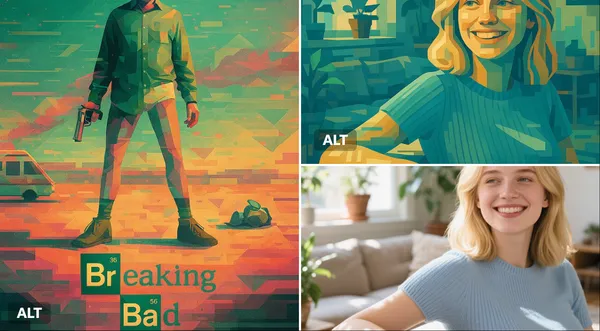
Explore Veo Video Ideas with dotsai.pro
For your video brief, describe how the subject should move from its starting pose. If the selected model supports an image or ending frame, use it to explain composition and continuity. Do not assume every reference type is accepted.
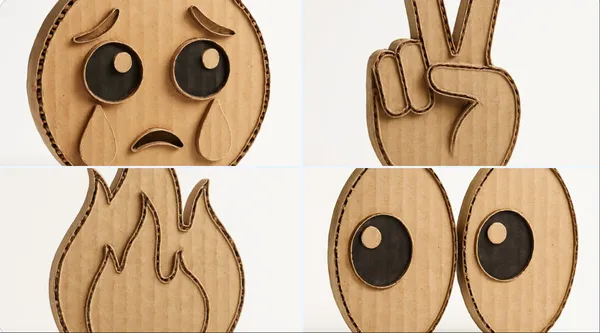
Text to Video Mode
Write your video brief around one visible action. Add the setting, shot size, camera movement and lighting. Keep dialogue and sound cues separate from the visual instructions so the intended scene is easy to understand.
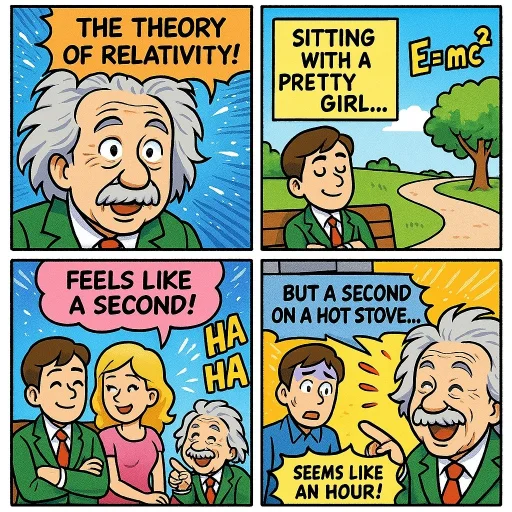
Image to Video Mode
For your video brief, describe how the subject should move from its starting pose. If the selected model supports an image or ending frame, use it to explain composition and continuity. Do not assume every reference type is accepted.
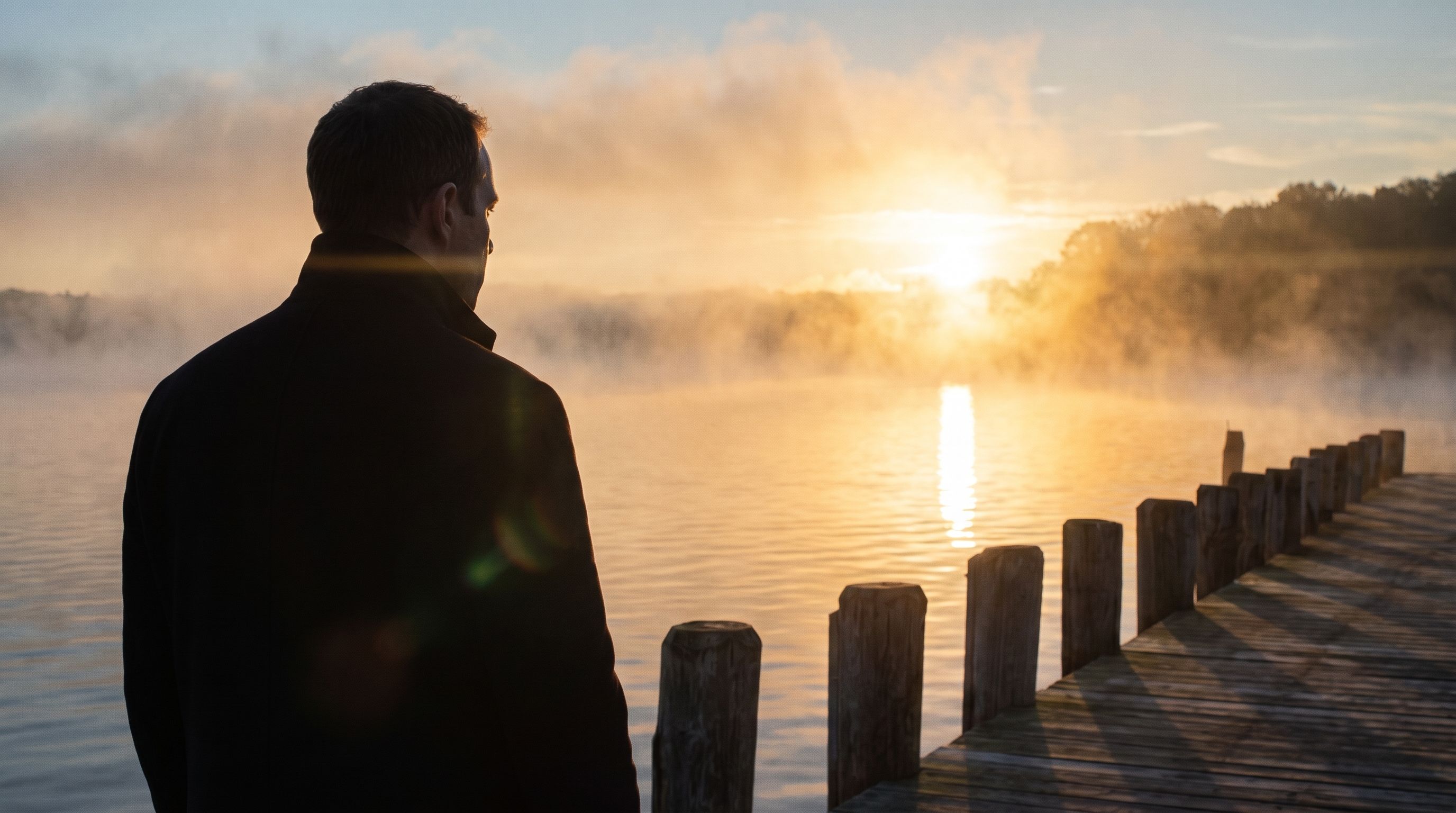
Review and Download Completed Results
When a request completes, inspect the video in History and download the result you want to keep. Review the composition and any unintended details before sharing it with your team or publishing it.
Explore Related Video Workflows
Explore available video workflows and compare it with the related video pages. The generator is the source of truth for current model access and settings. Use the prompt library to study published results and the model that created them.
Choose an enabled model on the AI Video page. Review its supported settings and credit quote before generating a clip from text or an image.
For a video product concept, specify the product shape, material, key detail and setting. Keep logos and claims accurate, allow room for your own typography, and review the result before using it in an advertisement.
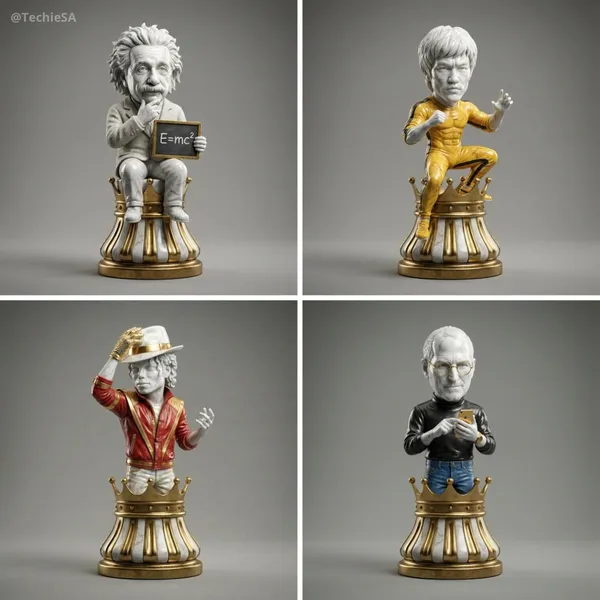
Choose a Supported Output Size
Choose only the resolution and aspect ratio shown for the selected model. Check framing, fine details and any text in the completed video. A larger output size does not guarantee a more accurate result.
Write your video brief around one visible action. Add the setting, shot size, camera movement and lighting. Keep dialogue and sound cues separate from the visual instructions so the intended scene is easy to understand.
Develop your video brief around the result you need. Keep the main direction specific, check supported settings in the generator, and review the completed work before using it in your project.
Develop your video brief around the result you need. Keep the main direction specific, check supported settings in the generator, and review the completed work before using it in your project.
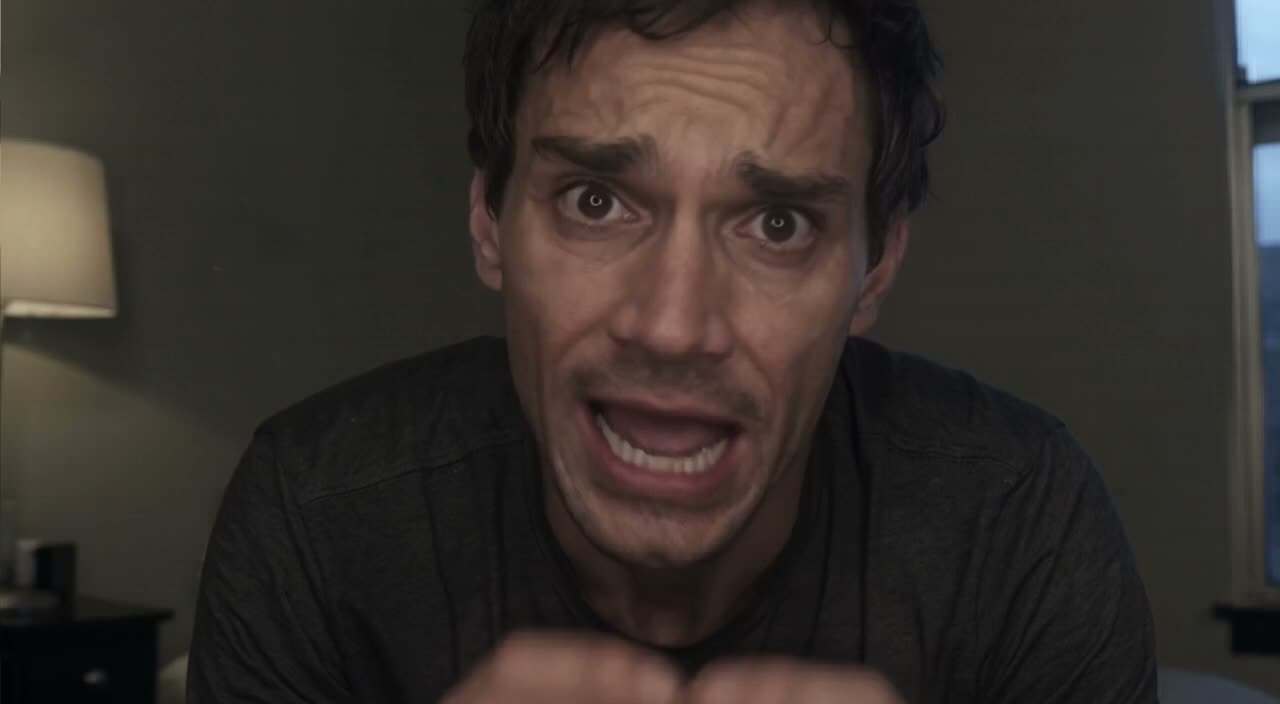
Choose an enabled model on the AI Video page. Review its supported settings and credit quote before generating a clip from text or an image.
Describe speech, ambient sound and music as separate directions in your video brief. Audio output depends on the selected model and the options shown in the generator; check the finished clip rather than assuming sound is included.
Write your video brief around one visible action. Add the setting, shot size, camera movement and lighting. Keep dialogue and sound cues separate from the visual instructions so the intended scene is easy to understand.
Describe speech, ambient sound and music as separate directions in your video brief. Audio output depends on the selected model and the options shown in the generator; check the finished clip rather than assuming sound is included.
Describe speech, ambient sound and music as separate directions in your video brief. Audio output depends on the selected model and the options shown in the generator; check the finished clip rather than assuming sound is included.
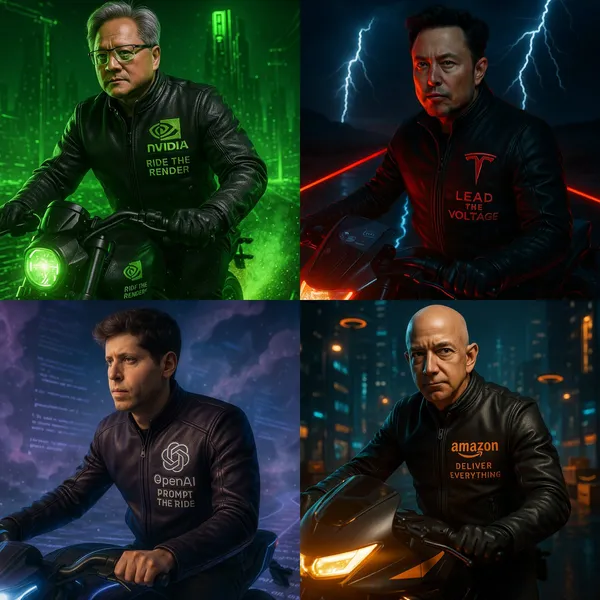
Use References to Explain the Intended Result
For your video brief, describe how the subject should move from its starting pose. If the selected model supports an image or ending frame, use it to explain composition and continuity. Do not assume every reference type is accepted.
For your video brief, describe how the subject should move from its starting pose. If the selected model supports an image or ending frame, use it to explain composition and continuity. Do not assume every reference type is accepted.
Write your video brief around one visible action. Add the setting, shot size, camera movement and lighting. Keep dialogue and sound cues separate from the visual instructions so the intended scene is easy to understand.
Develop your video brief around the result you need. Keep the main direction specific, check supported settings in the generator, and review the completed work before using it in your project.
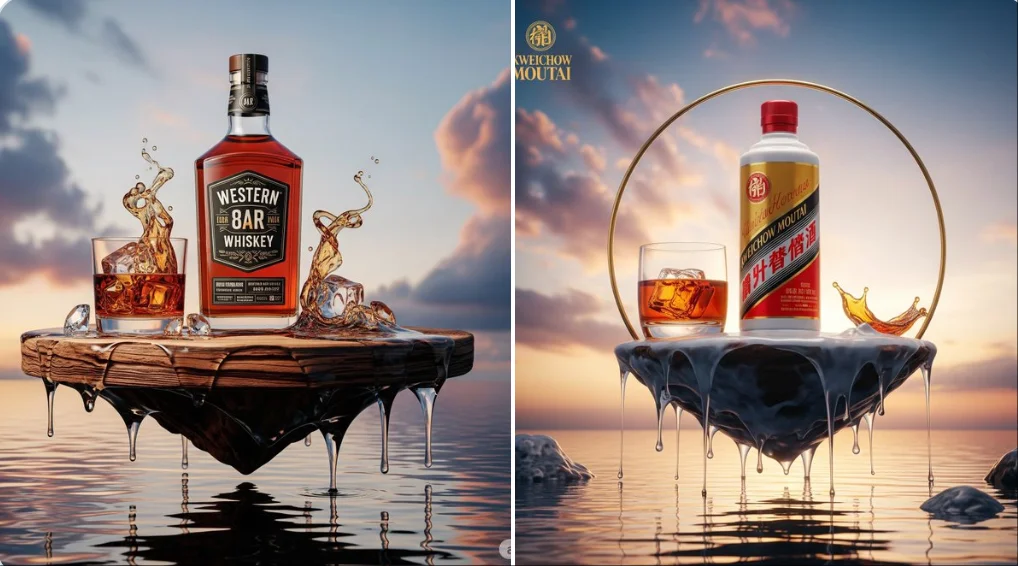
Review and Download Completed Results
Choose only the resolution and aspect ratio shown for the selected model. Check framing, fine details and any text in the completed video. A larger output size does not guarantee a more accurate result.
For a video product concept, specify the product shape, material, key detail and setting. Keep logos and claims accurate, allow room for your own typography, and review the result before using it in an advertisement.
Choose only the resolution and aspect ratio shown for the selected model. Check framing, fine details and any text in the completed video. A larger output size does not guarantee a more accurate result.
Allow time to inspect each video result and refine your brief. Processing time varies by model, request and service load. Change one direction at a time so that you can judge which edit improves the result.
A Clearer Creative Brief for Veo
For a video product concept, specify the product shape, material, key detail and setting. Keep logos and claims accurate, allow room for your own typography, and review the result before using it in an advertisement.
Plan One Clear Action per Shot
List the details that matter in your video brief: identity, shape, colors, clothing and background. Use supported references where appropriate and compare every result; exact consistency is not guaranteed.

Flexible Production Modes
For a video product concept, specify the product shape, material, key detail and setting. Keep logos and claims accurate, allow room for your own typography, and review the result before using it in an advertisement.
Write Precise Editing and Style Directions
For a video product concept, specify the product shape, material, key detail and setting. Keep logos and claims accurate, allow room for your own typography, and review the result before using it in an advertisement.

Explore Variations with a Focused Brief
Explore available video workflows and compare it with the related video pages. The generator is the source of truth for current model access and settings. Use the prompt library to study published results and the model that created them.
Choose an enabled model on the AI Video page. Review its supported settings and credit quote before generating a clip from text or an image.
Give the main subject one clear action. For a video concept, a precise brief is easier to assess than a list of competing effects.
Veo Video Workflow: Questions & Answers
For a video product concept, specify the product shape, material, key detail and setting. Keep logos and claims accurate, allow room for your own typography, and review the result before using it in an advertisement.
This dotsai.pro page explains the video workflow. It helps you write a focused brief and review the available inputs. Current access is shown in the generator; a model name on a guide does not mean it currently accepts requests.
Write your video brief around one visible action. Add the setting, shot size, camera movement and lighting. Keep dialogue and sound cues separate from the visual instructions so the intended scene is easy to understand.
Develop your video brief around the result you need. Keep the main direction specific, check supported settings in the generator, and review the completed work before using it in your project.
Choose only the resolution and aspect ratio shown for the selected model. Check framing, fine details and any text in the completed video. A larger output size does not guarantee a more accurate result.
Describe speech, ambient sound and music as separate directions in your video brief. Audio output depends on the selected model and the options shown in the generator; check the finished clip rather than assuming sound is included.
List the details that matter in your video brief: identity, shape, colors, clothing and background. Use supported references where appropriate and compare every result; exact consistency is not guaranteed.
You can request a refund within 10 days of purchase if you have unused credits from that purchase and provide a clear reason, subject to our Refund Policy. If eligible, an unused purchase can be fully refunded; a partly used purchase is refunded in proportion to its remaining unused credits. Fully used purchases and free or promotional credits are not refundable.
Credit validity depends on the pack, subscription or promotion that issued them. Review the purchase terms and expiration dates in Settings > Credits. A renewal or new purchase does not extend older credits. Use credits before their stated expiration; do not assume unused subscription credits roll over indefinitely.
Credits charged for a task that is confirmed as failed due to a system error are returned automatically. A task that is still processing has not yet been confirmed as failed. Check its status and your credit history before submitting again. If a confirmed failure still shows an unresolved charge, email support@dotsai.pro with the task ID.
AI results can vary, so a completed result that differs from your expectations is not automatically treated as a technical failure. Eligible completed image tasks can be submitted for credit refund review using the refund option where available; approval is required. For a video or another issue, contact support@dotsai.pro with the task ID and details. A credit refund returns credits, not money to your payment method.
Email support@dotsai.pro. For billing, include your account email and order ID; for generation, include the task ID, issue description and relevant screenshots. If you purchased as a guest, keep the original browser data and payment receipt so we can help locate the purchase.
Explore Your Next Veo Video Idea
Choose only the resolution and aspect ratio shown for the selected model. Check framing, fine details and any text in the completed video. A larger output size does not guarantee a more accurate result.
dotsai.pro · Updated
What's new on this page
- — Added editable example prompts and separate drafts for text and reference modes, with an action to restore the example.
- — Updated page copy and content.
- — Page content published.