
Verified prompt
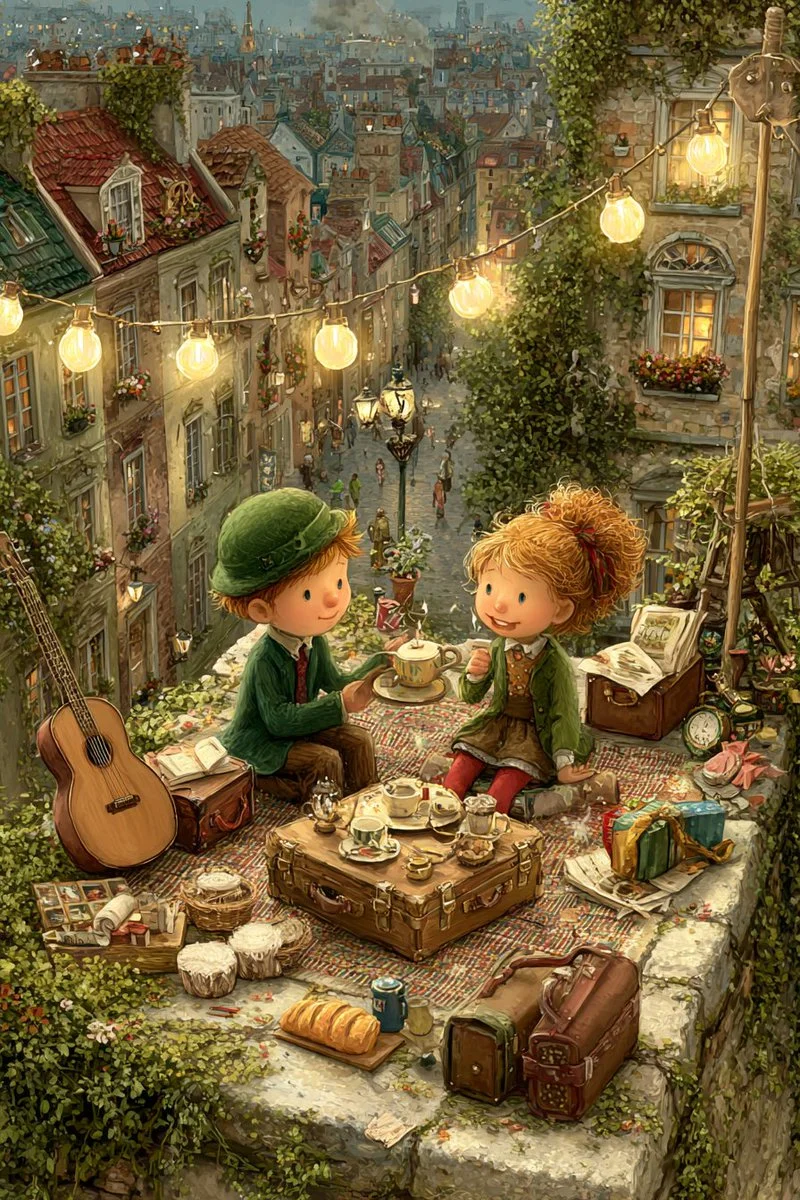
A moonlight rooftop tea party between a girl and a boy, dreamy, gentle, painterly.
A moonlight rooftop tea party between a girl and a boy, dreamy, gentle, painterly.
Verified prompt
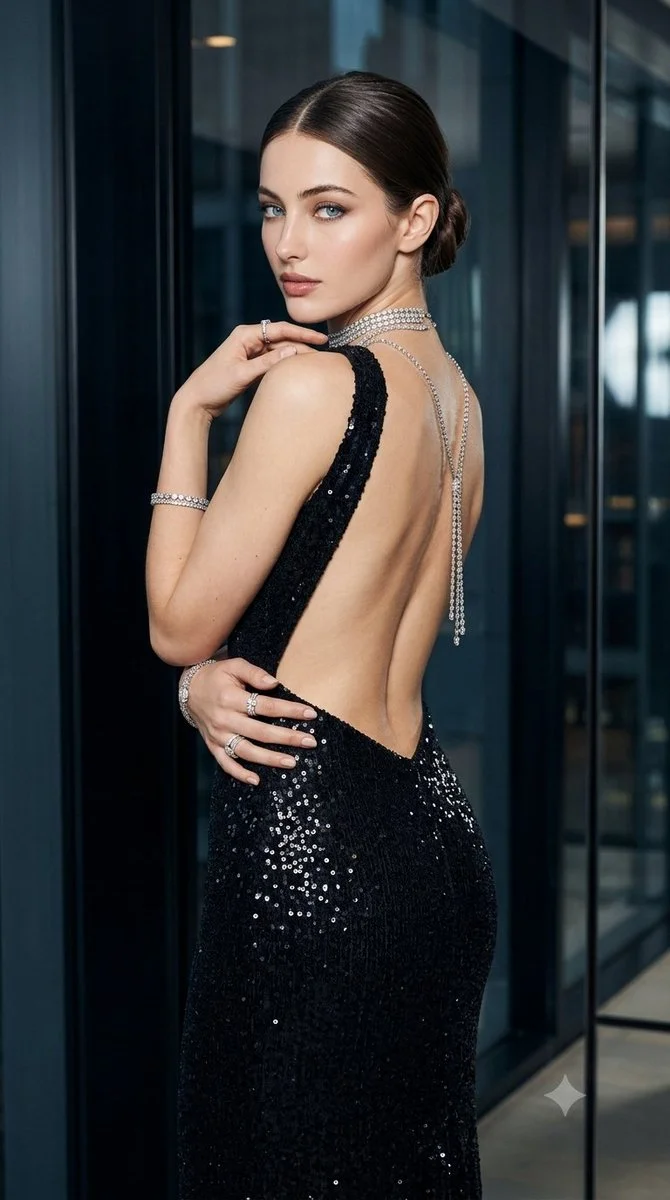
Create a vertical 9:16 fashion editorial featuring an adult woman in a long black sequined evening gown with an open back. Place her in an elegant modern interior with dark reflective wall panels. Turn her body partly away from the camera and let her glance back naturally over one shoulder, with one hand resting gently near the opposite shoulder. Style her hair in a neat low bun and add subtle earrings and bracelets. Use controlled, soft directional light to reveal the sequins without harsh glare. Keep the pose poised, the silhouette clean and the overall photograph realistic.
Create a vertical 9:16 fashion editorial featuring an adult woman in a long black sequined evening gown with an open back. Place her in an elegant modern interior with dark reflective wall panels. Turn her body partly away from the camera and let her glance back naturally over one shoulder, with one hand resting gently near the opposite shoulder. Style her hair in a neat low bun and add subtle earrings and bracelets. Use controlled, soft directional light to reveal the sequins without harsh glare. Keep the pose poised, the silhouette clean and the overall photograph realistic.
Verified prompt
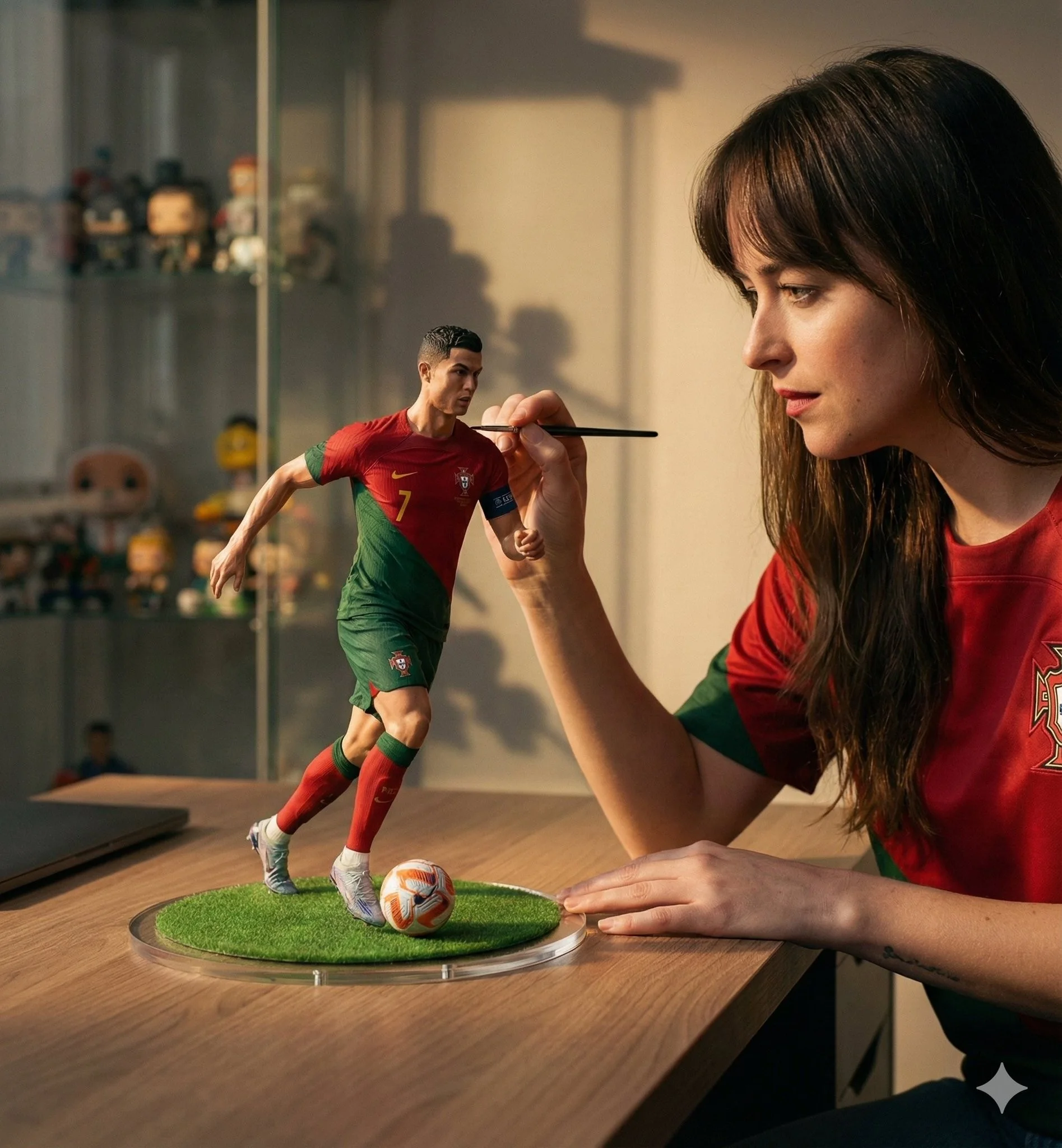
A hyper-realistic cinematic scene of a woman carefully painting a miniature football figurine of Cristiano Ronaldo in a Portugal national team jersey. The tiny footballer is frozen mid-dribble with the ball at his feet, standing on a round grass base placed on a wooden desk. The woman wears a matching red Portugal jersey and focuses intently while holding a fine paintbrush near the figure's face. Soft natural window light creates warm highlights and gentle shadows, shallow depth of field with a blurred shelf of collectibles in the background. Ultra-detailed textures on fabric, skin, and paint strokes, photorealistic scale illusion, cinematic storytelling composition, premium studio realism, 50mm lens look, high-end editorial mood.
A hyper-realistic cinematic scene of a woman carefully painting a miniature football figurine of Cristiano Ronaldo in a Portugal national team jersey. The tiny footballer is frozen mid-dribble with the ball at his feet, standing on a round grass base placed on a wooden desk. The woman wears a matching red Portugal jersey and focuses intently while holding a fine paintbrush near the figure's face. Soft natural window light creates warm highlights and gentle shadows, shallow depth of field with a blurred shelf of collectibles in the background. Ultra-detailed textures on fabric, skin, and paint strokes, photorealistic scale illusion, cinematic storytelling composition, premium studio realism, 50mm lens look, high-end editorial mood.
Verified prompt
Verified prompt
Verified prompt
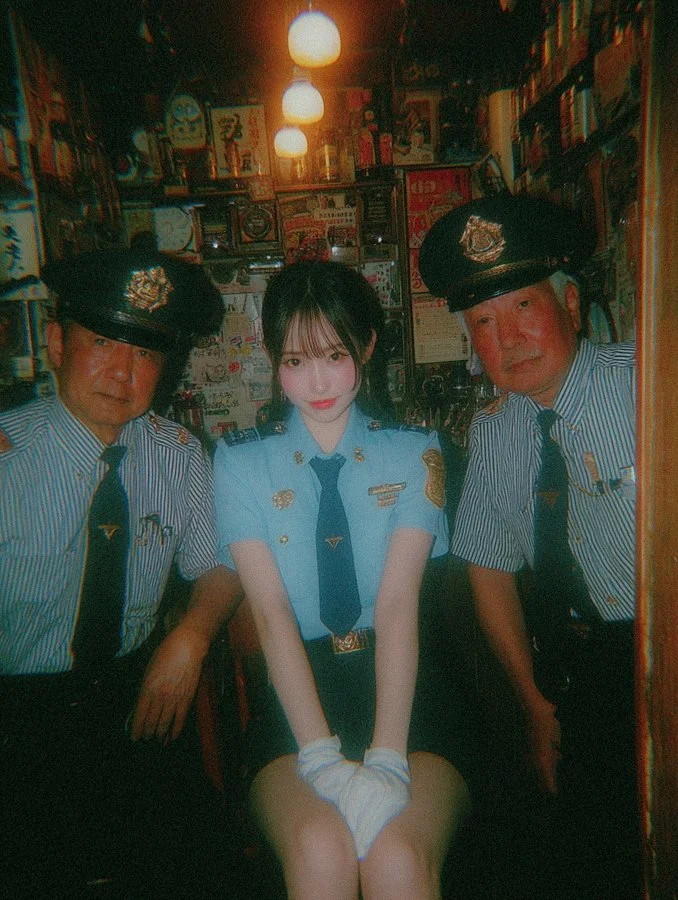
a young beautiful Japanese woman with porcelain skin, soft makeup and bright red lips, straight chestnut-brown hair neatly tied in a ponytail with straight bangs framing her face, wearing a fitted light-blue police uniform shirt with gold buttons and badge, a dark green flat ribbon tie knotted at the collar with two short tails hanging down like a gift bow, navy skirt, dark belt with brass buckle, white gloves, black shoes, sitting with her knees together and hands gently folded over a glass, calm and elegant posture, oxygen-fresh natural makeup look with translucent dewy base, barely-there eyeliner, soft straight brows, faint rosy blush on the cheeks, subtle inner-corner highlight that makes her eyes look bright and airy, lips a clean vivid red yet not glossy, her pose delicate and composed: seated on a narrow wooden bench in a cramped booth, ankles tucked slightly back, torso subtly leaning forward from the hips, forearms relaxed, gloved hands overlapping lightly above the small tumbler placed between her knees, chin slightly lowered while gazing directly at the camera, flanked by two older Japanese policemen in uniform on each side, the man on the left leaning inward from the doorway, cap slightly tilted, short-sleeve standard police shirt, one elbow resting on his knee with the hand hanging loosely, attentive and calm expression; the man on the right wearing a striped short-sleeve shirt with a dark tie and badge, cap set square with a gold band, arms firmly crossed over his chest, body angled toward the woman, a reserved, thoughtful look, inside a small dimly-lit bar filled with vintage Japanese posters, old bottles, narrow wooden walls, cluttered shelves, detailed physical environment: shot from the doorway so the worn wooden jambs create a frame-within-frame; scuffed varnished beams, handwritten Japanese slips and price tags pinned among utensils, cords and trinkets hanging overhead, glassware and liquor bottles stacked tight on shallow shelves, a tiny aisle underfoot, faint reflections on lacquered wood, humid air; one or two bare incandescent bulbs casting a localized amber pool of light that fades rapidly into darkness, camera perspective and ratio: intimate eye-level viewpoint at close conversational distance (about 1–1.5 m), classic 35mm focal feel, vertical portrait framing with a 3:4 aspect, slight center-weighted composition emphasizing the trio in a tight booth, warm incandescent lighting with nostalgic amber tone, low saturation colors, fine 35mm film grain texture, slightly overexposed highlights, retro 1980s analog snapshot aesthetic, candid composition, shallow depth of field, cinematic color grading, in the style of Nobuyoshi Araki and Daido Moriyama street photography --ar 3:4 --v 7
a young beautiful Japanese woman with porcelain skin, soft makeup and bright red lips, straight chestnut-brown hair neatly tied in a ponytail with straight bangs framing her face, wearing a fitted light-blue police uniform shirt with gold buttons and badge, a dark green flat ribbon tie knotted at the collar with two short tails hanging down like a gift bow, navy skirt, dark belt with brass buckle, white gloves, black shoes, sitting with her knees together and hands gently folded over a glass, calm and elegant posture, oxygen-fresh natural makeup look with translucent dewy base, barely-there eyeliner, soft straight brows, faint rosy blush on the cheeks, subtle inner-corner highlight that makes her eyes look bright and airy, lips a clean vivid red yet not glossy, her pose delicate and composed: seated on a narrow wooden bench in a cramped booth, ankles tucked slightly back, torso subtly leaning forward from the hips, forearms relaxed, gloved hands overlapping lightly above the small tumbler placed between her knees, chin slightly lowered while gazing directly at the camera, flanked by two older Japanese policemen in uniform on each side, the man on the left leaning inward from the doorway, cap slightly tilted, short-sleeve standard police shirt, one elbow resting on his knee with the hand hanging loosely, attentive and calm expression; the man on the right wearing a striped short-sleeve shirt with a dark tie and badge, cap set square with a gold band, arms firmly crossed over his chest, body angled toward the woman, a reserved, thoughtful look, inside a small dimly-lit bar filled with vintage Japanese posters, old bottles, narrow wooden walls, cluttered shelves, detailed physical environment: shot from the doorway so the worn wooden jambs create a frame-within-frame; scuffed varnished beams, handwritten Japanese slips and price tags pinned among utensils, cords and trinkets hanging overhead, glassware and liquor bottles stacked tight on shallow shelves, a tiny aisle underfoot, faint reflections on lacquered wood, humid air; one or two bare incandescent bulbs casting a localized amber pool of light that fades rapidly into darkness, camera perspective and ratio: intimate eye-level viewpoint at close conversational distance (about 1–1.5 m), classic 35mm focal feel, vertical portrait framing with a 3:4 aspect, slight center-weighted composition emphasizing the trio in a tight booth, warm incandescent lighting with nostalgic amber tone, low saturation colors, fine 35mm film grain texture, slightly overexposed highlights, retro 1980s analog snapshot aesthetic, candid composition, shallow depth of field, cinematic color grading, in the style of Nobuyoshi Araki and Daido Moriyama street photography --ar 3:4 --v 7
Verified prompt
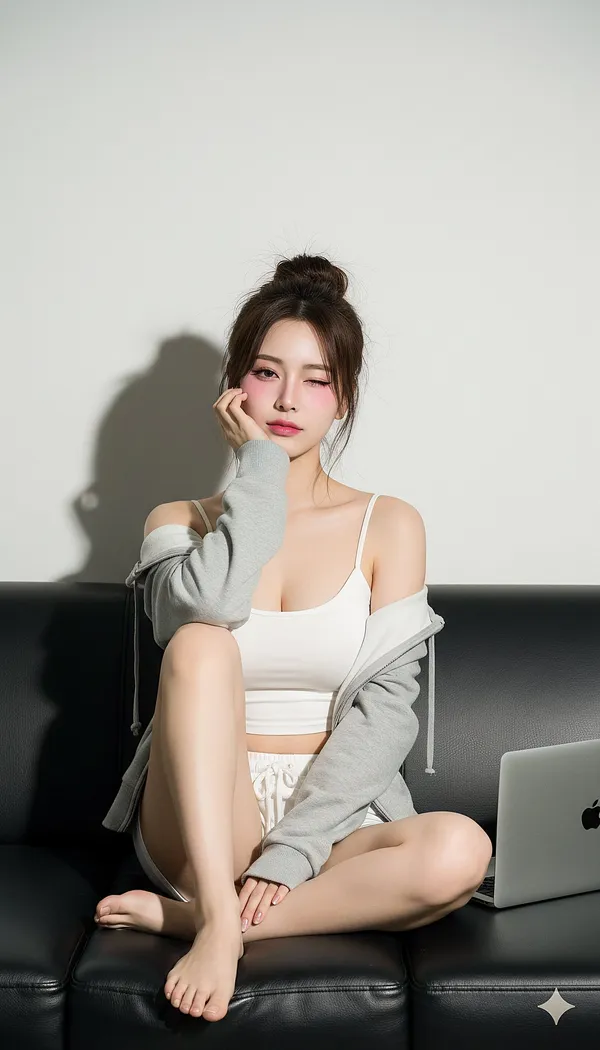
le] High-key studio portrait, direct flash aesthetic, East Asian social media style (e.g., Ulzzang, Douyin), stylized beauty retouching.. [Output] Color Profile: sRGB. Render Intent: photo. [Subject] Category: human. Gender Presentation: female. Ethnicity: East Asian (e.g., Korean, Chinese). Age Bracket: young_adult. Body: [Build] slim. [Proportions] natural human anatomy. [Posture] relaxed on sofa, seated casually. [Pose] seated, legs crossed and tucked close to body. [Gesture] Right hand raised, fingers loosely curled, back of fingers/knuckles gently supporting the chin and lower cheek.. [Head Tilt Deg] 5.. Face: [Expression] Playful, alluring. [Gaze] right eye direct to camera. [Eye Action] winking with the left eye. [Skin Tone] Very pale porcelain (lightened aesthetic). [Makeup] Stylized K-Beauty/Douyin look: flawless matte base, strong pink blush high on cheeks, pink gradient lips, defined brows, light eyeliner, emphasized Aegyo-sal. [Features] small beauty mark/mole under the left eye.. Hair: [Length] long. [Style] messy high updo/bun with loose strands and curtain bangs. [Color] dark brown.. Wardrobe: [Top] white fitted cropped camisole. [Outerwear] light gray zip hoodie, worn open and slightly slipping off both shoulders. [Bottom] white lounge shorts with drawstring. [Footwear] barefoot.. [Environment] Location: studio or minimalist interior. Set: black leather sofa against a plain white or light gray wall. Props: Silver laptop (Apple MacBook, logo visible) placed on the cushion to the subject's right (camera left). [Lighting] Key: [Source] strobe/flash. [Modifier] Bare reflector or direct flash (hard source). [Position] Near camera axis, slightly camera-right and above eye line. [Effect] Crisp, dark, well-defined cast shadows on the wall directly behind subject; strong specular highlights on skin and sofa leather... Fill: [Type] minimal/none.. Ambient: suppressed. White Balance K: 5800. [Camera] System: Digital Camera. Sensor: full-frame equivalent. Lens: [Type] prime. [Focal Length Mm] 50.. Exposure: [Iso] 100. [Aperture F] 4. [Metering] Bright exposure, high-key aesthetic.. Focus: [Target] near eye (right eye). [Depth Of Field] moderate.. Framing: [Orientation] vertical. [Crop] mid-thigh to head with room above hair. [Angle] eye-level. [Composition] subject centrally framed.. [Color Grade] Look: Bright, clean, slightly cool tone. Contrast: High contrast. Saturation: moderate, emphasized pinks. [Postprocess] Noise Reduction: high. Texture: Highly smoothed skin, poreless appearance ('porcelain doll' or 'beauty filter' effect). Sharpen: selective on eyes/lashes. Blemish Control: Complete removal of all blemishes and texture.. [Quality Targets] accurate limb lengths and joint angles, correct finger count and articulation, realistic fabric tension and folds, accurate winking expression. [Negative Prompt] no altered or exaggerated body proportions, no extra or fused fingers, no realistic skin texture, pores, or blemishes, no text or watermarks (excluding specified logos), no extreme wide-angle distortion, no NSFW content, no dark/moody lighting, no warm tones.
le] High-key studio portrait, direct flash aesthetic, East Asian social media style (e.g., Ulzzang, Douyin), stylized beauty retouching.. [Output] Color Profile: sRGB. Render Intent: photo. [Subject] Category: human. Gender Presentation: female. Ethnicity: East Asian (e.g., Korean, Chinese). Age Bracket: young_adult. Body: [Build] slim. [Proportions] natural human anatomy. [Posture] relaxed on sofa, seated casually. [Pose] seated, legs crossed and tucked close to body. [Gesture] Right hand raised, fingers loosely curled, back of fingers/knuckles gently supporting the chin and lower cheek.. [Head Tilt Deg] 5.. Face: [Expression] Playful, alluring. [Gaze] right eye direct to camera. [Eye Action] winking with the left eye. [Skin Tone] Very pale porcelain (lightened aesthetic). [Makeup] Stylized K-Beauty/Douyin look: flawless matte base, strong pink blush high on cheeks, pink gradient lips, defined brows, light eyeliner, emphasized Aegyo-sal. [Features] small beauty mark/mole under the left eye.. Hair: [Length] long. [Style] messy high updo/bun with loose strands and curtain bangs. [Color] dark brown.. Wardrobe: [Top] white fitted cropped camisole. [Outerwear] light gray zip hoodie, worn open and slightly slipping off both shoulders. [Bottom] white lounge shorts with drawstring. [Footwear] barefoot.. [Environment] Location: studio or minimalist interior. Set: black leather sofa against a plain white or light gray wall. Props: Silver laptop (Apple MacBook, logo visible) placed on the cushion to the subject's right (camera left). [Lighting] Key: [Source] strobe/flash. [Modifier] Bare reflector or direct flash (hard source). [Position] Near camera axis, slightly camera-right and above eye line. [Effect] Crisp, dark, well-defined cast shadows on the wall directly behind subject; strong specular highlights on skin and sofa leather... Fill: [Type] minimal/none.. Ambient: suppressed. White Balance K: 5800. [Camera] System: Digital Camera. Sensor: full-frame equivalent. Lens: [Type] prime. [Focal Length Mm] 50.. Exposure: [Iso] 100. [Aperture F] 4. [Metering] Bright exposure, high-key aesthetic.. Focus: [Target] near eye (right eye). [Depth Of Field] moderate.. Framing: [Orientation] vertical. [Crop] mid-thigh to head with room above hair. [Angle] eye-level. [Composition] subject centrally framed.. [Color Grade] Look: Bright, clean, slightly cool tone. Contrast: High contrast. Saturation: moderate, emphasized pinks. [Postprocess] Noise Reduction: high. Texture: Highly smoothed skin, poreless appearance ('porcelain doll' or 'beauty filter' effect). Sharpen: selective on eyes/lashes. Blemish Control: Complete removal of all blemishes and texture.. [Quality Targets] accurate limb lengths and joint angles, correct finger count and articulation, realistic fabric tension and folds, accurate winking expression. [Negative Prompt] no altered or exaggerated body proportions, no extra or fused fingers, no realistic skin texture, pores, or blemishes, no text or watermarks (excluding specified logos), no extreme wide-angle distortion, no NSFW content, no dark/moody lighting, no warm tones.
Verified prompt
Create a South Park style paper-cut cartoon character with long brown hair, olive shirt and a necklace at a café. Use flat colors, round expressive eyes and a clear silhouette.
Create a South Park style paper-cut cartoon character with long brown hair, olive shirt and a necklace at a café. Use flat colors, round expressive eyes and a clear silhouette.
Verified prompt
Verified prompt
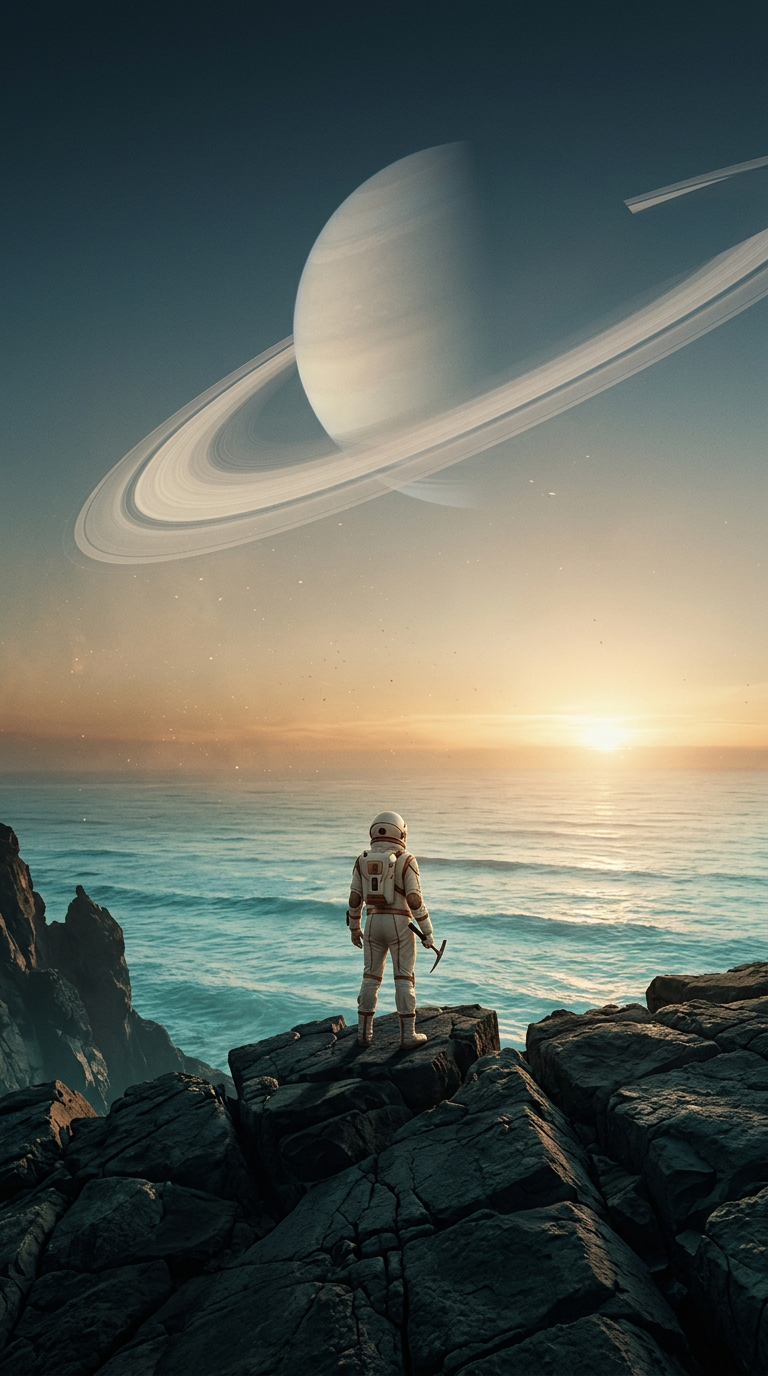
An original cinematic science-fiction key art image for a premium independent film launch on Instagram. A lone adult explorer in an elegant ivory spacesuit stands on a black basalt cliff overlooking a luminous turquoise ocean on an alien world. An enormous pale ringed planet arcs across the sky; fine golden dust catches the low sunrise behind the explorer. Vertical poster composition, explorer small in the lower third to communicate immense scale, strong leading lines through the cliffs, clean dark-blue sky in the upper quarter reserved for future title typography. Photorealistic high-budget film still, extraordinarily clear rock and suit textures, atmospheric perspective, soft volumetric light, restrained teal and warm amber color grade, believable optical depth, powerful calm mood. Original production design without recognizable franchise elements. No text, no logos, no watermark, no extra limbs, no duplicated planets, no busy foreground clutter.
An original cinematic science-fiction key art image for a premium independent film launch on Instagram. A lone adult explorer in an elegant ivory spacesuit stands on a black basalt cliff overlooking a luminous turquoise ocean on an alien world. An enormous pale ringed planet arcs across the sky; fine golden dust catches the low sunrise behind the explorer. Vertical poster composition, explorer small in the lower third to communicate immense scale, strong leading lines through the cliffs, clean dark-blue sky in the upper quarter reserved for future title typography. Photorealistic high-budget film still, extraordinarily clear rock and suit textures, atmospheric perspective, soft volumetric light, restrained teal and warm amber color grade, believable optical depth, powerful calm mood. Original production design without recognizable franchise elements. No text, no logos, no watermark, no extra limbs, no duplicated planets, no busy foreground clutter.
Verified prompt
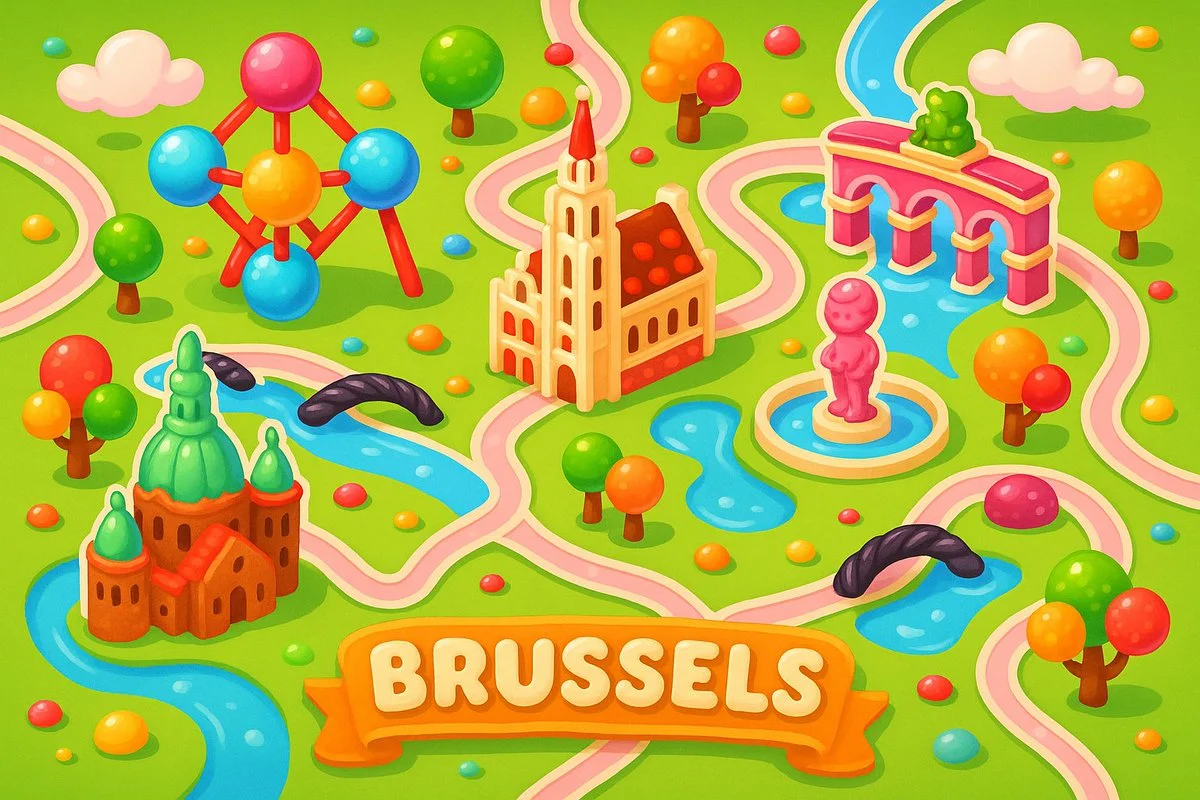
A colorful, playful 2D map of [city name], in the style of Candy Crush Saga, featuring the city’s iconic landmarks as candy-inspired buildings, cute gumdrop trees, licorice bridges, pastel roads, and glossy water elements, floating clouds, vibrant cartoon style, top-down view, kid-friendly game aesthetics, horizontal layout
A colorful, playful 2D map of [city name], in the style of Candy Crush Saga, featuring the city’s iconic landmarks as candy-inspired buildings, cute gumdrop trees, licorice bridges, pastel roads, and glossy water elements, floating clouds, vibrant cartoon style, top-down view, kid-friendly game aesthetics, horizontal layout
Verified prompt
Explore Image Workflows
Explore the GPT Image 2.5 workflow and compare it with the related image pages. The generator is the source of truth for current model access and settings. Use the prompt library to study published results and the model that created them.
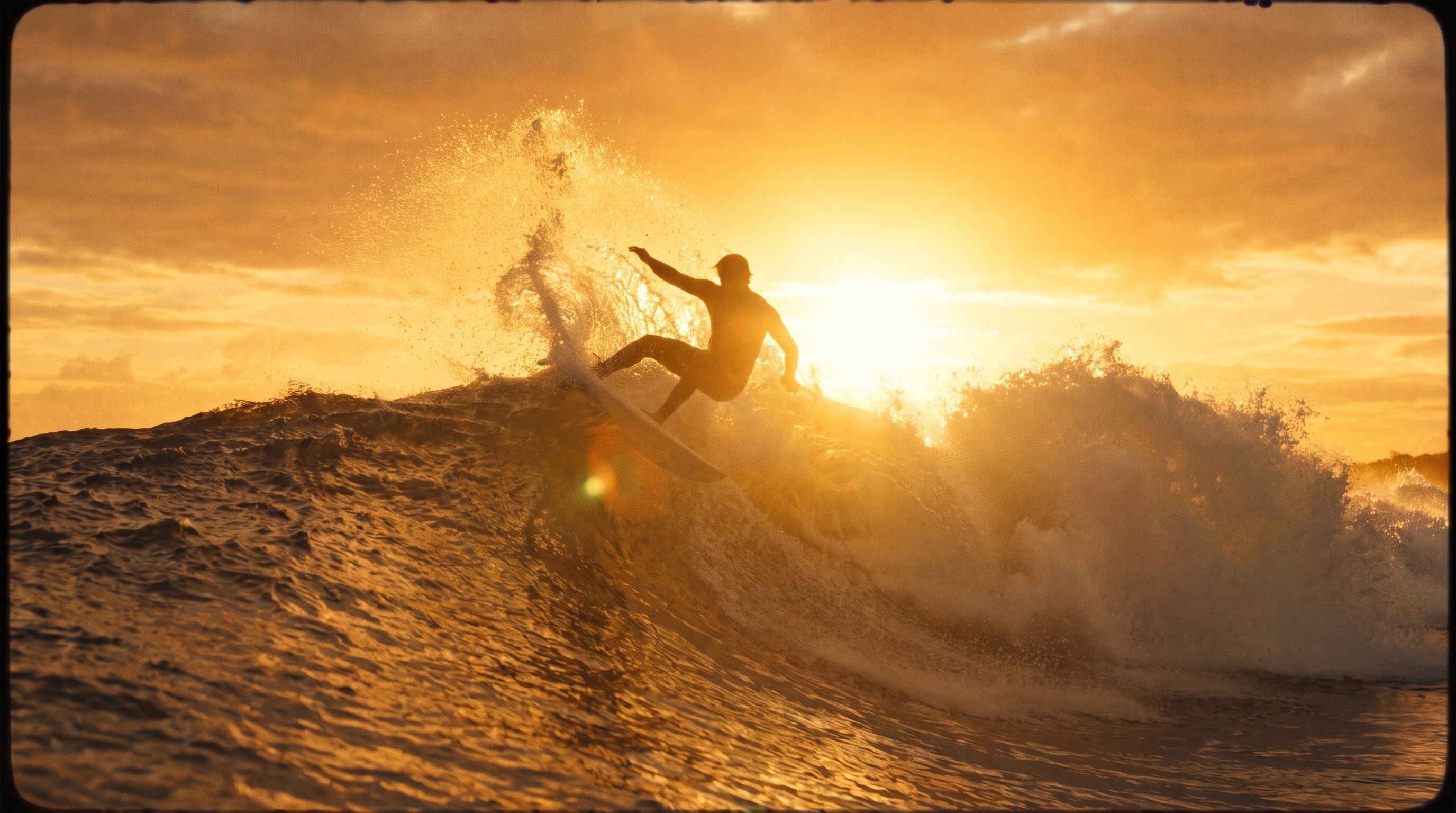
Create Images with Flare and Sunburst
Write your GPT Image 2.5 image brief around a subject, composition, lighting and intended style. Add a material or texture when it matters. For edits, state one precise change and explain which parts of the source should remain intact.
Write your GPT Image 2.5 image brief around a subject, composition, lighting and intended style. Add a material or texture when it matters. For edits, state one precise change and explain which parts of the source should remain intact.
Explore GPT Image 2.5Build Your GPT Image 2.5 Image Brief
Choose only the resolution and aspect ratio shown for the selected model. Check framing, fine details and any text in the completed image. A larger output size does not guarantee a more accurate result.
Advanced AI Image Generation & Customization
Choose only the resolution and aspect ratio shown for the selected model. Check framing, fine details and any text in the completed image. A larger output size does not guarantee a more accurate result.
Write Precise Editing and Style Directions
Choose only the resolution and aspect ratio shown for the selected model. Check framing, fine details and any text in the completed image. A larger output size does not guarantee a more accurate result.
Describe the Changes and Details to Preserve
Explore the GPT Image 2.5 workflow and compare it with the related image pages. The generator is the source of truth for current model access and settings. Use the prompt library to study published results and the model that created them.
Describe the Changes and Details to Preserve
Choose only the resolution and aspect ratio shown for the selected model. Check framing, fine details and any text in the completed image. A larger output size does not guarantee a more accurate result.
Review Usage Terms Before Sharing
Check the applicable model and platform terms before using a result commercially. You are responsible for the rights to uploaded images, identifiable people, logos and any other source material in your GPT Image 2.5 image brief.
Keep Your Workflow Simple
Develop your GPT Image 2.5 image brief around the result you need. Keep the main direction specific, check supported settings in the generator, and review the completed work before using it in your project.
A Clearer Creative Brief for GPT Image 2.5
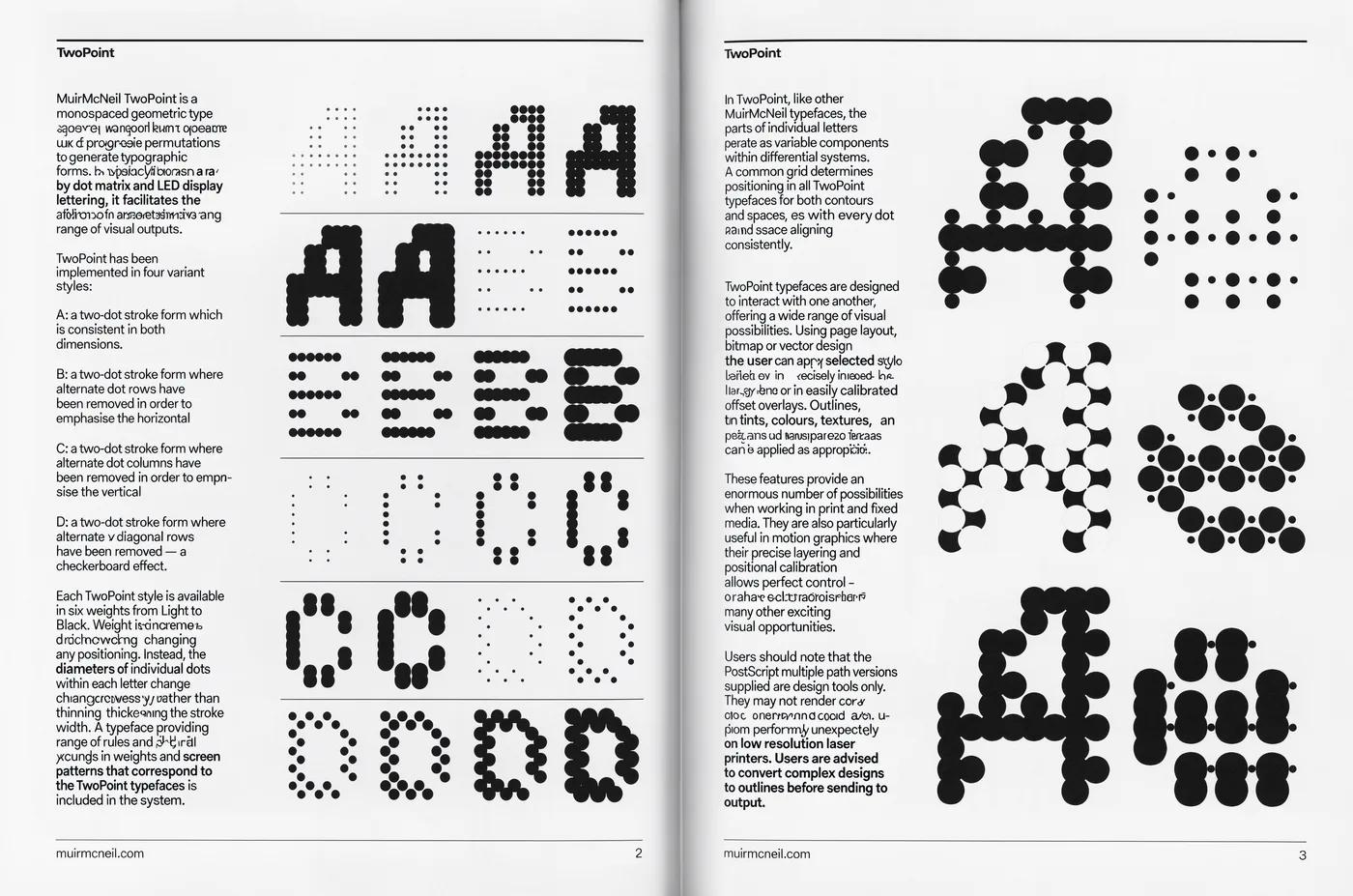
Diverse Styles & Effects for Every Vision
Develop your GPT Image 2.5 image brief around the result you need. Keep the main direction specific, check supported settings in the generator, and review the completed work before using it in your project.
Write your GPT Image 2.5 image brief around a subject, composition, lighting and intended style. Add a material or texture when it matters. For edits, state one precise change and explain which parts of the source should remain intact.
Versatile GPT Image 2.5 AI Image Generator for Every Creator's Vision
Start your GPT Image 2.5 image brief with a source image you have permission to use. Name the area to change and the colors, proportions or objects to preserve. Reference count and editing support depend on the selected model.
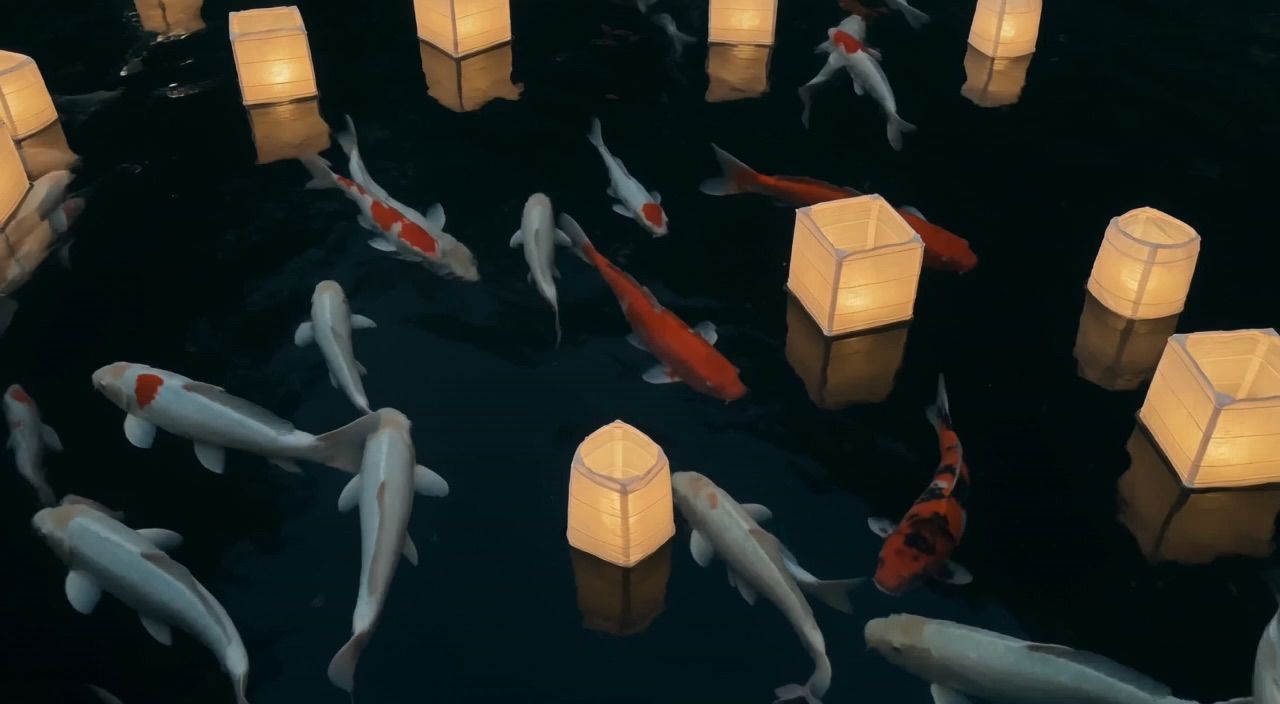
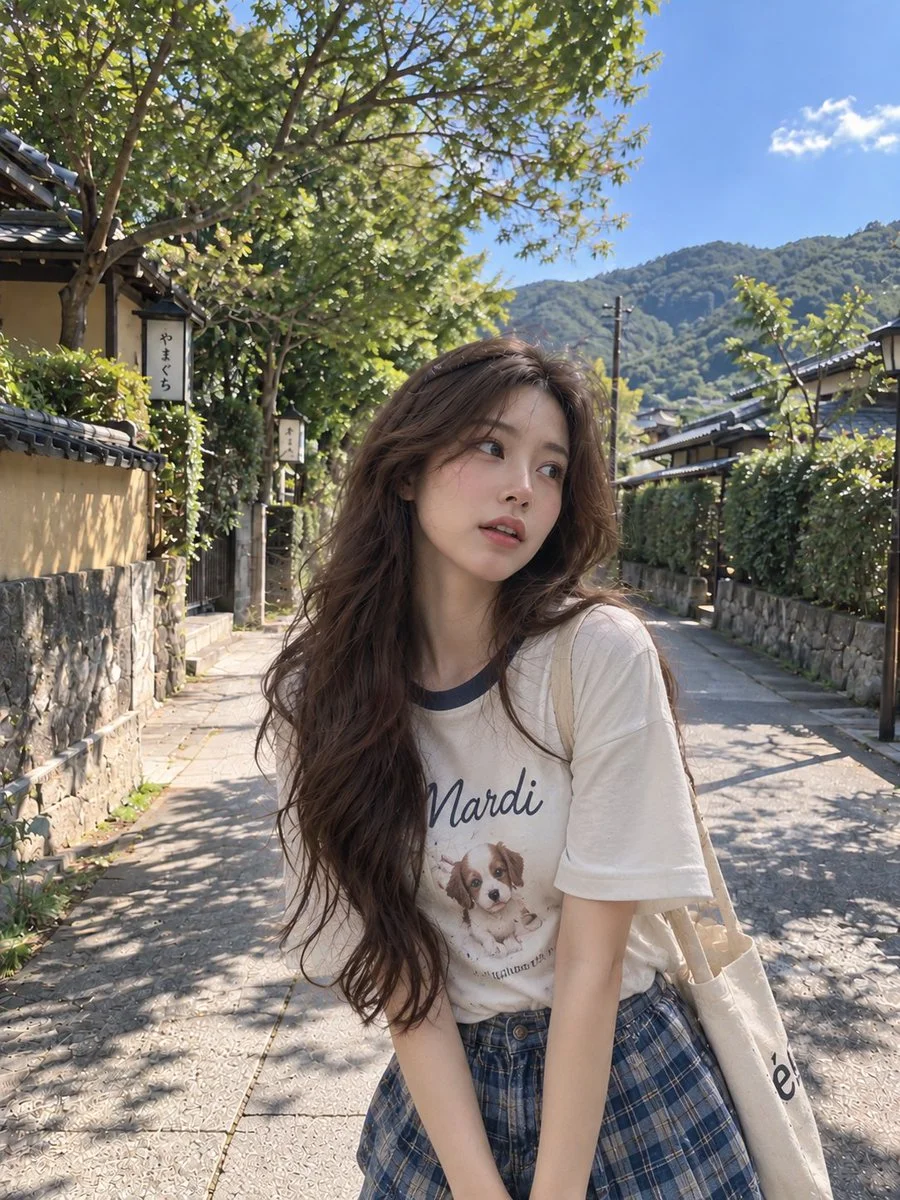
For Architects and Designers
Write your GPT Image 2.5 image brief around a subject, composition, lighting and intended style. Add a material or texture when it matters. For edits, state one precise change and explain which parts of the source should remain intact.
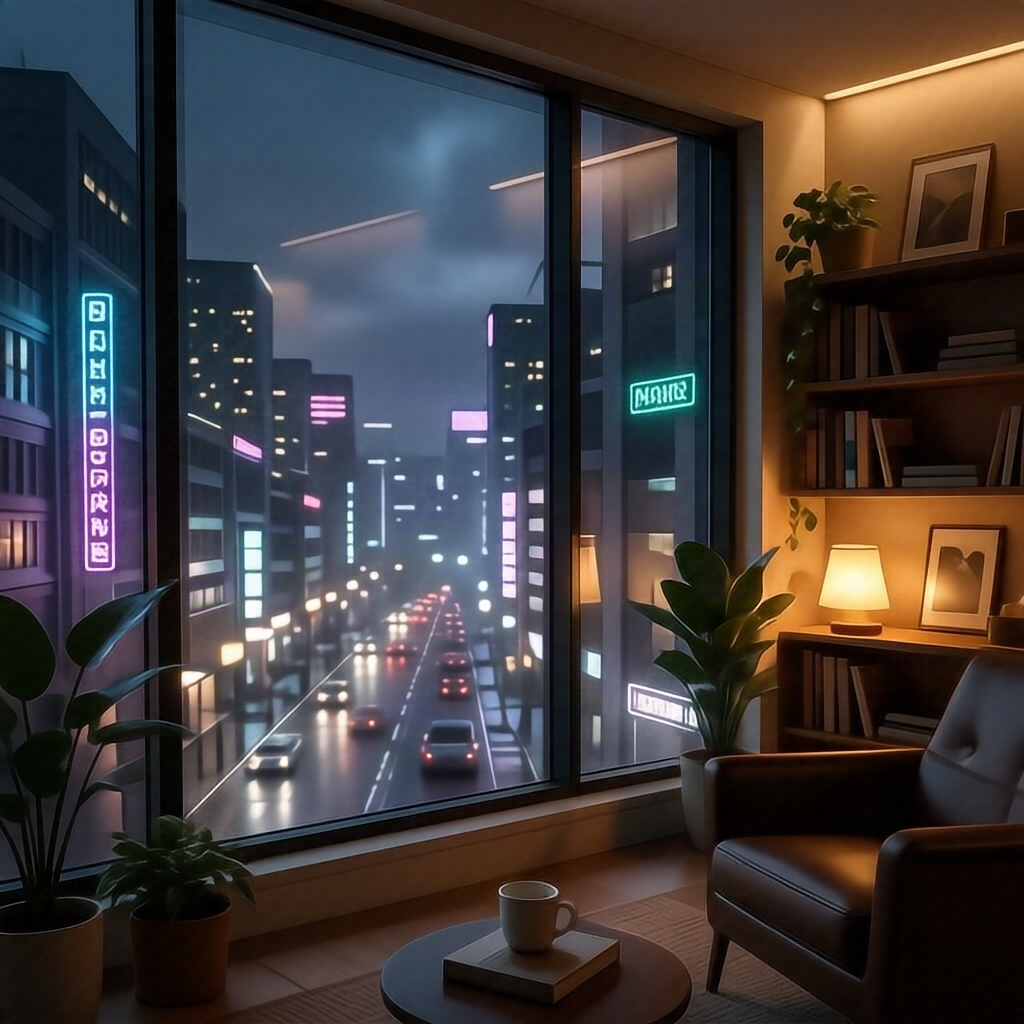
For E-Commerce Professionals
List the details that matter in your GPT Image 2.5 image brief: identity, shape, colors, clothing and background. Use supported references where appropriate and compare every result; exact consistency is not guaranteed.
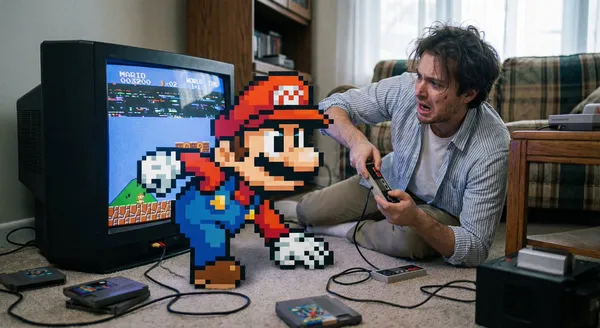
For Content Publishers
Choose only the resolution and aspect ratio shown for the selected model. Check framing, fine details and any text in the completed image. A larger output size does not guarantee a more accurate result.
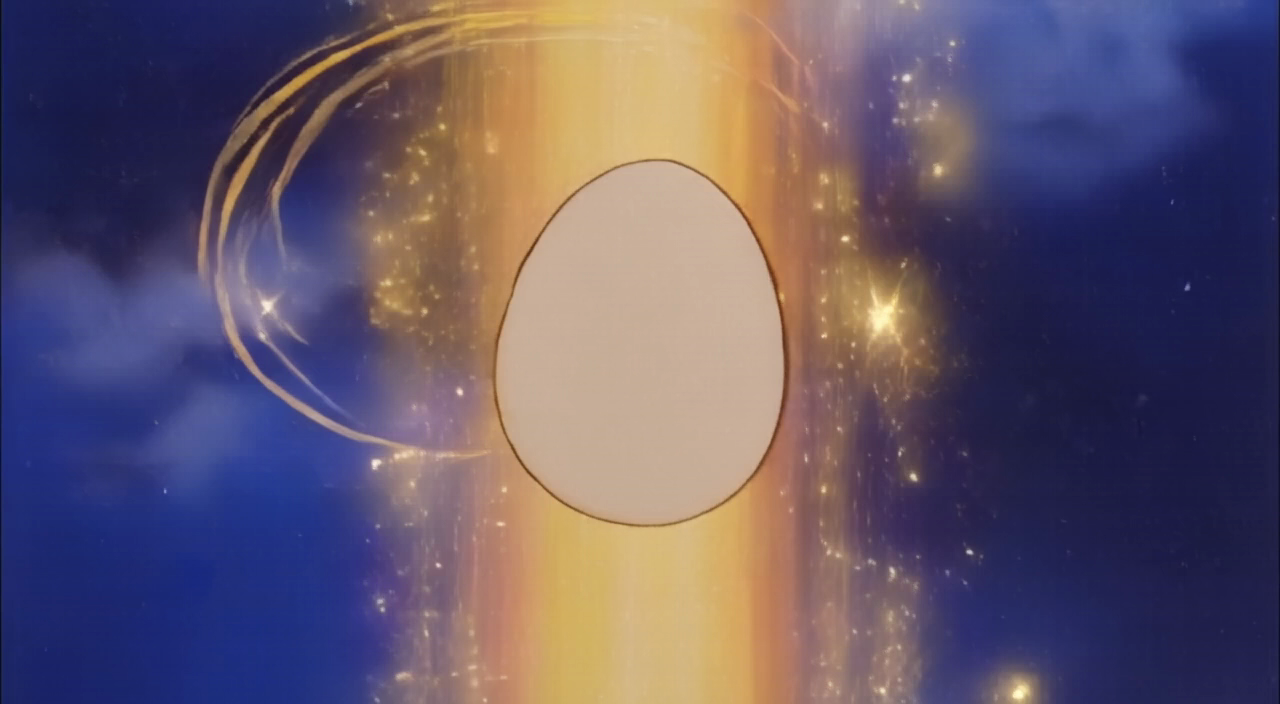
For Event Planners
Write your GPT Image 2.5 image brief around a subject, composition, lighting and intended style. Add a material or texture when it matters. For edits, state one precise change and explain which parts of the source should remain intact.
From a Brief to a Reviewed Image: The GPT Image 2.5 Workflow
Add Your Input
Start your GPT Image 2.5 image brief with a source image you have permission to use. Name the area to change and the colors, proportions or objects to preserve. Reference count and editing support depend on the selected model.
Customize Your Options
The generator shows current model availability. When a model accepts requests, choose its supported settings and review the required credits before submitting. Review your selection and credit balance before generating.
Generate and Refine
Write your GPT Image 2.5 image brief around a subject, composition, lighting and intended style. Add a material or texture when it matters. For edits, state one precise change and explain which parts of the source should remain intact.
Review and Download Completed Results
Start your GPT Image 2.5 image brief with a source image you have permission to use. Name the area to change and the colors, proportions or objects to preserve. Reference count and editing support depend on the selected model.
GPT Image 2.5 Image Ideas for Your Projects
Choose only the resolution and aspect ratio shown for the selected model. Check framing, fine details and any text in the completed image. A larger output size does not guarantee a more accurate result.
Digital Art & Illustration
Choose only the resolution and aspect ratio shown for the selected model. Check framing, fine details and any text in the completed image. A larger output size does not guarantee a more accurate result.
Marketing & E-Commerce Visuals
For a GPT Image 2.5 product concept, specify the product shape, material, key detail and setting. Keep logos and claims accurate, allow room for your own typography, and review the result before using it in an advertisement.
Educational Content & Presentations
Use a GPT Image 2.5 visual concept to support one teaching or presentation point. Check facts and labels yourself, and add final captions in your editing workflow rather than relying on generated text.
Game Development
List the details that matter in your GPT Image 2.5 image brief: identity, shape, colors, clothing and background. Use supported references where appropriate and compare every result; exact consistency is not guaranteed.
Creative Notes for Your GPT Image 2.5 Image Brief
Give the main subject one clear action. For a GPT Image 2.5 concept, a precise brief is easier to assess than a list of competing effects.
GPT Image 2.5 Image Workflow: Questions & Answers
This dotsai.pro page explains the GPT Image 2.5 image workflow. It helps you write a focused brief and review the available inputs. Current access is shown in the generator; a model name on a guide does not mean it currently accepts requests.
Write your GPT Image 2.5 image brief around a subject, composition, lighting and intended style. Add a material or texture when it matters. For edits, state one precise change and explain which parts of the source should remain intact.
Use only the input modes and controls offered by the selected model. Describe the intended image clearly and add supported references when useful. This page does not promise separate motion-brush, audio-upload, restoration or editing tools.
Check the applicable model and platform terms before using a result commercially. You are responsible for the rights to uploaded images, identifiable people, logos and any other source material in your GPT Image 2.5 image brief.
The generator shows current model availability. When a model accepts requests, choose its supported settings and review the required credits before submitting. Review your selection and credit balance before generating.
Develop your GPT Image 2.5 image brief around the result you need. Keep the main direction specific, check supported settings in the generator, and review the completed work before using it in your project.
You can request a refund within 10 days of purchase if you have unused credits from that purchase and provide a clear reason, subject to our Refund Policy. If eligible, an unused purchase can be fully refunded; a partly used purchase is refunded in proportion to its remaining unused credits. Fully used purchases and free or promotional credits are not refundable.
Credit validity depends on the pack, subscription or promotion that issued them. Review the purchase terms and expiration dates in Settings > Credits. A renewal or new purchase does not extend older credits. Use credits before their stated expiration; do not assume unused subscription credits roll over indefinitely.
Credits charged for a task that is confirmed as failed due to a system error are returned automatically. A task that is still processing has not yet been confirmed as failed. Check its status and your credit history before submitting again. If a confirmed failure still shows an unresolved charge, email support@dotsai.pro with the task ID.
AI results can vary, so a completed result that differs from your expectations is not automatically treated as a technical failure. Eligible completed image tasks can be submitted for credit refund review using the refund option where available; approval is required. For a video or another issue, contact support@dotsai.pro with the task ID and details. A credit refund returns credits, not money to your payment method.
Email support@dotsai.pro. For billing, include your account email and order ID; for generation, include the task ID, issue description and relevant screenshots. If you purchased as a guest, keep the original browser data and payment receipt so we can help locate the purchase.
Explore Your Next GPT Image 2.5 Image Idea
Explore the GPT Image 2.5 workflow and compare it with the related image pages. The generator is the source of truth for current model access and settings. Use the prompt library to study published results and the model that created them.
dotsai.pro · Updated
What's new on this page
- — Added editable example prompts and separate drafts for text and reference modes, with an action to restore the example.
- — Updated page copy and content.
- — Page content published.