
Veo Availability:Supported Video Models
Choose a Supported Text or Image Video Model
Veo is unavailable on dotsai.pro. Use an enabled Kling or Seedance model on the AI Video page for text-to-video or image-to-video. These examples are general creative inspiration, not Veo demonstrations.
Verified prompt
Single continuous shot, one take no cuts, cinematic FPV oner, photorealistic macro detail, anamorphic film look, cinematic lighting, professional color grading, sharp focus, hyper-detailed texture, film grain, depth of field mastery, fluid drone flight A sunlit macro battlefield at high noon, where towering acid-bright flowers and mushrooms rise like skyscrapers and a cavalry of tiny winged fae warriors — mounted on darting dragonflies and armored beetles, glowing spears, bows and lances raised, leaf-sized banners snapping — wage war against a colossal armored beetle with snapping mandibles. The world is rendered in hyper-detailed macro: dewdrops glint like glass boulders, pollen drifts as luminous motes, and every petal vein and chitin ridge stays crisp in vivid candy color — hot pink, violet, yellow and lush green under hard high-key midday sun, no golden hour. The camera is an FPV presence flying nonstop and low through the stems, building from a weaving approach into the swarming clash and a spiraling assault on the beetle's shell, the environment escalating from pristine petals to exploding blossoms and swirling pollen-and-magic haze. The single unbroken take earns its arc through pure flight choreography — accelerating into the battle, orbiting the climax, then weaving back into the petals without ever pulling up or back. Single continuous shot 15s: The camera flies in fast and low, threading between enormous flower stems where dewdrops hang like glass boulders and pollen drifts as glowing motes, a cavalry of tiny fae warriors on darting dragonflies and armored beetles flanking the lens with glowing spears and snapping leaf-sized banners. Accelerating forward, it bursts into the clash
Single continuous shot, one take no cuts, cinematic FPV oner, photorealistic macro detail, anamorphic film look, cinematic lighting, professional color grading, sharp focus, hyper-detailed texture, film grain, depth of field mastery, fluid drone flight A sunlit macro battlefield at high noon, where towering acid-bright flowers and mushrooms rise like skyscrapers and a cavalry of tiny winged fae warriors — mounted on darting dragonflies and armored beetles, glowing spears, bows and lances raised, leaf-sized banners snapping — wage war against a colossal armored beetle with snapping mandibles. The world is rendered in hyper-detailed macro: dewdrops glint like glass boulders, pollen drifts as luminous motes, and every petal vein and chitin ridge stays crisp in vivid candy color — hot pink, violet, yellow and lush green under hard high-key midday sun, no golden hour. The camera is an FPV presence flying nonstop and low through the stems, building from a weaving approach into the swarming clash and a spiraling assault on the beetle's shell, the environment escalating from pristine petals to exploding blossoms and swirling pollen-and-magic haze. The single unbroken take earns its arc through pure flight choreography — accelerating into the battle, orbiting the climax, then weaving back into the petals without ever pulling up or back. Single continuous shot 15s: The camera flies in fast and low, threading between enormous flower stems where dewdrops hang like glass boulders and pollen drifts as glowing motes, a cavalry of tiny fae warriors on darting dragonflies and armored beetles flanking the lens with glowing spears and snapping leaf-sized banners. Accelerating forward, it bursts into the clash
Verified prompt
Verified prompt
Verified prompt
1990年代美国黑帮电影质感,真实胶片颗粒,电影级运镜,近景为主,轻微手持感,暖色街灯与自然夜色混合照明,真实阴影,低饱和复古色调,厚重低频环境音,80年代老派rap在车内播放,轻微混响,真实车内声场。 0.0–2.0秒 夜晚公园边,一辆停着的老式美式轿车内,近距离特写一个瘦削的黑人美国男人,金牙,红色帮派头巾,粗金链,脸上和身上有大量纹身,表情又搞笑又很酷又有点吓人。他靠在驾驶座,慢慢抽烟,直视镜头,车里播放复古80s hiphop,低音厚实,氛围真实。 2.0–4.0秒 一个小男孩滑着滑板进入画面,在车窗旁做一个小跳动作,落地后很酷地看着男人。镜头保持电影感中近景,男人侧头看他,嘴角带笑。 4.0–6.0秒 男人低笑,英文台词:“Watch this, little homie.” 他说完按下车内一个按钮,镜头快速切到车身三分之二侧面。 6.0–8.0秒 整辆车突然像液压跳车一样猛地弹起约3米高,四个轮子离地,动作夸张但物理表现真实,随后重重落回四轮着地,车身震动,悬挂回弹,烟雾轻晃,音乐不停。 8.0–10.0秒 男孩震惊地后退,看着男人。男人大笑,继续抽烟,英文台词:“That damn skateboard can never do that, man.” 男孩转身跑开,男人靠在车里继续笑,镜头停在他得意又荒唐的表情上,90年代黑帮喜剧电影收尾感。 风格附加词: 90s cinema, urban comedy crime vibe, realistic smoke, detailed car interior, authentic park background, cinematic close-up, film grain, dramatic but funny, realistic body motion, perfect timing, believable physics, expressive face, strong bass audio atmosphere
1990年代美国黑帮电影质感,真实胶片颗粒,电影级运镜,近景为主,轻微手持感,暖色街灯与自然夜色混合照明,真实阴影,低饱和复古色调,厚重低频环境音,80年代老派rap在车内播放,轻微混响,真实车内声场。 0.0–2.0秒 夜晚公园边,一辆停着的老式美式轿车内,近距离特写一个瘦削的黑人美国男人,金牙,红色帮派头巾,粗金链,脸上和身上有大量纹身,表情又搞笑又很酷又有点吓人。他靠在驾驶座,慢慢抽烟,直视镜头,车里播放复古80s hiphop,低音厚实,氛围真实。 2.0–4.0秒 一个小男孩滑着滑板进入画面,在车窗旁做一个小跳动作,落地后很酷地看着男人。镜头保持电影感中近景,男人侧头看他,嘴角带笑。 4.0–6.0秒 男人低笑,英文台词:“Watch this, little homie.” 他说完按下车内一个按钮,镜头快速切到车身三分之二侧面。 6.0–8.0秒 整辆车突然像液压跳车一样猛地弹起约3米高,四个轮子离地,动作夸张但物理表现真实,随后重重落回四轮着地,车身震动,悬挂回弹,烟雾轻晃,音乐不停。 8.0–10.0秒 男孩震惊地后退,看着男人。男人大笑,继续抽烟,英文台词:“That damn skateboard can never do that, man.” 男孩转身跑开,男人靠在车里继续笑,镜头停在他得意又荒唐的表情上,90年代黑帮喜剧电影收尾感。 风格附加词: 90s cinema, urban comedy crime vibe, realistic smoke, detailed car interior, authentic park background, cinematic close-up, film grain, dramatic but funny, realistic body motion, perfect timing, believable physics, expressive face, strong bass audio atmosphere
Verified prompt
FORMAT 15 seconds | 16:9 | Live-action firefighter rescue drama Fictional dramatization. Documentary-style visual realism. SETTING A modern high-rise skyscraper engulfed by a rapidly spreading structural fire. Upper office floors filled with dense smoke, burning interiors, collapsing ceilings, shattered glass and emergency lighting. Time: night. Heavy smoke, intense heat, flashing alarms, falling embers and limited visibility create an active emergency environment. FIREFIGHTERS A professional urban firefighting rescue team conducting interior search-and-rescue operations. Maintain consistent turnout gear, helmets, SCBA breathing apparatus, radios, flashlights and character identities throughout the sequence. Movement reflects realistic firefighter procedures under extreme conditions. STORY 00–04s — ESTABLISHING Wide documentary shot reveals the upper floors of the burning skyscraper with flames venting through broken windows as fire engines and aerial ladders operate below. Smoke pours into the night sky while emergency lights illuminate the streets. Camera slowly advances from a believable embedded-news-documentary position before entering the structure. Natural wind carries smoke, sparks and ash. 04–08s — TENSION Cut to a handheld perspective following firefighters advancing down a smoke-filled office corridor. Flashlights cut through thick smoke as one firefighter checks closed office doors while another manages the hose line. Radios exchange short commands. The camera operator follows closely with realistic footsteps, breathing through the SCBA mask, framing corrections and natural motion blur. Heat distortion subtly affects distant visibility. 08–12s — CLASH A loud structural crack echoes overhead. Part of the ceiling collapses across the corridor, forcing firefighters to retreat behind cover while protecting one another. Burning debris, dust and smoke rapidly fill the hallway. The floor vibrates as additional structural failures occur nearby. The camera reacts naturally to the sudden collapse instead of anticipating it. Avoid graphic injuries or gore. 12–15s — AFTERMATH The camera settles behind a concrete support column. Dust, smoke and glowing embers drift through the corridor. Firefighters regroup, perform a rapid accountability check and cautiously continue toward the rescue objective despite the unstable structure. The distant sound of the fire intensifies as the building continues to fail. End on unresolved tension. CAMERA Grounded emergency-documentary cinematography. Mix: wide environmental coverage medium handheld following shots brief close reaction shots Natural handheld instability. Realistic operator movement. Plausible interior camera positions. No impossible drone transitions. No excessive slow motion. LIGHTING Lighting originates entirely from the emergency environment. Flames, emergency strobes, helmet flashlights and limited interior lighting illuminate the scene. Natural exposure changes between dark smoke-filled spaces and active fire. Realistic highlight roll-off. Deep but detailed shadows. No artificial rim lighting. PHYSICS Real gravity and momentum. Fire behaves according to believable ventilation and fuel conditions. Smoke naturally accumulates along ceilings and flows through corridors. Debris falls with realistic weight. Equipment has believable mass. Water spray reacts naturally to pressure and heat. Clothing and loose materials respond to airflow and thermal currents. Characters physically interact with walls, doors and collapsed debris. HUMAN PERFORMANCE Restrained, believable behaviour under extreme stress. Heavy breathing through SCBA masks. Clear radio communication. Controlled movements. Frequent visual checks. Natural urgency and hesitation around unstable structures. No exaggerated action-movie heroics. AUDIO Fire alarms. Crackling flames. SCBA breathing. Boots on concrete. Water flowing through hose lines. Short radio transmissions. Breaking glass. Structural creaks. Concrete collapse. Distant emergency sirens outside. No oversized Hollywood trailer effects. VISUAL CHARACTER Photorealistic live-action footage. Observational emergency-documentary character. Natural skin texture where visible. Authentic firefighter PPE and equipment. Realistic smoke simulation. Subtle sensor noise. Natural motion blur. Imperfect handheld framing. Avoid: video-game aesthetics CGI appearance excessive HDR oversaturated flames impossible fire behaviour floating debris perfectly choreographed movement beauty-filter faces graphic gore CONTINUITY Maintain character identity, protective equipment, building layout, fire progression and lighting between shots. Preserve geographic orientation and screen direction. Every action begins from the physical state established by the previous shot.
FORMAT 15 seconds | 16:9 | Live-action firefighter rescue drama Fictional dramatization. Documentary-style visual realism. SETTING A modern high-rise skyscraper engulfed by a rapidly spreading structural fire. Upper office floors filled with dense smoke, burning interiors, collapsing ceilings, shattered glass and emergency lighting. Time: night. Heavy smoke, intense heat, flashing alarms, falling embers and limited visibility create an active emergency environment. FIREFIGHTERS A professional urban firefighting rescue team conducting interior search-and-rescue operations. Maintain consistent turnout gear, helmets, SCBA breathing apparatus, radios, flashlights and character identities throughout the sequence. Movement reflects realistic firefighter procedures under extreme conditions. STORY 00–04s — ESTABLISHING Wide documentary shot reveals the upper floors of the burning skyscraper with flames venting through broken windows as fire engines and aerial ladders operate below. Smoke pours into the night sky while emergency lights illuminate the streets. Camera slowly advances from a believable embedded-news-documentary position before entering the structure. Natural wind carries smoke, sparks and ash. 04–08s — TENSION Cut to a handheld perspective following firefighters advancing down a smoke-filled office corridor. Flashlights cut through thick smoke as one firefighter checks closed office doors while another manages the hose line. Radios exchange short commands. The camera operator follows closely with realistic footsteps, breathing through the SCBA mask, framing corrections and natural motion blur. Heat distortion subtly affects distant visibility. 08–12s — CLASH A loud structural crack echoes overhead. Part of the ceiling collapses across the corridor, forcing firefighters to retreat behind cover while protecting one another. Burning debris, dust and smoke rapidly fill the hallway. The floor vibrates as additional structural failures occur nearby. The camera reacts naturally to the sudden collapse instead of anticipating it. Avoid graphic injuries or gore. 12–15s — AFTERMATH The camera settles behind a concrete support column. Dust, smoke and glowing embers drift through the corridor. Firefighters regroup, perform a rapid accountability check and cautiously continue toward the rescue objective despite the unstable structure. The distant sound of the fire intensifies as the building continues to fail. End on unresolved tension. CAMERA Grounded emergency-documentary cinematography. Mix: wide environmental coverage medium handheld following shots brief close reaction shots Natural handheld instability. Realistic operator movement. Plausible interior camera positions. No impossible drone transitions. No excessive slow motion. LIGHTING Lighting originates entirely from the emergency environment. Flames, emergency strobes, helmet flashlights and limited interior lighting illuminate the scene. Natural exposure changes between dark smoke-filled spaces and active fire. Realistic highlight roll-off. Deep but detailed shadows. No artificial rim lighting. PHYSICS Real gravity and momentum. Fire behaves according to believable ventilation and fuel conditions. Smoke naturally accumulates along ceilings and flows through corridors. Debris falls with realistic weight. Equipment has believable mass. Water spray reacts naturally to pressure and heat. Clothing and loose materials respond to airflow and thermal currents. Characters physically interact with walls, doors and collapsed debris. HUMAN PERFORMANCE Restrained, believable behaviour under extreme stress. Heavy breathing through SCBA masks. Clear radio communication. Controlled movements. Frequent visual checks. Natural urgency and hesitation around unstable structures. No exaggerated action-movie heroics. AUDIO Fire alarms. Crackling flames. SCBA breathing. Boots on concrete. Water flowing through hose lines. Short radio transmissions. Breaking glass. Structural creaks. Concrete collapse. Distant emergency sirens outside. No oversized Hollywood trailer effects. VISUAL CHARACTER Photorealistic live-action footage. Observational emergency-documentary character. Natural skin texture where visible. Authentic firefighter PPE and equipment. Realistic smoke simulation. Subtle sensor noise. Natural motion blur. Imperfect handheld framing. Avoid: video-game aesthetics CGI appearance excessive HDR oversaturated flames impossible fire behaviour floating debris perfectly choreographed movement beauty-filter faces graphic gore CONTINUITY Maintain character identity, protective equipment, building layout, fire progression and lighting between shots. Preserve geographic orientation and screen direction. Every action begins from the physical state established by the previous shot.
Verified prompt
Create a 30 second photorealistic cinematic documentary video in 16:9 at 30 frames per second inside a modest chiropractic treatment room. It must feel like genuine unscripted social media footage, with believable anatomy, natural skin texture, subtle breathing, realistic fabric folds, accurate hand contact, consistent proportions, and continuous motion. A slim athletic woman in her late thirties wears a dark forest green sleeveless workout top and matching leggings, with brown hair in a slightly messy bun. A calm male practitioner in his early thirties wears a faded pale yellow graphic shirt, loose brown trousers, and a gray towel over one shoulder. The room has white walls, a black segmented treatment table, a deep green cushion, an orange cabinet, a warm lamp, framed anatomy charts, and discreet clinical equipment. Bright ceiling panels create neutral soft light. At 0 to 3 seconds open with a close medium shot of the practitioner carefully supporting the seated woman’s head and shoulder. Use a quick natural handheld push closer, then show one small controlled movement, a restrained release sound, her surprised inhale, and a relieved laugh. No exaggerated twisting. At 3 to 7 seconds cut to a centered eye level medium shot. She touches the right side of her neck and lower back while describing years of tightness, vulnerable but composed. The practitioner listens behind her. Use subtle camera sway and realistic pauses. At 7 to 11 seconds show a brief mobility assessment from a wider three quarter angle. He gently guides her head left and right while watching her range. Add one close insert of his hands safely positioned at the jaw and upper neck, then her cautious side glance. Preserve wardrobe, hair, room layout, and hand placement across every cut. At 11 to 17 seconds show her lying on her side with her head on the green cushion. Frame a medium side view as he positions her bent leg and supports her shoulder and pelvis. She exhales, he applies one controlled adjustment, and the camera gives a tiny involuntary shake at the release. Cut close as she laughs in disbelief and relaxes. At 17 to 22 seconds return to the seated position. In an intimate front three quarter shot he places the gray towel softly behind her neck, checks her comfort, and performs one gentle controlled cervical adjustment. Her shoulders drop. Capture a quiet breath, moist eyes, and a small smile, never theatrical emotion. At 22 to 27 seconds hold a close medium shot while she touches her neck, turns her head farther than before, and becomes tearful with relief. The practitioner steps back. Use a slow handheld drift inward, realistic depth of field, and detailed facial micro expressions. At 27 to 30 seconds use a wider final shot. She stands, bends forward to test her movement, rises smiling, then gives the practitioner a brief grateful hug. End with her touching her neck and laughing softly, with the orange cabinet and anatomy chart visible. Edit with clean straight cuts and one subtle match cut between the opening and later seated adjustment. Use restrained grading with natural greens, warm yellow, soft orange accents, realistic highlight rolloff, and fine sensor grain. Avoid beauty filters, plastic skin, warped hands, duplicated limbs, unstable backgrounds, impossible neck motion, extreme cracking, medical claims, text, logos, captions, watermarks, or voiceover. Audio includes room tone, clothing movement, table creaks, soft breathing, dialogue murmurs, one restrained adjustment sound, and her genuine laugh. Add minimal emotional music with low pulsing piano and muted percussion at the start, warm cello and soft ambient pads after the first release, and a gentle hopeful chord during the final hug. Keep music beneath the human reactions.
Create a 30 second photorealistic cinematic documentary video in 16:9 at 30 frames per second inside a modest chiropractic treatment room. It must feel like genuine unscripted social media footage, with believable anatomy, natural skin texture, subtle breathing, realistic fabric folds, accurate hand contact, consistent proportions, and continuous motion. A slim athletic woman in her late thirties wears a dark forest green sleeveless workout top and matching leggings, with brown hair in a slightly messy bun. A calm male practitioner in his early thirties wears a faded pale yellow graphic shirt, loose brown trousers, and a gray towel over one shoulder. The room has white walls, a black segmented treatment table, a deep green cushion, an orange cabinet, a warm lamp, framed anatomy charts, and discreet clinical equipment. Bright ceiling panels create neutral soft light. At 0 to 3 seconds open with a close medium shot of the practitioner carefully supporting the seated woman’s head and shoulder. Use a quick natural handheld push closer, then show one small controlled movement, a restrained release sound, her surprised inhale, and a relieved laugh. No exaggerated twisting. At 3 to 7 seconds cut to a centered eye level medium shot. She touches the right side of her neck and lower back while describing years of tightness, vulnerable but composed. The practitioner listens behind her. Use subtle camera sway and realistic pauses. At 7 to 11 seconds show a brief mobility assessment from a wider three quarter angle. He gently guides her head left and right while watching her range. Add one close insert of his hands safely positioned at the jaw and upper neck, then her cautious side glance. Preserve wardrobe, hair, room layout, and hand placement across every cut. At 11 to 17 seconds show her lying on her side with her head on the green cushion. Frame a medium side view as he positions her bent leg and supports her shoulder and pelvis. She exhales, he applies one controlled adjustment, and the camera gives a tiny involuntary shake at the release. Cut close as she laughs in disbelief and relaxes. At 17 to 22 seconds return to the seated position. In an intimate front three quarter shot he places the gray towel softly behind her neck, checks her comfort, and performs one gentle controlled cervical adjustment. Her shoulders drop. Capture a quiet breath, moist eyes, and a small smile, never theatrical emotion. At 22 to 27 seconds hold a close medium shot while she touches her neck, turns her head farther than before, and becomes tearful with relief. The practitioner steps back. Use a slow handheld drift inward, realistic depth of field, and detailed facial micro expressions. At 27 to 30 seconds use a wider final shot. She stands, bends forward to test her movement, rises smiling, then gives the practitioner a brief grateful hug. End with her touching her neck and laughing softly, with the orange cabinet and anatomy chart visible. Edit with clean straight cuts and one subtle match cut between the opening and later seated adjustment. Use restrained grading with natural greens, warm yellow, soft orange accents, realistic highlight rolloff, and fine sensor grain. Avoid beauty filters, plastic skin, warped hands, duplicated limbs, unstable backgrounds, impossible neck motion, extreme cracking, medical claims, text, logos, captions, watermarks, or voiceover. Audio includes room tone, clothing movement, table creaks, soft breathing, dialogue murmurs, one restrained adjustment sound, and her genuine laugh. Add minimal emotional music with low pulsing piano and muted percussion at the start, warm cello and soft ambient pads after the first release, and a gentle hopeful chord during the final hug. Keep music beneath the human reactions.
Verified prompt
Characters from <<<image_1>>> replace The characters from <<<video_1>>>, maintaining The same exact sincronized dmovements from <<<video_1>>>
Characters from <<<image_1>>> replace The characters from <<<video_1>>>, maintaining The same exact sincronized dmovements from <<<video_1>>>
Verified prompt
Prompt (I used a first frame, you don't have to): FORMAT: 15s / free rhythm / 1 MATCH CUT / CONTINUOUS MOVE UNTIL MATCH CUT + IMMEDIATE ACTION FROM FIRST FRAME SUBJECTS: A lone sword-bearing woman in weathered fur and leather fights a massive polar bear with desperate, two-handed survival movement. The same woman is later revealed at home in loose indoor clothes, where a VR headset appears only after the match cut and is pulled off in one clear motion. ENVIRONMENT: Frozen wilderness under hard daylight, wind dragging snow across blue-white ice, then a modest lived-in home reached through a precise visual match. Winter glare and visible breath give way to soft clutter, indoor daylight, and a faint game-lit glow. MOOD: Visceral survival tension snaps into grounded reality without breaking physical continuity. COLOR LOGIC: Naturalistic Film Print Emulation TIMELINE: 0:00-0:07: One unbroken handheld move, WS collapsing into MCU as the woman backpedals across the ice and the bear launches through blowing snow. The camera runs beside the leap at eye level, 28mm shifting to 35mm, slightly unstable and close enough to keep both bodies heavy and readable. The bear closes fast while she plants, recoils, and keeps the blade between them. SFX: (howling wind, boots grinding ice, low animal roar, cloth strain, blade cutting air, snow scrape). Hard winter sun side-lights the ice and throws sharp blue shadows. 0:07-0:11: Same unbroken move, no cut, tightening into a dead-on CU as the bear surges into the last inches, claws near her shoulders, jaws filling the frame edge. Right in the middle of the attack, a man's voice calls, Karla... then sharper, KARLA. She answers with a tired off, and on that reaction the world drops into slow motion. Snow drifts almost still, the bear hangs in its strike, and only she keeps moving at normal speed as the camera orbits into her face. Bored, not afraid, she drops the sword and brings both empty hands toward her temples in one smooth interrupt gesture. No headset, visor, or device is visible in the frozen world. Stay continuous until the match cut, keeping the same face size, hand height, head angle, lens distance, and clockwise drift. SFX: (cloth strain building to near impact, a man's voice calling Karla... KARLA, her tired off, then stretched wind fading toward silence). Hard winter sun catches the slowed snow around her face. 0:11-0:15: MATCH CUT. CU to MS. Seamless mid-motion transition as her rising hands cross the same screen position and the frozen close-up becomes the home interior with the same framing and clockwise drift. The motion continues uninterrupted, and now a VR headset is visibly strapped over her eyes for the first time. She grips both sides, pulls it fully off her face, and the camera opens into a medium shot as she drops it above her forehead and steps into a small living room in loose home clothes. The handheld orbit continues, revealing couch edges, scattered blankets, and cold window light as her posture falls into mild annoyance. She turns toward the voice, rolls her eyes upward, and says, What is it. 35mm natural lens, spherical. SFX: (headset strap stretch, plastic rub, quiet room tone, socked foot scrape, faint game audio, her breath settling, her dry voice saying What is it). Indoor daylight replaces the winter contrast.
Prompt (I used a first frame, you don't have to): FORMAT: 15s / free rhythm / 1 MATCH CUT / CONTINUOUS MOVE UNTIL MATCH CUT + IMMEDIATE ACTION FROM FIRST FRAME SUBJECTS: A lone sword-bearing woman in weathered fur and leather fights a massive polar bear with desperate, two-handed survival movement. The same woman is later revealed at home in loose indoor clothes, where a VR headset appears only after the match cut and is pulled off in one clear motion. ENVIRONMENT: Frozen wilderness under hard daylight, wind dragging snow across blue-white ice, then a modest lived-in home reached through a precise visual match. Winter glare and visible breath give way to soft clutter, indoor daylight, and a faint game-lit glow. MOOD: Visceral survival tension snaps into grounded reality without breaking physical continuity. COLOR LOGIC: Naturalistic Film Print Emulation TIMELINE: 0:00-0:07: One unbroken handheld move, WS collapsing into MCU as the woman backpedals across the ice and the bear launches through blowing snow. The camera runs beside the leap at eye level, 28mm shifting to 35mm, slightly unstable and close enough to keep both bodies heavy and readable. The bear closes fast while she plants, recoils, and keeps the blade between them. SFX: (howling wind, boots grinding ice, low animal roar, cloth strain, blade cutting air, snow scrape). Hard winter sun side-lights the ice and throws sharp blue shadows. 0:07-0:11: Same unbroken move, no cut, tightening into a dead-on CU as the bear surges into the last inches, claws near her shoulders, jaws filling the frame edge. Right in the middle of the attack, a man's voice calls, Karla... then sharper, KARLA. She answers with a tired off, and on that reaction the world drops into slow motion. Snow drifts almost still, the bear hangs in its strike, and only she keeps moving at normal speed as the camera orbits into her face. Bored, not afraid, she drops the sword and brings both empty hands toward her temples in one smooth interrupt gesture. No headset, visor, or device is visible in the frozen world. Stay continuous until the match cut, keeping the same face size, hand height, head angle, lens distance, and clockwise drift. SFX: (cloth strain building to near impact, a man's voice calling Karla... KARLA, her tired off, then stretched wind fading toward silence). Hard winter sun catches the slowed snow around her face. 0:11-0:15: MATCH CUT. CU to MS. Seamless mid-motion transition as her rising hands cross the same screen position and the frozen close-up becomes the home interior with the same framing and clockwise drift. The motion continues uninterrupted, and now a VR headset is visibly strapped over her eyes for the first time. She grips both sides, pulls it fully off her face, and the camera opens into a medium shot as she drops it above her forehead and steps into a small living room in loose home clothes. The handheld orbit continues, revealing couch edges, scattered blankets, and cold window light as her posture falls into mild annoyance. She turns toward the voice, rolls her eyes upward, and says, What is it. 35mm natural lens, spherical. SFX: (headset strap stretch, plastic rub, quiet room tone, socked foot scrape, faint game audio, her breath settling, her dry voice saying What is it). Indoor daylight replaces the winter contrast.
Verified prompt
Create an epic cinematic 3D animation/VFX camera showcase featuring a golden Garuda-like mythical warrior battling a celestial masked goddess above floating islands and glowing clouds. Demonstrate a sequence of cinematic camera techniques including extreme wide aerial shots, low-angle monster introductions, tracking circles, dynamic orbits, spirals, close-ups, and fast action angles as both characters unleash fiery orange and cyan energy attacks that culminate in a colossal mid-air beam clash and shockwave explosion. Display a 16-panel storyboard reference grid along the bottom of the screen labeled with each camera move and lens focal length, with the active camera technique highlighted by a glowing white border as the sequence progresses.
Create an epic cinematic 3D animation/VFX camera showcase featuring a golden Garuda-like mythical warrior battling a celestial masked goddess above floating islands and glowing clouds. Demonstrate a sequence of cinematic camera techniques including extreme wide aerial shots, low-angle monster introductions, tracking circles, dynamic orbits, spirals, close-ups, and fast action angles as both characters unleash fiery orange and cyan energy attacks that culminate in a colossal mid-air beam clash and shockwave explosion. Display a 16-panel storyboard reference grid along the bottom of the screen labeled with each camera move and lens focal length, with the active camera technique highlighted by a glowing white border as the sequence progresses.
Verified prompt
Verified prompt
A heartwarming, cinematic 15-second video in bright golden hour sunlight with beautiful lens flares and shallow depth of field. An adorable toddler girl with short light blue hair wearing a fluffy light-blue elephant onesie (with big ears, trunk, and hood) joyfully emerges from the doorway of a charming traditional Japanese bakery on a sunny Kyoto-style street lined with wooden machiya houses and red paper lanterns. She holds a large golden-brown star-shaped pastry in a brown paper bag and says with a big smile, 'Yay! Fresh taiyaki!' She walks cutely down the sunlit stone path, her elephant slippers visible in a low-angle shot. Close-up of her taking a big happy bite as she says 'Mmm, so yummy!' Intercut with cute sparrows eating crumbs on the ground. She then sits on a wooden bench next to a fluffy black cat and playfully offers the pastry while saying 'Here, kitty! Want some?' The cat reaches up with its paw as the girl giggles happily. Warm, vibrant colors, wholesome and joyful atmosphere, high detail, realistic yet dreamy filmic style, 4K.
A heartwarming, cinematic 15-second video in bright golden hour sunlight with beautiful lens flares and shallow depth of field. An adorable toddler girl with short light blue hair wearing a fluffy light-blue elephant onesie (with big ears, trunk, and hood) joyfully emerges from the doorway of a charming traditional Japanese bakery on a sunny Kyoto-style street lined with wooden machiya houses and red paper lanterns. She holds a large golden-brown star-shaped pastry in a brown paper bag and says with a big smile, 'Yay! Fresh taiyaki!' She walks cutely down the sunlit stone path, her elephant slippers visible in a low-angle shot. Close-up of her taking a big happy bite as she says 'Mmm, so yummy!' Intercut with cute sparrows eating crumbs on the ground. She then sits on a wooden bench next to a fluffy black cat and playfully offers the pastry while saying 'Here, kitty! Want some?' The cat reaches up with its paw as the girl giggles happily. Warm, vibrant colors, wholesome and joyful atmosphere, high detail, realistic yet dreamy filmic style, 4K.
Verified prompt
A hyper-detailed digital art painting of Lionel Messi in the Argentina white and light-blue striped kit (jersey #10) running with the ball on an abstract pitch. He is surrounded by a swirling vortex of electric blue and red energy, light particles, and shattered glass effects, creating a dramatic halo effect. Background elements feature shadowy figures of two opposing players and geometric shards of light in split red and blue zones. Messi is looking forward with an intense, concentrated gaze. The art style is dynamic, textured, and graphic, with complex lighting and explosive effects, in a 8k resolution format.
A hyper-detailed digital art painting of Lionel Messi in the Argentina white and light-blue striped kit (jersey #10) running with the ball on an abstract pitch. He is surrounded by a swirling vortex of electric blue and red energy, light particles, and shattered glass effects, creating a dramatic halo effect. Background elements feature shadowy figures of two opposing players and geometric shards of light in split red and blue zones. Messi is looking forward with an intense, concentrated gaze. The art style is dynamic, textured, and graphic, with complex lighting and explosive effects, in a 8k resolution format.
Explore Video Workflows
Explore available video workflows and compare it with the related video pages. The generator is the source of truth for current model access and settings. Use the prompt library to study published results and the model that created them.
Plan a Scene with Available Video Models
Choose only the resolution and aspect ratio shown for the selected model. Check framing, fine details and any text in the completed video. A larger output size does not guarantee a more accurate result.
Describe speech, ambient sound and music as separate directions in your video brief. Audio output depends on the selected model and the options shown in the generator; check the finished clip rather than assuming sound is included.
Choose available video models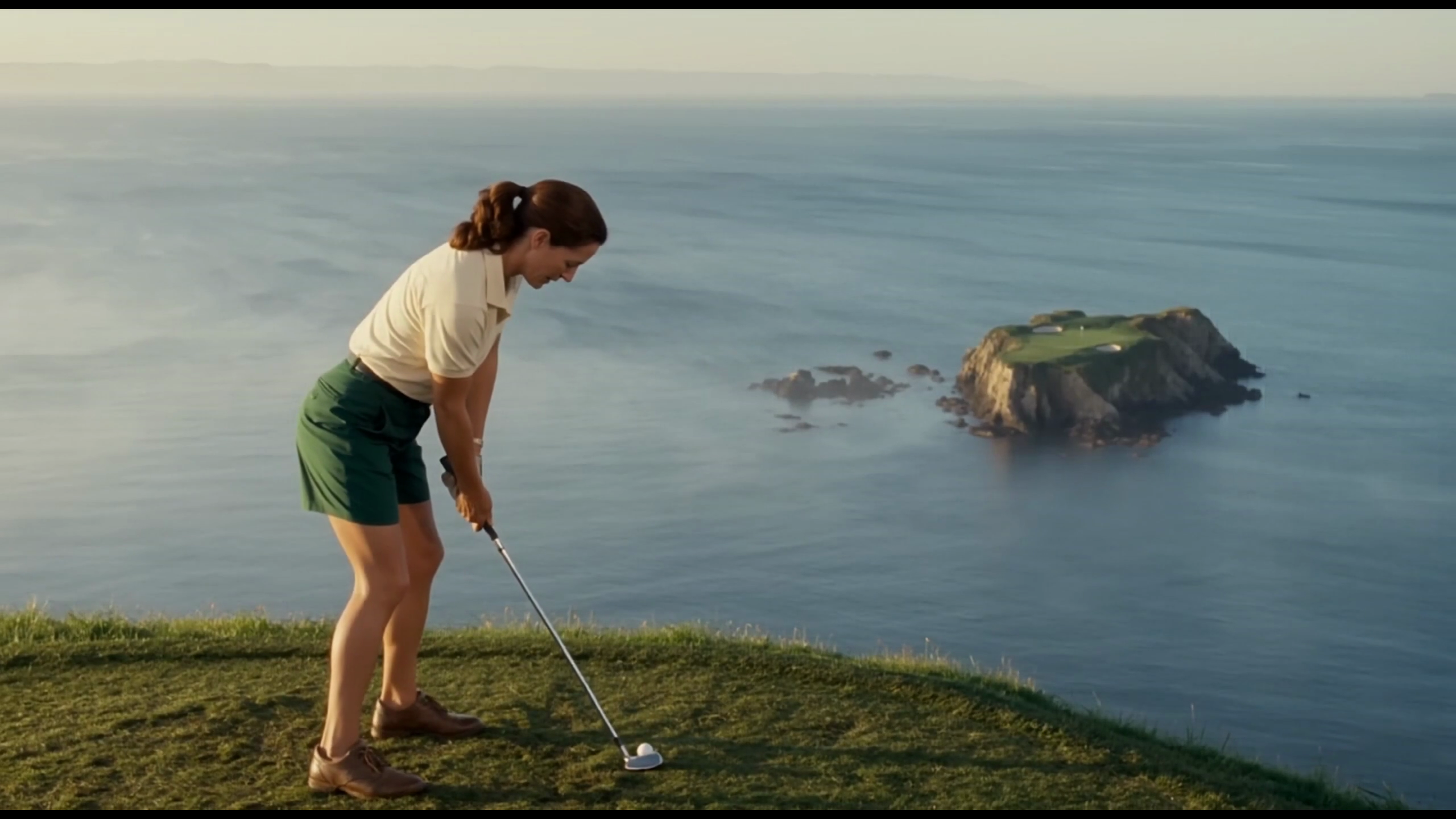
Explore Veo Video Ideas with dotsai.pro
For your video brief, describe how the subject should move from its starting pose. If the selected model supports an image or ending frame, use it to explain composition and continuity. Do not assume every reference type is accepted.
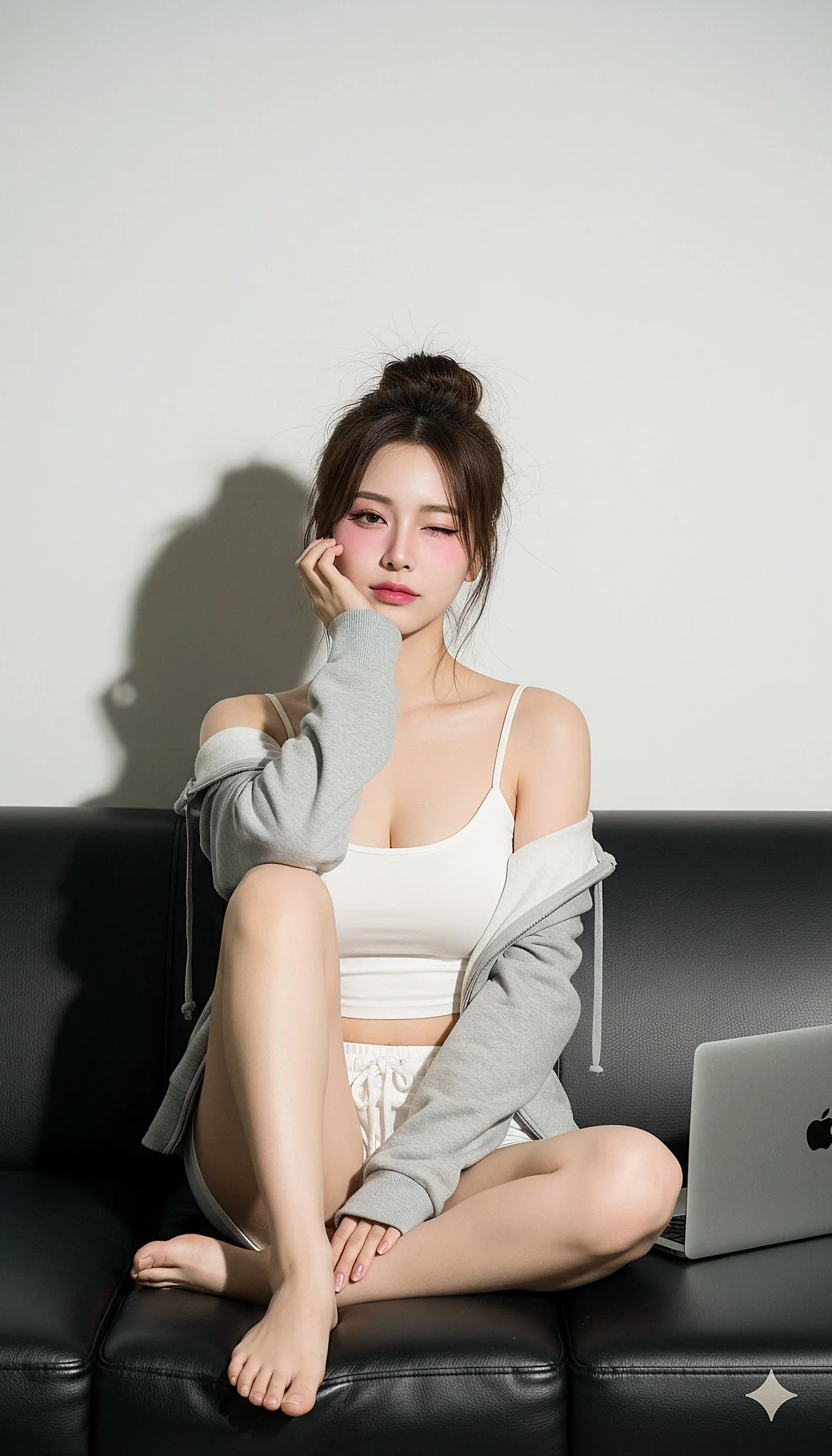
Text to Video Mode
Write your video brief around one visible action. Add the setting, shot size, camera movement and lighting. Keep dialogue and sound cues separate from the visual instructions so the intended scene is easy to understand.
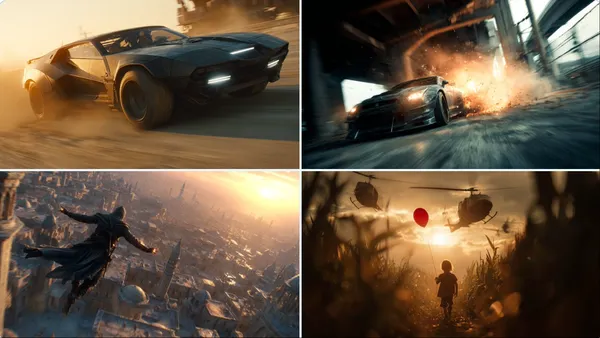
Image to Video Mode
For your video brief, describe how the subject should move from its starting pose. If the selected model supports an image or ending frame, use it to explain composition and continuity. Do not assume every reference type is accepted.
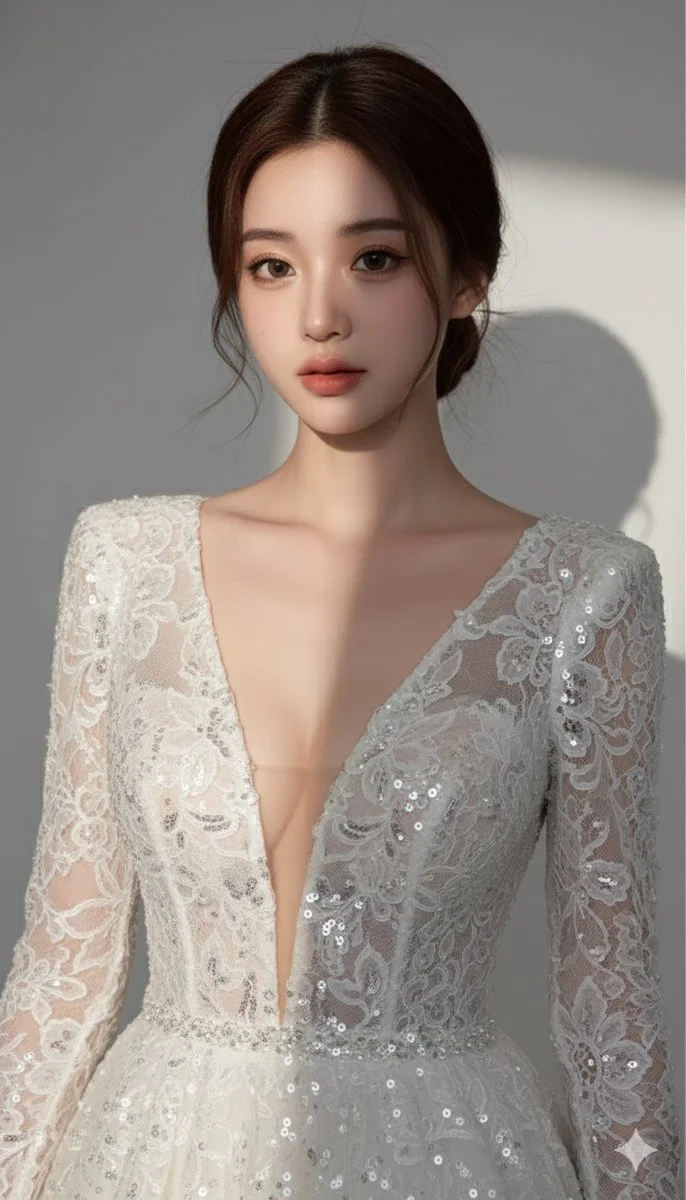
Review and Download Completed Results
When a request completes, inspect the video in History and download the result you want to keep. Review the composition and any unintended details before sharing it with your team or publishing it.
Explore Related Video Workflows
Explore available video workflows and compare it with the related video pages. The generator is the source of truth for current model access and settings. Use the prompt library to study published results and the model that created them.
Choose an enabled model on the AI Video page. Review its supported settings and credit quote before generating a clip from text or an image.
For a video product concept, specify the product shape, material, key detail and setting. Keep logos and claims accurate, allow room for your own typography, and review the result before using it in an advertisement.
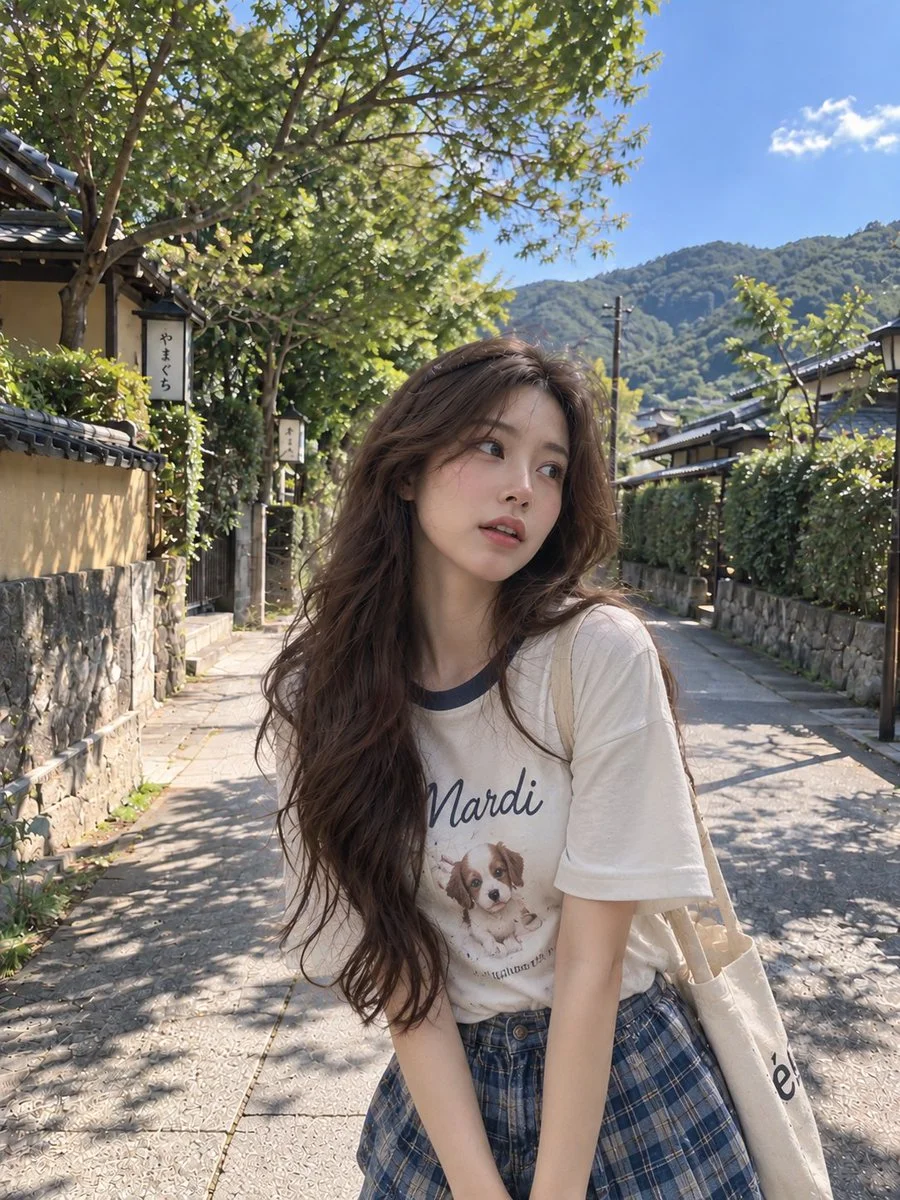
Choose a Supported Output Size
Choose only the resolution and aspect ratio shown for the selected model. Check framing, fine details and any text in the completed video. A larger output size does not guarantee a more accurate result.
Write your video brief around one visible action. Add the setting, shot size, camera movement and lighting. Keep dialogue and sound cues separate from the visual instructions so the intended scene is easy to understand.
Develop your video brief around the result you need. Keep the main direction specific, check supported settings in the generator, and review the completed work before using it in your project.
Develop your video brief around the result you need. Keep the main direction specific, check supported settings in the generator, and review the completed work before using it in your project.
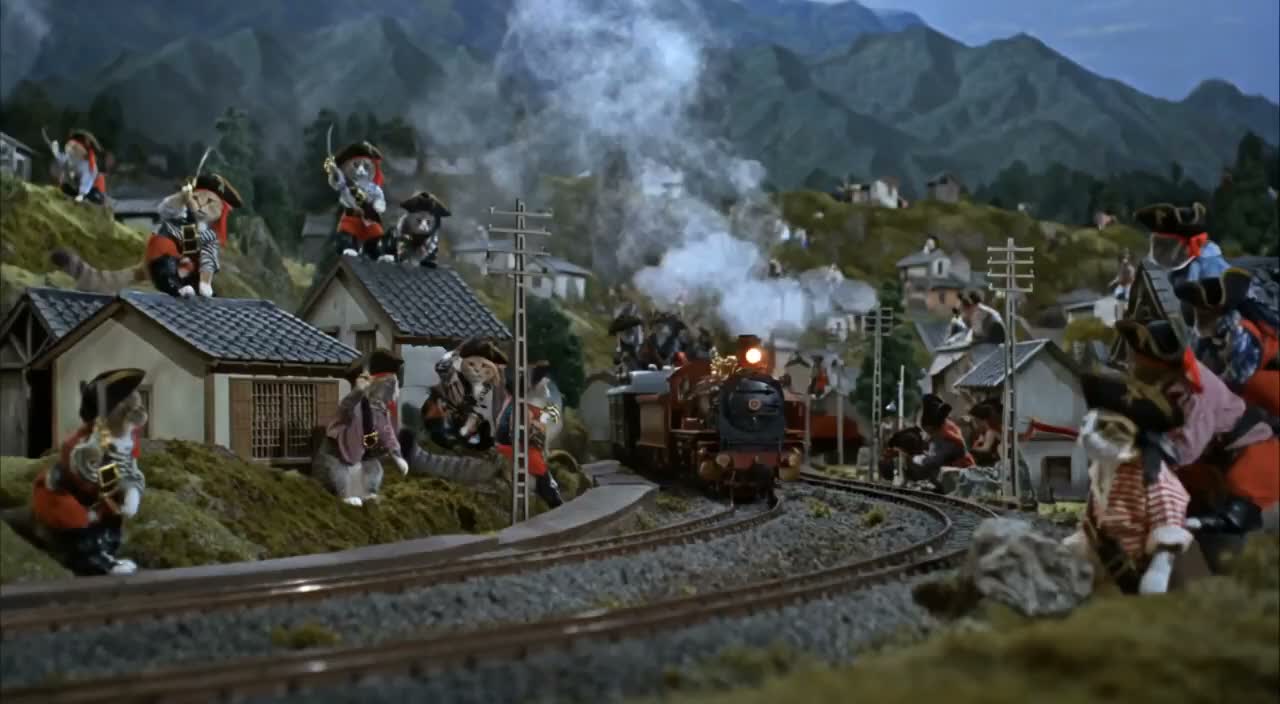
Choose an enabled model on the AI Video page. Review its supported settings and credit quote before generating a clip from text or an image.
Describe speech, ambient sound and music as separate directions in your video brief. Audio output depends on the selected model and the options shown in the generator; check the finished clip rather than assuming sound is included.
Write your video brief around one visible action. Add the setting, shot size, camera movement and lighting. Keep dialogue and sound cues separate from the visual instructions so the intended scene is easy to understand.
Describe speech, ambient sound and music as separate directions in your video brief. Audio output depends on the selected model and the options shown in the generator; check the finished clip rather than assuming sound is included.
Describe speech, ambient sound and music as separate directions in your video brief. Audio output depends on the selected model and the options shown in the generator; check the finished clip rather than assuming sound is included.
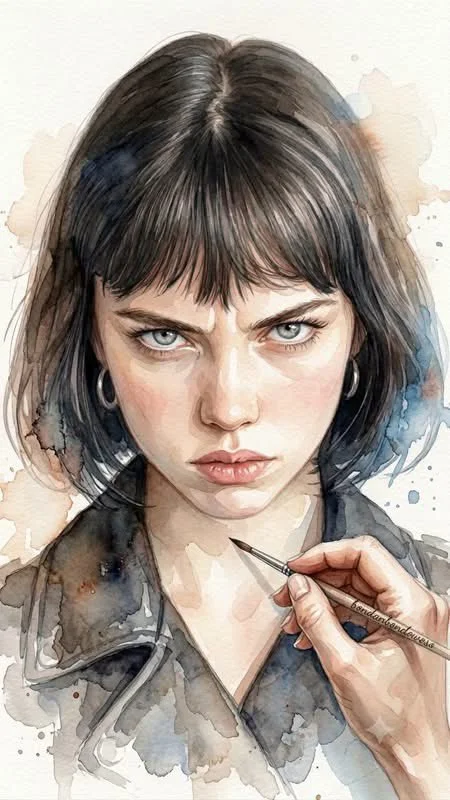
Use References to Explain the Intended Result
For your video brief, describe how the subject should move from its starting pose. If the selected model supports an image or ending frame, use it to explain composition and continuity. Do not assume every reference type is accepted.
For your video brief, describe how the subject should move from its starting pose. If the selected model supports an image or ending frame, use it to explain composition and continuity. Do not assume every reference type is accepted.
Write your video brief around one visible action. Add the setting, shot size, camera movement and lighting. Keep dialogue and sound cues separate from the visual instructions so the intended scene is easy to understand.
Develop your video brief around the result you need. Keep the main direction specific, check supported settings in the generator, and review the completed work before using it in your project.

Review and Download Completed Results
Choose only the resolution and aspect ratio shown for the selected model. Check framing, fine details and any text in the completed video. A larger output size does not guarantee a more accurate result.
For a video product concept, specify the product shape, material, key detail and setting. Keep logos and claims accurate, allow room for your own typography, and review the result before using it in an advertisement.
Choose only the resolution and aspect ratio shown for the selected model. Check framing, fine details and any text in the completed video. A larger output size does not guarantee a more accurate result.
Allow time to inspect each video result and refine your brief. Processing time varies by model, request and service load. Change one direction at a time so that you can judge which edit improves the result.
A Clearer Creative Brief for Veo
For a video product concept, specify the product shape, material, key detail and setting. Keep logos and claims accurate, allow room for your own typography, and review the result before using it in an advertisement.
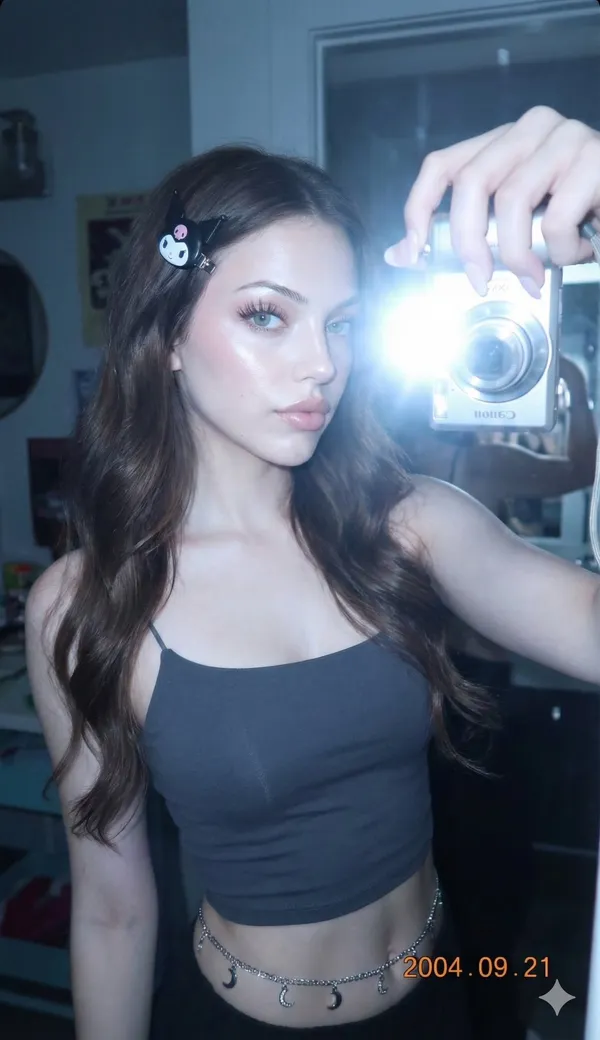
Plan One Clear Action per Shot
List the details that matter in your video brief: identity, shape, colors, clothing and background. Use supported references where appropriate and compare every result; exact consistency is not guaranteed.
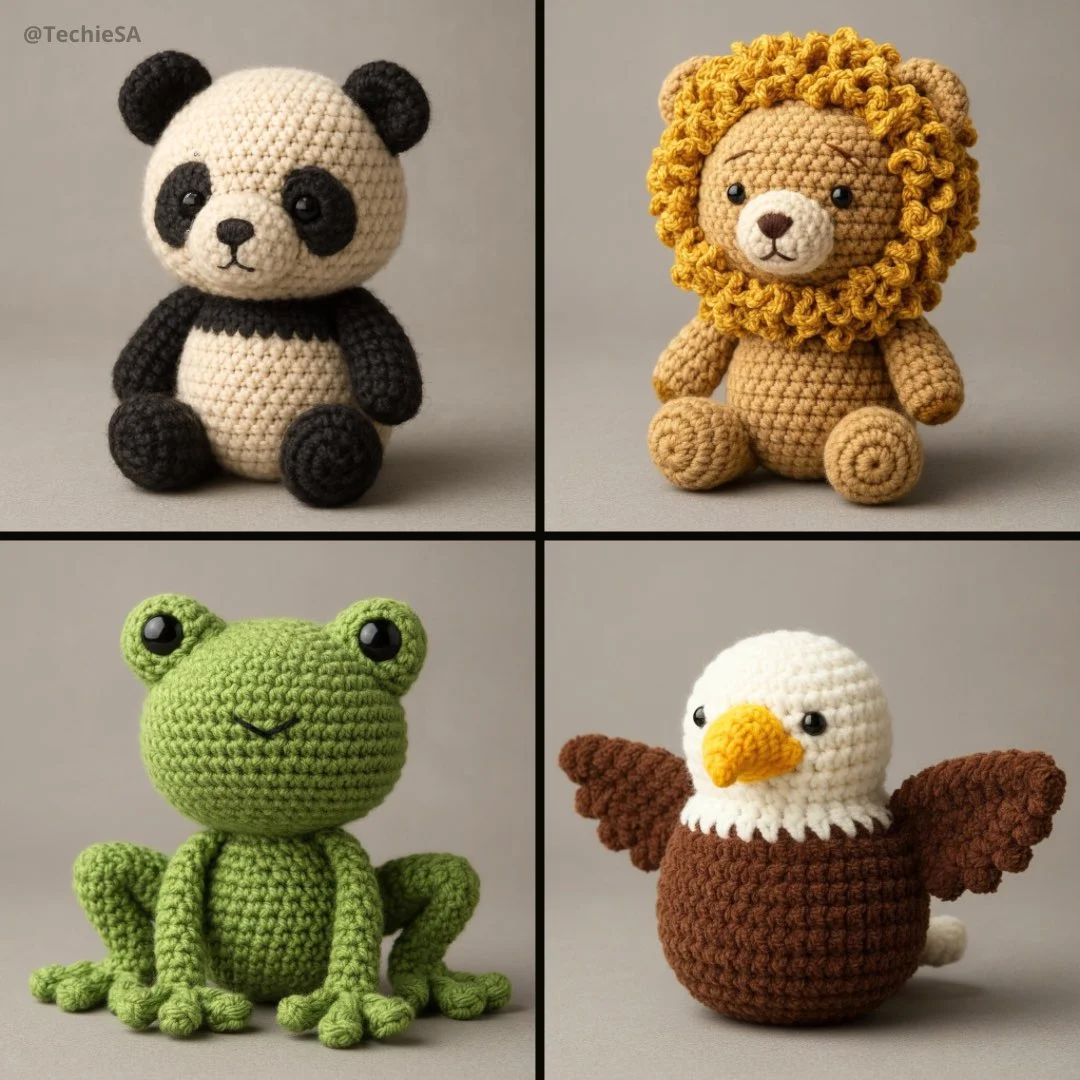
Flexible Production Modes
For a video product concept, specify the product shape, material, key detail and setting. Keep logos and claims accurate, allow room for your own typography, and review the result before using it in an advertisement.
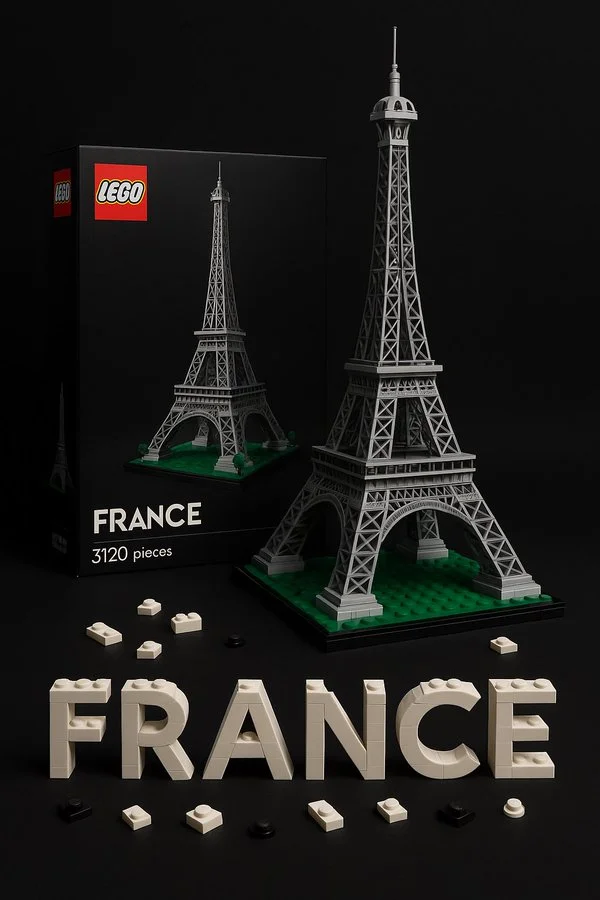
Write Precise Editing and Style Directions
For a video product concept, specify the product shape, material, key detail and setting. Keep logos and claims accurate, allow room for your own typography, and review the result before using it in an advertisement.
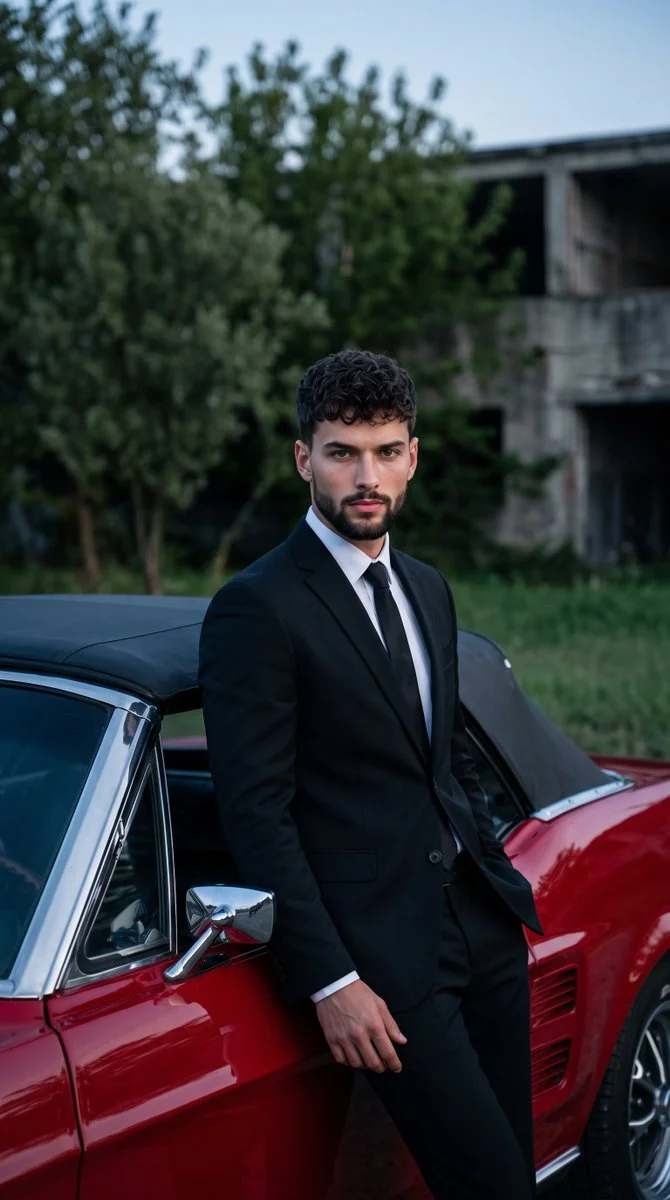
Explore Variations with a Focused Brief
Explore available video workflows and compare it with the related video pages. The generator is the source of truth for current model access and settings. Use the prompt library to study published results and the model that created them.
Choose an enabled model on the AI Video page. Review its supported settings and credit quote before generating a clip from text or an image.
Give the main subject one clear action. For a video concept, a precise brief is easier to assess than a list of competing effects.
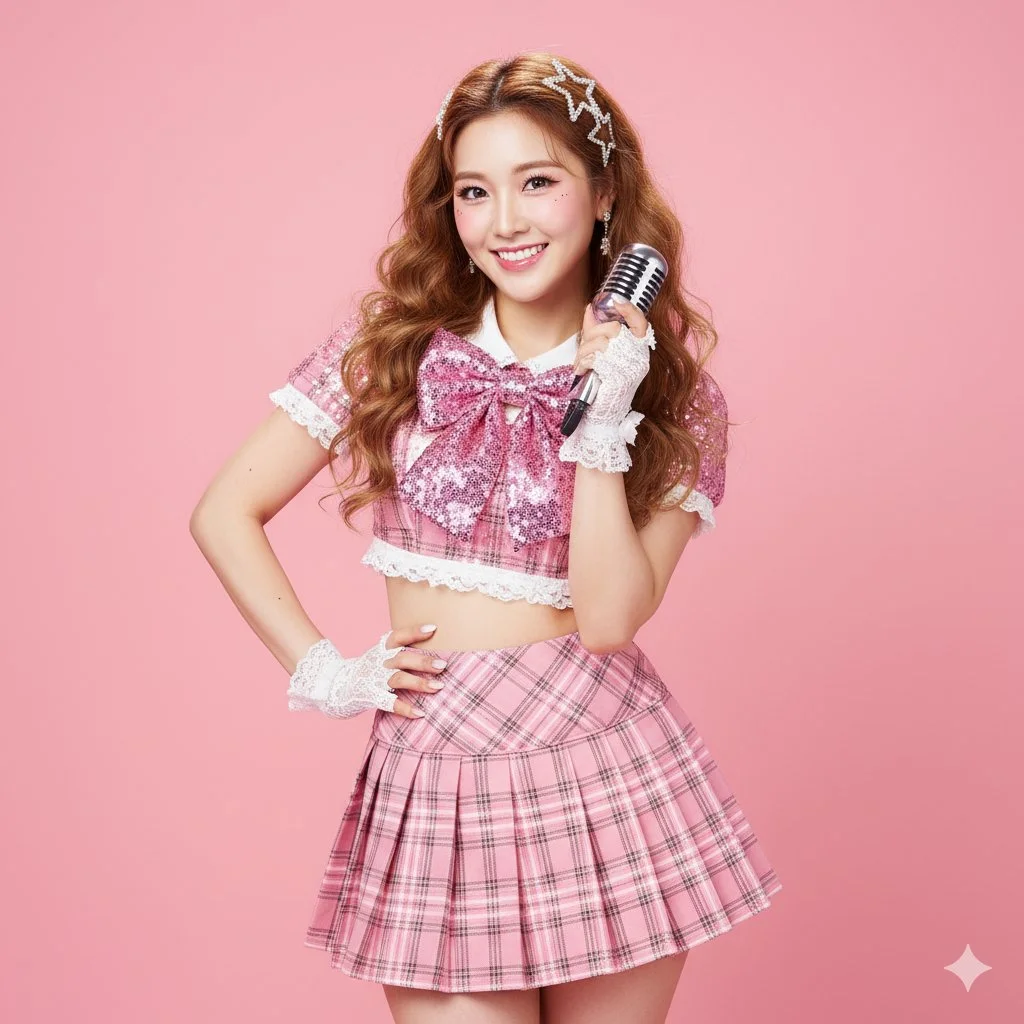
Veo Video Workflow: Questions & Answers
For a video product concept, specify the product shape, material, key detail and setting. Keep logos and claims accurate, allow room for your own typography, and review the result before using it in an advertisement.
This dotsai.pro page explains the video workflow. It helps you write a focused brief and review the available inputs. Current access is shown in the generator; a model name on a guide does not mean it currently accepts requests.
Write your video brief around one visible action. Add the setting, shot size, camera movement and lighting. Keep dialogue and sound cues separate from the visual instructions so the intended scene is easy to understand.
Develop your video brief around the result you need. Keep the main direction specific, check supported settings in the generator, and review the completed work before using it in your project.
Choose only the resolution and aspect ratio shown for the selected model. Check framing, fine details and any text in the completed video. A larger output size does not guarantee a more accurate result.
Describe speech, ambient sound and music as separate directions in your video brief. Audio output depends on the selected model and the options shown in the generator; check the finished clip rather than assuming sound is included.
List the details that matter in your video brief: identity, shape, colors, clothing and background. Use supported references where appropriate and compare every result; exact consistency is not guaranteed.
You can request a refund within 10 days of purchase if you have unused credits from that purchase and provide a clear reason, subject to our Refund Policy. If eligible, an unused purchase can be fully refunded; a partly used purchase is refunded in proportion to its remaining unused credits. Fully used purchases and free or promotional credits are not refundable.
Credit validity depends on the pack, subscription or promotion that issued them. Review the purchase terms and expiration dates in Settings > Credits. A renewal or new purchase does not extend older credits. Use credits before their stated expiration; do not assume unused subscription credits roll over indefinitely.
Credits charged for a task that is confirmed as failed due to a system error are returned automatically. A task that is still processing has not yet been confirmed as failed. Check its status and your credit history before submitting again. If a confirmed failure still shows an unresolved charge, email support@dotsai.pro with the task ID.
AI results can vary, so a completed result that differs from your expectations is not automatically treated as a technical failure. Eligible completed image tasks can be submitted for credit refund review using the refund option where available; approval is required. For a video or another issue, contact support@dotsai.pro with the task ID and details. A credit refund returns credits, not money to your payment method.
Email support@dotsai.pro. For billing, include your account email and order ID; for generation, include the task ID, issue description and relevant screenshots. If you purchased as a guest, keep the original browser data and payment receipt so we can help locate the purchase.
Explore Your Next Veo Video Idea
Choose only the resolution and aspect ratio shown for the selected model. Check framing, fine details and any text in the completed video. A larger output size does not guarantee a more accurate result.
dotsai.pro · Updated
What's new on this page
- — Added editable example prompts and separate drafts for text and reference modes, with an action to restore the example.
- — Updated page copy and content.
- — Page content published.